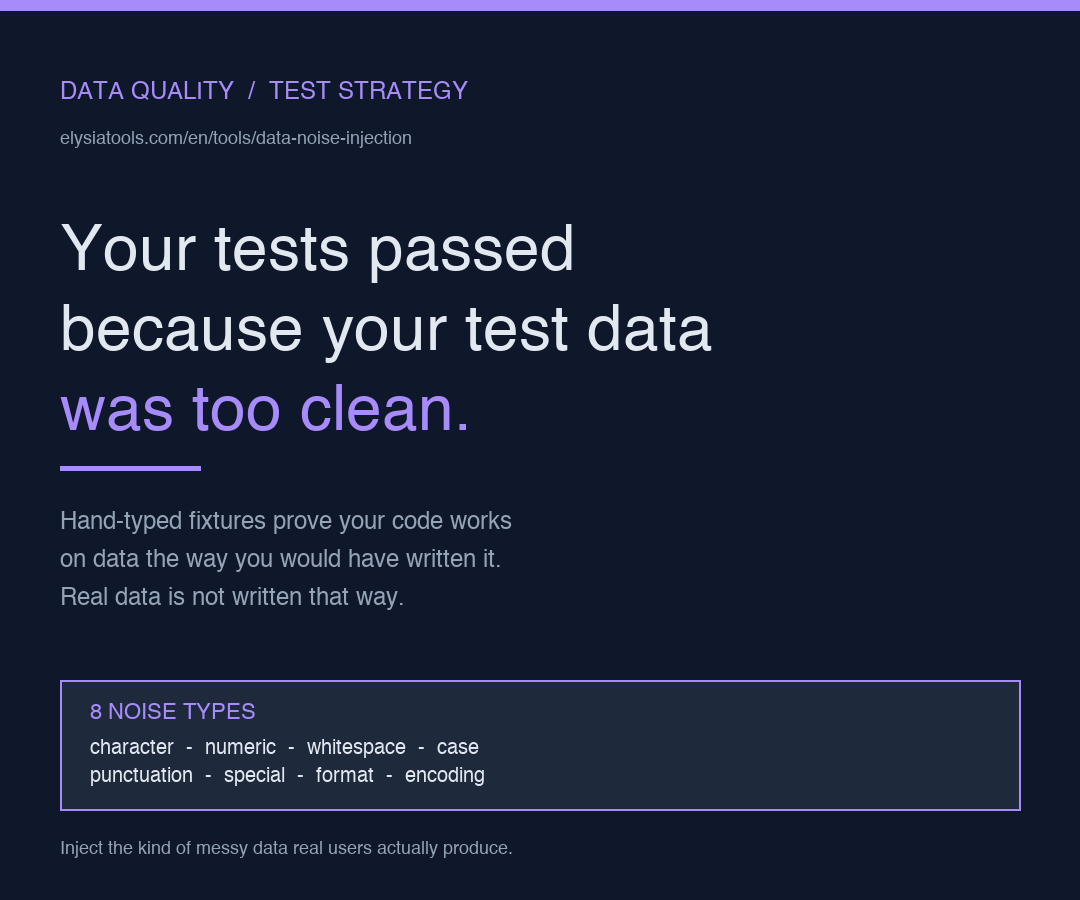
Your unit tests all pass. Your integration tests all pass. Your staging environment looks fine. Then production goes live and a CSV with a stray tab in the third column breaks the entire ingestion pipeline. The bug is not in your code. The bug is that you tested against hand-typed data and the real world types nothing by hand.
Data quality is a moving target, and the only way to know whether your cleaning pipeline can hit it is to throw the kinds of broken input the world will actually throw at you. That is the gap Data Noise Injection fills. It lets you take a clean, hand-crafted test fixture and turn it into the kind of dirty, mixed-encoding, mixed-case, mixed-whitespace mess that real users actually produce, on demand and with a configurable intensity dial.
Why hand-typed test fixtures are a trap
When you write the test data yourself, you unconsciously type the way the code expects. You align your commas, you put the date in YYYY-MM-DD, you never accidentally hit the spacebar twice between fields. The result is a fixture that is clean in exactly the way your code assumes, and therefore a fixture that proves nothing about how the code behaves when the data stops cooperating.
This is the same class of bug as the classic works on my machine failure, just one level deeper. Your machine is not the one in production. The CSV file your finance team exports at 9:47 AM on a Friday is not the one you wrote in the test fixture. The hand-typed fixture only proves your code handles the data you would have written; it says nothing about what happens when the data is the data the system actually receives.
Eight flavors of noise, one realistic mess
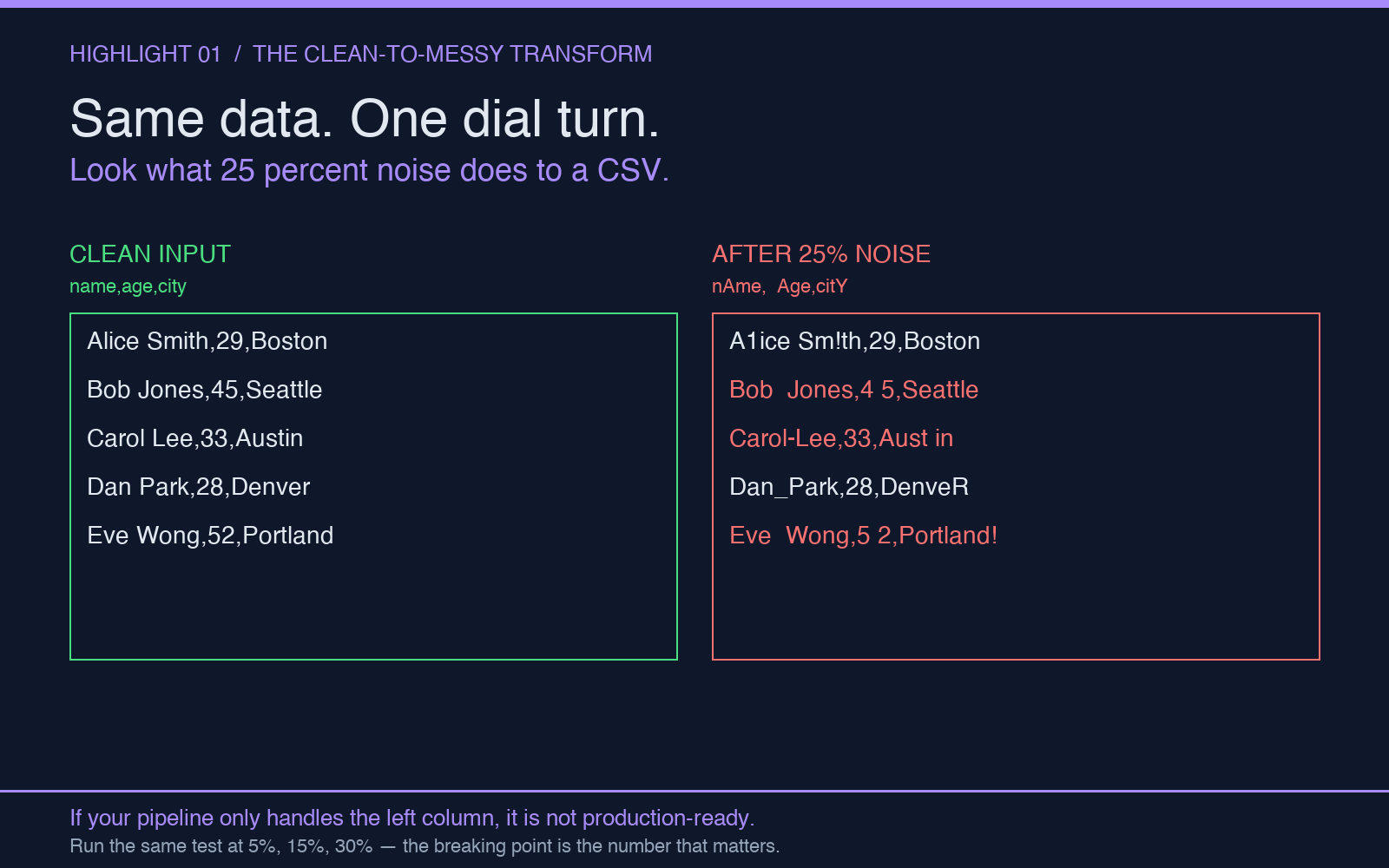
The tool covers the categories of corruption that show up most often in real data: character-level typos, numeric digit swaps, whitespace bloat, case changes, missing or duplicated punctuation, special character injection, CSV format issues, and encoding glitches. The interesting part is that you can mix them. A test that runs against only character noise is still a controlled test; a test that runs against all eight at 30 percent intensity starts looking like a real production file.
You can dial the intensity from barely-noticeable to this would not survive the first round of validation. The Data Noise Injection tool exposes that dial as a single parameter, which means your test cases can sweep the intensity axis the way a security tool sweeps a payload size axis. Sweeping intensity is how you find the breaking point, and the breaking point is the only number worth reporting.
What a good noise test actually looks like
You do not want a single test case. You want a distribution. Take your canonical clean fixture, run it through the tool at 5 percent, 15 percent, and 30 percent intensity, and run your pipeline against all three. If your pipeline passes 5 percent and fails 30 percent, you have just learned exactly how robust your cleaning is, and that number is something you can report to a stakeholder, defend in a code review, and track over time as the codebase evolves.
The same logic applies to mixed noise. A pipeline that handles numeric noise at 20 percent may not handle whitespace noise at 20 percent, and the gap between those two numbers is the bug you have not yet fixed. The tool produces different combinations cheaply, which is the only way you are going to test all of them.
The four places noise tests will save you
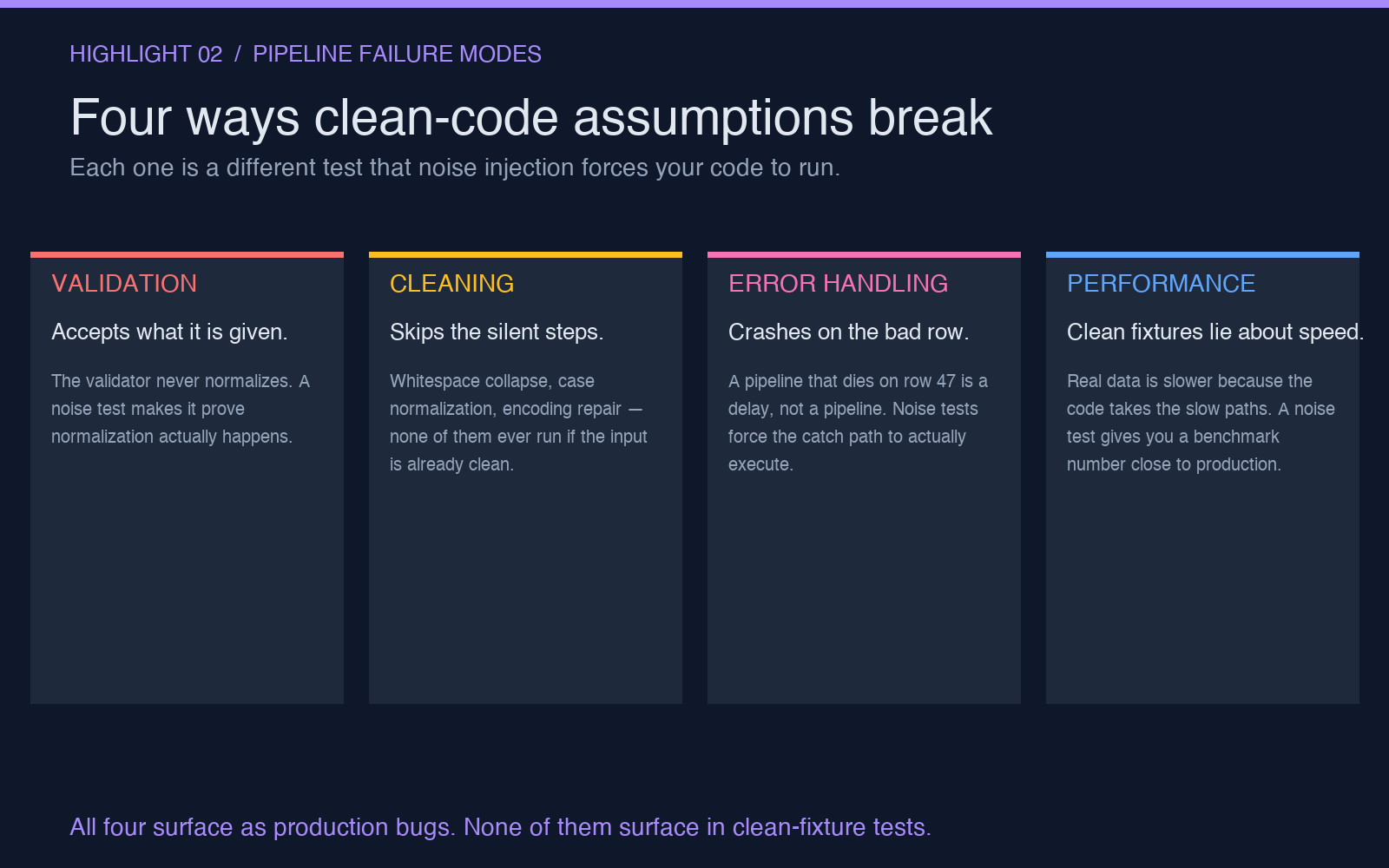
First, data validation layers. The most common production bug is a validator that accepts what it is given without normalizing. A noise test makes the validator prove it actually does what its docstring claims. Second, cleaning pipelines. If your cleaning step is supposed to be the place where the file becomes normal, a noise test is the only way to know whether the cleaning step is doing enough. Third, error handling. A pipeline that crashes on a bad row is not a pipeline; it is a delay. Noise tests force the error handling path to run, which is the only way you are going to find the unhandled exception before the customer does. Fourth, performance benchmarks. Real data is slower than clean data because there are more paths through the code. A noise test gives you a benchmark number that is closer to the production number than the clean-fixture number ever was.
Where noise injection stops being the right tool
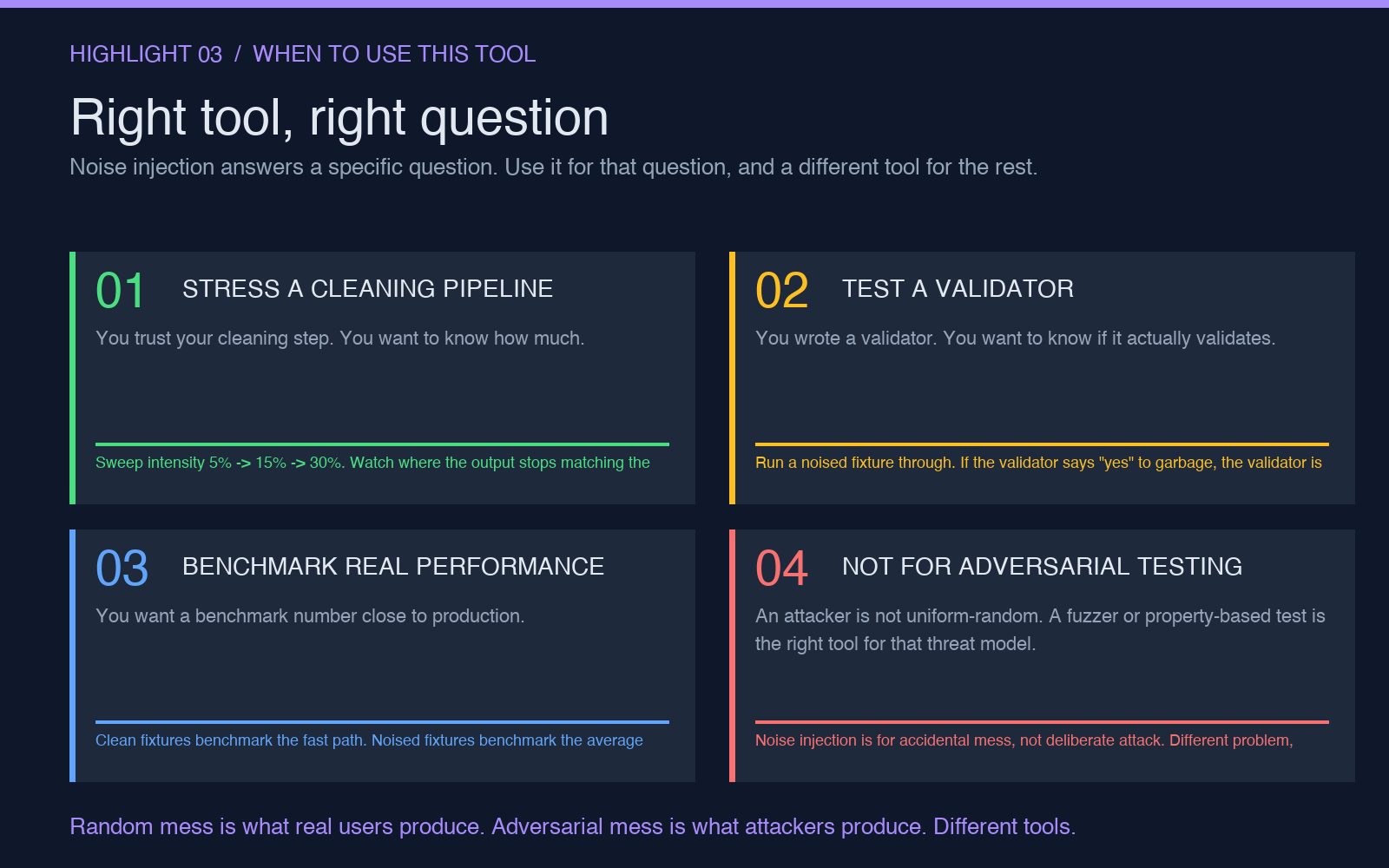
Noise injection produces random corruption. It does not produce adversarial corruption. If your threat model includes a user who is deliberately trying to break your parser, you need a different tool, because the noise distribution the tool generates is uniform-random, and a real attacker will not use a uniform distribution. For fuzzing and adversarial testing, look at property-based testing libraries or a dedicated fuzzer. For everything else — every case where the question is does my code work on real data — this is the right tool.
A reasonable noise-test workflow
Start with the smallest fixture that exercises every code path in the cleaning pipeline. Run the tool at 5 percent and verify the pipeline still produces the same answer it did on the clean input. Run it at 15 percent and check whether the cleaning step normalizes the output. Run it at 30 percent and check whether the validator rejects the input or the error handler catches the failure cleanly. Those three numbers become the regression suite. A pull request that changes the cleaning step must keep all three numbers flat. If any of them moves, that is a code review, not a passing build.
The whole workflow takes about ten minutes the first time and about two minutes every time after that. The amount of production data that breaks your code in the first month after you ship it — that is the number you are trading ten minutes for. Try the tool at elysiatools.com and see what your cleaning pipeline does to a 30 percent noised fixture. The result is almost never what you expected.
Explore more tools at elysiatools.com.