The shortest distance between a 300 ms promise and a 540 ms reality is one missing line in your stage allocation. The five stages don’t add up on paper because we wrote them down as promises, not measurements. Then the trace lands, the over-budget flag turns red, and the question becomes: which stage ate the gap, and which one did we accidentally double-count? A latency budget isn’t a wish list — it is a contract between the slowest endpoint and the page that loads before the user’s thumb lifts. The good news is that you don’t need a tracing platform or a senior SRE to plan it. You need a column of names, a column of milliseconds, and a willingness to admit that the middle stage is always three times longer than you think.
If you build HTTP APIs, the choices you make in the first five minutes of a budget are almost always the same set of trade-offs: which stage gets the most slack, which stage gets the tightest cap, and which stage you hide behind a CDN so the same measurement looks faster than it really is. This post walks through the three decisions that actually decide whether your API hits its P99 target, and then shows how to plug a real OpenTelemetry trace into the budget so the plan matches the wire.
The tool that makes this kind of loop quick is the API Latency Budget Planner on Elysia Tools. It runs entirely in the browser, accepts a P99 target plus a stage allocation like DNS=5, TCP=10, TLS=20, TTFB=80, Processing=120, Network=40, and renders a colour-coded waterfall. Paste an OpenTelemetry or Datadog trace into it and the planner will bucket the spans by stage name and seed the budget from real measurements. There’s nothing to install, no telemetry to send, and no login required.
The Latency Budget Is a Promise Made Before Anyone Has Measured Anything
A latency budget is the difference between “this endpoint feels fast” and “this endpoint meets its SLO.” The trick is that the budget is decided long before anyone wires up distributed tracing, and almost always on the assumption that the slowest piece is processing time, because that’s the part of the request that lives in our own code. In practice, the slowest piece is almost always the part that lives in someone else’s network — the TLS handshake, the database connection pool, the upstream API that we’re calling on behalf of the user.
The first decision you make is the total budget. Most teams pick a number they’ve seen on a slide: 100 ms, 200 ms, 300 ms. A few teams pick a percentile: P99 of 200 ms, P95 of 80 ms. The choice matters less than you think — the percentile and the magnitude define the same rectangle. What matters more is whether you’ve actually measured this endpoint before, or whether you’re budgeting for an endpoint you’ve never had in production.
If you’ve had it in production, even once, paste the trace into the latency budget planner and let the tool propose a starter allocation. The trace has the ground truth. The column of numbers you wrote down on Monday morning is fiction.
Three Numbers That Quietly Decide the Budget
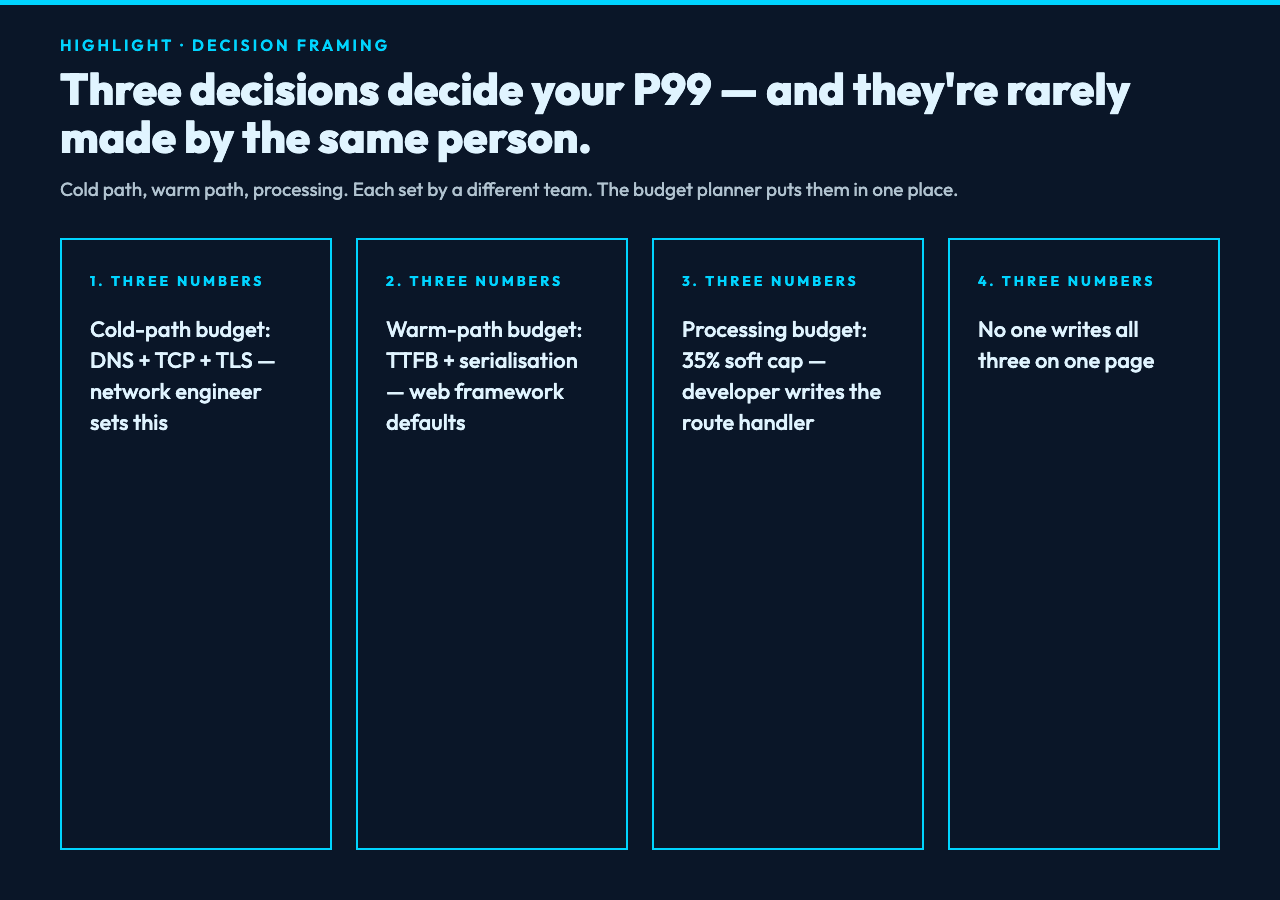
Every latency budget comes down to three choices, and they’re rarely made by the same person. The first is the cold-path budget — the time from a cold connection. DNS lookup, TCP handshake, TLS negotiation: this is the round-trip cost the user pays once per host. If your cache misses and you re-resolve the host on every request, this number won’t be 5 ms, it’ll be 80. The second is the warm-path budget — the steady-state cost per request once the connection is already open. This is the time-to-first-byte plus whatever your edge layer spends serialising the response. The third is the processing budget — what your actual code is allowed to do before yielding a response.
The trap is that these three numbers are usually each set by a different team. The cold-path budget is set by the network engineer who picked the CDN. The warm-path budget is set by the web framework’s defaults. The processing budget is set by the developer who’s optimising the route handler. None of them will commit to a single number on a single page; everyone writes their own line in their own runbook. The budget planner gives you one place where all three lines meet.
For a starter allocation that almost always works, set:
- Cold-path: DNS + TCP + TLS — 35 ms combined for a healthy CDN-fronted endpoint.
- Warm-path: TTFB + serialisation — 100 ms for a JSON response under 50 KB.
- Processing: everything else, capped with a soft cap at 35% of the total budget.
You’ll notice that the cold path is allowed to be only 35 ms — that’s because if you’re 80 ms into the cold path before the request body is even sent, you’ve already broken a 300 ms P99. The processing stage gets a generous 35% because that’s where most of the user-visible work happens, but it’s also where memory pressure and lock contention will show up.
What the Waterfall Actually Tells You
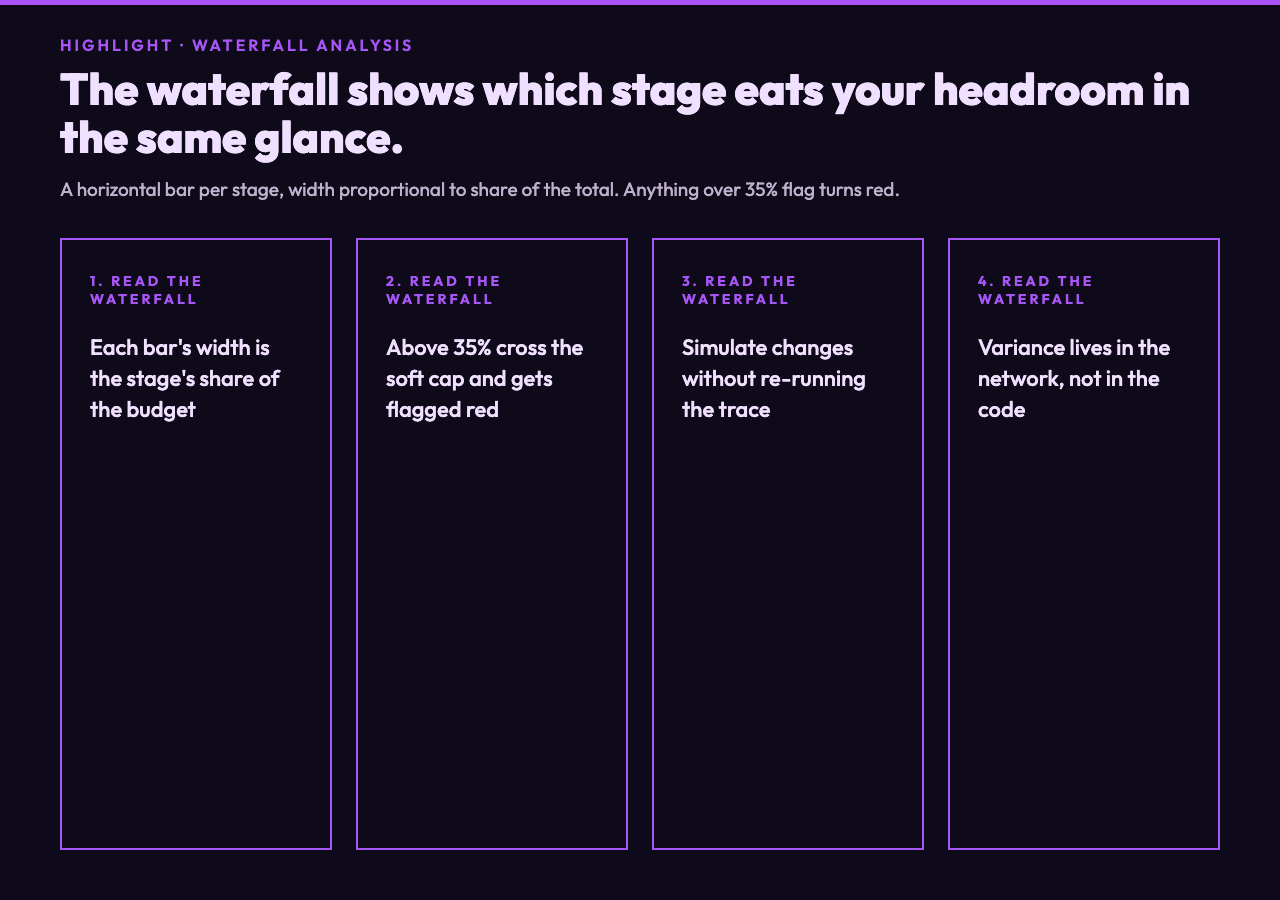
The waterfall is the part of the planner that most engineers look at first, because it’s the part that explains the budget without having to read paragraphs of text. Each stage is shown as a horizontal bar whose width is proportional to its share of the total budget. Stages that cross a 35% soft cap get flagged red — not because 35% is a hard limit, but because when one stage starts eating more than a third of the budget, the other stages lose the headroom they need to absorb variability.
What the waterfall shows that the table doesn’t is the relationship between stages. If your processing stage is 110 ms out of a 300 ms budget, that’s 36% — already red. But what you really want to know is what happens when the database adds 20 ms of cold-start time and the upstream API gets a slow response. The waterfall lets you simulate that without re-running the trace: change one stage’s budget, see how the rest of the columns respond.
The two questions you’ll ask yourself the most when reading the waterfall are: which stage is the bottleneck, and which stage are we over-budgeting out of caution. Most teams over-budget processing and under-budget network because processing is the only thing you can write tests for. In reality the network is where the variance lives.
Plug a Real Trace Into the Plan
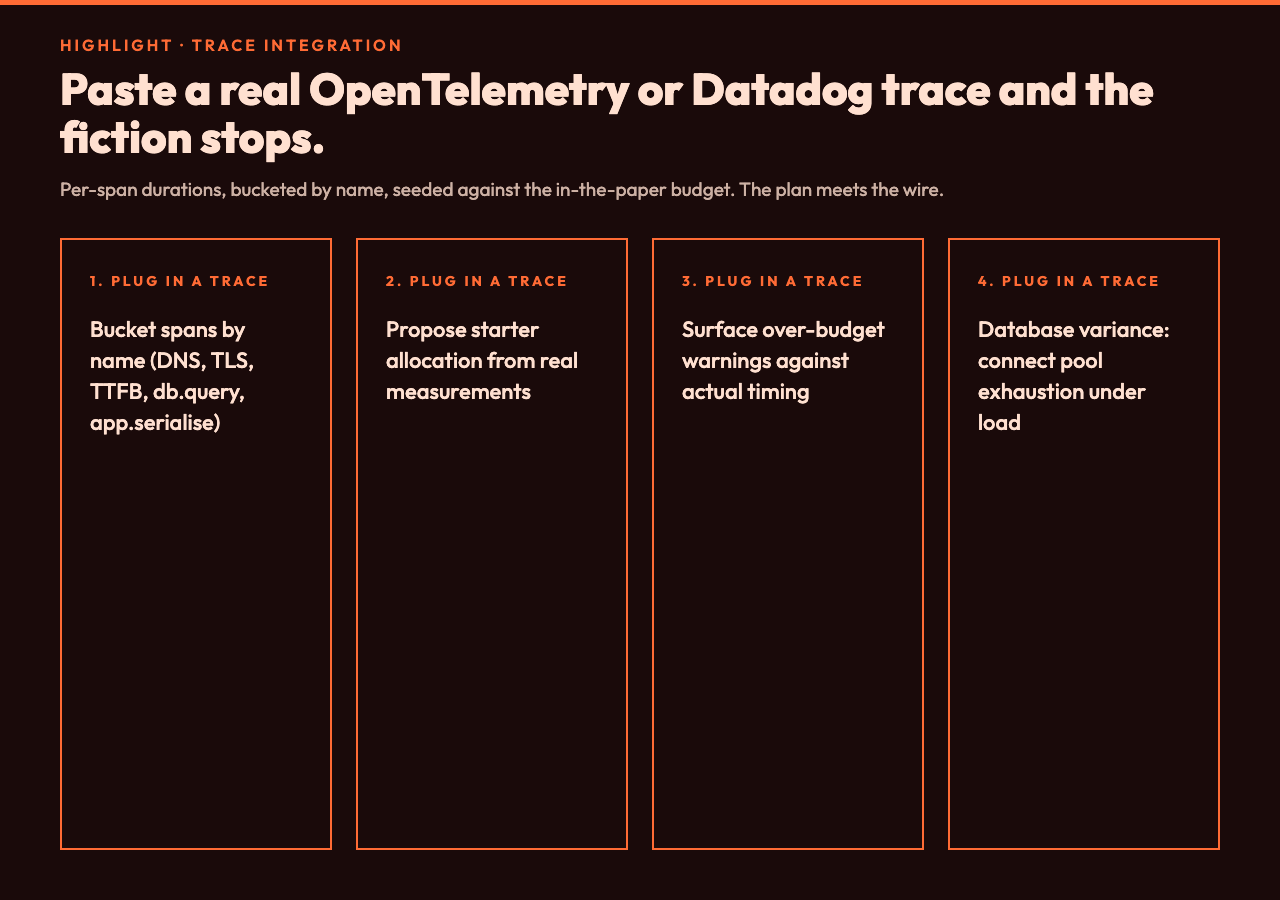
The trace-import view is where the planner earns its keep. Paste an OpenTelemetry or Datadog JSON trace into the form, and the tool extracts each span’s duration, groups spans by name (or by your own mapping), and proposes a starter allocation derived from real measurements. The result is rarely what you wrote down on Monday morning, and that’s the point. Plans made from traces don’t drift; plans made from guesses do.
For example, a trace from a public-facing GET /v1/search endpoint might surface these spans:
http.dns— 4 ms (CDN-cached, not always visible)http.tls_handshake— 18 ms (resumed session)http.ttfb— 86 ms (CDN edge, includes any origin shield)db.query.search— 132 ms (full-table scan because the index hint was wrong)app.serialise— 12 ms
The trace says the database stage is taking 132 ms — almost half the total. That’s the over-budget warning. The planner’s suggestion would be to re-examine the index hint before optimising anywhere else. The waterfall would show the database bar crossing the 35% red line even though total processing is still under 300 ms on paper.
If you’re using OpenTelemetry in production, the easiest trace to copy is the one in JSON format from your collector — it has the span names you’d want to bucket. You can also start from a known good trace in the Distributed Tracing Samples hub and use it as a template to see what realistic span timing looks like across a dozen stacks. For Datadog-traced endpoints, the Datadog Monitoring Samples hub has worked examples of trace envelopes and the metric naming conventions APM expects. The third useful reference is the OpenTelemetry hub — it covers the canonical span attribute names that the planner recognises when bucketing.
Where the Plan Usually Breaks
Three places break the plan in production, and they’re the same three places every time.
1. Cold-path cost. The first request from a new region pays DNS + TCP + TLS handshake. If your CDN doesn’t pin the connection, the cold-path budget doubles. The fix is to measure the cold-path separately and either pre-warm the connection or accept a wider variance for the first request.
2. Database variance. Connection pool exhaustion under load. The trace from a healthy day shows a 30 ms database stage; the trace from an incident shows 800 ms. The planner’s soft cap catches the day-to-day drift — the bigger variance is something you set a separate P99.9 alert for.
3. Upstream latency. A vendor we depend on, where their P99 is our P100. If their P99 is 800 ms and we budget 200 ms, our endpoint will be 800 ms on its worst day. The budget tool doesn’t fix this — it surfaces it. The fix is to ask the vendor for their published latency distribution, then budget accordingly.
A Reasonable First Budget for Most Teams
If you’re starting from scratch, the budget that lands closest to reality on most endpoints is:
- Total: 300 ms P99 for user-facing reads; 500 ms P99 for writes.
- Cold path: 35 ms.
- TTFB: 100 ms (CDN edges can do this comfortably).
- Processing: 140 ms (your code + your database).
- Network & serialisation: 25 ms.
The processing number is the one you’ll fight over, because it’s the most negotiable. Start at 140 ms and tighten it as you optimise — but never start at 50 ms, because that’s the number you’ll be defending in a status meeting when the trace shows 180 ms.
Putting It Together
A latency budget is one of those things that looks like overhead until the moment you need it, at which point it’s the only thing standing between you and the page the support team is staring at. The three decisions — cold-path, warm-path, processing — are the same decisions every team makes, and they’re almost always made by accident when a trace isn’t available. The planner’s job is to make those decisions explicit, in writing, against a waterfall you can argue about in a meeting.
The cleanest workflow is: pick the percentile and the total, write down the three core stage budgets, paste a real trace from the previous week into the planner, and let the tool propose adjustments to the in-the-paper budget. If the waterfall’s over-budget warnings line up with the trace’s slowest spans, your budget matches reality. If they don’t, the budget is fiction and the trace wins.
Tools live and die by their feedback loop — and that loop is the part of latency planning that historically needed an SRE. The API Latency Budget Planner puts that loop in the browser, no account required. Pair it with the Distributed Tracing Samples hub — worked OpenTelemetry and Datadog traces you can paste directly into the import view as a first try. The five seconds it takes to drop in a real trace and see whether your plan matches your measurements is the most valuable five seconds you’ll spend on API latency all quarter.