A six-digit authenticator code looks simple because the hard work is hidden. A phone and a server must agree on a secret, an algorithm, a counter, a time window, and a formatting rule. When one setting drifts, the visible symptom is only “invalid code” — even though the underlying problem may be a mismatched 30-second step, an unexpected HMAC hash, or a counter that was already consumed.
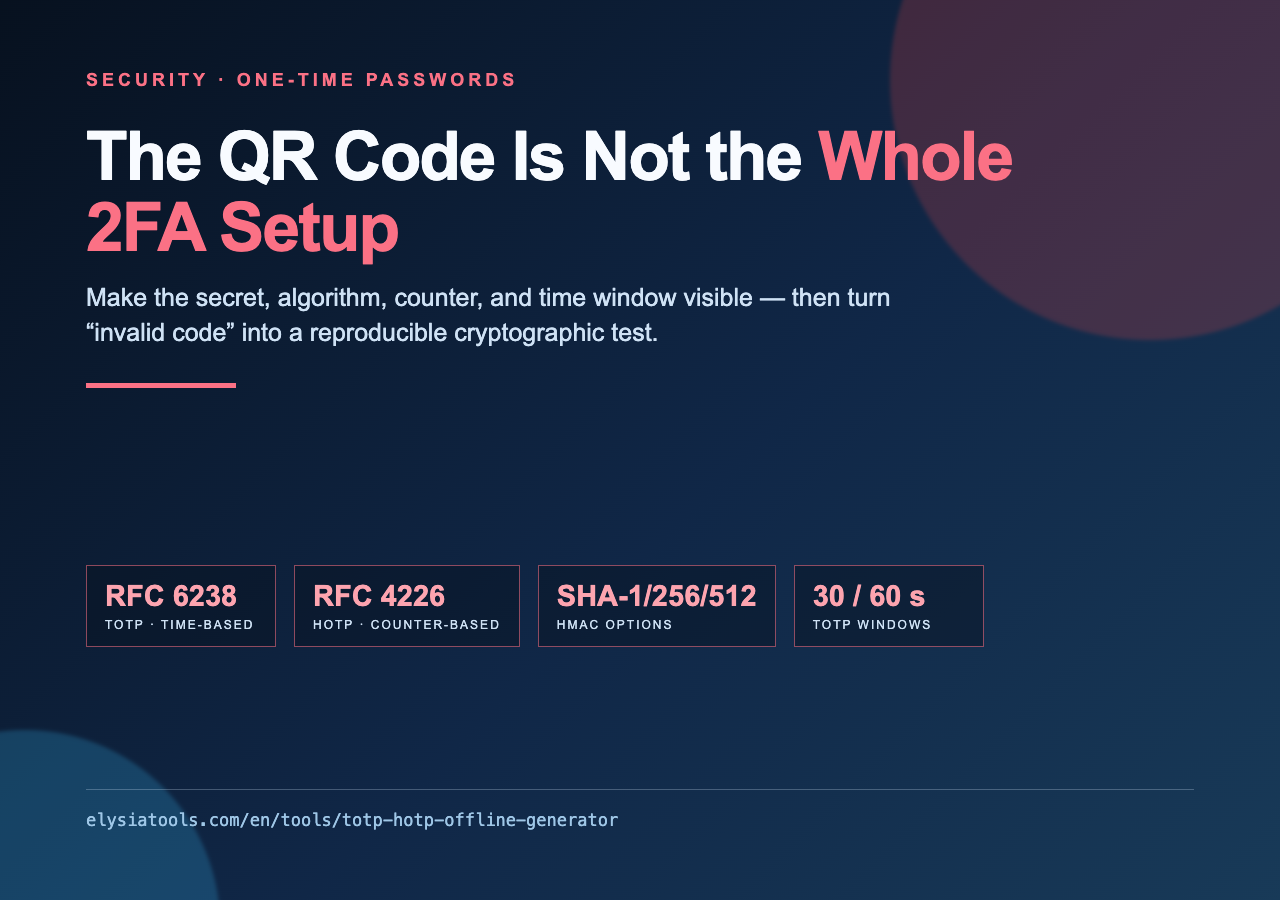
That is why an offline generator is useful as a diagnostic instrument, not just as a way to produce another number. The TOTP / HOTP Offline Code Generator makes the moving parts explicit: paste a Base32 secret, choose TOTP or HOTP, select the HMAC algorithm and digit count, and compare the result with the code produced by your authenticator or server.
TOTP and HOTP solve different synchronization problems
TOTP is the time-based version most people meet in Google Authenticator or Authy. The shared secret is combined with a moving counter derived from Unix time. With a 30-second period, every participant computes the same counter for the current window and then derives a short numeric code. The code changes because time changes, not because somebody presses a “next” button.
HOTP uses the same family of cryptographic ideas but moves the counter explicitly. A server and a client start with the same counter; each successful use advances it. That model is useful for event-based tokens, test fixtures, and systems where a time window is inconvenient. It also creates a different failure mode: a code may be mathematically correct but rejected because one side has advanced farther than the other.
The distinction matters when debugging. If a phone code fails every 30 seconds, inspect time, period, digits, and hash algorithm first. If a sequence of codes fails after one successful attempt, inspect the HOTP counter and resynchronization behavior. Treating both mechanisms as “six digits from a secret” hides the exact variable you need to check.
The details that decide whether codes match
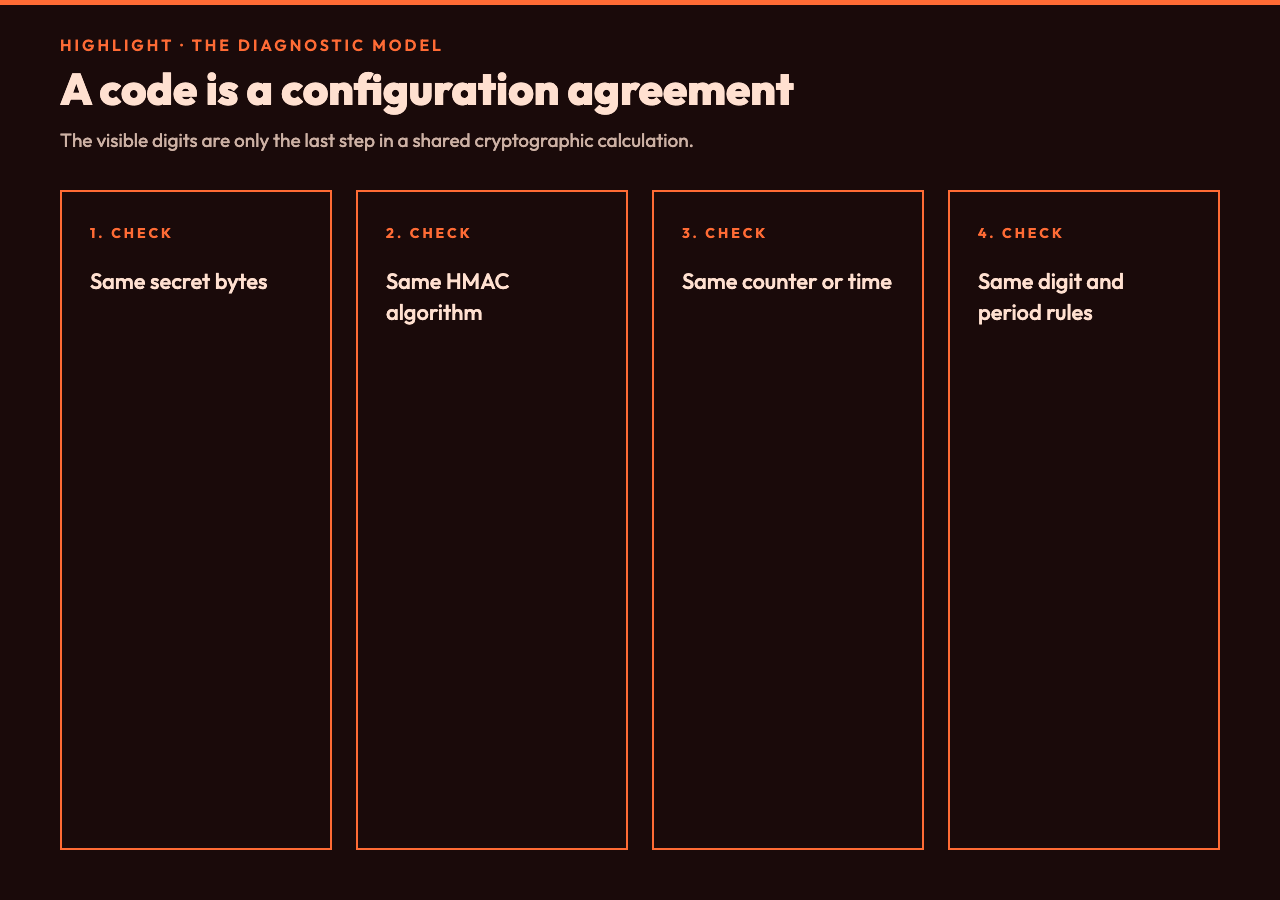
The generator exposes the configuration that authenticator apps often hide behind a QR scan. It accepts an RFC 4648 Base32 secret, automatically ignores spaces in a pasted value, and supports SHA-1, SHA-256, and SHA-512 for HMAC. It can produce six- or eight-digit results and lets you choose a 30- or 60-second TOTP step. Those are not cosmetic switches: changing any one of them changes the result.
The implementation follows the standard HOTP path. It encodes the counter as an eight-byte big-endian value, computes the selected HMAC, uses the low four bits of the final digest byte as the dynamic-truncation offset, extracts a 31-bit integer, and reduces that value modulo 10 to the power of the requested digit count. TOTP then becomes HOTP with a counter calculated as the floor of Unix time divided by the selected period.
That sequence gives you a concrete checklist. A Base32 string that contains an invalid character should fail before cryptography starts. A code that differs only when the clock crosses a boundary points toward the period or local time. A code that never matches despite a synchronized clock may indicate SHA-1 versus SHA-256, six versus eight digits, or a secret copied with a character missing. A transparent checklist beats repeatedly refreshing the app and guessing. It also gives a support ticket a useful shape: secret format, mode, algorithm, digits, period, current counter or time window, and the observed result.
A practical verification workflow
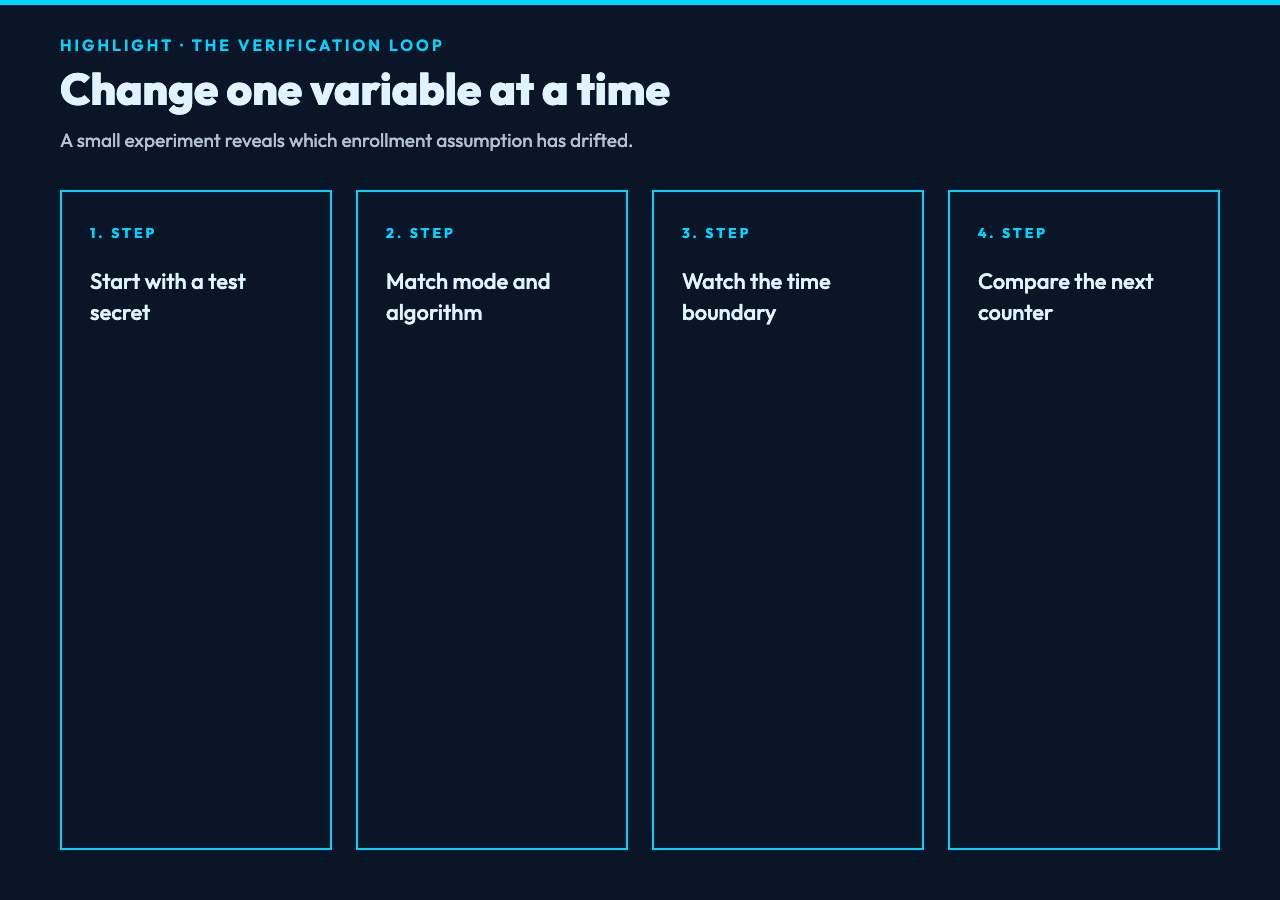
Start with a known, non-production secret. The tool’s own example uses JBSWY3DPEHPK3PXP, with TOTP, SHA-1, six digits, and a 30-second period. Use that kind of fixed input while learning the workflow, then move to a test account before touching a real recovery path. Never paste a production secret into a service you do not trust; the point of this generator is that the calculation stays local.
Next, reproduce the configuration rather than relying on defaults. Select TOTP or HOTP deliberately. Set the hash algorithm and digit count to match the enrollment record or server configuration. For TOTP, compare the remaining seconds in the current window as well as the code. For HOTP, enter the exact counter that the verifier expects. The tool can preview additional TOTP windows or HOTP counters, which makes an off-by-one error visible instead of theoretical.
Then compare one variable at a time. Keep the secret fixed and change only the period. If the result changes at the expected boundary, the time calculation is behaving as designed. Keep the period fixed and switch the algorithm; if the server’s code now appears, the enrollment metadata was wrong. For HOTP, advance the counter by one and compare the next value. This is a small experiment, but it prevents a long argument about whether the authenticator app, the API, or the user is “broken.”
The otpauth URI is configuration, not magic
The tool can build an otpauth:// URI with an issuer and account label. That URI is a compact way to carry enrollment settings into an authenticator app: the secret, algorithm, digit count, period for TOTP, or counter for HOTP. It is convenient because it preserves configuration that a human might otherwise mistype.
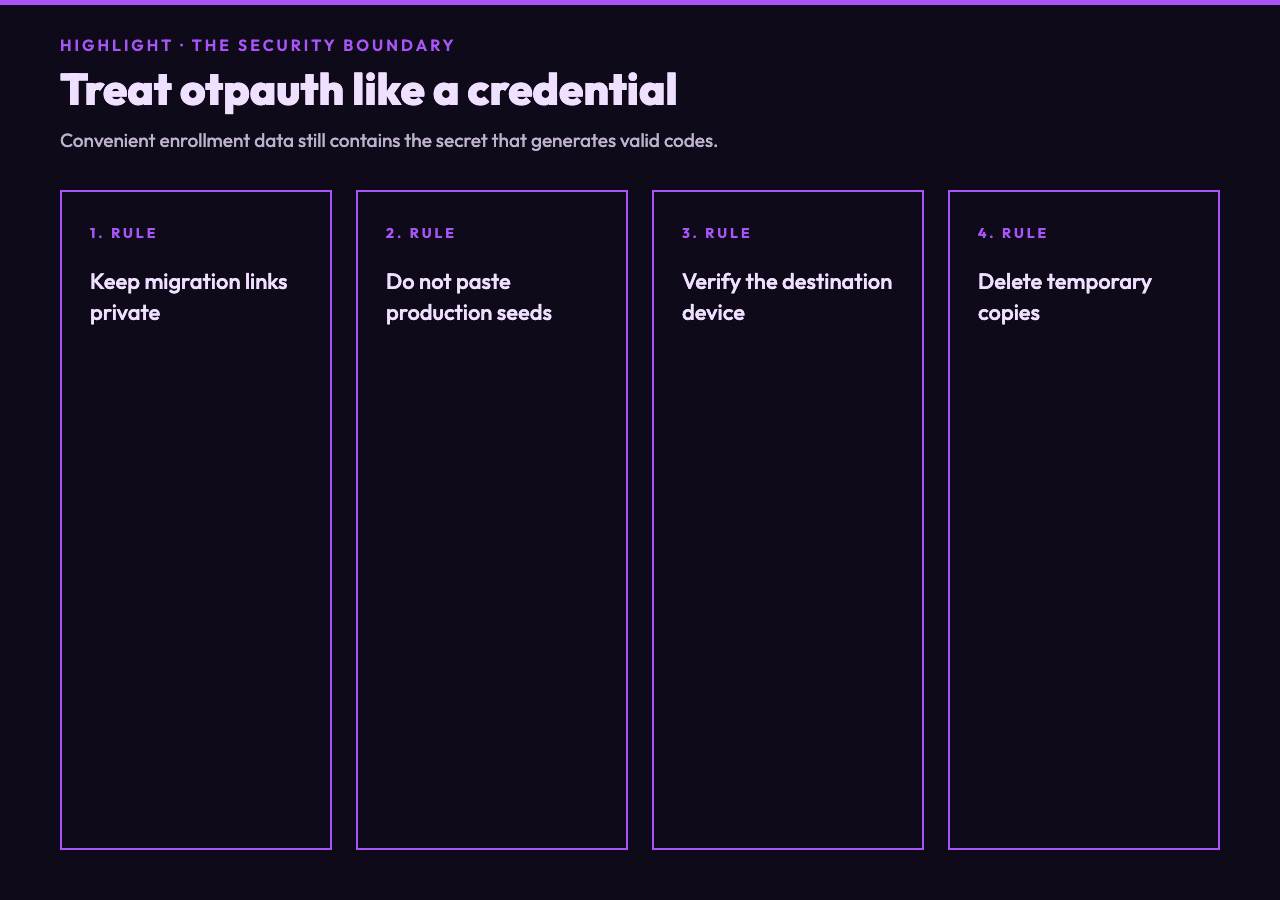
It is also sensitive data. Anyone who obtains the secret can usually generate valid codes, so an otpauth:// URI should be handled like a password reset artifact, not like an ordinary hyperlink. Do not put it in a ticket, screenshot, analytics event, or public issue. If you use the URI to migrate an account, verify the destination device and remove temporary copies when the migration is complete.
For developers, the URI is especially helpful when testing enrollment flows. The generator can provide an explicit account label and issuer, allowing you to check whether the downstream app displays the account as expected. The display name is not the security control; the shared secret and the parameters are. A polished label cannot repair a mismatched period or an incorrectly configured hash. For implementation comparisons, the Cryptography and Encryption Samples collection and Web Cryptography Python Samples provide useful neighboring examples of HMAC, hashing, and key-handling code.
What to compare next in a real security workflow
The generator is narrow by design. It answers the question “what code should this secret and configuration produce right now?” It does not replace a server-side verifier, a secrets manager, a recovery policy, or an audit of the complete login flow. Once the code matches, the next question is whether the rest of the authentication protocol is sound.
For OAuth and OpenID Connect clients, compare the one-time-code problem with the authorization problem. PKCE Code Verifier & Challenge Generator focuses on RFC 7636 verifier and challenge pairs, including generation, validation, and recomputation. JWT Decoder & Security Auditor focuses on token structure, signature verification, expiry, and risky claims. These tools solve adjacent problems, but they should not be confused: a valid TOTP code does not validate a JWT, and a correct PKCE challenge does not prove that a user’s second factor was accepted.
For data preparation, Base32 Converter is useful when you need to inspect or reproduce Base32 input separately from the OTP calculation. For credential hygiene, Password Generator addresses a different artifact — a random password rather than a time- or counter-derived code. Keeping these boundaries clear helps a team choose the right test instead of piling unrelated checks into one vague “auth test.”
The security boundary is the point
An offline OTP calculator is most valuable when it makes assumptions visible. It lets you separate secret decoding from HMAC selection, counter math from display formatting, and enrollment data from the authenticator interface. That separation turns “invalid code” into a sequence of testable questions.
Use it with a test secret, record the parameters, and change one variable at a time. If you are migrating an account, treat the generated URI and secret as credentials. If you are testing an application, keep the verifier’s clock and counter behavior explicit. The goal is not to create a second source of truth; it is to expose the first one clearly enough that the phone, server, and test harness can agree.
The QR code starts the conversation, but it does not finish the configuration. The reliable result comes from the agreement underneath it: the same bytes, the same algorithm, the same counter, and the same interpretation of time. Once those are visible, a six-digit code stops being a mysterious verdict and becomes what it really is — a small, reproducible cryptographic calculation. When a mismatch remains, the next useful move is not another refresh; it is to ask which assumption the two sides do not share.
Explore more focused security and developer tools at elysiatools.com.