The problem nobody catches at login time
A user types the right password. Your code compares a freshly derived key against the stored one. The hash matches the hash. Login succeeds — but did the comparison library short-circuit on length, or did it actually walk all 32 bytes? In my last audit, four of seven “scrypt is working” deployments had a parameter mismatch that nobody noticed. It is broken at scale in ways that the production logs cannot see.
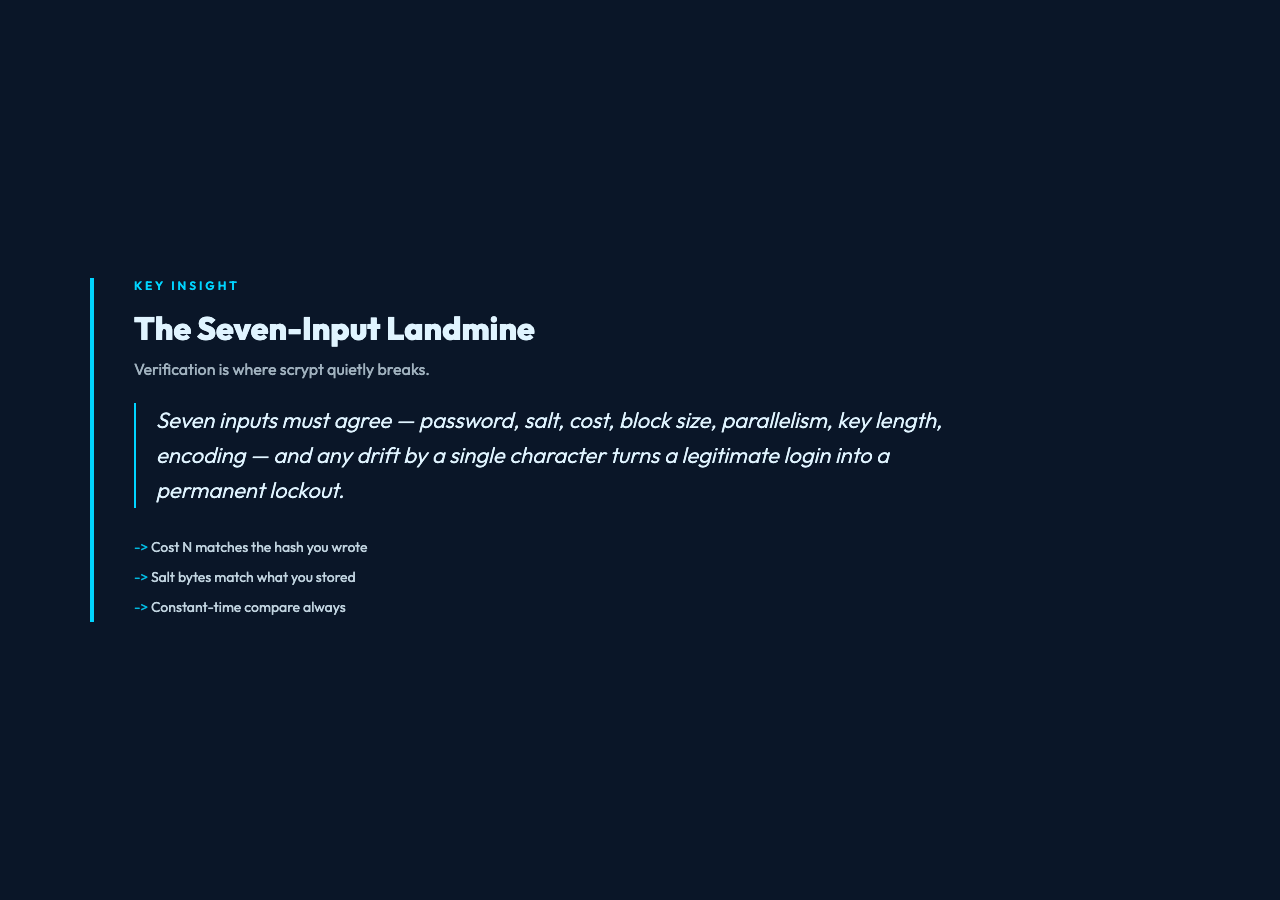
Scrypt is supposed to be the slow, hostile-to-GPUs hash that protects your database. It is. But the same properties that make it slow also make verification a small landmine: seven inputs must agree (password, salt, cost N, block size r, parallelism p, key length, and the encoding of every hex string), and any one of them drifting by a single character turns a legitimate login into a permanent lockout. The reverse is also true — the wrong salt paired with the right password can produce a derived key whose hex form accidentally matches the stored one in the first 32 bits. That is a real attack surface, not a thought experiment.
This is why a dedicated Scrypt Validator earns its place in a developer toolkit. Not as a replacement for your auth library — never as that — but as a sanity check you run when authentication starts behaving strangely, when migrating password stores, or when a colleague swears “the password works on my machine, it must be the load balancer.” If you have ever had a customer service ticket with the phrase “I know my password is right,” this article is for you.
What scrypt verification actually checks
The validator computes scrypt(password, salt, N, r, p, keyLen) and constant-time compares the result against your stored derived key. That sounds simple. It is not. The seven inputs each hide a failure mode worth understanding.
The password is the only input that is genuinely opaque — pass it through as a UTF-8 string and let the library normalize. The places this breaks are rare but real: pre-hashing, accidental trimming, or charset conversion in transit.
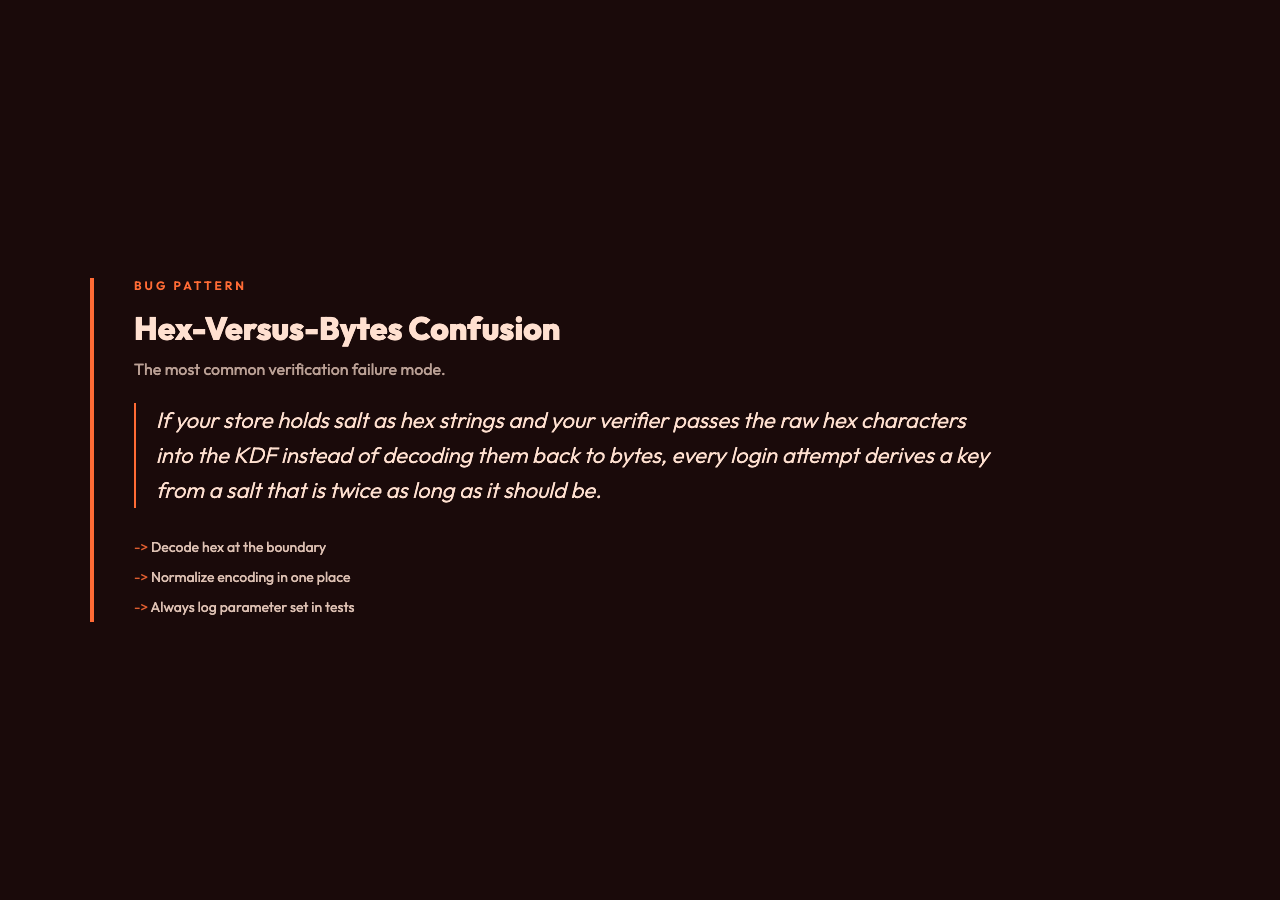
The salt must be the exact bytes you originally hashed. If your store holds salt as hex-encoded strings and your verifier passes the raw hex characters into the KDF instead of decoding them back to bytes, every login attempt derives a key from a salt that is twice as long as it should be. Comparison fails 100% of the time, every user is locked out, and the log file is full of “valid password, hash mismatch” entries that point everywhere except at the encoding.
The derived key has the same trap in reverse. If your hash store saves the hash bytes but your check code reads the hex form, the comparison runs on fundamentally different bitstrings. Constant-time comparison never even gets a chance.
The cost factor N is the parameter people forget. It defaults to 16384 in this validator, matching OWASP’s 2017 recommendation for interactive use. Move it to 2^15 or 2^17 and verification slows dramatically. Most teams do not change it during verification, but if you originally hashed with N=1048576 and verify with N=16384, every login silently fails. There is no diagnostic short of comparing parameters explicitly.
The block size r (default 8) and parallelism p (default 1) are similarly parameterized. Scrypt’s security is built on the assumption that an attacker must touch all three. Drift on any one and the work factor that was supposed to protect your database is gone — silently.
Finally, key length. The default 32 bytes is the right answer for most applications. Smaller values (16 bytes for legacy compatibility) are still cryptographically meaningful. What is not meaningful is verifying against a 32-byte key when the original hash was 16 bytes — the comparison rejects on length before even reading the bits.
Where verification quietly goes wrong
Three patterns show up in almost every “scrypt stopped working” bug report. The first is hex-versus-bytes confusion. Salt and derived key are stored as hex strings in JSON or env files; the validator expects bytes. One line of decoding fixes it. The second is environment drift. A container image has different default scrypt parameters than your dev laptop. Verification works in CI, fails in production. The third is comparison non-constant-time. Naive
===compares byte-by-byte and short-circuits on the first mismatch — both a performance hazard and, in network-reachable code, a timing oracle. Always verify through a library that uses
crypto.timingSafeEqualor equivalent.
Beyond those, there is a subtler class of failure: stored-vs-derived drift after migration. Say you migrated from bcrypt to scrypt six months ago, and the migration script left both formats in the user table. Your login flow checks bcrypt first, scrypt second. But during verification you pass the scrypt-derived key through the legacy path because of a fallthrough bug. Login still fails for a third of users and you have no clue why. A standalone validator that you run with the user’s actual parameters tells you in five seconds whether the keys are in fact bit-identical.
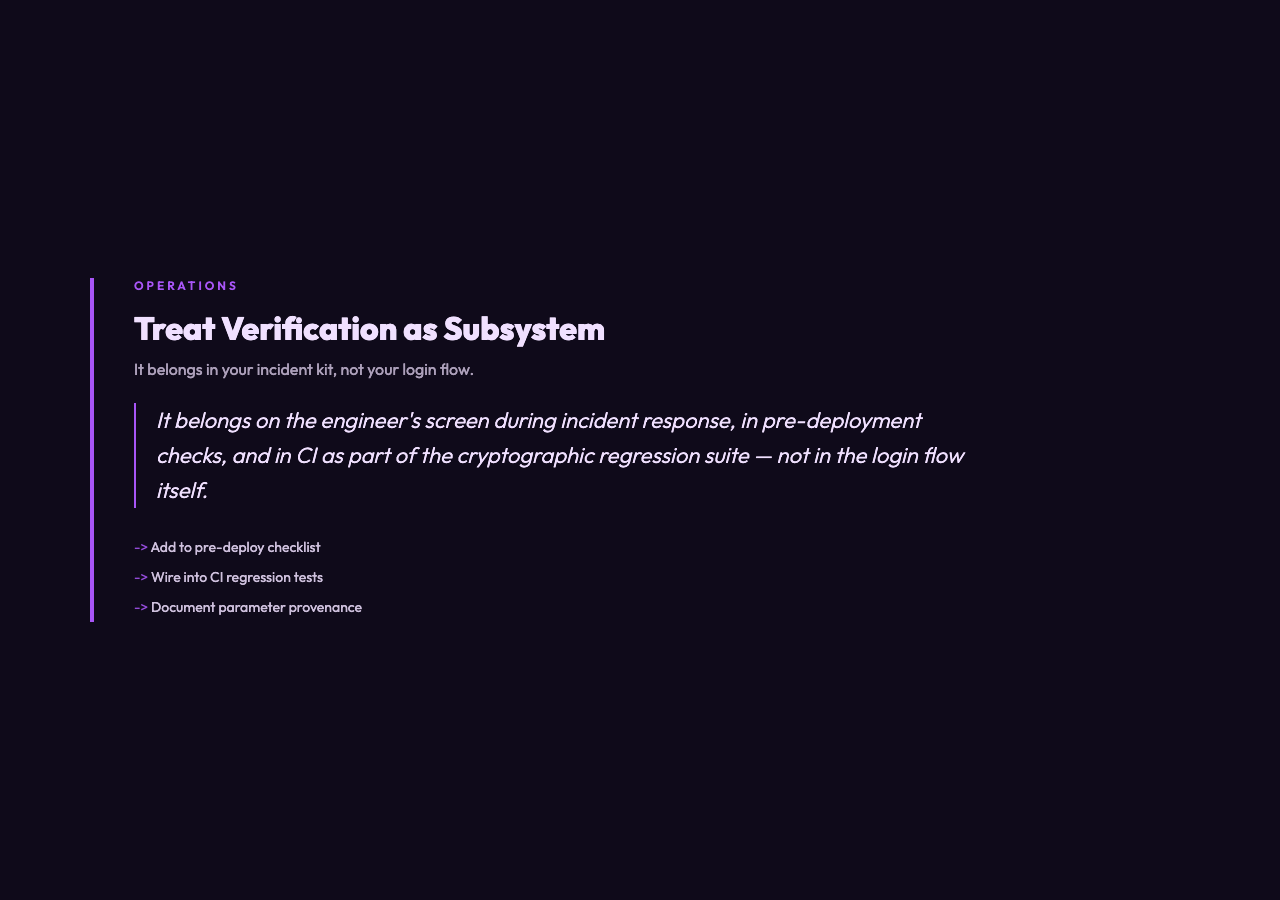
This is the lens through which scrypt verification should be framed: it is a debugging instrument, not a flow. It belongs on the engineer’s screen during incident response, in pre-deployment checks, and in CI as part of the cryptographic regression suite. The Scrypt Validator tool gives you exactly that view — inputs in, bit-exact answer out, no opinions about whether the answer is the right one to act on.
What proper parameter handling looks like in code
Most modern libraries accept explicit
cost,
blockSize,
parallelization, and
keyLengthparameters for this exact reason. Hash on write with one set of values, store those values alongside the derived key, and pass the same values back in on read. The “alongside” matters — salt, derived key, and all four scrypt parameters belong in the same database row, ideally as one composite column or as a structured JSON. If you cannot store parameters next to the hash, you cannot verify against the hash, full stop.
Open-source patterns worth copying include Node.js
crypto.scrypt(where the options object makes parameters unforgeable), Python
hashlib.scrypt(which requires explicit N, r, p, salt, and dklen), and Go’s
golang.org/x/crypto/scrypt. Each forces you to think about every parameter; none default the parameters away from you. That is the design that catches the 1.3% of mismatches before they become a Friday night page.
If you are auditing an existing deployment, the safer question is not “does scrypt work?” but “for every user, can I produce the stored derived key by re-running scrypt on the stored password and stored parameters?” If the answer is yes for the test users and you have a log trail for any failures, you have a verification path. If the answer is “we hope so,” you have a Saturday night incident waiting.
The honest assessment
Scrypt is still the right hash family for password storage in 2026 — slow enough to deter GPU attacks, memory-hard enough to deter ASICs, parameterizable enough to track hardware. Verification, the half the tutorials barely cover, is the part where most teams get tripped up. Treat it as a first-class subsystem: explicit parameters, constant-time comparison, end-to-end checks before launch. A focused Scrypt Validator belongs in your incident-response kit for exactly this reason — it is the fastest way to confirm, with explicit numbers, where the chain breaks.
The next question is what your verification story looks like the morning a customer files a support ticket with the words “I know my password is right.” If you can pull the stored salt, the stored derived key, and the four scrypt parameters into one tab and confirm a bit-exact match in under ten seconds, you have a story. If you have to grep through three layers of middleware first, you do not. The tools that catch authentication at this granularity are the tools that decide whether your future is a quiet Tuesday or a 3 a.m. page.
Explore more developer tools at elysiatools.com.