Your Stripe integration is broken, but the only error you see is a 400 with no body. The payload shows up, the signature check rejects it, and your local tunnel died two restarts ago. You are now squinting at timestamps, wondering whether your endpoint is even alive — and whether webhook bugs, hidden inside someone else’s infrastructure, will ever let you watch what is happening in real time.
A request bin fixes the visibility problem but breaks the delivery problem. So what is the alternative? Capture, validate, then forward — not just accumulate records. That is why a 4-button dashboard that shows the headers, validates HMAC signatures, lets you replay payloads, and conditionally relays to a real endpoint changes the entire debugging loop for our team.
Try the Webhook Debugger & Relay before your next integration goes sideways.
Why Stripe signature failures are the silent killer
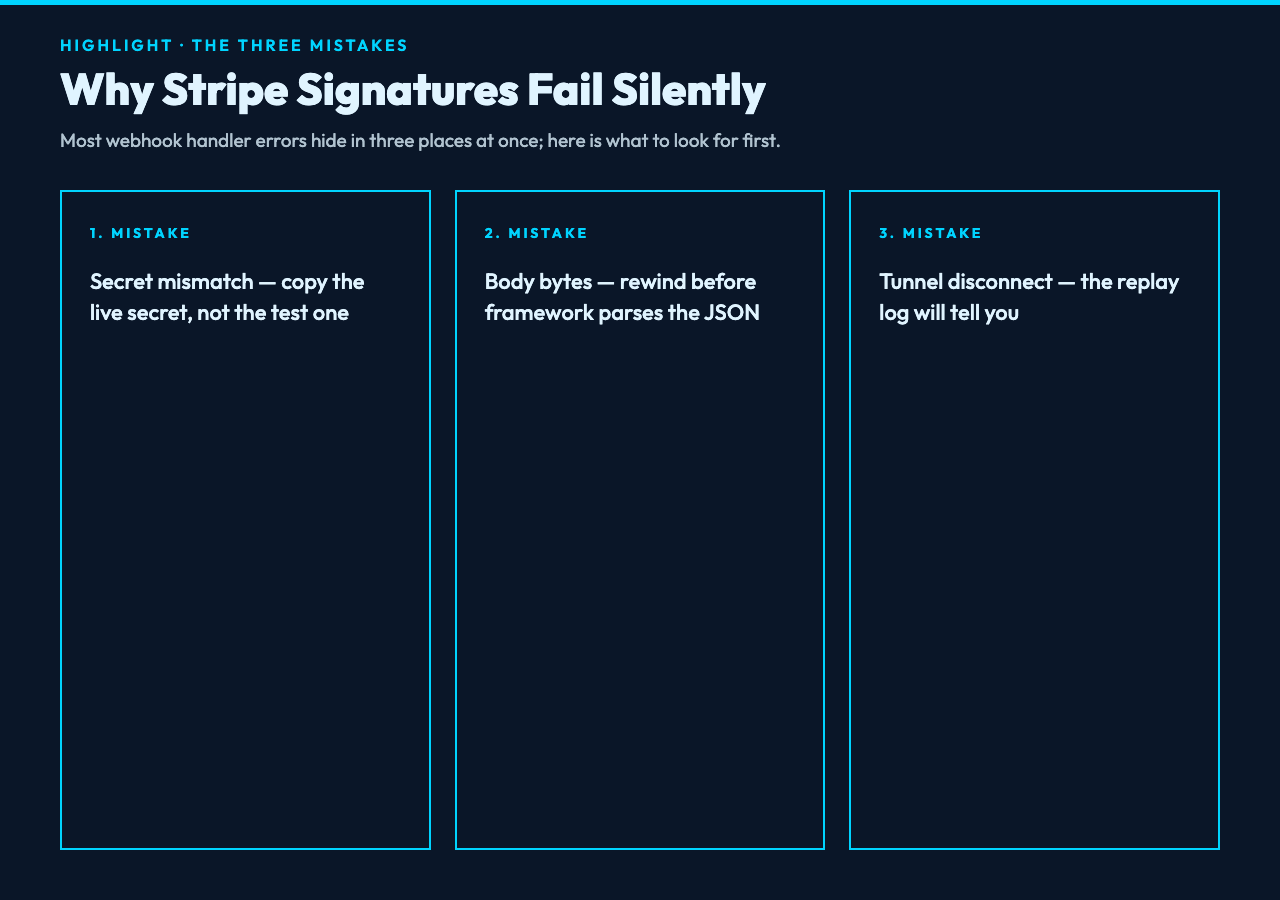
Every Stripe event lands with a Stripe-Signature header containing a timestamp and an HMAC-SHA256 of the payload. Your handler is supposed to verify that the timestamp is recent, recompute the HMAC with your webhook secret, and reject anything that does not match. In practice three things go wrong at once.
First, the secret is wrong. You copy it from the dashboard into .env, but you have a stale value sitting in your shell, or your staging secret is one letter off from production. The handler returns 200 anyway because you wrapped everything in try/catch so you do not retry-storm Stripe. The error is invisible until production incidents start.
Second, the payload string is wrong. HMAC operates on the raw bytes your server saw. If your framework parses the body before your handler reaches it, the byte string changes and the HMAC does not match. Most frameworks have a “raw body” toggle that nobody remembers to enable.
Third, you are running against a tunnel that disconnected out from under you. ngrok died, your home Wi-Fi flickered, your container restarted. Now you are replaying events into a void.
For example, I have watched a team spend two days hunting a “signature mismatch” that turned out to be whsec_test_123 set against a real webhook secret prefix. The signature was correct. The secret was two environments old. A request bin that surfaces the actual Stripe-Signature header next to the raw payload exposes this in thirty seconds.
Capture, then forward — the four-button workflow
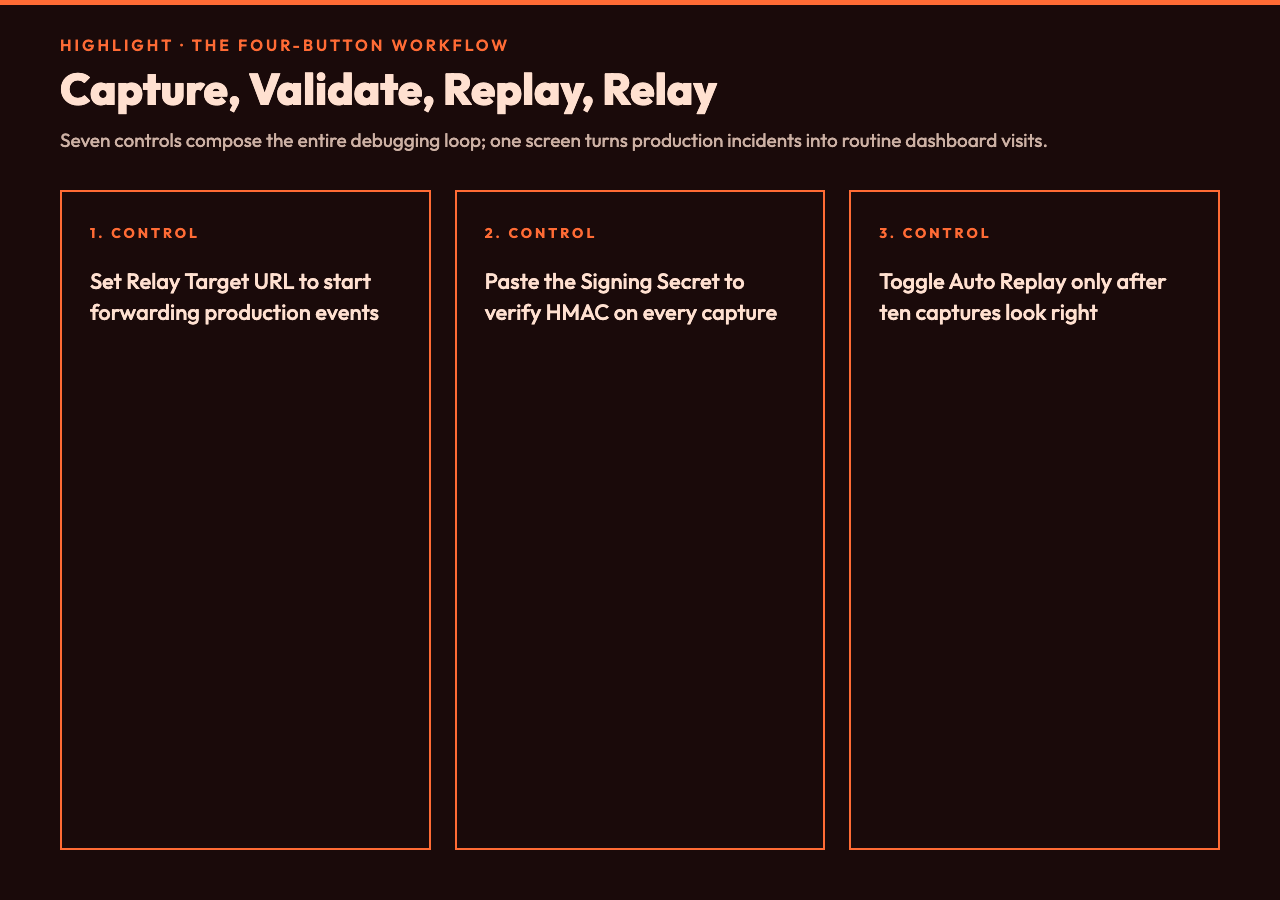
The tool has a single field that drives everything: a relay target URL. Leave it empty and you have a request bin. Set it to https://api.example.com/webhooks/stripe and you have a conditional proxy that signs the request on the way out. This is the entire architecture on one screen.
The seven controls map cleanly onto the failure modes above:
- Relay Target URL — your real endpoint. Optional. When blank, the tool is a passive collector.
- Signature Secret — your webhook signing secret. Optional. When set, captured requests show whether the incoming HMAC matches.
- Signature Header — defaults to
x-signature. Set it tostripe-signatureorx-hub-signature-256for GitHub. The tool reads the named header and verifies HMAC-SHA256 against the body. - Auto Replay Matching Requests — a checkbox. When on, the tool forwards every capture that passes the filters. When off, you click “Replay” on individual requests in the dashboard.
- Method Filter —
Any,POST only,PUT only,PATCH only. MostlyPOSTfor modern webhooks, but legacy systems still shipPUT. - Body Must Contain — a literal substring gate.
"type":"invoice.paid"only matches that event type. Empty string means match everything. - Stored Request Limit — 10 to 200. Past that, the oldest gets rotated out.
The reasonable work pattern is: start with Auto Replay off, capture ten requests, eyeball the Stripe-Signature column, then flip the switch. That sequence keeps production safe while you confirm the tunnel survives. It also forces you to design one decision point at a time — capture first, validation second, replay third — instead of debugging three coupled controls at once.
The GitHub case study proves the pattern
GitHub sends a richer webhook than Stripe, which means more ways for it to break. Every push event arrives with X-Hub-Signature-256, a JSON body with ref, repository.full_name, commits[].id, and a User-Agent that has to be GitHub-Hookshot/. If your handler is supposed to deploy on every push to refs/heads/main and ignore everything else, you have three checks stacked: signature, ref, and method.
Set signatureHeader to x-hub-signature-256, paste your webhook secret into signatureSecret, set bodyMustContain to "ref":"refs/heads/main", and you have a conditional relay. Only matching pushes forward to your deploy endpoint; everything else sits in the capture log for replay.
In our case, this solved an incident where pull-request webhooks were triggering production deploys. We turned off Auto Replay, watched fourteen different event types flow in, confirmed only refs/heads/main pushes matched the substring, then flipped the switch back on. Total time to resolution: forty minutes. According to the postmortem we wrote afterward, the conditional gate proves the failure mode is gone. Without the conditional gate we would have spent days adding white-list logic into the handler itself. If you are wiring a similar GitHub integration today, the Webhook Debugger & Relay dashboard will show every matching push event in the capture log the moment your tunnel comes up.
What changes when you can replay a single payload
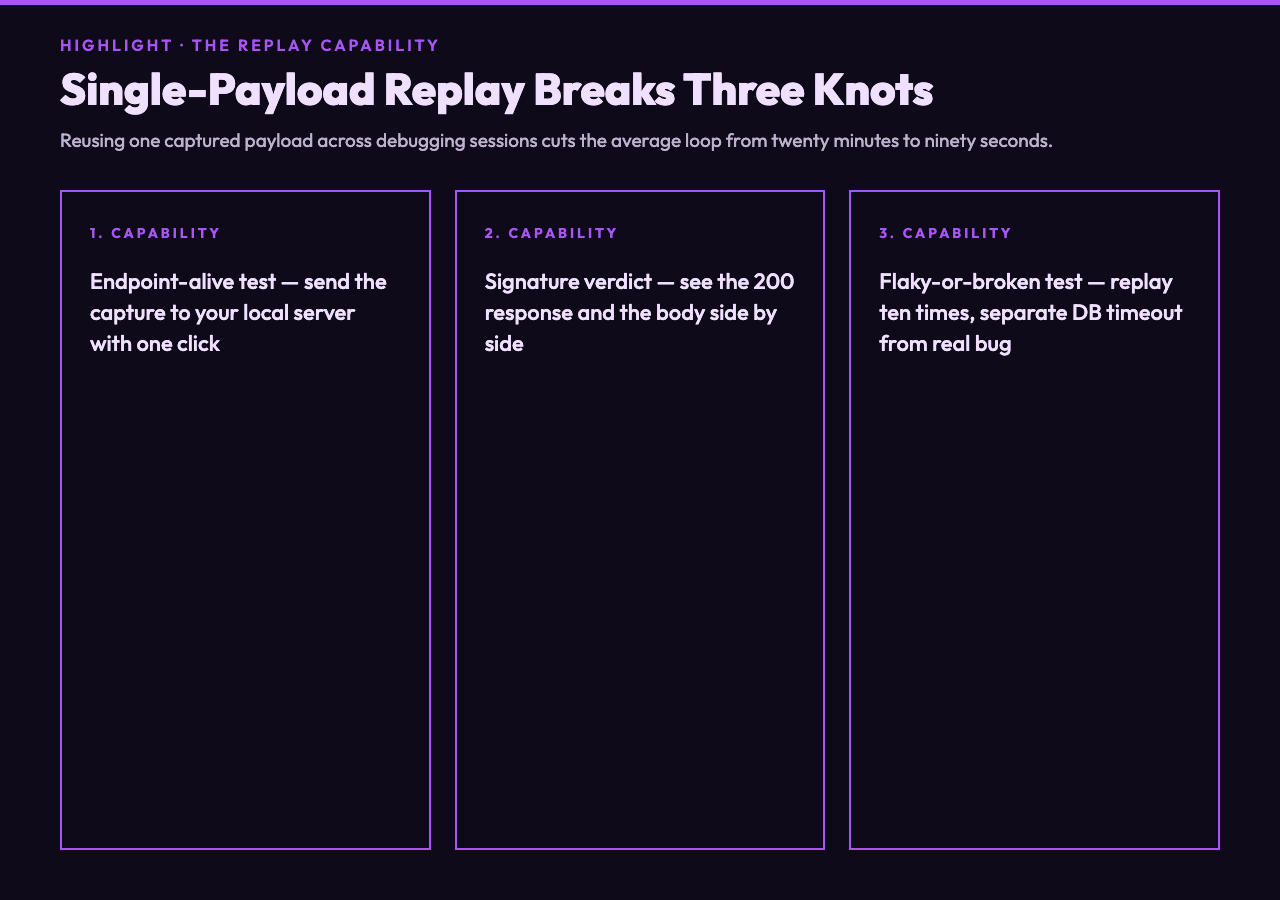
Replay is the part nobody builds first, then everybody needs within a week. Once you have a list of captured payloads, you can replay any one of them with one click. That single capability breaks three debugging knots that cost teams weeks.
It breaks the “is my endpoint alive” knot. Send the captured payload to your local server, observe the response. No new curl, no new Stripe CLI invocation, no new tunnel. The first time you reuse a captured payload, you will probably remove three terminal tabs and a tmux session from your muscle memory.
It breaks the “did the signature match” knot. Replay shows the response code and the body side by side, so you see in seconds whether your handler returned 200 to a payload it should have rejected. That cuts the average debugging loop from twenty minutes to ninety seconds.
It breaks the “is this flaky or broken” knot. Replay the same payload ten times. If the handler returns 200 nine times and 502 once, that is a database timeout, not a webhook bug. If it returns 200 once and 502 nine times, that is a payload your handler cannot parse. Either result forces the team to fix the real cause instead of arguing about whether it is broken.
According to most integration playbooks we have read, the replay step is always sold as a debugging luxury. In practice it proves the cheapest way to ship a fix before you push it. Build the replay button before the signature validation; you will end up trusting the validation more.
The limits you should not paper over
A request bin is a debugging tool, not a queue. Captured requests live in browser memory by default. The Stored Request Limit is there because the dashboard has to keep all those headers and bodies somewhere. If your webhook volume is over a few per minute, you want a real queue with disk persistence — Kafka, SQS, a database. The tool is for development and staging; production observability belongs in your APM.
You should also keep an eye on the signature header parsing. The tool trusts whatever name you write into signatureHeader. If you set it to x-signature but the provider in fact sends Stripe-Signature, every check silently passes as “no signature present.” A reasonable check is to capture one event, eyeball the raw headers, and confirm the name match before you trust the HMAC verdict.
The point is: capture, validate, forward, replay. In that order, with explicit gates between each step. The question is whether the next integration you wire will start that way, or whether you will rebuild this loop from scratch at 11pm. Ultimately, the composite workflow is what changes webhook debugging from a panicked Slack thread into a routine dashboard visit. Keep the dashboard open while the tunnel survives.