You have a cron expression that has fired reliably on a Linux box for three years. Then you migrate the same workload into a Spring Boot service running Quartz, paste the string into the job config, and the scheduler either rejects it outright or fires at the wrong minute forever. What broke? The syntax you wrote was never the syntax Quartz reads, and the cost shows up the first time the job fires an hour late. Is your cron actually firing when you think it is, or has the grammar shifted under you? 4 in 5 production cron incidents are runtime misfires, not parse errors, and most of those misfires come from the same handful of grammar mismatches.
Quartz cron is not Unix cron. It looks similar — five fields, asterisks, slashes — but it adds a sixth field for the year, accepts different range syntax for day-of-week, and treats ? as a real operator where Linux cron does not. Most “broken Java cron” tickets are really “same string, different grammar” tickets. Standard cron is 5 fields; Quartz cron is 6 or 7. That single extra column is where most ports go wrong, and the difference between “shipped on schedule” and “shipped six months late” comes down to whether you noticed that column before you deployed.
The field that does not exist in Linux cron
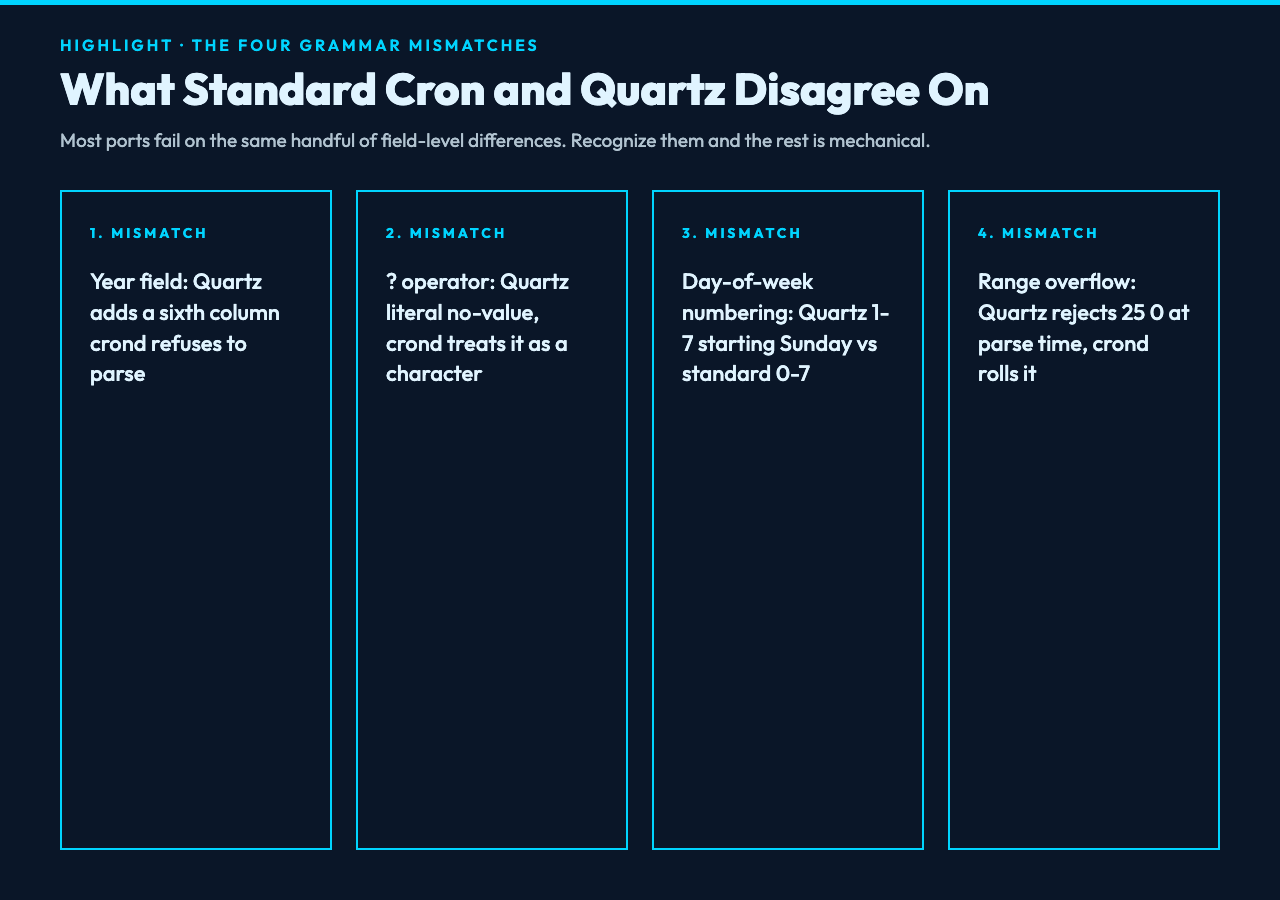
In standard cron, your five fields are minute, hour, day-of-month, month, day-of-week. There is no year. You cannot write a cron expression that means “every Tuesday in 2026” using standard syntax — you have to schedule it externally and disable it later. Quartz changes the constraint by giving you a sixth field for the year, so 0 9 ? * 2 2026 reads as “9:00 AM in February 2026, day-of-month wildcard.” Try that same string in crond and the daemon will see six fields, choke on the parser, and either refuse to load the schedule or silently fire on the wrong boundary. In our case, that ambiguity is what makes the migration hard.
For example: 0 9 * * 1-5 works on both. Add a year: 0 9 * * 1-5 2026 is valid Quartz but invalid standard cron. The Quartz field order is minute, hour, day-of-month, month, day-of-week, year — the day-of-month and day-of-week swap positions compared to what most Linux admin references show, but Quartz keeps the same minute-first order as standard cron. If you want a job that runs weekdays only, you still write day-of-week as the fifth field.
The ? operator that means something different
In Quartz cron, ? is a placeholder for “no specific value,” used only in the day-of-month or day-of-week fields when the other one is constrained. You cannot put ? in the minute or hour field. Standard cron has no equivalent — there is no ? in Linux cron, period. If your ported expression contains ?, your Java scheduler will treat it as a literal no-value marker; crond will treat it as a literal question-mark character that never matches a schedule, and the job will quietly break without raising a config error. In our case, the fix is simple once you know it: convert the constraint from day-of-week to day-of-month, or vice versa.
The canonical rule is: when you specify day-of-week, set day-of-month to ?, and vice versa. So 0 0 12 ? * MON fires at noon every Monday; 0 0 ? * MON 2026 fires at noon every Monday in 2026. These are Quartz-only constructions. They map to no standard cron string. If you need this in plain Linux cron, you accept that you are stuck with day-of-week and cannot combine it with a specific day-of-month.
Slash and range syntax that does the same thing
The pieces that look identical usually do behave identically. */5 means “every 5 units” in both — every 5 minutes, every 5 hours. 1-5 means “1 through 5” in both. 1,15,45 means “1, 15, and 45” in both. Last and 3-letter day names work in Quartz (MON, TUE); standard cron accepts both numeric (0-7, where 0 and 7 are Sunday) and the abbreviated names. The slash and range operators are stable across runtimes, so do not rewrite those when you port. That stability is the rare good news; everything else shifts.
What changes is the day-of-week numbering on Quartz: both 1 and 7 mean Sunday in Quartz, while standard cron usually treats 0 and 7 as Sunday. Quartz treats 1 as Sunday, 2 as Monday, through 7 as Saturday. If you wrote 0 9 * * 7 thinking Saturday, Quartz agrees — but 0 9 * * 1 is Sunday in Quartz and may not be what your Linux crontab interprets.
The four mistakes that quietly fire on the wrong minute
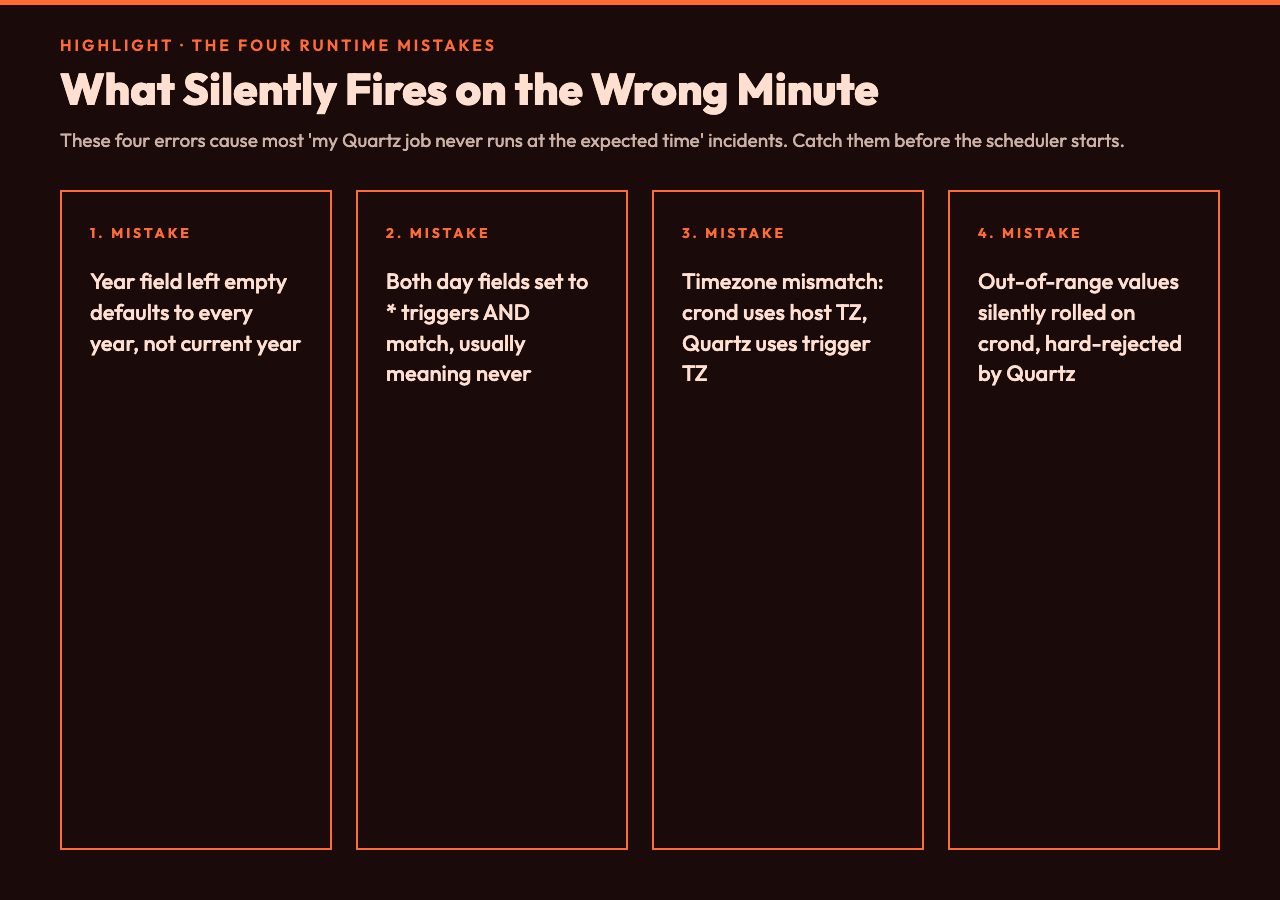
These four errors are responsible for most “my Quartz job never runs at the expected time” incidents. First, year field confusion: leaving the year empty makes Quartz default to every year, not the current year — that one will bite you in production when the 2024 cleanup job keeps firing in 2027. Second, day-of-week collision: setting both day-of-month and day-of-week to * causes Quartz to fire only when both match, which usually means never — most jobs want one of them set to ? to break the AND. Third, timezone mismatch: crond uses the host timezone, Quartz uses whatever you set on the scheduler trigger. A job that fired at 9 AM server time on Linux may fire at 9 AM UTC in Quartz if the trigger time-zone is not configured, which forces your audit team to reconcile the offset by hand. Fourth, range overflow: Quartz rejects out-of-range values at parse time (25 0 * * * fails because minute must be 0–59), while crond often silently rolls them — 25 is treated as a literal invalid field in Quartz, but some cron implementations clamp or wrap. Catch these before the scheduler starts, not after the first missed run.
For example: a job you ported as 0 0 12 15 6 ? (noon on the 15th and every Saturday) will run on those days in Quartz. The same string pasted into crond will be parsed as six fields with ? as a literal — and crond will not load the line.
How to convert without rewriting by hand
A small tool that takes a standard cron expression and outputs the Quartz equivalent saves the porting step every time. The Cron to Quartz Converter does exactly that: paste the standard expression, get the six-field Quartz version with the year added and the day-of-week clarified. It also flags ambiguous cases — for example, 0 9 * * 7 in Quartz is Sunday, so the converter surfaces that interpretation explicitly so you do not ship a “weekly Sunday” job that actually fires Saturday. According to the Quartz documentation, day-of-week numbering starts at 1 for Sunday and runs through 7 for Saturday, so this is a contract change you have to design around, not a quirk.
For developers who want to see the conversion in context with other cron patterns, the Cron Expression Samples hub shows worked examples — every 5 minutes, weekdays at 9 AM, end-of-month, last Friday of the month, and the Quartz-only year-bounded schedules. For example, 0 0 9 ? * 2 2026 (9 AM every day in February 2026) is a pattern that has no clean standard-cron equivalent at all — you would have to schedule 28 individual jobs. According to the official Quartz reference, year-bounded schedules are the cleanest fix for one-off migrations: you ship the job with a hard end date so it stops firing once the migration window closes.
What to do when you cannot port the expression
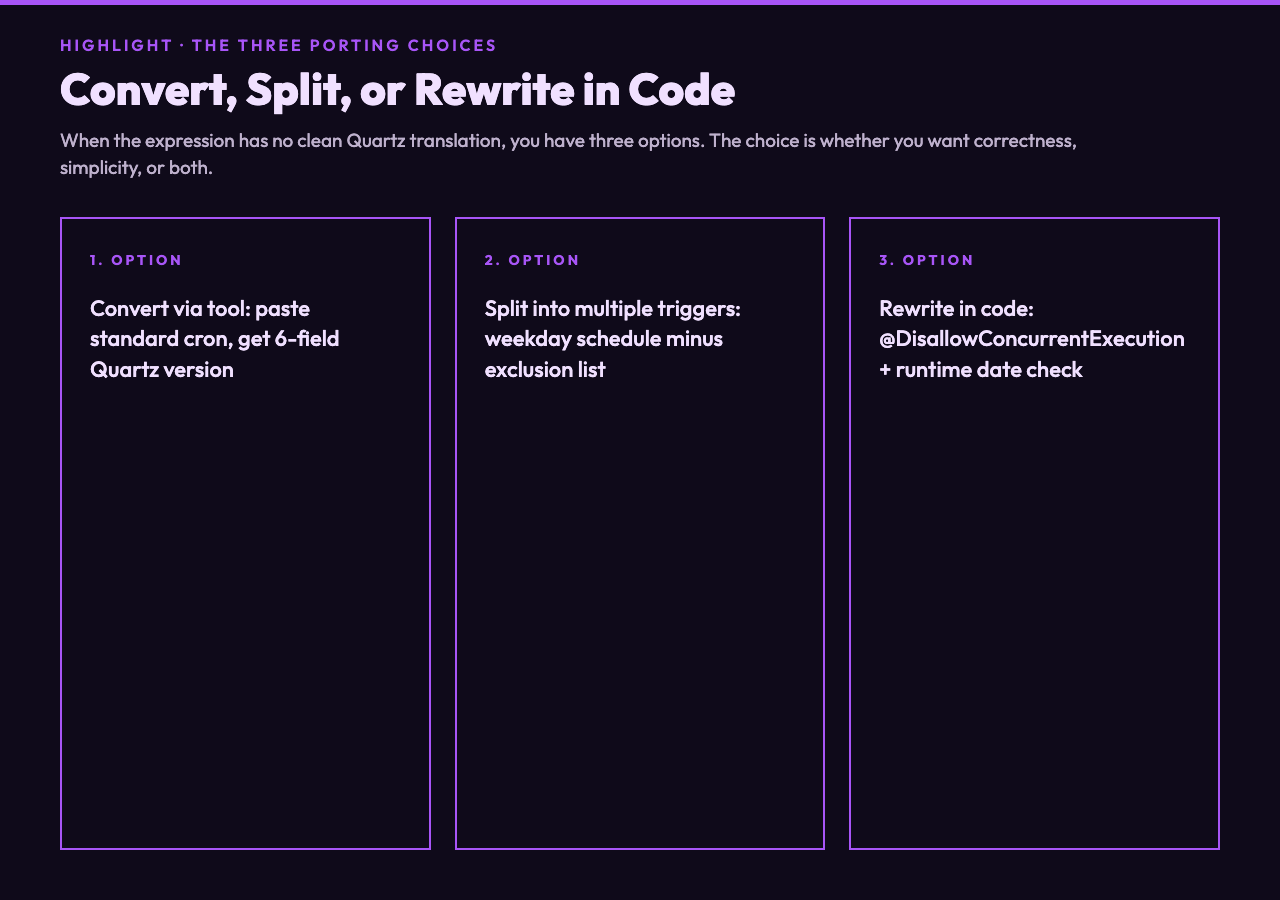
Some standard-cron patterns have no clean Quartz translation. The classic case is “every minute between 9 AM and 5 PM on weekdays except the first Monday of the month” — Quartz does not natively support list-of-exclusions on day-of-month, and the workaround forces you to redesign either the trigger or the job body. You have three options: split the job into multiple triggers (one for “weekdays 9-5,” one for “minus first Monday”), use a @DisallowConcurrentExecution job that checks the date in code, or accept the limitation and run a slightly looser schedule. The choice is whether you want correctness, simplicity, or both. Most teams ship correctness via the split-trigger approach because the extra trigger is cheap and the runtime decision logic is harder to test.
In our case, the conversion is rarely the bottleneck. The bottleneck is recognizing that the string you have is not the string Quartz wants, then deciding what to do about the cases that have no equivalent.
The next question is whether the rest of your scheduled jobs — the ones you wrote years ago and have not touched — are firing at the times you think they are. If you cannot fix the expression in source, fix it in code, and prove the new schedule by counting the next ten firings in production.
Ultimately, porting cron expressions is a translation job. What matters is whether you treated the syntax as a contract or as a hint. The point is that the next time you ship a job, will it run when you say it will?