A finance team I worked with moved 18,000 customer records from a legacy SQL Server into a new analytics warehouse. The migration ran for 90 minutes, the SQL log showed success, the new system reported the same row count as the source — but 873 invoices had no customer attached. Two weeks later, an analyst asked why. The cause was not corruption, not a partial failure, not a network glitch. It was a referential integrity violation that no one had checked: 873 customer_id values in the invoices table pointed to customers that did not exist in the parent table. The migration imported the rows anyway because the destination table had no foreign key constraint. We caught it eventually. The question is whether your next migration will catch it before it ships.
In a database, foreign keys protect you from this. The moment a child row points to a parent that does not exist, the insert fails. But the moment you move data into flat files, into staging CSVs, into dataframes, into Excel exports, you lose that protection. A row with a bad reference looks identical to a row with a good one. The only way to know the difference is to check.
This is the case for running a foreign key check between every parent file and every child file before a migration ships. It is also why we built the Foreign Key Validator into the Elysia Tools catalog — because the check takes five minutes to run, and the cost of skipping it is measured in weeks of debugging later.
The three things a foreign key check actually catches
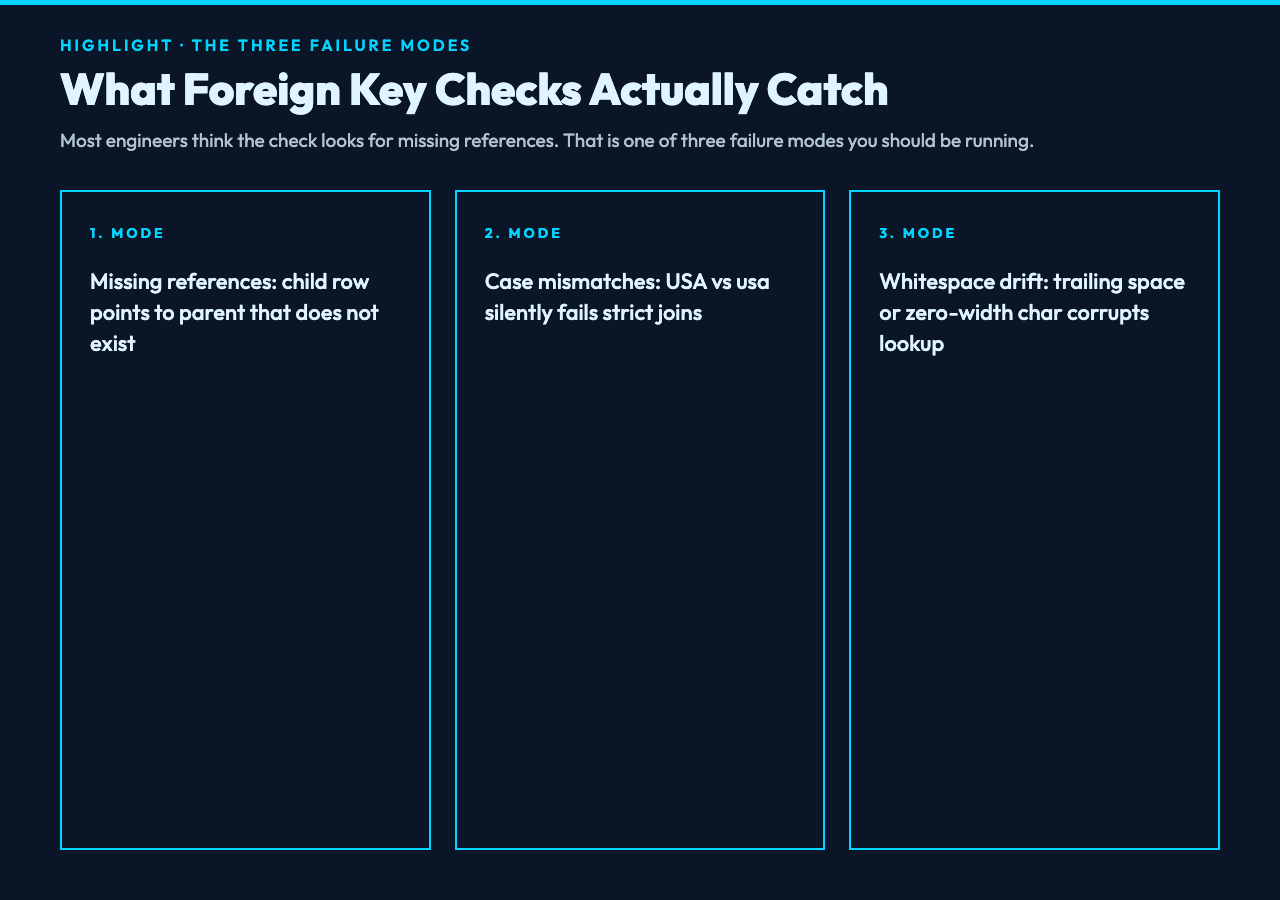
Most engineers think of foreign key validation as “find rows whose IDs do not exist in the parent table.” That is one failure mode. There are at least three others.
First, missing references: the child row points to a parent that does not exist. In our migration example, the invoice’s customer_id had no matching row in the customers table. This is the classic orphan.
Second, case mismatches: the parent table has USA and the child table has usa, so a strict lookup says the reference is invalid. Depending on the database, the original INSERT may have succeeded because the destination column was case-insensitive (CITEXT, or a MySQL collation like utf8mb4_0900_ai_ci), so the two rows were treated as equal when written but treated as different when joined later.
Third, whitespace and encoding drift: the parent has "Boston" and the child has " Boston " or "Bostonu200B" (with a zero-width space from a copy-paste). The lookup fails, but the underlying IDs are conceptually the same.
A naive check that only compares strings as bytes will report false positives on the second and third cases. A naive check that ignores case will silently accept the mismatch. You need both: strict comparison by default, with case-insensitivity and trim as opt-in toggles.
Why the row count check tells you nothing
The migration team ran SELECT COUNT star FROM customers on the source and SELECT COUNT star FROM customers on the destination, and got the same number. They shipped. This is one of the most expensive mistakes in data engineering, and it is so common because the row count check feels rigorous. It is not. Row count tells you how many rows arrived, not whether each row is internally consistent.
A row can exist with all of its foreign keys pointing to non-existent parents, and the row count is unchanged. A row can have its customer_id set to NULL when the source had a real value, and the row count is unchanged. A row can be a duplicate of an existing row, and the row count grows by one even though the underlying data did not.
The only check that addresses referential integrity is to look up each child reference against the parent set. That is the whole point of the foreign key. The database does this lookup at insert time; your migration script has to do it explicitly when the data leaves the database.
How the check actually runs
The shape of the check is simple. Take the parent CSV. Build a set of values from the column that holds the primary key. Take the child CSV. For each row, extract the value from the foreign key column and ask: does this value exist in the parent set?
If yes, the row is valid. If no, the row is either an orphan (parent was deleted, or never existed in this dataset) or a typo (some character drifted in transit). Both are bugs, and both should be reported.
In practice, you want more than a yes/no answer. You want:
– The exact row number in the child file where the violation occurs. – The offending value, so you can grep for it in the source. – A summary count of how many violations exist, so you can decide whether to halt the migration or proceed with a quarantine plan.
The Foreign Key Validator returns all three. You paste the parent CSV into one textarea, the child CSV into another, tell it which column in each holds the key, and it walks the child set against the parent set. The output can be a detailed report, a JSON blob you can pipe into your CI, or a CSV of just the invalid rows that you can hand to the data owner for cleanup.
The four modes worth knowing about
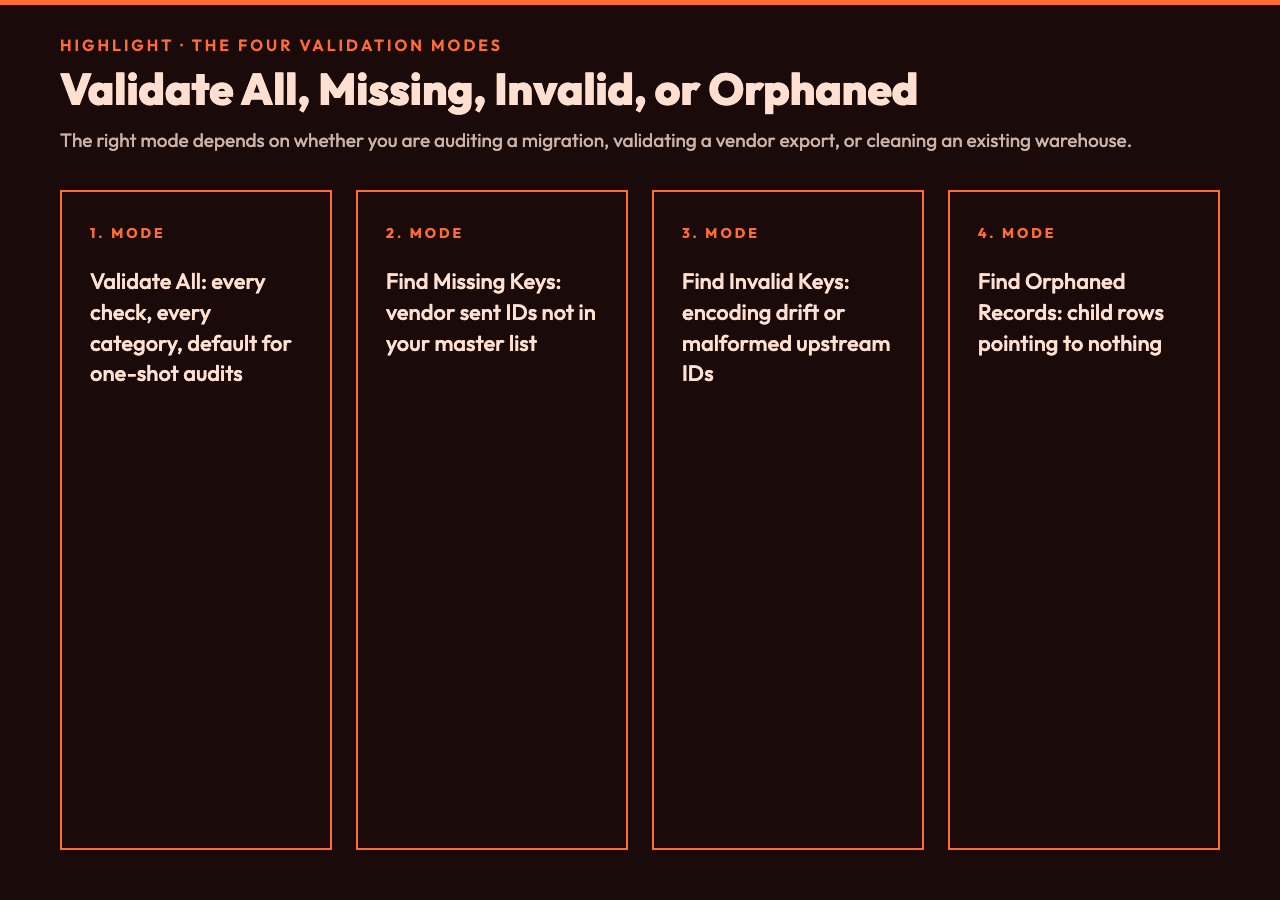
The tool ships with four validation modes, and the difference between them matters.
Validate All runs every check: missing references, invalid values, orphans, and duplicates. This is the default for a one-shot migration audit. You run it once before shipping, and you trust the result only if all four categories are clean.
Find Missing Keys Only checks whether the parent file is missing keys that the child references. This is the most common case in a partial extract — someone exported 18,000 of 19,000 customers, and 873 references are silently broken because the parent set is incomplete.
Find Invalid Keys Only checks for malformed values: a customer_id of 1234abc when the parent has only numeric IDs. This catches encoding corruption and upstream bugs in ID generation.
Find Orphaned Records Only is the symmetric case: rows in the child that point to nothing, regardless of why. This is what you want when you are cleaning up an existing warehouse and you do not care about the cause, only the effect.
For example, when a vendor sends a CSV with a thousand customer IDs, you run Find Missing Keys Only against your master customer list and find that 47 of those IDs do not exist. That is a vendor data problem, not a schema problem, and the fix is to send the vendor a list of valid IDs so they can correct their export. The same tool surfaces the issue.
A real example with three CSV files
Consider a small but representative case. The parent file is customers.csv:
customer_id,name,country
1,Acme Corp,USA
2,Globex,UK
3,Initech,USA
4,Umbrella,Germany
The child file is invoices.csv:
invoice_id,amount,customer_id
1001,500,1
1002,750,2
1003,300,5
1004,120,2
1005,890,3
1006,450,7
Running Find Missing Keys Only with primary key column 1 in customers.csv and foreign key column 3 in invoices.csv returns two orphan rows: invoice 1003 (customer_id = 5, not in customers) and invoice 1006 (customer_id = 7, not in customers). The tool tells you the row numbers and the offending values. You can fix the data, or you can ship knowing the two invoices will be invisible to any report that joins invoices to customers.
This is the kind of bug that survives code review and survives staging. It only shows up when an end user asks a question that requires the join. The cost of catching it before the migration is one tool run. The cost of catching it after is measured in trust.
Where this fits in a real pipeline
In a typical ETL job, the foreign key check belongs at the boundary between staging and production. Once the data is in a database with constraints, the database will catch future violations. The check is only needed when the data is in flight.
For example, when a vendor sends a CSV with a thousand customer IDs, you run Find Missing Keys Only against your master customer list and find that 47 of those IDs do not exist. That is a vendor data problem, not a schema problem, and the fix is to send the vendor a list of valid IDs so they can correct their export. The same tool surfaces the issue.
When you are migrating between schemas, you run Validate All against the entire child set to confirm referential integrity before the swap. If the result is clean, you ship. If it is not, you quarantine the bad rows, ship the good ones, and address the bad rows in a follow-up patch.
When you are validating a data export from a new system against the old system, you run Find Invalid Keys Only to catch encoding and case drift. The old system stored USA, the new system stored usa because of a column collation change. A join between them would silently drop rows. The validator surfaces this before the analyst’s report is wrong.
Case sensitivity is a feature, not a default
The case-sensitive toggle matters more than it looks. If the source database treats USA and usa as different (which most production databases do, despite common collations), the check should default to case-sensitive. If the source database treats them as the same, the check should run case-insensitive.
The default in the validator is case-sensitive, because that matches what most production databases enforce. But the toggle is one click, and for datasets where you know the upstream is case-insensitive, you flip it and rerun.
The same logic applies to whitespace. The validator has an Ignore Empty Values toggle that skips blank cells in the child. Without this, an empty customer_id cell becomes an “orphan” report even though empty is usually intentional. With it on, empty cells are skipped, and the report focuses on the real violations.
The decision: ship, quarantine, or block
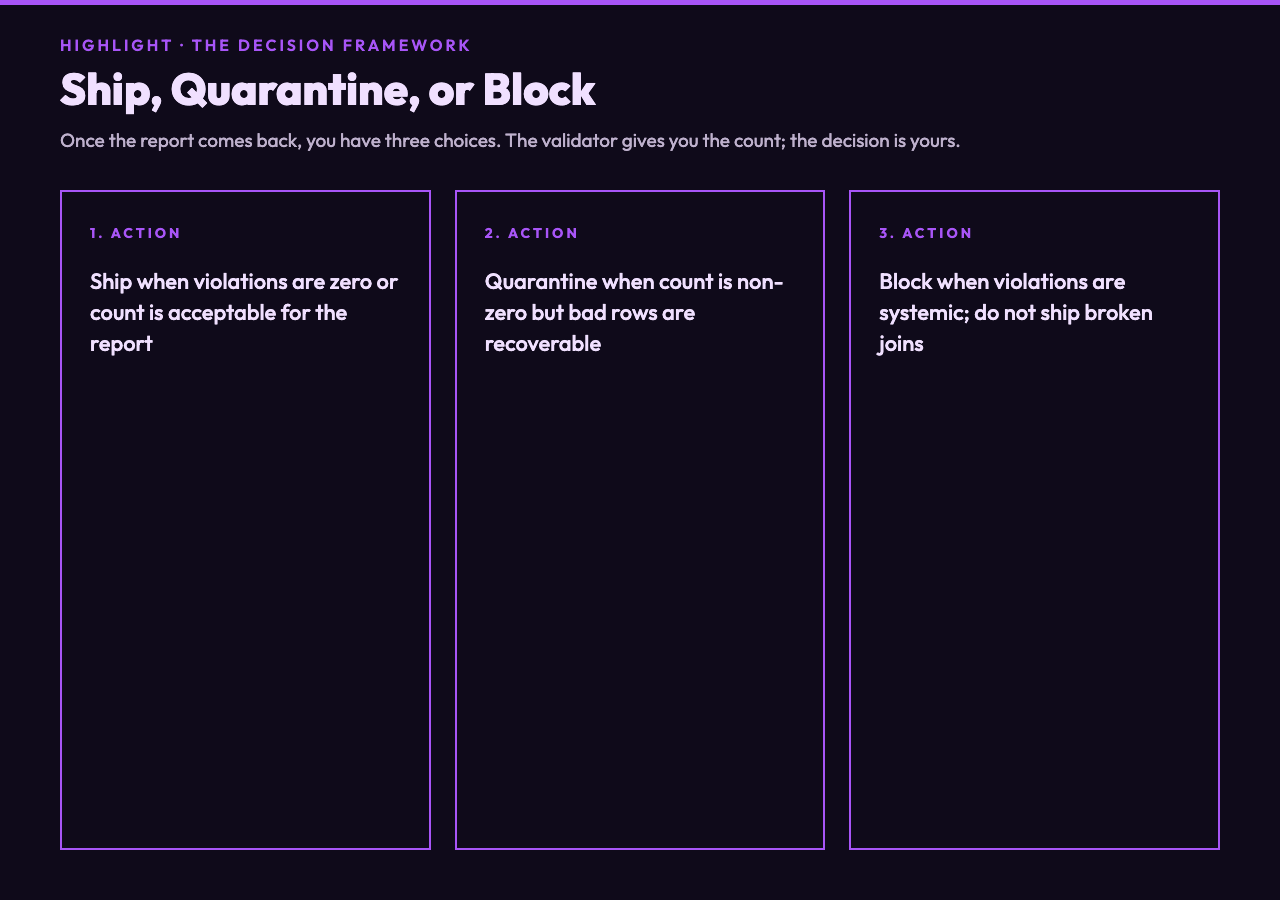
Once the report comes back, you have three choices.
Ship when the violations are zero or the count is acceptable. Most analytics migrations tolerate a small number of orphans because the downstream reports aggregate, and a 0.5 percent orphan rate does not change a quarterly revenue figure.
Quarantine when the violation count is non-zero but the bad rows are recoverable. Move the bad rows into a _quarantine table, ship the clean rows to production, and follow up on the bad rows in the next migration.
Block when the violation count is high or the violations indicate a systemic problem. Do not ship. Investigate. The validation took five minutes; the fix may take a week. But shipping with a known referential integrity violation will cost more than the week of fixing.
The validator gives you the count. The decision is yours. But you cannot make the decision without the count, and most teams today are making it without one. That gap is what the Foreign Key Validator was designed to close.
Where the tool fits in the bigger picture
The Foreign Key Validator is one of twenty-plus data quality tools in the Elysia catalog. It pairs naturally with tools like the duplicate row finder, the column reorder tool, and the type-coercion checker — together, those four checks catch the majority of silent data corruption that happens between systems.
The right time to run it is before the migration, not after. The right place is in a CI pipeline alongside the row count check, so a future engineer cannot accidentally skip it. The right frequency is every time the data crosses a boundary: between source and staging, between staging and warehouse, between warehouse and downstream dashboard.
Five minutes of validation today is cheaper than five weeks of reconciliation after a bad migration. The check itself is one tool, one column number per side, and a paste of the two CSV files. The decision to run it is the only part that takes any thought at all. Ultimately the question is not whether your next migration will lose records to referential drift — it is whether you will find them before the dashboard finds them for you.