The Bottom Line
A dataset does not have outliers. It has values outside a boundary you have not yet decided on. The same number is a sensor spike you must clip, a transaction above a regulatory limit you must reject, and a 99.9th percentile tail you must keep for the fraud model — three different decisions, three different boundaries, all on the same column. The Data Boundary Processor lets you declare each one explicitly: pick a detection method (absolute threshold, percentile, or standard deviation), pick a handling strategy (clip, remove, replace, transform), and the tool produces a clean dataset with the boundary decisions written down, reviewed, and reproducible. Treat boundary values as data you configured, not data you discovered, and the off-the-shelf cleaning script in your notebook stops being a one-off and starts being a piece of policy.
What a Boundary Is, and Why the Three Methods Disagree
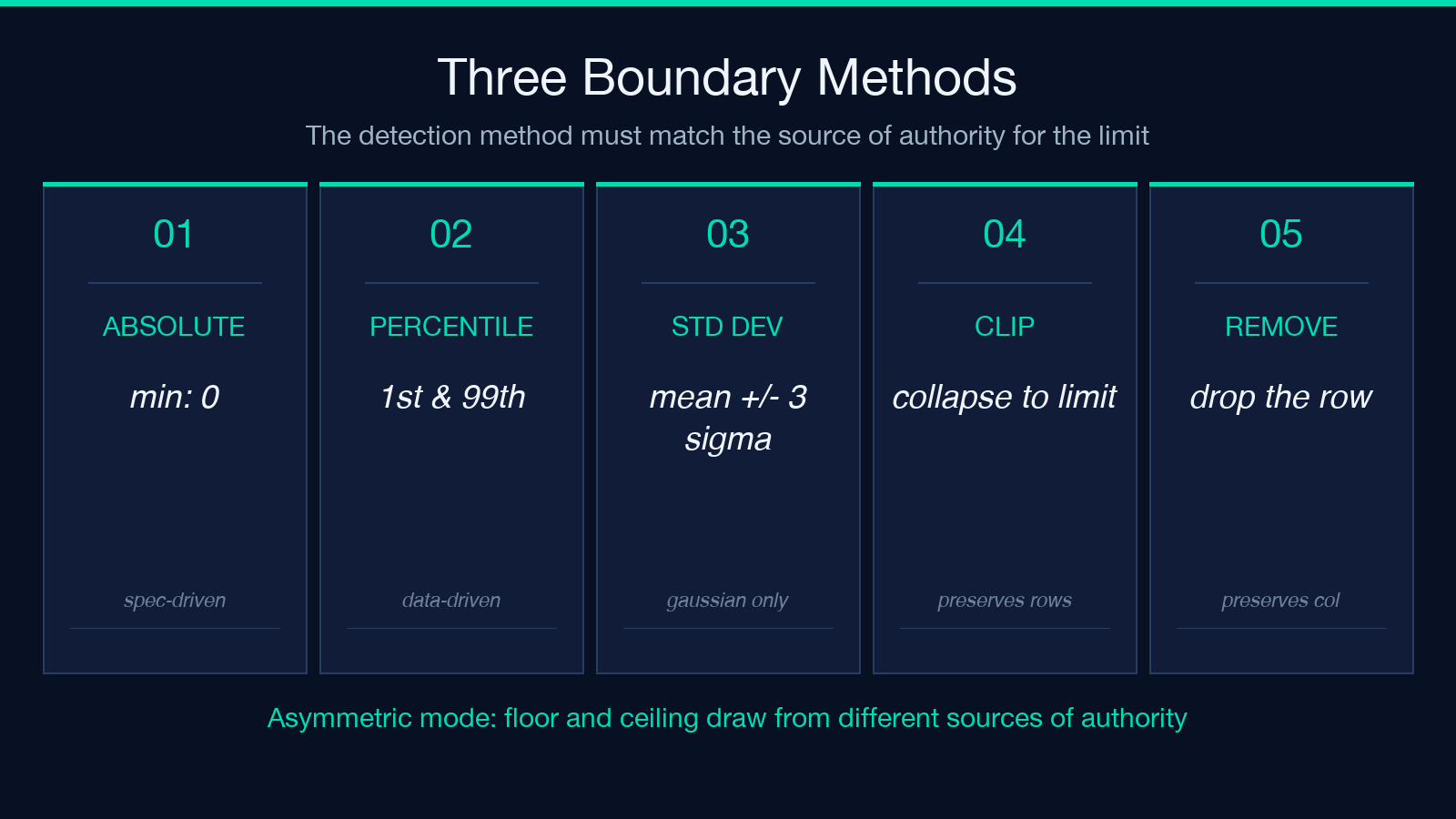
A boundary is the line between a value you keep and a value you change. The three detection methods draw that line in three places, and they disagree on exactly the values you care about.
Absolute threshold. You set minValue and maxValue by hand. A temperature sensor rated -40°C to +85°C has those boundaries from the datasheet. A payment processor has a 0.00 floor and a 999,999.99 ceiling from the schema. Absolute thresholds are the right choice when the boundary comes from outside the data — a hardware spec, a regulatory limit, a contract.
Percentile. You set lowerPercentile: 1 and upperPercentile: 99. The boundary is the 1st and 99th percentile of the observed column. Percentile boundaries are the right choice when you do not have a spec but you know that the top 1% of values are not representative — log-normal latency distributions, power-law income distributions, and any process where the long tail is the story.
Standard deviation. You set lowerStdDev: 3 and upperStdDev: 3. The boundary is mean ± 3σ. This is the right choice when the column is roughly Gaussian and you want a defensible statistical outlier rule. It is the wrong choice when the distribution has fat tails, because ±3σ excludes a non-trivial fraction of the population and the boundary becomes a model artifact, not a real limit.
The picker is the decision. The tool does not pick for you — it computes the boundary once you commit to a method. Run it with each of the three on a single column and the disagreement is usually obvious: the percentile boundary excludes the 99th-percentile spike the absolute threshold keeps, the standard deviation boundary excludes a value the percentile boundary keeps because the distribution is skewed. Pick the one that matches the source of authority for the limit.
The Four Ways to Handle a Boundary Value
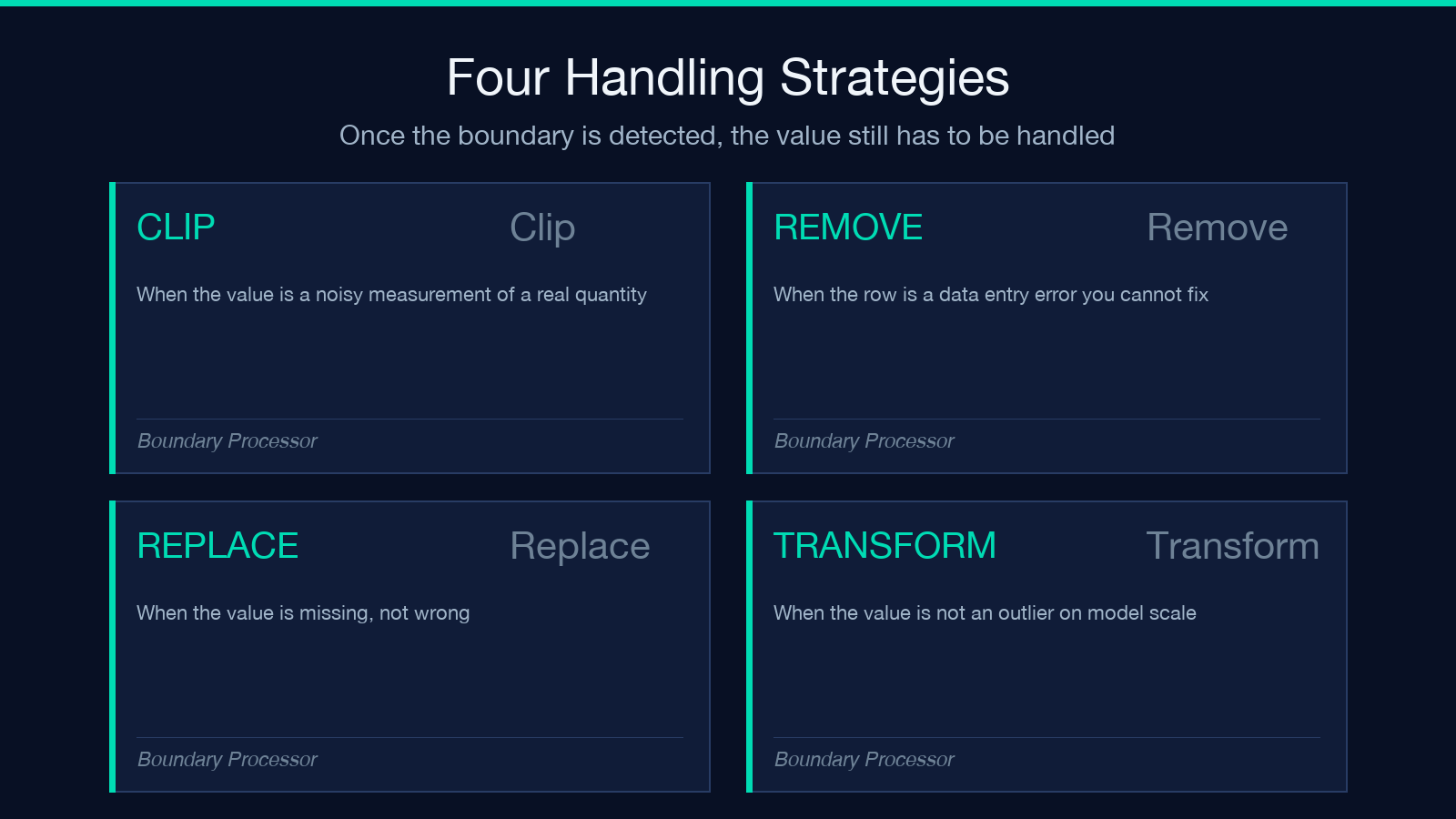
Once the boundary is detected, the value still has to be handled. The tool ships four strategies, and the right one depends on what the boundary value means.
Clip. Replace the value with the boundary itself. A temperature of +120°C from a broken sensor becomes +85°C (the spec maximum). A transaction of -500.00 from a data entry error becomes 0.00. Clip is the right choice when the boundary is a hard limit and the value is a noisy measurement of a real quantity that lives inside the limit.
Remove. Drop the row entirely. This is the right choice when the boundary value is a data entry error that cannot be corrected, or when the downstream model is not robust to boundary values and the loss of one row is cheaper than the contamination of one outlier. It is the wrong choice for time-series data where the row is a timestamp you need.
Replace. Substitute a fixed value (the mean, the median, or a value you pass explicitly). Replace is the right choice when you need to keep the row count constant and the value is missing rather than wrong — a sensor that returned NaN between two valid readings is a missing value, not an outlier, and substitution is the right fix.
Transform. Apply a function (log, square root, capped log) before the boundary check. This is the right choice when the value is not an outlier on the natural scale but is on the model scale — a log-transformed latency of 9.5 is a 14,000ms request, which is a real reading, not a boundary.
The four strategies are not interchangeable. Choosing clip over remove on a patient-vitals dataset changes the regulatory posture, not just the dataset. See all four applied side by side at the Data Boundary Processor.
Asymmetric Boundaries: When the Floor Is Not the Ceiling
Most datasets are not symmetric. A payment amount has a hard floor at zero and a soft ceiling at the regulatory limit. A network latency has a floor at 0ms and an unbounded ceiling. A sensor reading has a tighter floor (the device is rated to -20°C) and a loose ceiling (anything above +85°C is broken, but the ceiling of what is physically possible is much higher).
The tool handles this with asymmetricMode: true. You pass separate --minMethod, --maxMethod, --minValue, --maxValue, --lowerPercentile, --upperPercentile, --lowerStdDev, --upperStdDev arguments and the boundary is computed independently on each side. A payment column with minMethod: absolute, minValue: 0, maxMethod: percentile, upperPercentile: 99.5 keeps all valid transactions below zero (a hard floor) and clips the top 0.5% to the 99.5th percentile (a soft ceiling). The two decisions are explicit, reviewable, and applied in one pass.
Without asymmetricMode, the tool applies the same method and threshold to both sides, which silently produces wrong boundaries on any column that is not symmetric around its mean. The default behavior is symmetric; the right behavior is almost always asymmetric.
Marking Boundary Values Without Removing Them
The default behavior is to transform the value. The markBoundaryValues: true option does the opposite: it keeps the original value and adds two new columns — columnname_is_boundary (a boolean: was this row a boundary value under the configured rules?) and columnname_boundary_type (a string: low, high, or both). The original column is preserved and the boundary status is auditable per row.
This is the right choice when you need to know which rows were clipped or removed after the fact. A fraud model trained on a clipped dataset needs to know which rows it saw at the boundary — the boundary values are the cases the model is supposed to flag, and training without that marker drops the signal. A regression model on patient vitals needs to know which readings were clipped to the sensor maximum, because the variance estimate depends on whether the high readings are real or capped.
The marked columns can be combined with preserveOriginal: true to add a column with the _original suffix alongside the cleaned column, giving you three layers per column: original, cleaned, and boundary-status. That is the canonical audit-trail shape: anyone reviewing the dataset can see what the boundary decision was, what the original value was, and what the cleaned value became. Try the mark-only mode at the Data Boundary Processor.
Statistics: The Boundary Report Your Code Review Needs
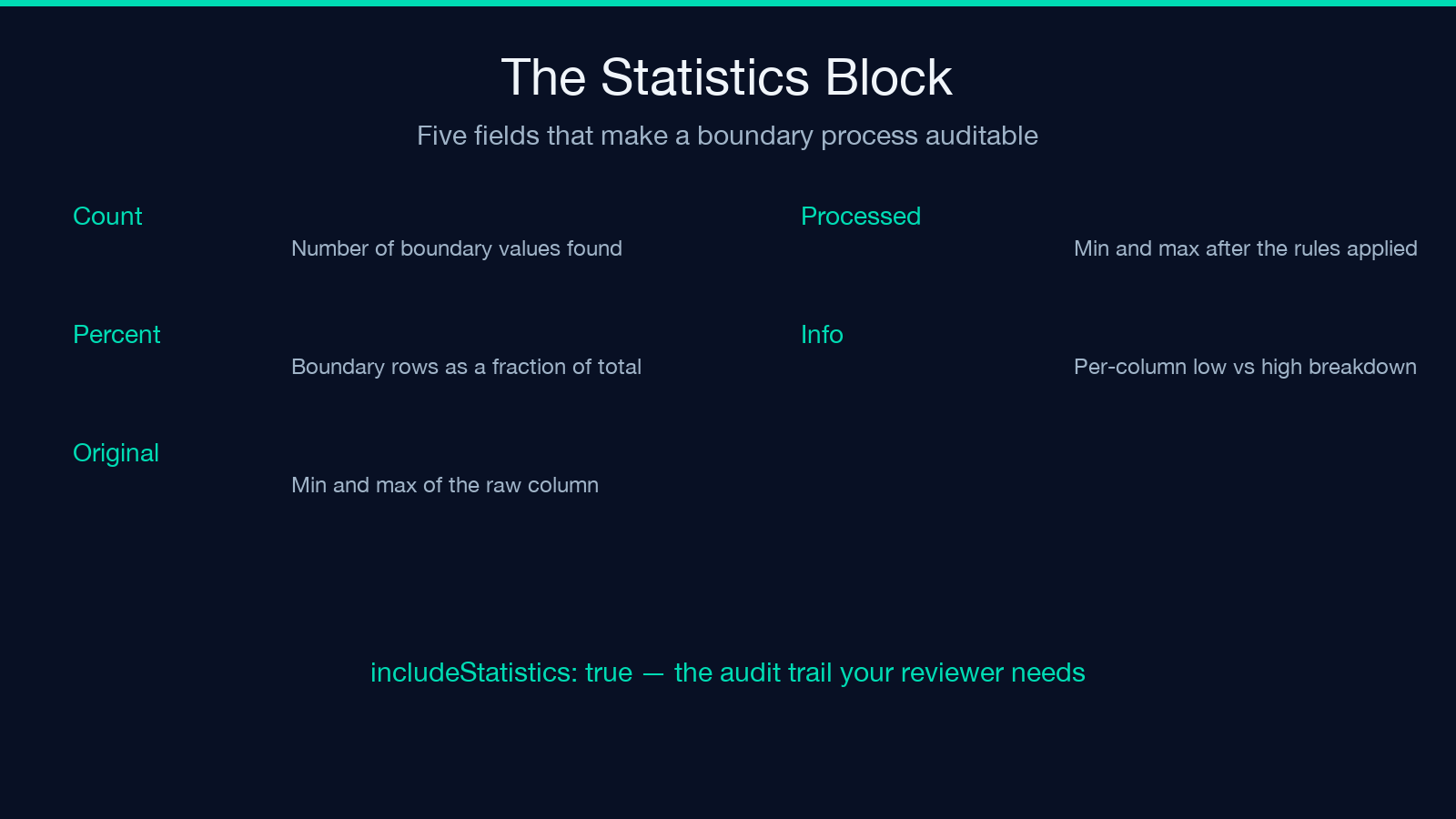
A boundary process that does not produce a statistics block is not auditable. The includeStatistics: true option produces a per-column report with five fields you need to review.
Boundary count. How many values were flagged as boundary values under the configured rules. A row that lands on the boundary once in a thousand rows is statistical noise; a row that lands on the boundary once in ten rows is a measurement problem.
Boundary percentage. The same number as a fraction of the total. This is the number the data quality dashboard shows.
Original bounds. The min and max of the original column. This is the answer to “what was the dataset like before we applied the boundary rules?” — the answer your reviewer needs to know whether the rules captured the real outliers.
Processed bounds. The min and max after the boundary rules were applied. This is the answer to “what is the dataset like now?” — the answer your downstream model needs.
Boundary info. A per-column breakdown of which values were flagged low, which were flagged high, and which handling strategy was applied to each. This is the answer to “what did the policy actually do?” — the answer your reviewer needs to know whether the policy you wrote down matches the policy that ran.
The statistics block is the difference between a boundary process that an engineer can audit and a boundary process that is a one-line transformation in a notebook nobody can read. Run it with includeStatistics: true every time and review the report before the dataset ships to the next pipeline.
A Real Workflow: From Raw CSV to Auditable Cleaned Dataset
The fastest way to see the boundary decisions land is to take a CSV with one obvious outlier column and run the pipeline end-to-end.
1. Paste the CSV into the tool. The first column is auto-detected as numeric; the rest are auto-detected in the same way. 2. Pick the boundary method. For a sensor column, absolute threshold from the datasheet. For a log-normal column, percentile. For a Gaussian column, standard deviation. 3. Pick the handling strategy. Clip for noisy measurements, remove for data entry errors, replace for missing values, transform for fat-tailed distributions. 4. Toggle asymmetricMode: true if the floor and ceiling draw from different sources of authority. 5. Toggle markBoundaryValues: true if you need the audit trail. 6. Toggle includeStatistics: true if a human will review the result. 7. Run, copy the cleaned CSV, and paste the statistics block into the data dictionary.
The pipeline is reproducible, reviewable, and the boundary decisions are written down in the data dictionary for the next person who inherits the dataset. Open the processor directly at Elysia Tools.
What the Boundary Processor Is Not
The processor is a numerical boundary tool, not a categorical boundary tool and not a missing-value imputation tool. It does not flag rare categories in a categorical column. It does not infer missing values from neighboring rows. It does not detect schema drift.
For categorical boundaries, you need a frequency-based outlier detector. For imputation, you need a missing-value processor (regression, KNN, or listwise deletion). The processor’s job is to declare the boundary on a numeric column, apply the chosen handling strategy, mark the affected rows, and report the statistics — the four preconditions for every downstream consumer that needs to know which values were policy and which were data.
Browse more data cleaning and validation tools at elysiatools.com.