
Why Your XML Output Looks Wrong to a Stranger: A Field Guide to XML Formatter
The XML you generated on your machine is valid. When you paste it into someone else’s diff tool, the diff is ninety-eight percent noise — every line moved, every attribute reformatted, every comment reflowed. Nothing about the document changed. The serializer did.
XML has two layers. One is the data model: an element can contain a child element, an attribute, a text node, a CDATA block, a processing instruction, a comment. The other is the serialization: how those primitives are arranged on disk — which indent, which quote style, whether comments survive, whether whitespace is collapsed. Most teams only ever think about the first layer. The second one is where surprise lives.
A formatter that understands both — and exposes the choices the underlying standards leave undefined — is the difference between an XML payload you can hand to a third party and an XML payload that triggers a four-message thread about indentation.
What the formatter has to handle that the parser leaves alone
A spec-compliant XML parser reads <root><a>1</a><b>2</b></root> and a multi-line indented form of the same document as semantically identical. The whitespace between <a> and <b> is text content the parser preserves but most consumers ignore, while the indentation outside the elements is sometimes significant, sometimes not.
A formatter that respects “preserve comments and CDATA” has to recognize that a comment node and a CDATA block are not the same kind of node as a child element. They round-trip through a parser unchanged but they appear quite differently in the output. The XML Formatter that ships with Elysia Tools handles these by walking the DOM after parsing, which means each node type gets its own serialization rule:
– Element with no children serializes as <tag /> — a self-closing tag, with a space before the slash by convention. – Element with exactly one text child collapses inline: <tag>text</tag> rather than three lines. – Element with multiple children expands across lines, one child per line, at the configured indent depth. – Comments, CDATA, and processing instructions (the <?xml ?> declaration) pass through unchanged when comment preservation is on.
The pattern matters because the alternative — a regex-based pretty-printer — has no way to know whether an opening-angle-bracket inside a CDATA block is an element or markup. The DOM walk disambiguates each node at a single point in the code, and the serializer is then mechanical.
The two modes are not inverses of each other
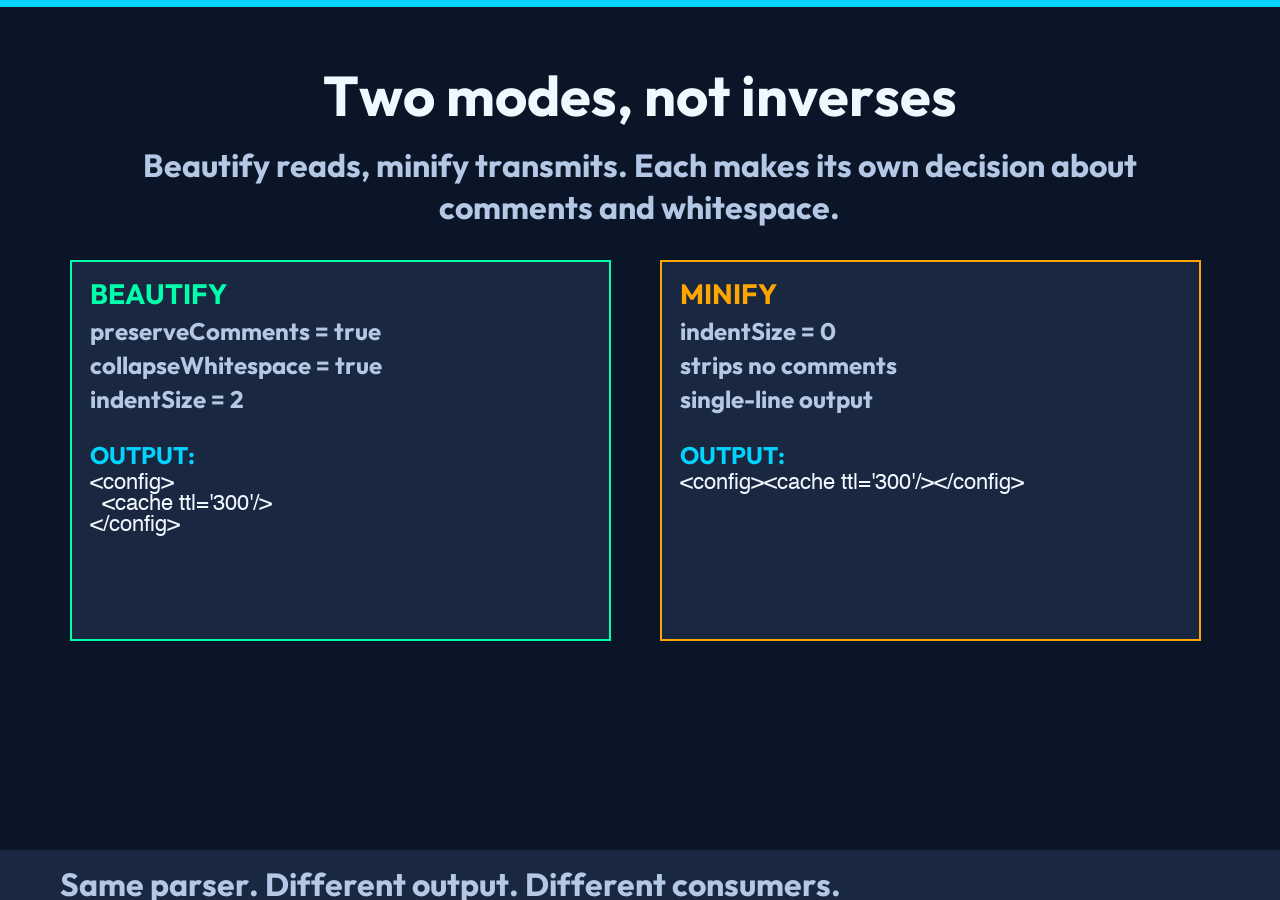
A typical formatter exposes beautify and minify as options. Most users assume minify removes indentation and beautify restores it. The work the formatter performs in each mode is different, and the difference shows up in three places.
First, comments. Minify strips no comments, because the formatter does not know which comments your downstream consumer will reject. Beautify preserves them by default, because the engineer reading the file three months later needs them. The preserveComments toggle flips that decision explicitly.
Second, whitespace inside elements. With collapseWhitespace on (default), the formatter folds any run of whitespace between tags into a single space, then trims the leading and trailing space. Off, every newline and space in your input passes through. For handwritten XML, on is what you want. For pipeline output that another tool will re-parse, on is also what you want. The inverse is rare.
Third, indent unit. The choice between two spaces and four spaces is dictated by the receiving codebase, not by what feels natural. Setting indentSize to 0 produces single-line output. Setting it to 8 produces the kind of file that scrolls horizontally on a 13-inch laptop. Two is the default because most language formatters ship with two; but the receiving team’s pom.xml or .editorconfig may disagree.
The combined effect: beautify produces a file you can read, minify produces a file you can transmit. They share the same parser; they produce different output. Treat them as two tools.
A real input and what the formatter does to it
Consider a SOAP envelope that arrived on a staging server with a config dump:
A regex pretty-printer sees the angle brackets and prints newlines between every tag. The result is a file that is technically valid and visually unreadable.
The DOM-aware formatter parses the document first, then serializes it. Three things happen.
The single-text-child optimization kicks in for the credentials element. The element has no element children, so it serializes as a self-closing tag with both attributes on one line.
The cache and database elements become line-broken with two-space indent — but the attributes on each tag are kept together, not one per line, because the formatter only line-breaks between elements, not within an opening tag.
The whitespace between the config opener and the database opener is collapsed. The space between the database closer and the cache opener is collapsed. The text content of any text-child element is escaped (the ampersand character becomes the entity shown as &, the less-than becomes <).
The output reads cleanly. The data is identical. A diff against the original input shows that every line in the output maps to a position in the input — no structural surprises.
When the formatter is the wrong tool for the job
A formatter is a serializer, not a transformer. Three tasks look adjacent to “format XML” but are not.
Schema validation. A formatter parses for well-formedness only; it does not check that the document conforms to an XSD or DTD. If you need to know that <order> is supposed to contain exactly one <shipping> element, run an XML Schema validator against the output.
Round-trip preservation. A formatter that walks the DOM and re-serializes cannot preserve every detail of the input. Comment whitespace, attribute quote style, namespace prefixes, entity reference style — each is a serialization choice that the formatter makes once for the whole document. If you need byte-for-byte preservation, diff the original against the round-tripped output and accept the differences that matter.
Querying. If the goal is to extract one element from an XML document, a formatter is two steps doing one job. An XPath query, or a JSON conversion pipeline, gets you to the same answer faster.
These are not flaws of the formatter; they are the boundaries of its responsibility. Knowing where the formatter stops is half of using it well.
What the metadata tells you that the result string does not
The XML Formatter returns a metadata block alongside the formatted string. Three numbers carry most of the diagnostic value:
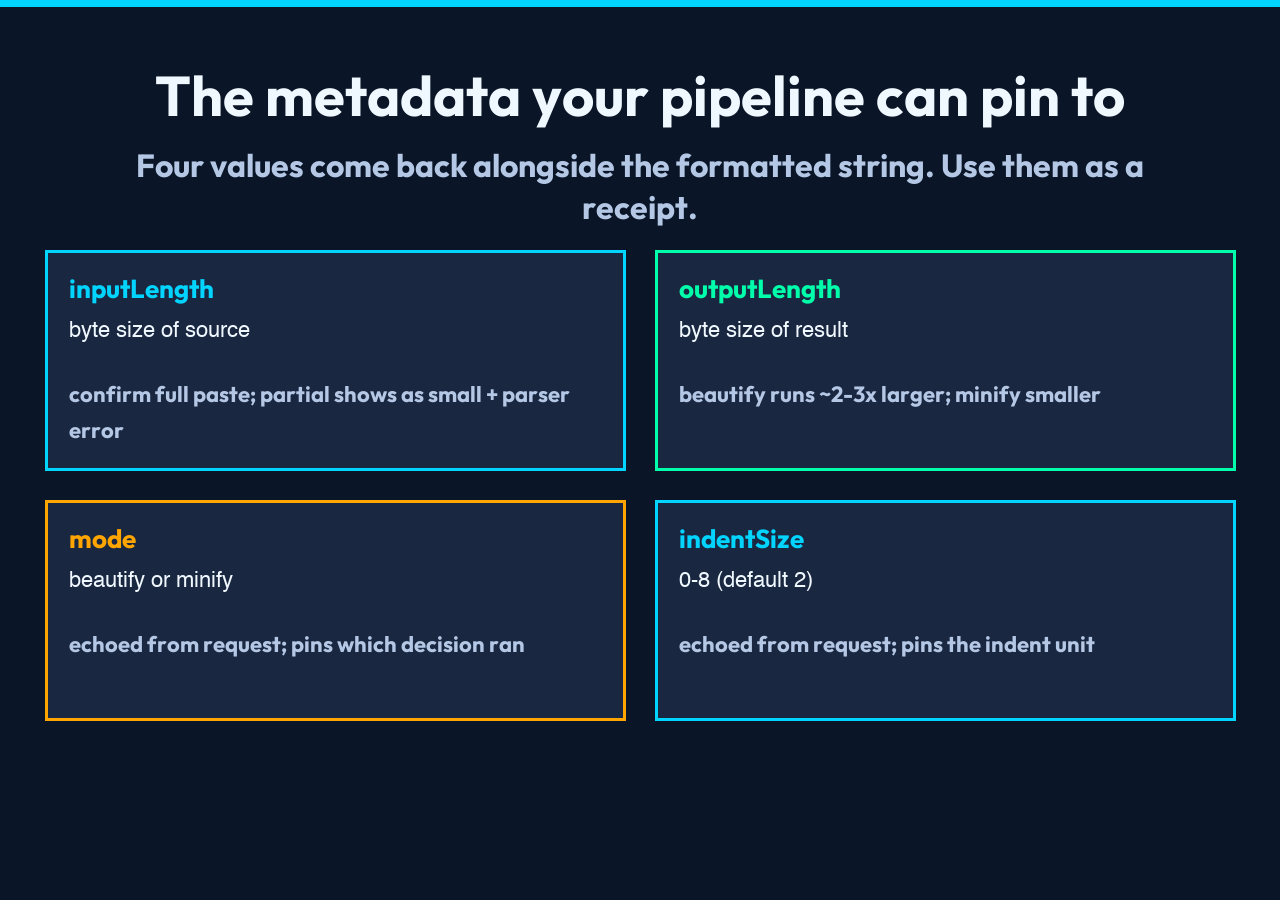
– inputLength — the byte size of the input. Useful for confirming you pasted the whole document; a partial paste usually shows up as a small inputLength paired with a “missing closing tag” parser error. – outputLength — the byte size of the formatted result. A beautified document is larger than the input by a known factor (roughly two to three times for typical input); a minified document is smaller. Either of those is a sanity check that the formatter ran. – mode and indentSize — echoed from the request, but pinned to the metadata so a downstream pipeline can verify which options produced the output it just received.
A pipeline that stores these alongside the formatted payload can re-run the formatter with confidence that the inputs match the assumptions. A pipeline that stores only the result string has no record of which decisions produced it.
When comments carry the file
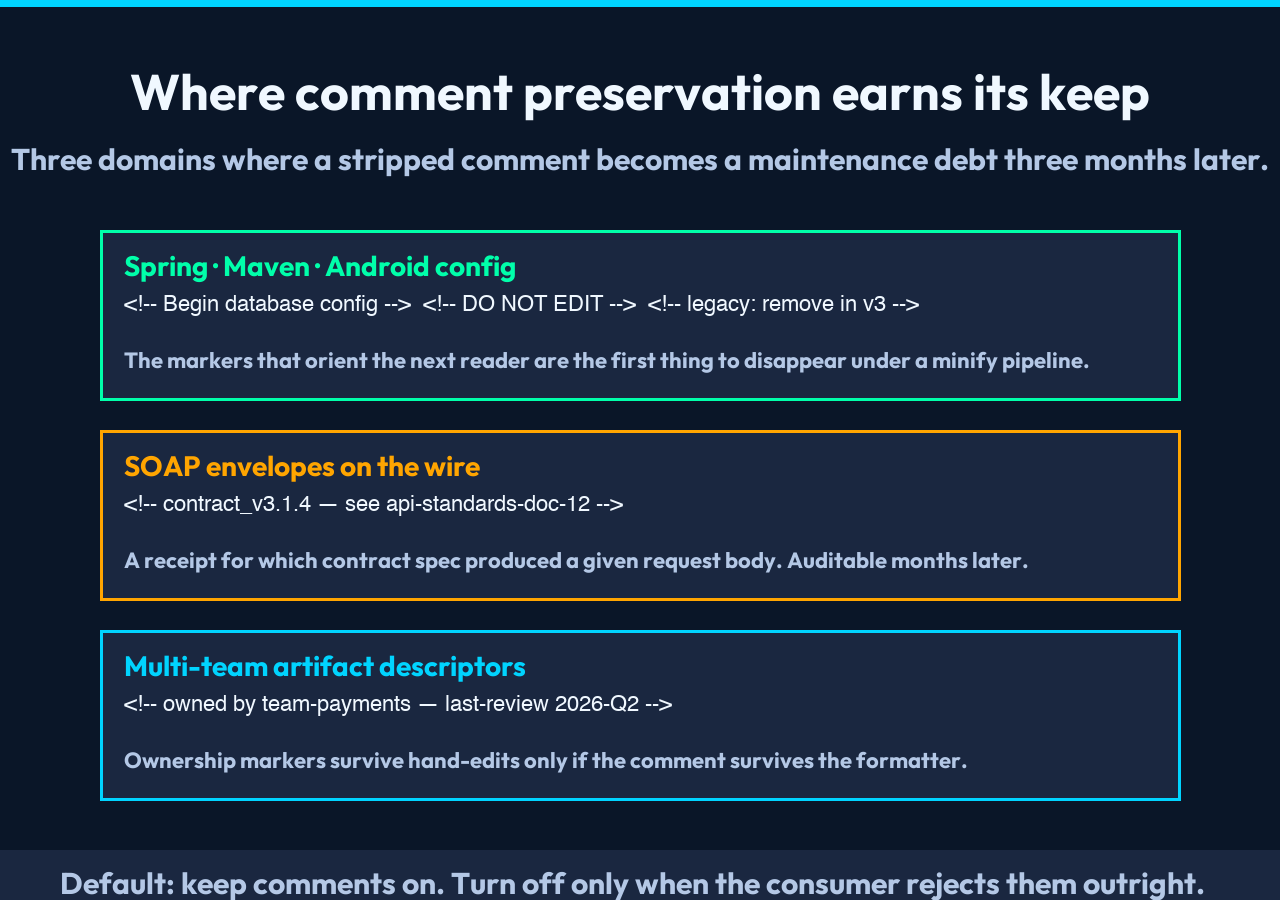
There is one XML domain where comment preservation is not optional: configuration files. Hand-edited .xml resources for Spring, Maven, Android, and many enterprise integration tools rely on comments to mark sections — section headers, “DO NOT EDIT” markers, “legacy, will be removed in v3” flags. Strip those comments during a beautify pass and you have made the file less maintainable, not more.
The default behavior of preserving comments is the right call for those files. It is also the right call for the SOAP envelopes that travel between systems as evidence of API contracts, and for the Maven project descriptors that integrate six teams into a single artifact. Set preserveComments=false only when the consumer will reject comments outright, which is rare. The default is on.
A closing note on what the formatter protects you from
XML is one of the few data formats that has worked, unchanged, for thirty years. That longevity is a property of the spec being precise about what an XML parser must accept and silent about what a serializer must produce. The formatter inherits the silence. It resolves it: a single consistent decision per file about indent, comments, whitespace, and self-closing tags. The decision is yours, made once via four toggles, then applied uniformly to every document the formatter sees.
When the formatter produces output that another team can diff against a clean check-in, the value is not in any one indentation choice. The value is that no one has to wonder whether the choice was accidental.
