
The Ampersand That Broke the Feed: A Field Guide to XML Escape / Unescape
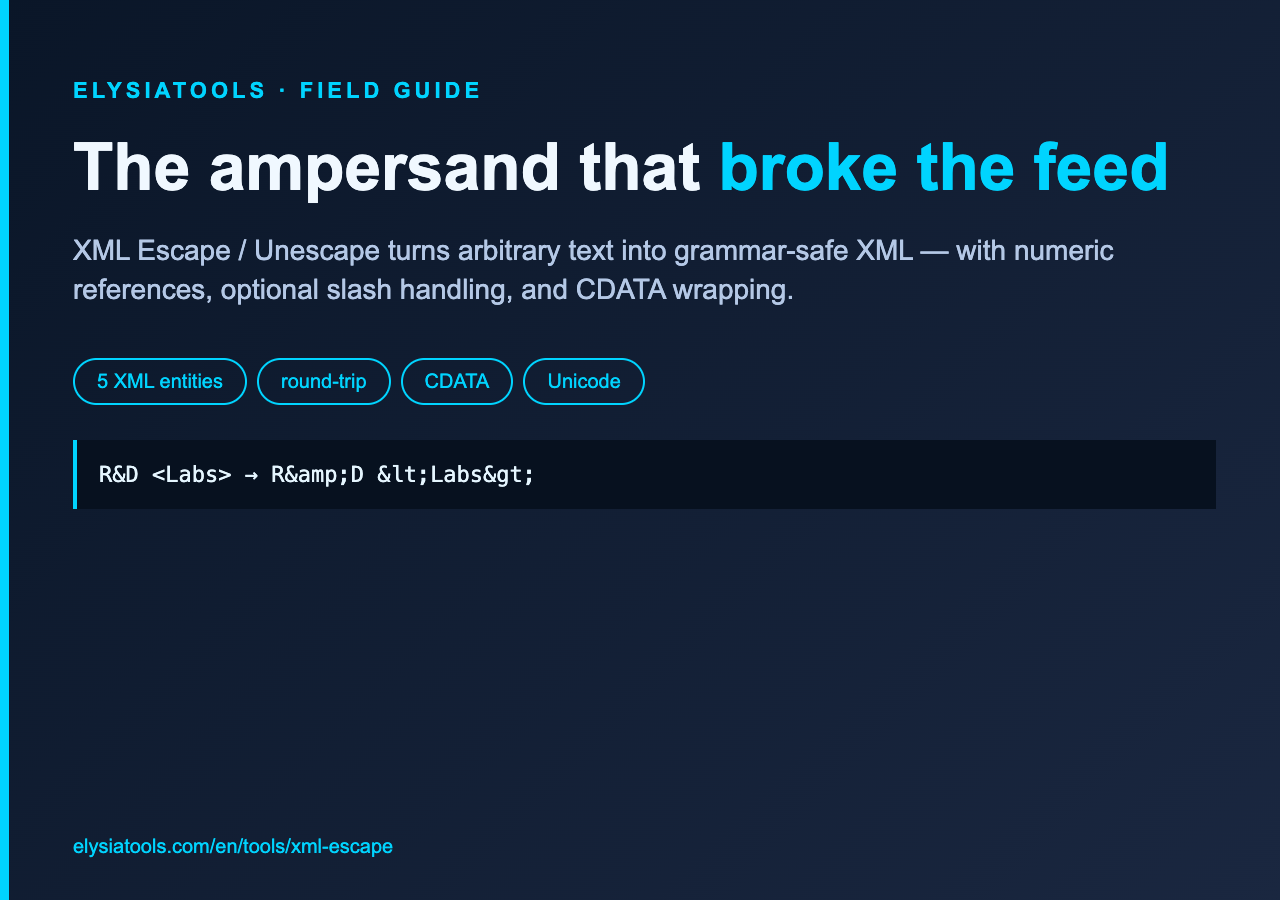
A product name arrived as “R&D Labs,” with the lab name wrapped in angle brackets. It looked harmless in a spreadsheet and destroyed an XML import because the ampersand started an entity while the brackets started an element. The failure was not an XML-parser mystery. It was a boundary mistake: text had crossed into markup without being encoded for that context.
The practical lesson is small but durable. Escape text when it enters XML, preserve deliberate markup as markup, and unescape only at a boundary where the result will remain data. The XML Escape / Unescape tool on Elysia Tools makes those transformations visible, including the less common numeric-reference and CDATA paths.
XML has five characters that change the grammar
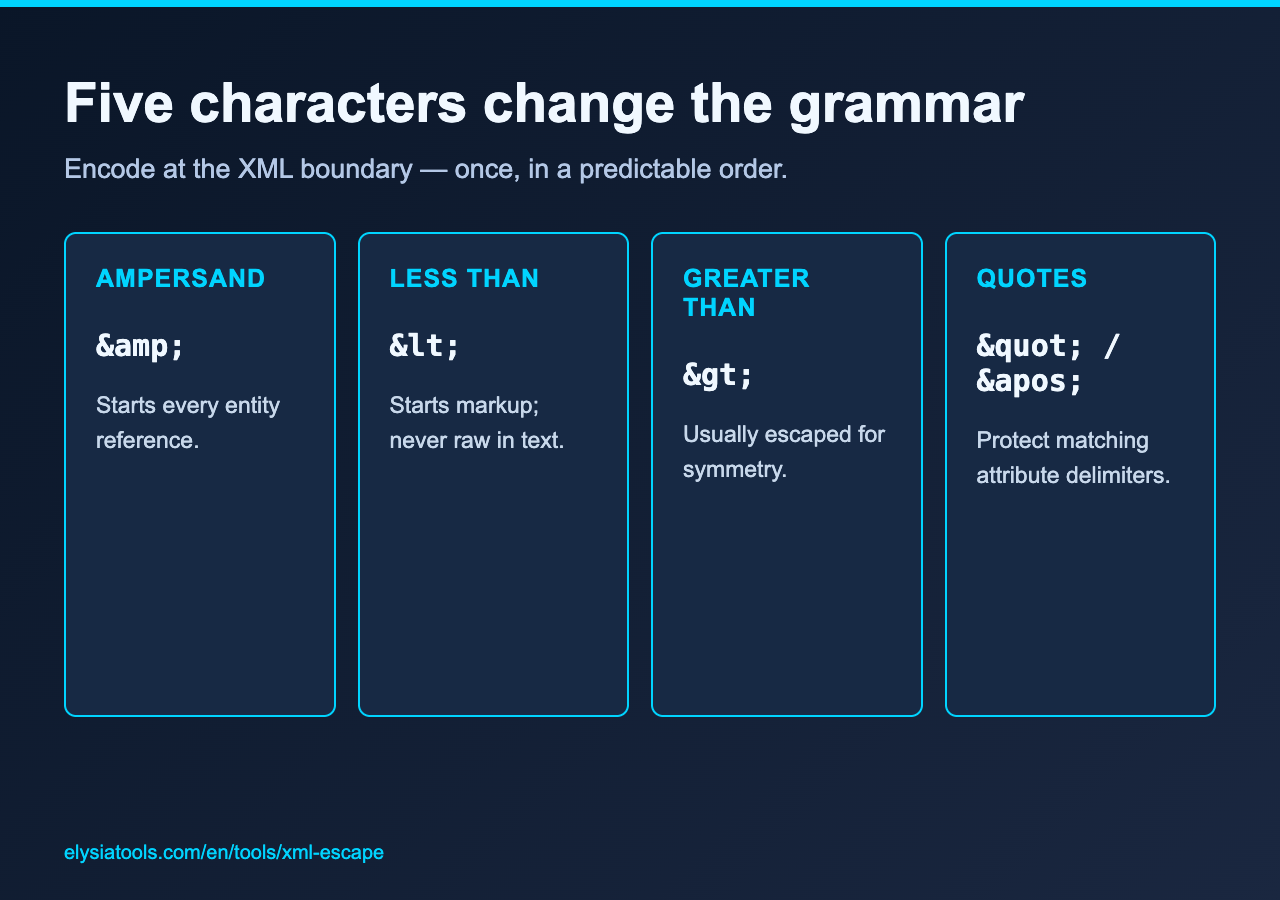
XML reserves five characters in text and attributes. An ampersand becomes &; a less-than sign becomes <; a greater-than sign becomes >; a double quote becomes "; and an apostrophe becomes '. Quotes matter most inside matching quoted attributes, but consistently escaping them is a defensible default for generated fragments.
The order matters in an encoder. The implementation behind the tool walks the input one character at a time, so an ampersand introduced by one replacement is never escaped a second time. A chained replacement routine that handles the less-than sign first and ampersands last can turn < into &lt;, changing one encoding pass into two.
Escaping and unescaping answer opposite questions
Escape mode asks, “How can this exact text survive inside XML?” Unescape mode asks, “What text does this entity sequence represent?” Those are not interchangeable cleanup operations.
Consider the visible label “R&D Labs,” with Labs surrounded by angle brackets. Escape mode produces R&D <Labs>. An XML parser then returns the original label as text. Unescape mode reverses recognized named or numeric references. Run it too early, then concatenate the result into markup, and the same dangerous characters are live again.
That is why the safest workflow has explicit boundaries: raw data, encoded XML text, parsed data. Do not repeatedly escape a value “just in case.” The tool reports original length, result length, and escaped count, which makes accidental double encoding easier to spot.
Optional quote and slash handling changes the contract
The source defaults to escaping quotes and leaves forward slashes alone. Enabling slash escaping emits the numeric reference /. That option can be useful in a stricter downstream policy, but it is not required by XML 1.0 itself. Treat it as a transport or defense-in-depth convention rather than a universal XML rule.
This distinction matters in reviews. A string containing a slash is not invalid XML text. A string containing a bare ampersand may be. Configuration should document whether it targets XML correctness, a surrounding HTML context, or an application security policy. The live tool lets you compare the exact output before that policy becomes production code.
Numeric references preserve non-ASCII without changing meaning
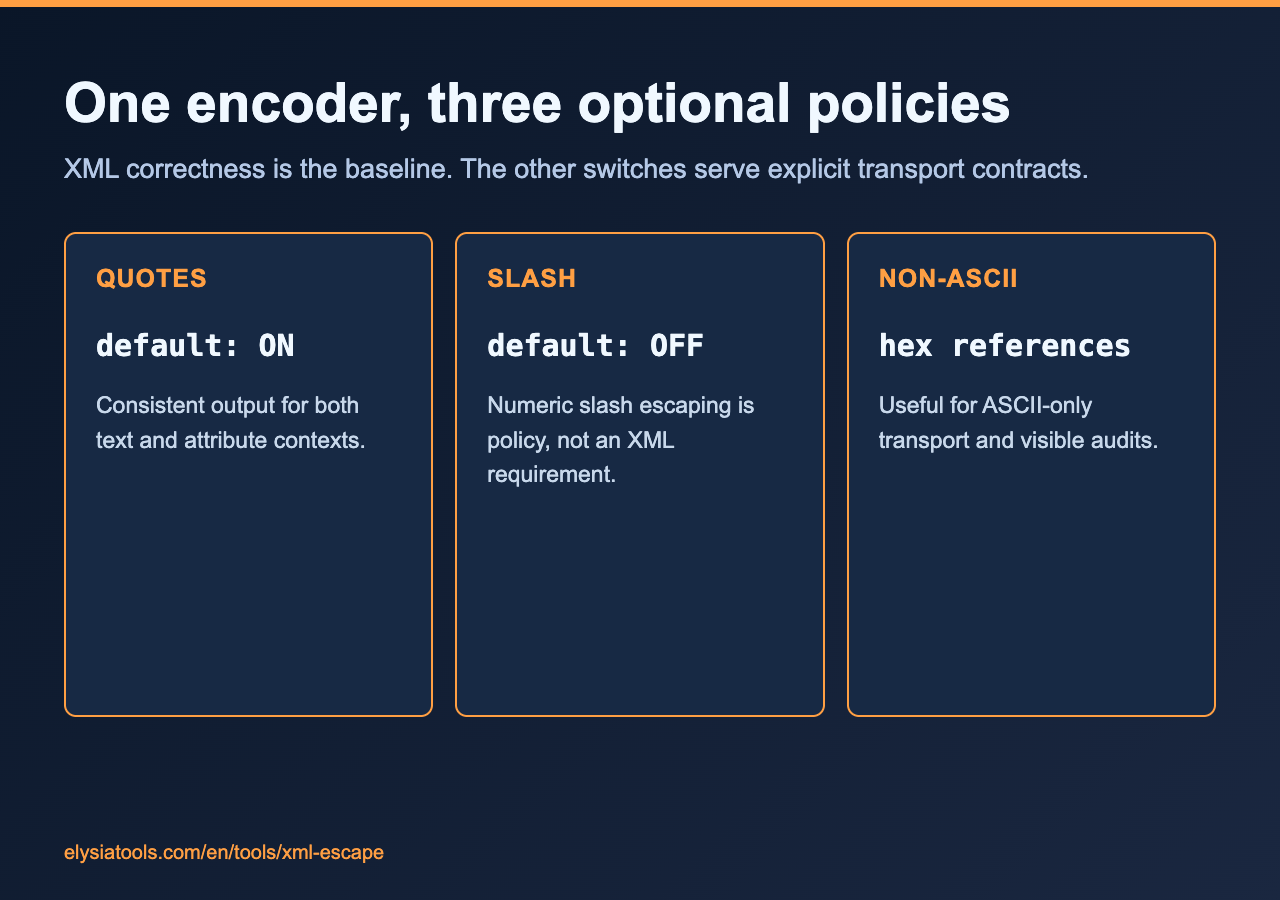
With numeric non-ASCII conversion enabled, the implementation emits hexadecimal character references using uppercase digits. A character such as é becomes é. Emoji and other code points are handled by code point rather than by an individual UTF-16 code unit, avoiding the classic surrogate-pair split.
Numeric references are useful when a legacy transport is nominally ASCII-only or when an audit requires every non-ASCII character to be visible in source. They do not make Unicode safer by themselves. UTF-8 XML already carries international text cleanly when the declaration, bytes, and parser agree. Use numeric mode to satisfy a concrete boundary, not to make documents harder to read.
CDATA is a container, not a universal escape hatch
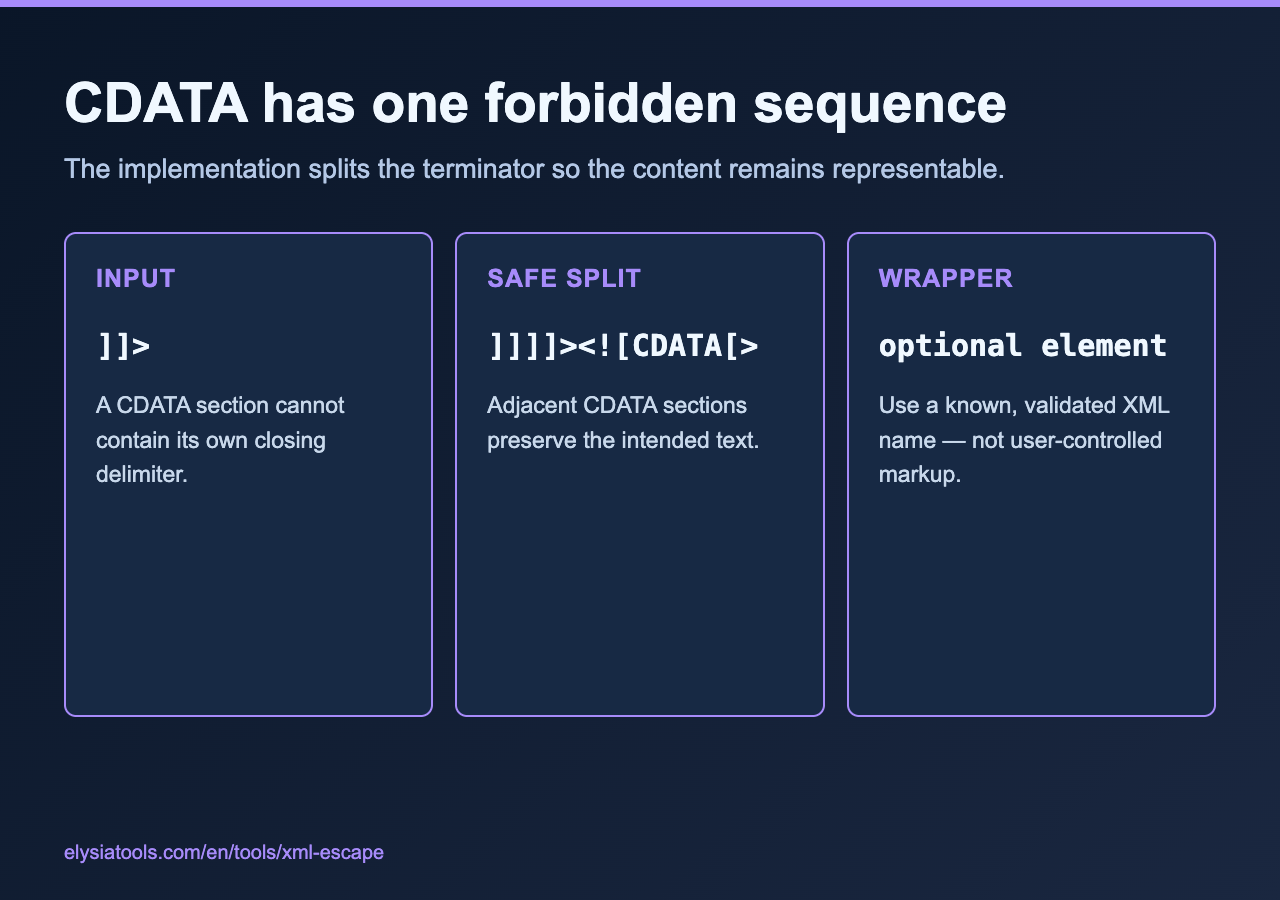
CDATA says that most characters inside a section are text rather than markup. The tool can wrap escaped output in CDATA and can optionally place that section inside a named element. Its implementation also handles the one forbidden CDATA terminator by splitting it across adjacent sections.
There is an important nuance: this tool escapes the text first, then wraps the escaped result. That produces safe, literal entity text inside CDATA rather than using CDATA as an alternative to entity escaping. Inspect the output and choose the mode your consumer expects. If the receiving system expects raw angle brackets inside CDATA, a different workflow may be appropriate.
The optional element name is inserted as the wrapper tag. Use a known, validated XML name from your application rather than user-controlled text. The interface limits its length, but length alone is not XML-name validation.
A worked boundary test catches more than a happy path
Test with one string that exercises every branch: an ampersand, both quote types, angle brackets, a slash, a non-ASCII letter, and the CDATA terminator. Run escape mode once with defaults, once with numeric conversion, and once with CDATA enabled. Then unescape each result and compare it with the intended text.
Also test an already encoded value such as R&D. If escape mode returns R&amp;D, that is expected: the input ampersand is data to the encoder. The correct fix is to define ownership of encoding, not to make the encoder guess whether an entity-looking sequence is intentional.
Where this belongs in a real pipeline
Use escaping immediately before serializing trusted data into an XML text or attribute position. Keep the unescaped value in your domain model. Parse received XML with a real XML parser, then treat extracted text as data. Avoid regex-based parsing, and never use unescape as a substitute for parsing or sanitization.
For small transformations, the XML Escape / Unescape page is a useful inspection bench. For an application, copy the boundary rules rather than browser output: one owner for encoding, one encoding pass, explicit character policy, and round-trip tests. You can explore adjacent format-conversion utilities at elysiatools.com.
The boundary rule worth keeping
XML escaping is not cosmetic cleanup. It is a type conversion from arbitrary text into text that can occupy an XML grammar position. Once that boundary is explicit, the recurring bugs become easier to diagnose: double encoding means two owners, raw delimiters mean no owner, and premature unescaping means the boundary moved. Use the tool to inspect the bytes and entities, but let a written pipeline contract decide when each transformation happens.
