
An image-to-design-tokens workflow starts with k-means clustering on the pixels themselves, then turns the dominant colors into the exact CSS, SCSS, Tailwind config, or JSON your design system already speaks. Most teams pick a brand color from a mood-board JPEG, paste a hex into a theme.ts, and discover a year later that the value in code does not match the value on the marketing site. That gap closes the moment you treat the source image as data instead of decoration. The free Image Palette to Design Tokens tool runs k-means over the downscaled pixels, names each cluster with its population percentage, and emits a Tailwind-ready theme.extend.colors object, a :root { --brand-primary } block, a SCSS variable file, or a Style-Dictionary JSON — all from the same image.
What k-means actually does on an image
K-means is an unsupervised clustering algorithm. For color extraction you treat every pixel as a point in a 3-D RGB space, pick k initial centroids, assign each pixel to its nearest centroid, then move each centroid to the mean of its assigned pixels. Repeat until the centroids stop moving or a step count is reached. The output is k representative colors and a per-pixel assignment that tells you how much of the image each color owns.
For a design-token workflow you usually want k between 3 and 8. Going to 12+ starts to split a single perceptual color into its highlights and shadows — useful for photorealistic work, but it fragments the brand palette you actually want to ship. The tool offers 3 / 5 / 8 / 12 cluster options so you can see the trade-off without rebuilding the analysis.
The input is a regular PNG, JPG, WebP, GIF, or AVIF. The tool downsamples it before clustering so the k-means pass runs in milliseconds even on phone-sized hero images. You upload once, see the palette immediately, and the format conversions are pure string formatting — no extra round-trip.
Why naming matters as much as the hex value
A hex value is not a design token. A token is a name plus a value plus a role. The tool lets you set a token prefix (brand, app, acme) and choose between color1/color2/… or semantic names (primary, accent, surface). The population percentage gives you the cluster weight so you know which token represents the dominant color of the source image.
In practice this means the brand site hero image produces a palette where brand-primary has 42% population, brand-accent has 18%, and the rest are below 10%. When you wire that into Tailwind, every bg-brand-primary class instantly matches the hero. When a designer later swaps the hero image, you re-run the tool and the token names persist — only the hex values shift.
The other naming choice is the shade scale. For every cluster color the tool can generate a 50–950 Tailwind-style ramp by holding hue and saturation constant and stepping lightness. That gives you brand-primary-50 (a near-white tint) through brand-primary-950 (a near-black shade) with no further work. Drop the result into tailwind.config.js and every utility is already there.
Picking the right output format for the team
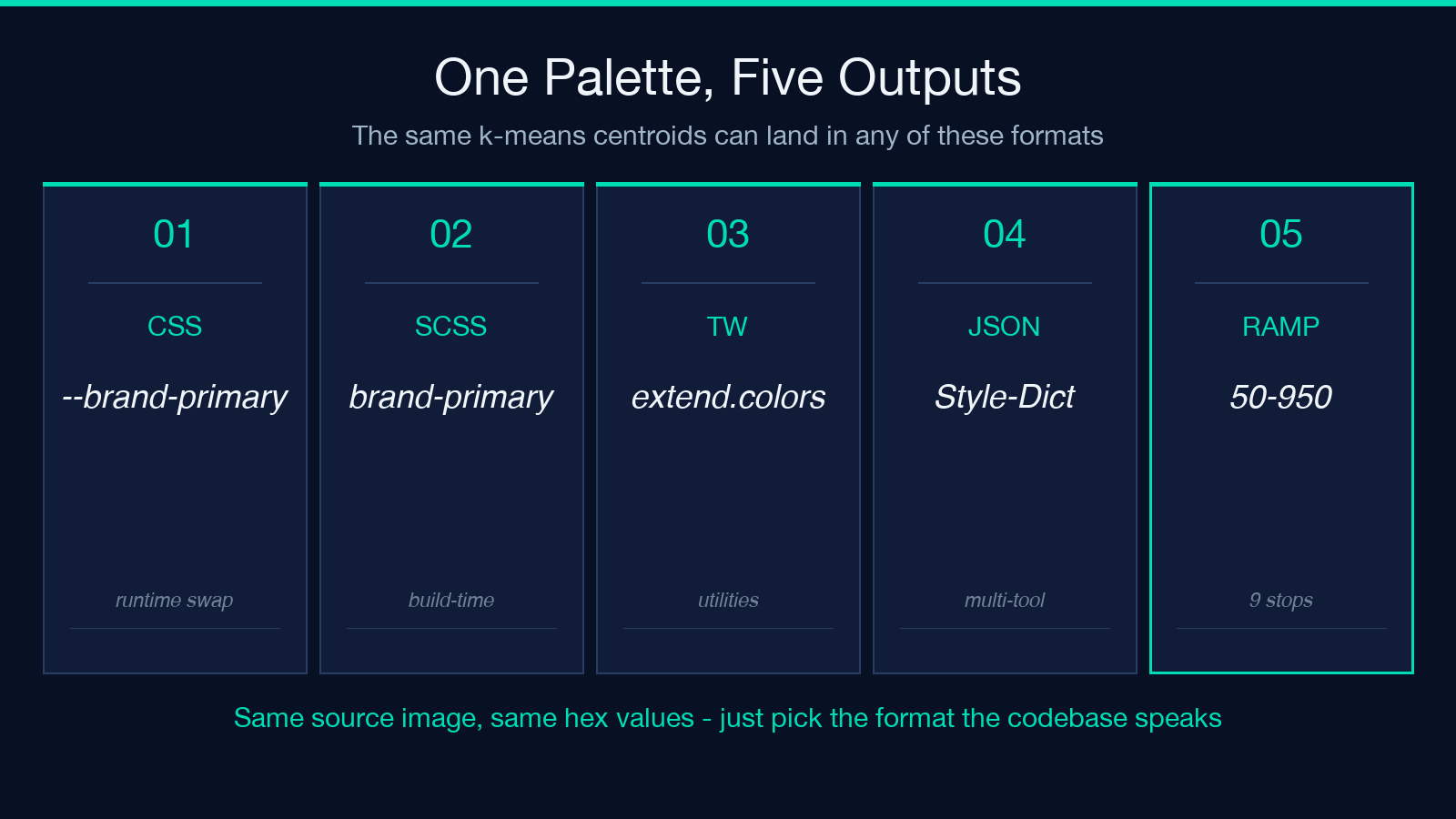
Different teams consume tokens differently. Frontend codebases want CSS variables so a var(--brand-primary) works in plain CSS. SCSS projects want $brand-primary so a compile step can inline the value. Tailwind projects want theme.extend.colors so utility classes just appear. Design-system tooling — Style-Dictionary, Tokens Studio, Theo — wants the W3C-DTCG-style JSON tree.
The tool emits all four in one pass. You paste the format that matches your repo and delete the others. There is no server, no API key, no saved upload — the conversion happens in the page, the strings are returned as plain text, and you copy what you need into the file you need it in.
CSS variables versus SCSS variables for the same palette
The CSS-variables output is a flat :root { --brand-primary: #...; --brand-primary-500: #...; } block that any modern browser reads at runtime. The SCSS output is a flat $brand-primary: #...; $brand-primary-500: #...; block that the SCSS compiler inlines at build time. Same hex values, different consumption timing.
CSS variables win when you want runtime theme switching — the browser swaps var(--brand-primary) to a different hex without recompiling. SCSS variables win when you want zero runtime cost — the value is baked into the CSS file and the browser never sees a var() lookup. For dark-mode pairs, CSS variables are usually the right call; for pure performance, SCSS is.
The tool emits both with the same token names so a CSS-variable block and a SCSS-variable block can be generated from the same image and the migration is a var(--x) → $x search-and-replace. That migration only works if the cluster centroids match, which they do by construction — both outputs are the same k-means result formatted differently.
Choosing the source image carefully
The k-means output is only as good as the input. A clean hero photograph with a single dominant subject gives a clean palette. A mood-board collage gives a mixed palette where every cluster is a different mood and the population split is roughly equal — not useful for a brand. A flat-color logo on white gives one cluster plus white, which is technically correct but not a palette.
The sweet spot is the actual marketing surface — the hero banner on the homepage, the cover of the latest PDF, the app icon at full size. The tool exposes the population percentage so you can sanity-check the result: if brand-primary is 60%+ and the rest are below 10%, the source image is doing its job. If everything is 10–15%, the source image is too busy and you should pick something else.
A second pass at a smaller k often helps. If k=8 gives eight colors all in the 8–15% range, try k=3 and see if the dominant three match the perceptual palette you had in mind. Often the k-means answer at low k is exactly what you would have picked by eye.
Where the shade ramp earns its keep
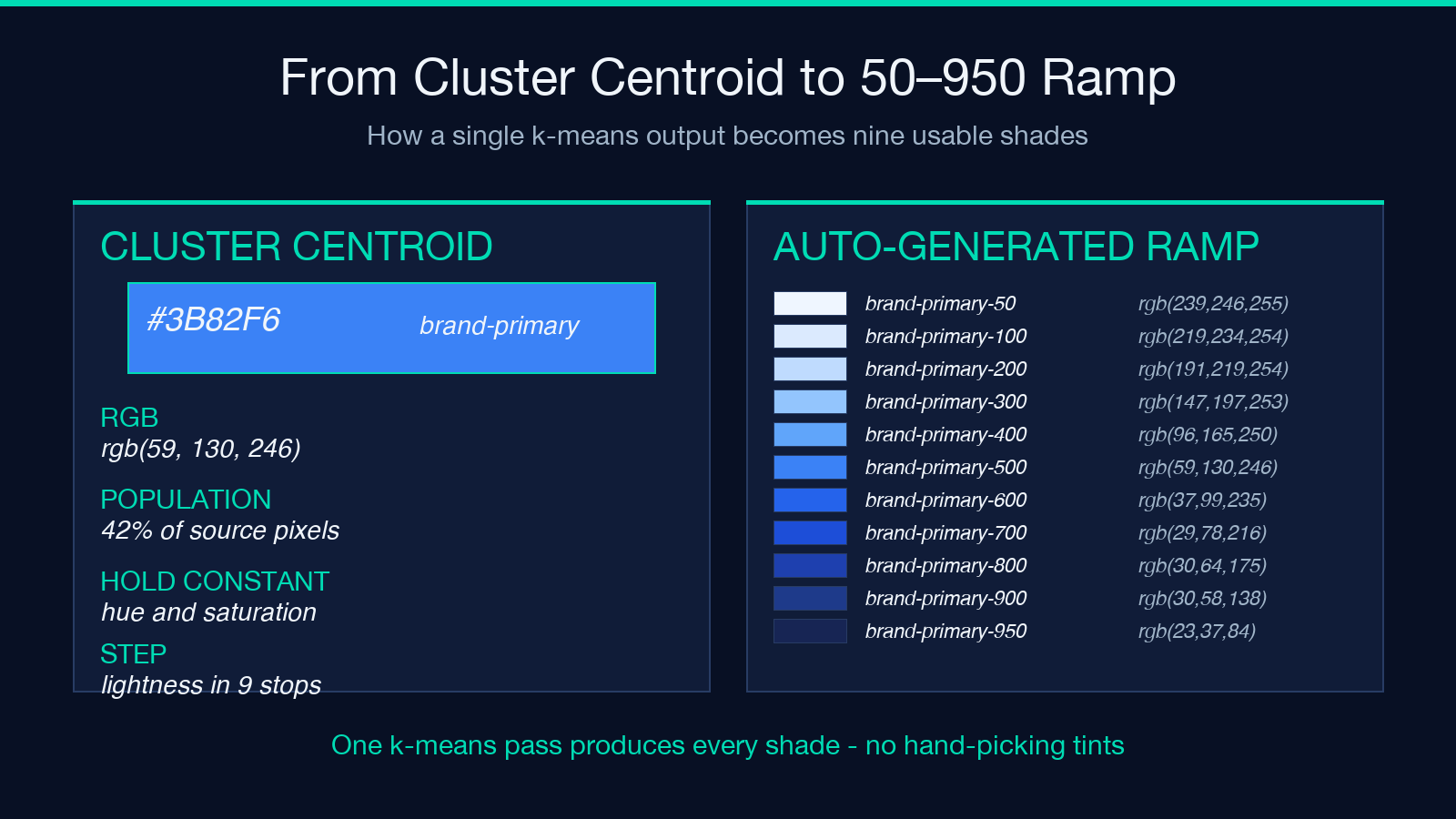
The auto-generated 50–950 ramp is the most under-used part of the tool. Designers hand-tune shades with tools like Coolors or Photoshop color pickers; k-means on the source image plus a lightness sweep gives you a ramp that is provably consistent with the dominant color. There is no separate “is this tint close enough to the brand” review because the ramp is mechanically derived from the same RGB centroid that produced brand-primary itself.
The catch is that mechanical ramps are not always perceptual. Tailwind’s actual ramp uses OKLCH or HSL with hand-tuned curves that maintain perceived contrast across the full scale. The tool’s ramp uses an LCh-style lightness step that gets you 90% of the way there for most use cases. If you need pixel-perfect Tailwind parity, swap the ramp output for the upstream Tailwind palette after copying the cluster centroids into theme.extend.colors as the 500-level anchors.
For dark-mode pairs, the same ramp works in both directions: brand-primary-50 is the light-mode surface tint, brand-primary-950 is the dark-mode surface. Both are derived from the same source pixel and the same lightness step, so the pair is guaranteed to share hue.
When the k-means output needs an accessibility sanity check, the Accessible Color Palette Contrast Checker is the right next step — it computes WCAG contrast ratios for every pair in the palette, so you can confirm brand-primary on brand-primary-50 actually passes AA before you ship it.
Wiring the output into the codebase
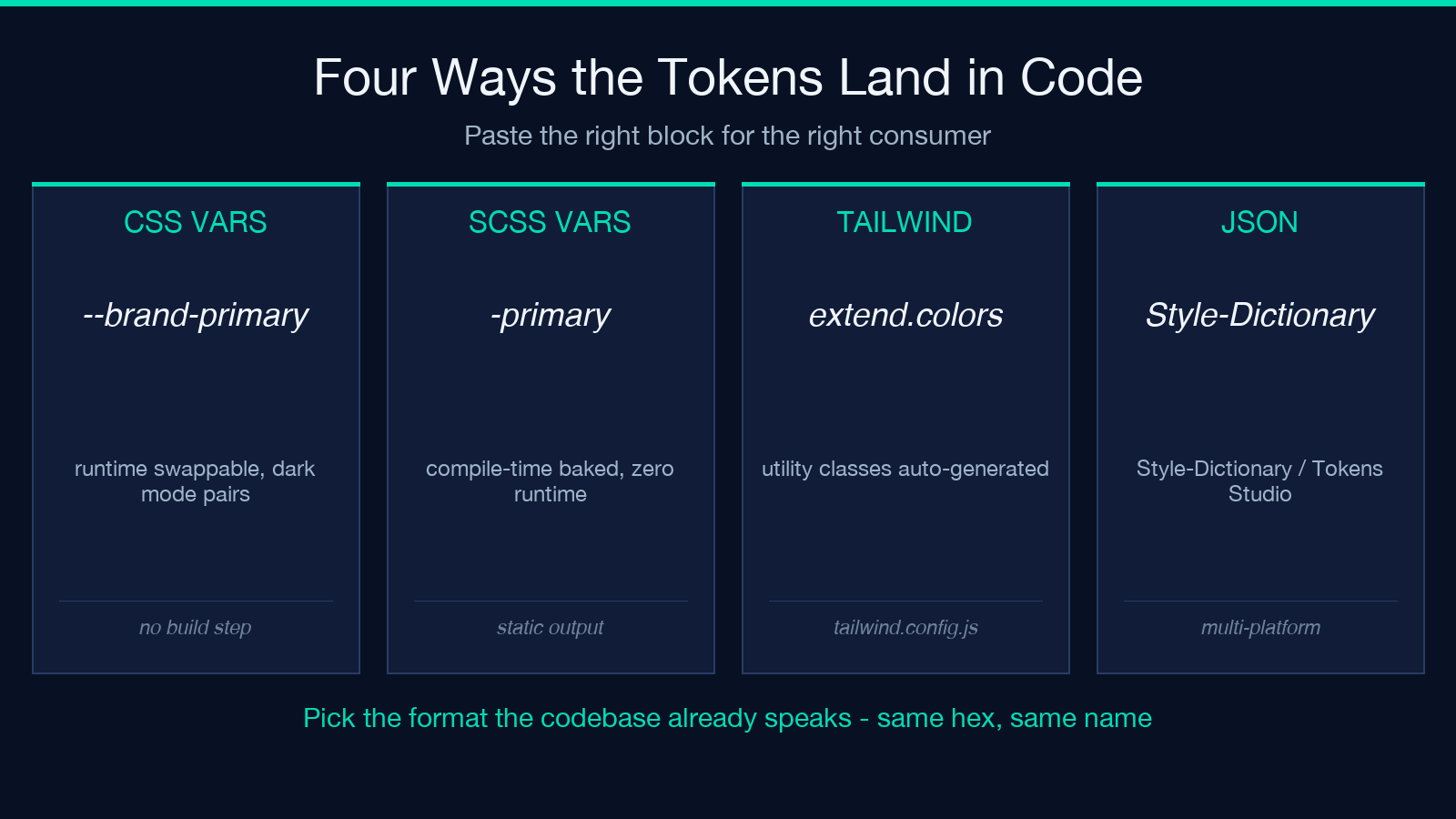
Once you have the JSON or CSS variable string, the wiring is mechanical:
- CSS variables: paste the
:root { ... }block intoapp.cssat the top. Reference asvar(--brand-primary)everywhere. - SCSS variables: paste into
_variables.scss. Reference as$brand-primary. - Tailwind config: paste the
theme.extend.colorsobject intotailwind.config.js. Use asbg-brand-primary,text-brand-primary, etc. - JSON tokens: paste into
tokens/color.base.json. Feed through Style-Dictionary with a build script.
The tool emits the strings with the exact syntax each format expects — no escaping needed, no manual quote fixup, no missing semicolons. You paste, save, and the design system is consistent with the source image.
For an existing codebase that already has tokens, the migration path is: extract the source image that defined the brand, run it through the tool, diff the result against the existing tokens. The diff is usually three or four hex values that drifted because someone tweaked a Photoshop saturation slider. Replace those four values with the k-means centroids and the entire visual identity snaps back to the source image.
When to skip the tool entirely
K-means is not the right tool for every color decision. Accessibility pairs (text on background, foreground/background contrast) need WCAG-validated contrast ratios that k-means has no opinion on. Print-CMYK conversion needs a color-managed ICC profile. Brand colors that come from a corporate identity guide are authoritative regardless of what k-means finds in the marketing image.
For those cases the right move is to keep the manually-chosen tokens in the design system and use the Image Palette to Design Tokens tool only for inspiration or for secondary palettes that complement the primary brand. Treat the tool as a fast-path for the 80% of palettes that are image-derived, not as a replacement for the manual decisions a designer already made.
For the 80%, the loop is short: drop in the hero image, pick a cluster count, copy the output into the right format, commit. The whole thing takes a few minutes and produces a design system that is provably consistent with the source of truth — the actual marketing image the brand ships with.
Explore more design-focused tools at elysiatools.com.
