A good table is a small interface. When readers can scan columns, compare values, and copy the result without repairing stray pipes, the document has done its job. Markdown Table Generator turns CSV, JSON, or array-shaped data into formatted Markdown while keeping the decisions visible: headers, alignment, widths, and merge hints.
Start with the shape of the data
The fastest way to get a poor table is to begin by tweaking punctuation. Begin with the data model instead. A row should represent one comparable item, and each column should have one stable meaning. If one row contains a comment while another contains a second record, no formatter can make the result genuinely clear.
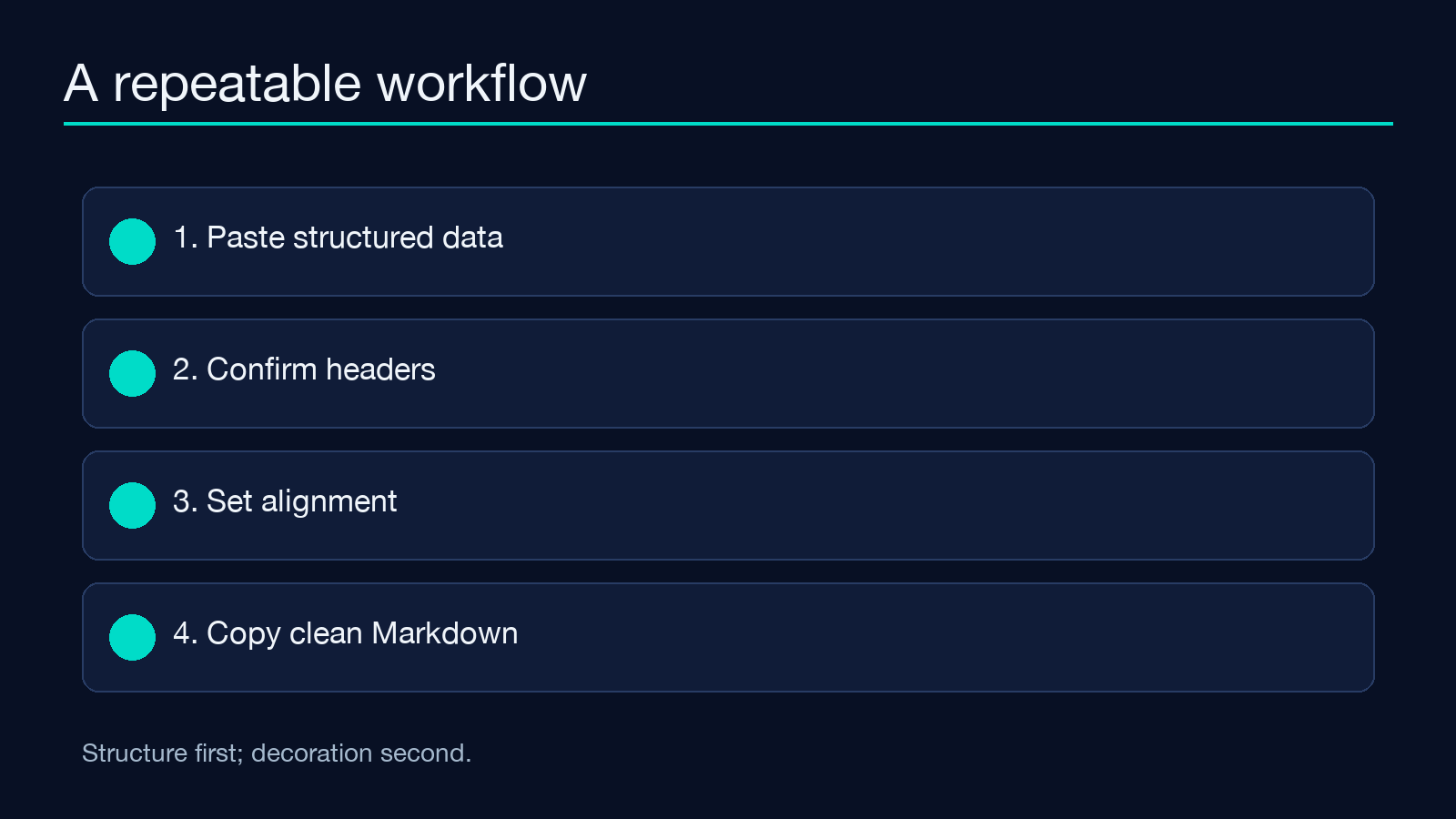
The Markdown Table Generator accepts common structured inputs and gives you a preview before you commit the output to documentation, README files, or issue trackers.
Pick the input that preserves intent
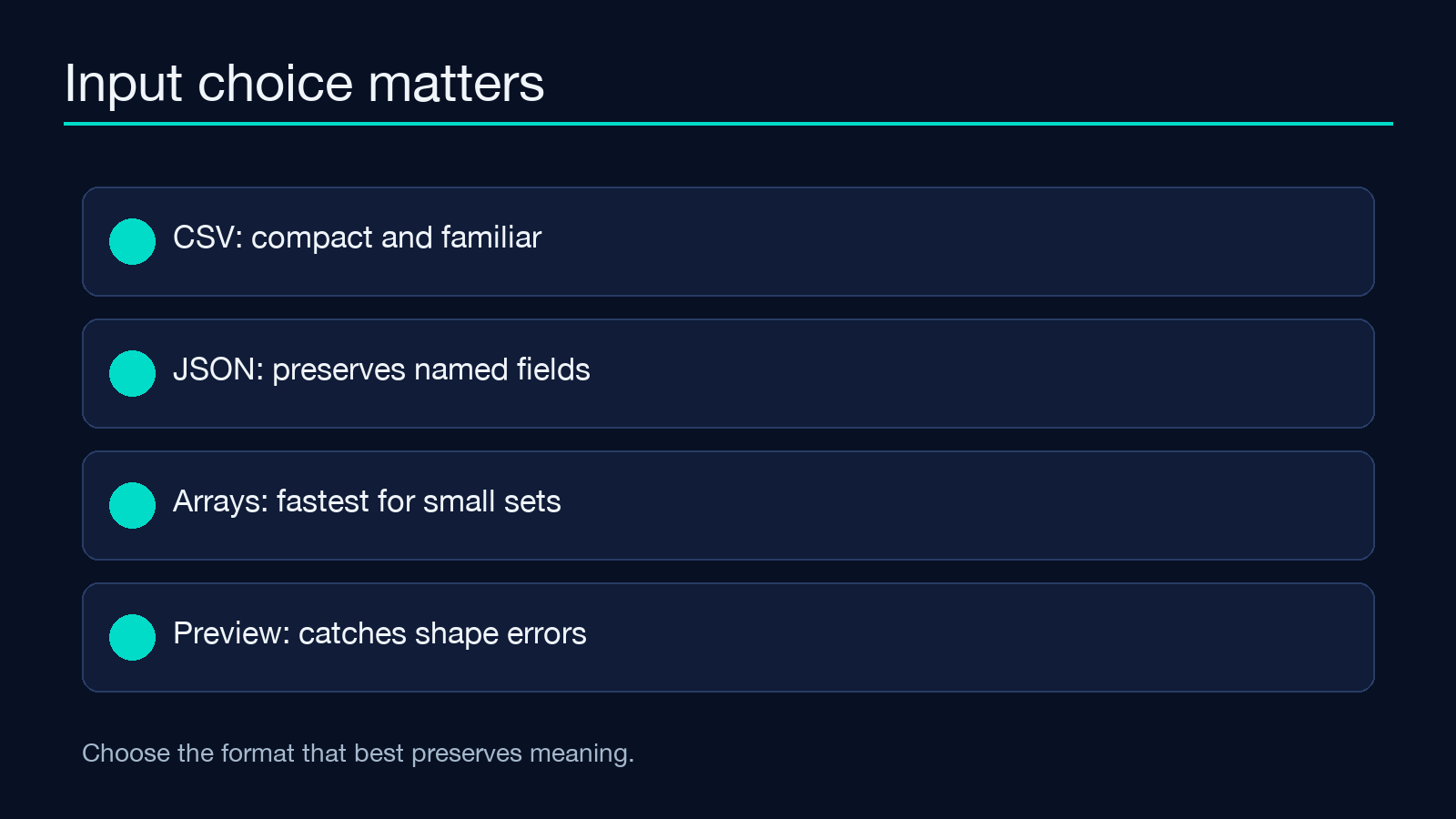
CSV is convenient when your source already lives in a spreadsheet. JSON is better when field names and nested context matter. Arrays are useful for quick, compact inputs where you want to see the table immediately without wrapping a larger object.
A practical rule is to choose the least lossy representation. If converting to CSV would flatten important names, use JSON. If the table is only a short comparison list, an array may be easier to inspect and explain.
Make headers do real work
A header is not a label for the programmer who created the data; it is a promise to the reader. Prefer “Latency (ms)” over “value2,” and “Status” over “flag.” Keep wording parallel across columns so the eye can compare like with like.
The generator can format the result, but naming remains your editorial responsibility. Clear headers also make later maintenance easier because a future contributor can infer where a new value belongs.
Align numbers and prose differently
Alignment is a quiet form of hierarchy. Left-aligned prose is easy to read because sentence beginnings line up. Numeric columns often become easier to compare when their digits share a visual edge. Short codes can be centered when they function like badges rather than sentences.
Do not align everything the same way merely for symmetry. Use alignment to answer a question: can the reader compare quantities, scan names, or distinguish states at a glance?
Treat width as a readability setting
Very wide tables force horizontal eye movement; very narrow columns create wrapping and noise. Width control is therefore less about making every cell identical and more about protecting the most important content.
For a compact status table, keep the status column narrow and give the explanation column room. For a metrics table, reserve space for units and significant digits. Preview several representative rows rather than judging the table from the header alone.
Use preview as a validation pass
Preview is where formatting assumptions become visible. Look for shifted delimiters, unexpected blank cells, long values that dominate the layout, and rows that no longer resemble one another. This is especially important when a cell contains punctuation that resembles Markdown syntax.
The preview is not just a cosmetic step. It is a small data-quality test: if the output looks confusing, inspect the input shape before adding manual fixes.
Keep generated Markdown portable
Markdown dialects differ. Basic pipe tables travel more reliably than elaborate extensions, especially across Git hosting, documentation engines, and chat tools. Keep the table’s core structure simple, then add surrounding explanation where richer semantics are needed.
After copying the output, render it in the destination system. A table that looks perfect in one preview may expose different wrapping or alignment behavior elsewhere. The generator gives you a strong baseline; the final reader environment still matters.
Build a ten-second publishing checklist
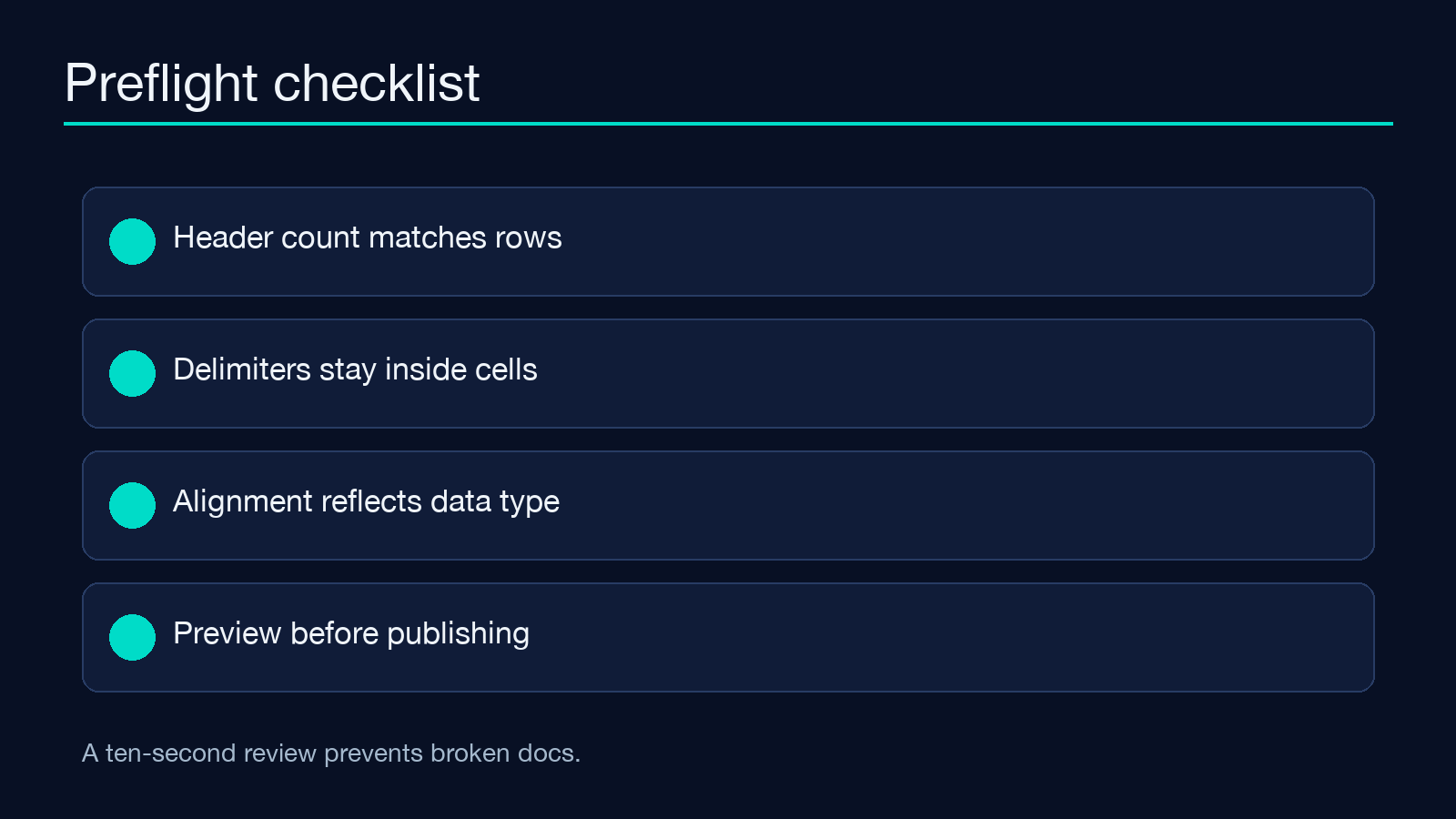
Before publishing, confirm that the header count matches the row shape, important values were not truncated, alignment matches data type, and the table still makes sense when read without color. Then check one unusually long cell and one empty value.
For examples of how small transformations fit into a broader tool workflow, browse the Elysia Tools samples and explore more utilities at elysiatools.com. A generated table is most valuable when it reduces a future decision: use it for option comparisons, API fields, test cases, migration notes, or release checklists. Start from honest structured data, choose meaningful headers, and let alignment guide attention. The result will be easier to review, easier to copy, and much less likely to become formatting debt.