Eighteen hex and Unicode escape pairs sit in your clipboard, and a single NFD-vs-NFC mismatch is the only reason three of them render as boxes instead of the characters you intended. The Unicode Escape Converter on Elysia Tools lives at the seam between JavaScript string literals, JSON payloads, source code escaping, and Unicode normalization — four overlapping problems that look identical until they aren’t. This field guide walks through the tool’s three operations, the four escape styles it exposes, and the three-line normalization rule that keeps your emoji and accented characters consistent across databases, editors, and pipelines.
The Problem This Converter Solves
Unicode escape sequences look like text and act like code, and the gap between those two roles is where most production bugs live. A character literal written as u00E9 is six characters to a regex but one character to a string parser. A file stored in NFD on macOS and re-saved through a Linux tool silently doubles its byte count. An emoji copied from Slack, pasted into a UTF-8 database with utf8mb3 instead of utf8mb4, and queried back comes out as ? because the surrogate pair was rejected at insert time.
The four overlapping escape flavors — uXXXX, uXXXX surrogate pairs, u{XXXXXX} ES6 code points, and U+XXXX hex notation — are each correct in their own context. The bug is treating them as interchangeable. The Unicode Escape Converter treats them as separate output formats, each with its own switch, so you pick the one your downstream consumer expects and the round-trip is auditable.
What the Tool Actually Does
The Unicode Escape Converter is a single text-mode utility with one input box and three operation modes: escape (text to escape sequences), unescape (escape sequences back to text), and normalize (apply one of four Unicode normalization forms). It does not batch. It does not parse source files. It does one thing — string-level Unicode transformation — and exposes every knob you would expect from a Unicode library.
The Unicode Escape Converter sits next to its sample-driven sibling, the Hex/Unicode Encoding Format Samples gallery, which feeds 18 worked examples through the same machinery: ASCII to hex, Chinese to uXXXX, emoji to surrogate pairs, mixed-language strings, and the eight awkward special characters that always break naive parsers.
The Four Escape Styles and When to Use Each
The escapeStyle option gives you four escape representations, and the difference between them is the difference between a payload that decodes and one that silently fails. The tool exposes all four because production environments pick different ones and they do not round-trip cleanly to each other.
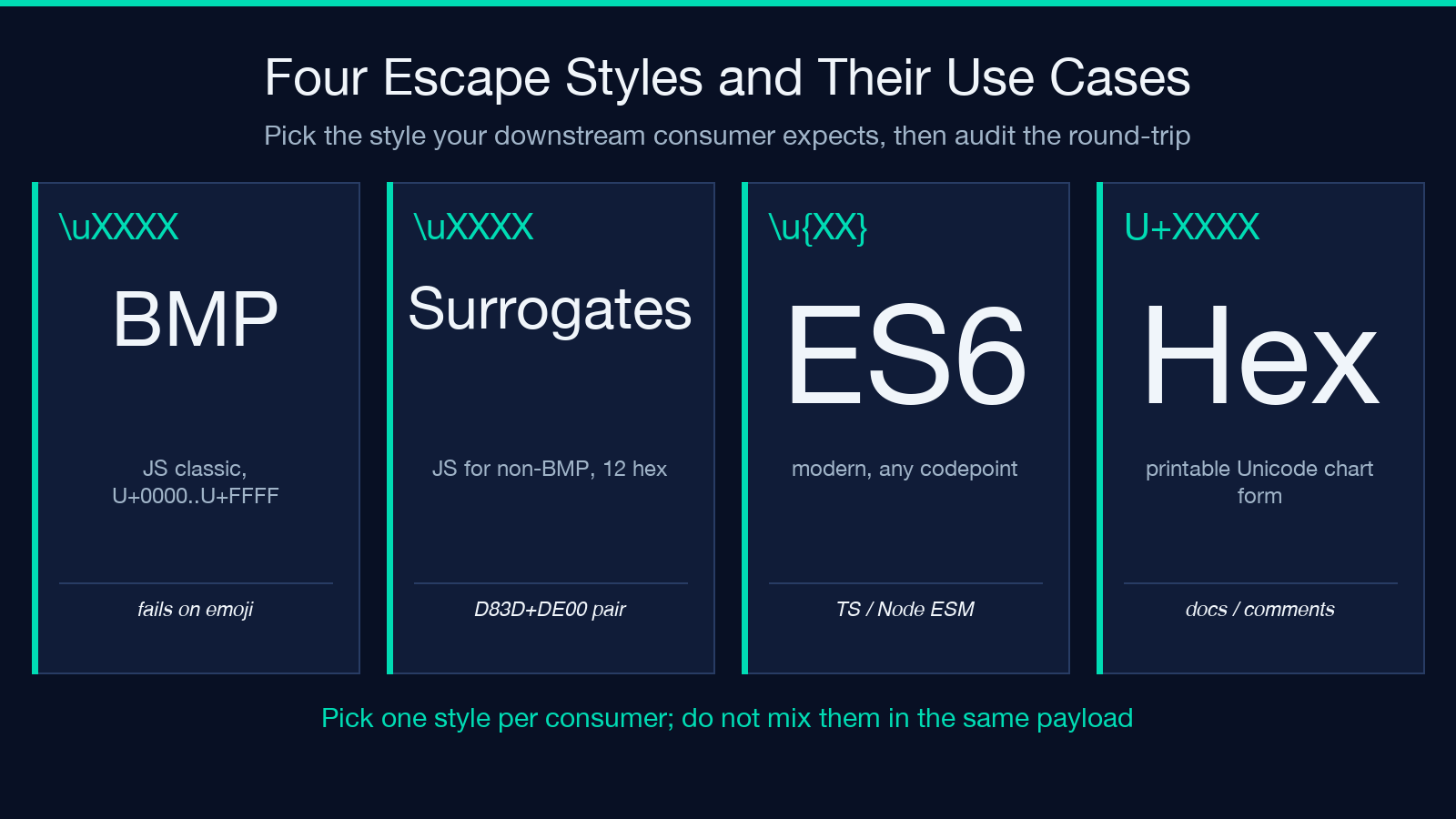
uXXXX(BMP only) — the JavaScript classic. Works for code points U+0000 through U+FFFF. Fails on any character outside the Basic Multilingual Plane (most emoji, mathematical script, rare CJK)uXXXXSurrogate Pairs — what JavaScript actually does for non-BMP characters. A high surrogate (D800–DBFF) followed by a low surrogate (DC00–DFFF). Always 12 hex chars per code point above U+FFFFu{XXXXXX}(ES6 code point) — the modern form. Works on any code point with no surrogate pair split. Use this in TypeScript and Node ESM codeU+XXXX(Hex code point) — the printable form, what Unicode charts and Noto glyph maps show. Useful when you want to write the literal in documentation rather than compute it at runtime.The four styles are not interchangeable. Copy-paste between them only works if the consumer understands the encoding. Try decoding a
uD83DuDE00string asuXXXXand you get the literal textuD83DuDE00— six characters of escape soup, not an emoji.Three Operations, One Textarea
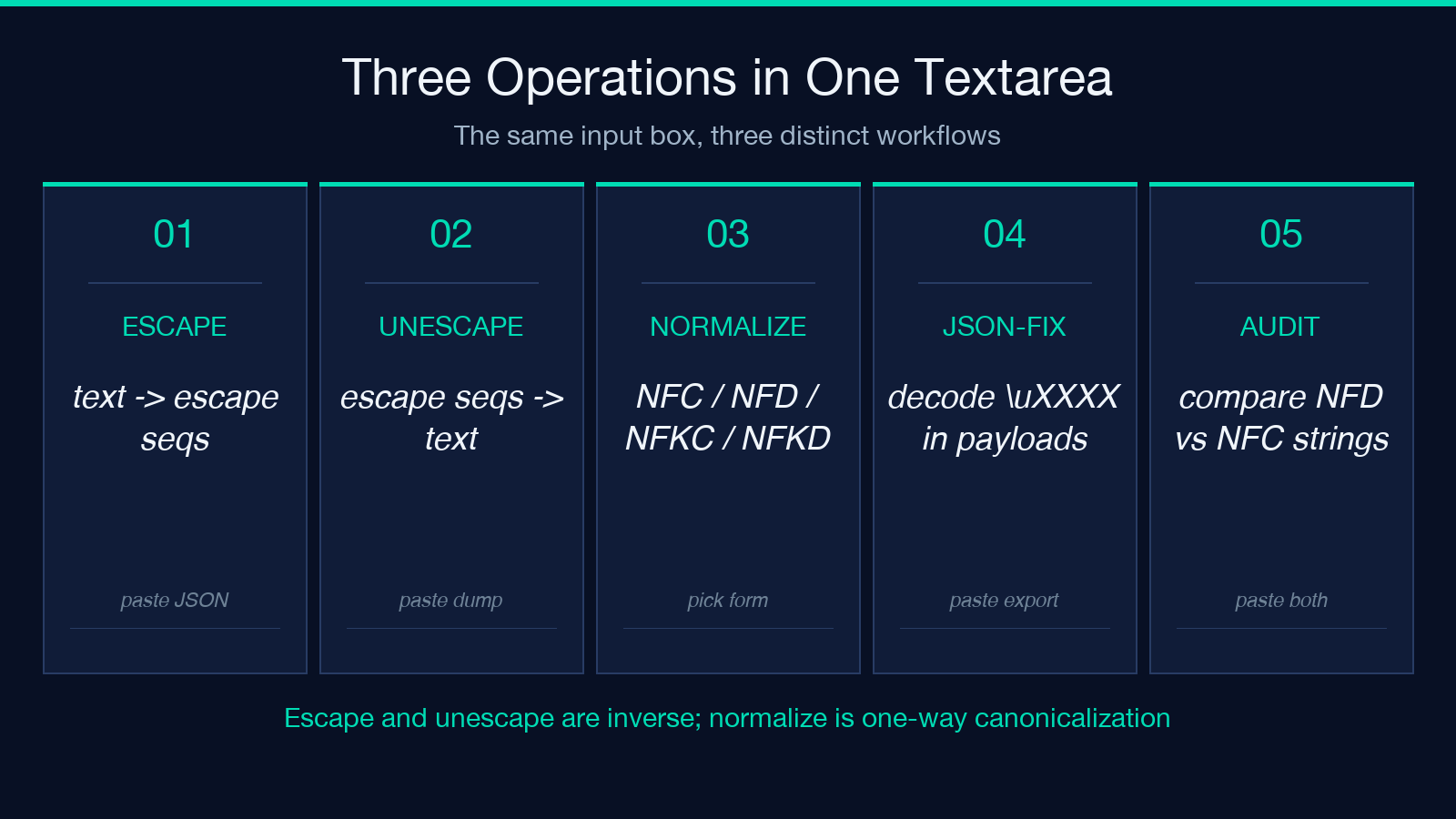
The three operation modes map to three distinct workflows.

Escape turns text into escape sequences. Pass a Chinese sentence, get back
u4F60u597Du4E16u754C. Pass an emoji, get back eitheruD83DuDE00(surrogate) oru{1F600}(ES6 code point) depending on style. The output is a single line of escape characters, ready to paste into a JSON file, a string literal, or a database field that cannot store arbitrary binary.Unescape runs the inverse. Paste a string of
uXXXXescapes — with or without the leading\from a JSON-encoded payload — and the tool returns the underlying characters. This is what you reach for when you open a JSON export and find that the customer names look likeu00C4u00F6u00DFinstead ofÄöß.Normalize is the most underused of the three. Pick one of NFC, NFD, NFKC, or NFKD. The tool canonicalizes the input accordingly. NFC composes precomposed characters (
éas U+00E9). NFD decomposes them into base + combining mark (e+ U+0301). NFKC and NFKD apply compatibility decomposition, which folds away formatting distinctions (filigature becomesfi, fullwidthAbecomesA).The NFD-vs-NFC Trap That Breaks Deduplication
The single most common Unicode bug in production is comparing two strings that look identical and fail equality because one is NFC and the other is NFD. macOS file systems store filenames in NFD. Most databases store them in NFC. A user’s
café.txtuploaded via macOS Finder and the same filename typed on a Windows keyboard become two different strings at the byte level even though they render identically.The fix is one call: pick NFC (the W3C-recommended default), run every input through it before comparison, and store the NFC form. The Unicode Escape Converter’s
normalizemode with NFC selected is the cheapest way to canonicalize a batch of strings without writing code.Three other normalization-related footguns worth knowing:
- Combining marks after a base character — NFD outputs
efollowed by U+0301 (combining acute accent). When you trim or slice by character index, you can split the pair, leaving an uncombined accent that attaches to the next visible character or renders as a free-floating diacritic - Compatibility decomposition hides data — NFKD turns
fiintofi,①into1,㈱into(株). Useful for search indexing, dangerous for archival storage - NFC is not idempotent across all inputs — already-NFC strings stay NFC. Already-NFD strings collapse to NFC. Already-NFKC strings stay NFKC. The form you start with determines the form you end with; the tool does not guess.
Real Examples That Round-Trip Correctly
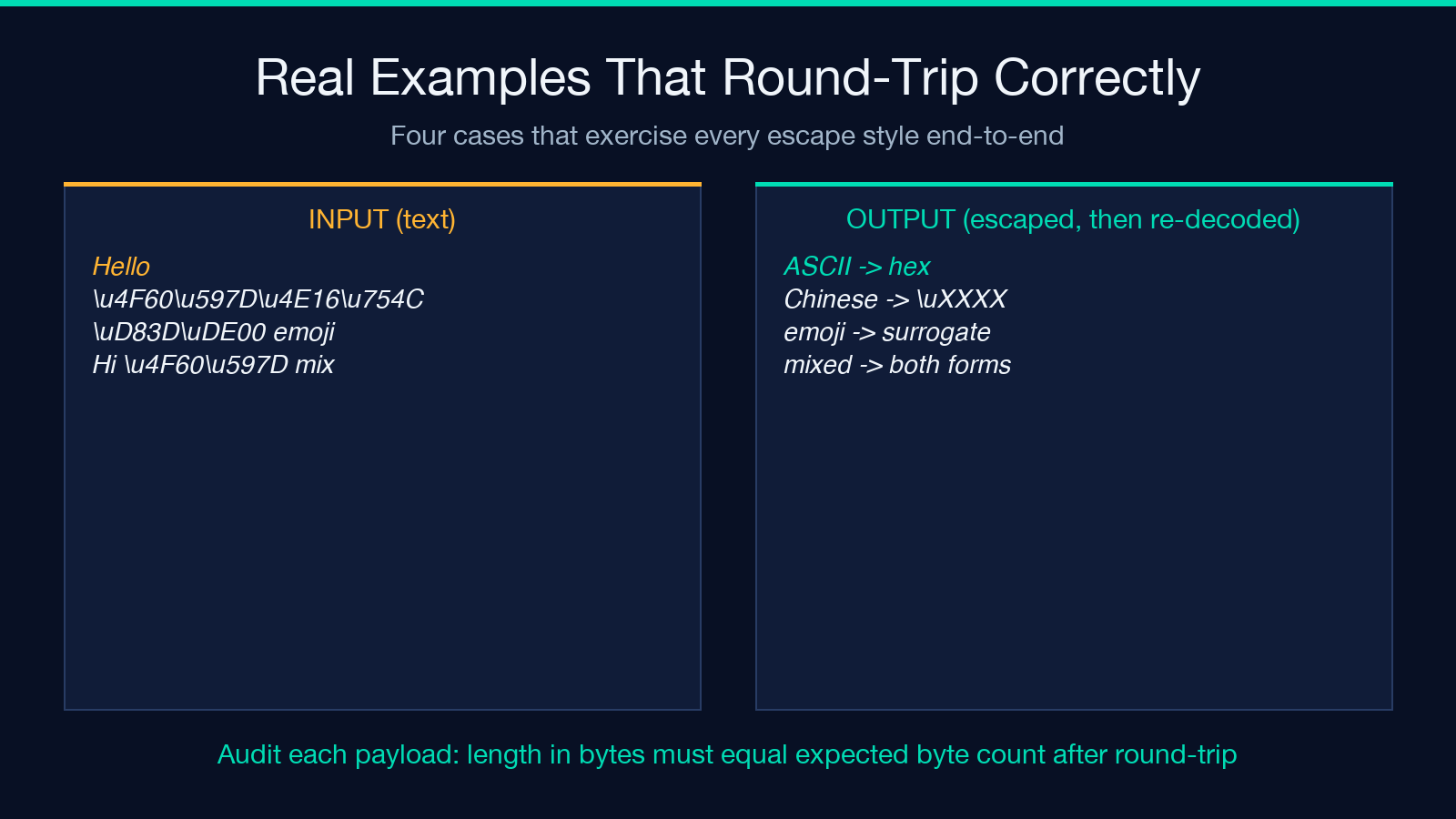
The Hex/Unicode Encoding Format Samples page on Elysia Tools feeds the converter 18 cases that exercise every style and operation. The four most instructive ones:
- ASCII to Hex —
"Hello"becomes48 65 6C 6C 6F. Round-trips through unescape byte-for-byte. No normalization needed - Chinese to Unicode —
"你好世界"becomesu4F60u597Du4E16u754C. Round-trips cleanly. Try storing this in a JSON field with a charset other than UTF-8 and watch the round-trip break - Emoji to Unicode (surrogate) —
"😀"becomesuD83DuDE00. Round-trips only if the consumer also treats the surrogate pair as one code point. JavaScript"😀".length === 2is a related gotcha - Mixed ASCII and Unicode —
"Hi 你好"becomes48 69 20 u4F60u597D. This is the realistic case — a payload with ASCII whitespace and CJK content. The escape sequence length tells you which bytes are ASCII (2 hex chars) and which need a 4-charuXXXXblock.When to Reach for This vs a Code Snippet
The converter earns its keep in four specific situations.
- Quick decode of a pasted escape string — you opened a JSON dump, the customer names are escaped, you want to read them. Faster than opening a Node REPL
- Generate test fixtures — you need a JSON file with mixed ASCII + CJK + emoji, and you want the escape sequences correct without writing a script. Convert from text to
uXXXX, paste into the file - Compare two files for NFC-equivalence — paste both, normalize to NFC, compare the output. Two minutes, no code
- Debug a normalization mismatch — a search query returns wrong results, and you suspect the index was built from NFD strings while the query is NFC. Run both through normalize and see the byte-level difference.
For high-volume production normalization — a million records per hour — a code library is faster. The tool’s value is in the single-string case and in the “what does this look like as another encoding” exploration that you do not want to write a script for.
Try It Yourself
Open the Unicode Escape Converter, pick an escape style that matches your target environment (
uXXXXfor JSON,u{XXXXXX}for ES6 modules), and paste a string with mixed scripts. Then flip to the normalize mode with NFC selected and paste the same string again. If the byte length changes, the input was NFD — that is the bug you have been chasing
For worked examples that exercise every style, the Hex/Unicode Encoding Format Samples page shows 18 cases from ASCII to emoji with the expected output for each. For edge cases around special characters and combining marks, the Text Special Characters Samples gallery covers the punctuation that always trips up naive parsers
More text-format tools live at elysiatools.com/en/tools — the Unicode Escape Converter is the entry point, but the Hex/Unicode Converter, the String Escape/Unescape utility, and the Unicode Normalizer each handle adjacent corners of the same problem space
- Combining marks after a base character — NFD outputs