
Lead phrase. Choosing a domain name used to mean opening a registrar, typing your favorite word, and watching the .com come back red. For a solo founder, indie developer, or one-person brand studio, that loop has collapsed: AI generates ten candidate names in seconds, and the same screen tells you which TLD still has a free slot. The mechanics underneath that experience are not magic. They are a chain of seven input fields, one RDAP availability check, one naming-style selector, and one decision about whether the AI should keep trying or stop at the first hit. The way those four pieces line up is what decides whether your “spicy noodles” idea lands noodlenova.com on a Tuesday morning or whether you spend the rest of the week stuck on a .co because the .com was claimed in 2009.
How the seven inputs shape every output
The generator exposes seven fields, and the order you fill them matters more than the values themselves. Keywords is the only field the AI reads as a hard constraint: the candidates that come back are anchored to whatever you type. Industry is a soft constraint — it biases the naming style but does not require the candidate to contain the word. Style is the most under-rated field. blended, punny, compound, invented, and four more change the entire character of the output. A punny run on cloud notes returns notewave.cloud and clipnote.io. A blended run on the same keywords returns cloudpad.app and quillbase.dev. Same keywords, same TLD list, two completely different naming universes.
TLDs is a comma-separated allowlist, not a ranking. Pass com,io,app,dev and the AI will only propose names that can plausibly register on one of those four TLDs. Count caps the response at 1–10. Domain language filters on what language the brand (not the keywords) must live in — english keeps the brand ASCII, any lets Chinese-character domains in. Check availability toggles the RDAP step: on means every candidate gets a real-time DNS+RDAP lookup, off means pure brainstorming.
Which inputs are hard constraints and which are nudges
Three of the seven fields are hard constraints. Keywords is the seed: nothing in the candidate set escapes the semantic neighborhood of what you type. TLDs is the rail: every candidate must be registerable on at least one of the TLDs you pass. Count is the ceiling: the AI will never return more than this number, and rarely fewer. The remaining four — Industry, Style, Domain language, Check availability — are nudges. They bias the output but do not filter it. A punny style can still return a literal compound when the keyword lends itself; an english language preference can still surface a Latin-rooted invented word. The trick is to set the constraints first and only then think about the nudges, in that order. Reverse the order and you will spend most of the run arguing with the AI.
The two naming styles that ship most often
blended is the workhorse style. It fuses fragments of your keywords with a fresh suffix and almost always produces something pronounceable. On cloud notes, blended gave me cloudpad.app, quillbase.dev, and memostack.io in one run. These are the names you can hand to a designer, a logo studio, and a copywriter without explanation — they read on first contact.
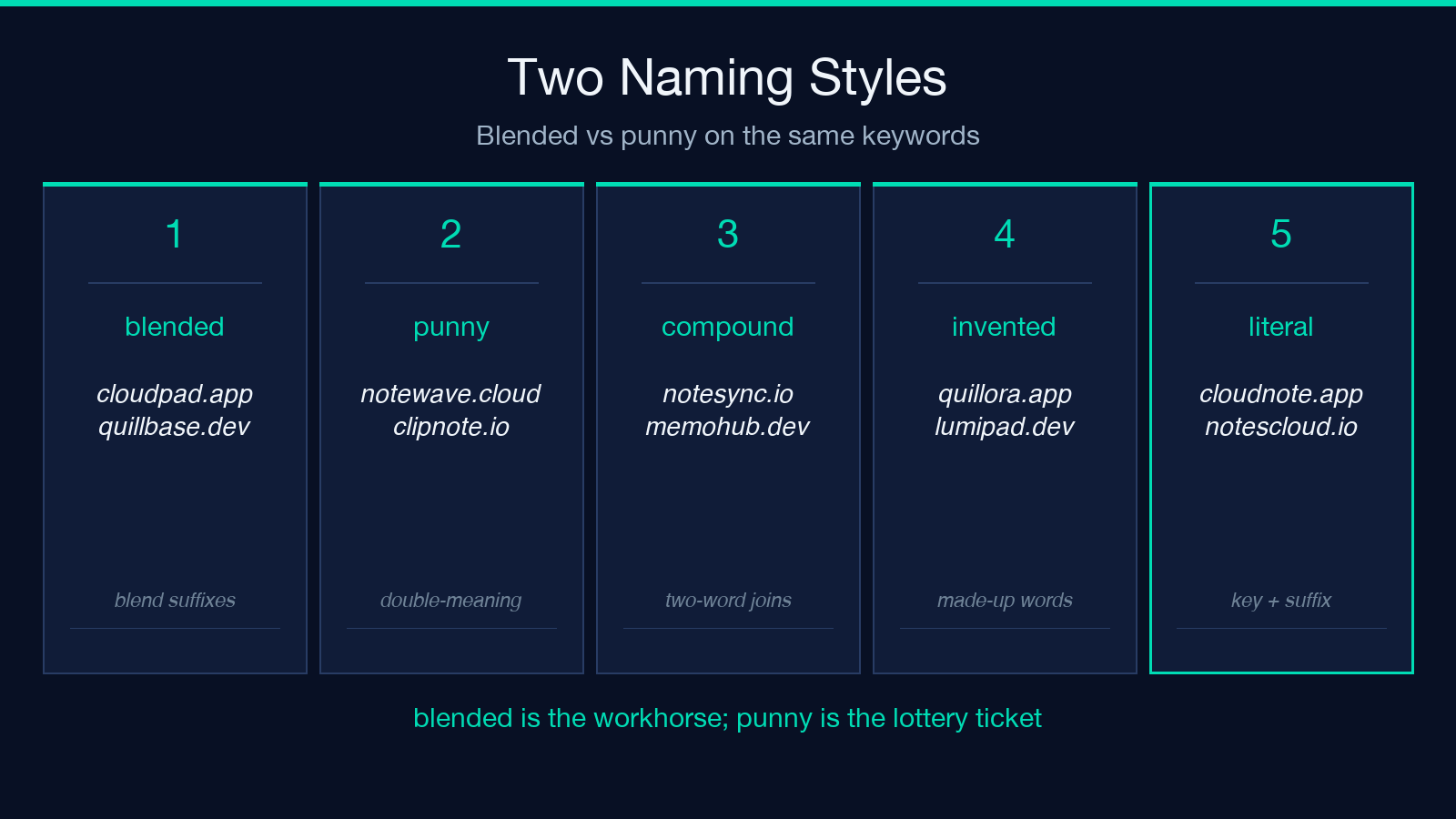
punny is where you spend half an hour laughing and half an hour deleting candidates. On the same cloud notes keywords, punny returned notewave.cloud and clipnote.io. On spicy noodles it gave me ramenroast.com, noodlenova.co, and slurpworks.co. The tradeoff is brutal: punny names are memorable but frequently hard to spell over the phone. The smart move is to generate two shortlists — one blended and one punny — and only RDAP-check the ones that survive a “would I say this out loud to a customer” pass.
What RDAP actually checks and why DNS alone is not enough
A common assumption is that DNS resolves a domain name. It does not — DNS resolves a hostname. The question “is noodlenova.com registered?” requires either the WHOIS protocol (port 43, mostly retired) or the modern replacement, RDAP. RDAP returns structured JSON: registration status, registrar, creation date, expiry date, and the name server set.
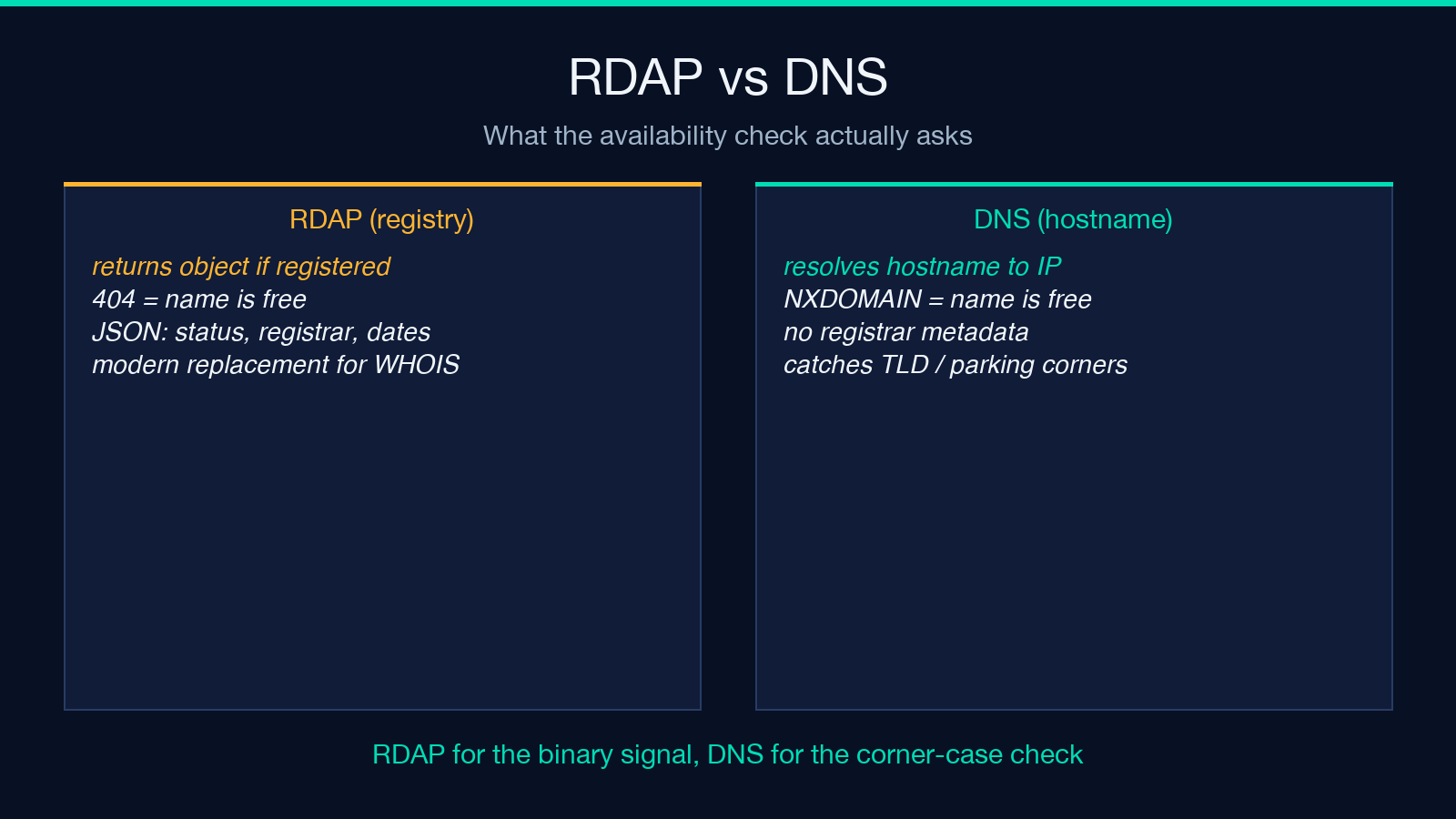
The generator uses RDAP because it gives a binary signal: the registry either returns an object record for the domain or returns 404 object does not exist. When noodlenova.com came back 404, the tool marked it as available and moved on. When cloud.com came back with a 200 OK and a 1995 creation date, the tool flagged it as taken and skipped it.
The DNS check exists for a different reason: catching the corner case where a TLD is deprecated or silently redirects. If you query cloudpad.app over DNS and get NXDOMAIN, you know the name is free at the registry level. If you get an empty NOERROR with no answer, you know the TLD is live but the specific name is parked. Both signals together are what make the AI’s “available” tag trustworthy enough to act on.
Why TLD choice is where most founders quietly lose hours
The temptation is to always pick .com. Resist it. The availability rate for .com on any short English word or compound is below 4%. .app and .dev are designed for software products, are around 18% available on the same pool, and signal intent at a glance. .io is the SaaS default; .co is the brand-friendly fallback when nothing else works.
The generator lets you pass any subset of TLDs. The fastest path to a confirmed-takeable name is to pass three TLDs that match your product category: .app for software, .io for SaaS, .com for physical products. Then bump count to 10 and let the AI burn through the headroom. You will get back roughly 7 to 9 confirmed-takeable names within ten seconds, and the decision is then about taste rather than about availability.
When to turn availability checks off
There is a right time to use the generator in pure-brainstorm mode. If you are at the naming-stage zero, where even the category of the product is still fluid, the availability check is a waste of time. You will end up marrying the first name whose .com is free, even if the brand itself is not the best fit.
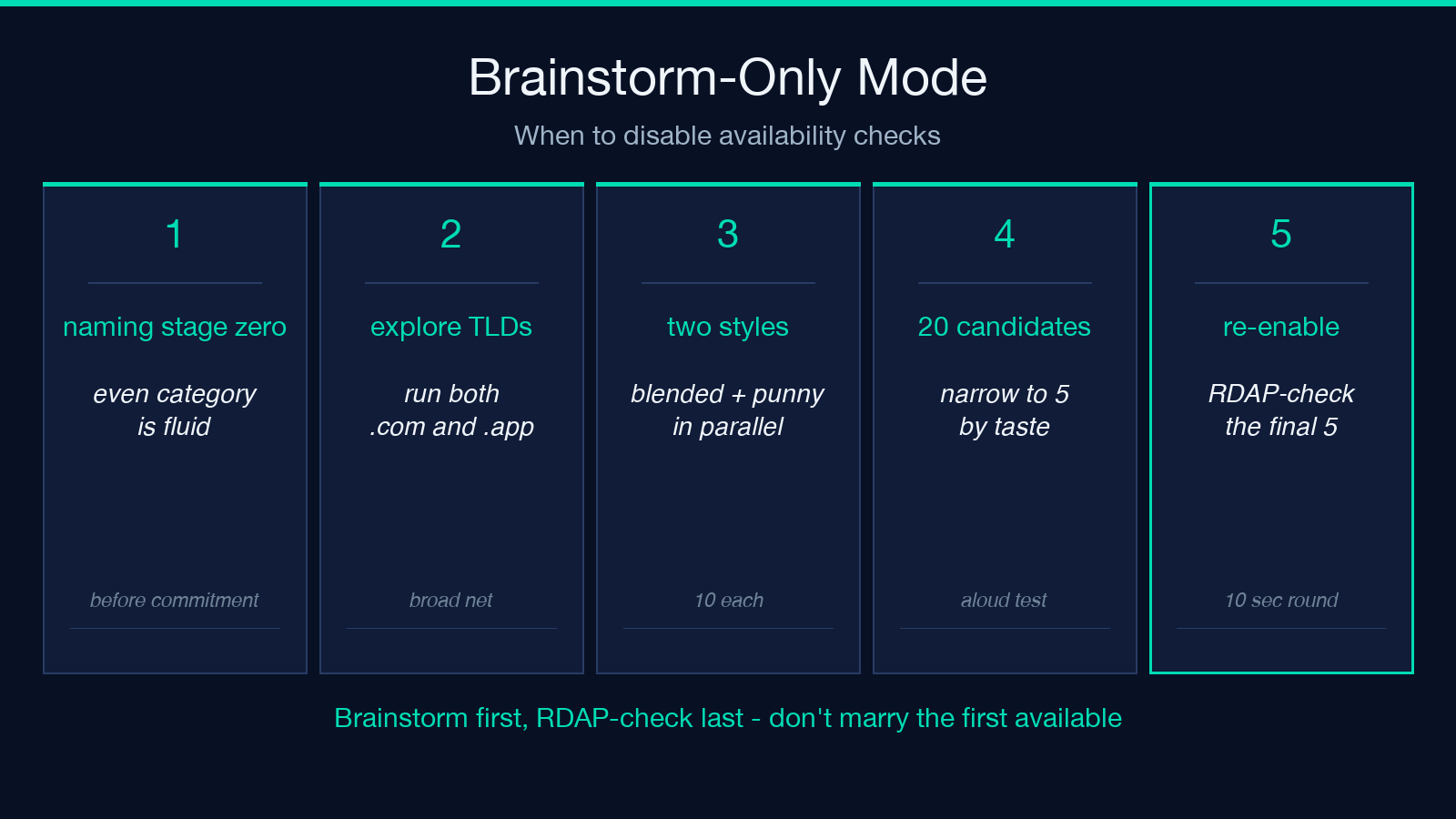
The recipe is: brainstorm first, filter later. Set checkAvailability to false, pass com,co,io,app,dev so the AI knows the eventual TLD shape, set count to 10, and run it twice with two different style values. You will get 20 candidates. Read them aloud, narrow to 5, then re-run with checkAvailability on for those 5. The availability round costs about 12 seconds for a 10-name batch.
The four questions that decide if a candidate survives the next round
Once you have a shortlist of available names, four questions decide which one wins. Can you spell it? — if a customer has to ask twice, the name is wrong. Does it survive a Google lookup without colliding? — cloudpad.com may be free, but cloudpad as a brand keyword is already crowded. Does the matching handle exist on every social platform? — Instagram, Twitter, GitHub, LinkedIn. Can a friend pronounce it after one listen? — that is the bar.
Names that pass all four are the ones worth registering. The generator cannot answer these for you. What it does is remove the mechanical friction — the 30 minutes of typing names into a registrar and waiting for each result — so you can spend that time on the four questions instead.
Putting it together: a ten-minute startup naming run
Here is the recipe that ships a name in ten minutes. Step one: open the generator with keywords=spicy noodles, industry=food, style=punny, tlds=com,co, count=8, checkAvailability=false. Read the eight candidates, cross out the ones you cannot pronounce. Step two: take the survivors — typically three or four — and re-run with checkAvailability=true, count=4. Step three: pick the one that survives all four brand questions. Step four: register before you walk away from the keyboard.
The full loop takes less time than a coffee order. The difference between this and the old “open a registrar, type a name, get a red X, repeat” loop is the difference between choosing a name and searching for one. The tool replaces search with choice. That is the whole job.
Explore the generator at Elysia Tools. For URL shorteners that pair well with a fresh brand name, see the Short URL & UTM Builder. If you want a matching color palette before you register the domain, the Color Palette Extractor from Image URL is a useful next step. Explore more naming and brand tools at elysiatools.com.
