
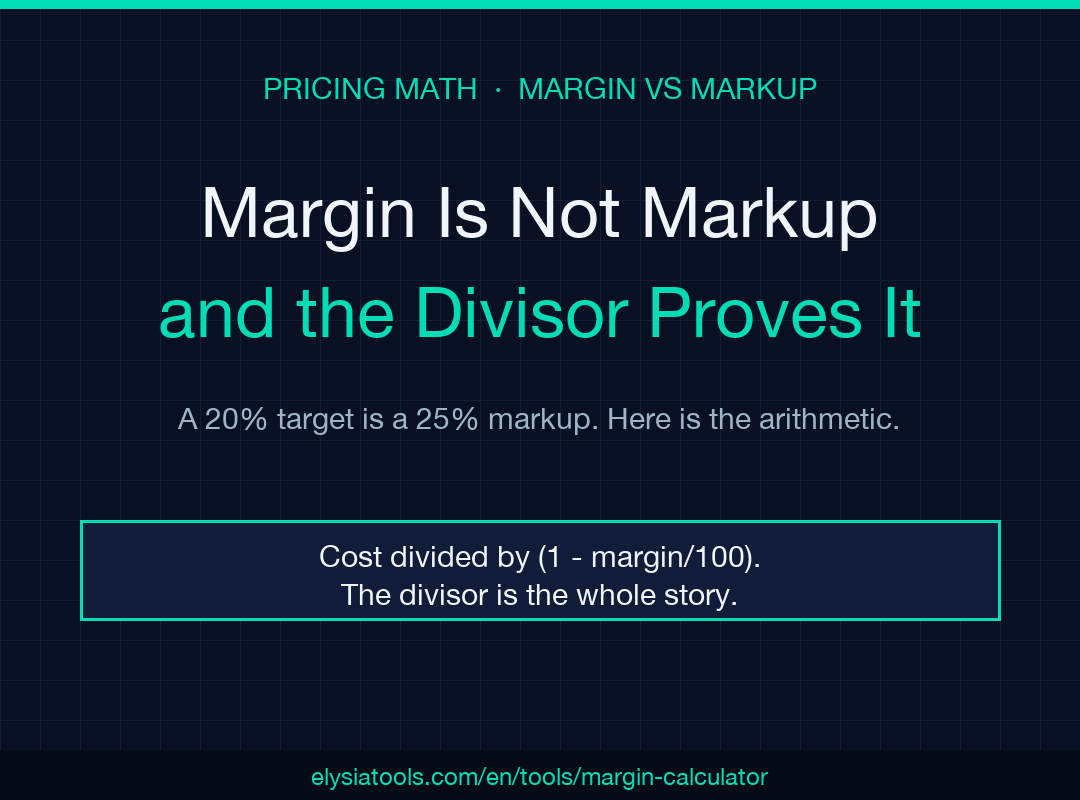
A supplier quotes $42.50 for a part. You want a 20% margin, so you add 20% and list the part at $51.00, but the margin you get back is 16.7%. Margin is what is left of the price; markup is what is piled on the cost. They are different denominators, and the gap widens with each rung on the ladder.
The two percentages stop agreeing above zero
At a 1% margin, markup reads 1.01%. The two numbers sit close enough that nobody notices the swap. At 20%, margin sits at 20% while markup reads 25%. At 50%, the same price that returns a 50% margin carries a 100% markup — double.
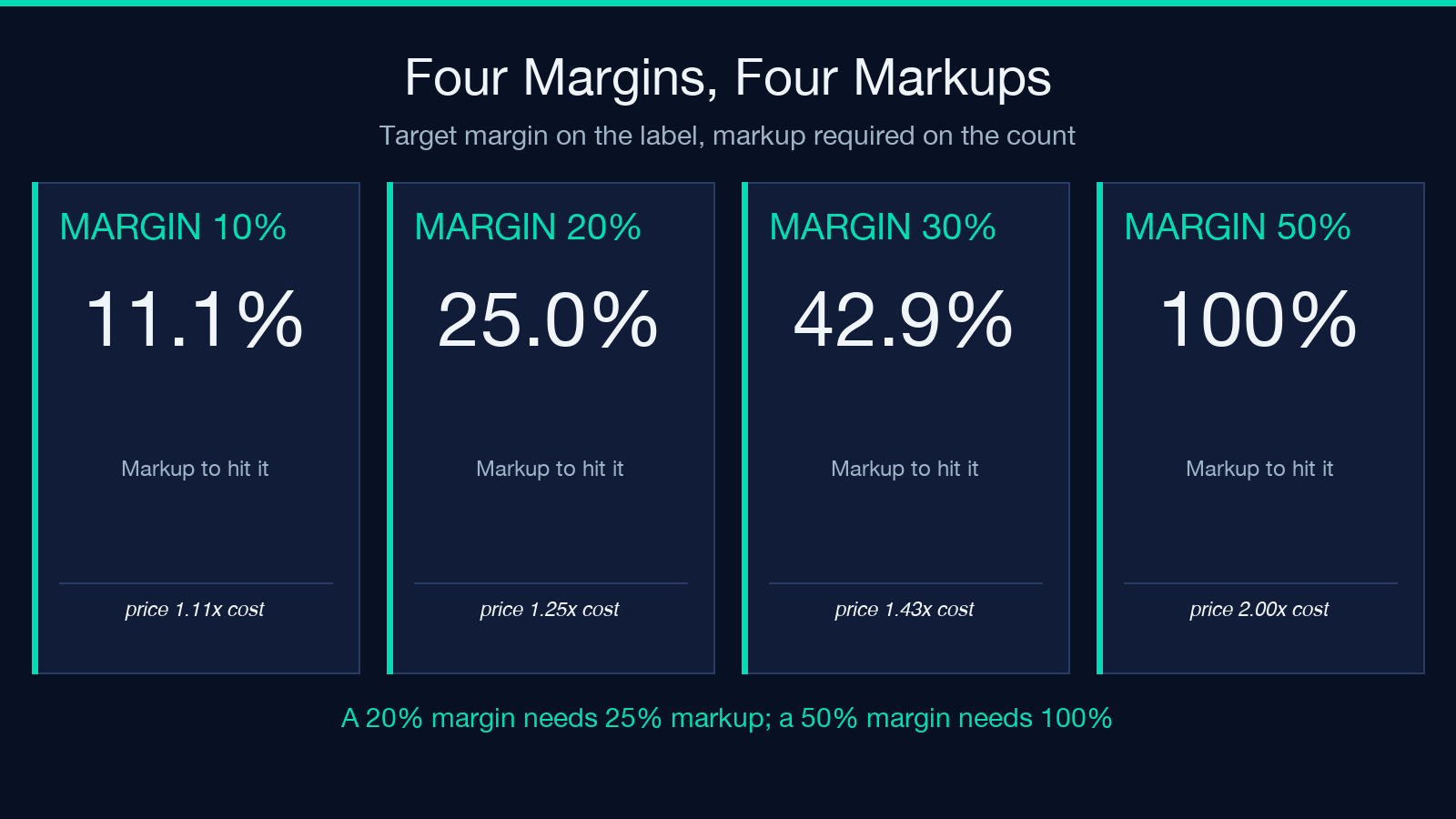
For instance, the relationship is fixed: markup = margin / (1 - margin/100). The numerator is honest, and the denominator is the whole story.
That is why a price sheet storing margin in one column and markup in another will disagree with itself. Each column is correct under its own definition, and neither column knows which one the buyer will ask about.
Price is cost divided by one minus the margin
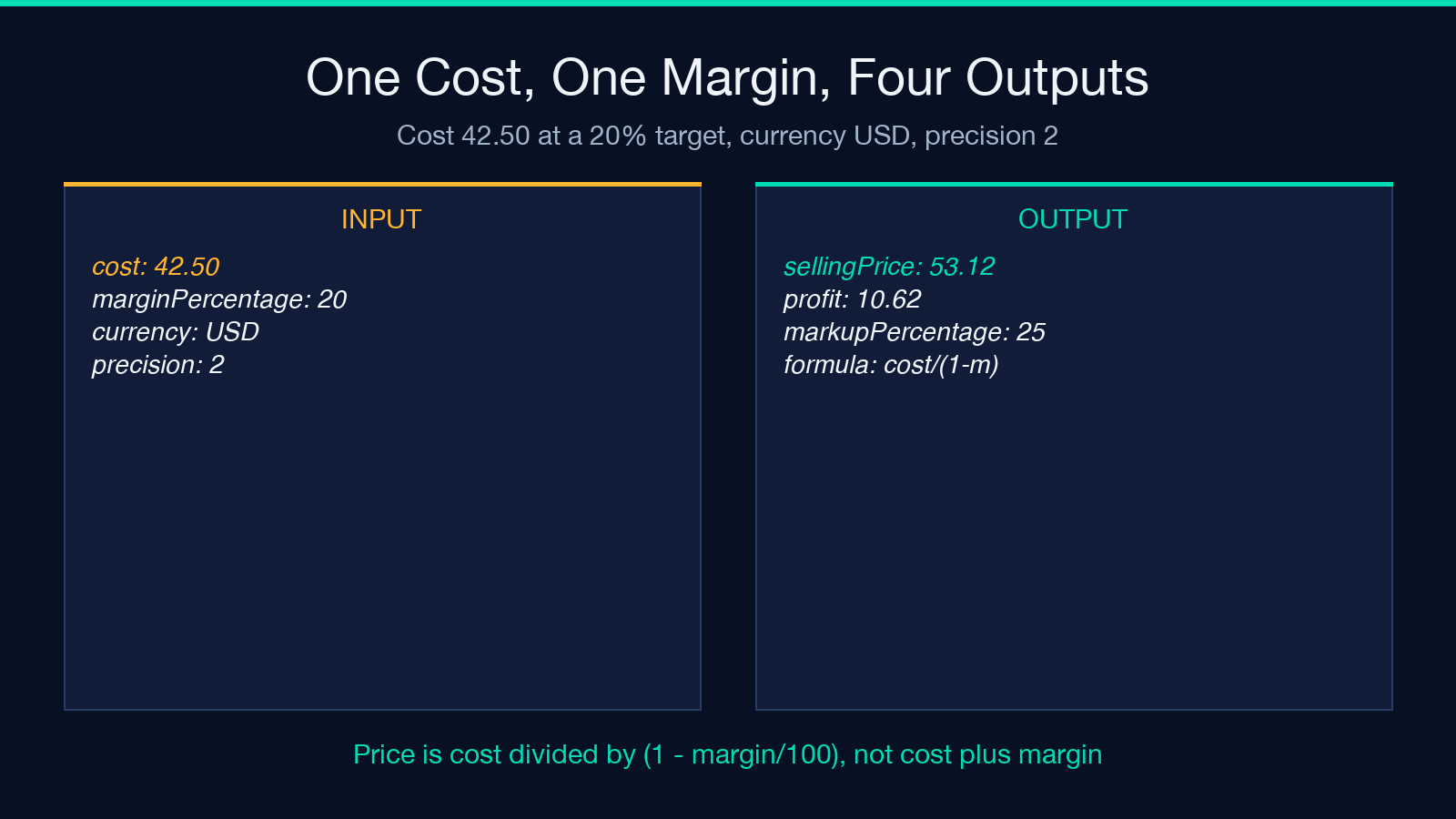
The calculator computes selling price as cost divided by 1 - margin/100. Most people expect a multiplication and get a division, which is the first surprise.
Multiplication by 1.2 turns $42.50 into $51.00. Division by 0.8 turns the same $42.50 into $53.12. Both actions look like adding 20%, and only one of them produces a 20% margin.
The divisor is also a multiplier. Price over cost equals 1/(1 - margin/100), so a 50% margin doubles the cost and a 75% margin quadruples it. Reading a margin as a multiplier is the error that survives longest, because at small margins the mistake hides inside rounding.
A $42.50 cost at four margins
Take one part and reprice it at four margins. The figures below were recomputed from the formula, not copied from a pricing table:
- 15% margin: Price $50.00, profit $7.50, markup 17.65%
- 20% margin: Price $53.12, profit $10.62, markup 25.00%
- 30% margin: Price $60.71, profit $18.21, markup 42.86%
- 50% margin: Price $85.00, profit $42.50, markup 100.00%
Each row is a case in the same ladder, and the ladder is the argument. Between 15% and 50% the margin grows 35 points while the markup grows 82. The higher you climb, the more the markup figure inflates relative to the margin you are trying to protect.
The ladder breaks before it reaches 100%
A 100% margin has no price. The divisor becomes zero and the price goes to infinity, so the tool caps the input at 99.99% and returns an error on anything at or above 100%.
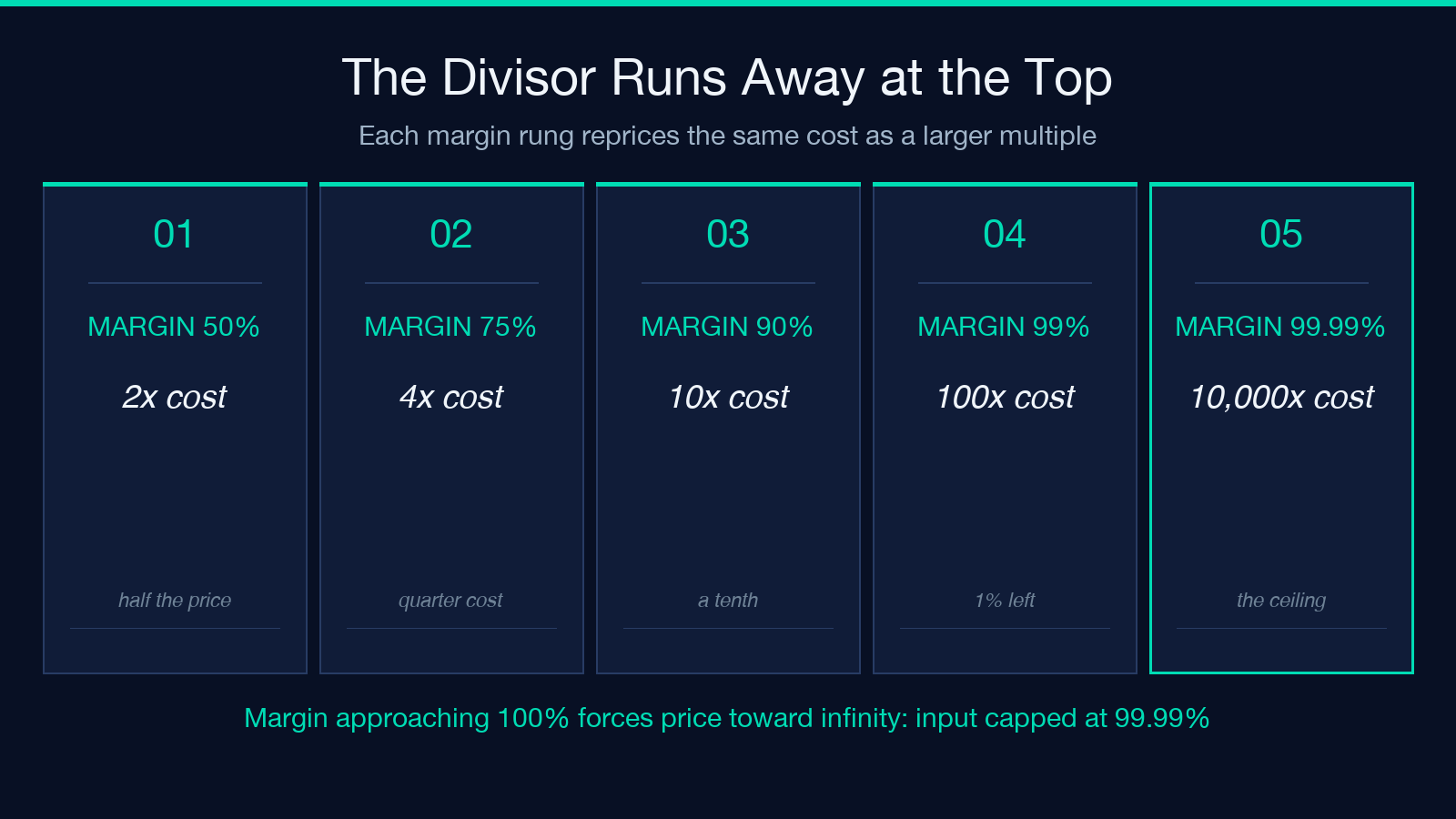
The approach to that ceiling is where the numbers stop being intuitive:
- 50% margin forces price to 2× cost
- 75% margin forces price to 4× cost
- 90% margin forces price to 10× cost
- 99% margin forces price to 100× cost
- 99.99% margin forces price to 10,000× cost
Nine hundredths of a margin point, from 99.90% to 99.99%, multiplies the price by 10. That is not a pricing strategy; that is a singularity with a spin box. The cap exists because the formula needs a denominator, and the denominator is what most pricing arguments are about.
Eight what-if rows, computed from your cost
The calculator returns a fixed ladder of eight margins — 5, 10, 15, 20, 25, 30, 40, and 50 percent — with price, profit, and markup for each, all derived from the single cost you enter.
For a $42.50 cost, that ladder runs from $44.74 at 5% to $85.00 at 50% — a benchmark against your own cost, with no market data required. The rows are not a lookup table lifted from a pricing book; they are your cost repriced eight times, which makes the ladder a what-if sweep, not a reference chart.
The useful trend I observed sits between the rows. A 20% target lands at $53.12 and a 25% target at $56.67 — a $3.55 gap that buys five points of margin. Measured sweeps like this change a pricing argument into a comparison of two numbers instead of two opinions.
Two quiet gaps: the ¥ collision and the rounding seam
Two details in the output deserve attention before anyone pastes them into a quote.
The first is a symbol collision. Both JPY and CNY map to ¥. The tool returns the currency code and the symbol as separate fields, and the summary string prints the symbol alone — so a line showing ¥1,250 does not say which yen you mean. Keep the code beside the number.
The second is a rounding seam. Price, profit, and markup are each rounded independently to the requested precision, while the arithmetic between them stays unrounded. At precision 2 the seam is invisible; at precision 0 or 1 it is not. A sweep of costs from $10.01 to $200.00 at a 20% margin turned up 7,768 cases where the printed price minus the printed cost does not equal the printed profit. For example: cost $10.13 at precision 1 prints price $12.7, cost $10.1, and profit $2.5 — and 12.7 minus 10.1 is 2.6.
That is a display artifact, not an arithmetic error, and it is the trade-off I accept on purpose: rounding each figure for legibility beats printing 12.65957 to keep three decimals consistent. The gap matters only when a reader checks the subtraction on the page.
What the calculator refuses to compute
A margin calculator is a four-input tool, and each boundary tells you something about the model.
Cost must be at least 0.01, so a free item has no margin to compute. Margin must stay under 100%, which is the singularity again. Precision runs from 0 to 10, and that cap is about display, not accuracy — doubling precision past it prints noise.
More importantly, the model takes one input for cost. Anything the cost figure omits — shipping, payment fees, returns, the discount you will grant in six months — sits outside the calculation. The tool does not fail on those cases; it prices as if they do not exist, and the margin it reported is the margin before any of them land.
A pricing routine that survives a discount
Given the formula, the routine is short.
Name the denominator before you name the number. Write “margin” or “markup” beside the column header and keep that word in the conversation, because the two words are not interchangeable and the difference is a third of a point at 1% and 100 points at 50%.
Then check the floor with the price you will charge, not the list price. A 20% margin discounted by 10% returns 11.1% — the discount comes off the price, so it cuts the margin faster than it cuts the markup.
Finally, keep the code with the currency and the precision with the audience. An internal sweep can run at precision 4; a quote should run at 2 and should not invite a reader to re-add the column.
The calculator is at Elysia Tools, and its four input fields map one-to-one onto the variables above. Explore more tools at elysiatools.com.
The point was never the formula. Cost, divide by one minus the margin, read what is left — three operations anyone can do. The point is the denominator you name before you price. Because if you call markup a margin, you have discounted the product, and then called the discount a strategy.
本文有中文版:利润率不是加价:20% 的目标对应 25% 的加价
