
8 Free DevOps & Network Tools That Replace the Late-Night Debug Sessions
You’ve just deployed. Everything looked fine in staging. At 2 AM your phone lights up — a cron job is running every minute instead of every hour, a webhook is forwarding payloads to the wrong endpoint, and your Terraform apply just deleted a subnet you still needed.
These aren’t hypotheticals. They’re the kinds of mistakes that happen when your debugging tools are limited to logs, print statements, and prayer. Here are eight free tools that catch the problems before they catch you.
1. Cron Expression Visualizer
Cron syntax is compact but cryptic. /15 runs every 15 minutes. 0 9 1-5 runs at 9:00 AM on weekdays. But when you combine day-of-month with day-of-week in the same expression, cron behaves in ways that aren’t immediately obvious — and many developers discover this the hard way.
The Cron Expression Visualizer parses standard 5-part cron expressions and Quartz 6-part expressions, then renders the next execution times on a grouped calendar. You can set a custom start date, pick the number of future occurrences to preview, and see exactly which days and times a schedule will fire.
This means you can sanity-check a schedule before it goes into production — not after.
Use it when: You’re writing deployment pipelines, CI triggers, or scheduled background jobs and want to confirm the expression does what you think it does.
2. Cron Job Simulator
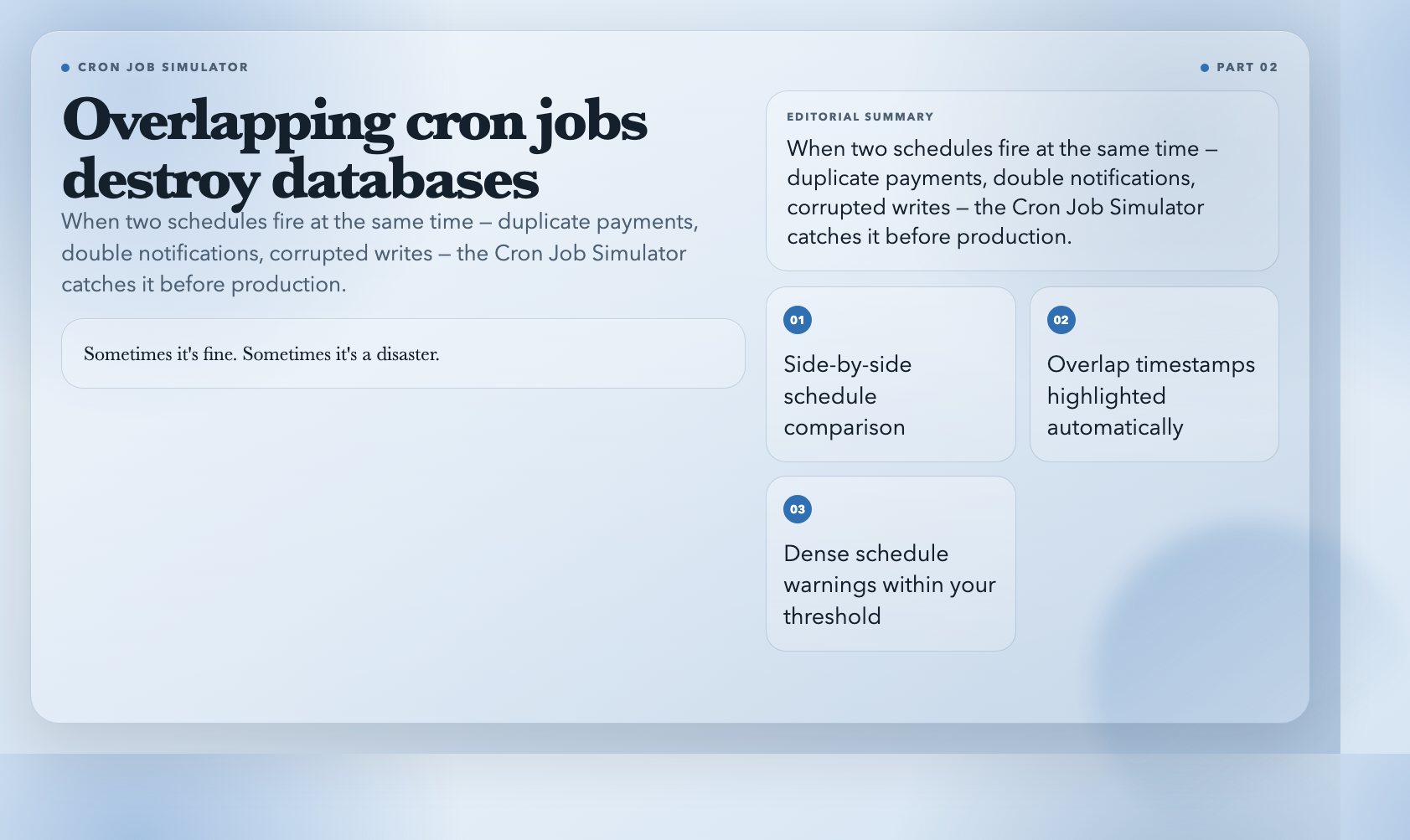
Knowing what a cron expression means is one thing. Knowing whether two schedules conflict* is another. If you have a job running every 15 minutes and another running hourly, they will occasionally overlap. Sometimes that’s fine. Sometimes it’s a disaster — duplicate payments, double-sent notifications, or corrupted database writes.
The Cron Job Simulator runs two cron expressions side by side, highlights exact overlap timestamps, and warns you when runs land within a threshold you define. If you set the dense threshold to 10 minutes, it flags any two runs separated by less than 10 minutes.
Use it when: You’re managing multiple scheduled jobs and need to spot conflicts, duplicate executions, or overly aggressive retry loops.
3. Timezone Duration Calculator
Time is deceptively hard to get right in software. A duration between 2026-03-26T09:00:00-04:00 (New York) and 2026-03-27T10:30:00+08:00 (Beijing) isn’t simply “about 13 and a half hours” — it depends on whether daylight saving time is active in New York on that specific date. Get it wrong and you might show users an off-by-one-hour deadline, miss a contract window, or schedule a job for the wrong day.
The Timezone Duration Calculator takes two ISO 8601 timestamps with explicit offsets, computes the exact elapsed duration, and also provides a business-day comparison — counting only weekdays between the two dates in each respective timezone.
Use it when: You’re building features that span timezones: deadline displays, service-level agreements, international meeting schedulers, or anything with a “starts in X days” counter.
4. ICS Calendar Recurrence Rule Expander
Every calendar invite is governed by an RRULE — a recurrence rule that specifies how often an event repeats and when it ends. RRULEs support BYDAY, BYMONTHDAY, INTERVAL, COUNT, and UNTIL parameters, and they interact in ways that aren’t intuitive. “Every Monday and Wednesday in 2026” produces different dates than “Every weekday in 2026.” Drop a meeting on a holiday and nothing automatically shifts it.
The ICS Calendar Recurrence Rule Expander takes a VEVENT block with an RRULE and expands it into explicit occurrence instances. You can filter out holidays, cap the number of occurrences, and export the result as JSON or a flattened ICS file ready to import back into any calendar client.
Use it when: You’re building calendar integrations, automating recurring meeting workflows, or need to audit exactly which dates a meeting series will land on.
5. Webhook Debugger & Relay
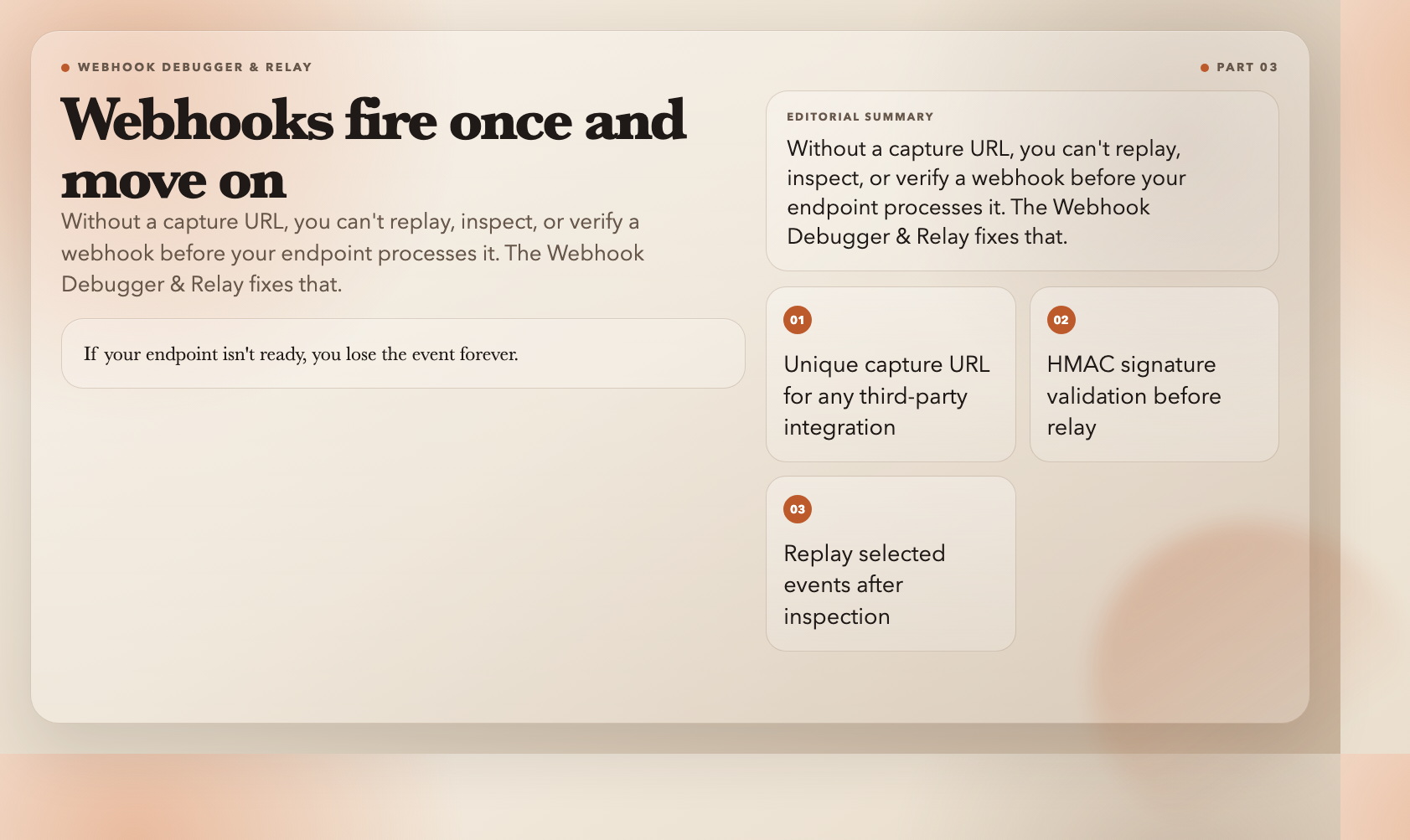
Debugging webhooks is painful because you can’t replay them on demand — the sender fires once and moves on. If your endpoint isn’t ready, or if you need to inspect the payload before forwarding it to your actual processing logic, you’re stuck.
The Webhook Debugger & Relay gives you a unique capture URL you can paste into any third-party integration settings. It stores incoming requests, validates HMAC signatures against a secret you configure, and lets you optionally replay selected requests to a real target endpoint after inspection. You can filter by HTTP method and body content so that only relevant events trigger relay behavior.
Use it when: You’re integrating with Stripe, GitHub, Twilio, or any service that sends webhooks, and you want to verify payloads locally before connecting a live endpoint.
6. Network Packet Analyzer
Sometimes you need to look inside the wire. A service is slow but CPU and memory look fine. A DNS resolution is failing silently. You suspect there’s packet loss on a specific port but you need evidence. Wireshark is powerful, but it requires a desktop install and a certain tolerance for its interface.
The Network Packet Analyzer lets you upload a pcap or pcapng file and get a protocol summary, top IPs, top ports, session breakdown, and a per-second packet timeline — all in the browser. It detects TCP, UDP, HTTP, and DNS traffic and groups packets into sessions for easier triage.
Use it when: You have a packet capture from a production incident and need a quick read on what was happening before you dig into Wireshark or tcpdump.
7. Distributed Trace Decoder & Waterfall Visualizer
Modern applications span dozens of services. A single user request might touch an API gateway, a payment service, a notification service, and three databases. When something is slow, finding which span is responsible is non-trivial. Distributed tracing gives you this visibility — but staring at raw Jaeger or Zipkin JSON is not the fast path.
The Distributed Trace Decoder & Waterfall Visualizer parses trace exports in Jaeger, Zipkin, and OpenTelemetry JSON formats and renders a waterfall that shows each span’s start time, duration, service name, and error status. You can filter to show only error spans, which is the fastest way to find the culprit when something breaks.
Use it when: You’re debugging latency in a microservices architecture, doing post-incident analysis on a trace export, or profiling a high-traffic endpoint.
8. Terraform Plan Visualizer
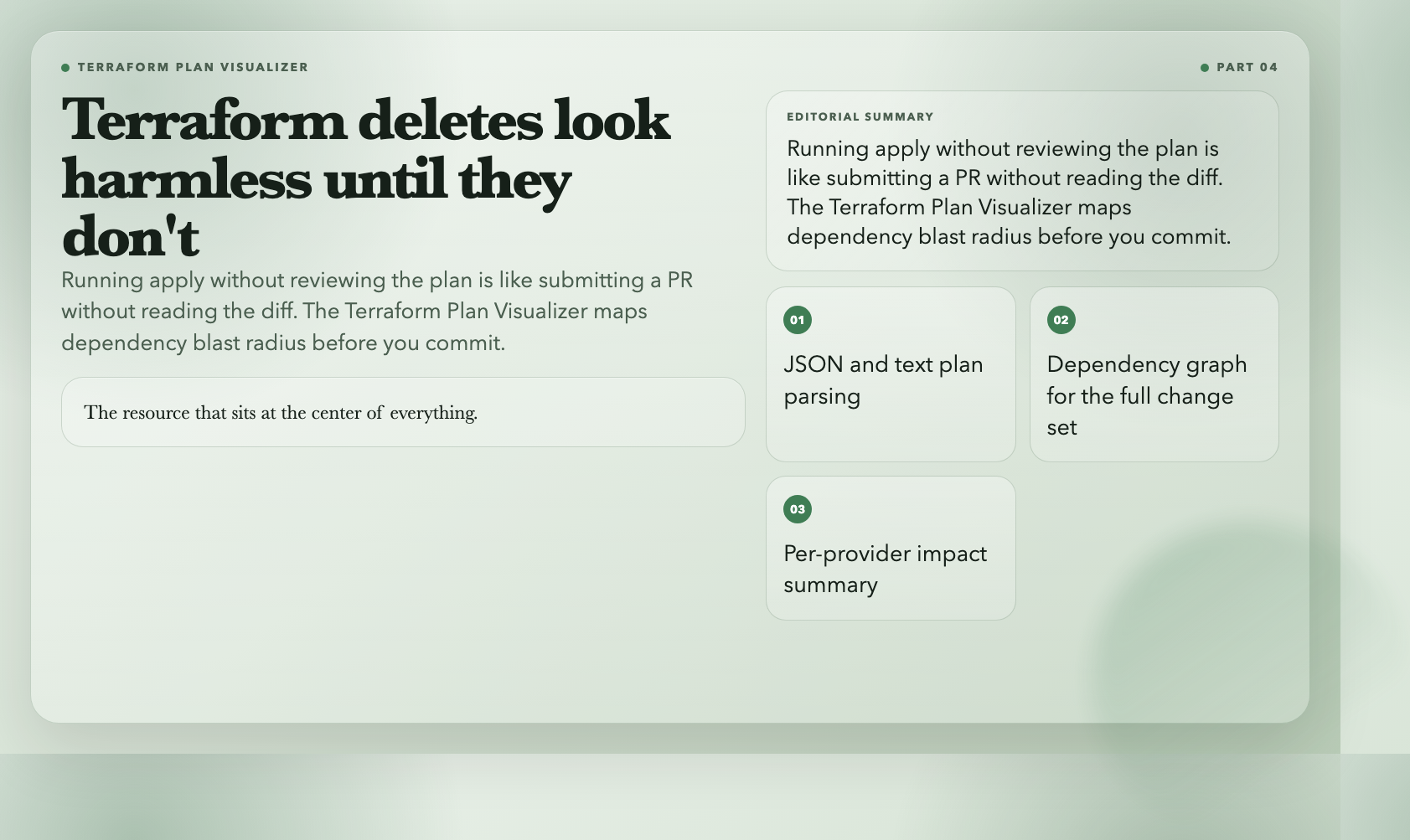
Running terraform apply without reviewing the plan is like submitting a pull request without reading the diff. But Terraform plans can be verbose, and scanning a wall of text to find the two resources that will be destroyed isn’t easy — especially under pressure.
The Terraform Plan Visualizer parses plan JSON or text output, classifies each resource change as create, update, delete, replace, read, or no-op, and renders a dependency graph alongside a per-provider summary. It highlights which resources have the most dependents, so you know where a change has the broadest blast radius.
Use it when: You’re doing infrastructure reviews, onboarding to a new Terraform codebase, or want a cleaner way to present plan changes to a team before an apply.
The Cost of Flying Blind
Every engineering team has a “learned it the hard way” story involving a cron expression that ran in production before it ran anywhere else. Or a webhook that silently dropped events for three days. Or a Terraform apply that looked right until the dependency graph revealed it wasn’t.
These eight tools exist because the people who built them had those exact moments. The question isn’t whether these problems will happen in your system. It’s whether you’ll have the visibility to catch them when they do.



새벽에 크론탭 설정 실수해서 장애 났던 기억이 있는데 이런 유용한 툴들이 있었네요. 특히 크론 작업 시뮬레이터는 중복 실행 방지할 때 정말 유용할 것 같습니다.
O visualizador de cron é uma mão na roda. Já perdi muito tempo tentando validar se uma tarefa ia rodar no horário certo só lendo a sintaxe pura.
Muito boa a ferramenta de depuração de webhooks. Facilitar a inspeção dos payloads sem precisar ficar disparando eventos reais no Stripe economiza um tempo absurdo.