# 8 Free Audio Post-Production Tools That Turn Rough Recordings Into Professional Sound
A bedroom podcast. A garage guitar track. A closet voice-over. They all sound exactly like what they are — untreated rooms with imperfect acoustics.
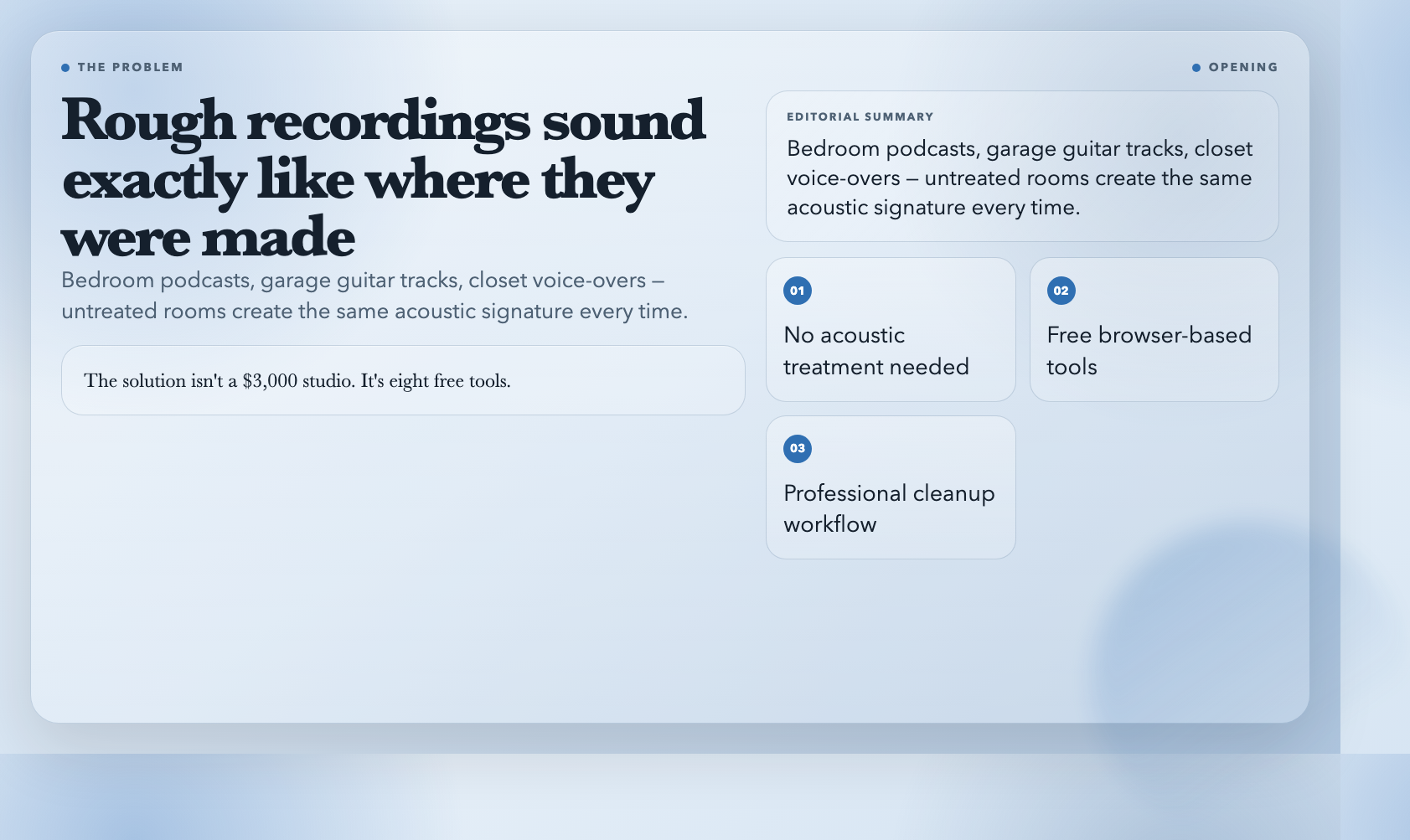
The solution isn’t a $3,000 studio. It’s eight free tools that handle the cleanup work professional sound engineers spend years learning.
Audio Noise Reduction
Background noise is the first problem every recording faces. Computer fans, traffic rumble, cheap microphone hiss — they all sit below your actual audio signal, competing for attention.
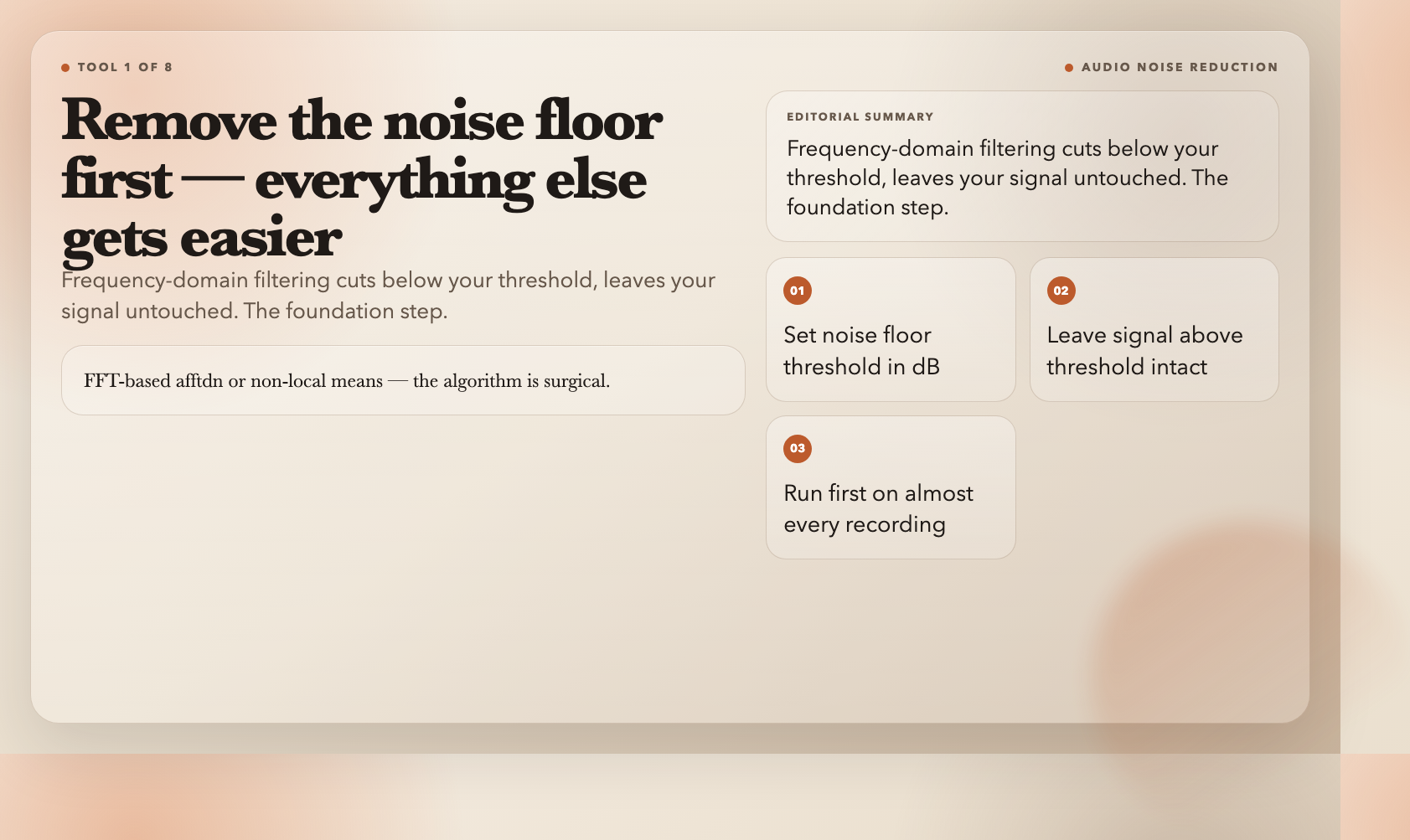
Audio Noise Reduction targets the noise floor directly. It applies frequency-domain filtering (FFT-based afftdn or non-local means) to remove everything below a threshold you set in dB. Something like -25dB. The algorithm is surgical: it cuts below the threshold, leaves above it untouched.
Most recordings start here. It’s not the only step — but it’s the foundation. Remove the noise floor, and everything else becomes easier to hear and process.
Best for: Persistent hiss, room rumble, or equipment noise you can’t re-record around.
Audio Hum Removal
Electrical hum is different from general noise. It’s precise: 50Hz in Europe, 60Hz in the Americas and Japan, plus harmonics at 100Hz, 150Hz, 200Hz — up to 2kHz. It comes from power lines, wiring, and poorly shielded equipment.
This tool uses multiple notch filters to cut these frequencies surgically. Choose your region’s standard, decide whether to include harmonics, and set the filter width. Narrow filters (1-5Hz) preserve more of the original tone. Wider ones remove more hum but can affect timbre.
The moment you hear a recording with and without 60Hz hum, you’ll recognize it instantly. It’s one of those problems that’s obvious the moment it disappears.
Best for: Low-frequency buzz near computers, power supplies, or aging electrical wiring.
Audio Click Removal
Vinyl recordings have clicks and pops. So do digital recordings with dropouts, hard cuts, or transient glitches. Audio Click Removal finds and eliminates these impulses using adaptive algorithms (adeclick).
You control three parameters: window size, overlap percentage, and detection threshold. Window size (10-200ms) determines how much audio the algorithm analyzes at once — larger windows catch broader disturbances but may miss short transients. Detection threshold (1-100) controls sensitivity: lower values catch small clicks, higher values only flag strong impulses.
Three intensity modes: Light preserves audio quality but misses some artifacts. Aggressive catches everything but may introduce processing artifacts. Normal is the usual starting point.
For archival work, old recordings, or field recordings from unreliable gear, this is essential.
Best for: Isolated sharp clicks, pops, or digital dropouts that stand out from surrounding audio.
Audio Dialog Isolation
Sometimes the problem isn’t noise — it’s that the dialog and music are mixed together, and you need them separated.
Audio Dialog Isolation uses source separation models (Spleeter or Demucs/MDX) to split a mixed track into two stems: vocals and accompaniment. Upload a mixed recording; get back a zip with both stems in your chosen format.
Separation quality depends on the engine and source material. Processed vocals, heavy reverb, and heavily compressed mixes are harder to extract cleanly. But for clean recordings with distinct elements, the results are usable for remixing, subtitle generation, or isolated element processing.
Podcast producers working with background music, video editors extracting clean audio from footage, and content creators mixing multiple sources — all of them used to need expensive software for this.
Best for: Extracting vocal tracks from mixed recordings, or remixing a stereo file into separate elements.
Audio Hall Reverb
Reverb isn’t always a problem. Sometimes it’s what a recording needs.
Audio Hall Reverb simulates large concert hall acoustics with four controllable parameters. Decay time (0.5-10 seconds) controls how long the reverb tail lasts — 1.5s feels like a medium room, 4s feels like a cathedral. Diffusion (0.1-1.0) affects how dense and smooth the decay appears — higher values create more uniform, blended reverb. High-frequency damping controls whether the reverb sounds bright or warm. Pre-delay simulates the initial reflection timing before the main reverb kicks in.
Larger hall sizes scale all parameters proportionally — bigger spaces have longer delays and slower decays. The wet/dry mix also scales with hall size, so larger simulations naturally sound more processed.
Best for: Adding depth and space to dry recordings, or simulating specific acoustic environments.
Audio Equalizer
The most fundamental tool for tonal balance.
Audio Equalizer adjusts bass, mid, and treble bands independently. Each band has a center frequency, a gain setting (-24 to +24 dB), and a Q width that controls how wide or narrow the adjustment affects the spectrum.
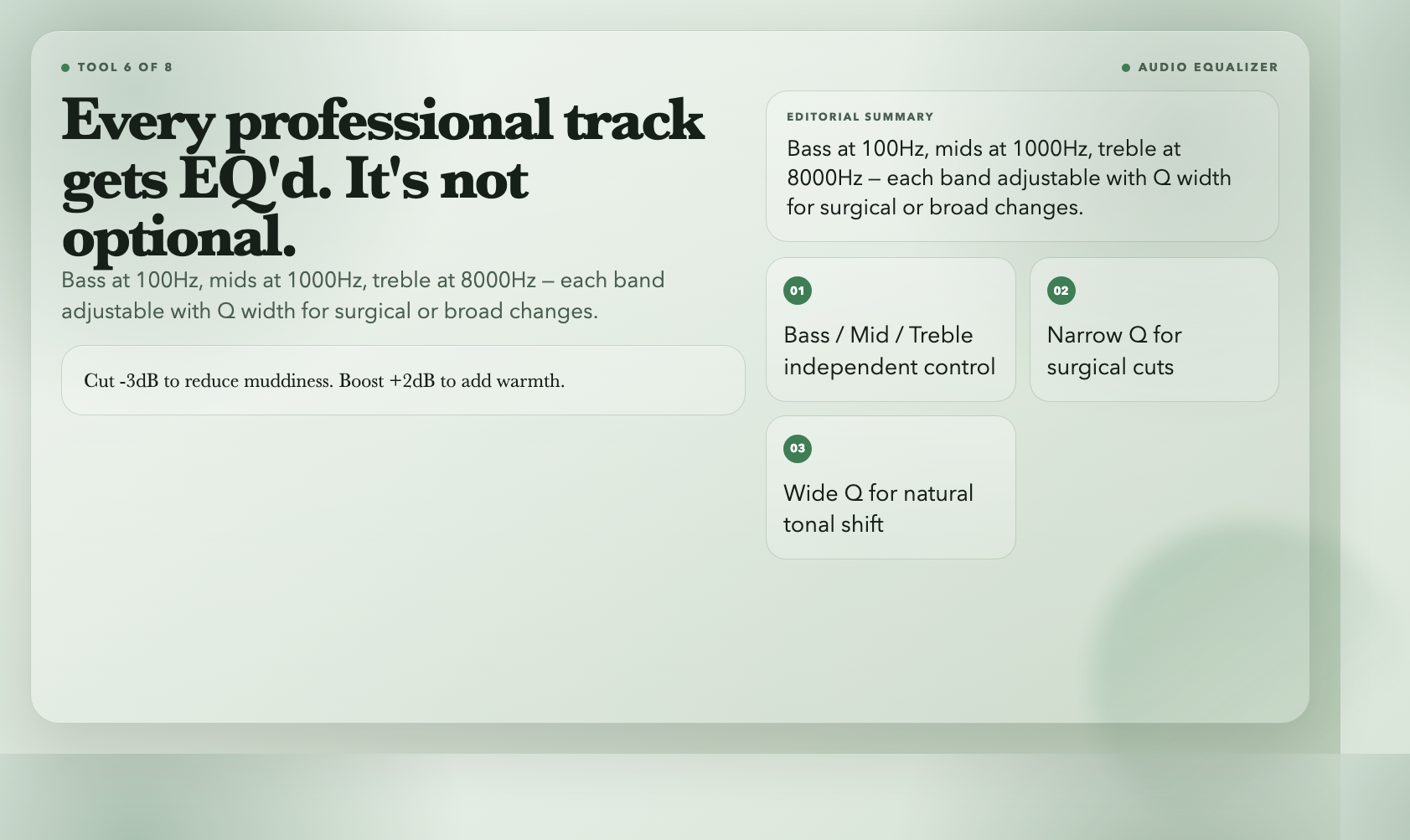
Bass at 100Hz affects low-end weight. Cut it -3dB to reduce muddiness; boost it +2dB to add warmth. Mids at 1000Hz shape vocal presence and instrument body. Treble at 8000Hz controls brightness and air.
Q width matters too. Narrow Q (0.3-0.7) makes precise surgical cuts — useful for reducing resonant frequencies. Wide Q (1.5-3) creates broader tonal changes that sit more naturally in a mix.
Every professional uses an equalizer on every track. It’s not optional in the workflow — it’s how you get a recording to sit right in a final mix.
Best for: Tonal imbalances — boomy, muddy, harsh, or thin recordings that need frequency-level correction.
Audio Phaser
The phaser effect creates a sweeping, spatial quality by moving phase-shifted notches through the frequency spectrum. It sounds like a whoosh that cycles across the range.
A flat, one-dimensional guitar track becomes something that breathes. A vocal that sits too plainly gains movement. The effect works by splitting the audio, delaying one copy slightly, and modulating the phase — the result is a characteristic sweep that adds space without the wash of reverb.
Speed (0.01-10Hz) controls the cycle rate. Low speeds (0.1-0.3Hz) create slow, ambient sweeps. Higher speeds (1-5Hz) create energetic, rhythmic movement. Two modulation shapes: triangle waves produce harder, more rhythmic sweeps; sine waves produce smoother, more continuous movement.
Input and output gain let you control the effect’s loudness impact — phasing can change perceived volume depending on phase interaction.
Best for: Adding movement and space to static recordings, or creating retro-futuristic atmospheres.
Audio Deverb Lite
Some recordings have too much room reverb — the microphone captured the space along with the source, and everything sounds washed out and distant.
Audio Deverb Lite applies a conservative chain to reduce room reverb without creating new artifacts. Each step is gentle: high-pass filter removes low-frequency room rumble, low-pass filter tames harsh high-frequency reflections, subtle EQ cuts reduce resonant frequencies, light compression controls dynamic spikes, noise gate removes ambient room noise.
The target isn’t zero reverb — it’s controlled, intentional reverb. A recording that sounds like it was made in a dead room is just as unnatural as one that’s too reverberant.
This is the tool you reach for when a recording has good content but the room is making it sound muddy and undefined.
Best for: Overly live, untreated rooms where the reverb is muddying the mix.
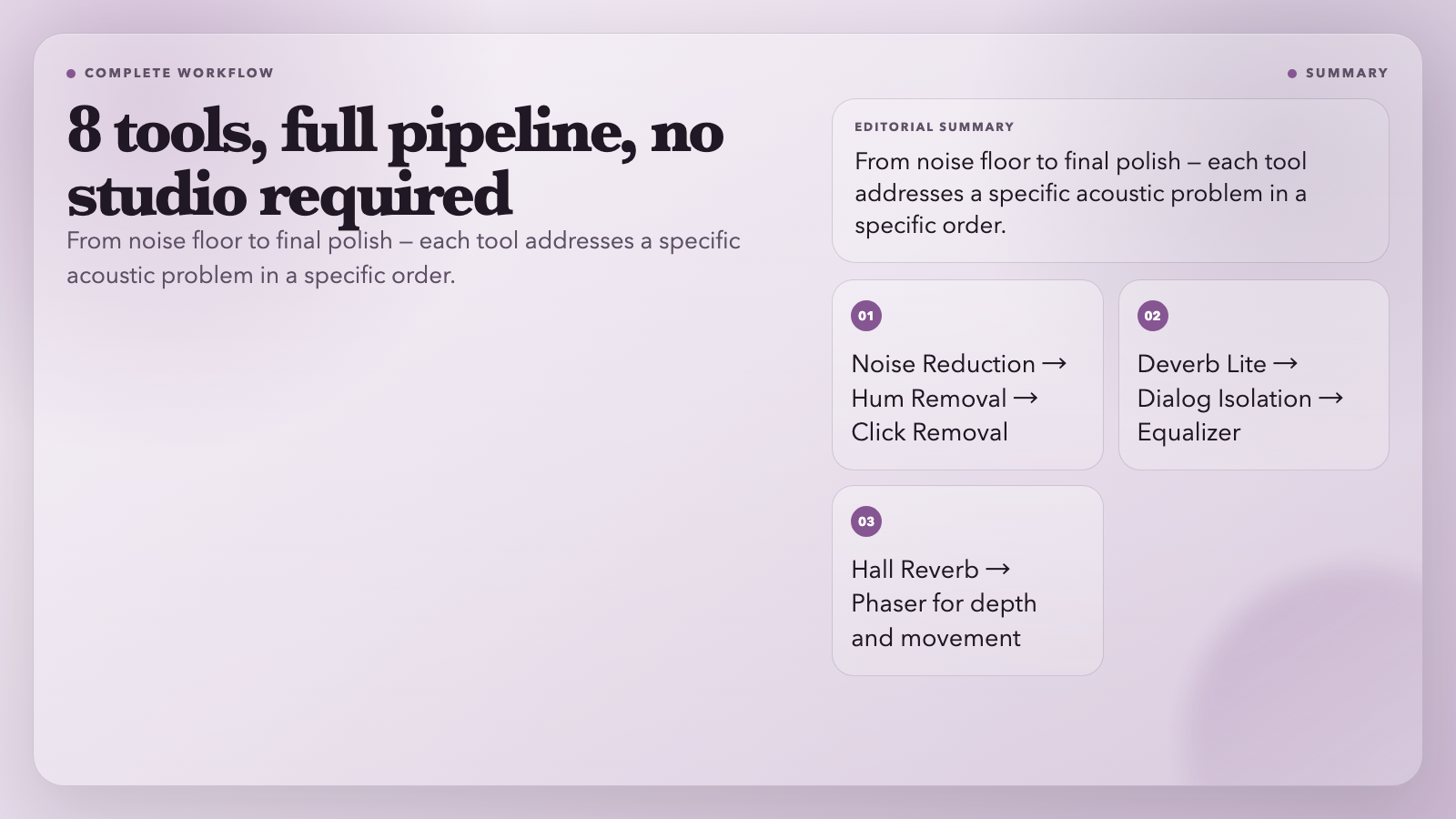
What the Full Workflow Looks Like
These eight tools form a complete audio cleanup pipeline. Start with Audio Noise Reduction to remove the floor. Run Audio Hum Removal if there’s electrical interference. Use Audio Click Removal for isolated glitches. Apply Audio Deverb Lite if the room is too live.
Isolate dialog and music with Audio Dialog Isolation when you need separate stems. Add tonal balance with Audio Equalizer. Shape space with Audio Hall Reverb. Add movement with Audio Phaser.
The order isn’t fixed — you adjust based on what the recording actually needs. But the workflow covers the full range of problems that turn rough recordings into professional sound.
None of these require a professional studio. They require attention: knowing what to listen for, understanding what each parameter does, and working iteratively toward a result that sounds intentional.
The gap between rough and professional isn’t equipment. It’s knowing which tools to reach for.