The $900/Month Software Stack You’re Replicating for Free Right Now
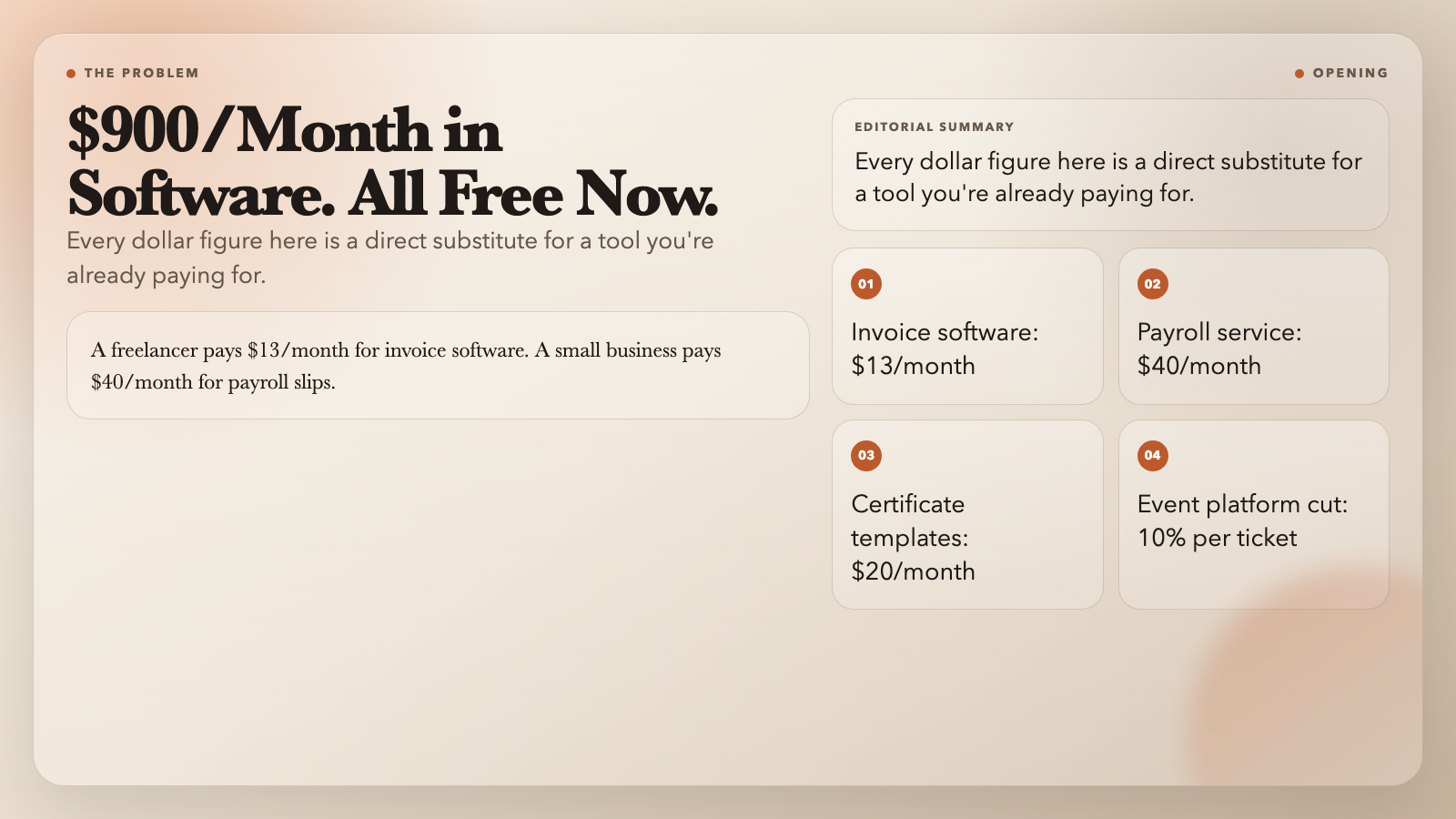
A freelancer pays $13/month for invoice software. A small business pays $40/month for payroll slips. A training company pays $20/month for certificate templates. An event organizer pays 10% of every ticket sale just to generate QR-coded tickets.
None of that is necessary. Six free browser-based tools handle all of it—in under a minute each.
#
1. PDF Invoice Generator — Branded Invoices From a JSON Snippet
Most freelancers build invoices by hand. Open a Google Doc. Copy the last one. Change the number and amounts. Reformat the line items. Export to PDF. That process takes 10–15 minutes. Most do it 5 times a week. That’s roughly two hours of formatting every month, for a task that should take 20 seconds.
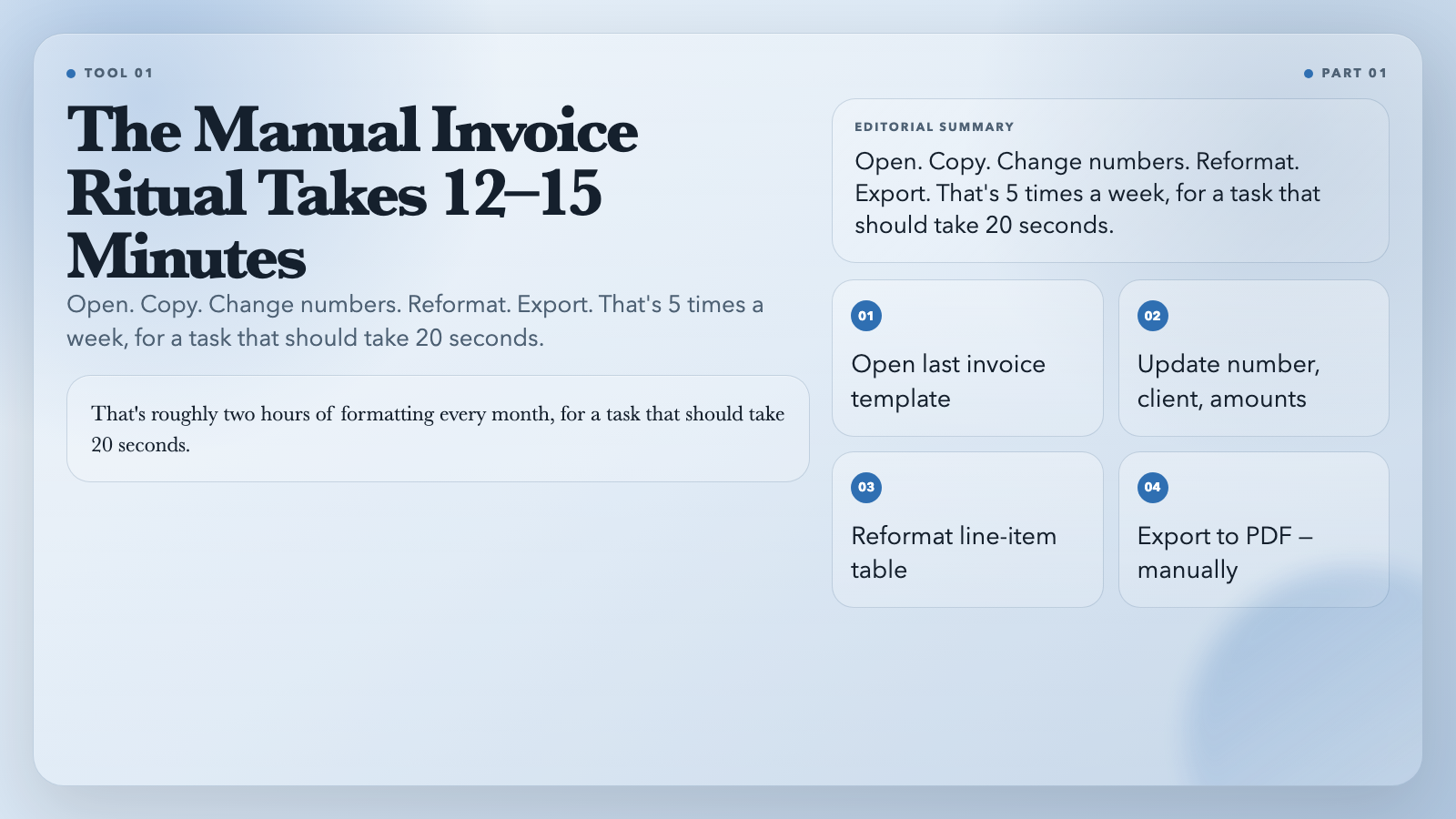
The PDF Invoice Generator replaces that entire workflow. You provide company name, client, invoice number, due date, tax rate, line items as JSON, and an optional logo. It returns a complete, styled PDF: logo block, sender and receiver cards, a properly formatted line-item table, subtotal, tax, and total. Every number calculates itself. Every layout decision is already made.
Paste this into the line items field:
“`
[{“description”:”Brand Design Sprint”,”quantity”:3,”unitPrice”:1200},{“description”:”Prototype Build”,”quantity”:1,”unitPrice”:2400}]
“`
That’s a $6,000 invoice. 20 seconds. Zero formatting.
#
2. PDF Receipt / Ticket Generator — QR-Coded Tickets Without the Platform Cut
Eventbrite charges 10% of every ticket sale. Part of what you’re paying for: QR-coded tickets. The PDF Receipt / Ticket Generator does that part for free.
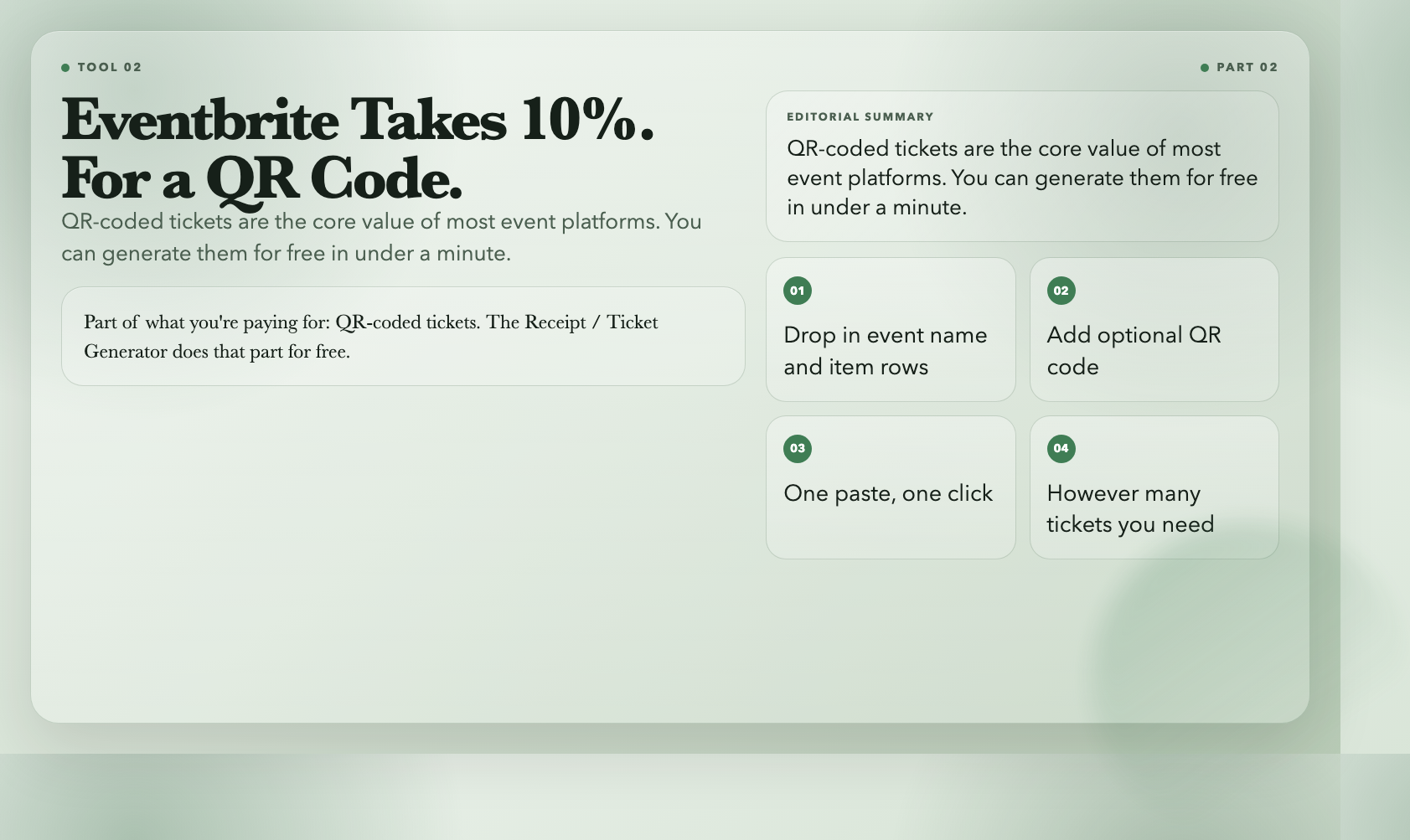
Drop in event name, item rows with prices, tax, total, and an optional QR code. It renders a narrow, monospace PDF that looks exactly like a thermal receipt—with a scannable code embedded. One paste, one click, however many tickets you need.
Small retailers use it for receipts that look professionally printed. Event organizers use it for tickets that open doors. The output is the same: a clean, scannable, email-ready PDF.
Try PDF Receipt / Ticket Generator →
#
3. PDF Payroll Slip Batch — 50 Payslips From a CSV Upload
If you’ve ever generated payslips for 20 employees by copying a spreadsheet row into a Word template and repeating that 19 more times, you already know this problem deserves a better solution.
The PDF Payroll Slip Batch takes a CSV with employee ID, name, department, pay period, earnings, deductions, and net pay. One upload. One click. It generates a separate, styled PDF page for each employee—name, department, pay breakdown, deductions, net pay—formatted and ready to email.
No more copy-paste. No more checking that the math is right on every slip. You give it the numbers; it handles the presentation.
#
4. PDF Certificates Batch — 100 Certificates From a Spreadsheet
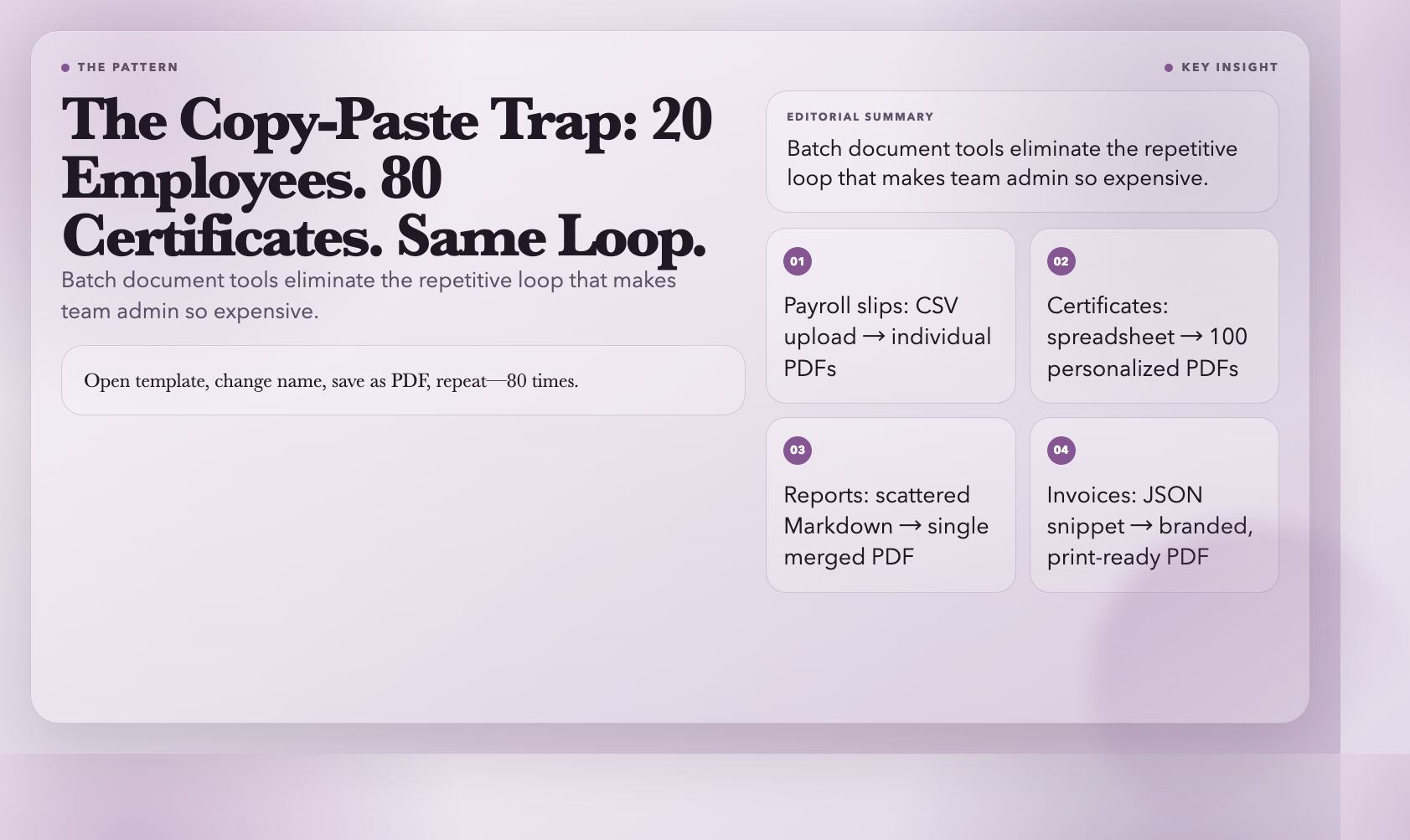
Training companies, schools, competition organizers, and conference hosts all face the same bottleneck: you have 80 names and one certificate template. The manual solution is open template, change name, save as PDF, repeat—80 times.
The PDF Certificates Batch eliminates that loop. Upload a CSV with name, date, course, and score. The tool generates a personalized certificate for every row—each with the recipient’s name, the course, the date, and a decorative border styled for the occasion. One upload. 80 certificates. Done.
#
5. Markdown Report Bundler — Scattered Notes Into a Single PDF
Every team has this problem. Research lives in Obsidian. Meeting notes are in Notion. Specs are in a shared Markdown folder. When it’s time to package everything for a client deliverable, someone spends half a day copying and pasting into a Google Doc—and the output still looks nothing like the original materials.
The Markdown Report Bundler takes multiple Markdown files—in any order you specify—and merges them into a single styled PDF. Headers, code blocks, tables, and links all render correctly. You control the reading order. The output looks like a designed document, not a Frankenstein paste.
#
6. Chat Transcript to PDF — When Conversations Need to Become Records
Support tickets. Slack threads. Therapy notes. Legal exchanges. Coaching session summaries. Chat logs are everywhere in professional life—and they’re nearly impossible to print in a way that looks like a document instead of a screenshot.
The Chat Transcript to PDF renders transcripts as a clean, structured document: a title header, speaker-labeled message bubbles (user, assistant, system—each styled differently), timestamps, and a footer. The result looks like meeting minutes, not a chat window capture. Compliance teams, auditors, and legal professionals use it to turn conversations into retrievable records.
#
What All Six Have in Common
Each tool takes data in one format—JSON, CSV, Markdown, or plain text—and produces a polished document. No templates to maintain. No formatting to redo. No subscriptions to renew.
The real cost of the old way isn’t the software fee. It’s the hour every week spent doing by hand what these tools solve in seconds. Ten invoices a week at 12 minutes each is two hours of formatting every month—time with no learning curve and no creative value.
All six tools run in a browser, cost nothing, and live at ElysiaTools. Pick the one that matches the document you create most often. The question isn’t whether these tools exist. It’s how many more months you’ll use the expensive version before trying them.