The One Character That Can Break Every Scheduled Task in Your System
Every developer knows the pain. You’ve spent three hours debugging a cron job that should run every day at 3 AM but silently fails. You check the logs. Nothing. You check the server. It’s running. You check the cron expression a dozen times. Everything looks right.
Then you find it: a single 6 in the hour field instead of 0. The job has been running at 6 PM for two weeks instead of 3 AM.
Cron expressions are deceptively simple. Five numbers separated by spaces. But that simplicity hides a minefield of off-by-one errors, conflicting specifications, and silent failures that can take down your entire backup system without a single error log entry.
What Is a Cron Expression, Really?
A cron expression is a text string that describes a schedule. The standard Unix format has five fields, separated by spaces:
┌───────────── minute (0–59)
│ ┌───────────── hour (0–23)
│ │ ┌───────────── day of month (1–31)
│ │ │ ┌───────────── month (1–12)
│ │ │ │ ┌───────────── day of week (0–7, both 0 and 7 are Sunday)
│ │ │ │ │
* * * * *
Each field can accept specific values, ranges, lists, and steps. A * means “every value.” A */5 means “every 5 units.” A 1-10 means “the range 1 through 10.” A 1,3,5 means “values 1, 3, and 5.”
The expression 0 3 * * * means “3:00 AM every day.” The expression */15 * * * * means “every 15 minutes.” The expression 0 9-17 * * 1-5 means “every hour from 9 AM to 5 PM, Monday through Friday.”
The Six Most Common Cron Mistakes
Mistake 1: Confusing 24-hour and 12-hour conventions. In Unix cron, hours are always 0–23. 0 14 * * * is 2:00 PM, not 12:00 AM. This trips up developers who think in 12-hour time.
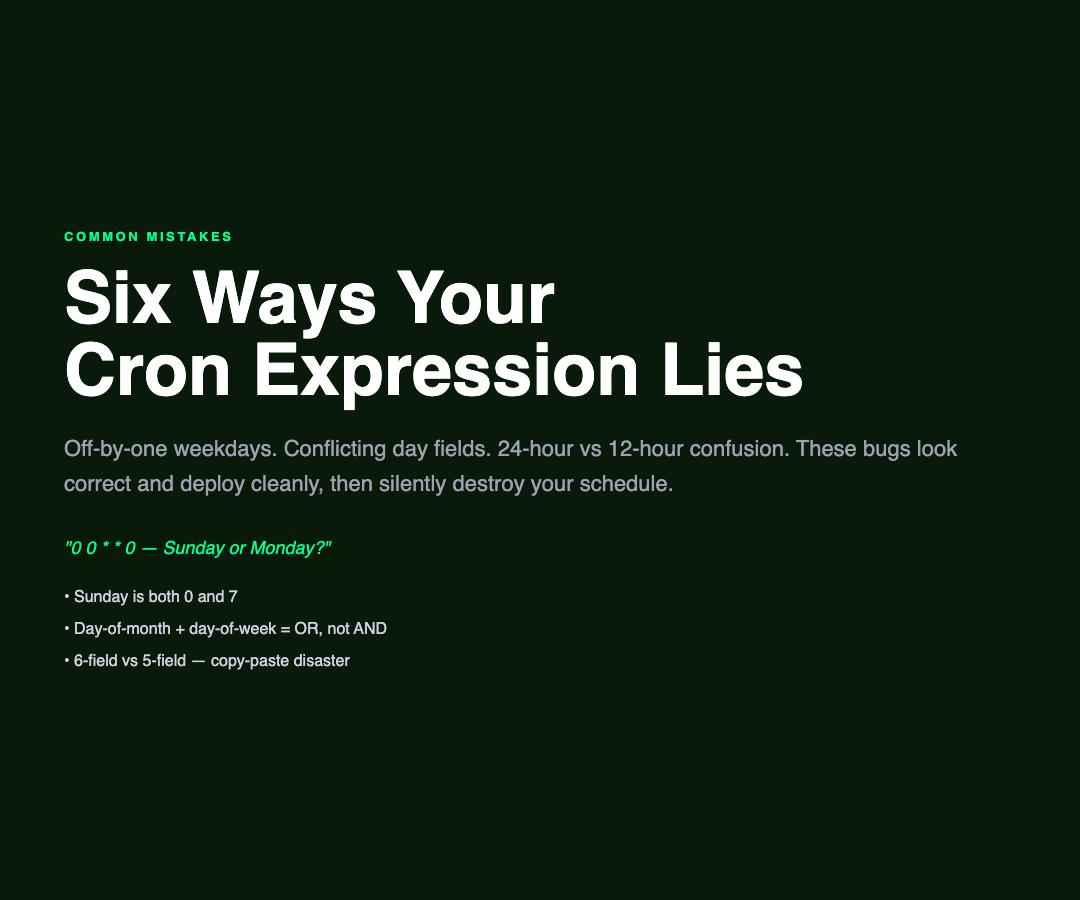
Mistake 2: The day-of-week off-by-one. In Unix cron, Sunday is both 0 and 7. Some cron implementations only accept 0-6. A job scheduled for day 7 might silently be ignored or interpreted as Sunday + 7 days, causing unexpected behavior.
Mistake 3: Conflicting day and day-of-week fields. If you specify both a day-of-month (15) and a day-of-week (1), most cron implementations will fire on EITHER condition — not both. A 0 0 15 * 1 will run on every Monday AND every 15th of the month, which is almost certainly not what you intended.
Mistake 4: Forgetting that months and days are 1-indexed. Minute and hour are 0-indexed. Day of month is 1-indexed. Month is 1-indexed. Day of week is 0-indexed. This inconsistency is baked into Unix cron from the 1970s and has never been corrected for backwards compatibility reasons.
Mistake 5: Step values on ranges.
1-10/2 means “every 2 units starting from 1 within the range 1–10,” which gives you 1,3,5,7,9. But */2 in the hour field means “every 2 hours starting from the top of the hour,” which gives you 0,2,4.... These are subtly different behaviors that are easy to confuse.
Mistake 6: The 6-field variant. Some cron implementations (including Quartz and many modern scheduling libraries) support a 6th field for seconds. If you copy a cron expression from one system to another without checking the field count, the schedule will be completely wrong.
The Most Dangerous Cron Expressions
These expressions look correct but will silently misbehave:
– 0 0 * * 0 — Runs at midnight on Sunday in some systems, midnight on Monday in others – 0 0 1,15 * * — Runs on the 1st AND 15th, which seems fine until you realize it fires twice in some months – 0 */2 * * * — “Every 2 hours” sounds clear, but in some cron implementations this means “every 2nd hour starting at the current hour” – 30 4 1 * * — “4:30 AM on the 1st” — but what about timezone? Is this UTC or local time?
How to Validate Before You Deploy
Before you add a cron job to production, paste your expression into a validator that shows you:

- Parsed breakdown — Confirm each field is interpreted the way you expect
- Human-readable translation — “Run at 3:00 AM every day” is much harder to misread than
0 3 * * * - Next 5 execution times — Seeing
2026-05-09 03:00:00,2026-05-10 03:00:00confirms the schedule is what you intended - Warnings — A good validator will flag the dangerous patterns we discussed above
Real-World Example: The Backup Job That Ran at Noon for 6 Months
A DevOps engineer once configured a database backup to run at 0 12 * * * — expecting midnight. The job ran at noon instead. By the time someone noticed, six months of backup snapshots had been created during peak production hours, saturating network bandwidth and causing performance degradation across the entire application stack.
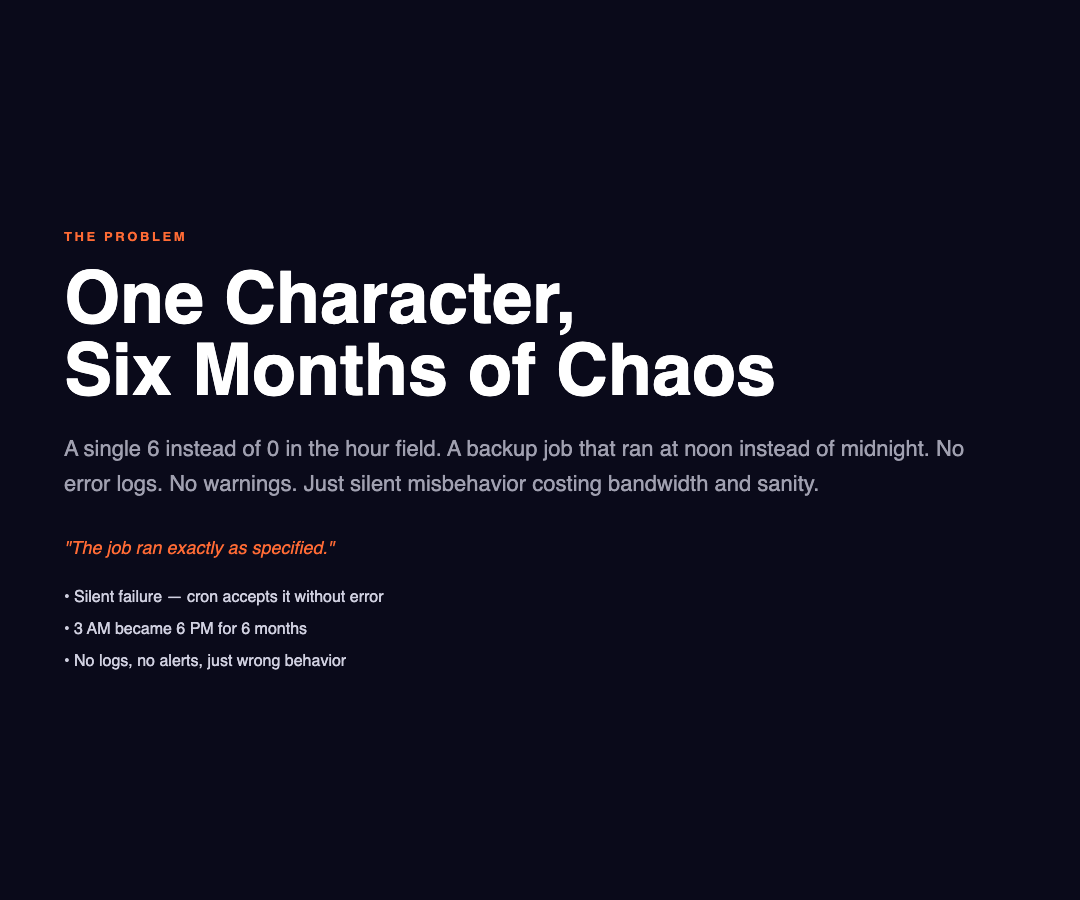
The expression was technically valid. Cron accepted it without error. The job ran exactly as specified. The problem was a simple misunderstanding of the 24-hour clock format — and there was no validation step to catch it before deployment.
This is why cron validation is not optional. It’s a safety net that costs nothing to use and can prevent exactly the kind of silent, costly failures that are hardest to debug.
A Free Tool for Every Developer
The Cron Expression Validator at ElysiaTools validates any standard 5-part or 6-part (with seconds) cron expression. It breaks down each field, translates the schedule into plain English, shows the next five execution times, and warns about potentially conflicting specifications between the day-of-month and day-of-week fields.
It supports multiple languages and handles the edge cases that cause production incidents: out-of-bounds values, invalid ranges, ambiguous weekday numbering, and the subtle differences between 5-field and 6-field cron variants.
No signup. No rate limits. Just paste and validate before your next deployment.
The Bottom Line
Cron is one of the oldest Unix utilities still in daily use, and its quirks are inherited from a time when computers were batch machines and schedules were simpler. Those quirks haven’t gone away — they’ve just been copied into every modern scheduling system.
A two-second validation step before deployment would have caught every production cron incident in history. The next time you’re about to add a scheduled job, take two seconds to validate the expression first. Your future self will thank you when the backup runs at midnight instead of noon.