What that opaque string actually is
Two attackers walk into a coffee shop. The first sits down with a laptop, opens a network sniffer, and waits for a stray HTTP request. The second opens the browser, presses F12, clicks the Application tab, and copies a string out of the localStorage. Both attackers now hold the same thing: a JWT. The first attacker has to break TLS and hope the server sends something in the clear. The second attacker has a working session token in about four seconds, and they did not touch the network. That is the asymmetry built into every JSON Web Token: the token is not encrypted, it is signed, and signed means the door has a lock on the inside and a window on the outside. Anyone can read the contents. Only the issuer can prove they wrote them. Once you understand that asymmetry, the rest of JWT — the header, the payload, the exp claim, the difference between HS256 and RS256 — stops being a config screen and starts being a threat model.
The three dots in your Authorization header
Open your browser dev tools, click any authenticated request, and you will see a header that looks like this:
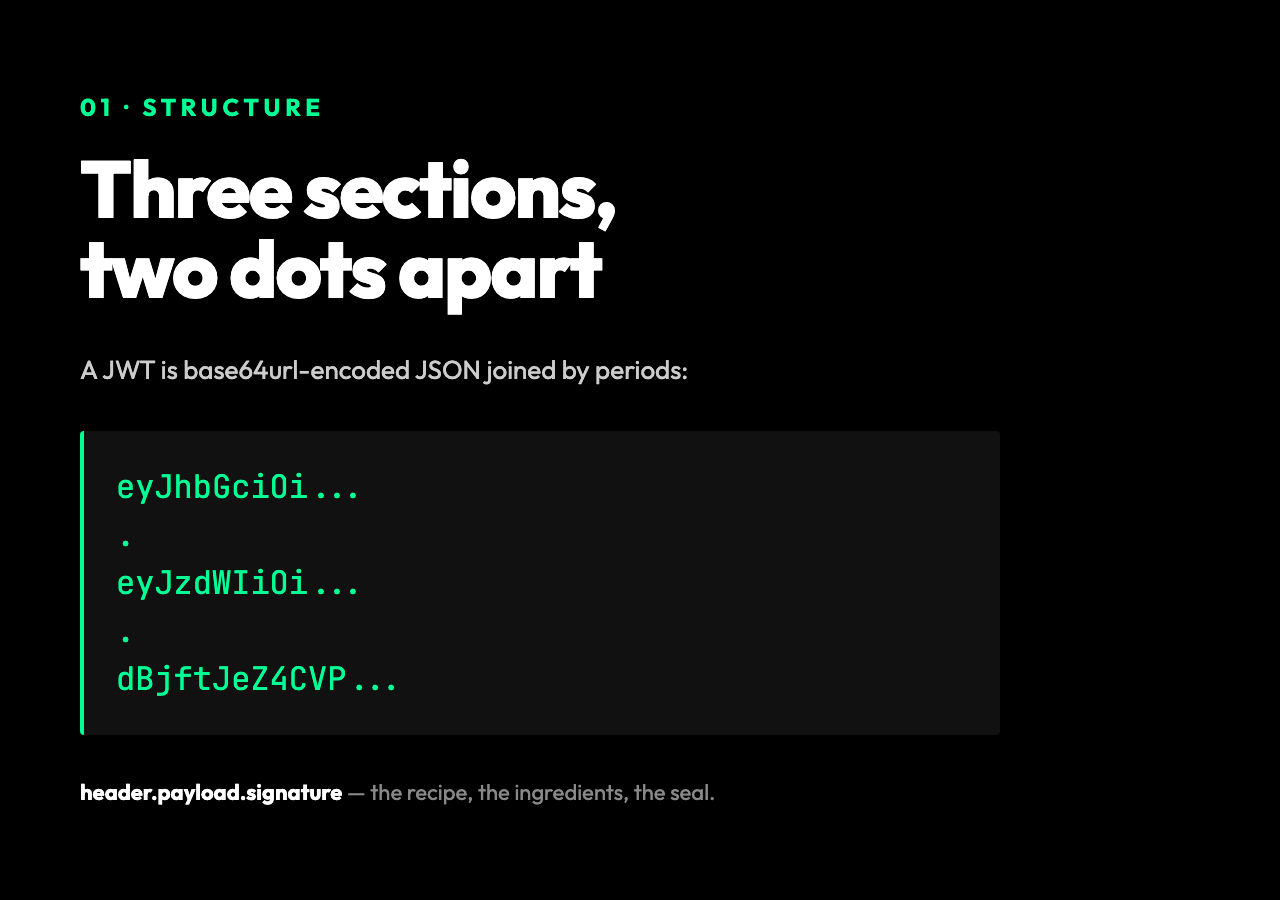
Authorization: Bearer eyJhbGciOiJIUzI1NiIsInR5cCI6IkpXVCJ9.eyJzdWIiOiIxMjM0NTY3ODkwIiwibmFtZSI6IkpvaG4gRG9lIiwiaWF0IjoxNTE2MjM5MDIyfQ.SflKxwRJSMeKKF2QT4fwpMeJf36POk6yJV_adQssw5c
Read it slowly. There are two dots, which means three sections, and that is not a stylistic choice. A JSON Web Token is, by spec, three base64url-encoded JSON documents joined by periods: header.payload.signature. The header is the recipe. The payload is the ingredients. The signature is the seal on the jar. You can decode any of them by hand with a single atob call — there is no key required, no handshake, no permission to view your own user id. That is the part most people miss: a JWT is not encrypted. It is signed, and signed means anyone can read it, but only the holder of the secret can prove they wrote it.
The JWT Decoder on Elysia Tools splits the token into those three sections instantly in your browser, with no server round-trip and no risk of leaking the token to a log file on someone else’s machine.
The header is one sentence about how to read the rest
The first section of a JWT is usually six lines of JSON and tells you everything you need to know about how the rest of the token was constructed:
{
  "alg": "HS256",
  "typ": "JWT"
}
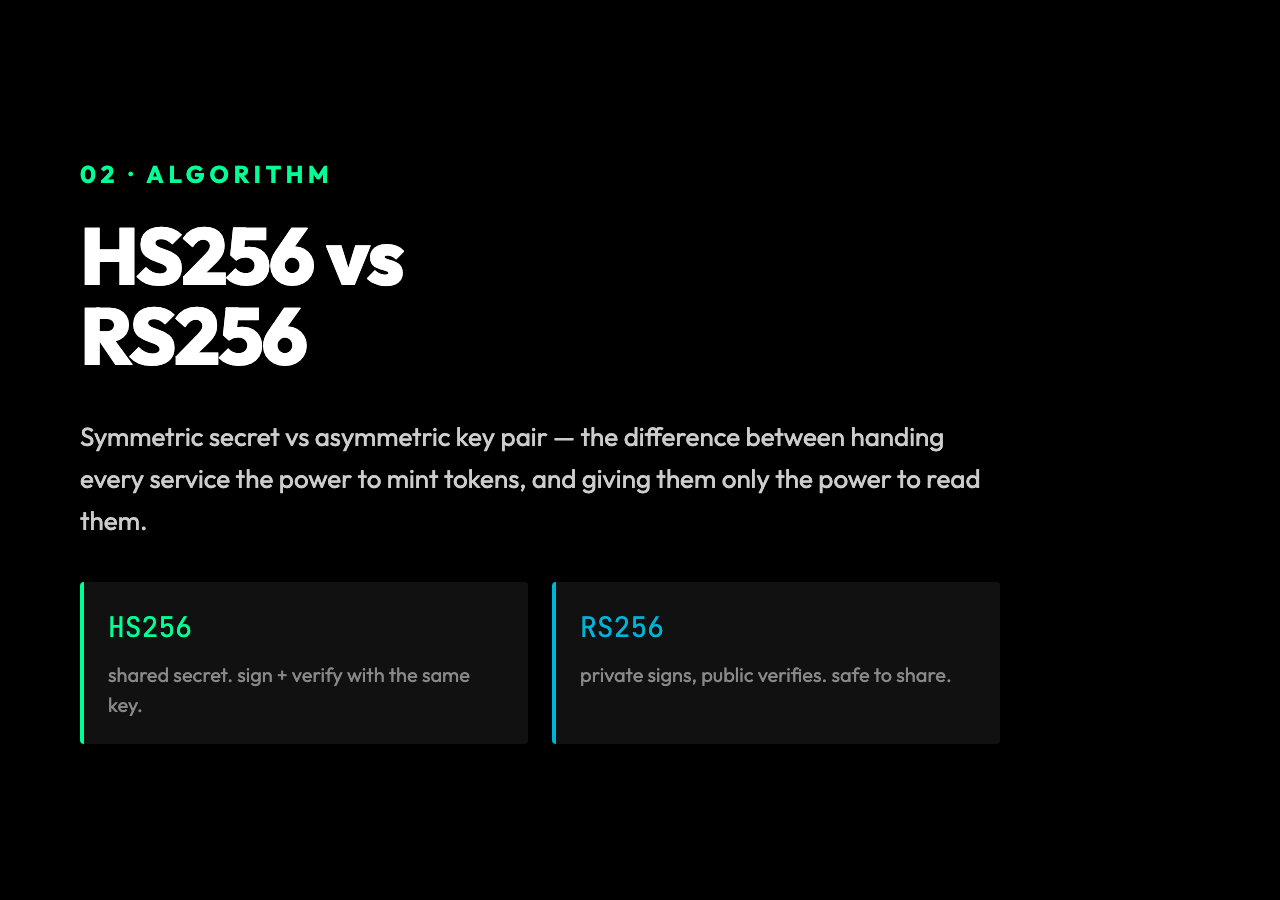
That is the entire spec for a basic token. alg is the signing algorithm — HS256 means HMAC with SHA-256, a symmetric key held by both the issuer and the verifier. RS256 means RSA, asymmetric, where the issuer signs with a private key and anyone can verify with a public key. The choice matters in production for one reason: with HS256, every service that needs to verify the token must also be able to forge one, because they share the same secret. With RS256, your verification services can only check signatures, never mint new tokens. If your mobile app, your CDN edge, and your analytics worker all need to read JWTs, do not hand them all the signing key.
typ is almost always JWT, and you will occasionally see kid (key id) added so the verifier knows which public key to use when keys rotate. That is the whole header. Six lines of configuration in a 200-character string.
The payload is where the actual lie lives
The middle section is the part you actually care about, and the part most likely to leak. Here is the payload from the token above:
{
  "sub": "1234567890",
  "name": "John Doe",
  "iat": 1516239022
}
sub is the user id. name is, well, the name. iat is the issued-at time as Unix seconds. Three claims, all standard, all readable by anyone who can paste the token into a JWT decoder. If you put the user’s email, home address, or stripe customer id in the payload, you have just published it to every API log, every error tracker, every browser dev tool, and every CDN header that happens to mirror the Authorization value. JWTs are not a place to store sensitive data. They are a place to store pointers to sensitive data — typically a user id and a session id — and let the server look up the rest.
The claims worth knowing are the reserved ones, the ones with three-letter names that mean something to every JWT library on earth:
– exp (expiration) — Unix seconds. The single most important claim. A token without exp is a permanent skeleton key; if it leaks, it works forever. – iat (issued at) — when the token was minted. Useful for logging and for “issued in the last 5 minutes” freshness checks. – nbf (not before) — the token is invalid before this time. Used for scheduled access. – iss (issuer) — who minted it. Lets you reject tokens from a different auth provider in a multi-tenant setup. – aud (audience) — who the token is for. Critical in microservices: a token issued for billing-service should not be accepted by admin-service. – jti (JWT id) — a unique identifier per token. Lets you maintain a revocation list when you need to invalidate a specific session without rotating the signing key.
When you decode a token and notice that it has no exp, the right reaction is not to shrug. It is to fix the issuer.
The signature is not what it looks like
The third section is the only one you cannot turn back into JSON. It is a fixed-length binary blob — 32 bytes for HS256, 256 bytes for RS256 — encoded as base64url. And here is the trick that catches people out: a base64url-encoded string looks like text, so people assume it is some kind of encrypted version of the payload. It is not. It is the output of an HMAC (or RSA-sign) over the literal bytes of header.payload, with the secret key. The signature is a fingerprint, not a wrapper. If you change a single character in the payload, the signature changes completely. If you change the secret, the signature changes completely. The whole point of JWT is that the verifier re-runs the same calculation on the same input and checks that it lands on the same output.
This is why a JWT decoder is safe but a JWT verifier is not. Decoding just runs atob on the first two sections — the same thing a library does when it reads the claims. Verifying is the part that holds a secret key in memory and computes the signature. The Elysia Tools decoder is specifically the inspection kind: it shows you the contents, it shows you the algorithm, it shows you the expiry timestamp relative to your local clock, and it stops there. It does not check the signature, because checking the signature requires a key, and a tool that accepts your key in a browser is a tool that has just exfiltrated your key to whatever JavaScript bundle is shipping. The 256-bit safety property of HS256 evaporates the moment you paste your secret into a public website.
Where the math actually breaks
The most common JWT vulnerability is not in the token itself — it is in the verifier. Three patterns account for the majority of real-world auth bypasses, and a decoder will not catch any of them, which is exactly why you have to understand the format before you trust the format:
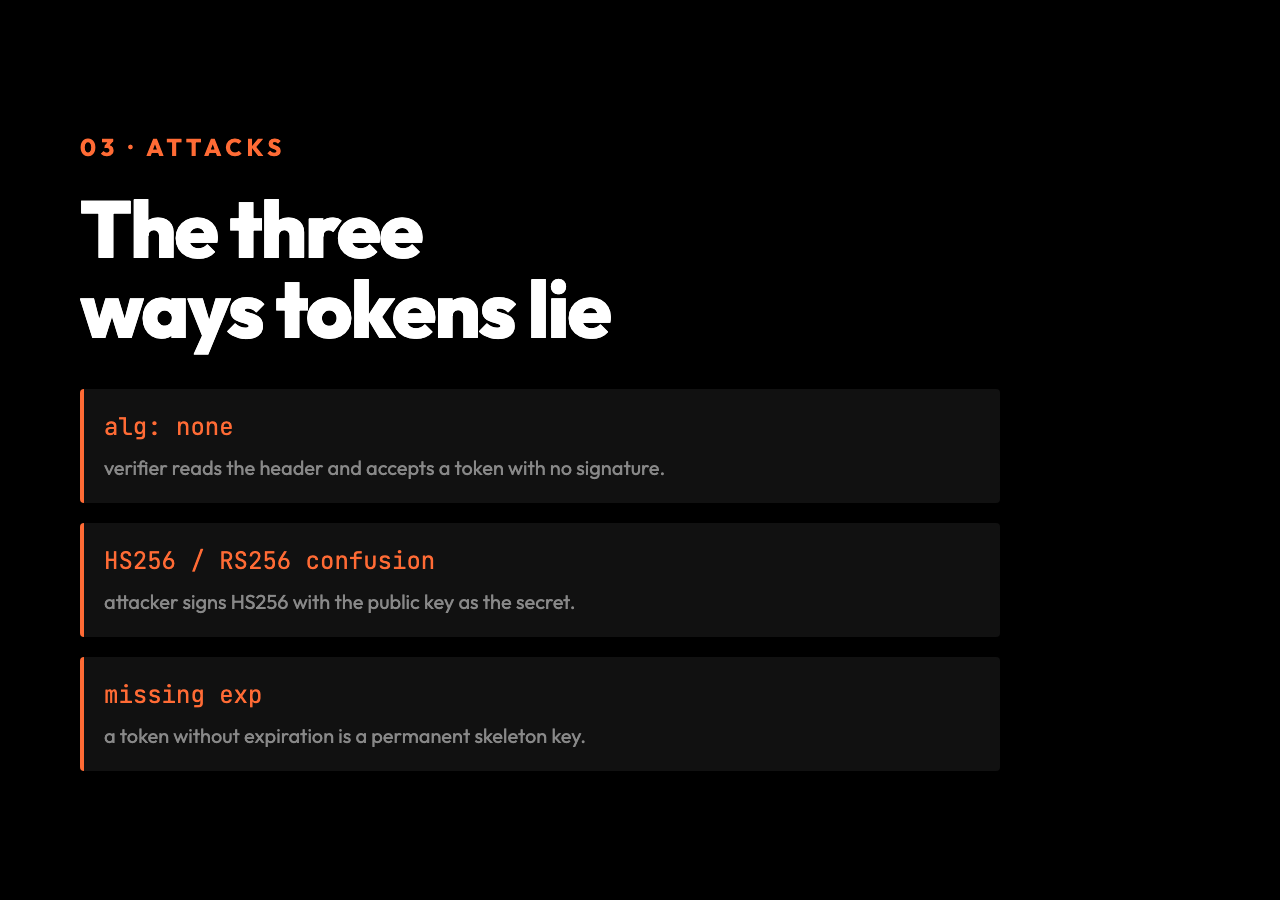
The alg: none attack. A token’s header declares its own algorithm. If your verifier reads the header and uses that algorithm, an attacker can craft a token with alg: none and an empty signature. Your code, dutifully following the header, will accept it. Always hardcode the algorithm you expect on the verifier side. Never trust the header.
The HS256 / RS256 confusion attack. A token with alg: HS256 is verified with a shared secret. A token with alg: RS256 is verified with a public key. If your verifier uses the same function for both and lets the algorithm parameter switch modes, an attacker can sign an HS256 token using your public RSA key as the secret. Your code computes an HMAC with the public key, the attacker has computed the same HMAC, the signatures match, and you have just let an unauthenticated user mint a valid token. Pin the algorithm. Always.
The missing exp claim. A library that decodes a token without checking exp is a library that treats a 10-year-old stolen token as a fresh login. The decoder will happily show you the payload without warning you that the token has no expiry. That is not a bug in the decoder; it is a feature. The decoder is for inspection. The verifier is the one that must enforce exp, nbf, iss, and aud, and it must do so before any business logic runs.
Reading a real token
Take a token from a typical Node.js application and run it through a decoder. You will see something like this in the payload:
{
  "sub": "user_2a8f1c",
  "email": "[email protected]",
  "role": "editor",
  "iat": 1717523400,
  "exp": 1717527000,
  "iss": "auth.example.com",
  "aud": "api.example.com"
}
A few things to notice just from reading it. The exp is exactly one hour after iat — that is the session lifetime the issuer chose. The sub is a database id, not an email, which means the email in the payload is purely for debugging and could be removed without losing anything. The role claim is doing the access-control work that the server would otherwise have to do a database lookup for, and that is a real trade-off: role changes do not propagate until the token expires. A user whose editor access is revoked at minute 50 will still be treated as an editor for the next 10 minutes. That is not a bug, that is a clock.
The decoder will also show you the difference between iat and the current wall clock. If a token minted 30 days ago is sitting in your localStorage, the decoder is the fastest way to find out why your test users keep getting logged out: their tokens expired, your refresh logic is broken, and the iat tells you the exact second that started.
What the decoder does not do
A JWT decoder is to JWT verification what console.log is to a debugger: useful, fast, and strictly less powerful than the real thing. The decoder does not check the signature. It does not validate the issuer. It does not enforce the audience. It does not refresh expired tokens. It gives you the same view an attacker would have if they stole the token, and that is the point: security work that starts from “what could an adversary read?” is the only kind that survives contact with a real attacker.
The JWT Decoder runs entirely in your browser, the token never leaves your machine, and the output is laid out the way a JWT library sees it: header on top, payload in the middle, signature at the bottom, with the algorithm, expiry, and issued-at surfaced as machine-readable metadata. Paste in a token from production and you will see, in the span of one second, exactly what an attacker with that token would see. That is the question every auth system should be able to answer in under five minutes: “if someone steals this token, what do they get?” If the answer is “the same things I get”, the system is honest. If the answer is “more than I get”, you have just discovered your next bug.