The cleanest way to think about XSS is to remember one thing: every web form is a TTY that someone, somewhere, will eventually type <script></script> into. The question is not whether that input will arrive. It is what happens when it does. A detector that catches the obvious cases — a literal <script></script> tag pasted into a comment box — misses the cases that keep security teams employed: encoded variants, SVG event handlers, javascript: in anchor hrefs, polyglot payloads that pass HTML validators but execute when the browser assembles the DOM. The frontier is not “do you block <script></script>?” It is “do you know what to do when a </p> attribute written in Unicode escapes that look like Latin-1 until the renderer decides otherwise?” That gap — between blocking the textbook case and recognising the awkward one — is what an XSS detector is for. Treat it less like a filter and more like a spell-checker for hostile intent.
<div> has an <code>onmouseover
The eight characters that started everything
Open a browser, open a comment field, type <script>alert(1)</script>, submit. If the server renders your comment without escaping it, every reader who loads the page gets a popup. That is cross-site scripting in its purest form, and it has worked that way since Netscape Navigator 2.0 shipped JavaScript in 1995. The script runs in the victim’s browser, with the victim’s cookies, on the victim’s domain. The attacker never touches your server directly — they use yours as a delivery mechanism.
What changed in thirty years is not the primitive. It is the surface area. Modern web applications accept text from hundreds of input vectors: comment fields, search bars, profile names, file upload names, URL fragments, postMessage payloads, even image alt text. Each one is a small opening. The eight characters <script></script> are still the textbook attack, but a modern attacker has dozens of equally effective variants: <img decoding="async" src="x" onerror="alert(1)">, <svg onload="..."></svg>, <a href="javascript:...">, <iframe src="data:text/html,..."></iframe>. None of them contain the literal word “script” in a way that a naive filter would catch. This is why a real detector has to look beyond the tag itself and pay attention to what the tag does in context.
What an XSS detector actually checks
An XSS detector runs your input through a battery of pattern matchers, each tuned to a specific category of attack. The ones that matter most:
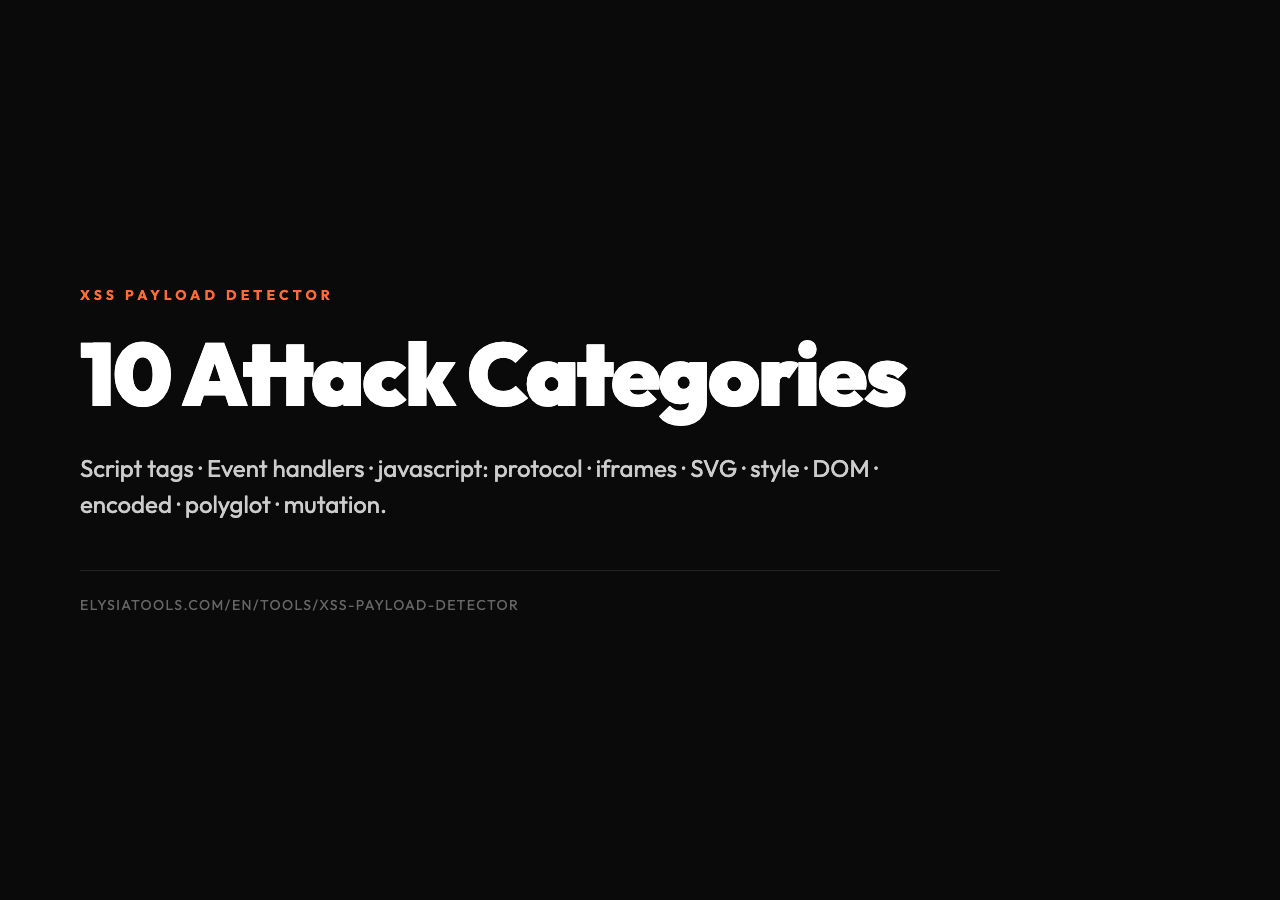
Script tags — the obvious one. The detector scans for <script></script>, , and any case-variant like <script></script>. Severity is CRITICAL because a working script tag is a working program in the victim’s browser.
Event handlers — HTML attributes like onclick, onerror, onload, onmouseover, onfocus. They look innocent in a </p> is high-risk, a
<div> but fire whenever the user interacts with the element. Severity MEDIUM to HIGH depending on context; a <code><button onclick="..."><body onload="..."> is critical.</p>,
<p><strong>Dangerous protocols — <code>javascript:vbscript:, data:. These are URL schemes that look like ordinary href values but execute code when followed. An <a href="javascript:alert(1)">click me is indistinguishable from a normal link until someone clicks it.
Frame injection — <iframe></iframe>, <frame>, <object>, <embed>. These can embed entire pages, including pages hosted on attacker-controlled servers.
Style injection — </p> blocks,
<style></style>
<p>expression() (legacy IE), -moz-binding. Less common now but still in the wild.
SVG-based XSS — <svg></svg> is HTML’s vector graphics format, and it supports event handlers just like </p> event is a fully working XSS vector.
<div> does. A 1-pixel SVG with an <code>onload
DOM-based patterns — strings like innerHTML, eval(), document.write(), Function(). These aren’t payloads by themselves, but they appear constantly in payloads, so a detector flags them as suspicious context.
The XSS Payload Detector at Elysia Tools runs all of these checks and adds a fourth dimension: encoding awareness.
The encoding trap
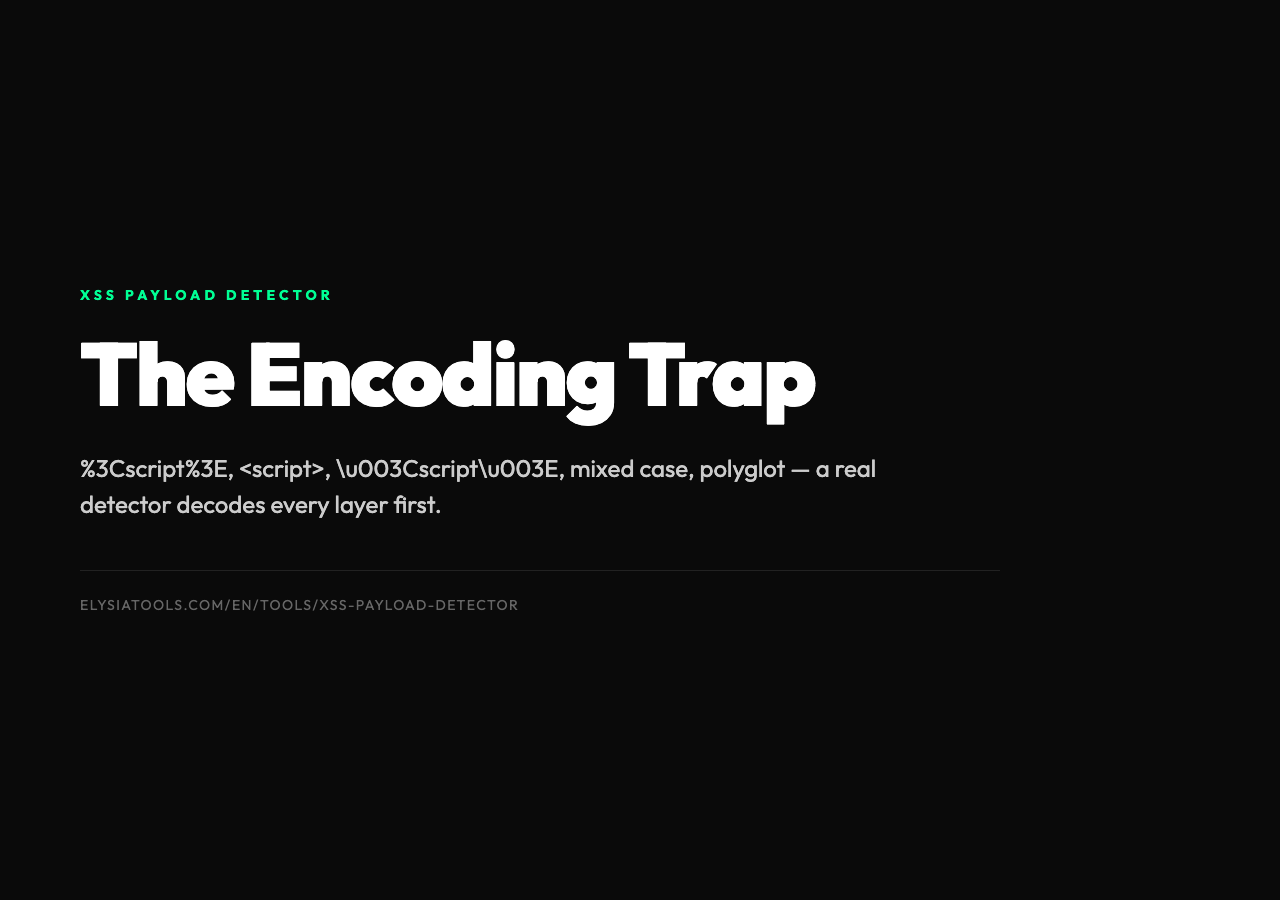
A <script></script> tag URL-encoded as %3Cscript%3E will sail past a server-side filter that only checks for literal angle brackets. The browser, when it decodes the URL, sees <script></script> and runs it. This is not a theoretical edge case — it is the standard fallback for an attacker whose first attempt was blocked. The list of encoding tricks is long and growing: HTML entity encoding (<script>), double URL encoding (%253Cscript%253E), Unicode escapes (u003Cscriptu003E), mixed case (<script></script>), null bytes inserted mid-tag, and the famous polyglot — a payload that is simultaneously valid JavaScript, valid HTML, valid CSS, and valid URL syntax, so it survives every filter it passes through and only “wakes up” at the final render step.
A serious detector has to decode every layer before it pattern-matches. Skip the decoding step and you have a filter, not a detector.
How detectors score risk
Not every XSS-shaped string is equally dangerous. <b>hello is technically an HTML injection but it cannot execute code. <script>alert(1)</script> is code execution waiting for a browser. A detector returns risk levels for a reason: it tells you which findings need immediate action and which ones are noise.
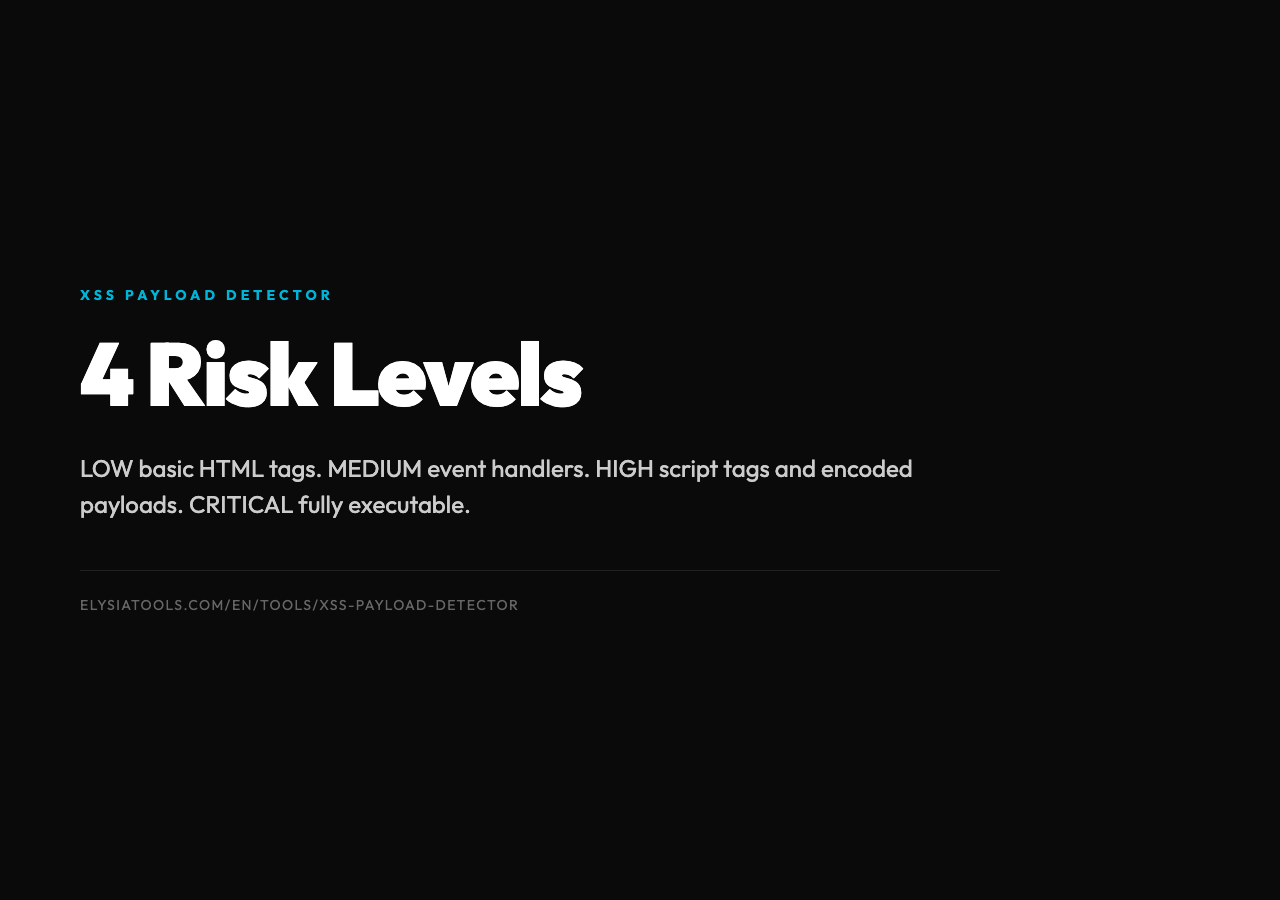
The standard ladder:
– LOW — basic HTML tags without script attributes. A <b> or <i> might be a styling mistake but it is not an attack. – MEDIUM — event handlers, dangerous protocols, or unencoded attribute injection. These become CRITICAL the moment they reach a real DOM. – HIGH — script tags, encoded payloads, or attribute combinations that are common in known exploit kits. – CRITICAL — fully executable payloads: a complete <script>...</script>, an <img onerror="..."> that points to an attacker payload, or a polyglot string.
The detector’s job is not to delete the input. It is to score it, explain the score, and hand the decision back to the developer who knows the context. A <script></script> tag in a <code> block on a documentation site is fine. The same tag in a user comment is a CVE waiting for a number.
Why naive filters fail
If you have ever typed a search query and watched your browser silently strip a <script></script> tag, you have seen a content security policy at work. CSP, output encoding, input sanitization — these are the defensive layers. They work, but they have a long history of small bypasses:
– The <svg onload="..."></svg> variant bypasses filters that only check for <script></script>. – The <img decoding="async" src="x" onerror="..."> variant bypasses filters that only check for tags with closing pairs. – The <a href="javascript:..."> variant bypasses filters that only check for tags, not attributes. – The mixed-case variant <script></script> bypasses filters that forgot the i flag on their regex. – The HTML entity variant <script> bypasses filters that decode once when the input has been encoded twice.
A real detector is essentially a regression suite for every known bypass. The detector’s value comes from its knowledge of the long tail, not from its ability to catch the textbook case.
What to do with a flagged payload
When the detector says CRITICAL, the right next move is not “delete the input” — it is “look at where this input is going to land.” A few rules of thumb:
– If the input is rendered as HTML, escape it. < becomes <, > becomes >, " becomes ". Use the framework’s built-in escaper; do not write your own. – If the input lands inside an attribute, escape with the attribute’s quote style in mind. " inside a single-quoted attribute is harmless; " inside a double-quoted attribute breaks out. – If the input lands inside a <script></script> block (yes, this is a common mistake), use JSON.stringify or its equivalent. A regular escaper will mangle the string. – If the input lands inside a URL, validate the scheme. Allow https: and mailto:. Reject javascript: and data: outright. – If the input lands inside CSS, you need a real CSS escaper. Most CSS injection filters are wrong.
The detector finds the payload. The framework escapes it. The browser renders it as text. That three-step chain is what “no XSS” actually means.
The frontier: DOM-based and mutation XSS
The hardest XSS to detect is the one that does not exist as a payload in the input at all. DOM-based XSS happens when client-side JavaScript reads from a URL fragment or window.name and writes that into the page via innerHTML. The server never sees the payload — the malicious string lives entirely in the browser’s address bar until the page’s own script lifts it into the DOM.
Mutation XSS (mXSS) is worse: the browser’s HTML parser rewrites the input in ways that change its meaning. An input that is safe as text becomes dangerous after the parser reorders it. The payload and the parser are working together, and the detector has to think like a parser to catch it.
Neither is solvable by input filtering alone. Both require output encoding in the right context — and a detector that flags strings like innerHTML, eval(), and document.write() so the developer at least knows to look at the surrounding code.
Try it before you ship it
Open the XSS Payload Detector at Elysia Tools and paste in any of the test strings from this article. Watch how the detector breaks each one down: which pattern matched, which severity it earned, which category it belongs to. Then encode it — URL, HTML entities, Unicode — and watch the detector recognise the encoded variant too. The detector is not a substitute for output encoding, but it is the fastest way to find out whether your input validation is doing what you think it is doing.
For sample payloads organised by attack type, see the XSS payload samples collection. The encoded-xss.txt and dom-xss-payloads.txt files are real-world examples pulled from bug bounty reports and CVE write-ups.
Closing thought
The web is a hostile environment not because attackers are clever but because the protocol was designed in 1995 when nobody imagined a comment field would become an attack surface. Every XSS detector you run is doing what the browser, the framework, and the protocol should have done in 1996. Treat it as a spell-checker, not a firewall — something you run before you ship, not something you trust to save you in production. The detector finds the typos. You still have to write the sentence carefully.