Ending (written first)
The most common question after a leaked dataset is “where did it come from”, and it is almost always the wrong question. The dataset you are staring at is, by definition, a copy. The original is still sitting in someone’s S3 bucket behind a firewall, untouched. The interesting question is “which copy is this, and who am I allowed to be angry at”, and the answer is almost always “I have no idea, because we sent twelve identical exports to twelve vendors and the watermark we put in the original is something none of them can see.” A CSV or JSON export that leaves your building with no embedded recipient identifier is an unsigned letter. The CSV/JSON Data Watermarker solves this in one pass: inject a visible tag like source: analyst-team-a-q2-2026 and a per-row signature that survives row reordering, so the dataset that shows up in the wild can be traced back to the exact copy that left. The full tool, including the secret-salt signing mode, is at Elysia Tools.
Body
I have been on three incident calls in the last eighteen months where a customer dataset showed up in a forum post, a competitor’s pitch deck, or a misconfigured public bucket. Every one of them was a case of “we sent that export to ten different vendors, and the one that leaked is the one that we are contractually not allowed to name.” That is a terrible position to be in, and the entire problem is solved by stamping each copy before it leaves.
The naive version of this is a single column at the front of the file: recipient, dataset_version, .... That works until someone reorders the columns, or strips the first column in their ETL, or opens the file in Excel and saves it back as XLSX and loses the column layout. The robust version of this is two-layer: a human-readable tag for the auditor, and a per-row cryptographic signature for the forensic case.
The visible tag, and why it is not enough on its own
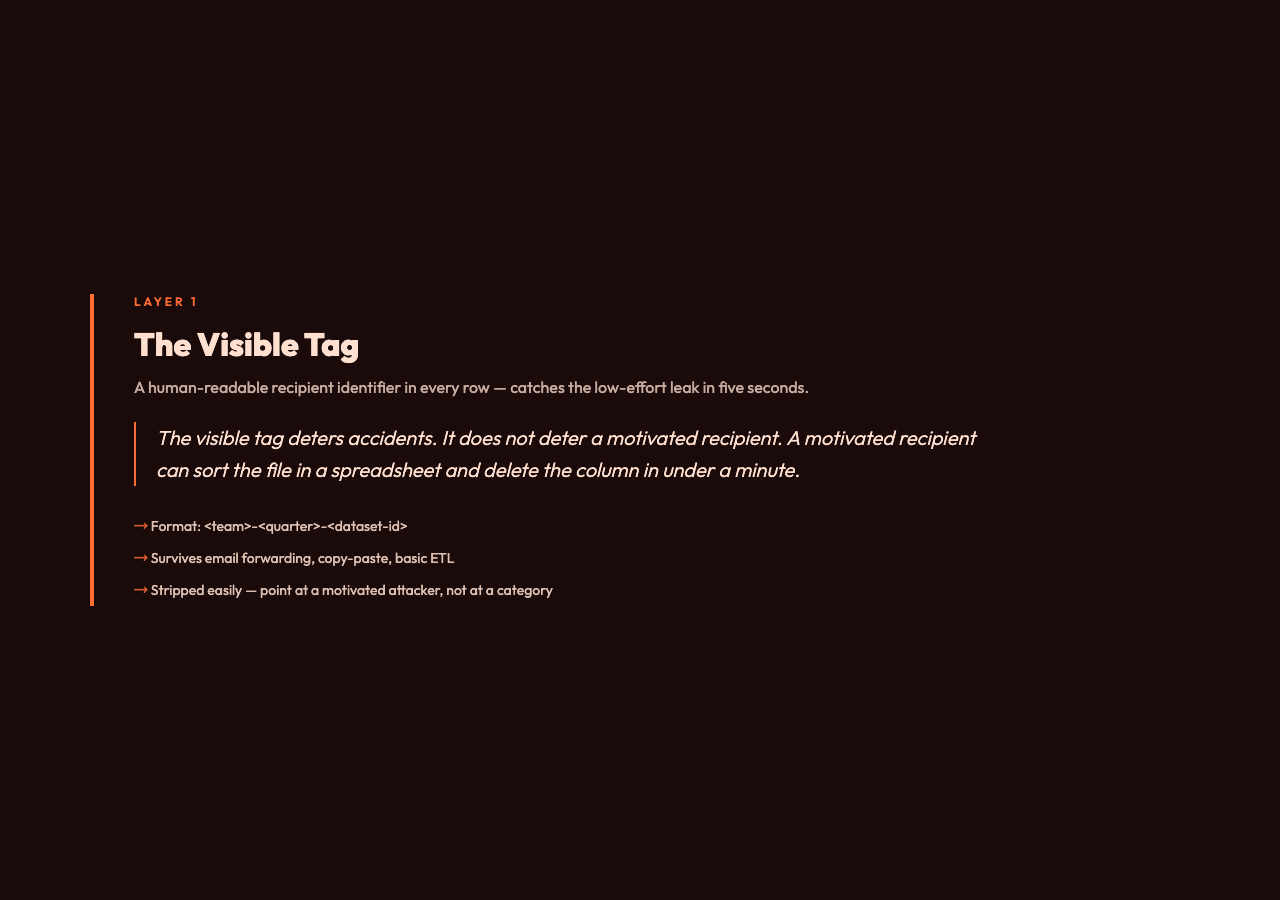
The first layer is just a field. A customField value, in the tool’s terminology, that gets added to every row. The default is project-2026-q2, the convention here is <team>-<quarter>-<dataset-id>. Something that a human looking at the file can read and something that, six months from now, you can search your warehouse for and reconstruct who was supposed to have it.
This is the layer that catches the low-effort case. If someone downloads the export and posts it on a public GitHub repo with the visible tag intact, your forensics person finds the tag in five seconds, opens the distribution log, and you have your answer. Most leaks, in practice, are this kind of leak. Not sophisticated; just sloppy.
The reason it is not enough on its own is that it is trivial to remove. Open the file in a spreadsheet, sort, delete the column, save. Or run a one-liner in awk that drops the first field. The visible tag deters accidents. It does not deter a motivated recipient.
The invisible signature, and why it survives
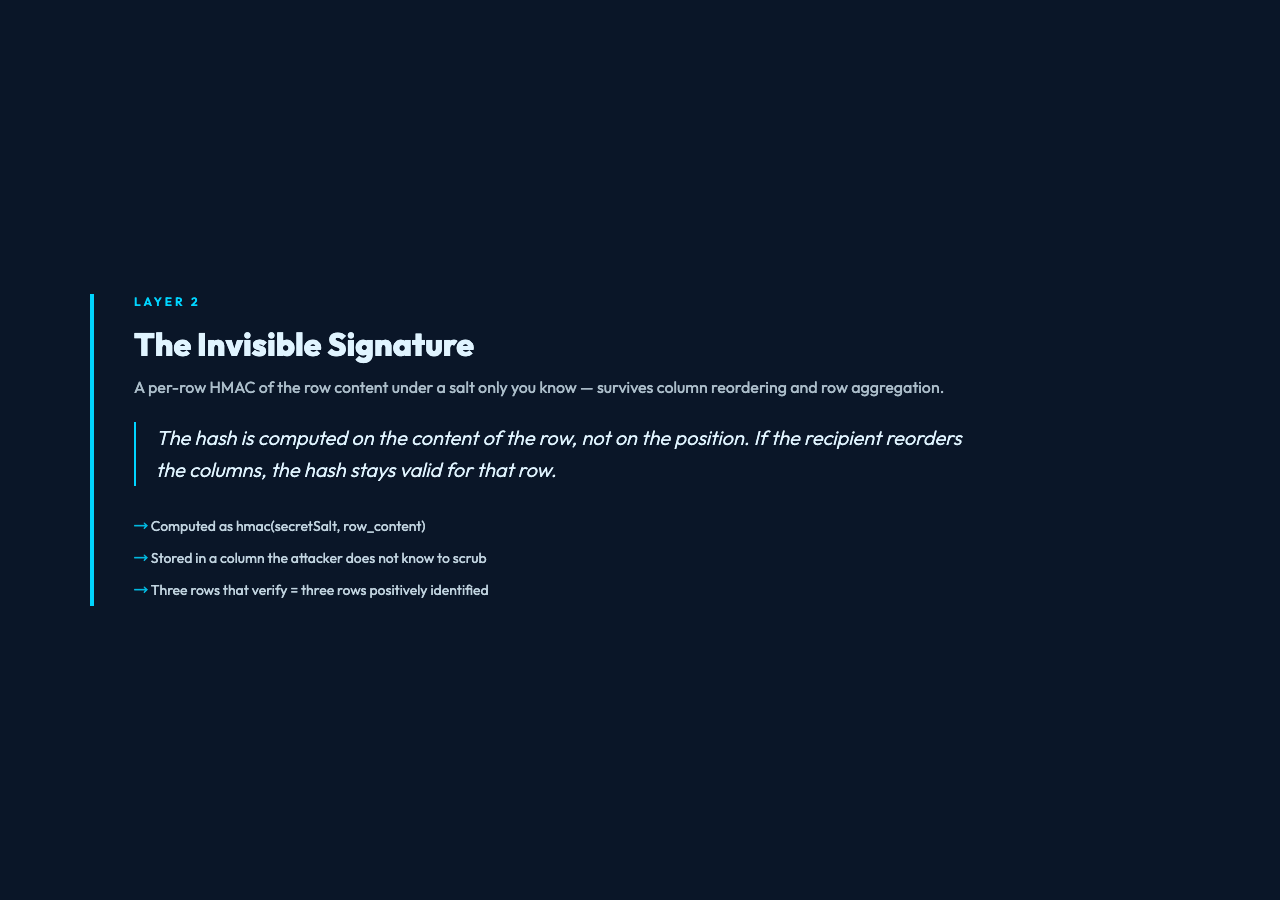
The second layer is a per-row hash that the tool computes as hmac(secretSalt, row_content). The salt is shared between you and your forensics team; the recipient never sees it. The hash is appended to each row in a column named, by default, something that does not look cryptographic, because the entire point is that an attacker who is trying to scrub the watermark does not know which column to scrub.
The reason this survives reordering is that the hash is computed on the content of the row, not on the position. If the recipient reorders the columns, the hash stays valid for that row. If they aggregate the rows, the hash stays valid for the rows that pass through unchanged. If they edit a cell — say, to replace an internal user ID with a generic one — the hash for that row becomes invalid, and the forensic story becomes “this row was modified”, which is its own kind of information.
The reason it survives aggregation is that only the rows you did not change still verify. A common attack is “I just took the rows I needed and pasted them into a different file with my own structure.” Every one of those rows still carries the signature. If the file shows up later and three rows verify against the original salt, you have positively identified those three rows as having come from your export. Even if the other ninety-seven rows are scrubbed, the three that verify are the three that someone cared about enough to keep intact.
The username, and why the audit trail is the part that wins
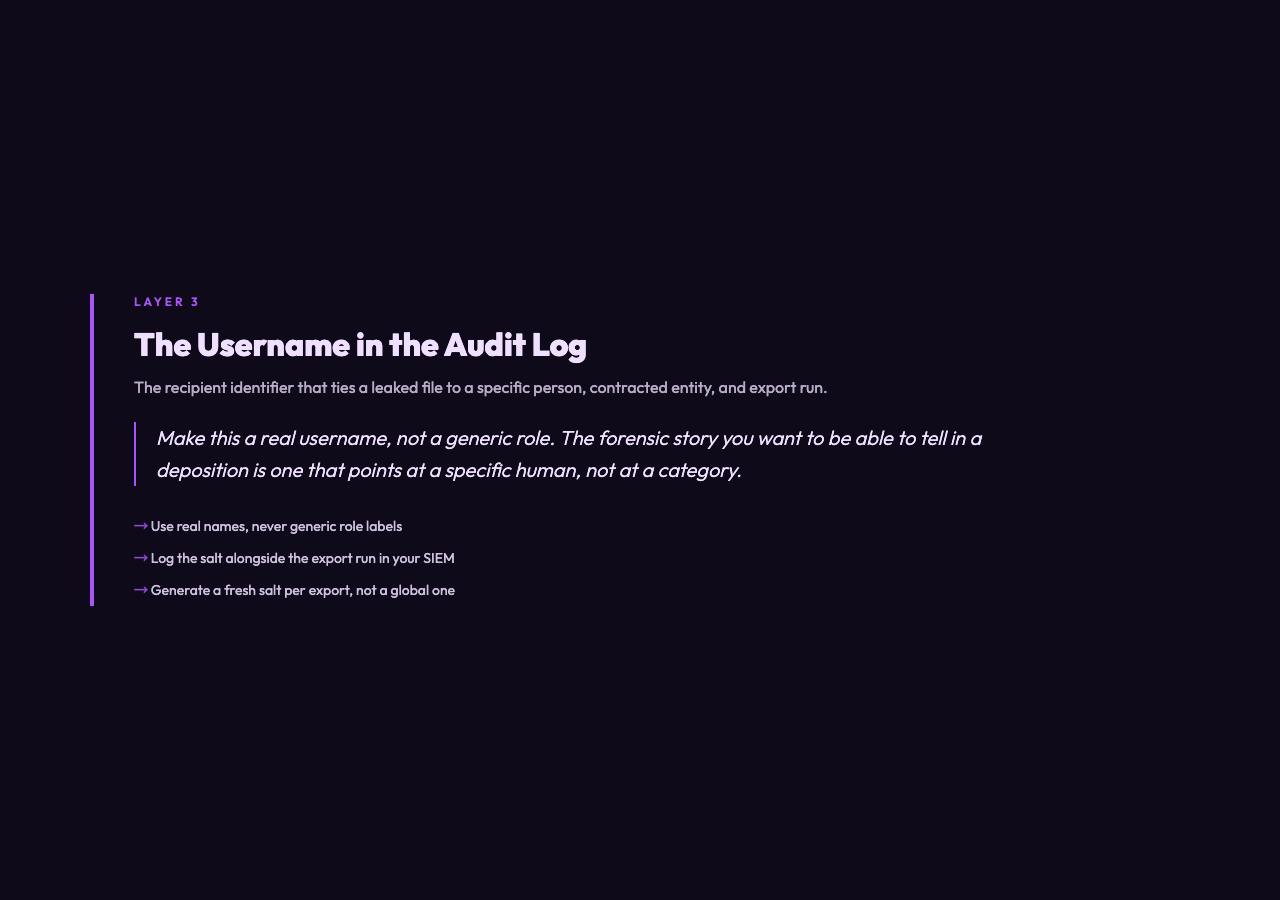
The third input the tool asks for is the username — the recipient identifier. This is the value that goes into the visible source field, and it is the value you search for when the file shows up. The reason it is a required field and not optional is that the human who runs the export and the human who reads the audit log three months later are almost always different people, and the person running the export is the one who knows what analyst-team-a-q2-2026 is supposed to mean.
Make this a real username, not a generic role. analyst-team-a-q2-2026 is good. external-vendor is bad. vendor-3 is worse. The forensic story you want to be able to tell in a deposition is “the file was sent to the contractor in question on this date, by this team member, with this identifier embedded”, and the only way to tell that story is if the identifier points at a specific human or a specific contracted entity, not at a category.
The salt, and why sharing it correctly matters
The default salt is elysia-watermark. Use it for experiments, do not ship with it. The salt is the secret that makes the signature unforgeable; if the recipient has the salt, they can recompute hashes for any row and the entire forensic case falls apart. The correct way to manage it is the same way you manage any short-lived secret: generate it at export time, store it in your SIEM, give it to your forensics team, do not put it in a Slack channel.
The tool exposes a secretSalt input for exactly this. A good production pattern is a salt-per-export: each export run gets a fresh 16-byte salt, the salt is logged alongside the export, and the audit log row is the thing your forensics team queries. This is not more secure than a global salt, mathematically, but it makes the audit log row reconstructible from the file alone, which is the property you actually want in an incident.
How to actually watermark an export
The fastest way to do this on a real export is to paste the data into the tool, pick a username that points at the recipient, pick a customField that points at the project, set a secretSalt that you have written down in your SIEM, and click watermark. The output is a CSV (or JSON, if the input was JSON) that has the visible tag and the invisible signature on every row. Send that file. Log the salt. Move on.
The audit, when you eventually need it, is a paste of the suspect file into the same tool with the original salt, and a read of which rows still verify. If five rows verify against the salt for the export you sent to vendor X on March 14, the case is closed. You can stop reading forum posts and start reading contracts. The full watermarking flow — visible tag, per-row signature, salt-based verification — lives at Elysia Tools; it is the tool I now require before any non-trivial export leaves the building.
Explore more tools at elysiatools.com.