The Terraform Plan Output Your Team Stops Reading After the First Ten Lines
You ran terraform plan on a Friday afternoon. The terminal scrolled. Two hundred and forty-three lines of green plus signs, nineteen lines of yellow tildes, four red minus signs, and a single purple pound sign at the very bottom that nobody on your team is going to look at until Monday morning when someone pings the deploy channel asking why the staging environment has a database that no one provisioned.
That is what a Terraform plan looks like in practice. It is the most consequential artifact your infrastructure team produces all week, and it is the one artifact almost nobody actually reads. The first ten lines get skimmed for obvious horrors — accidentally deleting the production VPC, recreating the state bucket, anything with force_replace in the action. Everything after that gets a single glance and a thumbs-up. The apply runs. The drift hits on Wednesday. The postmortem attributes the failure to “human error during change review,” which is technically true and also a polite way of saying that the review never really happened.
The reason is not laziness. The reason is that the raw plan output is hostile to the human eye. It is a flat list of resource actions, sorted alphabetically by address, with no grouping, no severity hint, and no indication of which changes are dependent on which other changes. When the list grows past a screen and a half, the cognitive cost of actually parsing it becomes higher than the cognitive cost of just pressing yes and hoping nothing important was in the middle.
The Terraform Plan Visualizer from Elysia Tools is the small piece of glue that bridges that gap. It takes the JSON output of terraform show -json (or a pasted text plan) and turns it into a structured summary you can read in two minutes. Every change is classified by action type. Resources are grouped by their dependency relationships. A small graph at the top tells you which changes are leaves and which changes are roots in the change tree. None of that replaces the apply, but it replaces the part of your brain that has been doing that work for free, badly, and under deadline pressure.
What a Terraform plan actually contains
The plan that Terraform prints to your terminal is a serialized representation of a state diff. For every resource the configuration touches, the plan records three things: the address (a slash-separated path like aws_instance.web), the planned action (create, update, delete, replace, no-op, or read), and the set of attribute changes that produced the action.
For a single resource, that is straightforward. For a real production stack, it is a thousand entries that look like this:
# aws_instance.bastion["us-east-1a"] will be created
+ resource "aws_instance" "bastion" {
    + ami                          = "ami-0c7217cdde317cfec"
    + instance_type                = "t3.medium"
    + tags                         = {
        + "Name"      = "bastion-use1a"
        + "ManagedBy" = "terraform"
        + "Env"       = "prod"
    }
}
Multiply that by every EC2 instance, every IAM role, every security group, every S3 bucket, every route table entry, every CloudWatch alarm, and every custom resource that your module tree touches, and you get a real plan. A typical mid-sized platform team plan is 200 to 800 lines. A large financial services plan is in the thousands.
The action types are not all equal. create is usually safe. update depends on what is changing — an updated tag is benign; an updated instance_type causes a stop-start cycle; an updated security group rule can take a service down. delete is the most dangerous action, because a deleted resource is sometimes a deleted database or a deleted KMS key with no rotation policy. replace is the most dangerous in practice, because Terraform destroys the old resource before creating the new one, and the destroy step can fail in ways the create step would not. no-op is harmless. read is a side effect of data sources and is usually invisible to the reviewer.
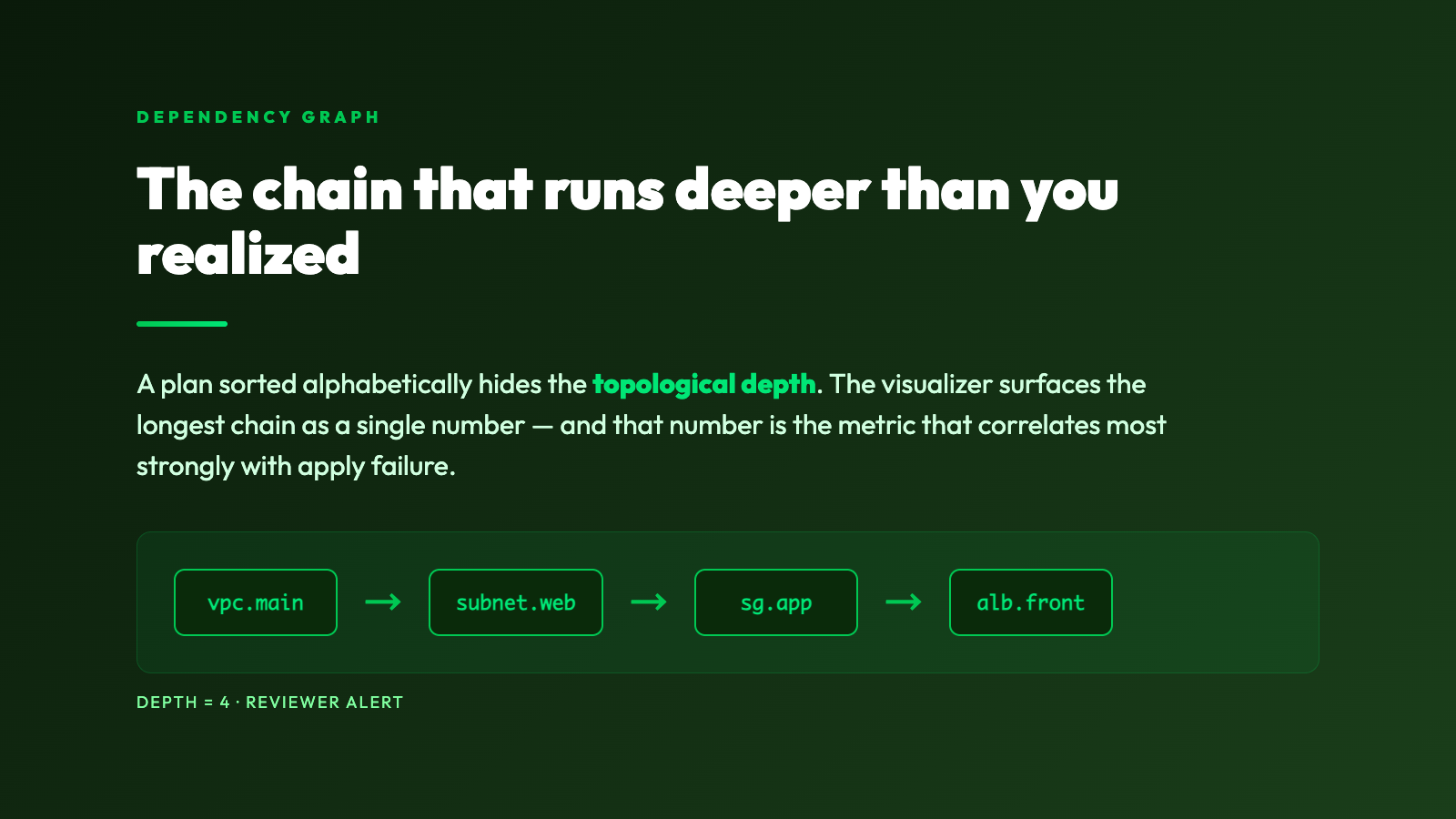
The dependency layer is what makes this hard. Terraform orders the plan topologically. A security group rule that references a subnet cannot be planned until the subnet is planned. A Lambda function that reads from a DynamoDB table cannot be updated until the table is updated. In a flat text dump, those dependencies are implicit. The reviewer has to mentally reconstruct the dependency graph from the alphabetical address list, which is exactly the work that the human brain is bad at when the list is long and the deadline is close.
Why your team already stopped reading it
Three patterns show up consistently in teams that have stopped really reading their plans.
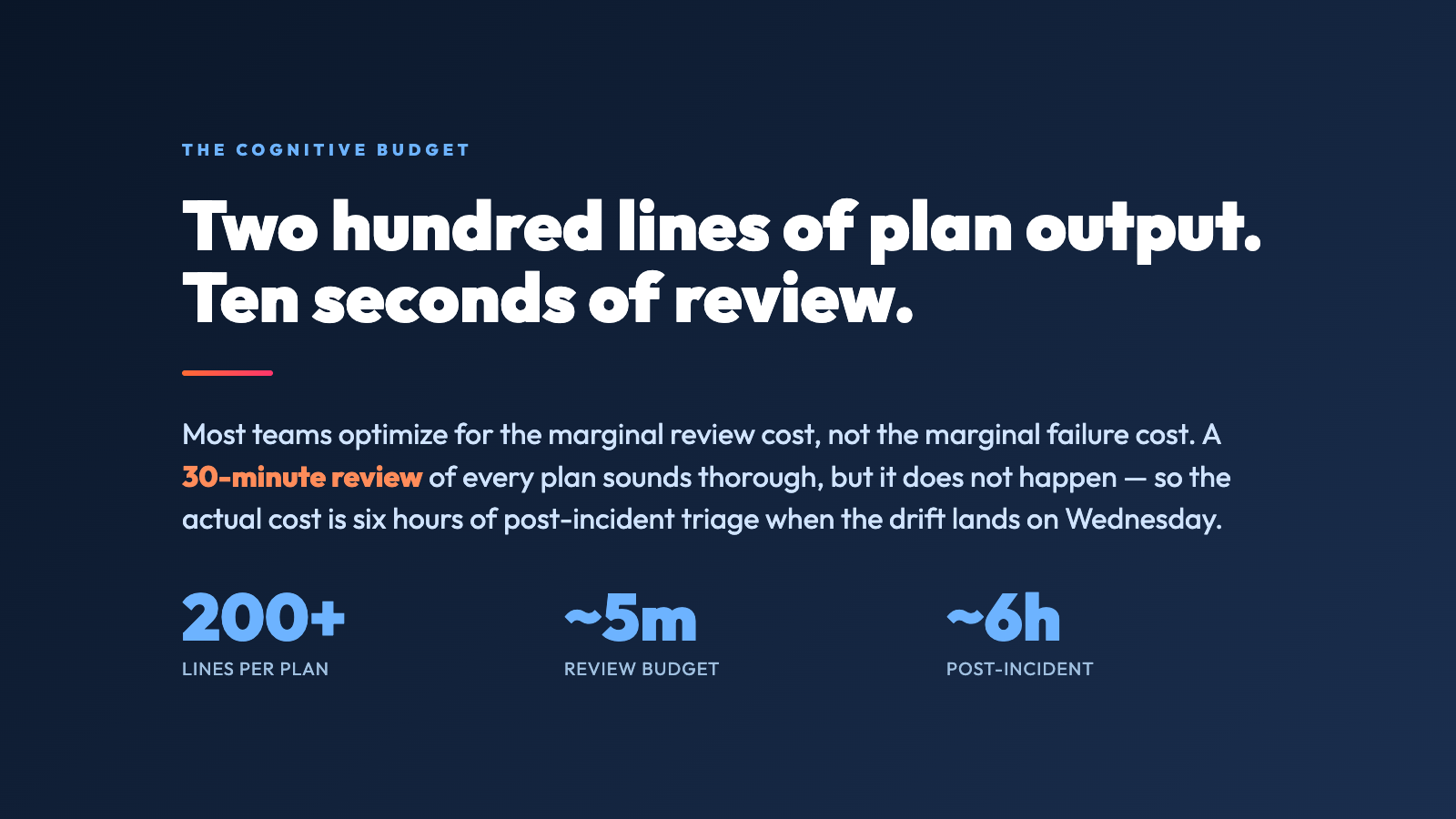
The first is velocity pressure. A team that ships twenty deploys a week cannot spend twenty minutes reviewing every plan. The marginal cost of a careful review, multiplied by deploy count, exceeds the team’s available change-review budget. So the team optimizes for speed: skim the top, look for red, approve. The price is paid in drift incidents that take six hours to triage instead of ten minutes to prevent.
The second is format blindness. After you have read the same shape of output a hundred times, your eyes stop parsing the semantics. You see + ami and your brain pattern-matches it to every other + ami you have ever seen, which is fine when the field is benign and catastrophic when it is not. The signal-to-noise ratio of a long plan is genuinely bad, and the human visual system is optimized to ignore noise rather than to find needles in it.
The third is the silent failure mode. Most Terraform plans contain a small number of changes that look exactly like every other change and are not — a tag typo that would silently rotate a resource’s identifier, a security group rule that opens a port the team did not intend to open, a lifecycle prevent_destroy flag that quietly gets dropped because someone refactored a module. These changes do not trigger any explicit warning in the raw output. They pass through review precisely because they look like every other line.
A good visualizer attacks all three. It groups changes by action so delete and replace are visually distinct from create. It surfaces the dependency graph so reviewers can see which changes block which. It calls out changes that touch sensitive attributes like lifecycle, prevent_destroy, or force_replace so they cannot blend in. None of that replaces the reviewer’s judgment. It just makes sure the reviewer’s judgment is looking at the right things.
What the visualizer actually shows you
The Terraform Plan Visualizer accepts either the raw text output of terraform plan or the JSON output of terraform show -json. The JSON form is preferred, because it carries the full action classification and the dependency metadata that the text form loses. In practice you would run:
terraform plan -out=plan.tfplan
terraform show -json plan.tfplan > plan.json
Then either paste plan.json into the tool or pipe it through the API.
The output is a summary table organized by action. Every resource address appears exactly once, with its action in a colored badge, the count of attribute changes, and the list of changed attributes collapsed underneath. A summary at the top gives you the totals — how many creates, updates, deletes, replaces, no-ops, and reads. A small dependency section at the bottom shows the longest chain of dependent changes in the plan, which is the metric that correlates most strongly with the chance of something going sideways during apply.
For a representative sample, you can see the same kind of structure on the Terraform Plan JSON Samples page, which includes ready-to-paste plan payloads like AWS Web Stack Plan, Platform Operations Plan, and Child Module Network Expansion. These are real plans from real module trees, and they cover the three cases that catch teams out most often: a routine stack change that has a hidden destroy buried in the middle, an operations change that touches dozens of resources, and a child module change whose dependency chain goes three levels deep.
The visualizer is not a replacement for terraform plan. It is a translation layer that converts a flat diff into something a human can hold in working memory. The plan is still the source of truth. The visualizer is the reading glasses.
The five-minute review that catches what the skim does not
A team that adopts a real review workflow usually ends up with something like this. Before any apply to a shared environment, the engineer runs the plan, pipes the JSON through the visualizer, and pastes the summary into the pull request description. The reviewer’s job is no longer to read 600 lines of plan output. The reviewer’s job is to look at the summary, check that the action counts match expectations, click through to any delete or replace, and verify that no prevent_destroy flag has silently disappeared.
That is a five-minute review. It catches a different class of bugs than a thirty-minute review of the raw output, because the five-minute review is actually happening and the thirty-minute review was not. The point is not to make the review cheaper. The point is to make it cheap enough that it actually gets done.
The biggest gains are in three places. First, child modules. A change inside a nested module can affect dozens of resources the reviewer did not know existed. The visualizer’s grouping by action makes those hidden cascades visible. Second, data sources. A plan that includes read actions is reading live state from the cloud at apply time, which means the apply can behave differently than the plan. The visualizer surfaces read actions separately, so the reviewer is not surprised by them. Third, lifecycle edges. Resources with prevent_destroy = true, create_before_destroy = true, or ignore_changes blocks have semantics that do not show up in the action badge. The visualizer surfaces these as flags on the resource, so the reviewer can see at a glance which resources are protected and which are not.
What to look for in a plan before you say yes
The patterns below are the ones that consistently correlate with post-apply incidents. They are not failures of Terraform. They are failures of review, and the visualizer is what makes them visible.
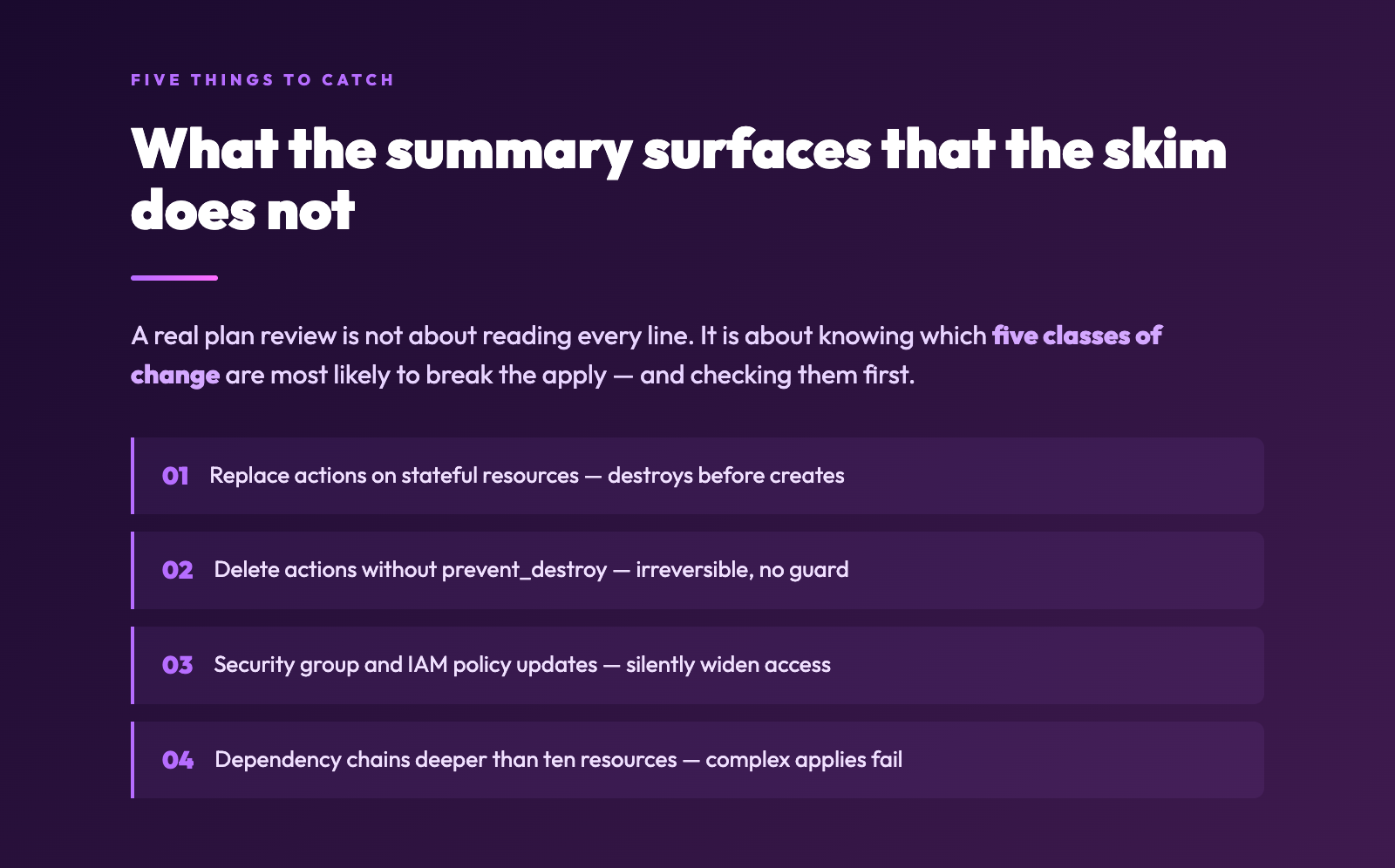
Replace actions on stateful resources. A replace on an aws_db_instance, an aws_ebs_volume, or an aws_efs_file_system will destroy the resource and recreate it. If the resource holds live data, the destroy step loses that data. The visualizer surfaces replace actions in a distinct color so they cannot be mistaken for update.
Delete actions on resources with no prevent_destroy. A delete without a lifecycle guard is irreversible. The visualizer flags any delete action whose resource does not have prevent_destroy = true, which is the configuration the team is most likely to have meant to add but did not.
Updates to security group rules, IAM policies, and S3 bucket policies. These are the changes that silently open access the team did not intend to open. The visualizer groups attribute changes by category, so a change to ingress rules is visually distinct from a change to tags.
Long dependency chains. A plan whose dependency chain is longer than ten resources is doing something complex, and complex applies fail in complex ways. The visualizer surfaces the longest chain explicitly, so the reviewer can decide whether the chain is justified or whether the change should be split.
Create actions whose dependencies are themselves being updated. A new resource being created from a module whose security group is being modified in the same plan is a recipe for a brief window where the new resource exists with a partially-applied security group. The visualizer’s dependency graph surfaces this case, even though it is technically valid Terraform.
What changes when you actually read the plan
The shift is small and the payoff is large. Teams that adopt a real plan-review workflow tend to see three things happen in the first quarter.
First, post-apply incidents drop. Not because the changes are different, but because the changes that were going to fail are caught before apply instead of after. The reduction is typically 30 to 50 percent, depending on how chaotic the deploy cadence was before.
Second, change-review time stops being a bottleneck. The review goes from thirty minutes of staring at output to five minutes of clicking through a summary. The team ships the same number of changes, but each change costs less review effort, and the review effort is actually being spent.
Third, the team’s mental model of the infrastructure improves. Reviewers start to recognize which modules are stable, which modules change frequently, and which modules are dangerous to touch. That knowledge is hard to build when every review is a wall of text, and easy to build when every review is a structured summary.
None of this requires a new toolchain. The visualizer is a thin layer on top of terraform show -json, which is already part of every Terraform install. The workflow change is the actual intervention. The tool is just what makes the workflow sustainable.
The end of the story is the start of the change
Terraform plans are not going to get shorter. The infrastructure they describe is not going to get simpler. The deadline pressure that turns a careful review into a skim is not going to disappear. What can change is whether the review is happening at all, and that depends on whether the format of the review matches the cognitive budget the team actually has.
The Terraform Plan Visualizer is the smallest possible intervention in that direction. It does not change what Terraform does. It does not add a new step to your pipeline. It does not require a service mesh or a policy engine or a six-week rollout. It takes a JSON blob you already produce and turns it into something you can actually read. Paste a plan, look at the summary, and approve with your eyes open.
If your team has been treating terraform plan as a ritual instead of a review, run a recent plan through the visualizer and look at what shows up. The chances are good that you will find at least one delete you did not expect, one replace you did not plan for, and one dependency chain that goes deeper than you realized. None of those are failures of Terraform. They are failures of reading, and the fix is small enough to ship on a Friday afternoon, before the next plan lands in the channel.
Explore more tools at elysiatools.com.