The Three Environment Files That Hide the Outage You’re About to Ship
Your staging .env is 137 lines. Your production .env is 142 lines. You copy the new key from staging into prod, hit deploy, and three hours later the on-call engineer is paged because STRIPE_WEBHOOK_SECRET is missing in one region, database.port is 5432 in dev and 5433 in prod because someone changed it last Tuesday and forgot to change it back, and the feature_flags.checkout_v2 flag is true everywhere except the one cluster your canary traffic hits.
This is configuration drift. It is the silent failure mode between “the deploy worked” and “the deploy worked in the wrong environment.” And the worst part is not the missing key. The worst part is that the missing key was right there, in a file you opened, on a screen you looked at, ten minutes before you ran the deploy command.
I have been on both sides of this call. The page-out side, and the side that has to write the postmortem explaining why a typo in a YAML file was not caught by any of the four code review steps it passed through. After the third time, I stopped trusting my own eyes for environment comparison, and I started pasting the files into an Environment Config Diff Visualizer before every deploy. Here is what I learned about the shape of these failures, and why the visual diff is the only review step I trust now.
What configuration drift actually looks like
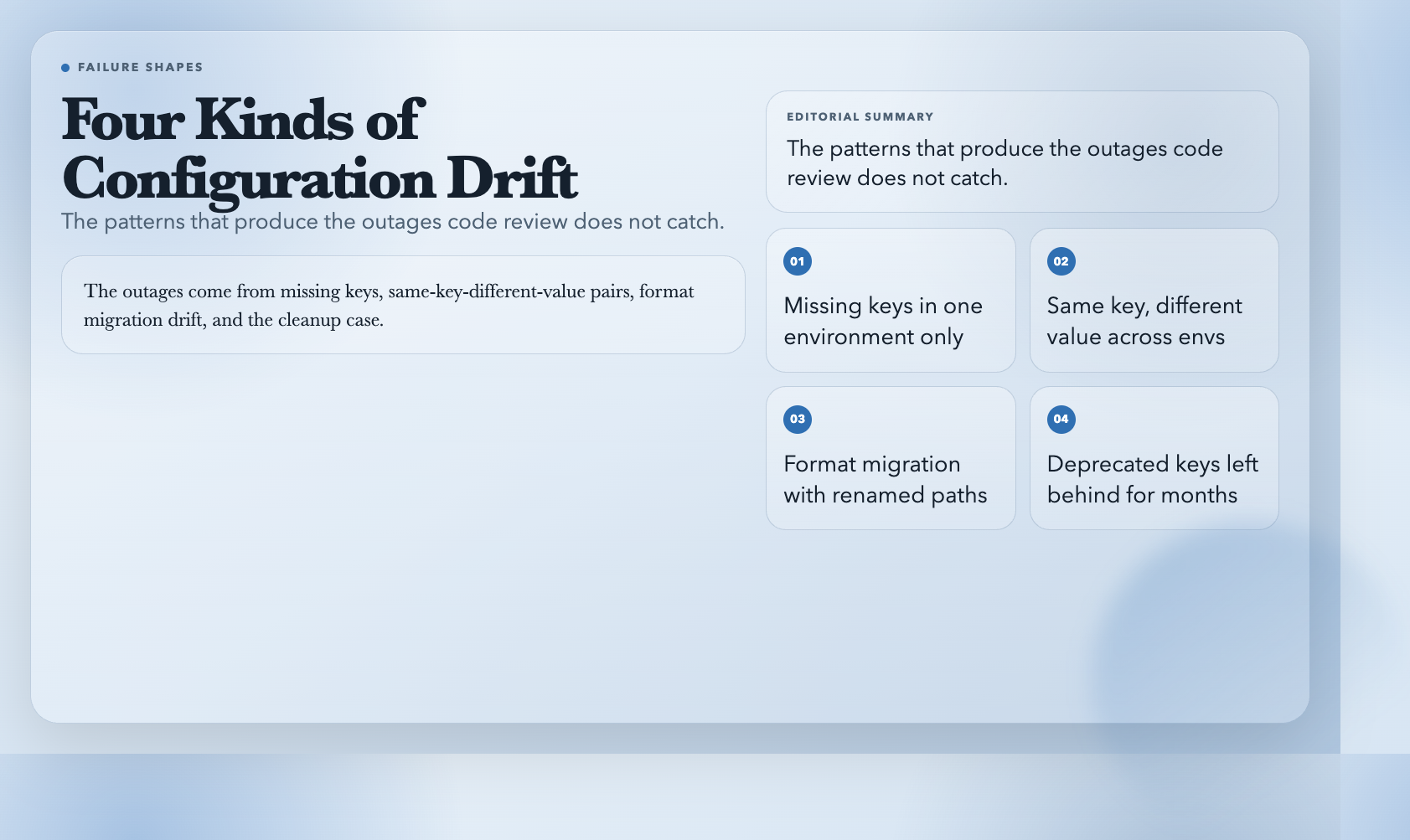
Most teams treat environment files as a copy-paste exercise. There is the staging file, there is the production file, and every quarter someone runs a diff between them and fixes the obvious gaps. The problem is that the obvious gaps are not where the outages come from. The outages come from:
– Missing keys in one environment. A new feature was added in dev, the variable was set in dev and staging, and the deploy script ran in prod with a .env.example template that did not have the new key. The service starts. The first request that touches the new feature throws a KeyError. The error rate graph looks like a clean cliff.
– The same key, different value. DATABASE_POOL_SIZE=10 in dev, DATABASE_POOL_SIZE=50 in prod. Both are valid. Neither is wrong on its own. The mismatch only matters when the load test was run with the prod value and the deploy was sized for the dev value.
– Format migration drift. You migrated a config from JSON to YAML six months ago. The YAML file looks correct. The keys are the same. Except db.port and database.port are different keys, and the application only reads database.port, so every time the YAML file is loaded, the database connection falls back to the default. You have been running on the default for six months.
– The cleanup case. A key was deprecated in dev, the comment says “remove after Q2”, the dev file no longer has it, but staging and prod still do. Nobody knows if production code still reads it. The conservative answer is “leave it.” The drift-aware answer is “the code does not read it, remove it everywhere, and the blast radius is zero.”
The Environment Config Diff Visualizer handles all four cases with the same workflow: you paste the configuration blocks, you tell the tool which format each block is, and the tool flattens nested structures into dot-path keys and reports the differences.
How the visual diff works
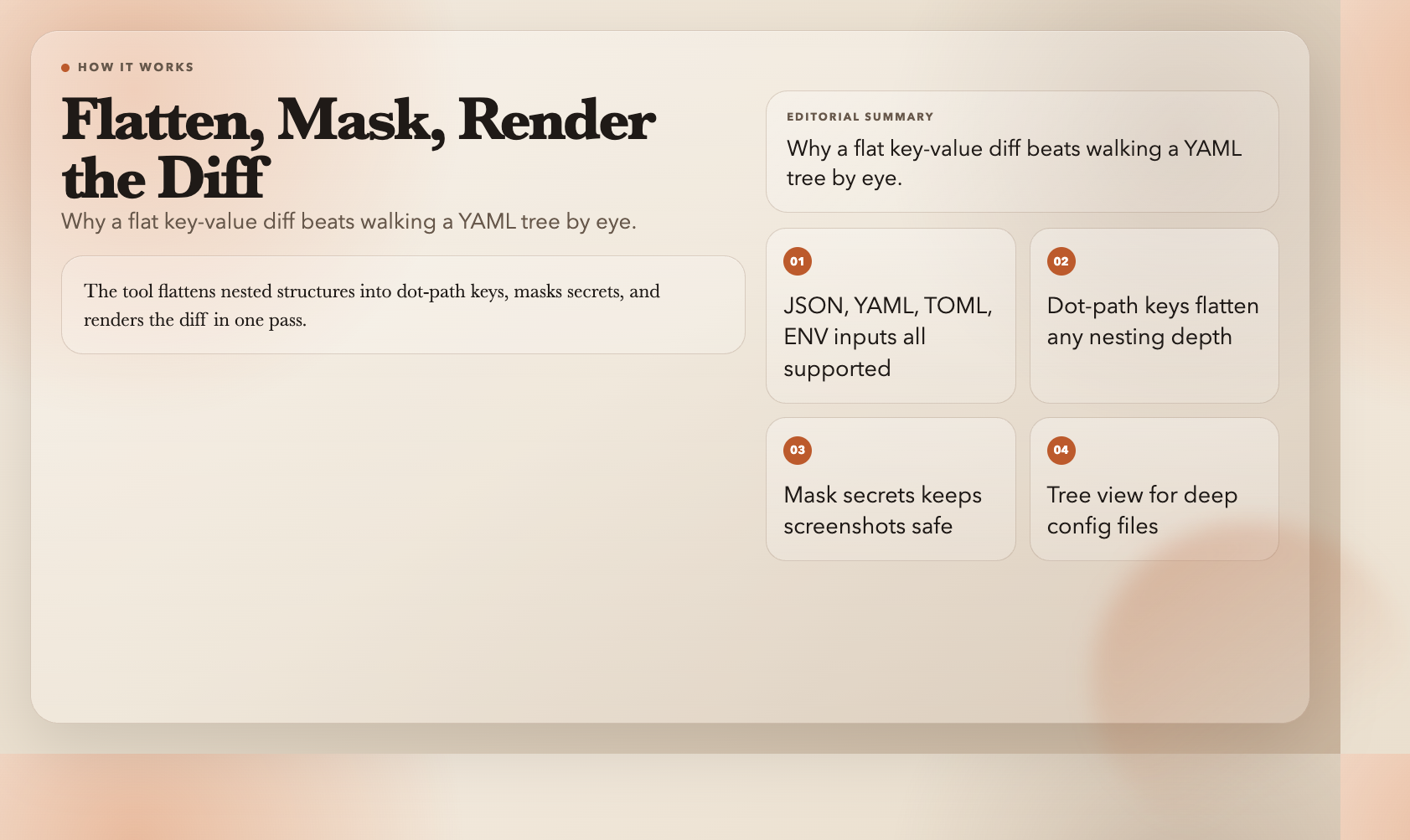
The core idea is flattening. When you compare two YAML files by hand, you have to mentally walk the tree: database > connection > host. When the tool does it, every nested key becomes a single string like database.connection.host, and a diff between two flat key-value maps is trivial.
The tool accepts four formats: JSON, YAML, TOML, and ENV. You separate blocks with a header line:
=== staging (env) ===
DATABASE_HOST=staging-db.internal
DATABASE_PORT=5432
STRIPE_WEBHOOK_SECRET=whsec_xyz123
FEATURE_CHECKOUT_V2=true

=== prod (env) ===
DATABASE_HOST=prod-db.internal
DATABASE_PORT=5433
STRIPE_WEBHOOK_SECRET=
FEATURE_CHECKOUT_V2=true
The header format is === and the parser uses the format tag to decide how to interpret what follows. This means the comparison you actually want — staging vs. prod, JSON vs. YAML, dev vs. staging vs. canary — all go through the same field. The output is a single report.
Three options that change the report:
– Mask Secret Values. Replaces any key whose name contains SECRET, PASSWORD, TOKEN, KEY, or CREDENTIAL with * in the rendered output. You can paste production files into a screenshot and put the screenshot in a Slack thread without leaking credentials. Turn this on by default. There is no scenario where the unmasked diff of a real production file is more useful than the masked diff.
– Show Tree View. Renders the diff as a hierarchical tree instead of a flat list. Useful when the configuration has deep nesting (Kubernetes manifests, Spring Boot application.yml). For flat .env files, the flat list is usually clearer.
– Ignore Letter Case. Treats True, true, and TRUE as the same value. Critical when comparing configs across formats — JSON booleans are lowercase, YAML accepts mixed case, and ENV values are stringly-typed.
Three patterns the diff catches that code review does not
I have run this tool against a lot of real configs. The same three failure shapes come up over and over.
The dead-canary key. A feature flag was added in dev, enabled in staging, never enabled in prod because the launch was rolled back. The flag is still in the dev and staging files, six months later, with the comment “remove after launch.” The diff flags it as “only in dev + staging.” You can confirm in git history that the corresponding code path was removed, and you can remove the key from both files. One less thing to read at 2 a.m.
The accidental rename. This is the YAML migration case I mentioned. The tool flattens both blocks to dot-path keys and compares them. If the new file has db.port and the old file has database.port, the diff shows both: db.port as “added in new” and database.port as “removed from new.” A code search confirms the application reads database.port. The typo is now visible in one line, instead of being a 6-month mystery.
The format-specific parsing trap. This is the one that bit me last quarter. A TOML file used inline tables for some sections and standard tables for others. The TOML parser handled both, but it parsed the inline-table values as strings while the standard-table values were parsed as their declared types. The diff tool, with format detection set to toml, caught the type mismatch on database.timeout — 30 (int) in the standard-table section, "30" (string) in the inline-table section. Same key, different runtime type, configuration that looked identical in a text editor. The fix was a single line of TOML. The bug it would have caused in production was a connection pool that initialized with a string-typed timeout, which the database driver silently treated as zero, which meant every new connection timed out on the first query.
The tool does not just tell you the values differ. It tells you the types differ, which is the part that code review would never catch and diff would never show.
The pre-deploy ritual
Here is the workflow I now run before every production deploy that touches configuration:
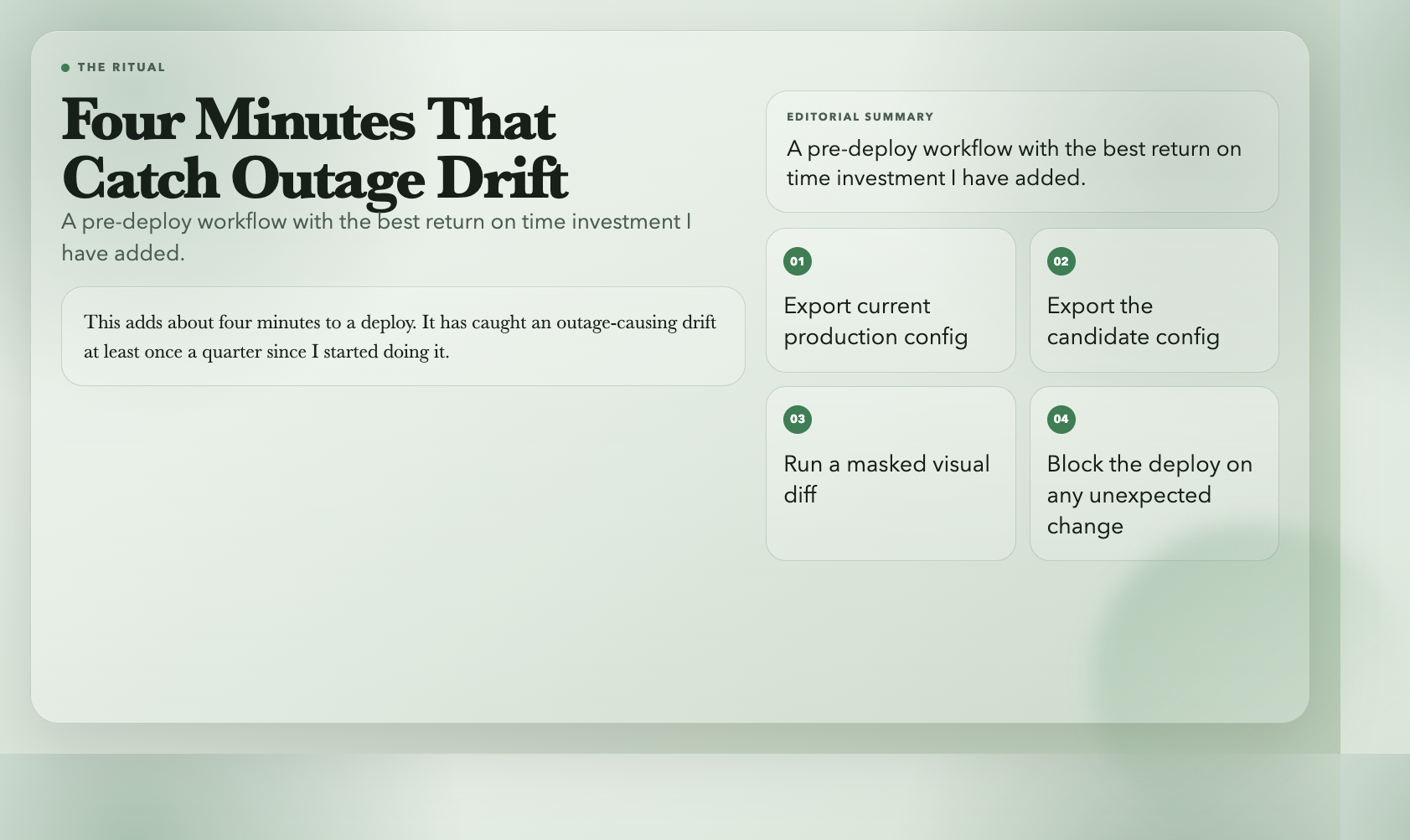
1. Export the current production config to a file. 2. Export the candidate config (the one about to be deployed) to a file. 3. Paste both into the visualizer with the production block first. 4. Mask secrets on. 5. Read the diff line by line. Every line is either an expected change (the point of the deploy) or an unexpected change. Unexpected changes get a second review. 6. If the diff is clean, deploy. If it is not clean, fix it, re-run the diff, and only then deploy.
This adds about four minutes to a deploy. It has caught an outage-causing drift at least once a quarter since I started doing it, which is a better return on time investment than any other single review step I have added to my workflow.
The visualizer is one of those tools that does one thing well and does not try to be more than that. It is not a config-management platform. It is not a secrets manager. It is not a deployment tool. It is a comparison tool that flattens, masks, and renders the diff in a way your eyes can actually read. If you have ever stared at two 150-line .env files and tried to find the three lines that differ, you already know why this is worth keeping in your toolbox. You can try it here and run the same comparison against your own staging and production files. If you want to see the report format with real input from the worked examples, the samples page walks through the pre-deployment check and the JSON-to-YAML migration step by step. Explore more developer tools at elysiatools.com.