What an ARN looks like at 2 a.m.
A valid ARN is the difference between a working IAM policy and a silent permissions failure at 2 a.m. Most engineers copy ARNs from the console, paste them into Terraform, and move on. The ARN looks fine — arn:aws:s3:::my-bucket — until the next deploy, when an aws:Resource condition rejects the wildcard, or an SQS queue in a different region is referenced with the wrong partition, or an IAM role trust policy that “looks right” refuses to assume across accounts. These failures are not typos. They are structural misunderstandings of what an ARN contains, what each segment is allowed to be, and which of the seven fields the consumer in question validates.
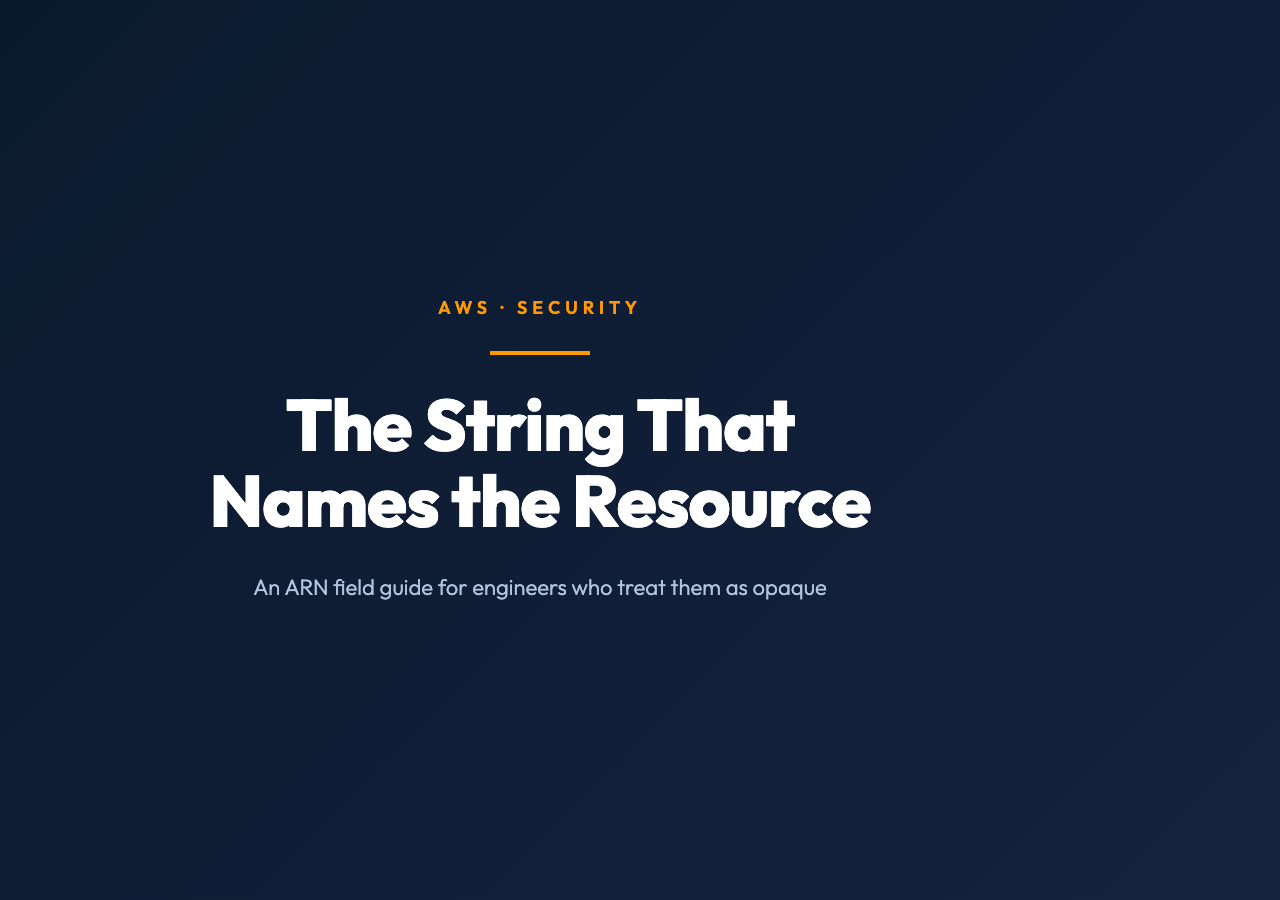
A validator is the smallest piece of machinery that catches the structural mistake before it ships. You hand it a string. It checks the partition (aws, aws-cn, aws-us-gov), the service, the region, the account ID, and the resource identifier — and it tells you which segment failed. That is the whole job. But running it is what forces you to read an ARN as a structured object instead of an opaque string, which is the actual skill the rest of AWS quietly demands.
If you only do one thing after reading this, run a string of your own ARNs through the AWS ARN Validator and look at the output. You will find at least one that surprises you. Every team I have watched do this exercise has discovered either a misplaced wildcard, a partition typo, or an account ID that no longer matches the account it claims to point to. The cost of finding that out at deploy time is hours. The cost of finding it out at paste time is a paragraph in a postmortem that never has to be written.
The seven segments
An Amazon Resource Name is a globally unique, opaque identifier for an AWS resource. The format is fixed by AWS and has been since 2014, but the formal grammar is rarely what people learn by reading. Most of us learn it by copying from the console, where the copy button just hands you the string and the field guide never appears.
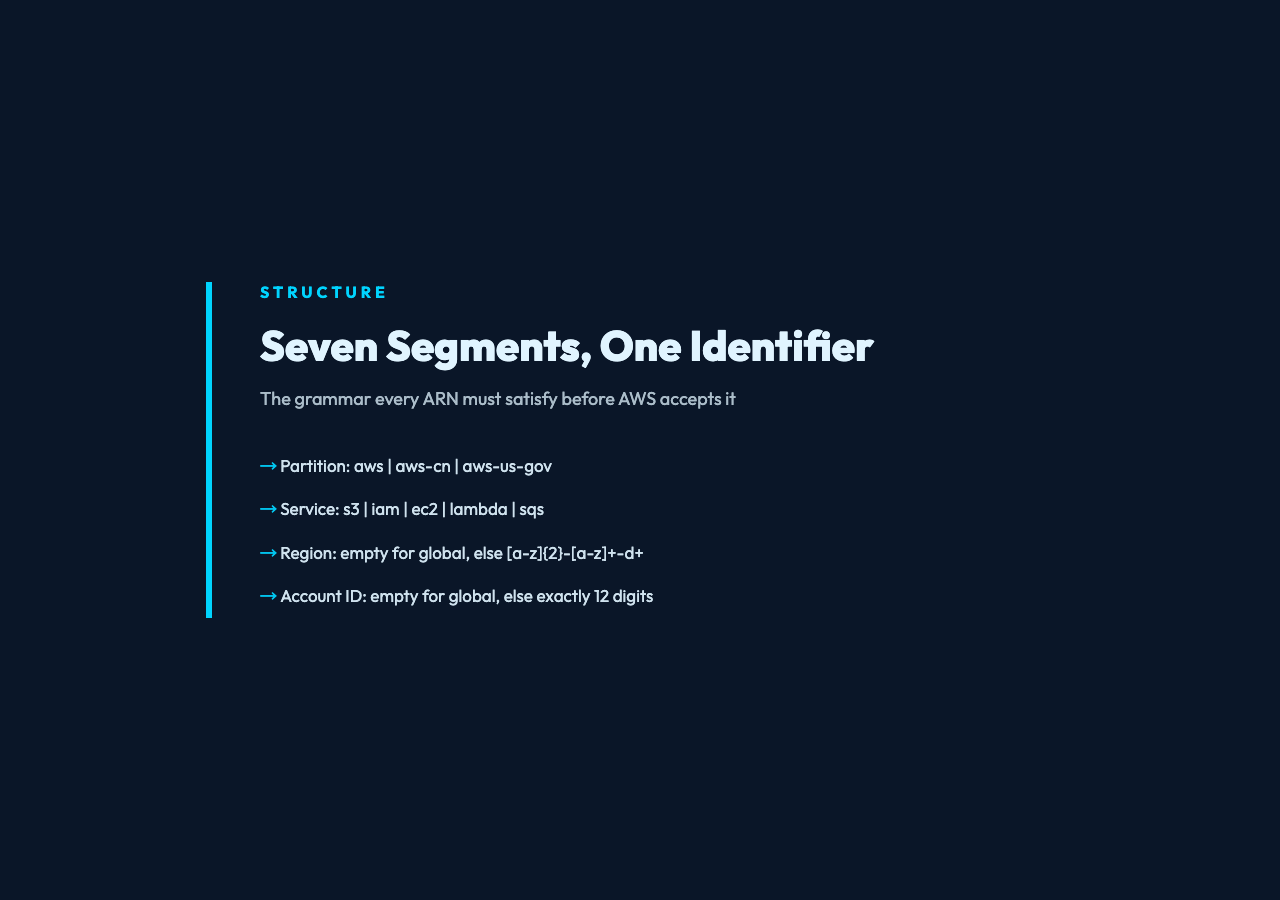
The structure is seven colon-delimited segments. The first three are the literal prefix arn, the partition, and the service. The fourth is the region. The fifth is the account ID. The sixth and seventh together form the resource — and this is where things get loose, because the resource subsegment is allowed to be almost anything: a bucket name, an instance ID, a key path, a function name. The colon between segment six and segment seven is mandatory. The contents of segment seven are service-specific.
A few examples, taken from the AWS ARN samples collection:
– arn:aws:iam::123456789012:user/Alice — IAM user, no region, account-scoped
– arn:aws:s3:::my-bucket — S3 bucket, region and account are intentionally empty
– arn:aws:ec2:us-east-1:123456789012:instance/i-0abcdef1234567890 — EC2 instance, fully qualified
– arn:aws-cn:s3:::my-bucket — China partition, otherwise identical
– arn:aws-us-gov:lambda:us-gov-west-1:123456789012:function:MyFunc — GovCloud partition
Notice that iam has no region. Notice that s3 has no region and no account. Notice that the aws-cn and aws-us-gov partitions exist at all, and that they will not validate against an ARN beginning with plain arn:aws:. These are not edge cases. The partition is checked against the AWS regional endpoints, and using the wrong one in a Terraform provider block can produce a configuration that parses locally and rejects at plan time.
Where the Format Breaks
The grammar looks forgiving. It is not. Each segment has rules, and the rules change by service.
Partition. Must be one of aws, aws-cn, aws-us-gov, or aws-iso-* for the isolated regions used by some governments. Anything else is a typo or a hallucination by some LLM-assisted tool that has never seen a real ARN.
Service. Lowercase short codes — s3, iam, ec2, lambda, sqs, sns, dynamodb, kinesis. The full list lives in the AWS service authorization reference and updates as new services launch.
Region. Lowercase region codes — us-east-1, eu-west-2, ap-southeast-1. Must be empty for global services (iam, s3, route53, cloudfront, sts). A common error is to include us-east-1 in an IAM user ARN, which is structurally legal-looking but semantically wrong and will get rejected by any policy evaluator that knows the service is global.
Account ID. Twelve-digit numeric string, or empty for global services. The empty case is structurally important — arn:aws:s3:::my-bucket has two colons in a row between the service and the resource, and that is correct.
Resource. This is where the real variance lives. For S3 it is the bucket name and optional key path, separated by a slash. For EC2 it is a type and an identifier. For Lambda it is the function name with optional version or alias suffix. For IAM it is a role path and role name. The resource subsegment cannot be empty, cannot contain unencoded spaces, and cannot contain colons that are not part of the documented structure.
The grammar check, not the dictionary check
A grammar-level validator does not check whether the resource exists. It cannot — the ARN does not encode the existence of the resource, only its identity. What it can check is the structural shape: partition is in the allowed set, service is a known code or at least matches the lowercase alphanumeric pattern, region is empty or matches the ^[a-z]{2}-[a-z]+-d+$ pattern, account ID is empty or matches ^d{12}$, resource subsegment is non-empty and contains only characters that are legal for that service.
This is enough to catch the bulk of the mistakes that show up in real IAM policies. The AWS ARN Validator walks each segment, reports which one failed, and gives a reason. The output is small. It is meant to be small. A validator that does more than this is doing too much, because anything beyond structural validation requires an authenticated API call, and the failure mode of a network-dependent validator is “I cannot tell you whether your ARN is good, only whether the network is up.”
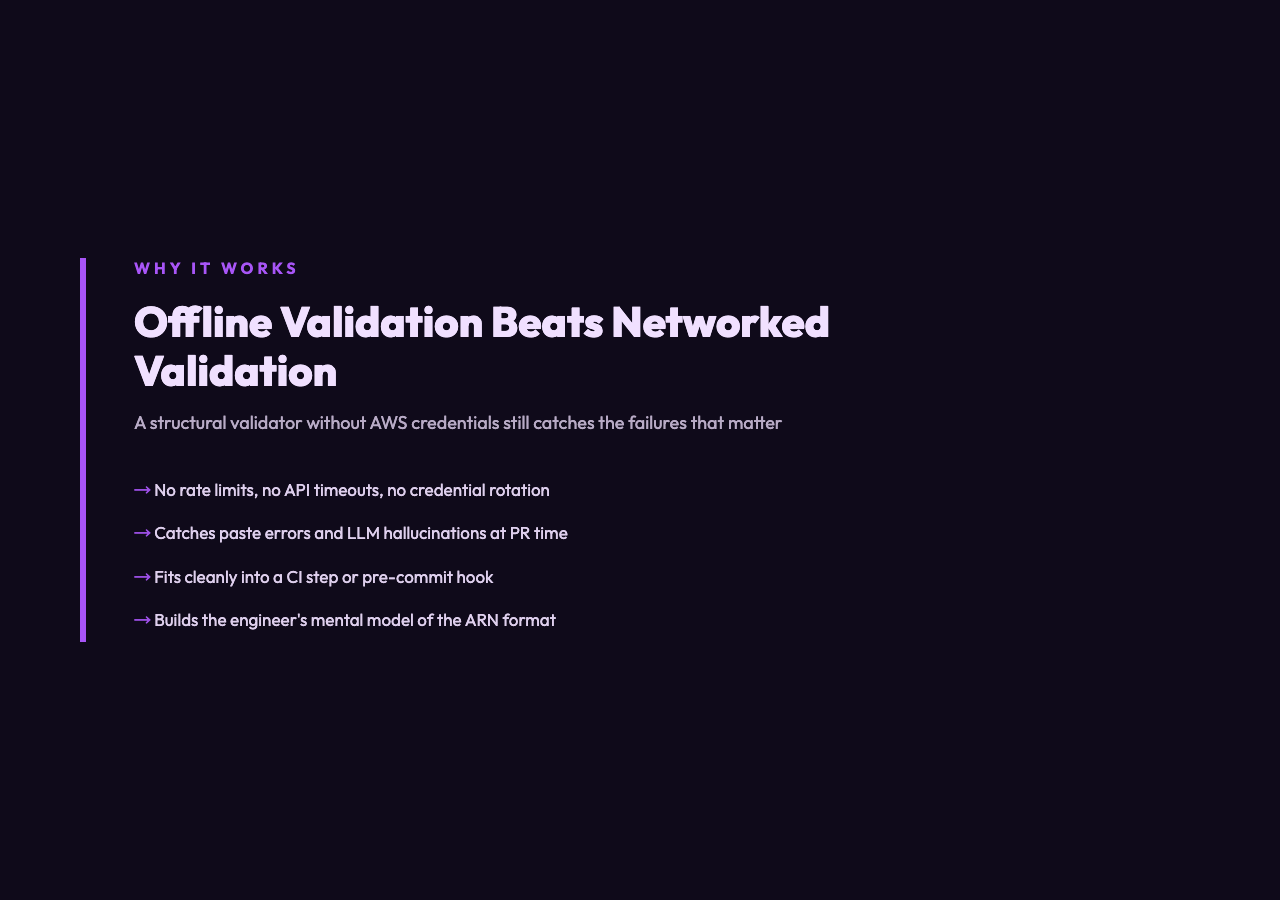
The decision to keep validation offline and structural is the same decision that makes the validator worth embedding in a CI step. You can run it on any Terraform plan, any CloudFormation template change, any IAM policy review, without AWS credentials, without rate limits, and without the false confidence that comes from a “valid” verdict when the API is in fact unreachable. The validator is the grammar check, not the dictionary check. The grammar check is the part that catches paste errors and LLM hallucinations.
The Wildcard Trap
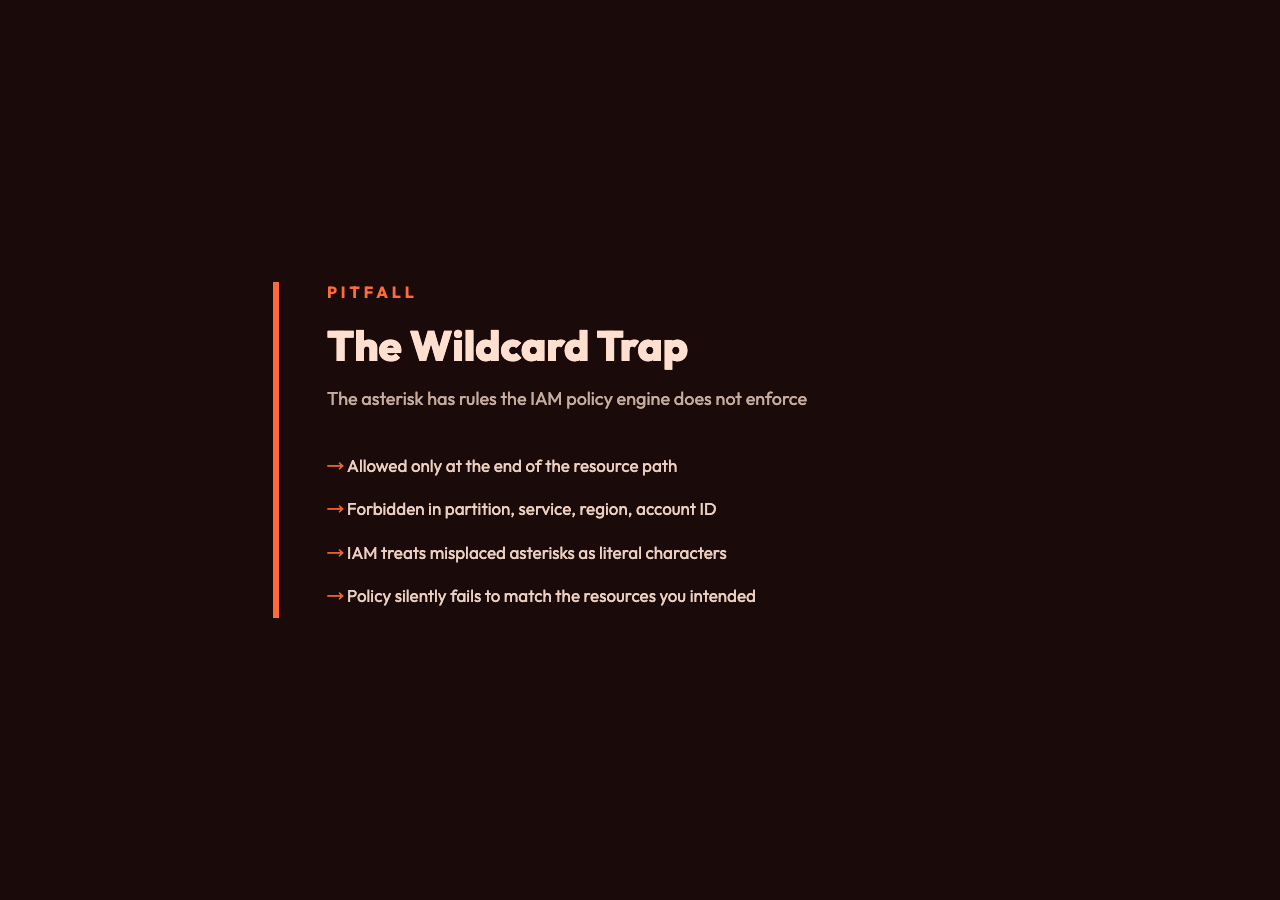
The single most common mistake in production IAM policies is misuse of the wildcard. The wildcard is allowed in the resource field, but it has rules. An is allowed at the end of a path. An is not allowed in the middle of an account ID. An is not allowed as a partition. An * is not allowed in the service field. The IAM policy engine will silently treat most of these as literal characters, and the policy will not match the resources the author intended.
A validator catches this. The output reads something like: “Wildcard is allowed only in the resource segment.” That single sentence has saved more on-call rotations than any IAM Access Analyzer recommendation, because Access Analyzer operates on the policy after parsing, and a policy that parsed with a literal asterisk in the wrong place is a policy that quietly fails closed.
Cross-Account ARNs and the Trust Boundary
The other place ARNs break is at the trust boundary between accounts. A role in account A is identified by an ARN that includes account A’s ID. A policy in account B that grants access to that role references the role’s ARN. If account A’s ID is wrong — because the account was rebuilt, or because the engineer copied from a different environment, or because the account ID was parameterized in Terraform and the parameter drifted — the cross-account assume-role call will return AccessDenied and the entire data pipeline will be blocked.
The mistake is structural, not semantic. The ARN parses. The IAM service accepts it. The policy engine evaluates it. The trust policy on the role does not match the principal, and the request is denied. The only way to catch this before deploy is to validate the ARN against the actual account ID, which requires an authenticated API call and is out of scope for a structural validator — but at least the structural validator can confirm that the account ID in the ARN is a twelve-digit number, which is the first thing that breaks in the typed-from-memory failure mode.
Embedding the Validator in a Workflow
The cheapest place to add ARN validation is in the pull request review step. If the change touches an IAM policy, a CloudFormation template, a Terraform plan, or a Kubernetes manifest that references IAM roles for service accounts, run aws-arn-validator over each ARN-shaped string in the diff. A structural validator that returns a non-zero exit on any malformed ARN is enough. The CI run that adds 200 milliseconds to the pipeline is the same CI run that catches the wildcard in the wrong segment before the change merges.
The second-cheapest place is in a pre-commit hook. Every developer with git commit permissions has the validator installed. The first time it catches a bad ARN, the developer internalizes the format. The second time, they stop making the mistake. The third time, they ask whether the validation belongs in the IAM console, which is the right question to be asking.
What This Skill Transfers To
The ARN is the easiest example of a structured identifier that most engineers treat as a string. The same shape appears in GCP resource names, in Azure resource IDs, in Kubernetes URNs, in the purl spec for software packages, in the oci:// image references used by container registries. The pattern is the same: a fixed prefix, a set of typed segments, a resource identifier, and a small grammar that the consumer is expected to know. The pattern of “validate the grammar before you validate the resource” applies to all of them.
The lesson is not really about ARNs. The lesson is that a string with a grammar is not a string. It is a structure. The validator is the thing that forces the structure to be respected.
Try a few of your own ARNs through the AWS ARN Validator. The output is short, the failures are specific, and the moment of finding a real error in an ARN you have been pasting for months is the moment you understand why this kind of tool earns its place in the workflow. For a wider catalog of validators covering Docker image tags, MAC addresses, AWS ARNs, VINs, and more, browse the Elysia Tools library.