The Three Numbers That Quietly Decide Your Percentile: Why Your Dashboard Says P99 Is Not What Engineering Calculates
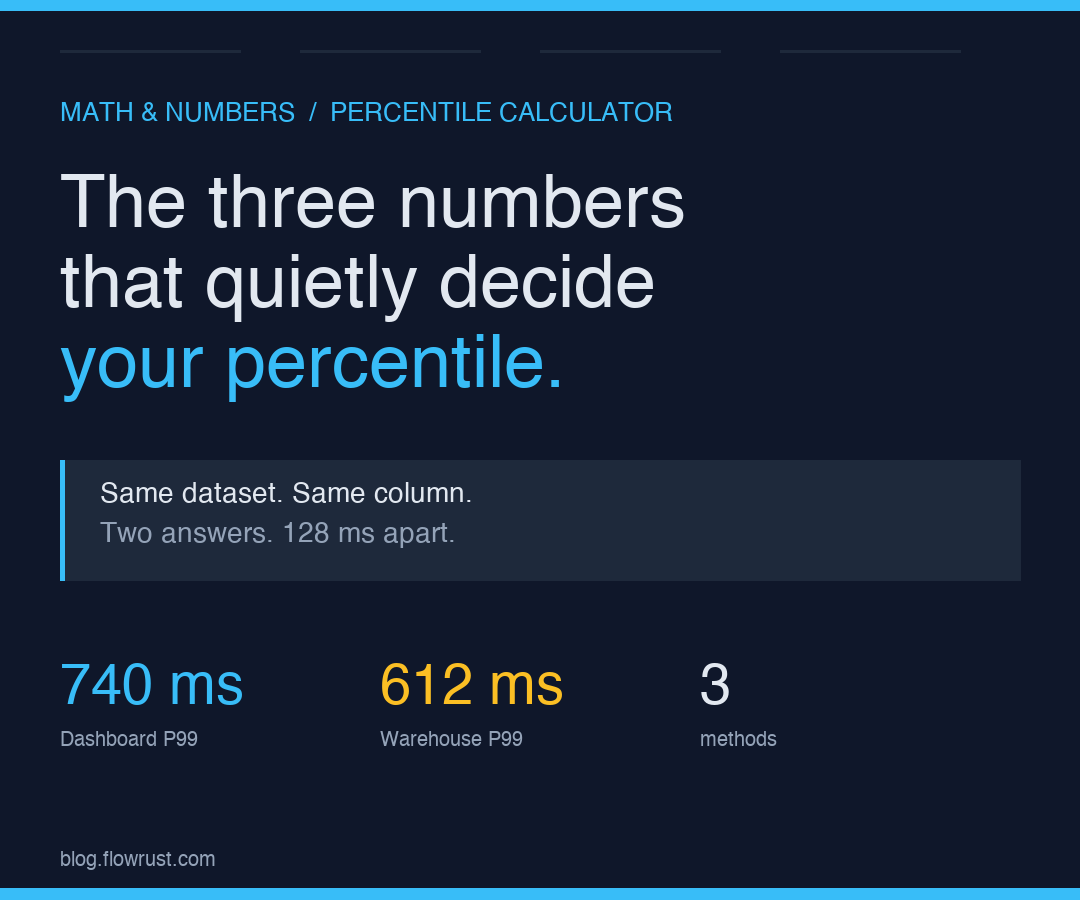
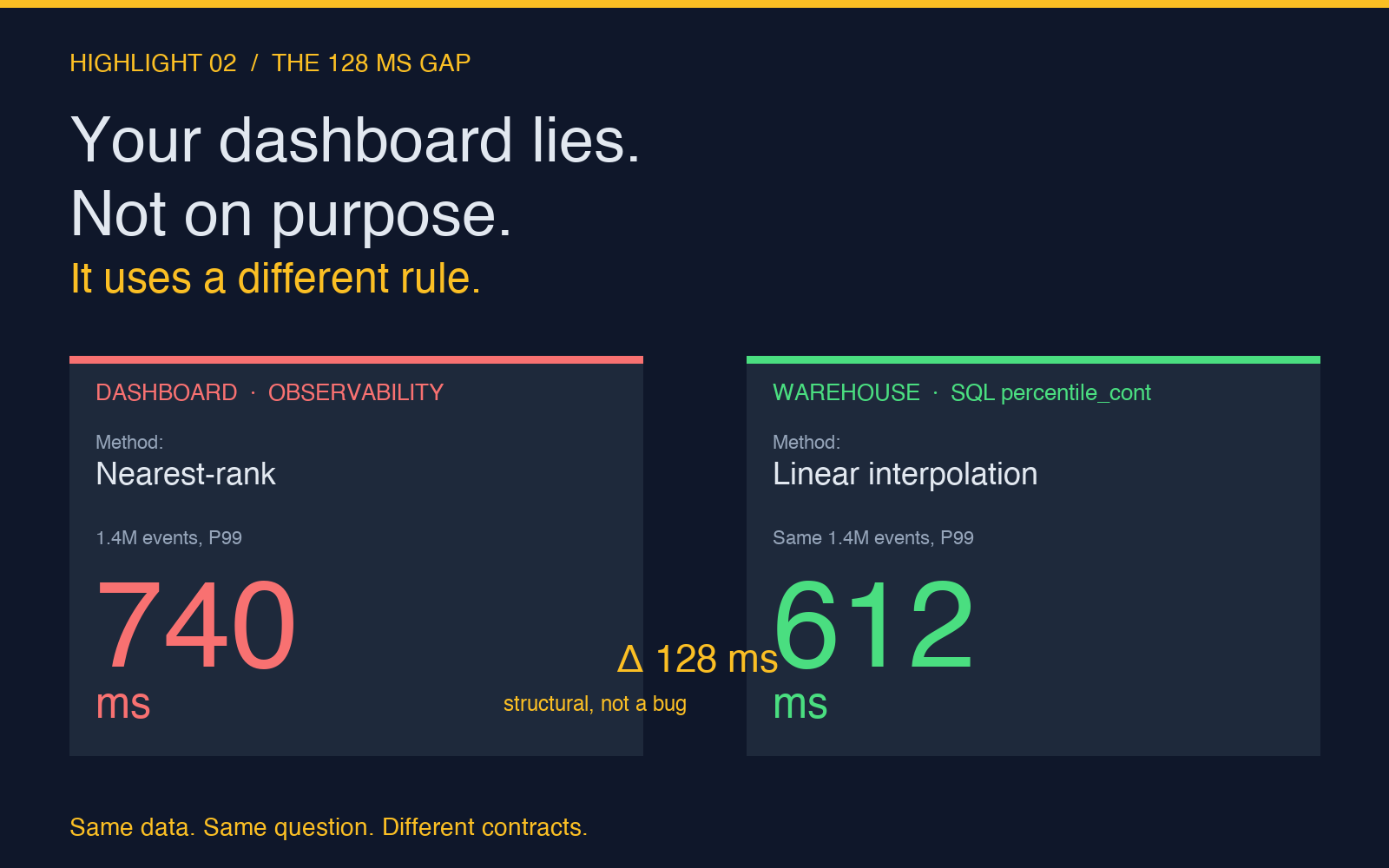
A latency dashboard in your monitoring tool says the P99 response time for a checkout endpoint is 740 milliseconds. The same number, fetched from your data warehouse with the same raw logs, comes back as 612 milliseconds. Both teams are pulling from the same column in the same dataset. Neither team is wrong, and that is the part nobody tells you when you learn percentiles in a stats class.
The 128-millisecond gap is not noise. It is the difference between two competing definitions of what “99th percentile” means when your dataset has 1.4 million rows. Choose the wrong one for the question you are asking and your alerting system will either page on every blip or never page at all. Choose it on purpose and you ship a percentile number that your database, your observability vendor, your finance team, and your SRE rotation can all argue about in different meetings.
This is a story about three numbers that decide every percentile calculation you have ever seen, and the three methods that pick them differently. Once you see them, the gap between your dashboard and your data warehouse stops looking like a bug and starts looking like a contract.
What a percentile actually asks
For a number p between 0 and 100, the p-th percentile of a sorted dataset is the value below which p percent of the observations fall. That definition sounds clean. The trouble starts the moment your dataset has more than one observation that sits exactly on the boundary between “below” and “at” p percent.
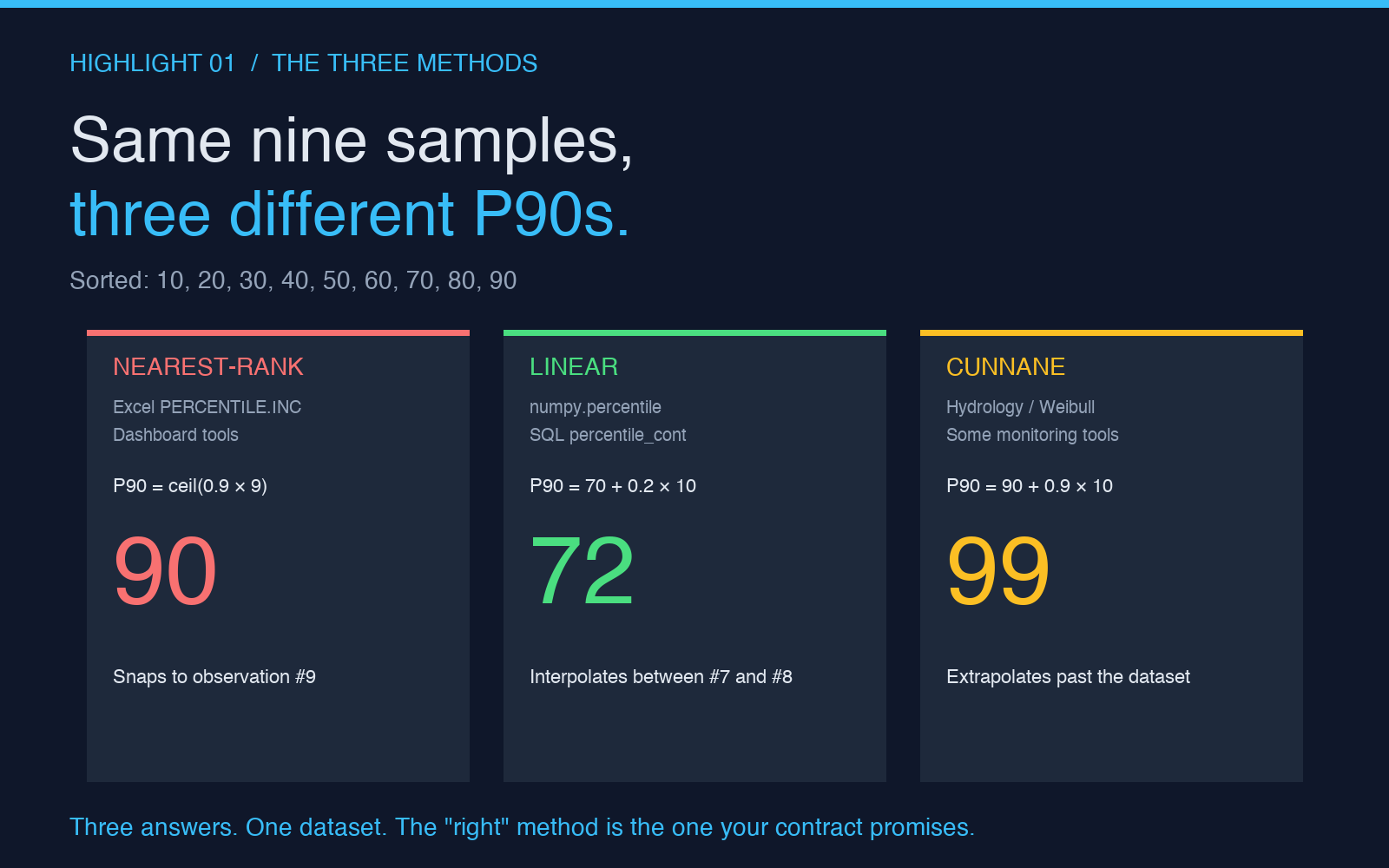
Consider a sorted array of nine latency samples in milliseconds: 10, 20, 30, 40, 50, 60, 70, 80, 90. The 50th percentile, by any reasonable reading, is 50. There is one observation strictly below it, one strictly above it, and one sitting exactly at the midpoint. The “value below which 50 percent of observations fall” is unambiguously 50. Now ask for the 90th percentile on the same dataset. There are nine observations. 90 percent of nine is 8.1, but there is no 8.1th observation. You need a rule.
That rule is what the three methods differ on.
Method one: nearest-rank
Nearest-rank answers the question in the simplest possible way. It picks the observation whose rank is the smallest integer greater than or equal to p/100 * N, where N is the number of observations. For P90 on nine samples, that rank is ceil(0.9 * 9) = ceil(8.1) = 9. The ninth observation in sorted order is 90. So nearest-rank returns 90.
This is the method Excel’s PERCENTILE.INC and most quick-and-dirty dashboard tools use. It is fast, it always returns a value from your actual dataset, and it never invents a number that was not in the input. The downside is granularity. With nine samples, you get nine possible percentile values. With 100 samples, you get 100. With 1.4 million samples, you get 1.4 million, but you cannot reach the “true” 99.9th percentile of the underlying distribution unless you happened to sample it.
For most business analytics this is fine. For latency tail-latency work, it is a problem. A nearest-rank P99 on a small sample will tell you the worst observation in your sample, not the 99th percentile of the real distribution, and the difference is the difference between “this happened once” and “this happens one time in a hundred”.
Method two: linear interpolation between adjacent ranks
The most common method in scientific and engineering libraries is linear interpolation. NumPy’s numpy.percentile defaults to this, as does R’s default quantile function and pandas’ .quantile(). The method takes the fractional rank r = p/100 * (N - 1) (note the minus one) and returns the value at position r by interpolating linearly between the two observations that bracket it.
For P90 on nine samples, r = 0.9 * 8 = 7.2. That is between the 7th and 8th observations, which are 70 and 80. Interpolating gives 70 + 0.2 * (80 - 70) = 72. So linear interpolation returns 72.
Notice how different this is from nearest-rank’s 90. The 18-unit gap is not noise. It is the difference between “interpolate between adjacent samples” and “snap to a sample”. With a million-row dataset the gap shrinks for most percentiles because the samples are dense, but for tail percentiles like P99.9 the gap can still be tens of milliseconds because the tail is sparse.
This is the method that your data warehouse is almost certainly using if it is running NumPy, pandas, or any of the major SQL engines with a percentile aggregate. It is also the method that Excel’s PERCENTILE.EXC uses, which is a footgun: INC and EXC in Excel are reversed from intuition. INC is “inclusive of the endpoints” and behaves like nearest-rank. EXC is “exclusive of the endpoints” and is linear interpolation. Anyone who has switched a finance team from PERCENTILE to PERCENTILE.INC and gotten different numbers has already lived this story.
Method three: exclusive (or “Cunnane”) interpolation
The third method is rarer and worth knowing about. Cunnane’s rule, sometimes called the exclusive method or “Weibull” plotting position, uses the rank formula r = (p/100) * (N + 1). For P90 on nine samples, r = 0.9 * 10 = 9. That is between the 9th and a hypothetical 10th observation, so the formula extrapolates beyond the dataset: 90 + 0.9 * (90 - 80) = 99.
This method biases the estimate slightly toward the tails, which makes it popular in hydrology and extreme-value statistics where you genuinely care about what lies beyond your observed range. For typical business analytics it is a curiosity. For latency work it occasionally surfaces as the default in older monitoring tools, and the surprise numbers it produces are how P99 dashboards end up reporting values larger than any actual observation in the log file.
Why the same data gives different P99s
Return to the original latency dashboard. The observability vendor is computing P99 over a rolling 1.4 million-event window with nearest-rank. The data warehouse is running a SQL percentile_cont aggregate, which is linear interpolation by default. The warehouse number is systematically lower for the same reason a sample of nine gives 72 under linear and 90 under nearest-rank. The gap is structural, not a bug in either tool.
The fix is not to “make them agree”. The fix is to pick the right method for the question and document it. If your alerting threshold is “P99 latency must stay under 800 ms”, nearest-rank will page you sooner because it always returns the worst-observed value in the tail. If your SLO is “99 percent of requests must complete in under 800 ms”, you want linear interpolation because it estimates the 99th percentile of the underlying distribution rather than the rank within the sample. The two are answering different questions, and the right method is the one that matches the contract.
The off-by-one that bites once a quarter
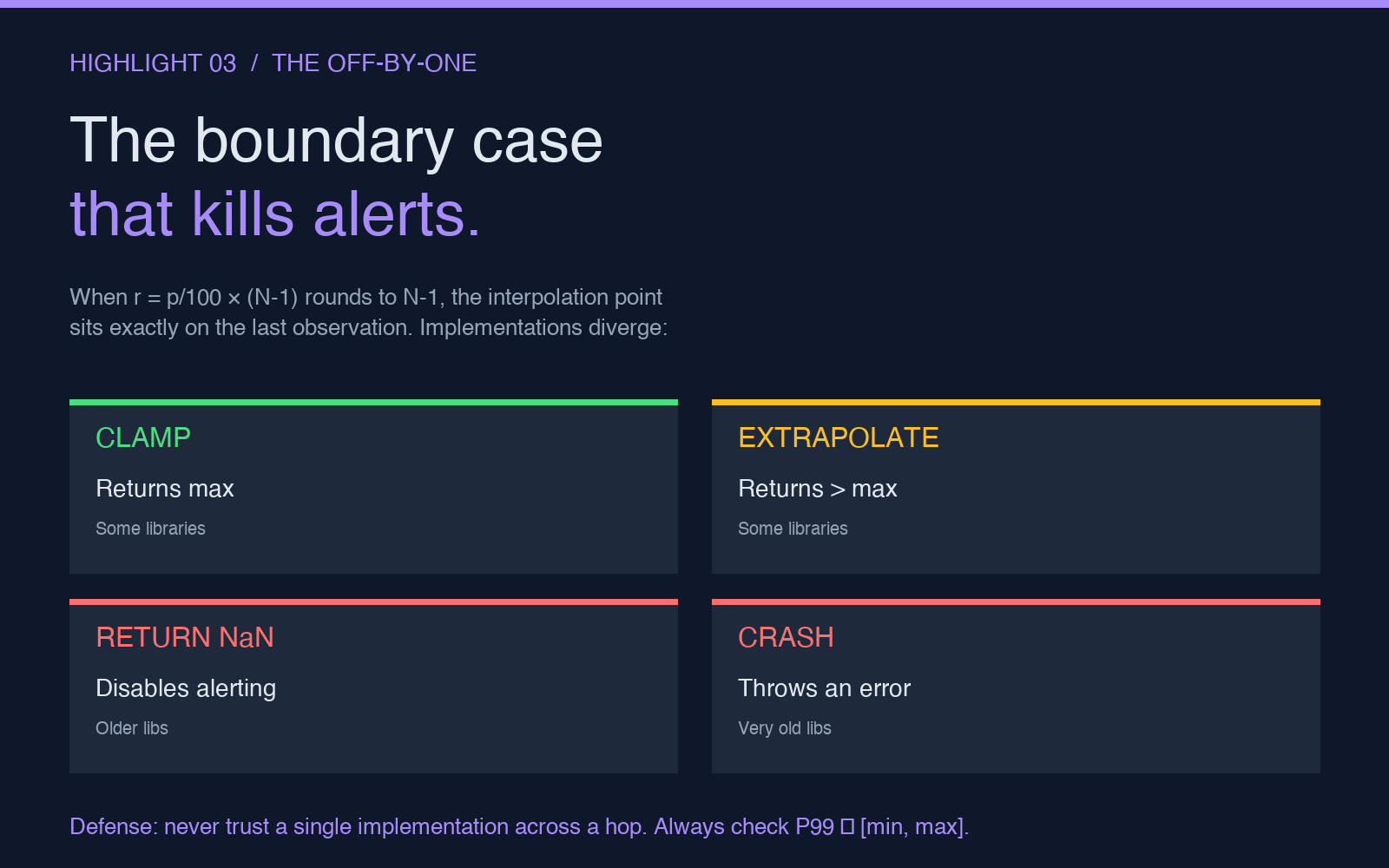
There is a separate percentile bug that does not show up in unit tests, does not show up in staging, and only manifests on the first day of a quarter when a backend migration shifts request volume by ten percent. It is the boundary case where p/100 * (N - 1) rounds to exactly N - 1, which puts the interpolation point exactly on the last observation. Some libraries clamp to the last value; others extrapolate. A handful of implementations have historically returned NaN or Inf in this case, which propagates through dashboards as “no data” and quietly disables alerting for the affected service.
The defensive pattern is to never compute P99.9 or P99.99 on a dataset smaller than a few thousand observations, never trust a single implementation across a hop between systems, and always sanity-check the result against min and max. If your reported P99 is outside [min, max], the method has extrapolated and you are no longer answering the question you think you are.
What to actually do with this
Pick one method per use case and write it down. For internal analytics and business dashboards, linear interpolation (numpy.percentile defaults, pandas .quantile() defaults, SQL percentile_cont) is the right default because it matches what most engineering tools report and what most readers expect. For latency alerting where you want a hard upper bound on observed latency, nearest-rank is more conservative and matches the intuition “this is the worst case we saw”. For anything that crosses a system boundary (dashboard to warehouse, warehouse to alert, alert to pager), document which method is used at every hop so the team reading the number knows what they are looking at.
If you want to see how the three methods compare on the same dataset without writing the interpolation math by hand, the Percentile Calculator lets you paste a numeric dataset, pick linear, nearest-rank, or exclusive, and see all three results side by side. It also reports the rank index it used and the bracket values it interpolated between, which makes the difference between methods concrete instead of abstract.
The 128-millisecond gap between your dashboard and your data warehouse was never a bug. It was a contract you had not read. Now you have.