The Four Checks Most JWT Decoders Skip: Why Your Token Inspector Says “Valid” While Your IdP Knows It Isn’t
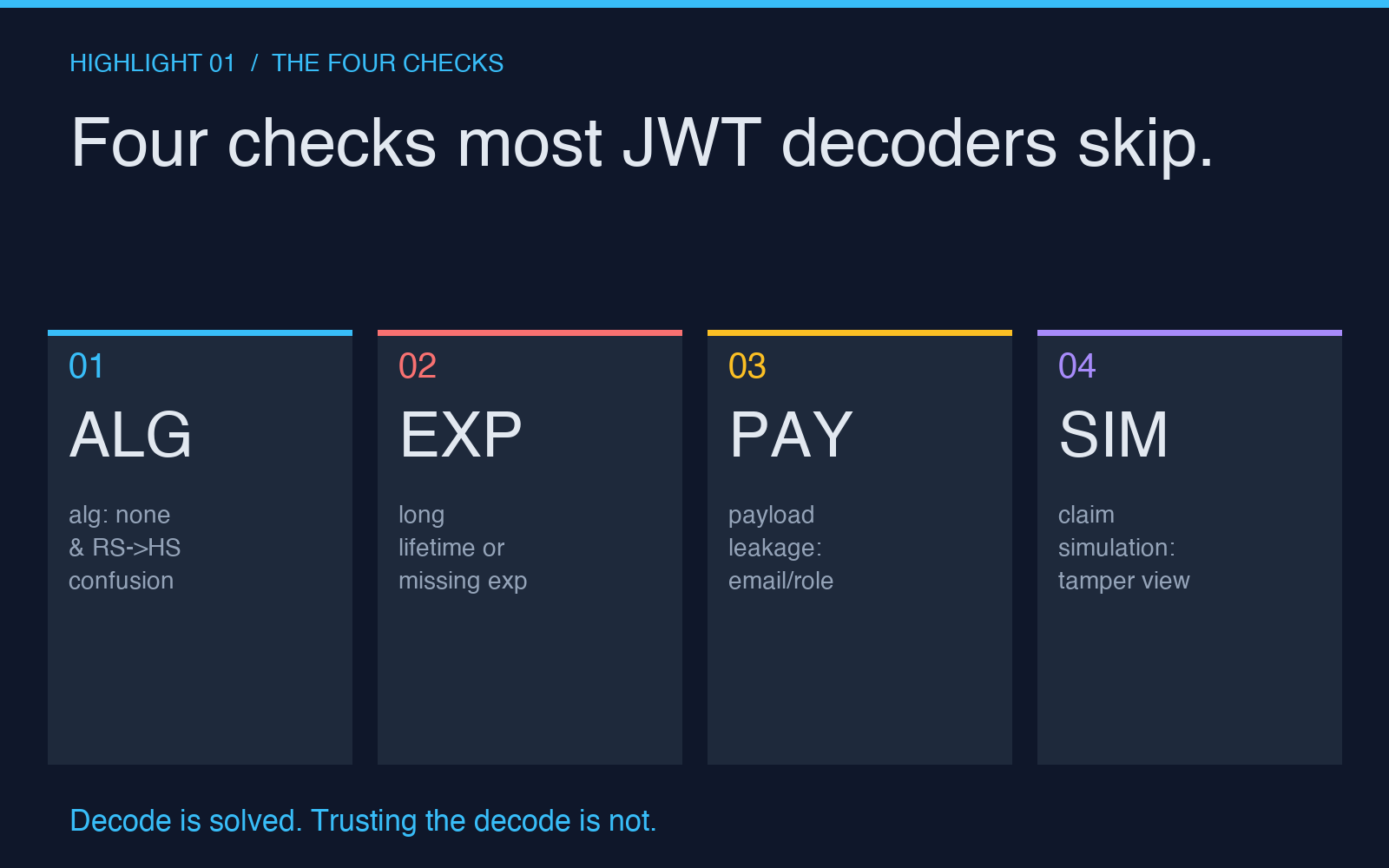
Most JWT decoders stop at three things: base64-decode the header, base64-decode the payload, and try to verify the signature against whatever key you happen to hand them. That is enough to print green checkmarks. It is not enough to catch the four silent ways a JWT can be valid-looking and still dangerous.
The tool we are looking at today — JWT Decoder & Security Auditor — does those three things and then keeps going. It looks at the alg field to catch algorithm-confusion attacks, it flags missing or suspicious exp/nbf/iat claims, it watches for sensitive data leaking into the payload, and it surfaces replay risk by showing you what would happen if certain claims were tampered with. Most open-source JWT libraries will happily verify a signature and hand the token back. This tool stops to ask whether the token should have been issued in the first place.
If you have ever pasted a token into jwt.io, watched it turn green, and shipped the integration, you owe yourself thirty seconds with a tool that reads the token like an attacker would.
The audit that runs after the verification
The mental model most engineers carry is: “JWT verification is binary.” Either the signature matches or it does not. Either the token is valid or it is not. That model breaks down the moment you think about how JWTs are actually used.
A JWT is a self-asserted assertion. The issuer signs it, the verifier checks the signature, and then everyone in between trusts that what is in the payload is what the issuer intended. The signature only proves the token has not been altered since it was issued. It does not prove the issuer was sane. A server that signs tokens with alg: none for one developer and alg: HS256 for another is a server you should be suspicious of — even if every individual token verifies.
This is the gap that an audit fills. The JWT Decoder & Security Auditor treats verification as the first step, not the last. After the signature checks out (or fails), the tool inspects the algorithm choice, the claim set, and the shape of the values. A token can be cryptographically valid and still score poorly on every axis the audit measures.
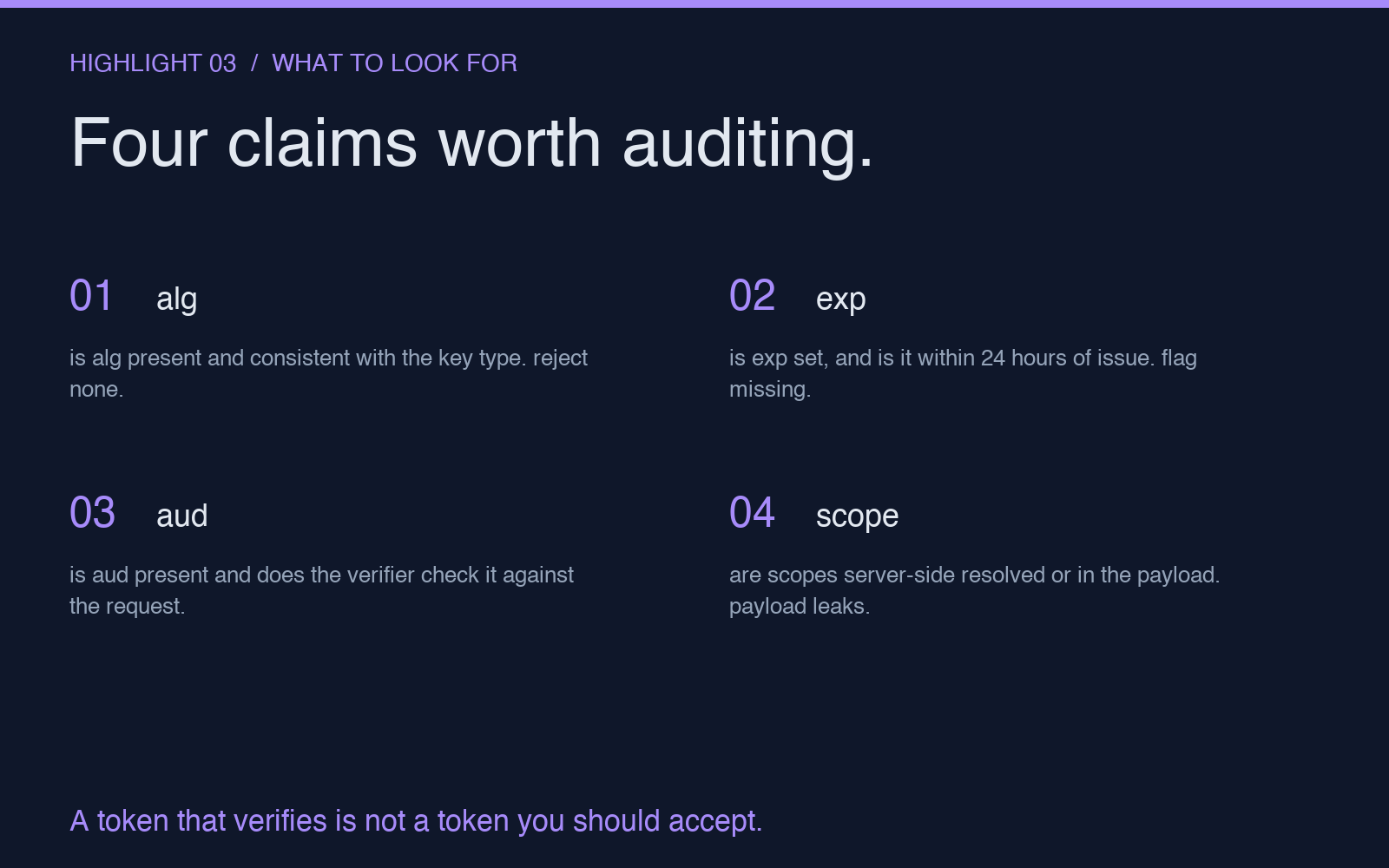
The four checks below are the ones the tool runs and that most decoders skip.
Check one: the algorithm field is not just metadata
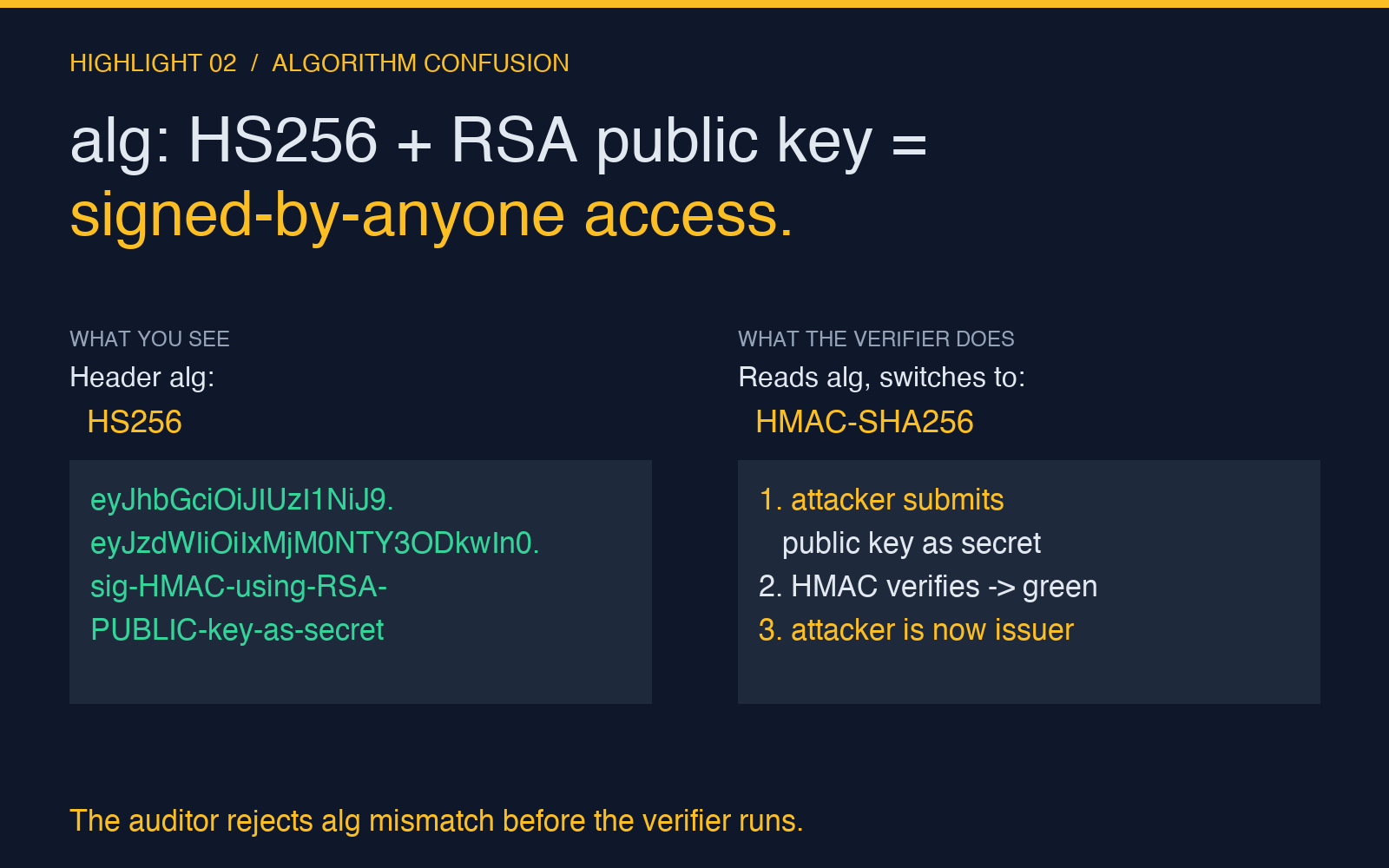
The alg header is a directive, not a description. When a verifier reads alg: HS256, it switches to HMAC-SHA256 with the secret you provide. When it reads alg: none, it skips verification entirely. When it reads alg: RS256, it expects an RSA public key. These are not interchangeable strings; they are instructions to the verification routine.
The classic confusion attack is exactly this: a token is issued with alg: HS256 (signed with a symmetric secret), and an attacker re-encodes it with alg: none and submits it. If the verifier blindly honors the header, the signature check is skipped and the token is accepted. A subtler version: an RS256-signed token is re-encoded with alg: HS256, and the attacker submits the original RSA public key as the HMAC secret. The verifier uses the public key as a shared secret, the signature matches, and the attacker is now authenticated as the issuer.
The audit catches both. It rejects none outright, and it flags any case where the declared algorithm does not match what the key actually is. If you hand it an RSA public key and the token claims HS256, it tells you before the verifier ever runs.
Check two: the exp claim is a wall, not a suggestion
The expiration claim is the most-skipped contract in JWT. Issuers are supposed to set exp to a Unix timestamp in the future, and verifiers are supposed to reject tokens whose exp is in the past. In practice, three things go wrong:
1. The token has no exp at all. Long-lived session tokens are a common offender — the developer wanted to avoid re-authentication friction and skipped the expiry. 2. The exp is so far in the future (months, years) that the token effectively never expires. The verifier accepts it forever. 3. The exp is set in the past, but the verifier ignores it. This happens when the verification library is configured to skip exp checking, often by accident.
The audit inspects each of these. It calculates the remaining lifetime in seconds, flags any token whose exp is more than 24 hours away, and warns when exp is missing entirely. A token with no exp is not a credential; it is a permanent pass.
Check three: the payload is a transport, not a vault
JWT payloads are base64-encoded, not encrypted. Anyone who has the token has the payload. This is documented in every JWT specification, and it is ignored in roughly every JWT integration. Developers put email addresses, internal user IDs, role strings, and occasionally PII into the payload because it is convenient, and then the token sits in localStorage, gets logged by error trackers, and shows up in browser DevTools.
The audit scans for this pattern. It looks for fields that look like emails (email, mail, user_email), role-like strings (role, roles, permissions, scope), and internal IDs that should not leave the boundary of the IdP. When it finds one, it flags it as a payload-leakage risk. The token is still valid; the integration is not safe.
This is also where the tool surfaces the practical question: if your authentication system needs to put a user role in the token to enforce authorization, the token is doing two jobs and doing neither of them well. Roles belong in a server-side session lookup keyed by a token id. The token should be opaque enough that losing it costs the attacker nothing.
Check four: the simulation reveals what the issuer could have signed
The fourth feature is the one most engineers do not expect from a decoder: claim simulation. The tool does not just decode the token — it shows you what the same token would look like if specific claims had been different. Drop the exp, change the sub, swap the aud, set role: admin. Each variant renders a new token preview, so you can see exactly what a tampered payload would have to look like to pass verification.
This is the part of the audit that catches design flaws, not just misconfigurations. If your aud claim is missing and the simulator shows you a token that any service in your network would accept, the issue is not the token; the issue is the verification routine that does not check aud. The simulation makes the failure mode legible. You stop seeing a green checkmark and start seeing the gap.
What to actually do with this
If you maintain a JWT-verifying service: paste a few of your own tokens into the auditor and read the findings out loud. If your exp shows a lifetime of six months, shorten it. If your payload contains a role field, move it. If your alg is HS256 and your secret is short, rotate to RS256 and put the private key somewhere the verifier cannot reach.
If you build JWT-issuing services: same drill, but for the tokens you issue. The audit is at least as useful for catching what you sign as for catching what you accept. A token you issue that fails the audit is a token a downstream service will eventually accept by mistake.
If you are debugging a misbehaving integration: paste the suspect token first. The audit takes a few seconds, and the finding you will use is almost always in the first three. Algorithm confusion, expiry drift, payload leakage — these are the reasons JWT integrations break in production, and they are the reasons the audit exists.
JWT decoding is a solved problem. JWT trusting is not. The auditor exists for the second half. Try it once on a real token from your own system and see what shows up.
For a working library of examples — Node.js issuance, browser-side verification, claim tampering demonstrations — the JWT samples collection pairs well with the auditor and covers the patterns most teams hit in their first integration.
For more token-and-credential tooling across the same category, browse Security tools on Elysia Tools.