
Most production outages blamed on “the server” are actually blamed on the cron expression. A misplaced star, a swapped day-of-week and day-of-month pair, or a step value that quietly evaluates to zero can keep a job from running for weeks. The expression parses, the daemon is happy, and nothing happens.
The Cron Expression Validator catches these silent failures before they hit production. It validates the five-field Linux crontab syntax, walks every combination your expression can produce, and tells you exactly which future dates the scheduler will fire on. If a job is supposed to run at 09:00 on weekdays, you should be able to see the next ten timestamps before you commit the line to the server.
What a Cron Expression Actually Is
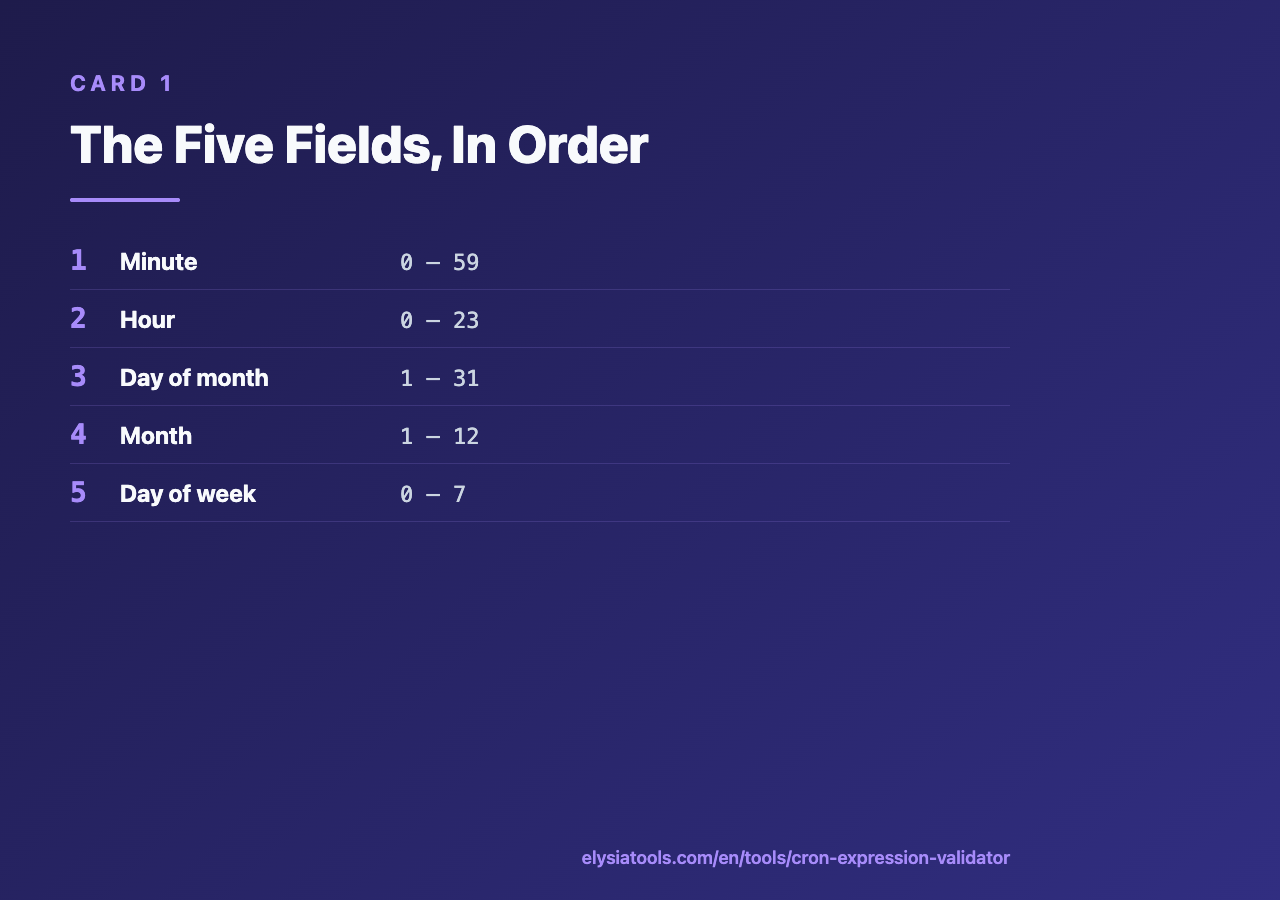
A standard five-field cron expression is five space-separated tokens, read left to right. Each token names one unit of time, and each token has its own dialect of wildcards, ranges, and steps. The five fields, in order, are:
- Minute — 0 through 59
- Hour — 0 through 23 (24-hour clock, no AM/PM)
- Day of month — 1 through 31
- Month — 1 through 12 (or Jan, Feb, … Dec)
- Day of week — 0 through 7 (both 0 and 7 mean Sunday)
A line like 0 9 * * 1-5 reads as “at minute 0 of hour 9, every day of the month, every month, Monday through Friday.” That is the canonical “weekday morning at 9 AM” expression, and it is also the one most likely to be miscopied into production with a stray space or a swapped field.
The Five Fields, In Order
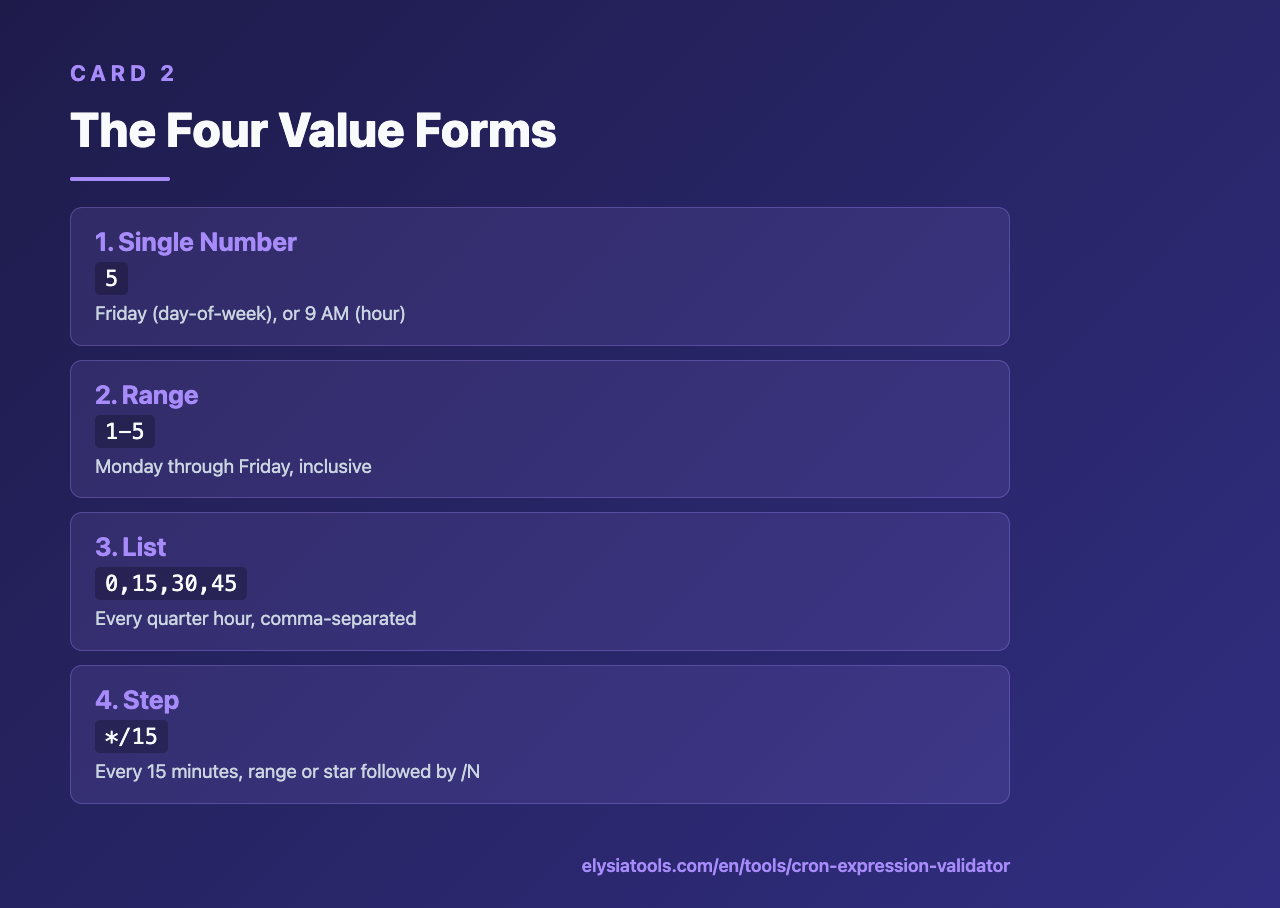
Each field accepts four kinds of values. Once you know them, every cron expression becomes a composition of these four forms.
1. A Single Number
The simplest form. 0 in the minute field means “at the top of the hour.” 9 in the hour field means “at 9 AM.” 5 in the day-of-week field means “Friday.” A field that is just a number fires only when that exact value matches the current clock.
2. A Range
Two numbers joined by a hyphen. 1-5 in the day-of-week field means Monday through Friday. 9-17 in the hour field means business hours. Ranges are inclusive on both ends, and they cannot wrap — 22-3 is invalid in a standard cron parser and will be rejected by the validator before it ever reaches a scheduler.
3. A List
Comma-separated values, each of which can be a number, a range, or a step. 0,15,30,45 in the minute field means “every quarter hour.” 1,3,5 in the month field means “January, March, May.” Lists are how you express irregular schedules that don’t fit a single range.
4. A Step
A range or star followed by /N. */15 in the minute field means “every 15 minutes.” 0-30/10 means minutes 0, 10, 20, and 30. A step value of zero is invalid — if you write */0, the validator will flag it. A step larger than the range is also suspicious, because it usually means the author miscounted the units.
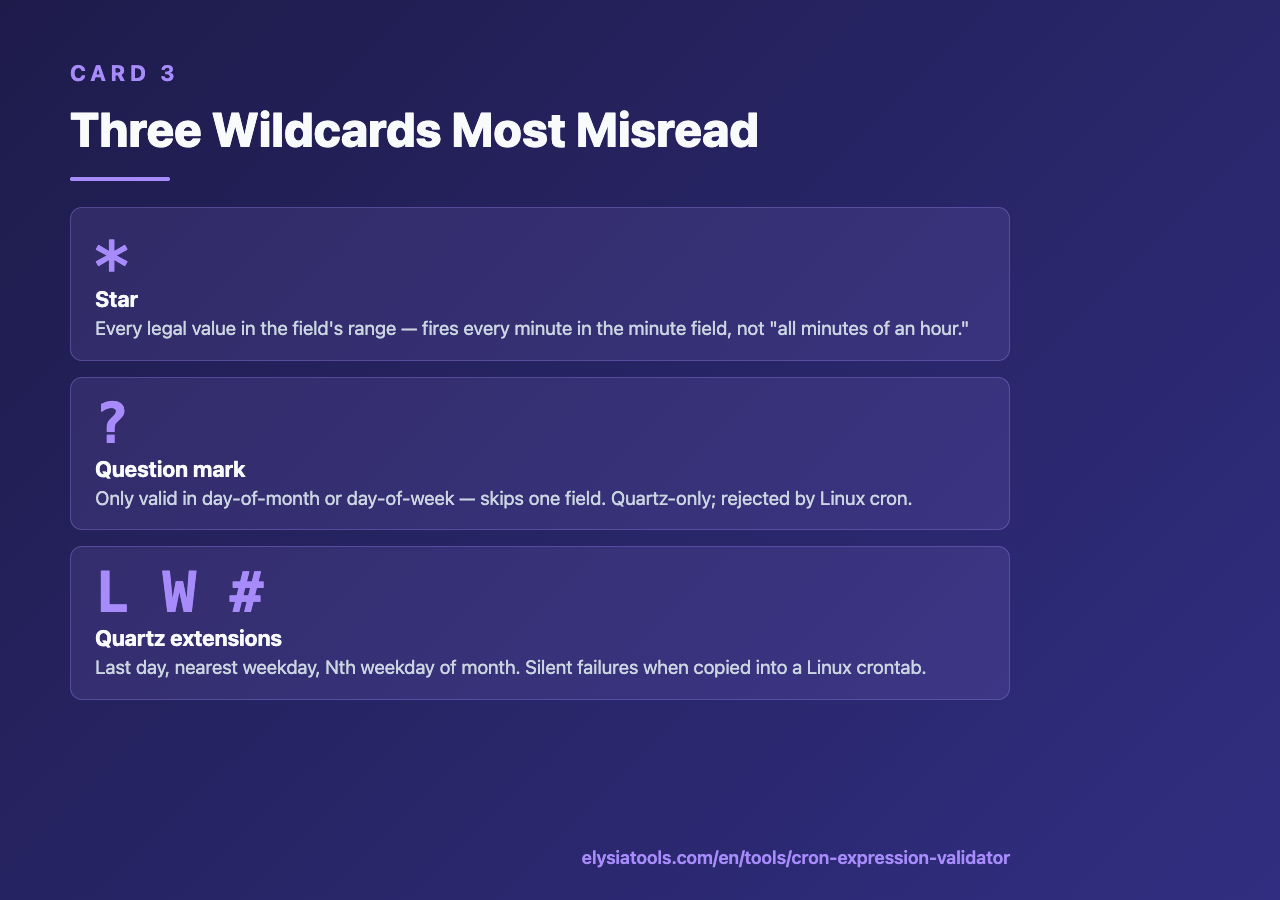
The Three Wildcards Most People Misread
Three characters look like wildcards but each has a precise meaning that catches people out.
*(star) — “every value this field can hold.” It is not “all” in the colloquial sense; it is “every legal value in the field’s range.”*in the minute field fires once per minute, not “all minutes of the hour.”?(question mark) — only valid in the day-of-month and day-of-week fields. It means “no specific value” and is used to skip one of the two date fields when the other is the real trigger. Quartz-style cron expressions use it heavily; standard Linux cron treats it as invalid syntax.L,W,#— Quartz extensions that mean “last day of month,” “nearest weekday,” and “Nth weekday of month” respectively. These do not exist in standard Linux cron. If you copy a Quartz expression into a Linux crontab, every one of these will silently fail.
The validator surfaces each of these distinctions the moment you paste them in. That is faster than waiting for the job to not run.
Why Manual Validation Breaks
You can stare at */10 9-17 * * 1-5 and convince yourself it means “every 10 minutes during business hours on weekdays.” It does. But you can also stare at 0 0 1 * * and convince yourself it means “midnight on the first of every month” — and be wrong, because some implementations treat the 0-hour as a typo and refuse to fire at all. The only reliable check is to enumerate the next several matches against the actual parser the scheduler uses.
The validator walks the full combinatorial space and returns concrete timestamps. If your expression should produce 10 timestamps in the next 30 days and you only see 3, you have a hidden constraint — probably a day-of-week and day-of-month conflict that cancels out most months.
Try It on a Real Expression
Take a line from your own crontab and paste it into the Cron Expression Validator. The output should be a chronological list of the next several firing times. If the list is empty, the expression is invalid. If the list is shorter than you expected, look for two fields that are constraining each other in a way you did not intend.
Three expressions worth testing:
*/5 * * * *— every five minutes, every day. Should produce 288 firings per day.30 2 * * 0— 02:30 every Sunday. Should fire once per week, never on weekdays.0 9-17 * * 1-5— top of every hour from 9 AM to 5 PM, weekdays. Should fire 9 times per weekday.
Each of these is one character away from a silently-broken variant. The validator tells you which variant before you deploy it.
Closing Thought
Cron is the most-deployed scheduler in production and the least-tested. Most cron lines were written once, copy-pasted, and forgotten. The five-field syntax is small enough to fit on a sticky note, which is exactly why it accumulates quiet bugs: nobody re-reads it after the first commit. Running any new cron line through a validator before deployment takes five seconds and catches the class of bugs that wake you up three months later when a backup stops happening.
Explore the rest of the Validation cluster for the same pattern applied to other syntax-heavy inputs. The Cron Expression Validator is one of forty-plus tools in that group, each designed to catch silent input failures before they reach production.
Explore more tools at elysiatools.com.