Most people who paste a JSON blob into a network chart tool end up staring at a hairball of dots and giving up. The dots are not the problem. The layout is. A force-directed graph of 200 nodes and 800 edges says almost nothing until you ask it the right question, and the layout algorithm is the question. Pick the wrong one and you get a pretty cloud. Pick the right one and the cluster, the bridge, the hub, the outlier all become visible at a glance. The same dataset, four different stories.
A network chart is just two lists: nodes with a size and a group, edges with a source, a target, and an optional weight. The chart is honest. It is the renderer that has to make a geometric guess about how to put the dots on the canvas, and that guess is everything.
Why the layout algorithm is the only decision that matters
Before any node is drawn, the renderer has to choose where each one goes. There is no ground-truth position for a relationship. The position is implied by the edges. A node with three neighbors pulls toward the average of their positions; a node with thirty neighbors pulls much harder. The shape that emerges is the layout’s answer to the question “which nodes are most connected to which.”
Change the algorithm and you change the answer. A force-directed graph of a tree will look like a tree, with the root at the center and the leaves on the outside. A circular layout of the same tree will look like a ring with the root at the top, ignoring depth entirely. A grid layout will pack the nodes into a square, alphabetical or input order, and reveal nothing about structure. A random layout is just noise. Each one is correct in its own frame. None of them is the dataset.
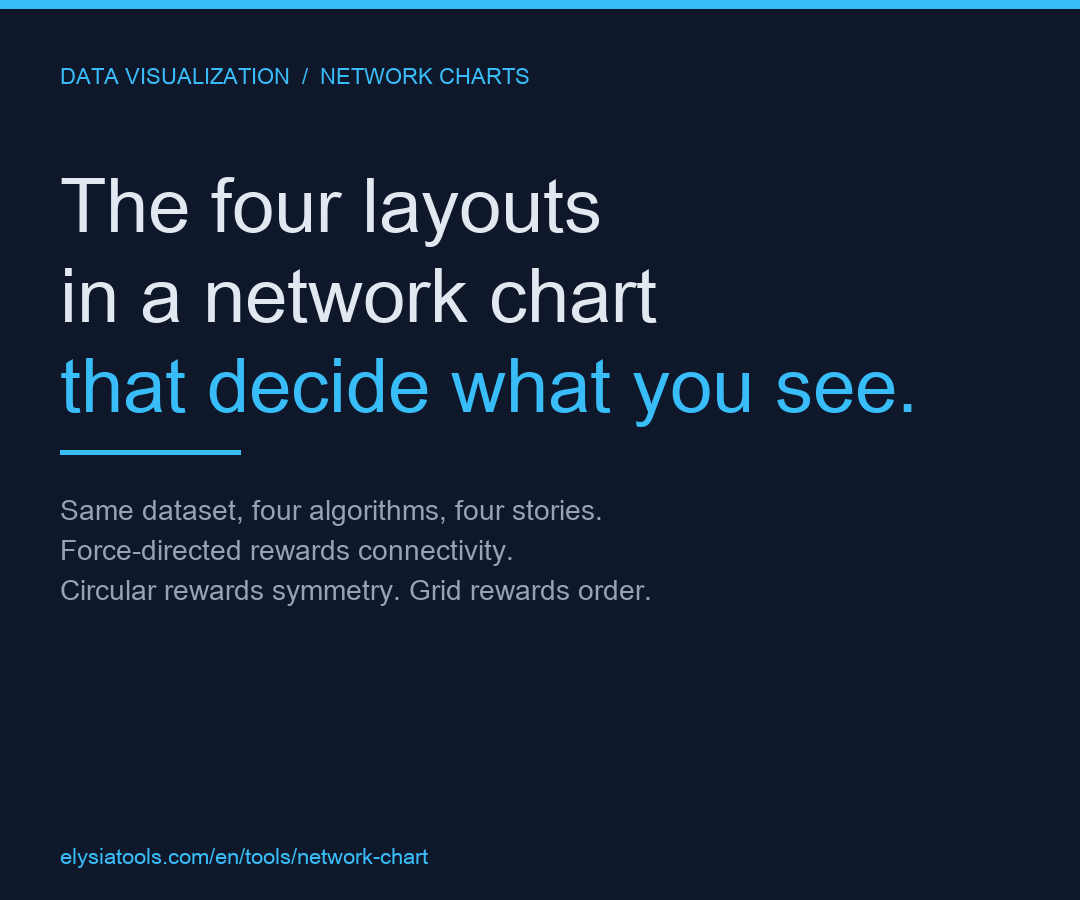
This is the part most teams miss. The chart is not showing you the data. The chart is showing you the data after the layout has decided which features of the data matter. Force-directed rewards connectivity. Circular rewards symmetry. Grid rewards order. Random rewards nothing. If you are looking for clusters, the wrong layout will hide them. If you are looking for hubs, the wrong layout will smear them.
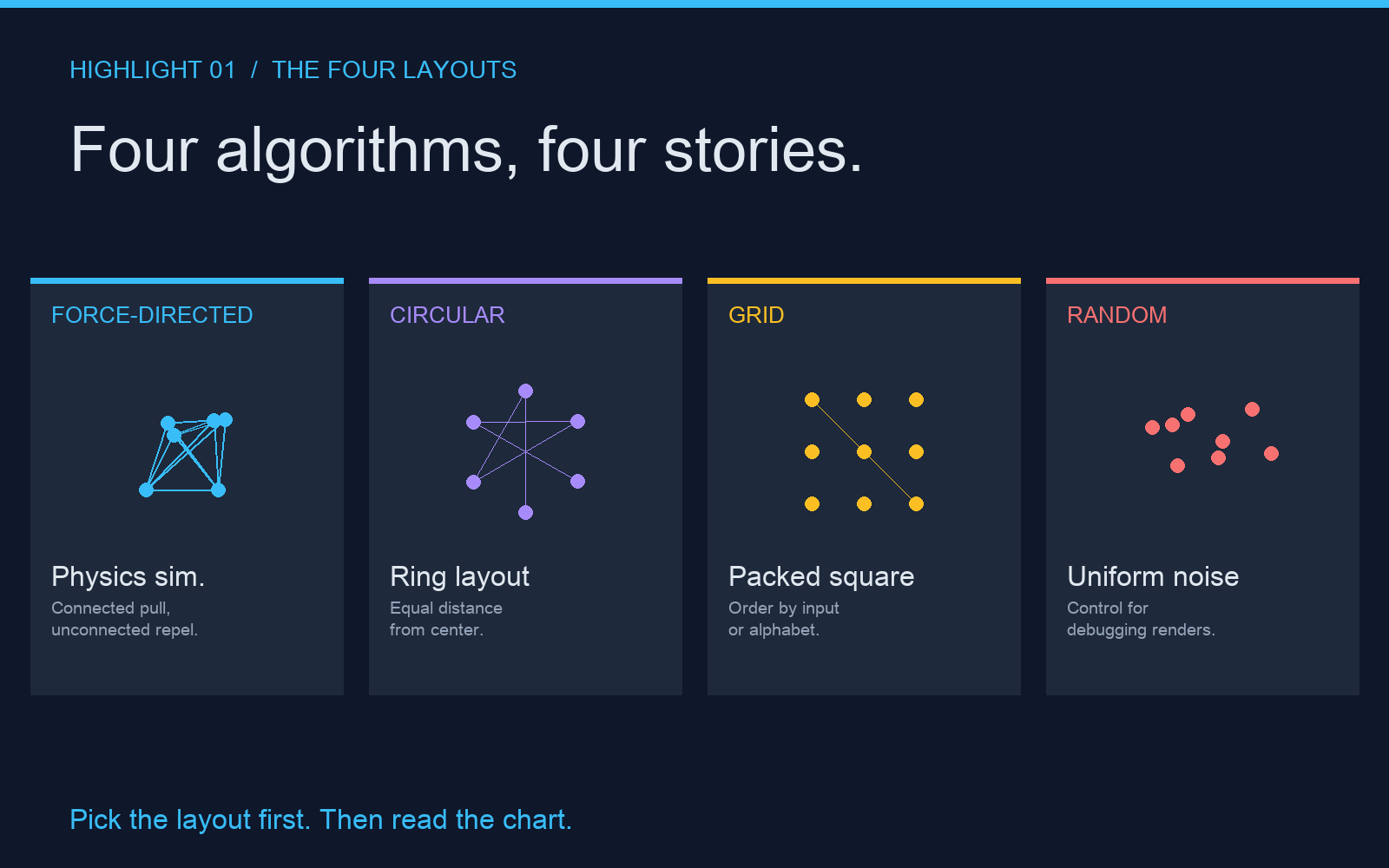
- Force-directed – A physics simulation. Connected nodes attract, unconnected nodes repel. The cluster shape is the result.
- Circular – All nodes on a ring, equal distance from the center. The shape is uniform; only the edges show variation.
- Grid – Nodes packed into a square. Order from input or alphabet. Edges cross freely. No structure inferred.
- Random – Uniform random positions. Used for control comparisons and stress-testing the renderer.
The one number you should compute before you render
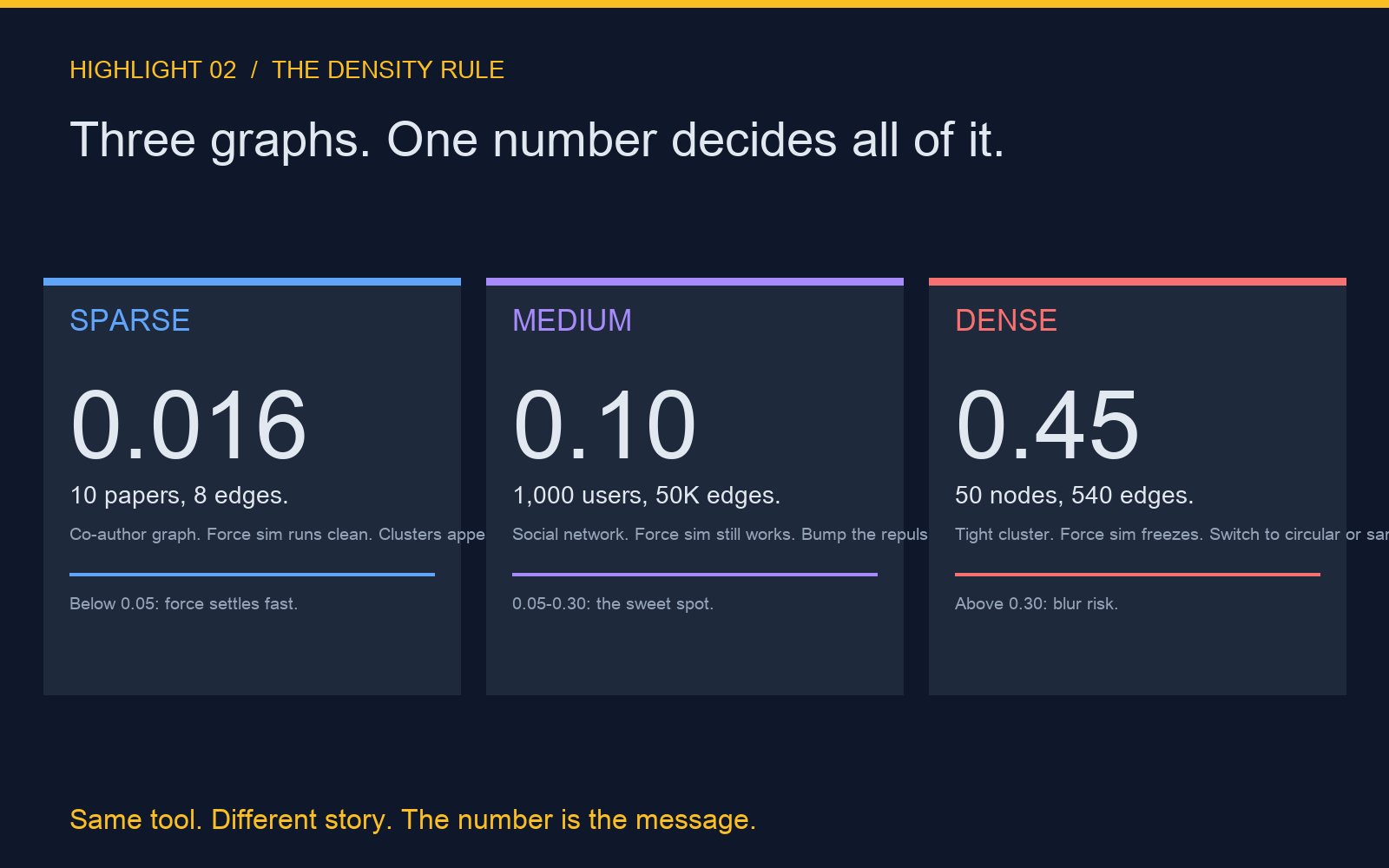
Edge density is the ratio of actual edges to the maximum possible edges. A 10-node graph can have at most 45 undirected edges. If it has 9, density is 0.20. Below 0.05 the graph is sparse, force simulation settles fast, and the cluster shape is reliable. Above 0.30, force simulation starts to freeze, clusters blur into a single mass, and you need a different algorithm or a smaller sample.
The formula is simple. For an undirected graph with V vertices and E edges, density d equals 2E divided by V times (V minus 1). For a directed graph, divide by V times (V minus 1) without the 2. A social network of 1,000 users with 50,000 friendship edges has a density around 0.10. A co-author network of 10,000 papers with 80,000 edges has a density around 0.0016. The first one renders as a hairball. The second renders as a constellation. Same tool. Different story.
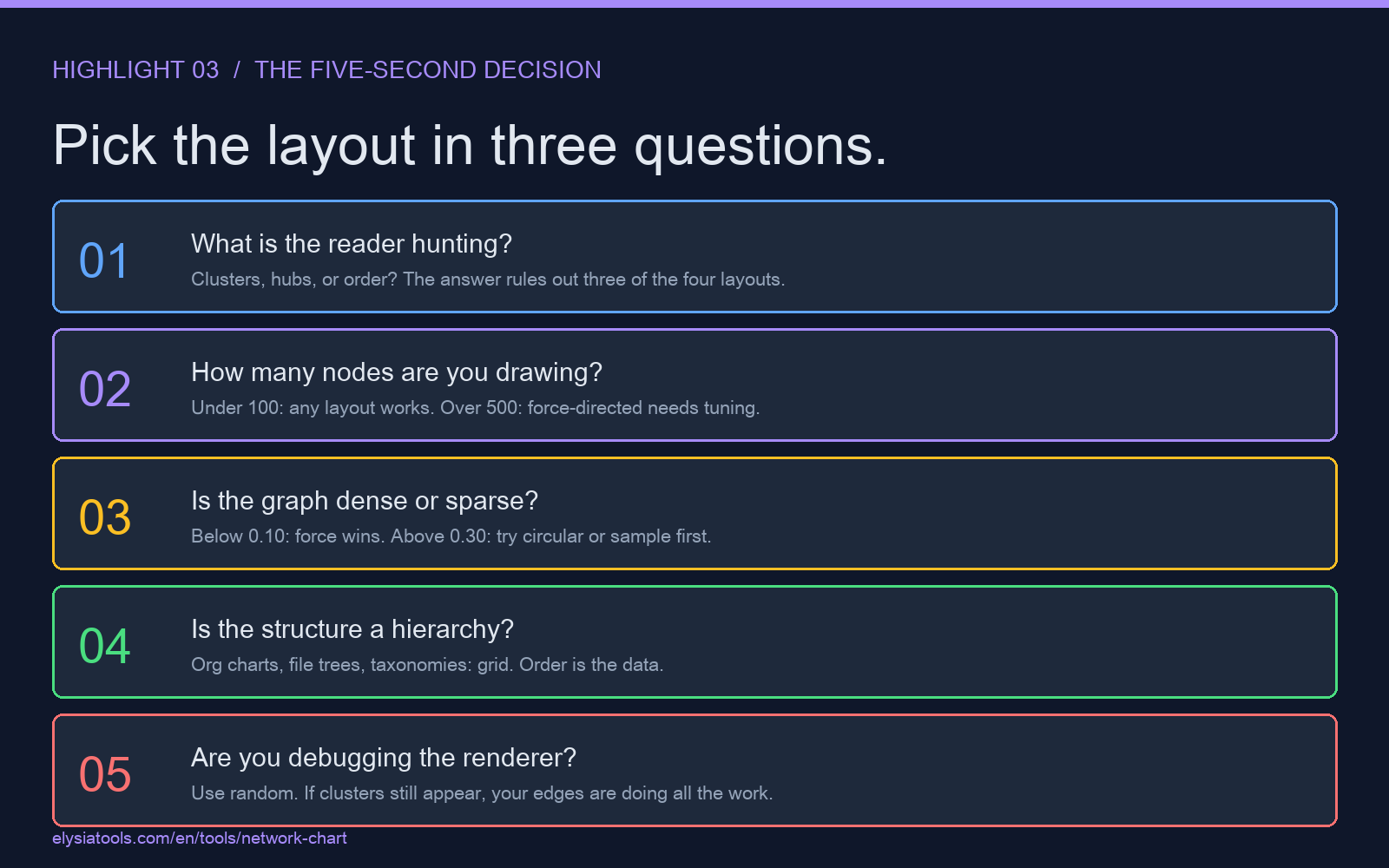
How to pick the layout in five seconds
Three questions, in order. First, do you want the reader to find clusters, hubs, or order? Second, how many nodes are you drawing? Third, is the graph dense or sparse? The answers map to a layout directly.
- If the reader is hunting clusters in a sparse graph (density under 0.10), use force-directed. Connected nodes will pull together. The clusters will appear as obvious blobs with a small number of bridge edges between them.
- If the reader is hunting hubs in a moderately dense graph (density 0.10 to 0.30), use force-directed with a higher repulsion constant. The hubs will sit at the center of multiple smaller clusters. The bridges will be long, thin lines between them.
- If the reader is comparing symmetry or finding the longest path, use circular. The order around the ring tells the reader which nodes are most central by the number of chords cutting the interior.
- If the input is a fixed hierarchy (org chart, file tree, taxonomy), use grid. The order is the data. Edges are visual aids, not the point.
- If you are debugging the renderer or comparing two algorithms on the same data, use random. Random is the control. If your clusters still appear in random, your edges are doing all the work.
A network chart does not show the data. It shows the data after a layout has decided which features to amplify. Force-directed amplifies connectivity. Circular amplifies position. Grid amplifies order. Random amplifies nothing. Pick the layout first, then read the chart. The wrong lens will not lie to you. It will just show you a different truth than the one you came for.
If you want to try this with your own dataset, paste a JSON blob of nodes and edges into Network Chart Generator and cycle through the four layouts in a single tab. The tool renders each layout in about a second. The story changes every time. For a worked example of a real-world decentralized network, ActivityPub samples show the same four-layout treatment on a federation graph of 200 servers and 1,400 follow edges.
If you want to see the same lesson in a non-social context, dataset quality profiler walks through how the shape of a data file changes based on which transformation you apply first. Different lens, same rule: the first decision is the only one that matters.