The first 200 rows of a deduplication report look boring. The next 200,000 reveal the truth: your “duplicate” rows were never identical at all. A leading space here, an uppercase letter there, a stray tab between fields. The list keeps growing because your detector keeps flinching when the input isn’t perfectly clean.
The real question isn’t whether duplicate lines exist. Of course they do. The question is what counts as one. Three switches decide it: whether to compare every line globally or only lines that sit next to each other, whether to treat User and user as the same value, and whether to strip the invisible whitespace that pipes and copy-paste quietly smuggle into your data. Get those three wrong and your deduplicated output is either a bloated list that still contains near-duplicates or an aggressive cleaner that just threw away 30% of your data.
This article walks through how each switch changes the count, when to flip each one, and why the answer is almost never “leave everything at default.” All examples below use the Advanced Duplicate Line Remover, which exposes all three switches plus a keep-first-vs-keep-last choice that most casual tools hide from you.
The Three Switches That Decide Whether Your Dedup Is Real
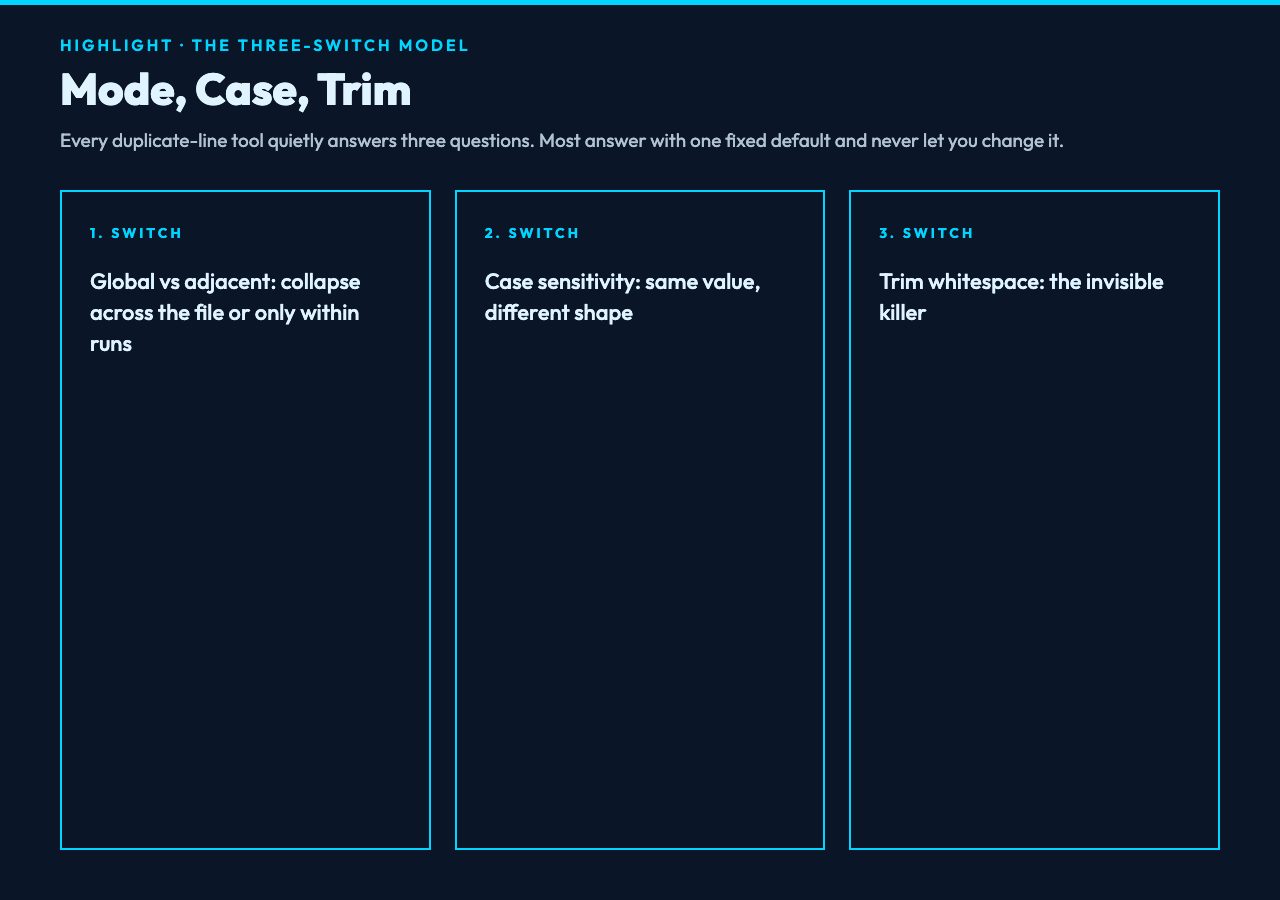
Every duplicate-line tool quietly answers three questions. Most of them answer with one fixed default and never let you change it. That default works for the demo case on the landing page and fails the moment you point it at real data.
Mode: global versus adjacent. Global mode deduplicates across the entire file, so the third occurrence of apple on line 500 collapses against the first occurrence on line 12. Adjacent mode only collapses runs of identical lines sitting next to each other, which is what you want when a log file repeats the same message across consecutive lines but you still need to keep the second apple mention if it shows up an hour later. The two modes answer different questions: “is this value unique in the dataset” versus “is this run of output duplicated.”
Case sensitivity. A newsletter list with [email protected] and [email protected] is, technically, not deduplicated even when the second entry is the same person. A configuration file with Debug = true and debug = true might be two intentional overrides of the same flag in two environments. The right answer depends on whether the case carries meaning. Most tools silently default to one behavior and never tell you which.
Trim whitespace before comparison. This is the silent killer. " apple", "apple ", and "apple" are not the same string, but they almost always represent the same value. When you’re working with CSV exports, log scrapers, or copy-paste from a spreadsheet, trailing whitespace is the rule, not the exception. A dedup run without trim enabled will give you back a list that still has 40% redundancy — just hidden in invisible characters you can’t see until you diff the output against the input.
The Advanced Duplicate Line Remover exposes all three as named options: mode (all/adjacent), caseSensitive, and trimLines. There is also a keep switch (first/last) that decides which occurrence survives — important when you want to preserve the most recent timestamp in a log file rather than the earliest.
What Each Switch Does To Your Row Count
Take a 27-line server log that contains repeated 2026-06-30 12:01:23 INFO Service started lines from a boot loop. Run it through four configurations and watch the row count move.
Default (all + case-sensitive + no trim): 17 lines. Good baseline. Now enable trim and the count drops to 14 lines — three more lines were hidden duplicates with trailing whitespace from a piped grep. Flip to adjacent-only mode and you jump back up to 21 lines, because the boot-loop repetition sits next to itself but the genuine re-occurrences of INFO at different timestamps survive. Combine adjacent + trim and you land at 19 lines, which is the correct operational answer: collapse the run, keep the timestamp-distinct events.
The same log with case-insensitive comparison enabled lands at 11 lines, but only because the log also has WARN and warn entries from two different services that happen to share the word. That number is misleading — you just collapsed real, distinct severity levels. The lesson: case-insensitivity is a sharp tool. Use it for email lists and tag lists, not for logs or config files.
If you want to test these combinations against the same log file without typing it out, the duplicate-line samples include a 27-line server log with both adjacent and global duplicates, plus an email list with case variants and an environment config with adjacent-repeated overrides. Each one is tuned to expose a specific failure mode of the default switch settings.
The Keep-First Versus Keep-Last Trap
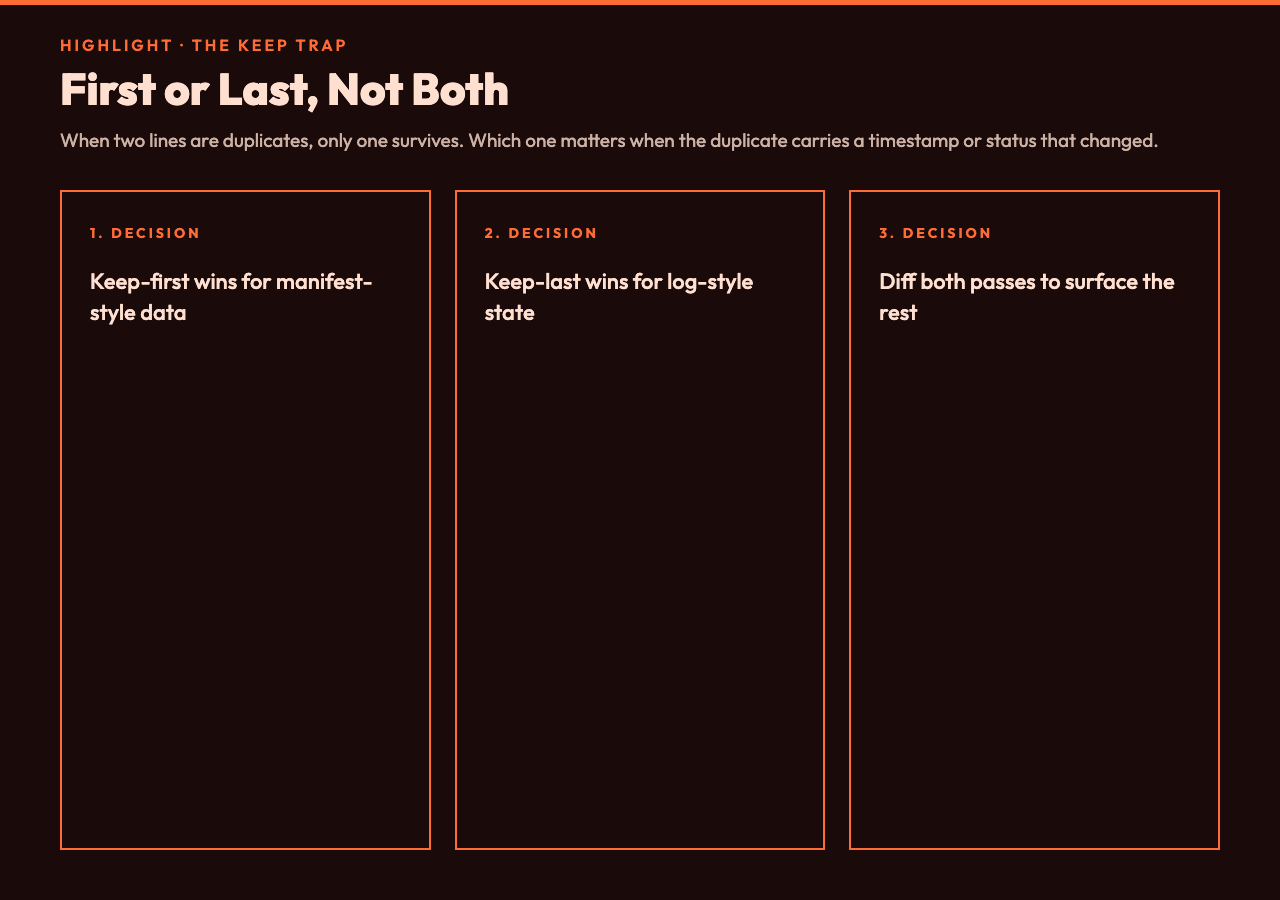
When two lines are duplicates, only one survives. Which one? Most dedup tools decide silently, and the choice matters when the duplicate carries a timestamp or status that changed between occurrences.
In a session-tracking dump, 2026-06-30 09:00 active and 2026-06-30 14:30 expired for the same user ID are not really duplicates — they’re a state transition. A naive dedup keeps the first one and silently lies about the session being active. Keep-last is the correct default for any log-style data where later lines supersede earlier ones. Keep-first is correct for manifest-style data where the first declaration wins and later repeats are echoes.
The keep switch also interacts with mode in a way that bites you on the second run. Global mode + keep-last means: for every line, find all duplicates, drop all but the last occurrence. That’s the right semantic for “what is the most recent state of each value” but it produces a different output than running global + keep-first, which is “what was the first time this value appeared.” The tool gives you both, but you have to know which question you’re asking.
Five Failure Modes The Default Settings Will Hit
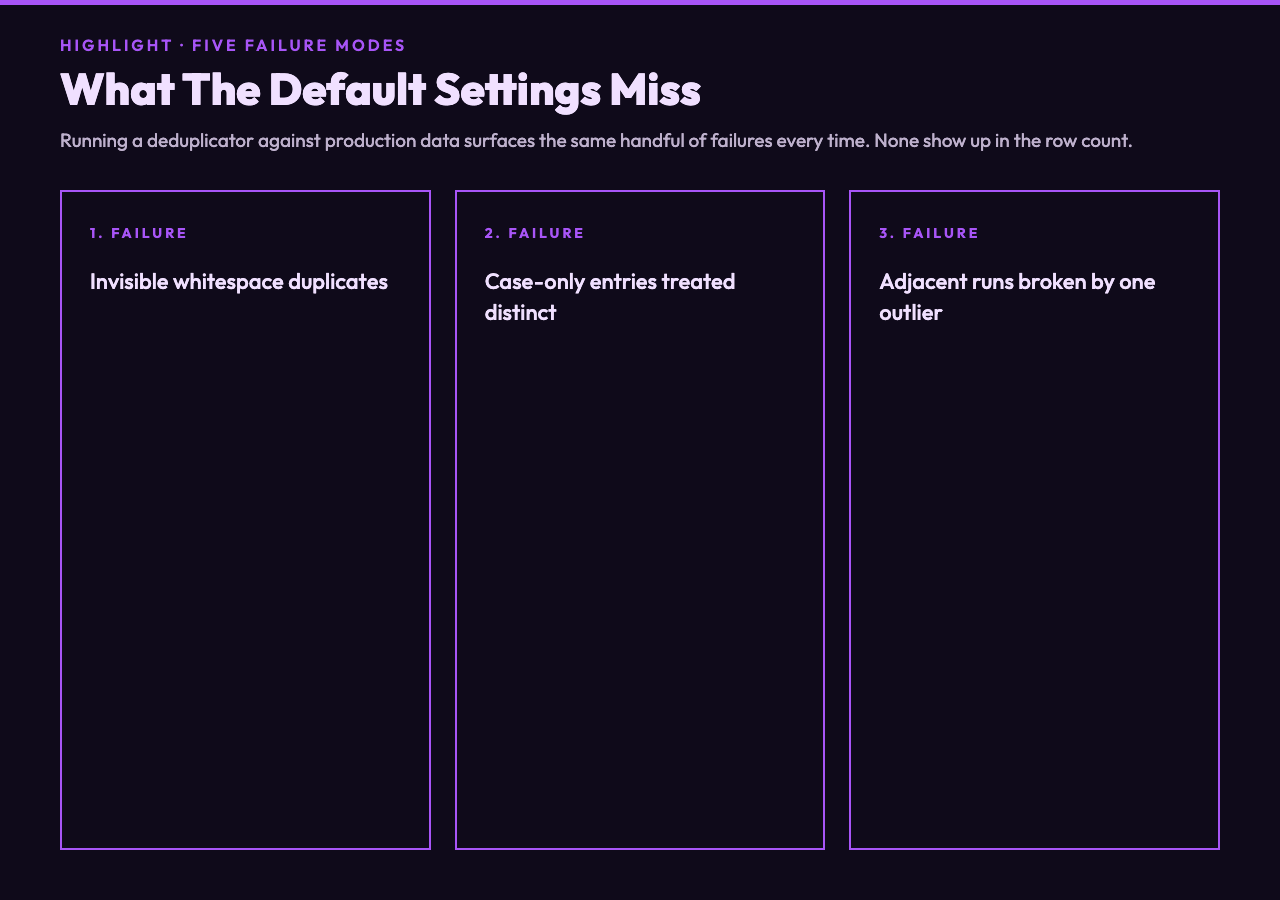
Running a deduplicator against real production data surfaces the same handful of failures every time. These are the ones worth checking your output for before you trust the count.
- Invisible whitespace duplicates. Trailing tabs and CRLF line endings slip past case-sensitive comparison. Symptom: the dedup run returns a row count that’s suspiciously close to the original. Fix: enable trim.
- Case-only duplicates treated as distinct. Email lists with mixed-case addresses produce “deduplicated” lists that still contain the same person twice. Fix: disable case sensitivity, but only for fields where case carries no meaning.
- Adjacent runs missed because of one outlier. A 50-line block of identical log entries, with one line in the middle that has a different timestamp, defeats adjacent-mode deduplication entirely. Fix: switch to global mode for that pass, then switch back.
- Wrong occurrence kept. A state field that should be the latest value is silently replaced by the first occurrence. Fix: flip keep to last.
- Unicode normalization differences.
caféwith a precomposed é versus a decomposed e + combining acute accent is two different strings to most regex engines. Fix: normalize Unicode before comparison, or pre-process the input.
None of these failures show up in the row count. They only show up when you diff the deduped output against the input and trace which lines actually changed. That’s the audit step that almost nobody runs.
When To Reach For Adjacent-Only Mode
Adjacent-only mode sounds like a niche feature until you hit the data shape it was built for. A log file with thousands of repeated connection refused messages from a failing service, a CSV with blank lines between record groups, an HTTP access log from a caching layer that emits the same request line hundreds of times before the upstream replies. In all three cases, the duplicates form a contiguous run, and global mode would over-collapse by merging distinct events that happen to share the same line.
The adjacent-only mode also preserves the reading order in a way that global mode does not. If you’re feeding the output into a downstream step that cares about line position (like a diff against an earlier snapshot), keeping the file structure intact matters more than minimizing the row count. For pure cardinality analysis, global mode is right. For pipeline cleanup where the line position carries signal, adjacent is the safer default.
Adjacent mode has a useful property for performance too: it can stream. Global mode requires holding the entire unique-set in memory. Adjacent mode compares the current line against the previous one and emits or skips immediately. On multi-million-line log files, that’s the difference between a script that completes in seconds and one that swaps the machine to death.
Building A Dedup Pipeline That Audits Itself
The mature pattern is to never trust a single dedup pass. Run it twice with different settings, diff the outputs, and the lines that change between the two runs are the ones where your assumptions about what counts as a duplicate were wrong. That diff is more valuable than either output alone, because it surfaces exactly the lines that need a human decision.
A working pipeline looks like this. Pass one: global + case-sensitive + trim, keep-first. This is your “conservative canonical list.” Pass two: adjacent + case-insensitive + trim, keep-last. This is your “operational collapse.” Diff them. Every line in the symmetric difference is a record where the conservative list and the operational list disagreed, which usually means a near-duplicate that survived one of the two passes. Those go into a review queue.
The tool makes this cheap because every option is named and exposed — there’s no hidden preprocessing step that quietly changes the answer. The same input, same options, same output, every run. That reproducibility is what makes the two-pass diff meaningful.
If you’re working with a list that came from a spreadsheet export or a copy-paste from a chat thread, the first thing to do is run a trim-only pass with no other changes enabled. Watch the row count. If it drops by more than a few percent, you have invisible whitespace as a major source of your “duplicates” — your data is dirtier than it looks, and every downstream step needs to know that.
Closing Thoughts
Deduplication is not a single operation. It is three decisions stacked on top of each other, and each one can silently shift the answer by 30% without changing the output’s apparent shape. The right workflow is to make those decisions explicit, run the pass with the right combination for the data you have, and audit the output against the input to confirm that what survived was supposed to survive.
The tools that hide those switches from you are the ones that produce confidently wrong deduplicated lists — clean-looking spreadsheets that quietly still contain the same customer three times because two of the entries had a trailing space. The fix is to use a tool where every switch is a named option you can flip, and to spend the thirty seconds it takes to think about whether your data treats apple and Apple as the same value before you commit to an answer.
Explore more text-cleanup tools at elysiatools.com, or run the configurations above against the duplicate-line sample files to see the row counts move in real time.