Your authorization server returned invalid_grant at the token-exchange step, your SPA worked perfectly during local development, and the only thing that changed between yesterday and today is the deployment environment. Before you start suspecting clock skew, redirect-URI mismatches, or your identity provider’s mood, run the failing code_verifier through the PKCE Code Verifier & Challenge Generator. In ninety seconds it will tell you whether the verifier is the wrong length, the wrong character set, or simply does not hash down to the challenge the client sent during the authorization request.
The headline fact about PKCE that everyone eventually relearns the hard way is this: the code_verifier never leaves the client, and the code_challenge that travels with the authorization request is just BASE64URL(SHA256(code_verifier)). That single transformation is the entire security property. If those two values do not round-trip on the server, the request is rejected, and the server has no way to tell you why other than invalid_grant. A tool that can independently regenerate the challenge from your verifier — or, going the other direction, audit the verifier a client logged for debugging — turns a black-box rejection into a concrete, reproducible check.
The three modes the tool actually exposes
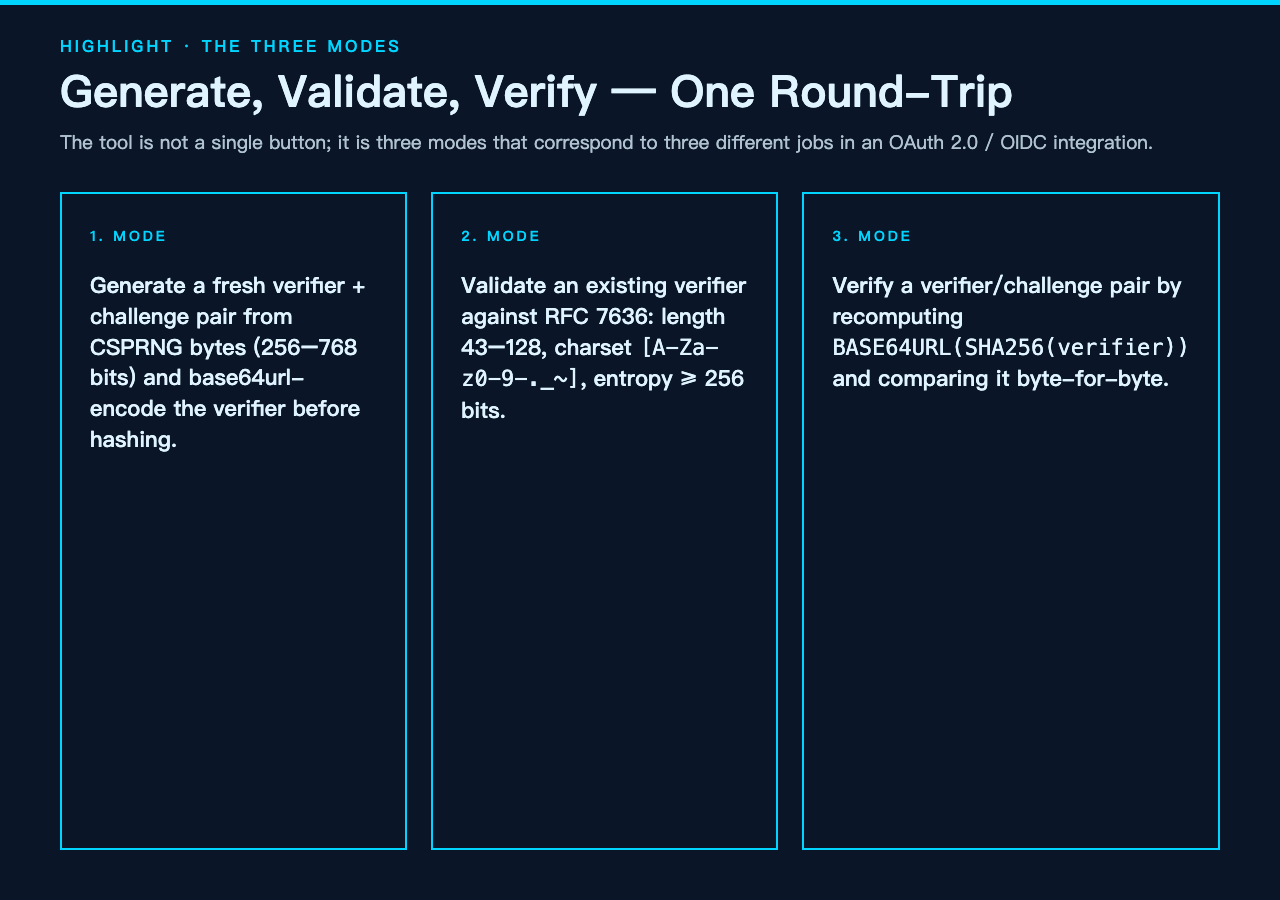
The interface is not a single button that spits out a verifier; it is three modes that correspond to three different jobs in an OAuth 2.0 / OIDC integration. Choosing the right one before pasting values in saves a lot of head-scratching later.
- Generate. The tool draws entropy from the platform CSPRNG (32, 48, 64, or 96 random bytes — 256 / 384 / 512 / 768 bits), base64url-encodes it into a 43–128 character
code_verifier, and computes the matchingcode_challengeasBASE64URL(SHA256(code_verifier)). The verifier stays on your client; only the challenge travels in the authorization request. The 64-byte / 512-bit setting is the recommended one because it gives you a comfortable margin over the RFC 7636 minimum of 256 bits without producing a verifier that gets truncated or stored awkwardly. - Validate. Paste an existing verifier — say, one you copied out of a browser console while debugging — and the tool runs the RFC 7636 audit: length between 43 and 128 characters, character set restricted to
[A-Za-z0-9-._~], and entropy at or above 256 bits. On a green audit it also displays the S256 challenge the verifier implies, which is invaluable when the client and the server somehow disagree about what the challenge should be. - Verify. Feed the tool a
code_verifierand acode_challengetogether and it recomputesBASE64URL(SHA256(verifier))from scratch, comparing it byte-for-byte against what you provided. This is the mode that answers the question “why is my token exchange failing?” most directly, because it isolates whether the mismatch is in the hashing step or somewhere else entirely.
Why the hashing direction matters more than the algorithm
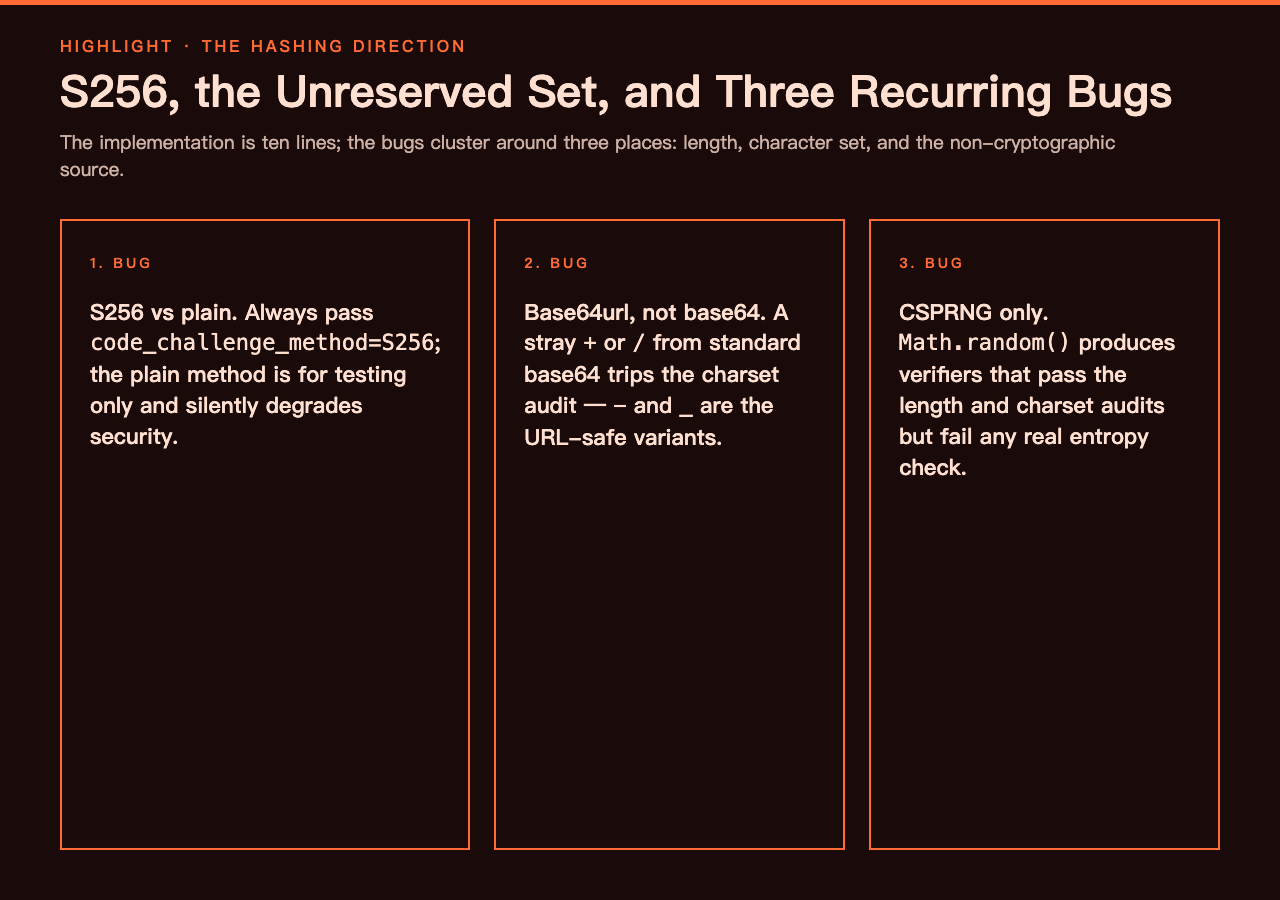
RFC 7636 defines two challenge methods: plain and S256. The plain method sends the verifier as the challenge verbatim, which is functionally the same as not using PKCE at all and exists in the spec mostly for testing. The S256 method is what every real production client uses, and the whole point is that the server can verify the binding without ever seeing the secret material. The implementation is ten lines of code in any language with a base64url encoder and a SHA-256 function, but in practice the bugs cluster around three places: a verifier that is too short to satisfy the entropy requirement, a verifier that includes a character outside the unreserved set (often a stray + from standard base64 rather than - from base64url), and a verifier that was generated with a non-cryptographic source like Math.random(). The PKCE Code Verifier & Challenge Generator catches all three because it treats the audit step as a first-class output, not a side effect.
The other thing the tool handles well is the URL builder. Once you have a verifier and a challenge, the authorization request itself is just a handful of query parameters: response_type=code, client_id, redirect_uri, code_challenge, code_challenge_method=S256, and state. Paste the endpoint, client ID, and redirect URI into the optional fields, and the tool renders the full URL plus the token-exchange body that will eventually POST the secret verifier back. That removes the most common copy-paste mistake, which is omitting code_challenge_method=S256 and silently falling back to plain.
Where PKCE actually pays for itself
PKCE was originally specified for public clients — native mobile apps and single-page applications that cannot keep a client secret. The OAuth 2.1 draft has since extended the recommendation to confidential clients as well, because the cost of generating a verifier is essentially zero and the protection against authorization-code interception is meaningful even when the redirect URI is HTTPS. If you maintain a mobile app, the relevant threat model is the custom-URL-scheme interception attack: a malicious app registered for the same scheme can capture the authorization code, and without PKCE it can exchange that code for tokens because the client cannot authenticate itself. With PKCE the attacker also needs the verifier, which never left your app. The tool is a useful way to demonstrate that round-trip — generate a pair, run the audit, then attempt the same hash by hand and confirm the result matches.
For SPAs the threat is similar but the framing is different: the authorization code is exposed to anything running in the browser, including any compromised dependency, and PKCE means a stolen code alone is useless. In practice most identity-provider SDKs now generate the verifier for you, but when you need to debug an integration — particularly one that uses PKCE with a custom grant type or a non-standard authorization endpoint — being able to reproduce the exact byte sequence on demand is the difference between a five-minute fix and a half-day investigation.
Verifying that a failing integration is failing for the right reason
When a PKCE-protected token exchange fails with invalid_grant, the error response is, by design, intentionally vague. The server cannot distinguish between a wrong verifier, a wrong challenge, an expired authorization code, a redirect-URI mismatch, and a clock-skew issue at the response-time check, because telling the caller which one it was would leak information. The pragmatic debugging move is to recreate the exact pair the client should have generated and verify it offline. Generate mode gives you a known-good reference; Verify mode tells you whether the values you actually have on hand are internally consistent. Pair the two and you can usually pin the bug down to one of three locations: the client is generating the wrong verifier, the client is hashing the verifier incorrectly, or the server is receiving something different from what the client thinks it sent.
It is also worth knowing what the tool will not catch. It will not detect a verifier that was generated with a predictable source — a CSPRNG is part of the design, not a configurable option, so there is no “use a weak RNG” toggle to misconfigure. It will not validate your redirect URI against the registered list on the authorization server, because that is server-side state. And it will not tell you whether your state parameter is being preserved across the redirect, which is a separate bug class. But for the specific question of whether a code_verifier and a code_challenge actually correspond to each other under RFC 7636, it is the most direct answer available in a browser.
How it fits alongside related OAuth tooling
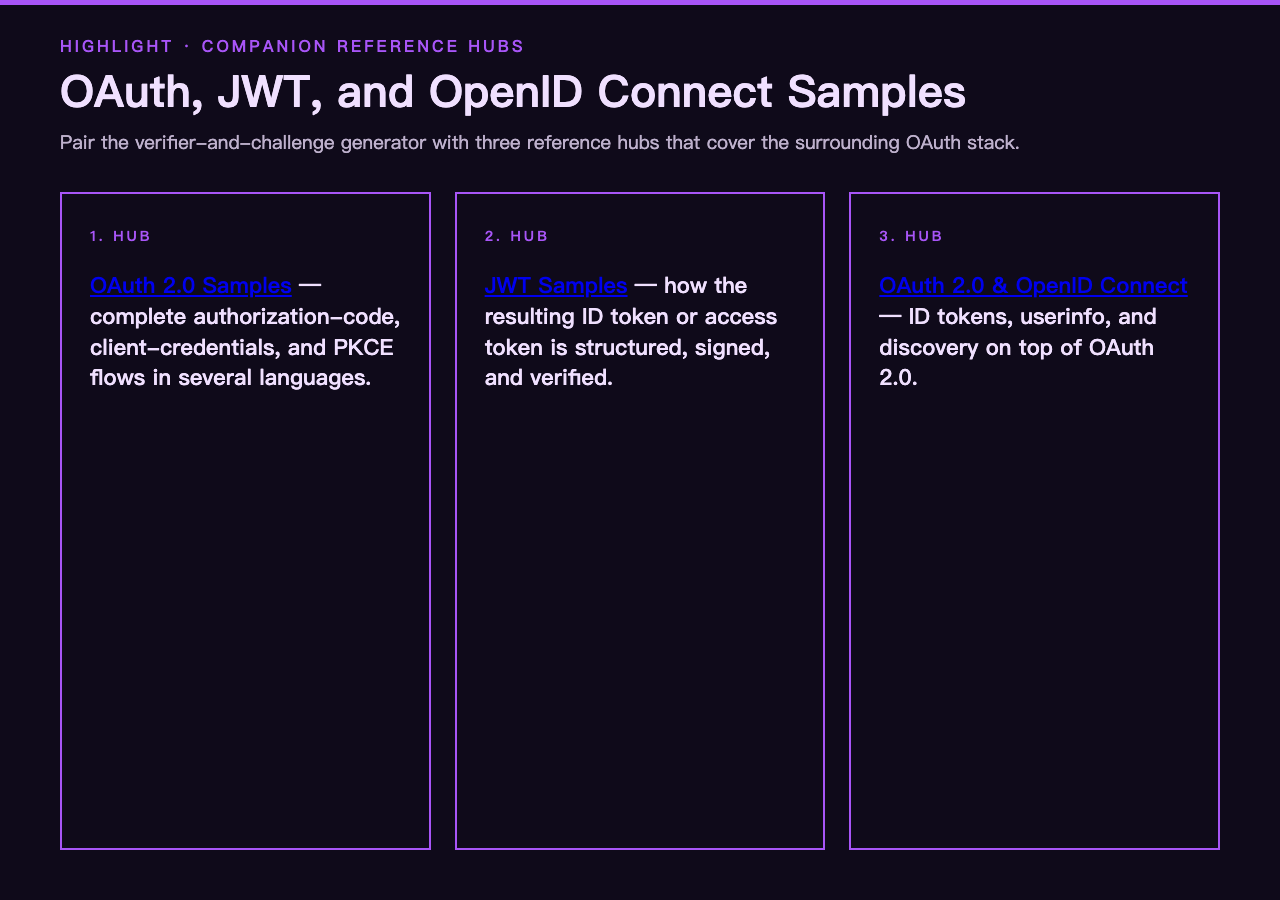
PKCE is one layer in a stack that usually also includes state parameters, nonce values for OIDC ID tokens, and either JWTs or opaque access tokens. If you are wiring up an OAuth flow end-to-end, the natural companions are the OAuth 2.0 samples, which show complete authorization-code, client-credentials, and PKCE flows in several languages, and the JWT samples, which illustrate how the resulting ID token or access token is structured and verified. The OAuth 2.0 and OpenID Connect samples are the third leg of the stool, covering the OIDC extensions on top of OAuth — ID tokens, userinfo, discovery. Together those three reference hubs cover everything the verifier-and-challenge generator produces and consumes.
Closing thoughts
The whole PKCE dance comes down to one hash and one comparison, which is part of why it is so easy to get wrong in production and so hard to debug after the fact. A purpose-built tool that lets you generate, audit, and verify pairs in the browser — without round-tripping through the identity provider — is one of those small utilities that pays for itself the first time you use it on a real incident. Treat it the same way you treat a regex tester or a JSON formatter: keep it open in a tab during integration work, paste values in whenever something looks off, and trust the audit verdict over a hopeful re-deploy. For everything else on the OAuth stack — token structures, refresh flows, discovery endpoints, the rest of it — the sample hubs linked above are the next place to look.
Explore more OAuth and security tooling at elysiatools.com.