Blue Hour Calculator: Why Photographers Live by a 20-Minute Window
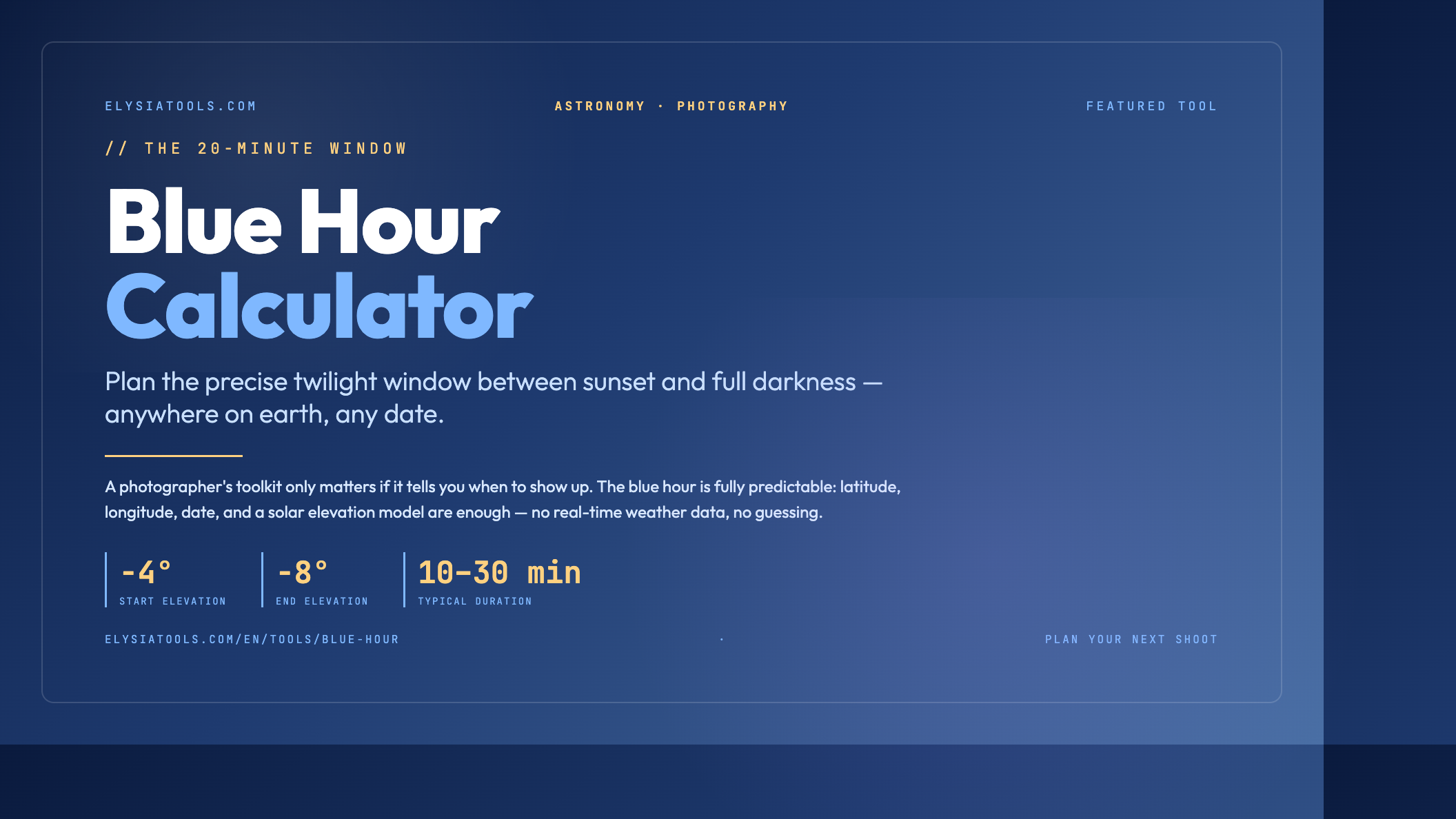
Every landscape photographer has, at some point, missed a perfect shot because they were packing the car at the wrong moment. The blue hour calculator is the tool that turns that missed moment into a planned one. By computing the precise window between sunset and full darkness — and the mirror window before sunrise — the calculator hands you start and end times, duration in minutes, and a confidence indicator so you know whether the conditions will actually hold at your latitude on that date. Try the Blue Hour Calculator for your next location scout.
What the blue hour actually is
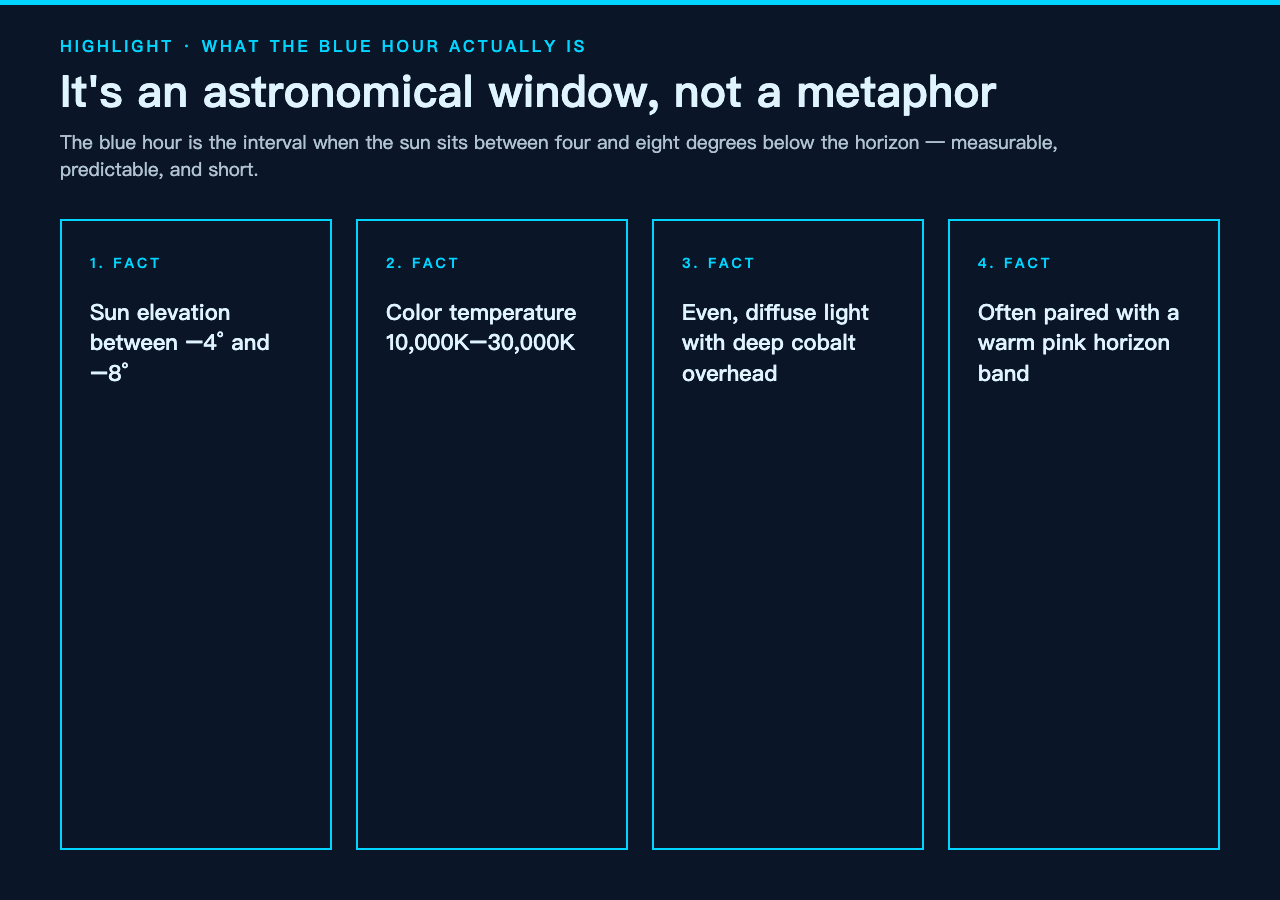
The blue hour is not a poetic term. It is a measurable astronomical interval when the sun sits between four and eight degrees below the horizon. At that elevation, the shorter blue wavelengths of sunlight scatter through the upper atmosphere while the direct sun is already blocked by the curvature of the earth. The result is even, diffuse light with a color temperature between 10,000K and 30,000K — deep cobalt overhead, often with a warm pink band along the horizon if you are lucky.
For photographers this matters because the light is soft enough to keep highlights from blowing out, cool enough to make city lights pop without mixing color casts, and dim enough to demand long exposures that blur moving water and clouds into silk. If you have ever seen a cityscape shot that looks like the buildings themselves are glowing — that is almost certainly a blue hour image.
Many photographers confuse the blue hour with civil twilight, but they are not identical. Civil twilight runs from sunset to when the sun is six degrees below the horizon — about twenty to thirty minutes after sunset. The blue hour is shorter and starts slightly later, when residual direct sunlight drops low enough to scatter uniformly. A precise blue hour calculator distinguishes the two intervals clearly so you do not show up too early and miss the real thing.
How the calculation actually works
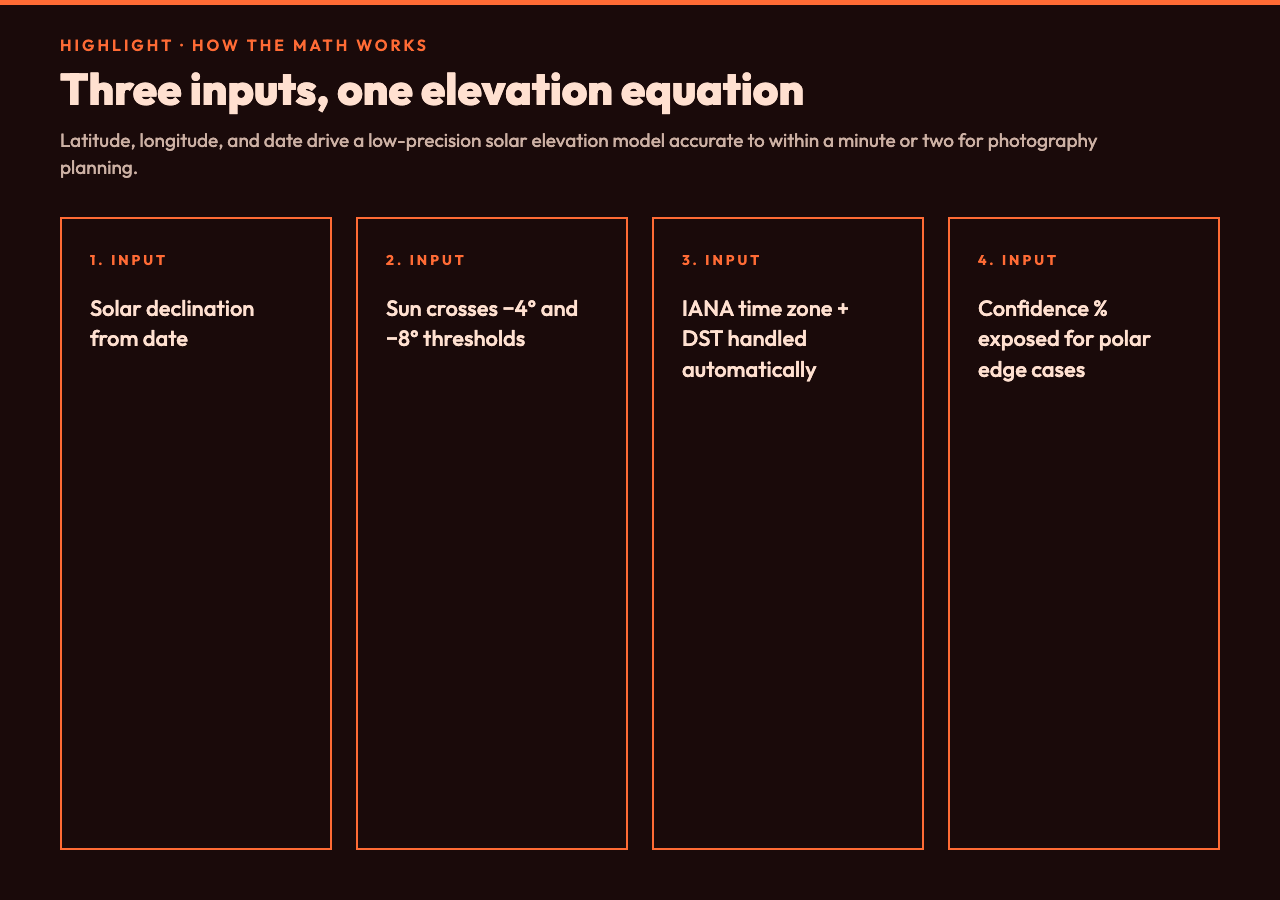
Three inputs drive the math: latitude, longitude, and a target date. From those, the calculator derives solar declination using a low-precision astronomical formula accurate to within a minute or two for any date in the last century — good enough for photography, not good enough for satellite tracking. That declination feeds into the standard solar elevation equation to find the moments when the sun crosses the four-degree and eight-degree thresholds below the horizon.
Local time zone handling is the part most hand-rolled scripts get wrong. A naive approach subtracts a fixed offset from UTC and prints the result, which falls apart during daylight saving transitions and anywhere east or west of the time zone meridian. The calculator handles both: it converts the UTC instant into the IANA time zone you specify and respects DST automatically. For Iceland in June, where the sun barely dips below the horizon, the calculator reports a zero-minute blue hour rather than pretending one exists.
Duration also depends on latitude. Near the equator, the sun drops almost vertically, so blue hour is short and sharp — sometimes as little as ten minutes. Near the poles during the summer white nights, blue hour may never happen at all. A good calculator surfaces this as a confidence indicator rather than returning a fabricated window. The Blue Hour Calculator exposes a percentage confidence and a duration in minutes so you can decide at a glance whether the trip is worth it.
Pairing the blue hour with golden hour
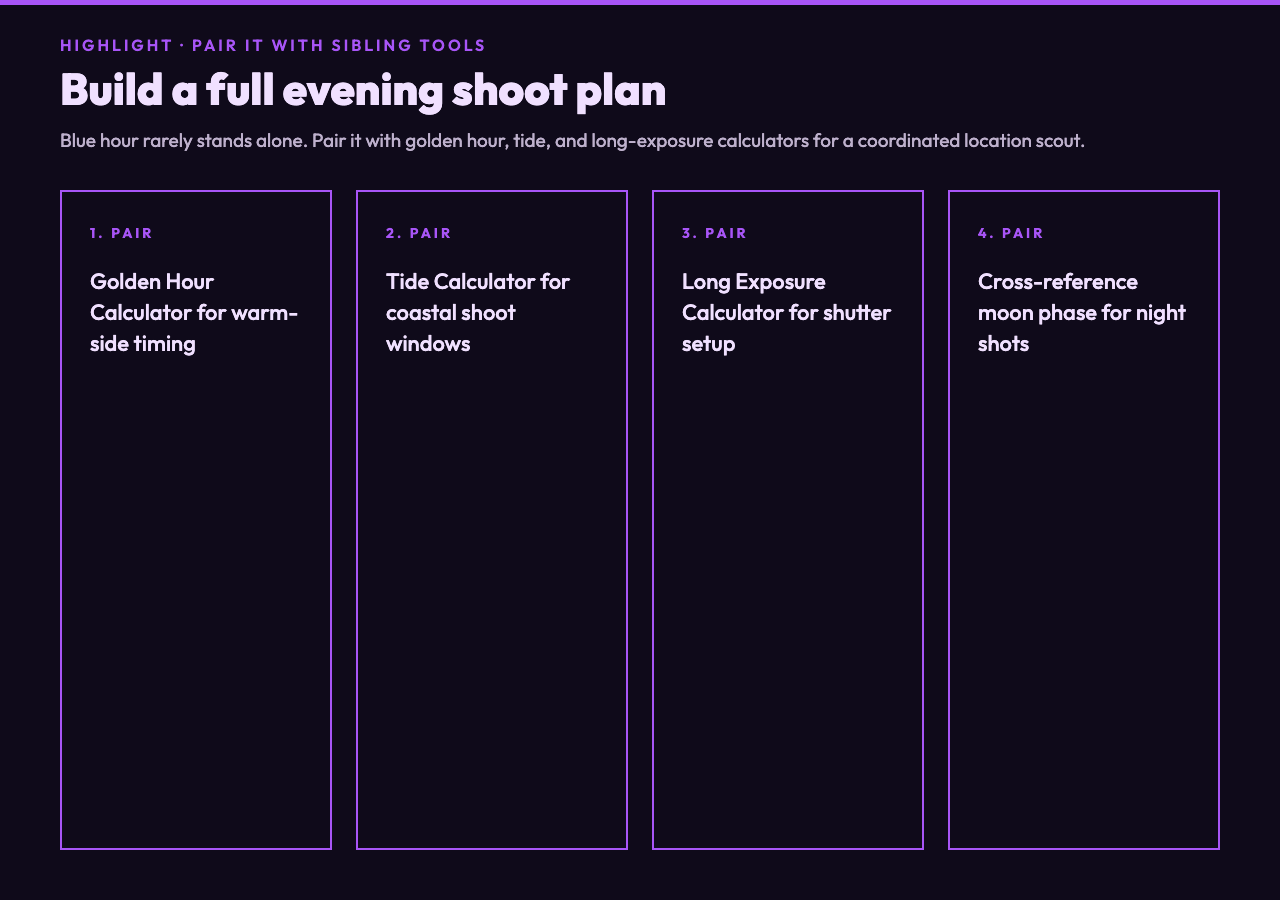
Most photographers shoot blue hour because they want the cool ambient light, but the better play is to bracket it with golden hour on either side. Golden hour precedes blue hour in the morning and follows it in the evening — warm, low-contrast light at the four-degree elevation window on the way up or down. Many calculators expose both intervals so you can plan a continuous shoot from warm to cool to night without leaving the location.
If your interest is the warm side rather than the cool side, the Golden Hour Calculator covers the same arithmetic but targets the one-degree elevation window on either side of sunrise and sunset. Some photographers plan a single shoot around both intervals so they can capture the warmth of the hour just before the blue hour takes over.
Planning a location scout around the blue hour
Pick your date first, then your location. The calculator works backward: enter the date you have available and compare blue hour times across three or four candidate locations so you can pick the one with the longest window. Coastal locations tend to have slightly longer blue hours because marine air layers scatter more blue light. Mountain valleys can have very short ones because terrain blocks the horizon early.
If you also care about tide levels — common for coastal shoots — pair the blue hour timing with a tide chart. Tools like the Tide Calculator handle the tidal component independently; cross-referencing the two gives you a single coordinated plan. For urban night shots, you can layer in moon phase data so you know whether the moon will be illuminating your subject or hiding behind cloud cover.
For longer exposures after the blue hour ends, the Long Exposure Calculator helps you set the right shutter speed and ND filter combination. Blue hour light is dim, so you are usually working in the multi-second range even at low ISO. Knowing your precise blue hour end time tells you when to stop shooting and start packing.
Working in different seasons and latitudes
Equatorial locations see blue hours of roughly fifteen minutes year-round — the sun moves fast and stays nearly perpendicular to the horizon. Mid-latitude locations in summer see blue hours that can stretch to forty minutes because the sun arcs at a shallower angle and spends more time in the four-to-eight-degree band. Polar regions are the wildcard: in summer the sun may never reach the four-degree threshold, and the calculator will simply report no blue hour that day.
Winter blue hours tend to be longer but colder and earlier. At forty-five degrees north in December, evening blue hour can start as early as 4:30pm and last thirty-five minutes. That is plenty of time to set up a cityscape or architecture shot, but you will be working in the dark by the end of the window. Plan to be on-site at least fifteen minutes before the calculator’s reported start time so you can frame and meter while there is still residual light from civil twilight.
Conclusion
The blue hour is one of the few photography conditions that is entirely predictable if you have the right numbers. Latitude, longitude, date, and a precise solar elevation model are enough — no real-time weather data, no guessing. A calculator that handles IANA time zones, DST, and polar edge cases is the difference between a planned shoot and a missed one. Bookmark the Blue Hour Calculator, run it for your next location scout, and pair it with the golden hour and long exposure calculators to cover the full evening arc.
Explore more tools at elysiatools.com.