You do not need to convince anyone that the Central Limit Theorem is the most consequential result in elementary statistics. You need a picture that proves it. That is the job of the Central Limit Theorem Demonstrator on elysiatools.com: pick a clearly non-normal source distribution, draw sample after sample, and watch the histogram of sample means collapse onto a clean bell curve as n grows. The picture is the proof.
This guide is a tour of that picture. We will set up the four controls, walk through the four built-in source distributions, and show you exactly what to look for at n = 5, n = 30, and n = 100. We will also point at five sibling tools that pair well with this one when you are teaching the theorem, doing A/B-test analysis, or just trying to convince yourself that the bell curve is a consequence of averaging — not of the population itself.
Why the CLT deserves a visual tool
The Central Limit Theorem (CLT) says that the distribution of the sample mean of i.i.d. random variables approaches a Normal distribution as n grows, regardless of the source distribution — as long as the source has a finite mean and finite variance. The convergence rate is σ/√n, so the standard error shrinks by a factor of √n every time you multiply the sample size by ten. That fact is what makes confidence intervals, hypothesis tests, and the entire apparatus of frequentist inference possible.
But the CLT is also famously slippery to teach. Students see “as n → ∞” and tune out. The math is right, but the intuition is missing. An interactive histogram that overlays a theoretical Normal curve on top of the empirical distribution of means is what fills the gap. Open the Central Limit Theorem Demonstrator, change n from 1 to 100, and watch the bell curve emerge from a uniform, an exponential, a Poisson, or a Bernoulli. The convergence is not a hand-wave anymore — it is a slider.
The four controls
The tool exposes exactly four knobs, and each one isolates a single variable in the CLT story. Resist the urge to fiddle with all four at once — the magic is in changing one and watching the rest hold steady.
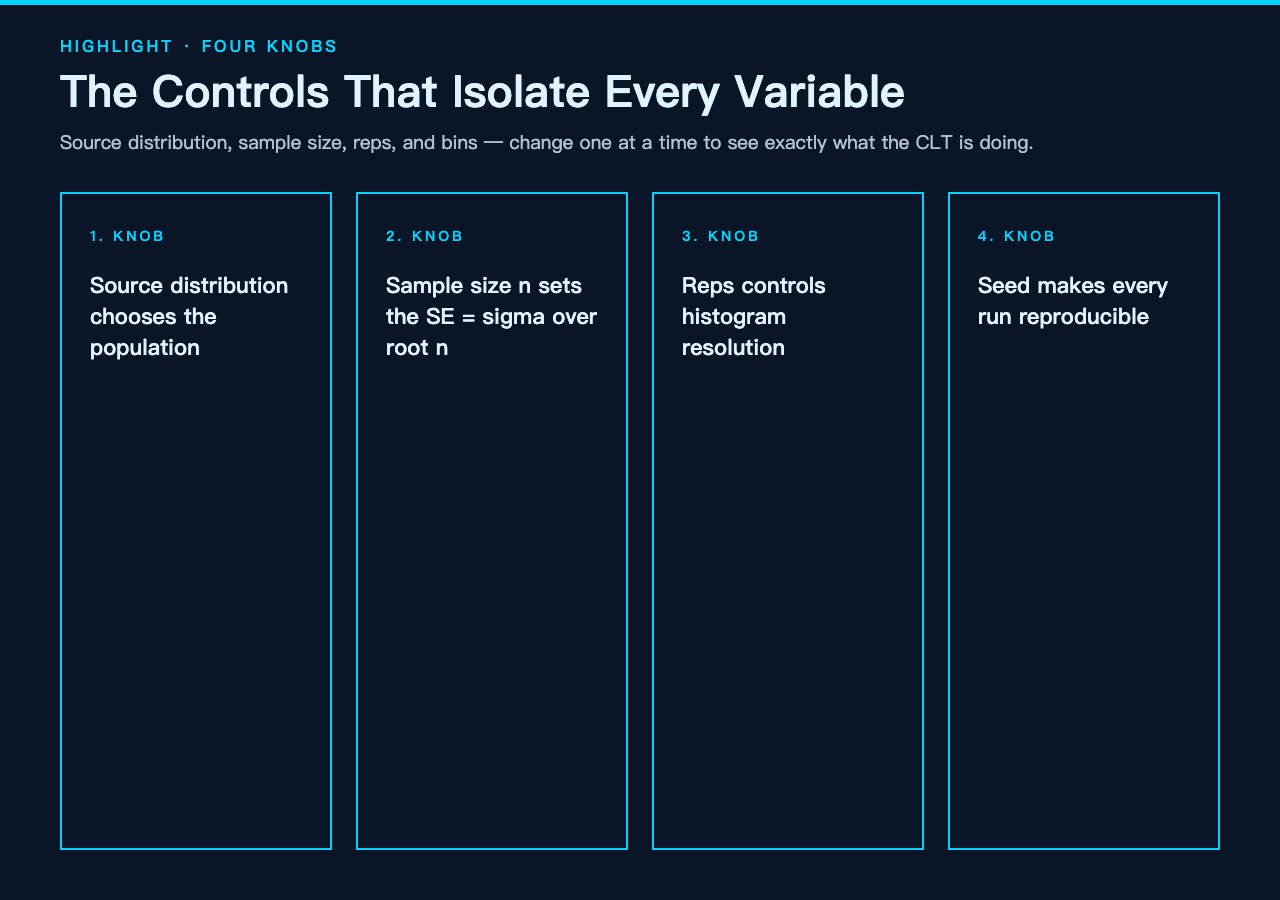
- Source distribution — Uniform(0,1), Exponential(λ=1), Poisson(λ=4), or Bernoulli(p=0.3). The first three are clearly non-normal; the fourth is a discrete two-point distribution that makes convergence feel especially dramatic.
- Sample size (n) — how many draws go into each sample mean. Default 30, range 1 to 1000. Lower values show lumpy, jagged histograms; higher values show smooth bells.
- Number of samples (reps) — how many sample means to generate. Default 5000, range 100 to 50000. More reps give a higher-resolution histogram and a tighter estimate of the empirical mean and standard error.
- Bins — how many bars to draw. Default 40, range 5 to 120. Too few and you smear the shape; too many and the histogram becomes noisy. 30–60 is the sweet spot for n ≥ 30.
Two optional knobs — random seed and decimal places — make the tool reproducible. Set the seed once, share the inputs, and every student in your class gets the exact same picture. That is non-negotiable for a teaching demo and it is a feature this tool gets right.
The four built-in source distributions
Each preset tells a slightly different story. The choice is not just cosmetic; the skewness and discreteness of the source change how fast you see convergence.

Uniform(0,1)
The uniform is the gentlest source: low skewness, bounded support, no surprise tails. With n = 5 you already see a roughly triangular shape; by n = 30 the histogram is essentially indistinguishable from the overlaid Normal curve. This is the best preset for showing “CLT works on the easy case” before moving to a harder source.
Exponential(λ=1)
The exponential is the canonical hard case: right-skewed, with a heavy tail that pushes the source mean (1.0) far from the mode (0). At n = 5 the histogram is still visibly skewed; at n = 30 the skewness is washed out and the bell dominates; at n = 100 the empirical curve is indistinguishable from the theoretical N(1, 1/30). This is the preset to use when you want students to feel the convergence.
Poisson(λ=4)
The Poisson is the discrete case. Source values are integers 0, 1, 2, …, so each individual draw is visibly “blocky.” But sample means with n = 30 are continuous-looking enough that the Normal overlay sits on top almost perfectly. This preset teaches the discrete-to-continuous transition that confuses many intro-stats students.
Bernoulli(p=0.3)
The Bernoulli is the most dramatic. The source has only two outcomes (success with probability 0.3, failure with 0.7), so a single sample mean is bounded in [0, 1]. At n = 5 the histogram is lumpy and clearly multi-modal; at n = 50 it is a smooth bell. This is the preset to reach for when someone claims “the population is not normal so the average cannot be normal either.”
Three sample-size milestones
The Demonstrator is most powerful when you set the source once and slide n through three checkpoints. The progression is consistent across all four source distributions: lumpy → bellish → indistinguishable-from-Normal.
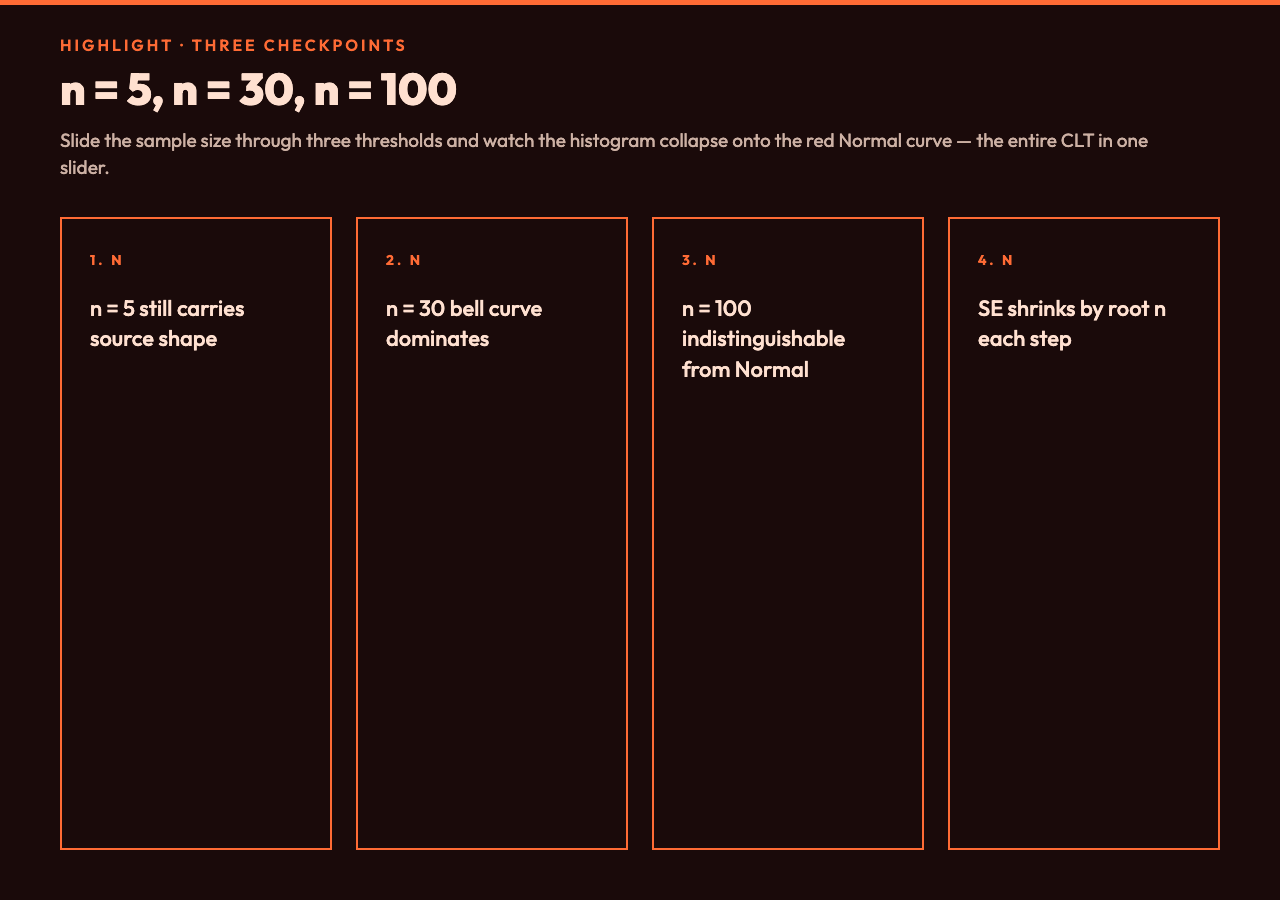
- n = 5 — The histogram still carries the silhouette of the source distribution. Exponential looks skewed, Bernoulli looks stepped. Standard error is roughly σ/√5, which is wide enough that the empirical standard deviation is noisy. This is the regime where the Normal approximation is genuinely bad.
- n = 30 — The classic “CLT kicks in” threshold. The histogram is bell-shaped for every source, the empirical mean tracks the theoretical mean to within ~1%, and the empirical standard error tracks σ/√n. This is the regime where textbooks start letting you use z-tests.
- n = 100 — The histogram and the overlaid curve are visually identical at typical bin counts. The empirical standard error is half what it was at n = 25. The CLT approximation is now so good that departures from Normal are smaller than the sampling noise in the histogram itself.
If you want to take this further, a confidence interval calculator will let you verify that a 95% CI built from the empirical mean and SE actually captures the true source mean ~95% of the time across many runs.
What to read off the output
The Demonstrator plots three things in one image: the histogram of sample means, a red Normal curve overlay representing N(μ, σ²/n) predicted from the source, and a rug plot of a single sample’s raw draws underneath. The overlay is the entire point — the closer the histogram hugs the red curve, the closer the empirical sampling distribution is to its theoretical approximation.
You also get two side-by-side numbers: empirical mean vs theoretical mean and empirical SE vs theoretical SE. With seed = 42, reps = 5000, and an Exponential source, you can expect the empirical mean to be 1.000 ± 0.005 and the empirical SE to be ≈ 0.183 (= 1/√30, which is the theoretical σ/√n for Exponential(λ=1)). If those numbers match to three decimals, the PRNG is honest and the CLT approximation is doing its job.
Five siblings worth pairing with this
The Demonstrator is a focused tool — it does one thing and does it well. If you want a fuller workflow, here are five Elysia tools that complement it. None of them duplicate the CLT visualization; each adds a different statistical capability to your toolkit.
- Confidence Interval Calculator — turn the empirical mean and SE into a 95% (or 99%, or 90%) CI for the source mean. Pair it with a CLT run to demonstrate that the CI captures the true mean at the expected rate.
- t-Test Calculator — once you have a sample mean and SE, run a one- or two-sample t-test to test a hypothesis. The t-distribution converges to Normal as n grows, so this tool completes the picture the Demonstrator starts.
- Standard Deviation Calculator — pre-compute the source σ from raw data so you can predict the SE = σ/√n before you even open the Demonstrator. Useful for designing the n you need for a target SE.
- Histogram Maker — if you want to plot the source distribution itself (not just the sampling distribution of means), the Histogram Maker will bin a raw data vector and overlay a fitted density. Perfect for showing the population side of the CLT.
- Normal Distribution Calculator — convert z-scores to probabilities and probabilities to quantiles. After the Demonstrator convinces you the sampling distribution is Normal, this calculator lets you extract actual p-values and critical regions.
You can browse the rest of the statistics and visualization tools at the elysiatools.com tools hub.
Verdict
The Central Limit Theorem Demonstrator is one of the cleanest teaching tools on Elysia Tools: four controls, four source distributions, a reproducible PRNG, and an output that overlays the theoretical Normal on the empirical histogram of means. If you teach intro stats, run A/B-test workshops, or just want to internalize the theorem yourself, this is the tool to open first.
The whole loop — set source, set n, draw reps, overlay curve — runs in under a second in the browser. Change n from 30 to 50 and watch the bell tighten by a factor of √(50/30) ≈ 1.29. Change the source from Exponential to Bernoulli and watch convergence fight against discreteness. Both effects are exactly what the theorem predicts, and both become visible inside one minute of slider work.