The HTTP/3 handshake is the part of the protocol stack that most engineers describe hand-wavily: “QUIC runs over UDP, so it is faster.” That is true the way “TCP delivers bytes in order” is true — it skips over the entire reason you would want to read about it. The interesting story is what happens between the first SYN-equivalent and the first request byte, why TLS 1.3 ended up baked into the transport, and what the 0-RTT path actually buys you when your CDN already knows your client. This post pulls apart those layers with the same byte-level rigor the HTTP/3 QUIC Handshake Anatomy tool uses for its sequence diagrams, so you can read a packet capture and recognise what you are looking at instead of guessing.
Why QUIC Has a Handshake at All
The original HTTP/1.1 model paid the TCP handshake tax on every new connection — three packets to open the socket, then two more for TLS 1.2 — before the first application byte went out. TLS 1.3 collapsed the crypto handshake to one round trip, but the TCP three-way still sat underneath it. By the time RFC 8446 shipped, the IETF had also decided to rebuild transport from scratch so that the crypto layer and the transport layer were no longer a TLS-over-TCP stack but a single cryptographic handshake that owned the connection itself. That protocol is QUIC, standardised in RFC 9000. HTTP/3, in RFC 9114, is just one application that rides on top of it.
The consequence is structural, not just latency-shaped. Because QUIC owns both transport and crypto, every connection is encrypted by default — there is no plaintext fallback path the way there is for TCP + opportunistic TLS. Every byte that leaves the client carries a packet protection tag derived from the handshake’s keys. That is why a QUIC dissector looks more like a TLS dissector with a UDP header bolted on than a TCP dissector with crypto layered above it. When you are planning a network range or debugging path MTU, you are operating in a world where every hop on that range already has crypto baked into the transport — even if no application decided to ask for it.
The Fresh 1-RTT Handshake, Frame by Frame
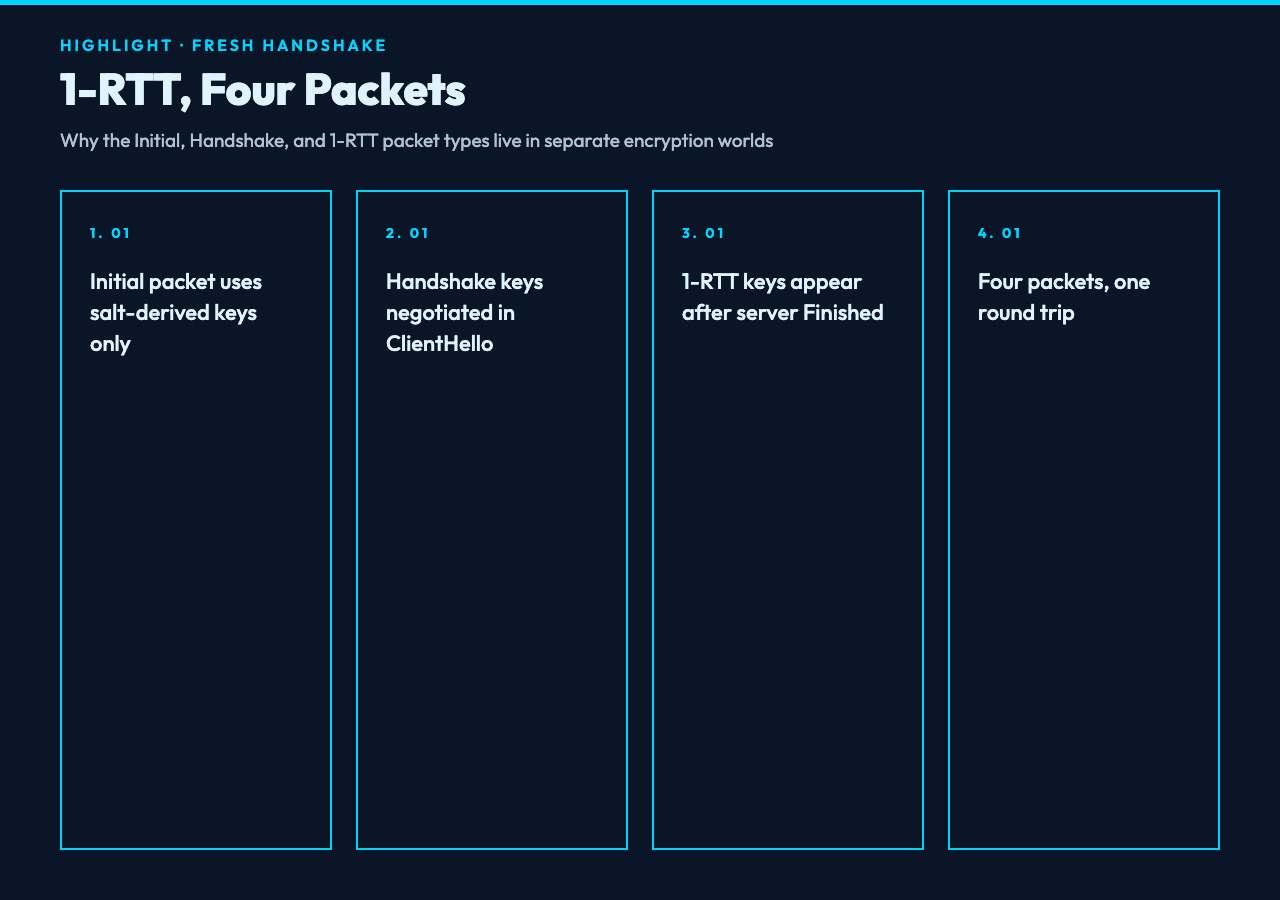
A fresh QUIC handshake completes in one round trip from the client’s perspective, which is where the “1-RTT” label comes from. The first packet the client sends is an Initial packet carrying a CRYPTO frame that contains the ClientHello. The Initial packet itself is encrypted with keys derived from a per-connection salt and the destination connection ID — this is the only place QUIC uses keys the server does not yet know, and the protection exists to defeat ossification, not to keep secrets. Wireshark and the QUIC Protocol Implementation Samples collection both expose this Initial-key phase clearly.
The server responds with its own Initial containing the ServerHello, plus a Handshake packet containing the EncryptedExtensions, Certificate, CertificateVerify, and Finished messages — all in a single outbound flight. Critically, QUIC’s Handshake packet is separate from the Initial packet because each carries different keys. The Initial keys are used only for the initial flight; the Handshake keys are derived from the handshake secret that both sides just negotiated. A client that gets the server’s Initial and Handshake together can already send application data in a 1-RTT packet in the same flight that acknowledges the handshake — that is the “one round trip” promise. In the HTTP/3 QUIC Handshake Anatomy tool, switching the scenario to “Fresh connection (1-RTT, no ticket)” shows this packet sequence with the per-packet byte layout annotated, which is the only way most people internalise the four-packet flow.
0-RTT and the Session Ticket Trade-Off
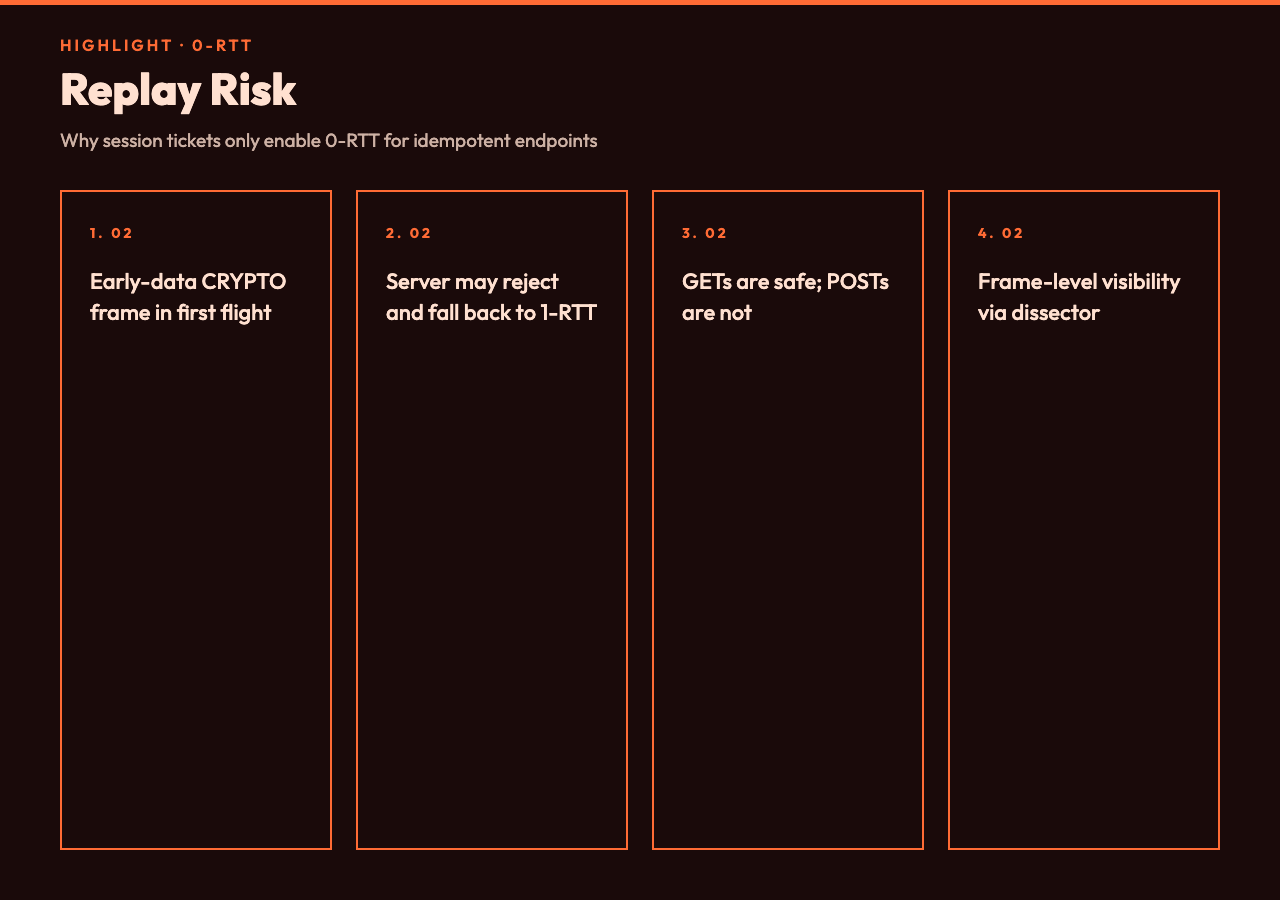
The 0-RTT path exists because clients cache a server-supplied session ticket after any successful connection. On the next visit, the client can send application data in the very first packet, alongside a CRYPTO frame that contains the ClientHello plus a TLS early-data extension. The server either accepts the 0-RTT or rejects it; if accepted, the connection finishes in zero round trips from the client’s side. If rejected — usually because the server has rotated its ticket key or has a policy against replay for this endpoint — the connection falls back to 1-RTT with no data loss, just an extra RTT of latency.
The replay risk is the reason 0-RTT is not always safe. Without server-side mitigations, an attacker who captures a 0-RTT packet can replay it against the same server and the server has no cryptographic way to tell the two requests apart. Idempotent endpoints (GETs that return the same response every time) are fine. Endpoints that mutate state on receipt — POST a payment, place an order, vote — are not, and the Network Security and SSL/TLS Configuration samples include several examples of frameworks that lock 0-RTT behind the safe-method check. The QUIC dissector’s 0-RTT visualisation shows the early-data CRYPTO frame clearly so you can see what an attacker would actually capture if they wanted to attempt the replay.
Connection Migration Without Tears
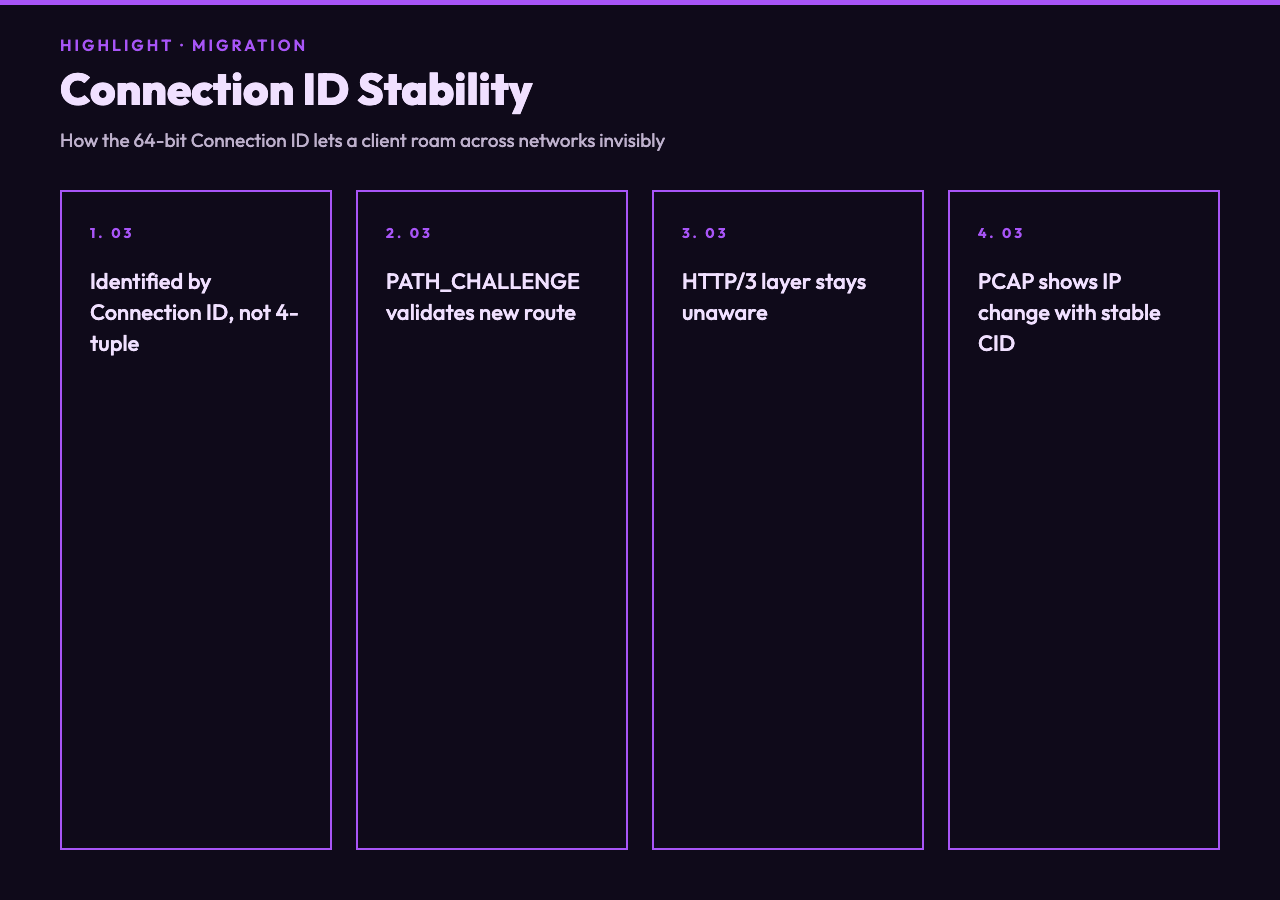
One of the promises QUIC makes is that a connection survives a client’s IP address change — switching from Wi-Fi to cellular, or roaming between LTE cells. This works because QUIC endpoints identify a connection by a 64-bit Connection ID, not by the four-tuple the way TCP does. When the client moves, it sends a packet from the new path with the same Connection ID; the server’s path validation (PATH_CHALLENGE and PATH_RESPONSE frames) confirms the new route works, and the connection continues.
This is invisible at the HTTP/3 layer — your HTTP requests do not know which Connection ID they rode in on. It is, however, observable in any PCAP Capture Sample that captures both legs of a migration, because the source IP will change between successive packets and the UDP source port may also change, while the QUIC Connection ID stays stable. The Retry packet, used by the server when it wants to confirm the client’s source address before accepting a handshake, is a different mechanism — that is anti-spoofing, not migration. Tools that visualise this distinction let you tell apart “the client moved networks” from “the server is being paranoid” by reading the same PCAP.
Reading a Packet Capture Without Going Cross-Eyed
The single biggest jump in QUIC literacy happens when you stop trying to read the protocol linearly. The same capture can be sorted by arrival time, by packet number within a packet number space, by frame type, or by encryption level. The default Wireshark view sorts by arrival time and shows you nested frame types, which is fine for a 30-packet handshake but breaks down for a 5,000-packet connection migration trace. The HTTP/3 QUIC Handshake Anatomy tool’s “Detailed” mode renders the same data as a side-by-side byte map of the Initial, Handshake, and 1-RTT packet number spaces, which is the format engineers reach for when they need to prove to a colleague that the server’s Initial arrived before the client’s Handshake flight, not after.
Once you can read the handshake, you can read everything else. Stream multiplexing, flow control, connection close, and HTTP/3 frame semantics all become incremental on top of what you already know. The handshake is the front door: it sets up the keys, the connection ID, the transport parameters, and the negotiated ALPN (which for HTTP/3 is the literal string “h3”). Everything after that is application traffic over an encrypted, authenticated, almost-TCP-shaped abstraction.
Putting It Together
The QUIC handshake is small enough to memorise once you have seen it three times in three different formats. Open the HTTP/3 QUIC Handshake Anatomy tool, switch between fresh / resumption / 0-RTT, and walk the byte map with the protocol spec open in another tab. From there, take any PCAP from the PCAP Capture Samples collection and identify the four handshake packet types before looking at the dissector’s tree view. The two practices together — visualisation and real-capture reading — are what separate engineers who understand HTTP/3 from engineers who can recite that “QUIC is faster.” More network protocol learning tools are at elysiatools.com/en/tools.