An audio engineer listens for a snare that sits too forward in a mix. A podcaster listens for a rumble under the host’s voice. A hearing-aid fitter listens for the 4 kHz region dropping off when a customer turns their head. None of those judgements comes from listening to the waveform itself. They come from the frequency spectrum — the same signal split into bass, low-mid, mid, high-mid, treble — and from knowing which band is doing too much, too little, or not enough. A spectrum analyzer turns the ear’s instinct into something you can read on a screen, defend in a mix review, and replay for a client. The Audio Frequency Analyzer is one of the cleaner browser-based implementations: Web Audio API under the hood, real-time FFT, five named bands, peak hold, dB scale, no upload step. You load a file or pipe in mic audio, and within a frame you see where the energy is sitting.
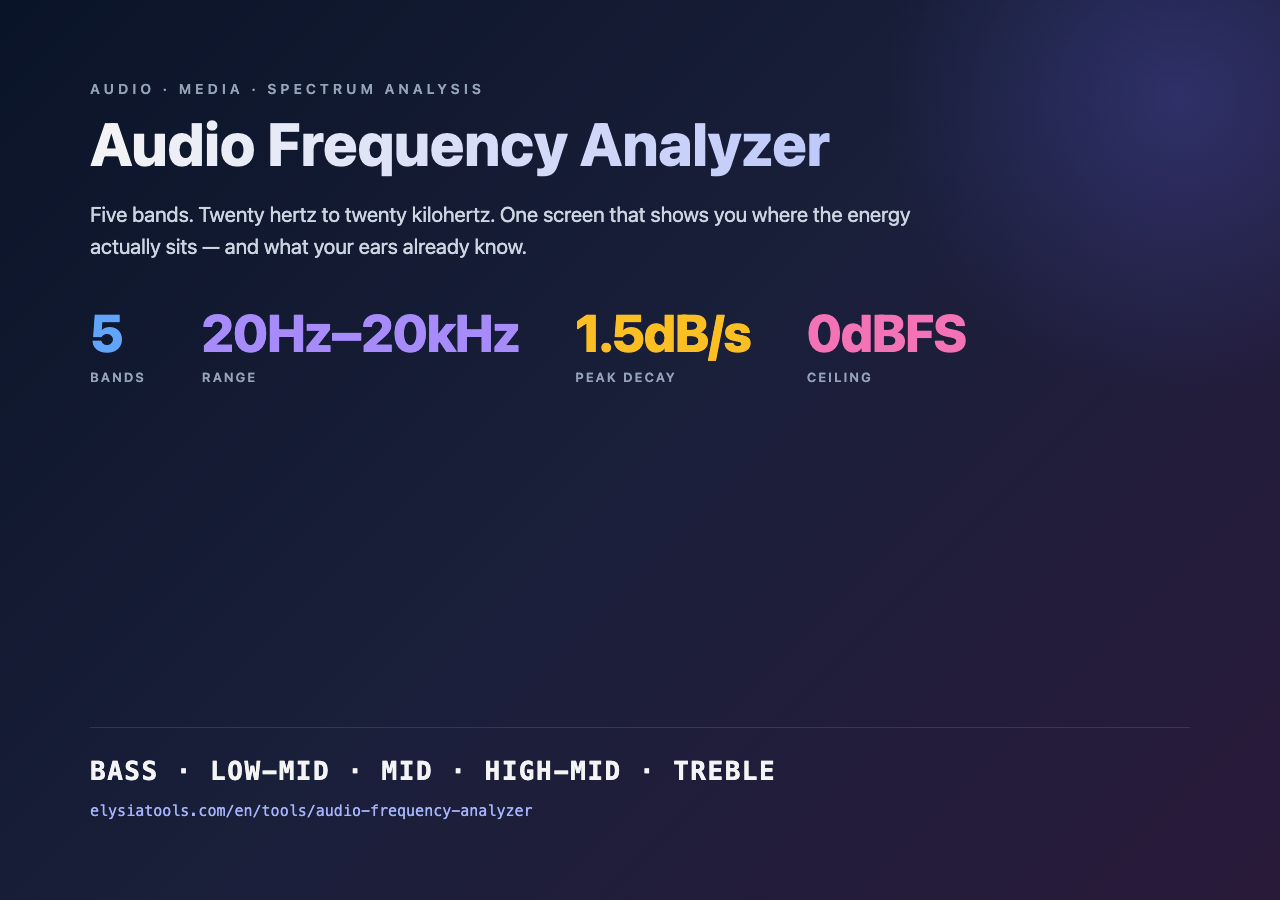
What makes an analyzer useful is not the visualization. Every DAW, every phone app, every operating-system sound panel ships a spectrum view. What differs is the resolution of the bands, the dynamic range the dB scale covers, and whether peak hold actually behaves like a peak detector or just paints the loudest sample. The Audio Frequency Analyzer splits the 20 Hz to 20 kHz audible range into the same five bands a mixing console calls out — bass, low-mid, mid, high-mid, treble — at the boundaries the broadcast and mastering world has spent forty years converging on. That is the same split a Smaart rig, a Behringer DEQ2496, or a FabFilter Pro-Q 3 default shows you when you load a pink-noise preset. Picking boundaries that match what every other tool uses means your reading transfers without translation.
Why bands and not a continuous spectrum
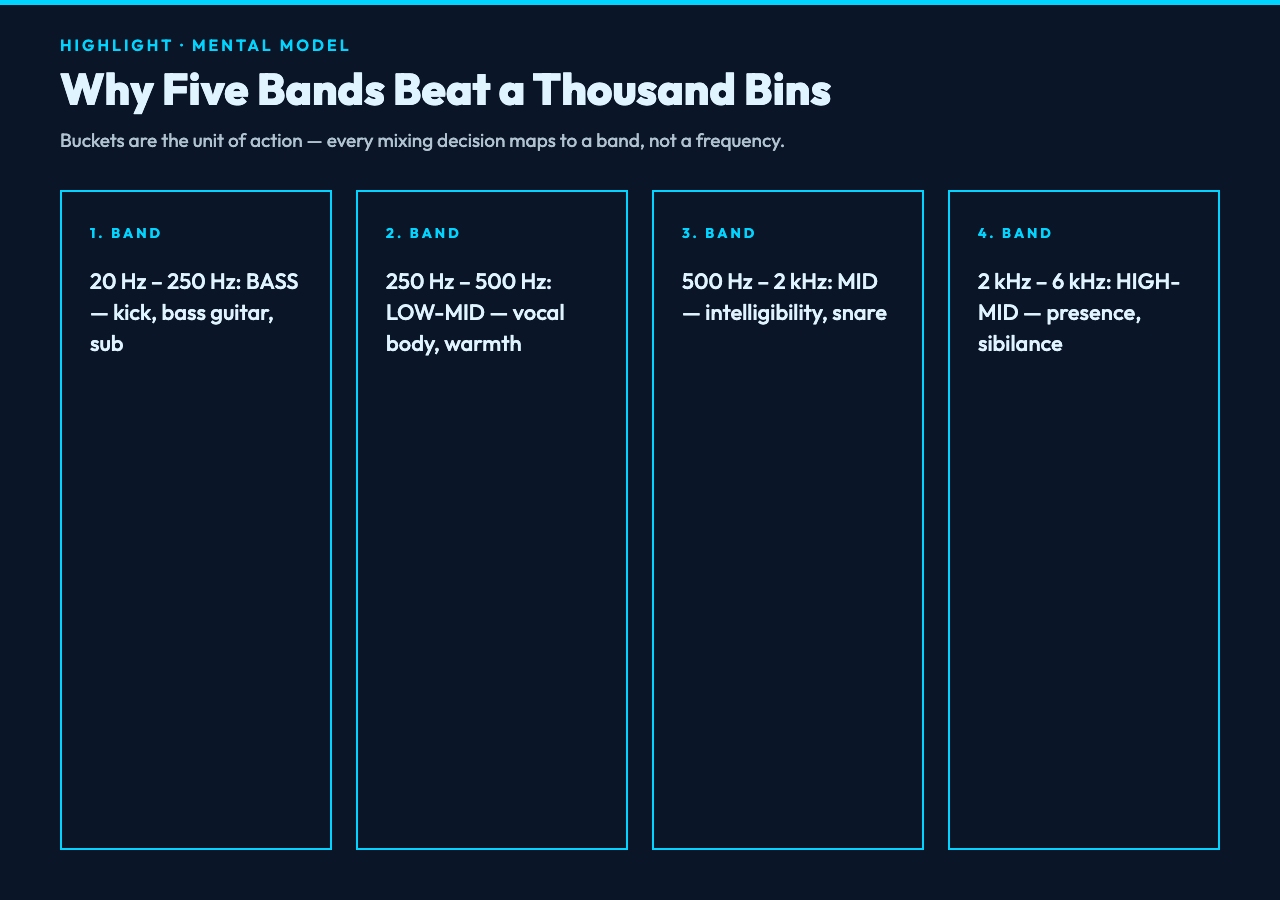
A raw FFT output is a curve with thousands of bins. The Audio Frequency Analyzer collapses that curve into five buckets because the buckets are what matter for decisions. A kick drum and a bass guitar live in roughly the same 60–250 Hz region. If you want to know whether the kick is masking the bass, you don’t need to see the 87.3 Hz bin and the 91.8 Hz bin separately — you need to see the energy between 60 Hz and 250 Hz summed together, with peak hold so the loudest transient stays visible after the hit has decayed. The bucketing is the unit of action.
The standard boundaries in this tool are:
- Bass: 20 Hz – 250 Hz. Kick, bass guitar, sub. Below 60 Hz is felt more than heard. A build-up of energy here on a streaming master is the rumble that triggers listener fatigue on headphones.
- Low-mid: 250 Hz – 500 Hz. Male vocal body, lower guitar strums, snare body. The “warmth” band; the place where muddy mixes live.
- Mid: 500 Hz – 2 kHz. Most vocal intelligibility, snare wire, piano attack. Boosting here is the classic “car radio” sound because small speakers struggle above it.
- High-mid: 2 kHz – 6 kHz. Vocal presence, cymbal attack, guitar bite, the sibilance region around 5–8 kHz that de-essers target. A notch here is what makes a vocal cut through.
- Treble: 6 kHz – 20 kHz. Air, cymbals, sibilance, room reverb tail. Above 16 kHz most adults cannot hear at all, but a recording can still contain energy there — and lossy codecs may roll it off or keep it depending on bitrate.
Those ranges are not arbitrary. The 250 Hz / 500 Hz / 2 kHz / 6 kHz boundaries come from decades of mix-engineering convention; they are the frequencies that EQ knobs on analog consoles labeled and that Pink Floyd records were mixed around. They are also roughly the resonant frequencies of the human ear canal, which is why boosting near 2–4 kHz reads as “presence” and boosting near 200 Hz reads as “warmth” rather than “loud.”
Reading the display: peak hold, dB scale, and what “loud” actually means
Three signals on a spectrum analyzer carry independent information. The live trace shows what is happening right now. The peak-hold line shows the loudest amplitude each bin has reached since the hold was last reset. The dB scale on the side shows the dynamic range compressed into the visible window. Most consumer-grade analyzers collapse these into one bar and the user has to guess what is “loud” relative to what. A professional analyzer separates them because the relationship between them is the diagnostic.
The five-band split is also the mental model behind every band-focused processor in the toolchain. A high-pass filter is a filter that touches the bass band; a band-pass filter is a filter that touches two adjacent bands; a de-esser is a filter that targets the high-mid band around 5–8 kHz. If you can read a spectrum analyzer, you can predict what an audio band-pass filter will sound like before you engage it, because the filter’s effect on the spectrum is exactly what the analyzer displays.
A typical full-scale sweep on a mastered pop track looks roughly like this on the five-band display:
- Bass: sits around -18 to -12 dB on the live trace, with peak hold reaching -6 dB during kick hits.
- Low-mid: sits around -24 to -18 dB, with peak hold around -12 dB. If low-mid is louder than bass, the mix sounds “boxy.”
- Mid: sits around -18 to -12 dB, with peak hold around -9 dB. Vocals live here; if the mid is masked by the high-mid, vocals recede.
- High-mid: sits around -24 to -18 dB, with peak hold around -12 dB. A spike above 5 kHz means sibilance or harsh cymbals.
- Treble: sits around -30 to -24 dB, with peak hold around -18 dB. Above 16 kHz, the curve should taper — a flat extension means hiss or codec artifacts.
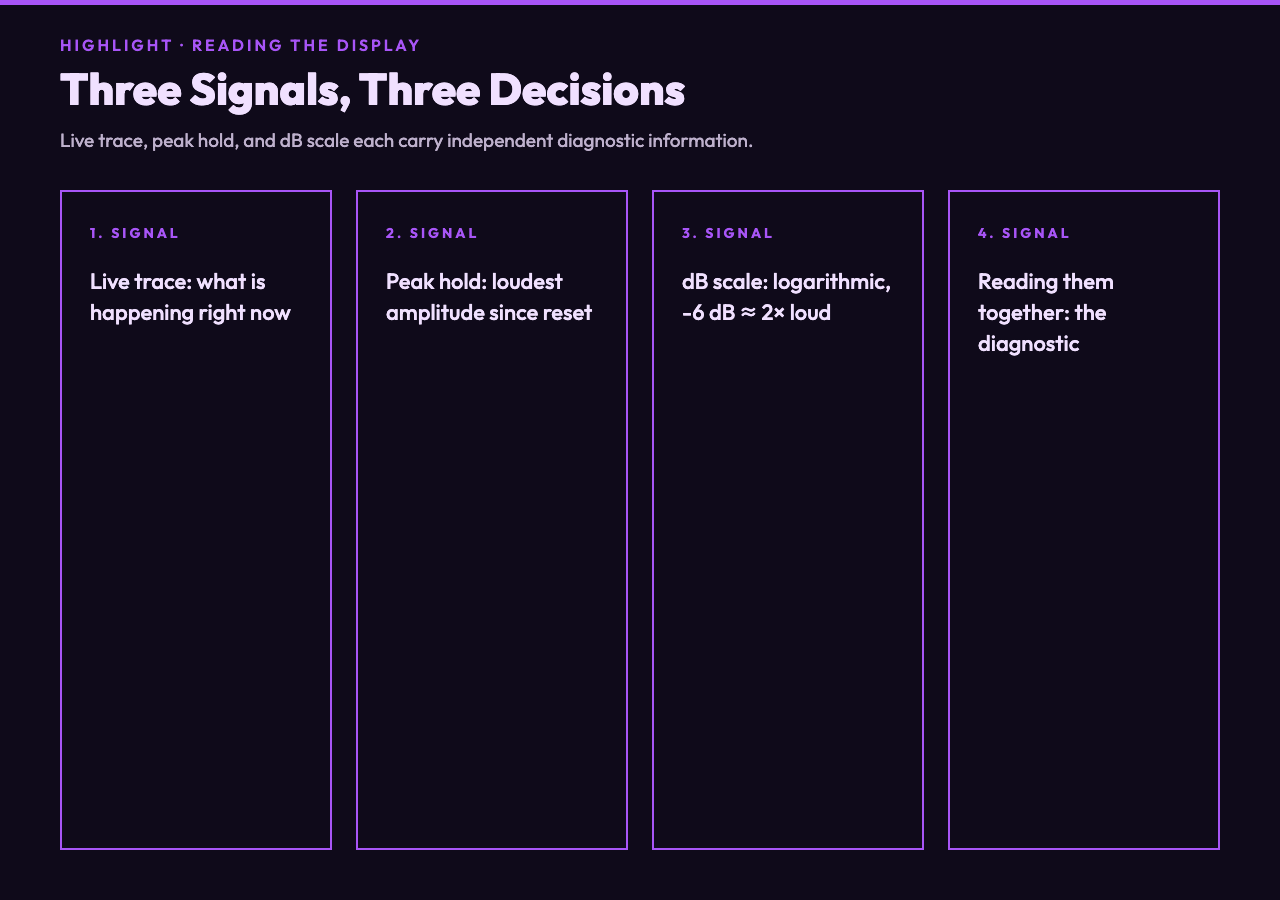
The dB scale is logarithmic. A line at -6 dB is twice as loud as a line at -12 dB; a line at -12 dB is twice as loud as a line at -18 dB. That is why the visual gap between “bass peak” and “bass live trace” looks small on screen but is a meaningful difference in the actual signal. A spectrum analyzer with a linear scale compresses everything below 0 dB into a flat smear at the bottom — useless for mixing decisions. The logarithmic scale is the only one that maps to perceived loudness.
Real-time FFT, frame size, and why the visualization “dances”
The analyzer runs an FFT on overlapping windows of the audio stream. A typical configuration is a 2048-sample window with 50% overlap, refreshed 30 to 60 times per second. Two consequences follow. First, transient signals — snare hits, consonants, cymbal crashes — appear as sharp vertical streaks that decay within a few frames. Second, sustained tones — sustained synth pads, drone notes, room hum — appear as steady horizontal bars. The “dance” of the visualization is the FFT window sliding through time; smoother visualizations use longer windows (4096 or 8192 samples) at the cost of time resolution.
Peak hold compensates for the dance. It paints the maximum amplitude each bin has reached and holds it until reset, which means a snare hit that briefly spikes at 4 kHz leaves a visible mark even after the live trace has already moved on. A good peak-hold algorithm decays slowly (around 1–2 dB per second) so the visualization does not become cluttered with stale peaks; a bad peak-hold algorithm either fades instantly (useless for catching transients) or holds forever (useless for catching subsequent transients).
The Web Audio API’s AnalyserNode does the FFT in the browser. The data is the same as what a hardware analyzer would produce from the same signal. The difference is that hardware analyzers sample at fixed rates and apply anti-alias filters; a browser analyzer is downstream of whatever sample-rate conversion the audio device driver is doing, which means a 48 kHz input may be resampled to 44.1 kHz before the FFT runs. For frequency-content analysis this is irrelevant — the bins still cover 20 Hz to 20 kHz at the same resolution — but for sample-accurate work (digital audio forensics, watermarking) the difference matters.
What it tells you about a file you already have
Drop a finished master into the analyzer and watch the live trace stabilize. The peak-hold line will sketch the loudness profile of the entire track within a few seconds. Three things are worth noting:
- Bass extension. If the bass band peak-hold reaches close to 0 dB down to 30 Hz, the master has sub-bass content; if it cuts off sharply above 60 Hz, the master was mixed for speakers that cannot reproduce below 60 Hz (laptop speakers, earbuds with a high-pass). Both are valid choices — neither is wrong — but they target different listening environments.
- Midrange masking. If the mid band sits louder than the high-mid band by more than 3 dB, vocals will sound recessed on flat-response systems. Most streaming services apply a target curve that gently shelves down the low end and slightly lifts the high end, so a master that reads “balanced” raw may sound dull after the streaming EQ is applied.
- Treble tilt. If the treble band is more than 12 dB below the mid band, the master sounds “dark.” If it is within 6 dB, the master sounds “bright” or “harsh” depending on what kind of treble energy is present. Continuous sibilance at 6–8 kHz reads as a bright peak that does not decay; air at 12–16 kHz reads as a soft shelf.
The easiest way to sanity-check the analyzer against your ear is to feed it the same source twice — once with headphones and once with a different sample rate or file format. Try the same song as a 320 kbps MP3 (from MP3 audio samples), a 1411 kbps WAV (from WAV audio samples), and a FLAC at the same source level (from FLAC audio samples). The bass and mid should match exactly. The treble band will tell you which codec preserved the high end and which rolled it off.
When the analyzer lies: clipping, aliasing, and the dithering trap
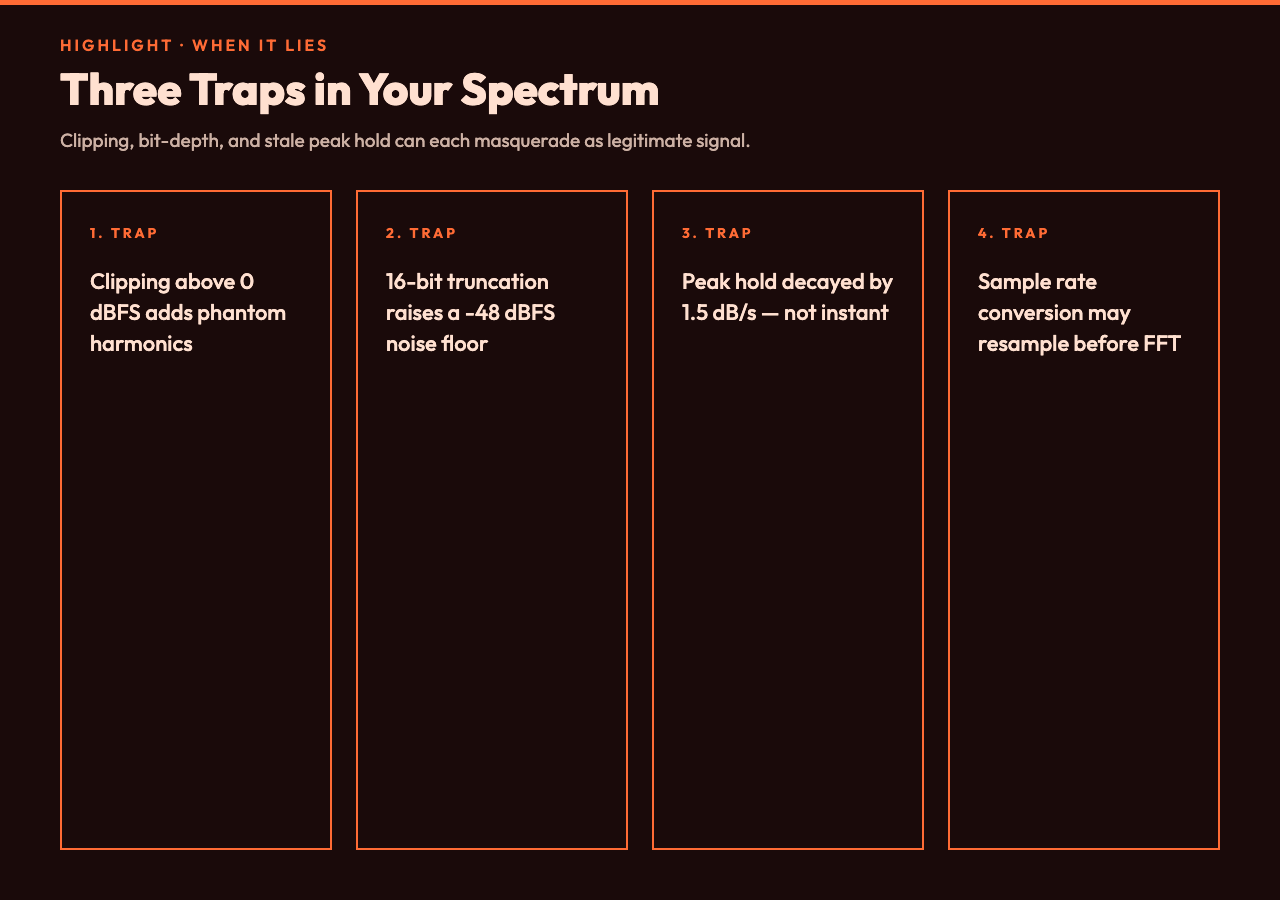
The FFT assumes the input is band-limited to half the sample rate (the Nyquist limit). A signal with energy above Nyquist will alias — fold back into the visible spectrum as ghost frequencies that were never in the original recording. Modern Web Audio API pipelines apply a steep low-pass filter before the FFT, so this is mostly invisible in browser-based analyzers. But there is a subtler artifact that does show up: when the input clips (peaks above 0 dBFS), the clip introduces harmonic distortion that the analyzer reads as legitimate high-frequency energy. A snare that hits 0 dBFS flat will produce a spectrum that appears to extend up to 12 kHz with sustained energy — but that energy is distortion, not signal.
The same trap applies to bit-depth reduction. A 24-bit recording dithered down to 16-bit gains a noise floor of about -96 dBFS; a 16-bit recording truncated to 8-bit gains a noise floor closer to -48 dBFS. Both of those noise floors are visible on the spectrum analyzer as a rising “hiss shelf” in the upper treble. The hiss is a feature of the bit-depth reduction, not of the original signal. If you are trying to figure out whether a particular file has audible hiss, the analyzer will tell you, but you need to know which noise floor to expect.
Peak hold can also deceive. A short transient (a rim shot, a hand clap) produces a peak that the hold line captures and displays long after the transient has decayed. Without a “peak decay” indicator, the hold line can make a quiet passage look louder than it is. Most professional analyzers decay the peak at 1.5 dB per second; the Audio Frequency Analyzer follows the same convention, but if you reset the hold at the start of a quiet passage you will get a clearer reading of the sustained energy in that passage than you would if the hold carried peaks from the loud intro.
Putting it together: a one-pass diagnostic you can run in 30 seconds
Drop the file in. Let the peak-hold line run for one full playthrough. Read the five bands in order: bass, low-mid, mid, high-mid, treble. Note the relative height of each band’s peak-hold line against the live trace. Note any band where the live trace sits more than 6 dB above its neighbors — that is the loud band. Note any band where the live trace sits more than 12 dB below its neighbors — that is the quiet band. Note any band where peak hold is more than 6 dB above the live trace at the end of the song — that is the band where transients dominate. You now have a four-bullet profile of the file that you can compare against any other file you analyze the same way.
That profile is the input to the next decision. A loud bass with a quiet mid means a podcast voice-over needs a high-pass filter on the bass and a gentle shelf boost on the mid. A loud high-mid with quiet treble means a podcast host needs a de-esser around 5 kHz and possibly a low-pass roll-off above 14 kHz to take the edge off streaming codecs. A flat trace across all five bands with no peak-hold variation means a file with no transients — almost certainly a synthetic tone, a room tone, or a heavily limited master that has compressed every transient into the same amplitude.
That diagnostic is the same diagnostic a Smaart rig, a SpectraFoo, or a Meyer Sound SIM3 would produce. The browser-based analyzer compresses it into a screen you can open in a tab. For a quick mix sanity check, a podcast pre-flight, or a streaming-master preview, that is enough resolution to make the next decision. For mastering, you still want a calibrated measurement microphone and a calibrated interface. The browser analyzer tells you what the file contains; the measurement rig tells you what the room is doing to it.
For more audio-engineering tools — peak meters, LUFS analyzers, fade-in generators, silence detectors — browse the full audio and media catalog. The same five-band mental model shows up across most of them, because the model is the model your ears already use.