You shipped the new checkout flow on Tuesday. By Wednesday morning the dashboard shows a 14% lift in conversion. By Thursday your product lead is asking whether you should roll it back to everyone, hold for a bigger sample, or call it a win. The A/B test calculator is built for exactly this moment — the one where a single number on a dashboard has to survive translation into a decision you can defend.
And that translation is harder than it looks. The word significant in a statistics report does not mean important, and the line between a real win and a fluke gets crossed by sample size, by traffic shape, by how many times you peeked at the dashboard, and by every other test you ran on the same population this quarter.
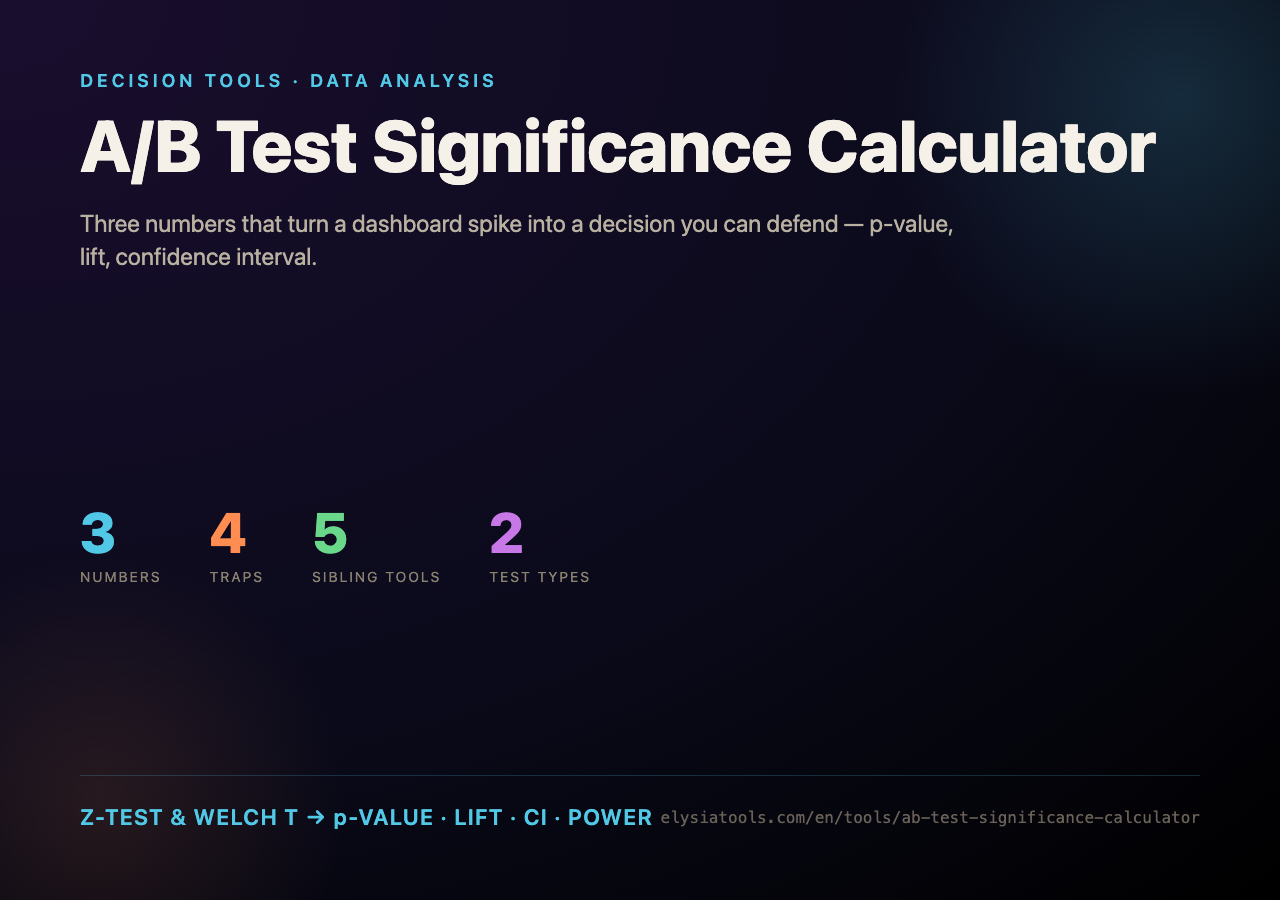
Two Test Types, One Decision
The calculator splits the world into two regimes and you pick the one that matches your metric:
- Proportion / conversion rate. You have a numerator and a denominator for each variant — say 4,210 checkouts out of 51,308 sessions on the control, 4,781 out of 50,991 on the treatment. The tool runs a pooled Z-test on the difference, computes the relative lift, and reports the 95% and 99% confidence intervals for that difference.
- Continuous metric (mean & SD). You have a mean, a standard deviation, and a sample size per group — typical for revenue per user, session duration, or any metric that is not a yes/no. The tool runs a Welch t-test, which does not assume equal variance, and uses Welch–Satterthwaite degrees of freedom for the interval.
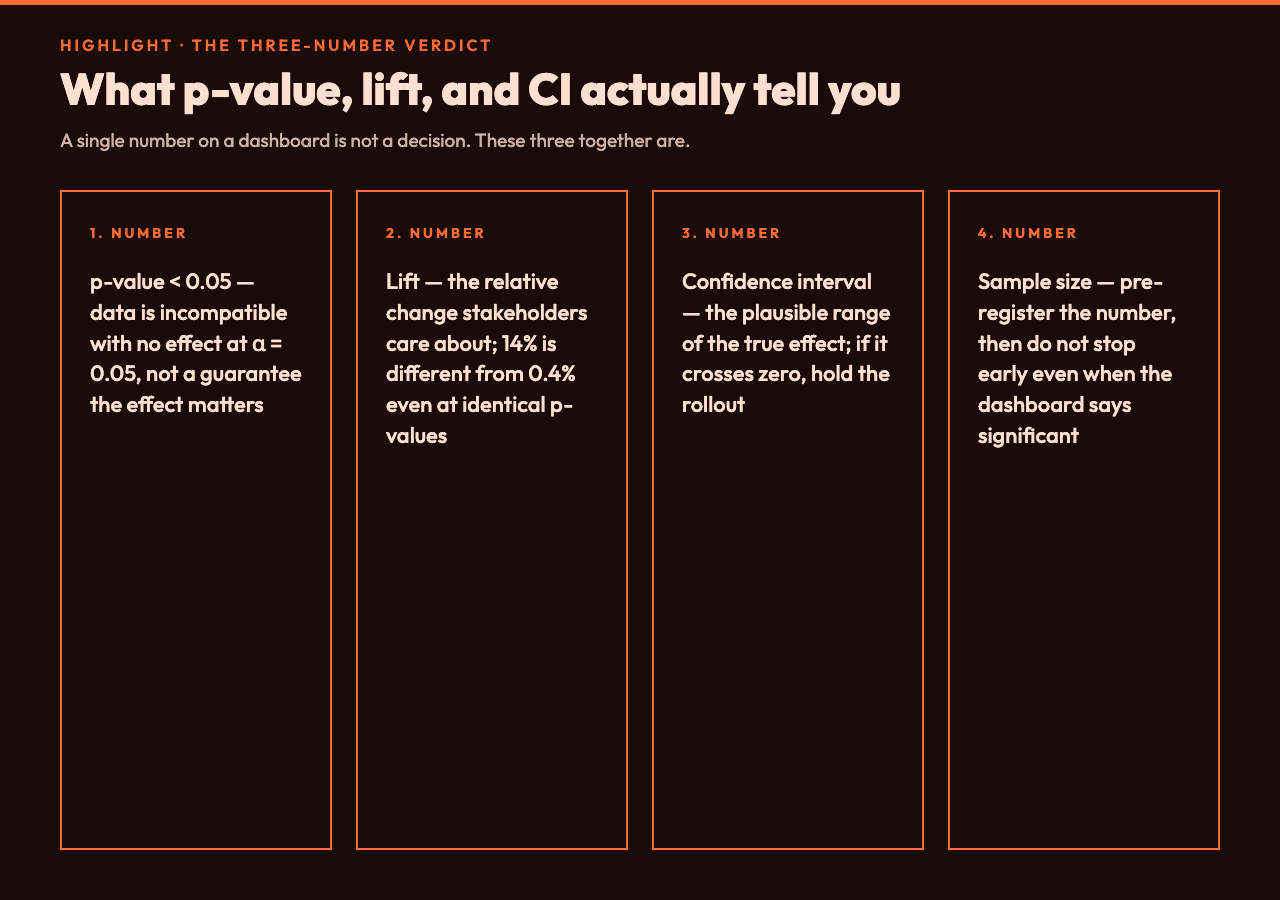
Both branches finish with the same three numbers: p-value, lift, confidence interval. The p-value tells you whether the data is incompatible with the null hypothesis. The lift tells you whether anyone should care. The interval tells you what range of true effects is still plausible given your sample. You need all three before you ship.
Reading p < 0.05 Without Fooling Yourself
The convention of p < 0.05 dates back to a 1925 textbook and survives mostly because it is easy to remember. The calculator will print a p-value and a verdict, but a small p-value is a statement about your data under the null hypothesis, not about how big the lift is. A p-value of 0.001 with a 0.4% lift on a million-user experiment is statistically ironclad and practically trivial. A p-value of 0.04 with a 22% lift on 1,400 users is exciting but uncertain.
That is why the calculator reports the confidence interval next to the p-value. If the 95% interval for the difference crosses zero, your “significant” result is on the edge — the data is barely incompatible with no effect, and a slightly different sample could easily flip the sign. If the interval is comfortably on one side of zero, you can trust the direction.
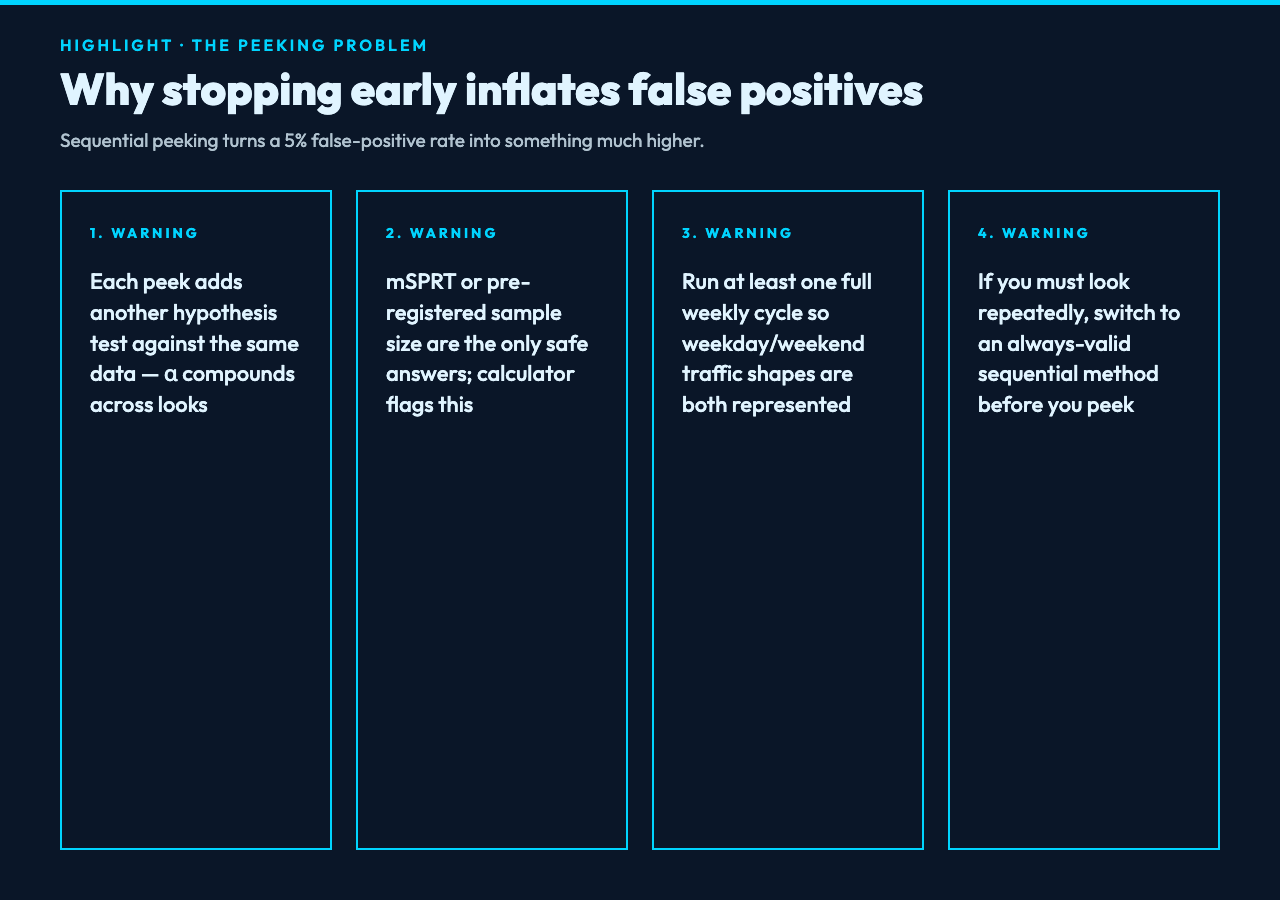
The interval is also your protection against the most common A/B test mistake: stopping the test the moment the p-value drops below 0.05. Peeking inflates the false-positive rate substantially. The calculator flags this with a sequential-testing warning, and if you must look repeatedly it tells you to switch to an always-valid sequential method like mSPRT.
Sample Size and How Long to Run
Significance is a function of three things: effect size, sample size, and noise. You do not control the first two once the test is live — you chose them when you set up the experiment. If your test is underpowered, no amount of waiting will turn it significant; you either ship a bigger lift or accept that you cannot detect a small one.
The calculator solves this in both directions. Run your current numbers and it reports how many users per variant you would have needed to detect the observed lift at 80% or 90% power. Pre-flight the test with your expected baseline rate and minimum detectable effect, and it tells you how many days the experiment needs at your typical daily traffic split.
Two practical rules of thumb:
- Do not run a test shorter than one full weekly cycle. A test that runs Monday to Wednesday will overweight weekday traffic and miss the weekend pattern. A test that starts Thursday catches one weekend; a test that starts Monday catches both.
- Pre-register the sample size. Decide in advance how many users you need. If you reach that number without significance, accept the null and ship the control. If you reach significance early, you almost certainly cheated by peeking — and the calculator will warn you.
When You Run More Than One Test
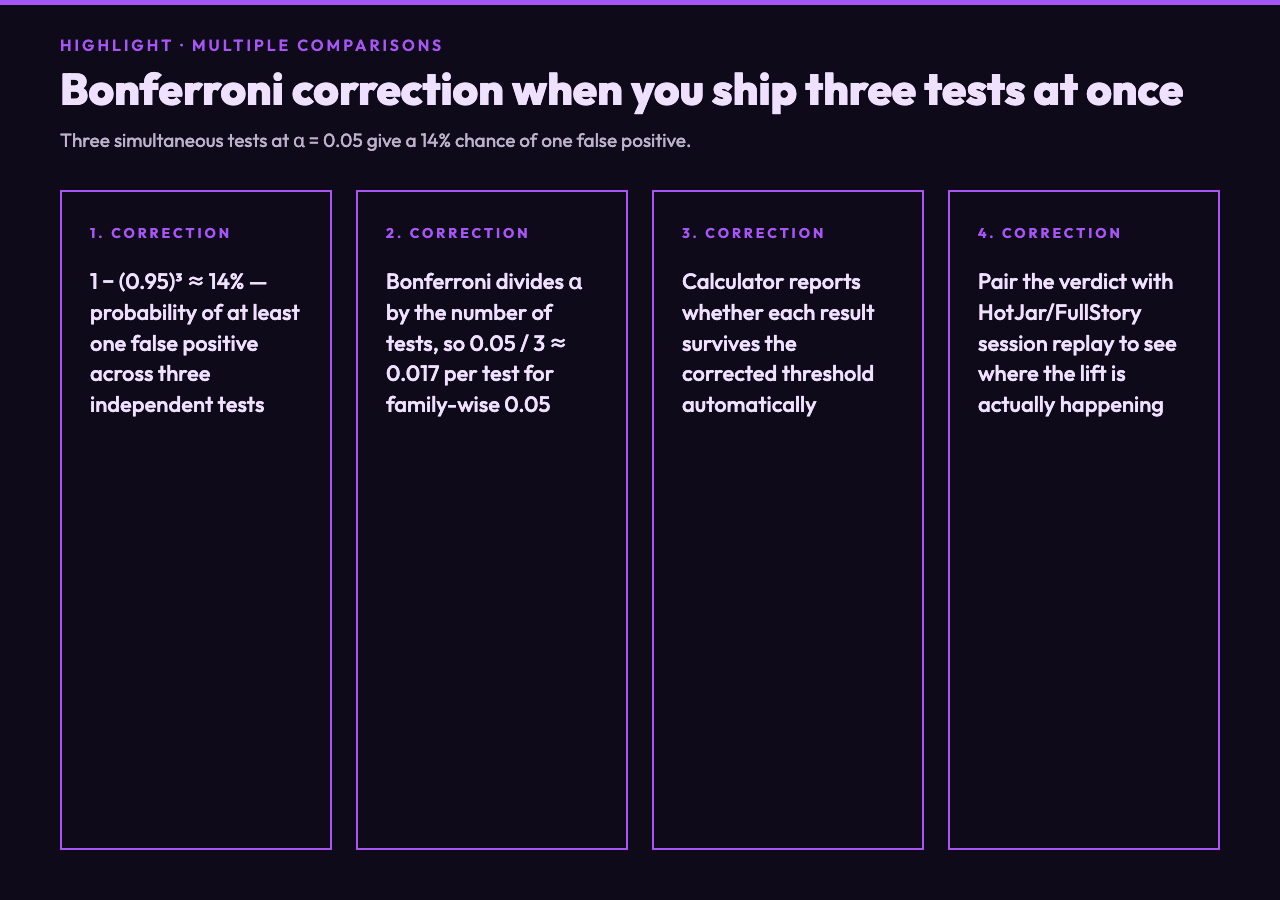
If you are testing the new checkout flow, the new homepage hero, and the new email subject line at the same time, you are running three hypothesis tests on overlapping populations. The probability that at least one of them shows a false positive at α = 0.05 is 1 − (0.95)3 ≈ 14%. The calculator applies a Bonferroni correction to tell you whether each result survives the more conservative threshold.
This is where the conversion-rate dashboard tools you probably already use come in. HotJar and FullStory both surface funnel drop-off and session replay that pin down where in the flow the lift is happening — useful when the calculator says the test is significant but you want to understand the user behavior behind the number. For tests that depend on latency, k6 performance testing tells you whether the underlying API is stable enough for the experiment’s traffic split to be fair.
The Verdict You Can Defend
The calculator exists to replace gut-feeling reading of dashboards with three numbers you can put in a Slack message: p-value, lift, confidence interval. Combined with a pre-registered sample size and a Bonferroni correction when you run multiple tests, those three numbers are enough to defend a rollout decision — or to defend the decision not to roll out.
Run your next experiment through the A/B Test Significance Calculator. Pick your test type, paste your counts or your means, and read the verdict alongside the lift. If the confidence interval crosses zero, hold. If it does not, ship.
Explore more statistical decision tools at elysiatools.com.