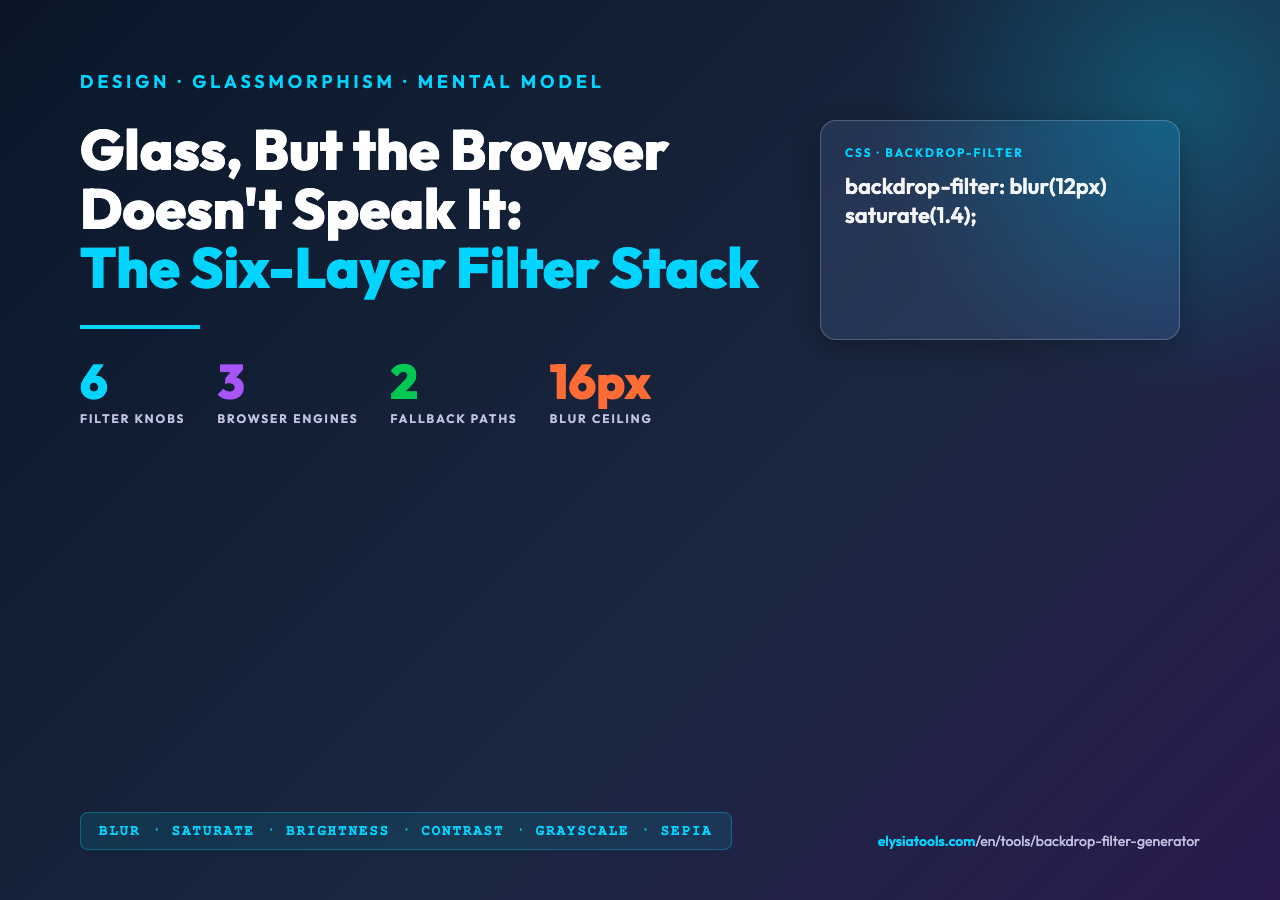
Take a screenshot of a modern dashboard, then trace the translucent card sitting in front of the page background. It looks like glass — and underneath the hood, it usually is glass, composed from a stack of six CSS filter primitives, an alpha-aware background, and a fallback that keeps the whole thing readable when backdrop-filter is unsupported (which on Firefox was the entire story until version 103, and on Safari still requires the -webkit- prefix as of 2026).
The trap is that backdrop-filter looks like a single property. It is not. The reason the glass card in your design system has 17 lines of CSS that nobody understands is that the visible effect is the convolution of six independent knobs — blur, brightness, contrast, grayscale, saturate, sepia — applied left-to-right on whatever the browser paints behind the element, plus a separate alpha value for the surface itself. Tweaking one of them in isolation usually makes the card uglier, not better. That is exactly why a generator earns its place on the design bench.
The Six Knobs, and Why Order Matters
CSS lets you write backdrop-filter: blur(12px) brightness(1.05) contrast(1.1) saturate(1.4); and the browser applies them as a pipeline: the pixel buffer behind the element is read once, then each filter runs in sequence, and the final result is composited under the element. The order matters because each filter takes the output of the previous one as its input. saturate after blur boosts the saturation of an already-blurred buffer; saturate before blur boosts saturation first, then blurs the result, which is usually a softer and more pleasing glass effect.
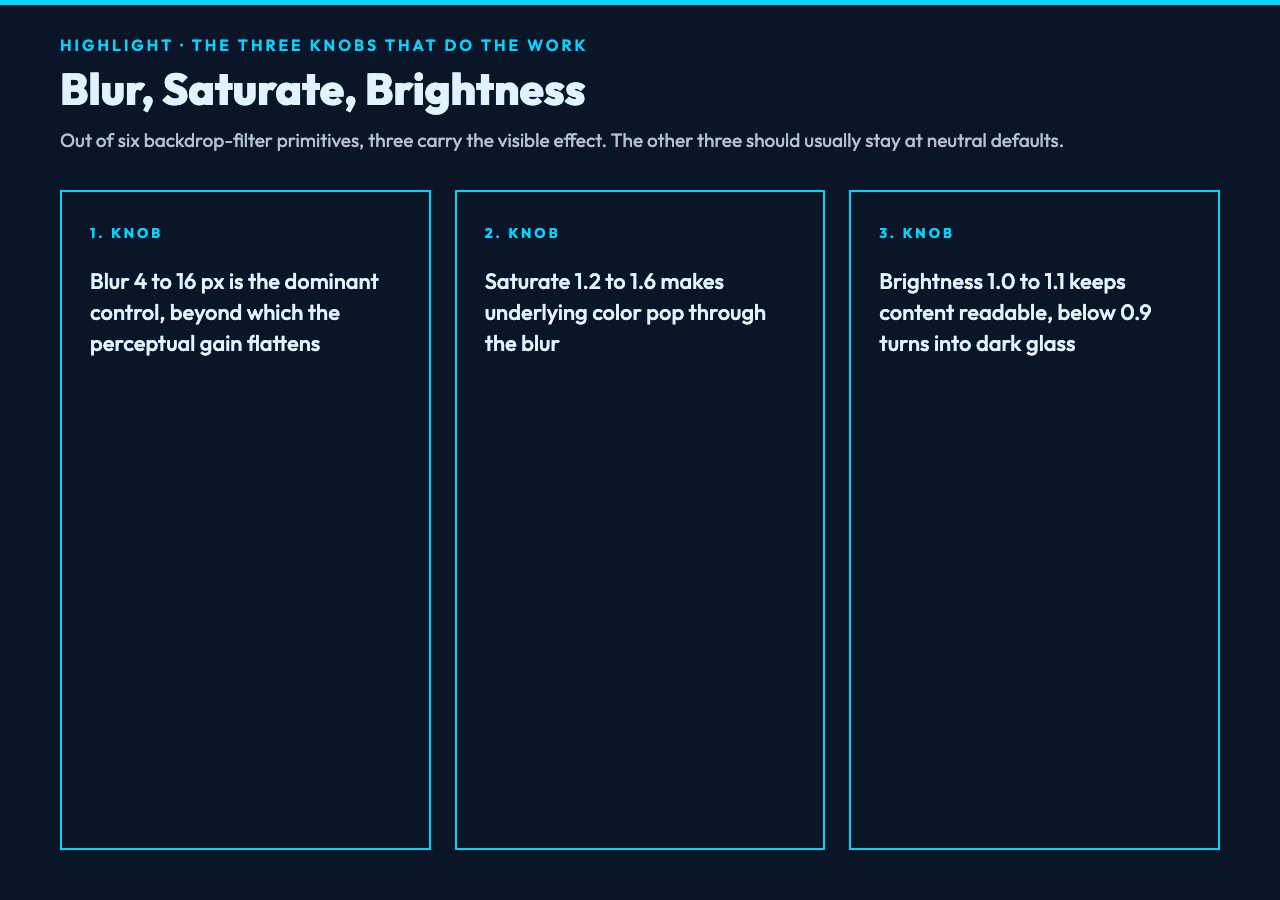
Three knobs do almost all the visual work. Blur is the dominant control: 4–8 px gives a subtle frosted feel, 10–16 px reads as obvious glass, 20+ px starts to wash out the source and is generally a smell. Saturate between 1.2 and 1.6 makes the underlying color pop through the blur; below 1.0 the card goes muddy. Brightness around 1.0–1.1 keeps the underlying content readable; values below 0.9 push the card into a darkened-pane look that pairs with bright text. The other three — contrast, grayscale, sepia — are stylistic and should usually be left at neutral defaults. Try the stack at the backdrop-filter generator to feel each knob land.
Alpha Is Not a Filter — and This Is Where Most People Get Stuck
Here is the second trap. The visible transparency of the glass card is set by the background color (typically rgba(255,255,255,0.5) or an hsl(... / 50%) value), not by any of the six backdrop-filter knobs. The filter stack only controls how the pixels behind the element are sampled; the element’s own color is a separate paint pass. This is why setting background: white with a heavy backdrop-filter: blur(20px) produces a flat opaque card on top of a frozen blurred background, which is the opposite of glass.
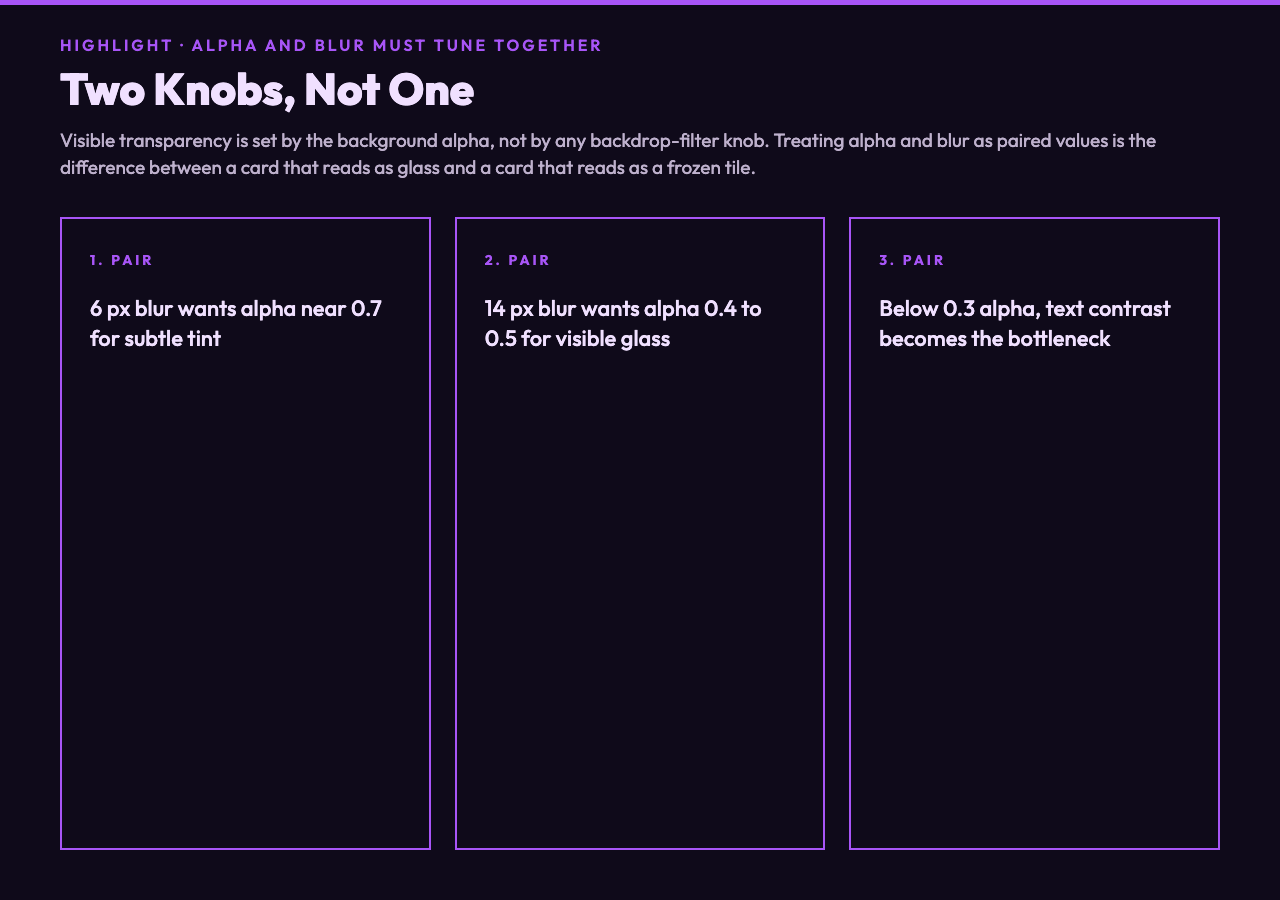
The clean pattern is to treat alpha and blur as paired. A 6 px blur wants an alpha of roughly 0.7 to read as a subtle tint; a 14 px blur wants 0.4–0.5 to read as visible glass. Below 0.3, text contrast becomes the bottleneck and you need to weigh the readability hit. Pair this with the color mixer when you want to nudge the card toward the brand hue without losing the through-light.
The Fallback Story: Why Your Card Looks Dead on Firefox 102
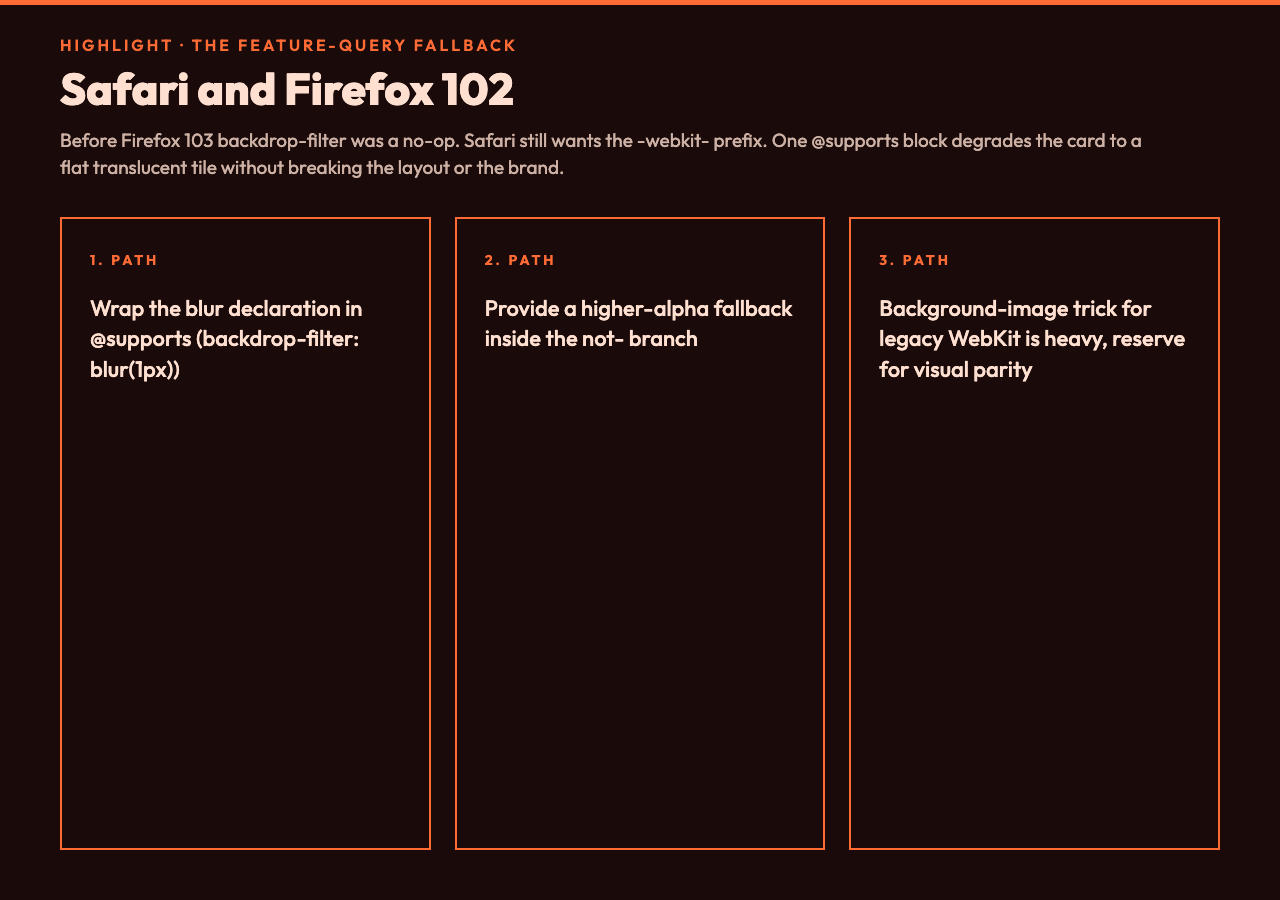
Before Firefox 103 (released July 2022), backdrop-filter was a no-op. The card would render with its background color and zero blur, and the underlying content would be visible through the alpha channel as if there were no filter at all. On Safari, the property still requires -webkit-backdrop-filter alongside the unprefixed form. Two practical fallbacks:
- Feature query, degrade to higher alpha. Wrap the blur declaration in
@supports (backdrop-filter: blur(1px))and provide a fallback block withbackground: rgba(255,255,255,0.85)for browsers that do not pass the query. The card reads as a flat translucent tile instead of glass — not pretty, but still on-brand and accessible. - Background-image trick for older WebKit. A semi-transparent PNG or an SVG with a Gaussian blur filter applied to a clone of the parent can fake the effect on legacy engines. Heavy and brittle; reserve it for places where the design must match exactly.
The first option is almost always the right answer. The visual degradation is honest — the card is still clearly a card — and the implementation is one CSS block. The clip-path generator is a useful neighbor here when you want to mask the fallback surface into a non-rectangular shape without leaning on the filter stack for geometry.
Performance: The Cost Nobody Mentions Until Production
Backdrop-filter is one of the few CSS properties that requires the browser to retain a separate GPU buffer for the area behind the element, because the filter has to read those pixels at composite time. The cost is real: a 12 px blur on a full-viewport hero card on a mid-range Android device can drop scroll FPS by 15–25. Three rules to keep it cheap:
- Bound the surface. A 600 × 400 card is fine; a 100% × 100% full-screen blurred layer is the canonical mistake. The border-radius generator is the natural pair — rounded corners reduce the perceived blur area and clip the GPU buffer.
- Cap blur at 16 px. Beyond that, the perceptual gain is small and the GPU cost grows super-linearly. If the design calls for 24 px, the right answer is usually to step down to 14 px and raise alpha to compensate.
- Stack filters sparingly. Two or three filter passes is fine; six simultaneous passes is the kind of thing that turns a smooth 60 fps scroll into a slideshow. The generator exposes all six because the use cases exist, not because you should enable them all at once.
Putting It Together: A 17-Line Glass Card
The complete pattern, tested across Chrome 125+, Safari 17+, and Firefox 124+:
.glass {
  background: rgba(255, 255, 255, 0.45);
  border: 1px solid rgba(255, 255, 255, 0.25);
  border-radius: 16px;
  padding: 24px;
  color: #1a1a2e;
  backdrop-filter: blur(12px) saturate(1.4);
  -webkit-backdrop-filter: blur(12px) saturate(1.4);
  box-shadow: 0 8px 32px rgba(0, 0, 0, 0.12);
}

@supports not (backdrop-filter: blur(1px)) {
  .glass { background: rgba(255, 255, 255, 0.85); }
}
The box-shadow is doing more work than it looks like — it lifts the card visually out of the blurred background, which is what gives glassmorphism its characteristic depth. The box-shadow generator is the right neighbor when you want to fine-tune that lift for a darker or lighter scene. For motion, the animation generator handles the hover-state transforms that often sit on top of the glass surface — a 1.02 scale on hover, a 200 ms ease-out, the kind of thing that turns a static card into something that feels alive.
The mental model worth keeping: backdrop-filter is a render-time image processing step, not a paint effect. Compose the six knobs like an EQ — fewer bands, each one doing obvious work. Pair the blur with the alpha. Provide the fallback. Bound the surface. The result is a card that survives the full matrix of browsers, performs at 60 fps, and still reads as glass.
Open the backdrop-filter generator to iterate on the values without hand-editing CSS. And if you want to see how the same glass logic plays out on text instead of surfaces, the text-shadow generator is the natural follow-up.