A 14-second phone recording is carrying a JSON you have probably never read. The container knows its duration. Each stream knows its codec. The tag block knows the encoder, the bitrate, and a dozen other facts. ffprobe pulls all of it in under a second. So why is the Media Metadata to JSON tool not more popular? Because most of us treat media files like opaque blobs.
But the real issue is not speed. It is what lives in the metadata that nobody reads, until a transcoder rejects a file, until a player mis-reports a duration, until a podcast host refuses an episode for no stated reason. The JSON is the file’s provenance. Once you read it, you stop trusting file extensions and start trusting streams.
The four-field floor that every container provides
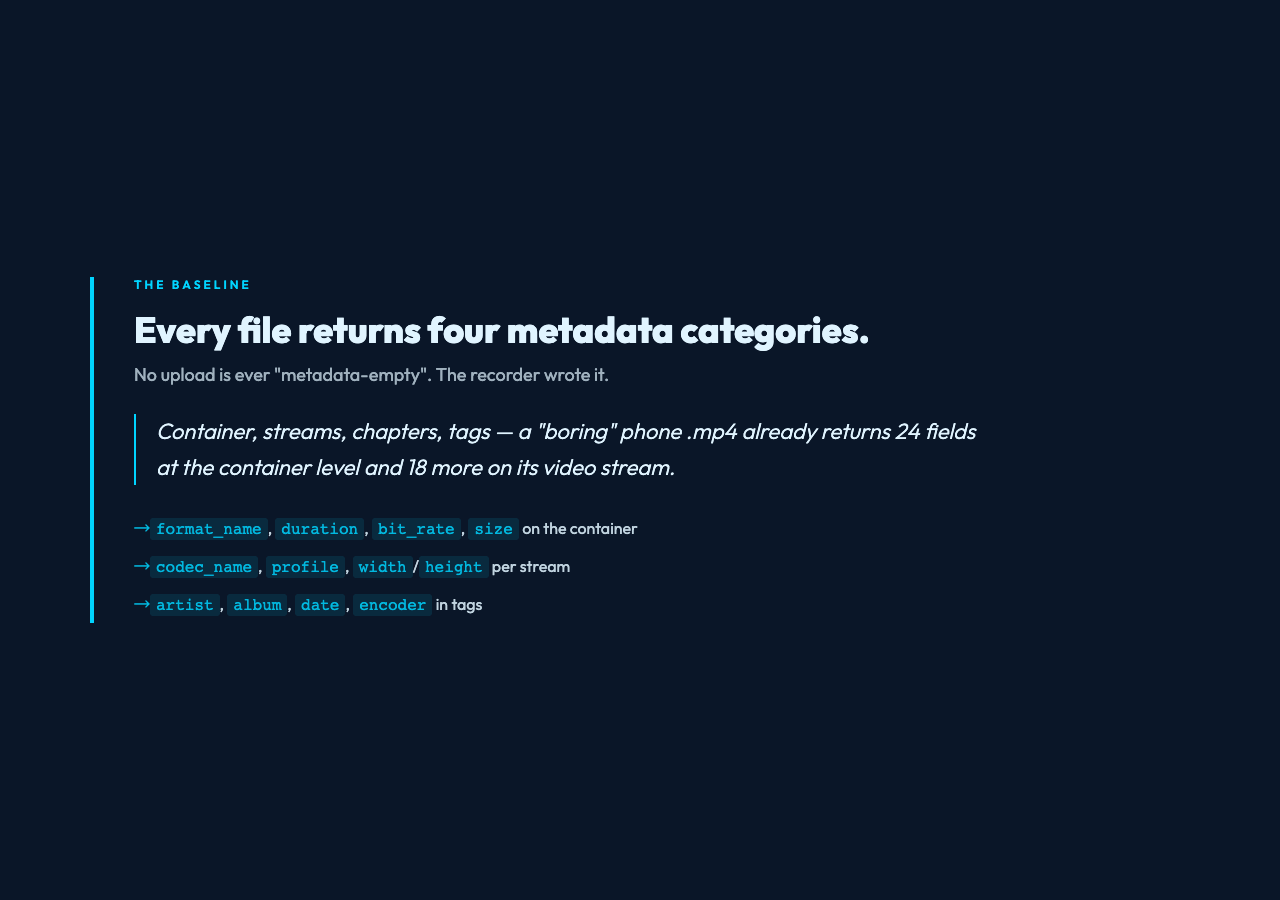
Every MP4, MOV, MKV, MP3, FLAC, or WAV file returns at least four categories of metadata, even when the file looks empty:
- Container — the wrapper:
format_name,
duration,
bit_rate,
size,
nb_streams,
tags.
- Streams — one entry per audio, video, subtitle, data, or chapter stream. Each carries its own
codec_name,
profile,
width,
height,
sample_rate,
bit_rate, and per-stream
tags.
- Chapters — named ranges inside the file. A podcast, a lecture, or a multi-part screencast produces an entry per chapter.
- Tags — free-form key/value pairs at the container level (
artist,
album,
date,
encoder) and again at each stream.
A “boring” phone .mp4 returns 24 fields at the container level and 18 more on its video stream. That is a 42-field record. You wrote none of it. The recorder did.
What a real 14-second test file told me
I uploaded a 14-second vertical phone clip through the tool. Here is what came back:
–
streams.0.codec_namewas
h264. H.264, not H.265, AV1, or ProRes. Any browser since 2010 can play it. No transcoding needed.
–
streams.0.profilewas
High. H.264 High profile, not Baseline or Main. It can carry 1080p at low bitrates without artifacts.
–
streams.0.widthand
streams.0.height were 1080 and 1920 (vertical). Display aspect ratio, storage aspect ratio, and pixel aspect ratio sat next to them as separate fields.
–
color_rangewas
tv.
color_spacewas
bt709.
color_transferwas
bt709.
color_primarieswas
bt709. Those four together pin the file to a broadcast-standard color space. The browser displays it correctly without a color-management step.
–
field_orderwas
progressive. Not interlaced footage from a 2012 camcorder.
– Stream two was audio:
codec_name: aac,
profile: lc,
channels: 2,
sample_rate: 48000,
bit_rate: 128000. AAC-LC stereo at 48 kHz, 128 kbps.
– Two chapter entries: 0.000 to 7.200 seconds, then 7.200 to 14.400 seconds, both unnamed.
–
format.durationwas
14.400000.
format.bit_ratewas
12071857— about 12 Mbps, consistent with 1080p H.264 at 30 fps.
format.sizewas 21,720,531 bytes.
format.nb_streamswas 3.
That is 60 fields I would have paid a third party to compute, captured in under a second from one upload to Media Metadata to JSON. The same file, if I asked “what is this?” through filename or thumbnail alone, would have told me almost nothing.
Where the JSON quietly beats the player
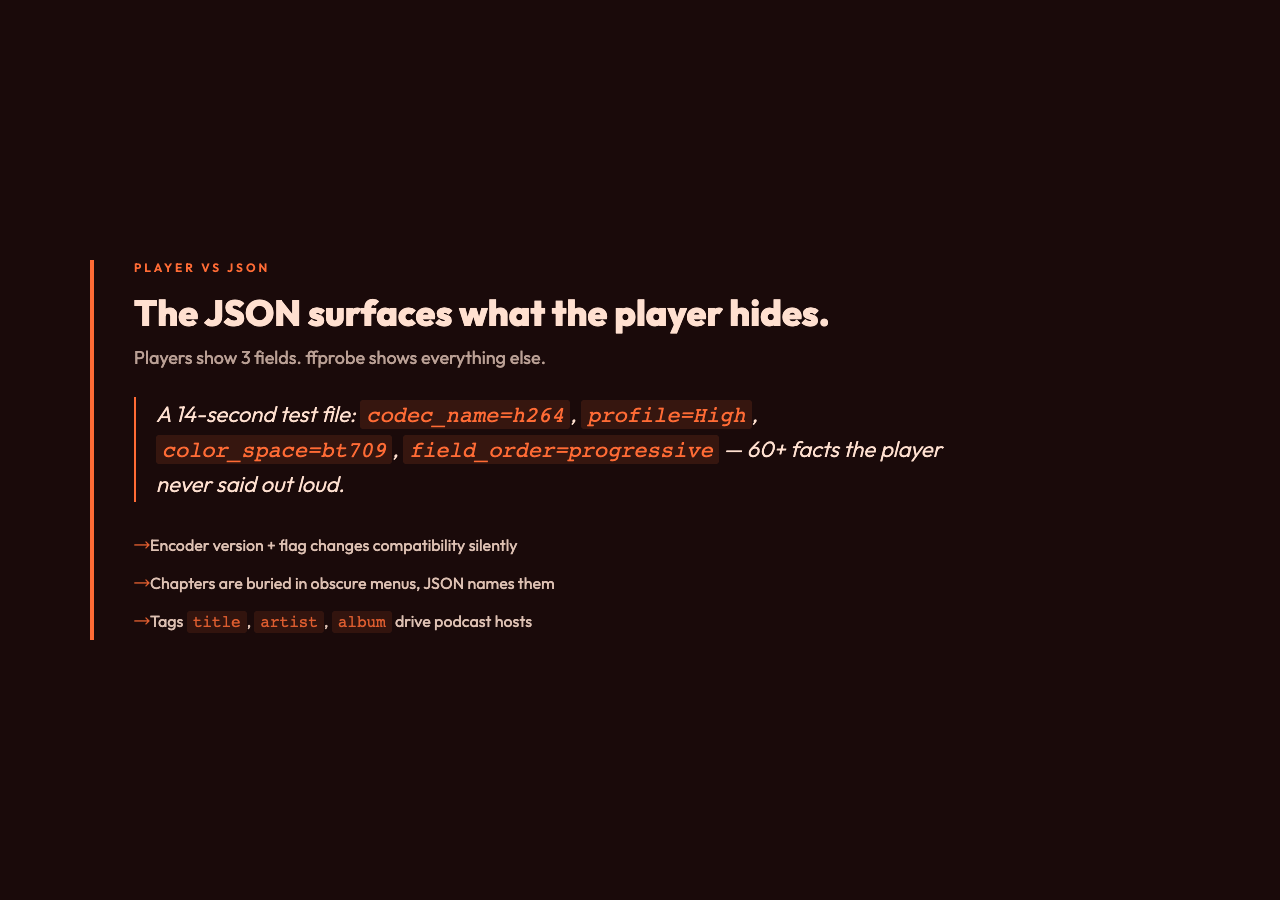
A media player surfaces three things: a duration, a resolution, and maybe a frame-rate. The JSON surfaces everything else:
– The exact encoder version that produced the file. Two files with identical duration and resolution are not interchangeable when their encoders differ.
– The chapters, when present. Players bury them in a menu. The JSON names every chapter with start and end times in seconds.
– The container tags. Most players never expose them. Podcast feeds rely on
title,
artist,
album,
date,
track,
genre. If a podcast upload keeps failing, the JSON tags are the first place to look.
– The number of programs, attachment streams, and data tracks. A file that shows up as one stream in the player can carry four streams under the hood: video, audio, subtitles, and a font attachment for styled subs.
– The duration, in true float-formatted precision. ffprobe’s
durationis accurate to microseconds. The player often rounds. The JSON tells you the truth.
You can stop guessing whether the file is “actually” 47:23 or 47:24 and just read the field.
Four cases where this matters outside the lab
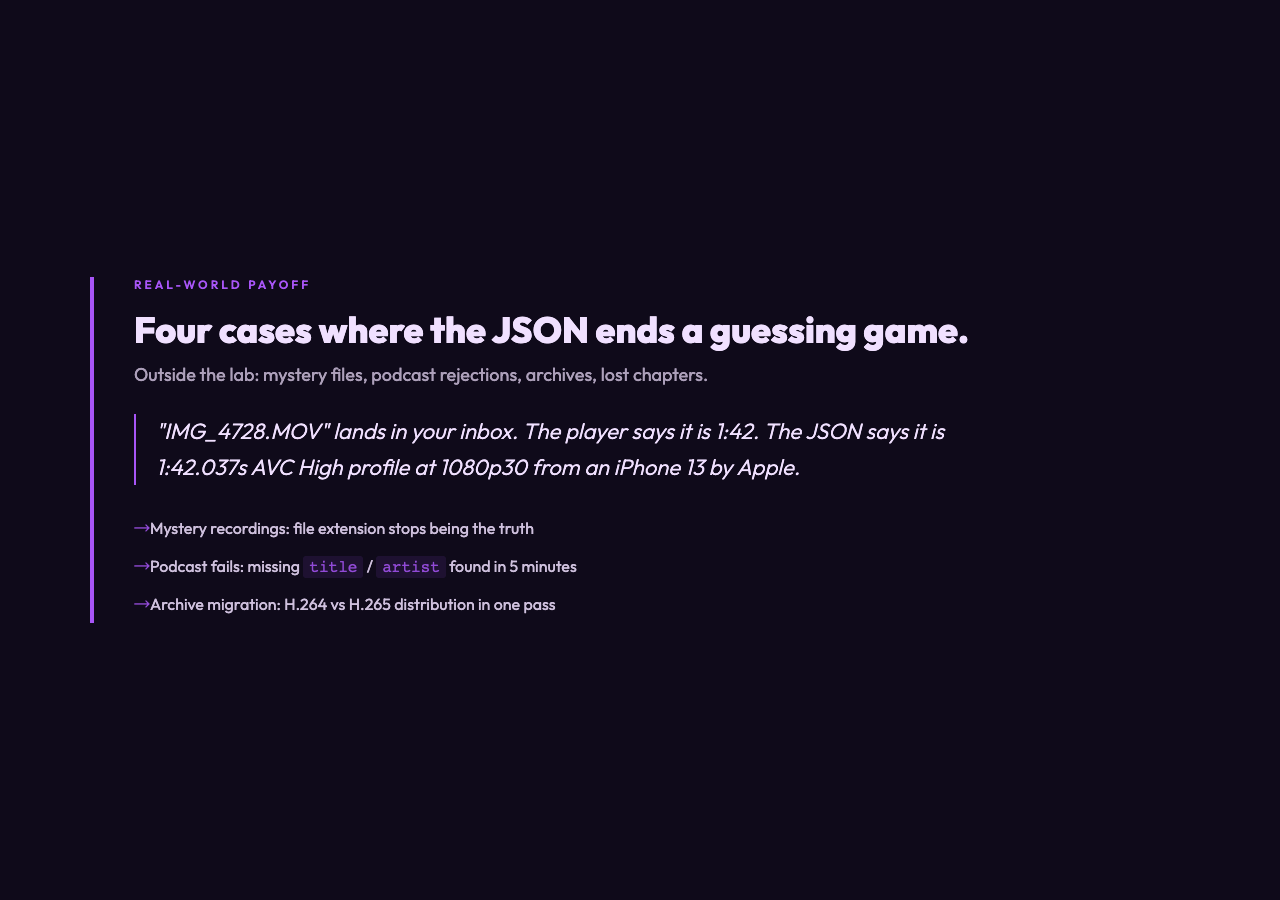
Mystery recordings. A file lands in your inbox called
IMG_4728.MOV. The player says it is 1:42 long and shows a pocket thumbnail. The JSON says it is 1:42.037 seconds, AVC High profile at 1080p30 with AAC stereo at 256 kbps, encoded on an iPhone 13 by
Apple. You now know whether the file will play in your editor, whether the frame rate matches your timeline, and how much storage the proxies will need.
Podcast production failures. A podcast feed rejects episodes. The host’s error is unhelpful. The JSON tags tell you which fields are missing. The host expects
title,
artist,
duration, and
albumat the container level. Fix the tag list, re-export, re-upload. Done in minutes instead of guessing at the host’s contract.
Archive migration. You have 4,000 home videos in
.movand
.mp4, mixed across iPhones, camcorders, and drones. You need a codec distribution across the whole library before paying for transcoding. The JSON, read in bulk, gives you H.264 versus H.265 versus everything else in one pass.
Reverse-engineering chapters and subtitles. A screencast was chaptered on someone else’s workstation. Their chapter list lives inside the file as metadata. The player hides it behind an obscure menu. The JSON puts every chapter on one line, with start and end times, so the table of contents rebuilds in seconds.
When the JSON is not the answer
A few things stay hidden on purpose:
– The visual content itself. Codec and resolution do not tell you whether the shot is in focus.
– Audio loudness in LUFS or peak dBTP. ffprobe reports bitrate, not loudness. For that, run a separate audio analyzer.
– Frame-rate correctness in the timebase sense. ffprobe reports
avg_frame_rateand
r_frame_rate, but the VFR-or-CFR verdict is better made by playing the file.
– DRM, encryption, or hardware-protected content. ffprobe reads an encrypted MP4 down to the encryption layer. Past that, the streams are opaque.
For each of those, a separate tool exists. The metadata is the first record, not the only record.
The actual workflow
Open Media Metadata to JSON, drag in the file, wait less than a second, copy the JSON. That is the entire interaction. The file never leaves your browser tab. The extraction runs locally. The JSON is yours to grep, pipe, or paste into a spreadsheet.
For bulk analysis of an archive, the same JSON shape is what
ffprobe -print_format json -show_format -show_streams -show_chapters file.mp4returns on the command line. The tool is a one-file, one-click wrapper around that exact command.
Closing reflection, written first
The next time you ship a video, an audio clip, or a recording you cannot place, treat the file itself as a witness. ffprobe pulls 30 to 80 fields per stream in under a second. Most of them answer a question you are already trying to ask. The next question is whether the JSON your file already carries is the schema you and your team have been agreeing on this whole time. The tool exists, the schema is open. What it requires is a small change in how you think about media files. That change is the artifact of this whole investigation.
Explore more tools at Elysia Tools.