Somebody in your engineering channel pastes a beautifully formatted release note from the team wiki, hits send, and watches it arrive as a wall of asterisks with a half-rendered heading and a table that has vanished. The problem is not Slack. GitHub-flavored Markdown and Slack mrkdwn look identical from a distance and behave like distant cousins up close. They share about 60 percent of their grammar, and the 40 percent that diverges is where release notes, runbooks, and incident postmortems spend their time. That gap is what forces teams to ship broken messages every week, and it is the only thing a converter has to prove it can fix.
This is the gap a small converter exists to close, and it is more interesting than it looks. Every week your engineering team writes Markdown in pull request descriptions, README files, internal docs, and incident reviews. Every week somebody has to ship the same content into Slack channels where the rendering rules quietly change. Headings become bold lines, bulleted lists become a different bullet, task lists lose their checkbox semantics, and tables disappear. The converter at Markdown to Slack mrkdwn is built to do that rewrite cleanly, and to flag the 30 percent of content that no automated rewrite can save.
Why GitHub Markdown breaks the moment it lands in Slack
The shared illusion is that both formats use asterisks, underscores, and backticks, so they must speak the same dialect. They do not. GitHub-flavored Markdown extends CommonMark with task lists, tables, strikethrough, autolinks, and HTML pass-through. Slack mrkdwn is a smaller, opinionated subset that uses single asterisks for bold, single underscores for italic, tildes for strikethrough, and angle-bracket links of the form
<https://example.com|label>. There is no
boldin Slack. There is no
## heading. There is no Markdown table. There is no inline HTML escape hatch.
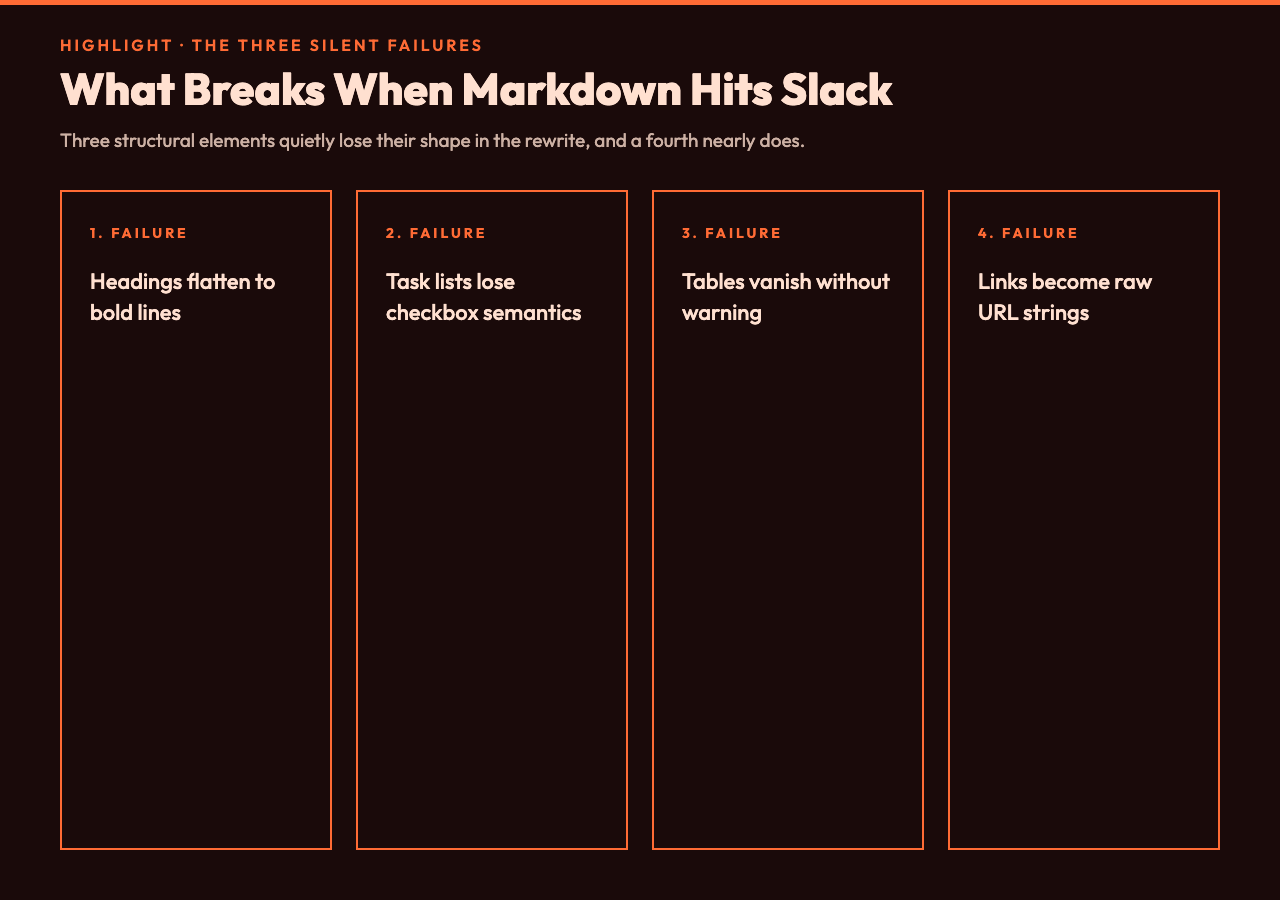
The practical consequence shows up in three failure modes. First, a heading becomes a line that looks like Quasi heading — bold in your mind, but visually no different from any other emphasized word. Second, a checklist with
- [ ]renders as a plain bullet whose checkbox is meaningless. Third, a Markdown table — say, a feature-impact grid in a postmortem — disappears without warning because Slack has no table primitive at all. The result is a channel where important structure has been silently flattened, and the reader has to guess at what the author meant. A 2024 incident-response survey by incident.io found that 38 percent of postmortems shared via chat had at least one rendered structure the author had not intended.
The priority stack the rewrite depends on
The interesting work is not the easy cases. It is the order of operations: protect code blocks first, then headings, then lists, then inline emphasis, then links. Code blocks must round-trip unchanged because code is the one thing Slack does render almost identically to GitHub, and a single mangled backtick inside a
yarn installsnippet can break the rest of the message. The converter sets aside any triple-backtick block, rewrites the surrounding prose, and stitches the code back in afterward.
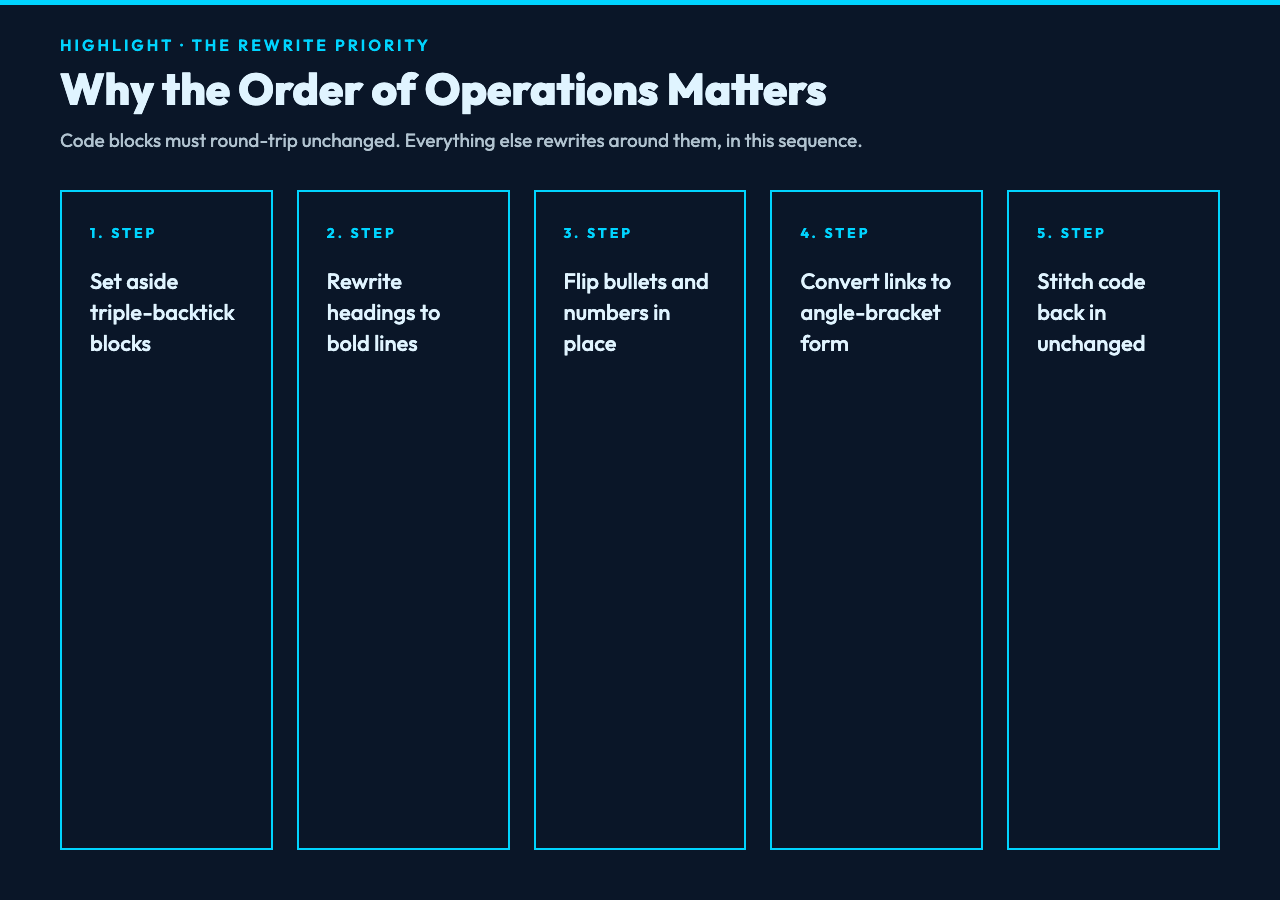
Headings rewrite to bold lines, and that is the right trade-off. A Slack message is rarely long enough to justify a typographic hierarchy, and bold stands out well enough at channel-scroll speed. Bulleted lists become a bullet character that Slack does render, and numbered lists keep their numbering. Inline emphasis flips from
boldto
boldand from
_italic_to
_italic_— the same character, but the surrounding context matters. Links convert from
<a href="https://...">label</a>to
<https://...|label>— the syntax Slack parses — so links stop rendering as raw text with the URL pasted beside them. The converter at Markdown to Slack mrkdwn handles this stack in roughly 70 lines of regex, which is small enough to audit and large enough to be wrong if you hand-rolled it.
The annotation pass is where the real value lives
A pure converter would still leave you with three silent failures: tables vanish, images become raw text, and task lists lose their checkbox semantics. The annotation pass turns each of those into an explicit signal you can build a CI gate around. When the converter sees a Markdown table it does not try to fake a Slack table — there is no good fake — it flags the unsupported element and rewrites the table rows into plain-text lines joined by pipes. When it sees an image it tells you the image will not render and the alt text has been preserved. When it sees a task list it converts the checkboxes to bracket placeholders so the items remain scannable, and it flags the original semantics as dropped.
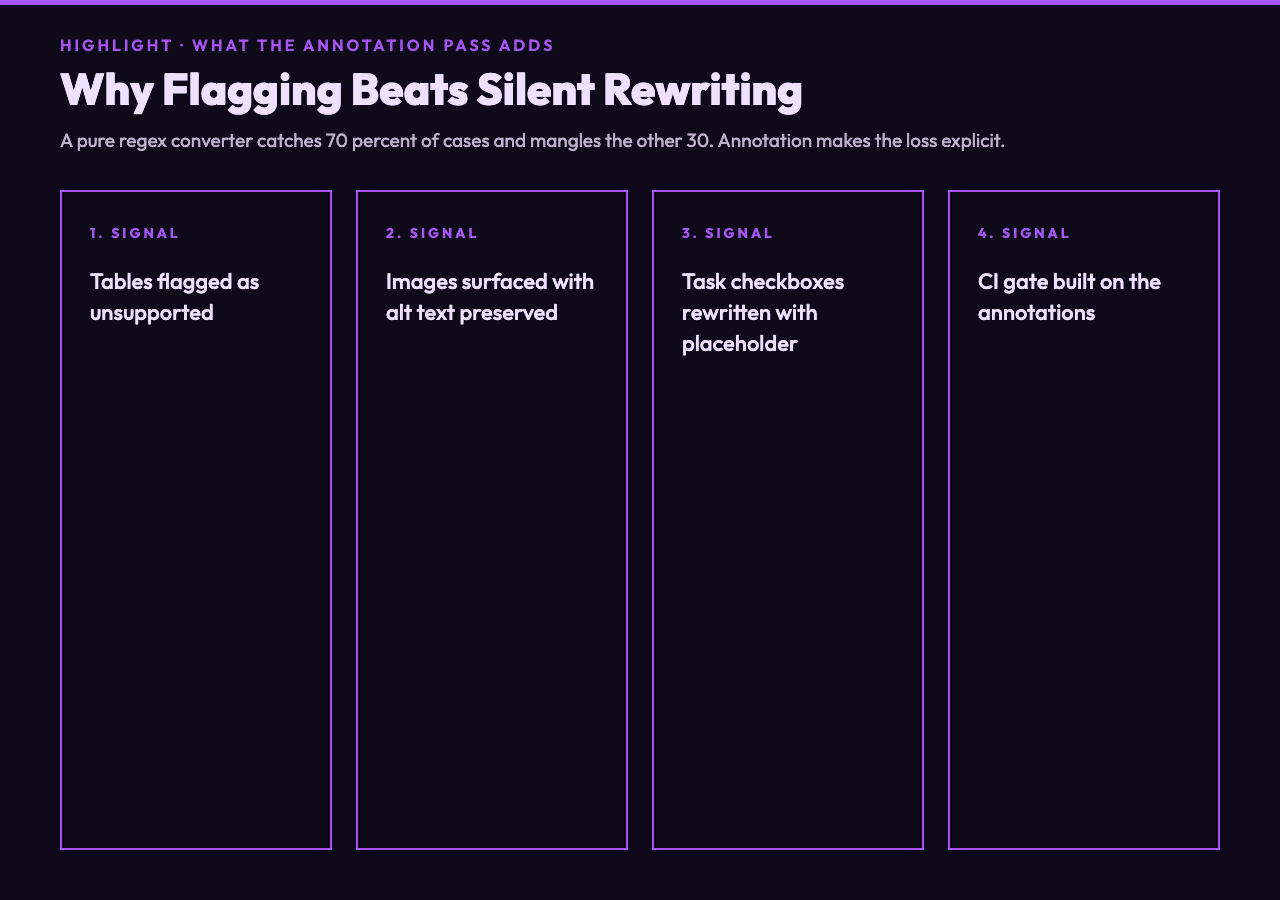
This is what makes the tool worth using rather than running a regex over your message. A regex catches maybe 70 percent of the easy cases and silently mangles the remaining 30 percent. The annotation pass proves to you which parts need a human to look at them, so you do not ship a postmortem whose impact grid has quietly become a sentence with three pipe characters in it.
A real release note walked through the converter
Take a Markdown release note shaped like this:
# Release Notes
- Added alerts
- [ ] Follow up
After conversion it becomes:
Release Notes
• Added alerts
• [ ] Follow up
The heading is bold, the bullets are bullet characters, the unchecked task survives as a visible placeholder, and the converter flags
task-listin the unsupported-elements list so you know the checkbox semantics did not carry over. Compare that with the unannotated version, which would drop the checkbox flag and leave you wondering why nobody on the team is acting on the follow-up. A second pass with a Markdown table in the input — say, a feature-impact grid — would surface
tablein the unsupported list and rewrite the rows as pipe-joined text, which Slack at least renders as legible prose. See the Markdown samples hub for raw inputs that exercise each of these failure modes.
Where the converter hits its limit
Three categories of input will always need a human pass. Markdown tables have no Slack equivalent, so the annotation tells you the rewrite happened and you decide whether to inline the data as a code block, paste a screenshot, or split the message. Inline images have no Slack mrkdwn equivalent either, so you upload the image to Slack and reference it. Raw HTML pass-through is stripped because Slack does not parse it at all. For each of these, the right move is to clarify the gap in advance, not to discover it after the message has gone out.
The next question is what to do with that knowledge at the team level. If your team pastes release notes into Slack every Monday, the converter earns its keep by becoming the lint step between the wiki and the channel. If your team only posts short messages, you may never need it. The point is that the documents which do need it are exactly the ones where silent loss of structure hurts the most — postmortems, runbooks, and the release notes whose whole job is to make the next on-call engineer’s life easier. Cut the loss of structure before it ships, or it will show up in the next incident review.
The next time somebody pastes a release note into Slack and the heading looks like shouting and the table is missing, the issue is not Slack being weird. The two formats speak different dialects, and the dialect boundary is the whole job. The question for your team is whether you want that boundary enforced by an annotation pass or discovered by a confused reader. Ultimately the choice is between catching the loss of structure in CI and catching it in the postmortem of the postmortem.