# 5 Free Design Tools That Make You Look Like You Have a Design Team
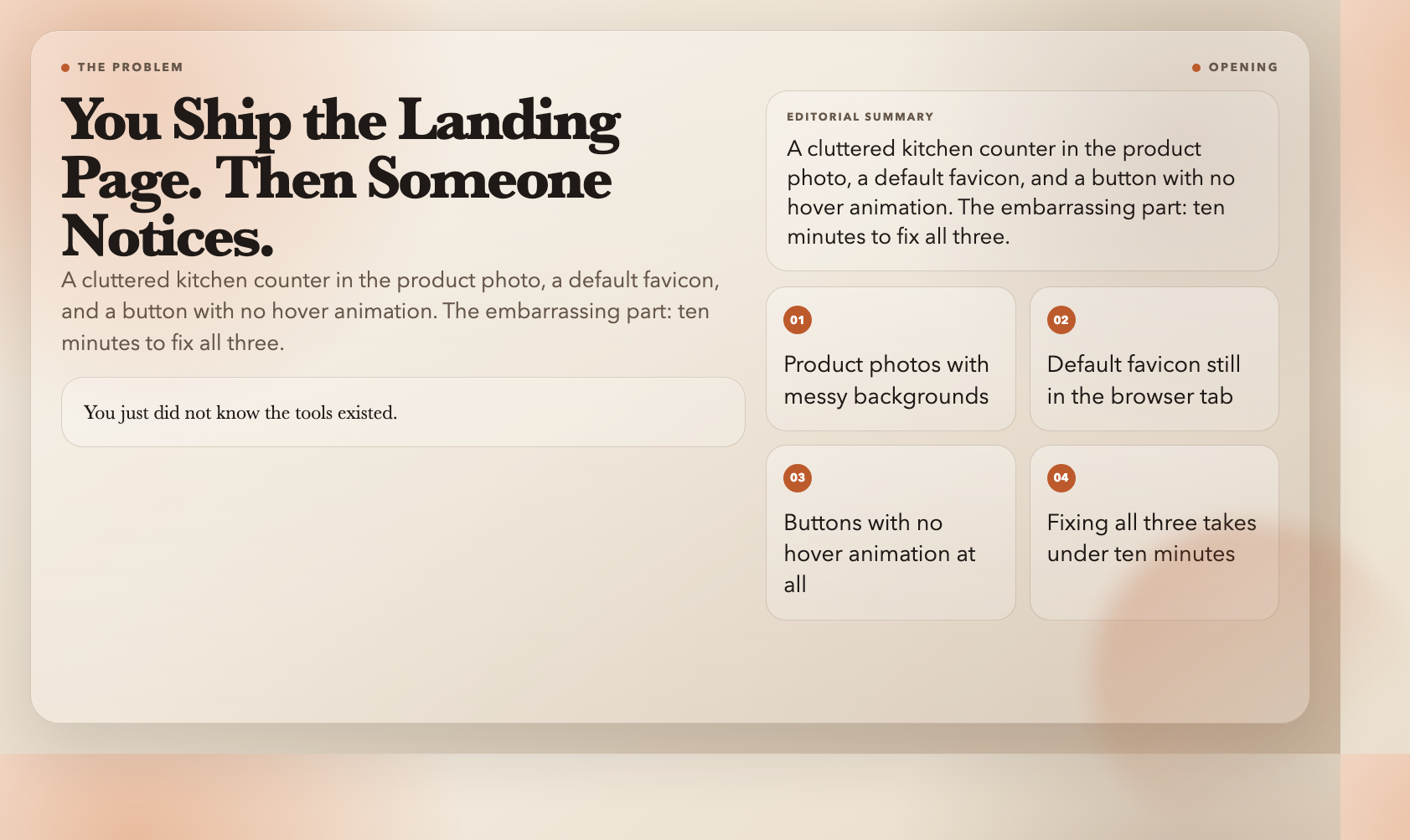
You ship a landing page. It works. Then someone points out that the product photo has your kitchen counter in the frame, the favicon is still the default browser icon, and the button has no hover animation at all.
The embarrassing part: fixing all three takes under ten minutes. You just did not know the tools existed.
Here are five free tools on ElysiaTools that handle the visual polish most developers skip — not because they cannot afford it, but because they never found the right tool.
1. Remove Image Background — Turn Any Photo into a Clean Product Shot
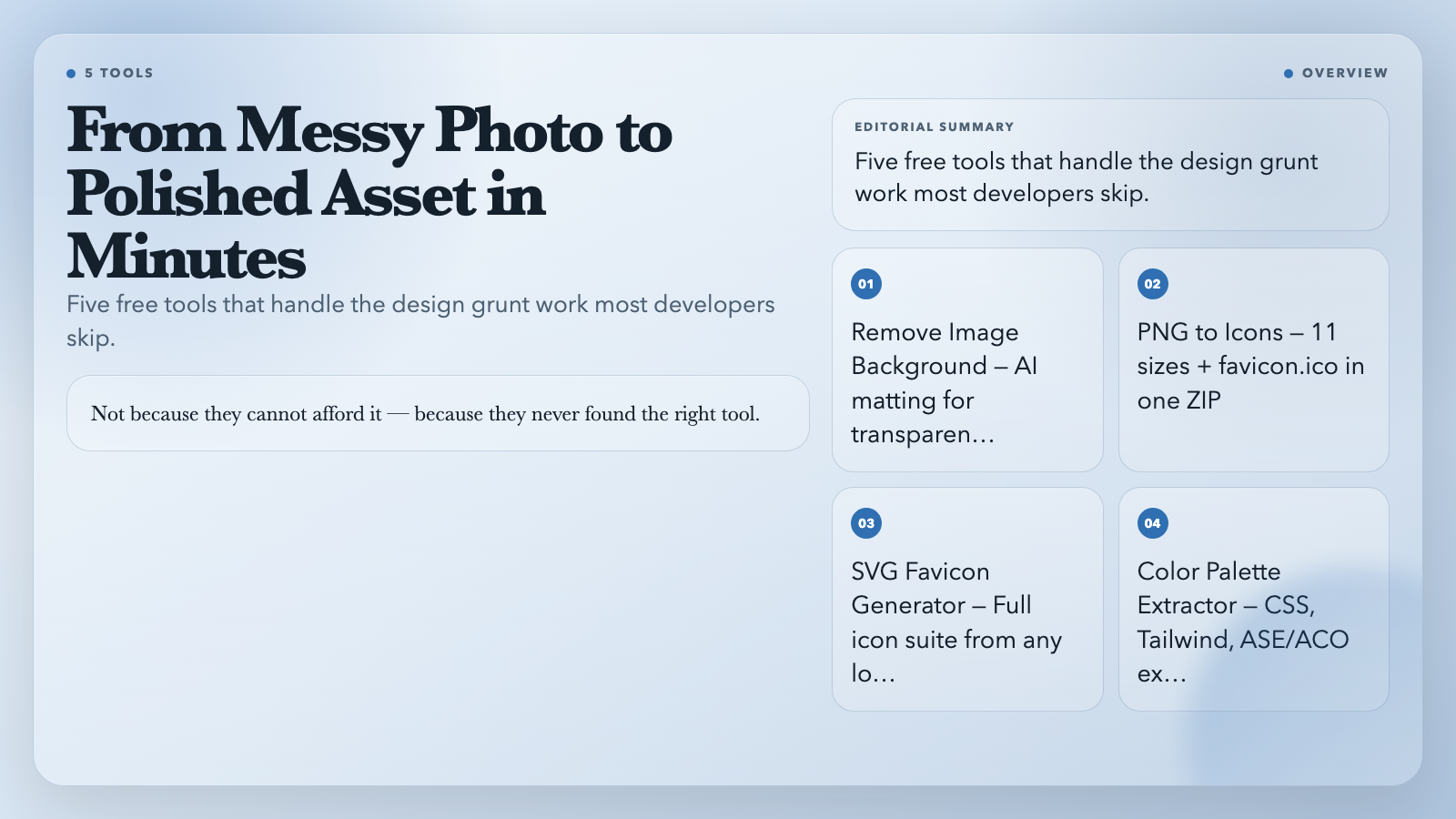
The Remove Image Background strips backgrounds automatically using AI matting. Upload a JPG or PNG and it exports a transparent PNG — ready to drop into a hero section, a feature card, or an email template.
The tool uses @imgly/background-removal-node, which handles edges and fine details (hair, transparency, complex geometry) better than simple threshold-based alternatives. The result works for product photography, portraits, and illustrations alike.
2. PNG to Icons — Generate Every Icon Size You Need in One Click
Your favicon. The App Store listing. The Android home screen shortcut. The macOS dock icon.
Every platform wants a different size. Most developers either use one 256×256 everywhere (and accept it looks slightly blurry on some screens) or waste twenty minutes resizing in an image editor.
The PNG to Icons tool takes a single square PNG and outputs a ZIP containing eleven sizes: 16, 32, 48, 64, 72, 96, 128, 192, 256, 384, and 512 pixels. It also generates a proper favicon.ico with multiple embedded sizes for legacy browser support. Pick the sizes you need. Download the ZIP. Done.
3. SVG Favicon Generator — From Logo to Full Favicon Suite in Under a Minute
This one goes further. If you have a logo — SVG, PNG, JPG, or WebP — the SVG Favicon Generator produces a complete package: ICO for legacy browsers, multiple PNG sizes for modern ones, an Apple Touch icon for iOS home screens, Android Chrome icons at two resolutions, a site.webmanifest file, and a ready-to-paste HTML snippet.
It controls padding, background color, fit mode (contain vs. cover), and theme color — the metadata that determines how your site looks when bookmarked or added to a home screen. Without it, iOS users get a blurry screenshot instead of a crisp icon.
4. Image Color Palette Extractor — Steal Pro Color Schemes in Seconds
Drop any image into the Image Color Palette Extractor and it samples the dominant colors and exports them as ready-to-use code: CSS custom properties, Tailwind config, JSON, ASE (Adobe Swatch Exchange), and ACO formats for Photoshop and Illustrator.
It also calculates WCAG contrast ratios for each color pair so you know immediately whether your text and background pass AA accessibility standards — before you ship.
5. CSS Animation Generator — Keyframes Without the Trial and Error
CSS animations are one of those things that look simple in theory and turn into an hour of tweaking percentages.
The CSS Animation Generator gives you a form: pick a type (fade, slide, scale, rotate, bounce), set duration and delay, choose a timing function and loop count. It outputs the complete `@keyframes` block and the `animation` property, ready to paste into your stylesheet.
No need to look up bounce easing syntax. Fill in the form, copy the output.
What These Tools Still Cannot Do
These handle the mechanical side of design — the resizing, the color sampling, the background removal. They do not decide where a photo belongs in your layout, what hierarchy your color choices establish, or whether your animations serve a purpose or just add visual noise.
That part still takes judgment. But the busywork that used to eat a whole afternoon? That part is free now.