What if 300 spreadsheet rows are already telling you which fields are required, which numbers are real numbers, and which status values belong in production? Most teams still translate that evidence by hand, but the handoff is broken: one person reads the sheet, another invents the JSON contract, and our future incidents begin in the gap.
A spreadsheet looks harmless because people can repair it while reading it. They silently turn 42 into a number, ignore an empty optional cell, and recognize that paid, pending, and refunded form a small vocabulary. Software cannot make those social corrections safely. Before an XLSX workbook becomes an import endpoint, a migration, or an analytics feed, its unwritten assumptions need a machine-readable contract.
That is the useful job of JSON Schema inference. The XLSX Sheet To JSON Schema tool reads worksheet headers and sample rows, then proposes property names, primitive types, nullable behavior, enum candidates, and basic constraints. It does not promise truth. It turns invisible assumptions into a draft that a team can inspect.
The header row is a naming decision, not decoration
The first consequential input is deceptively small: headerRow. Set to 1 by default, it tells the tool where property names begin. That matters because real workbooks often place a report title, export timestamp, or merged banner above the table. Treat the wrong row as the header and a clean schema becomes a collection of Unnamed fields before inference has even started.
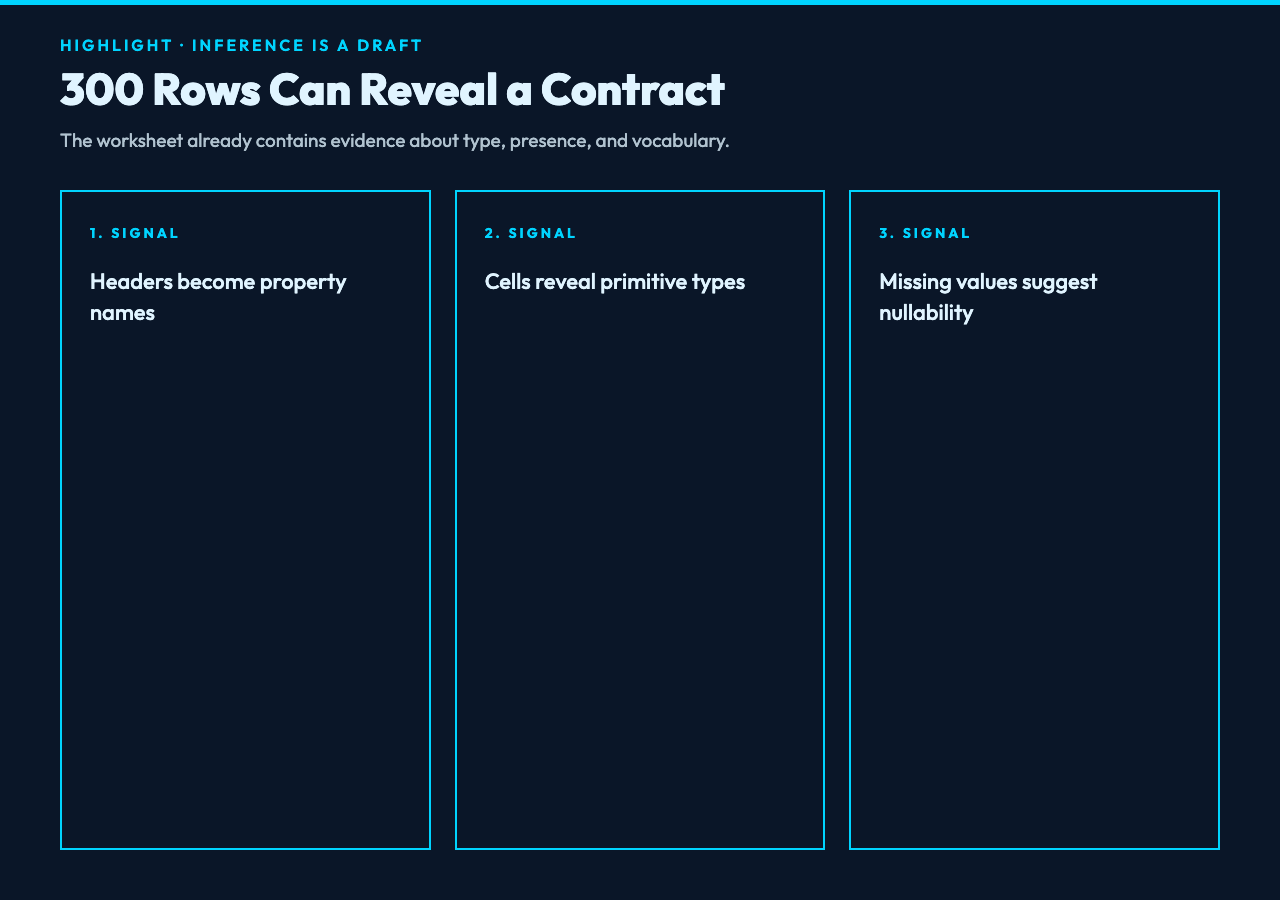
For example, imagine a sales workbook with these columns: order_id, region, amount, status, and paid_at. A reader immediately sees an identifier, a category, a decimal, a controlled state, and a timestamp. The schema generator has to earn each conclusion from observed cells. Good headers give it the stable handles required to express those conclusions.
The sheetName option is equally practical. A workbook may contain Raw, Lookup, and Summary tabs, but only one represents the record shape your application will ingest. Selecting the intended sheet prevents formulas, pivot outputs, and presentation-only totals from contaminating the contract.
A sample is evidence, not the whole population
The default sampleSize is 300 rows. That is large enough to expose common variation without pretending that every workbook must be scanned in full. It also creates the central risk of schema inference: a rare value outside the sample can invalidate a confident-looking rule.
Suppose 299 rows contain an integer quantity and 1 row is blank. The tool can mark the field nullable while preserving the numeric type. But if row 5,000 contains N/A, the sample cannot discover it. In practice, inference should begin the conversation, not end it. Increase the sample when the workbook is heterogeneous, then validate the proposed schema against a wider export or an independent fixture.
This is why a test workbook matters. The XLSX Samples collection includes a Basic XLSX Sheet with foundational worksheet structure and a Data XLSX Sheet focused on tabular parser and import testing. Those examples are useful for a first run because they isolate structure from the messy conventions of a production workbook.
Enum detection converts repetition into a rule
A status column with 100 sampled rows might contain only draft, sent, and paid. That repeated vocabulary is more informative than a generic string type. With enumMaxDistinct set to its default of 12, the tool can propose an enum when the number of distinct values remains small.
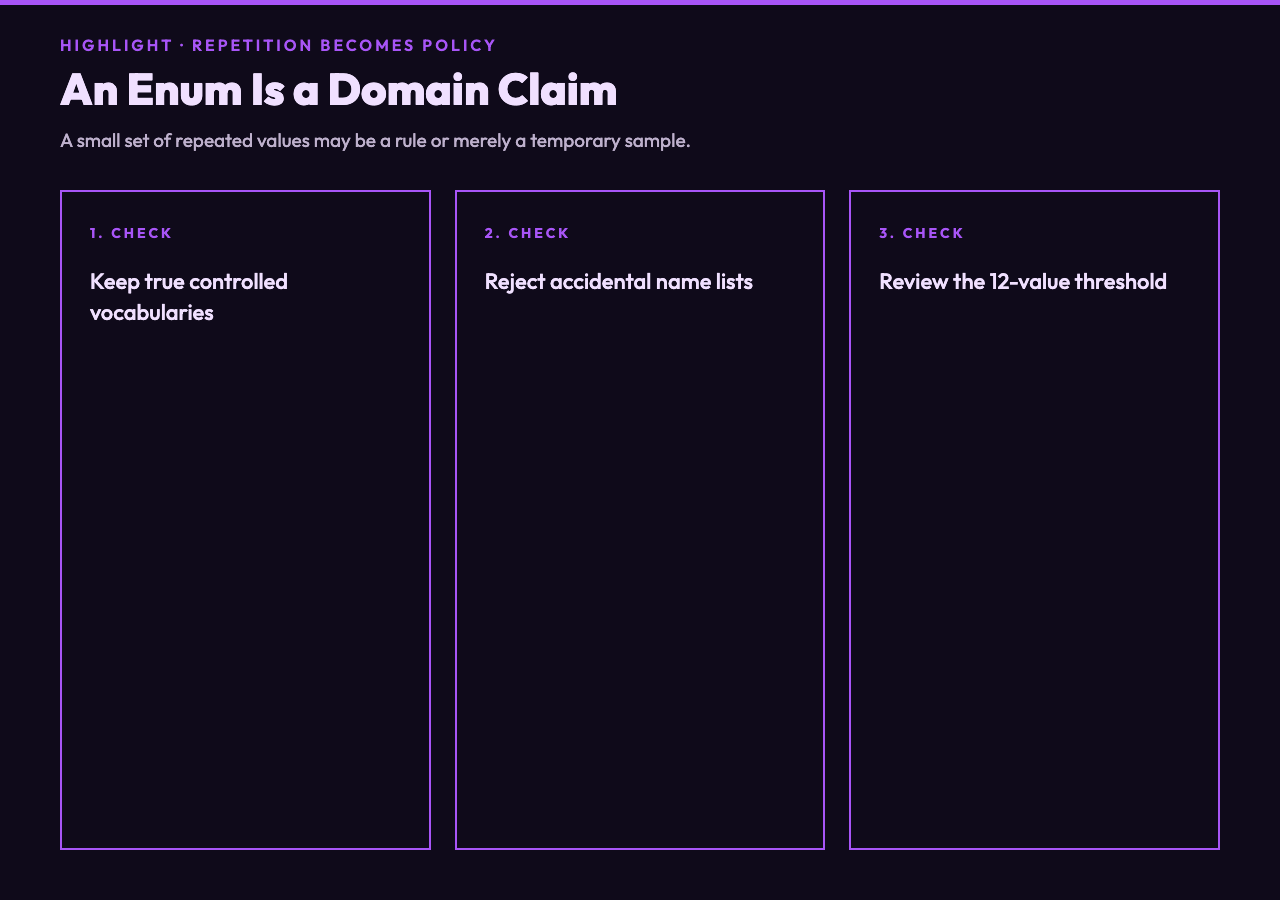
The threshold is a guardrail, not a magic number. Set it too high and fields such as customer names may become enormous enums that freeze accidental sample data into the contract. Set it too low and meaningful controlled vocabularies are reduced to plain strings. The review question is causal: is the field limited because the domain defines a finite set, or because the sample happens to be small?
For instance, region may legitimately be one of 4 sales territories. account_manager may show 8 names today but should not become an enum if staffing changes next month. The generated result makes both candidates visible, but a human must distinguish a domain rule from a temporary observation.
Required fields need a tolerance policy
The requiredThreshold defaults to 0.98. In a 300-row sample, a column populated in at least 294 rows can qualify as required. That is a more realistic policy than demanding 100 percent completeness, because exported spreadsheets often contain a few damaged rows even when the downstream system requires the field.
However, the threshold encodes a business decision. If order_id is missing in 3 rows, marking it required may be correct because those 3 records are invalid. If paid_at is missing whenever an order remains pending, calling it globally required would model the workflow incorrectly. The missingness pattern matters as much as the missingness rate.
Use the threshold to surface likely requirements, then ask why the exceptions exist. A schema should clarify which rows are broken and which states are legitimate. Otherwise validation merely converts an unexplained spreadsheet convention into an unexplained error message.
The generated JSON is a review artifact
The tool exports the inferred schema as a JSON file and lets you assign a schemaTitle, such as SalesRecord. That file can enter version control, anchor an import validator, or become the starting point for typed models. More importantly, it gives product owners, analysts, and developers one concrete object to debate.
Consider the proposed contract for amount. A sample may justify type: number, while observed values suggest a minimum of 0. That minimum is valuable only if refunds are stored elsewhere; a negative adjustment row would change the rule. Likewise, a timestamp-looking string may need a date-time format, but only after you confirm that Excel serial dates and localized text dates are normalized consistently.
A reliable review uses 3 lenses. First, inspect false certainty: enums and bounds inferred from too little variation. Second, inspect false looseness: string fields that should have formats or patterns. Third, inspect conditional rules: fields such as paid_at that depend on another field’s state. The generated schema covers the basic shape; domain review completes the contract.
Put inference before the irreversible step
The best place for schema inference is before data crosses a hard boundary. Run it before importing 80,000 customer records, publishing a partner API, or replacing a spreadsheet workflow with a database. The earlier the assumptions become explicit, the cheaper they are to correct.
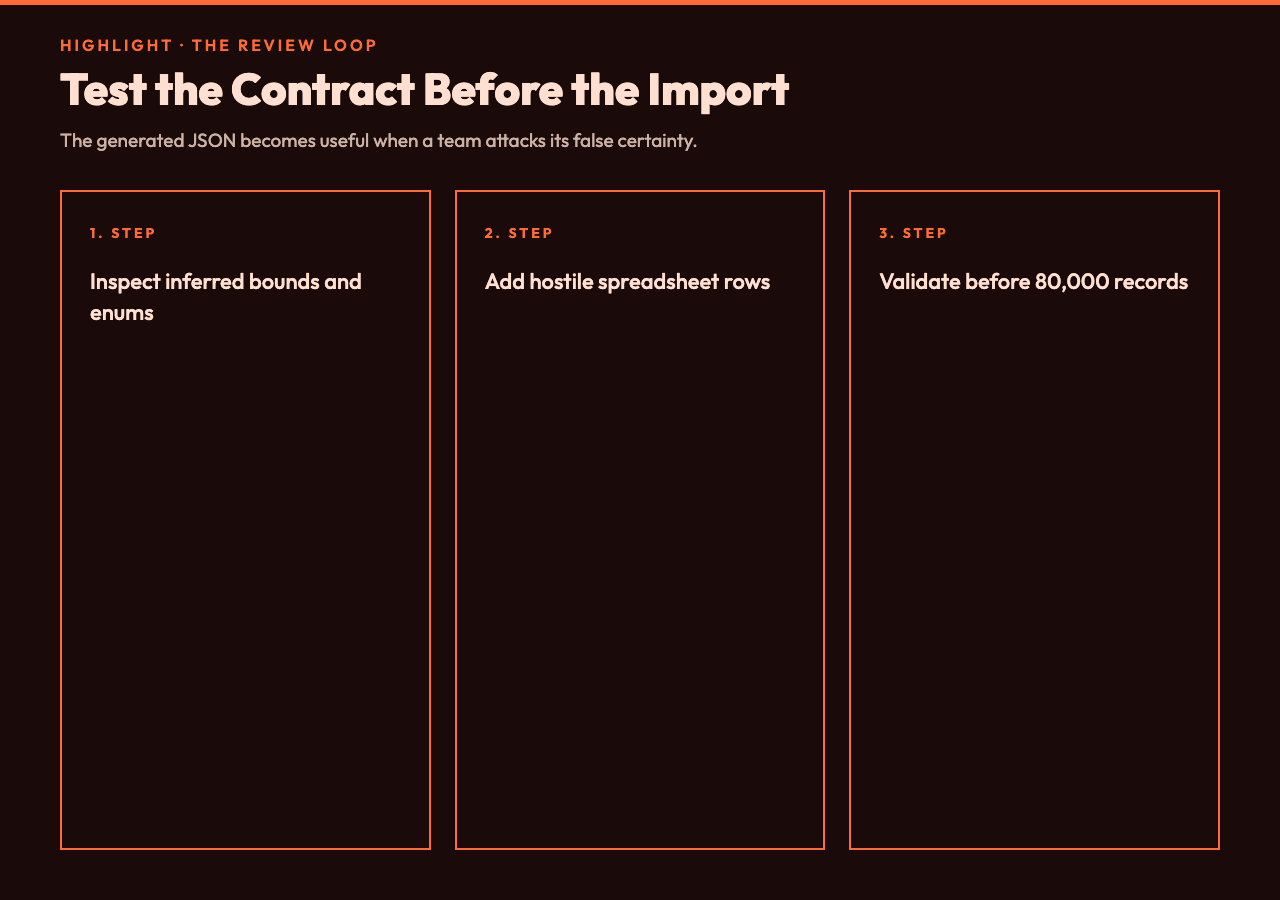
A practical workflow is short. Choose the exact sheet and header row. Sample enough rows to reveal variation. Generate the draft with Elysia Tools. Review types, nullability, enum candidates, and constraints against domain knowledge. Then validate a larger or deliberately adversarial workbook before adopting the JSON file.
That final adversarial pass is essential. Add an empty required identifier, an unexpected status, a negative amount, a localized date, and a value beyond the observed range. A contract that rejects known bad cases and accepts legitimate exceptions is stronger than one that merely describes yesterday’s clean export.
Ultimately, the point is not to automate judgment; it is to move judgment to the moment when it is still cheap. If a worksheet is about to become an API, what happens next should not depend on assumptions trapped in one analyst’s head. The question is whether your team will review those assumptions now, or let the first failed import reveal them in production.