
Why does a Git diff show 200 lines changed when the file is identical except for invisible line endings? The next contributor pushes, Git warns about LF will be replaced by CRLF, and the build still fails. We have all learned to hate CR vs CRLF vs LF debates that nobody can see and everybody loses. Here is what is happening, why it is still broken in 2026, and the one pattern that finally fixes it for good.
The Three Invisible Characters You Are Constantly Arguing About
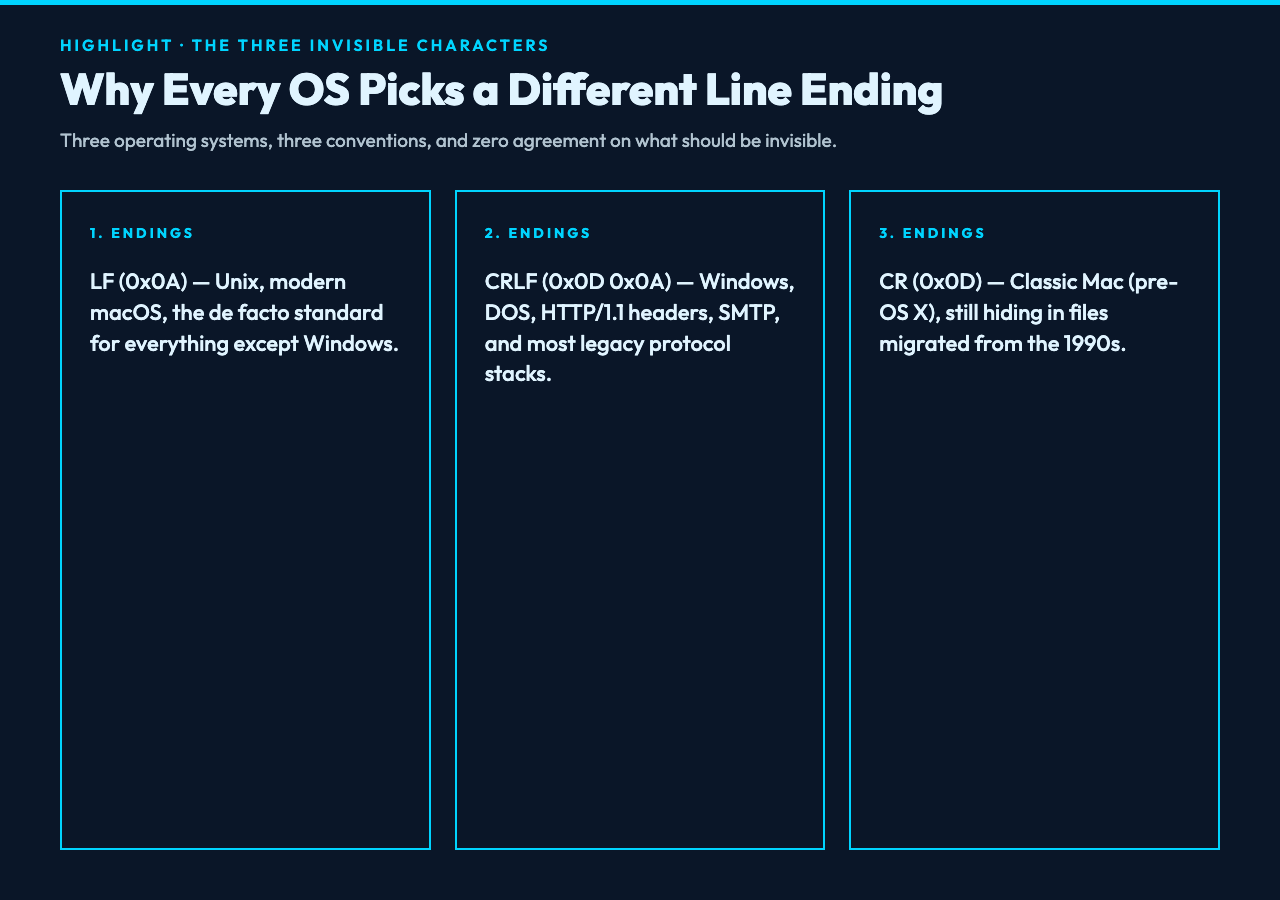
Every operating system in history picked a different way to end a line of text, and refused to switch for thirty years. Unix and modern macOS use LF (a single line feed, 0x0A). Windows uses CRLF (carriage return + line feed, 0x0D 0x0A). Classic Mac, before Mac OS X, used CR alone (0x0D). If you have ever opened a Windows text file on Linux and seen ^M at the end of every line, you have met the carriage return.
These endings are not cosmetic. Shell scripts on Linux break with CRLF because the kernel sees \r\n and rejects the shebang line. Windows tools, in turn, choke on raw LF because their parser expects both bytes. JSON, YAML, and TOML parsers all behave slightly differently depending on which newline they encounter.
For example, Git itself stores text files with normalized LF endings internally, then converts them on checkout based on a setting called core.autocrlf. That is why a clean diff can show 200 phantom changes after one commit.
The fix sounds trivial until you try it: search every file, detect its current endings, convert in one consistent direction, and write the result back without touching any other byte. That is exactly what the Line Ending Converter does. Paste text, pick a target ending, and it normalizes everything in one pass.
Why Git Keeps Warning You About Line Endings
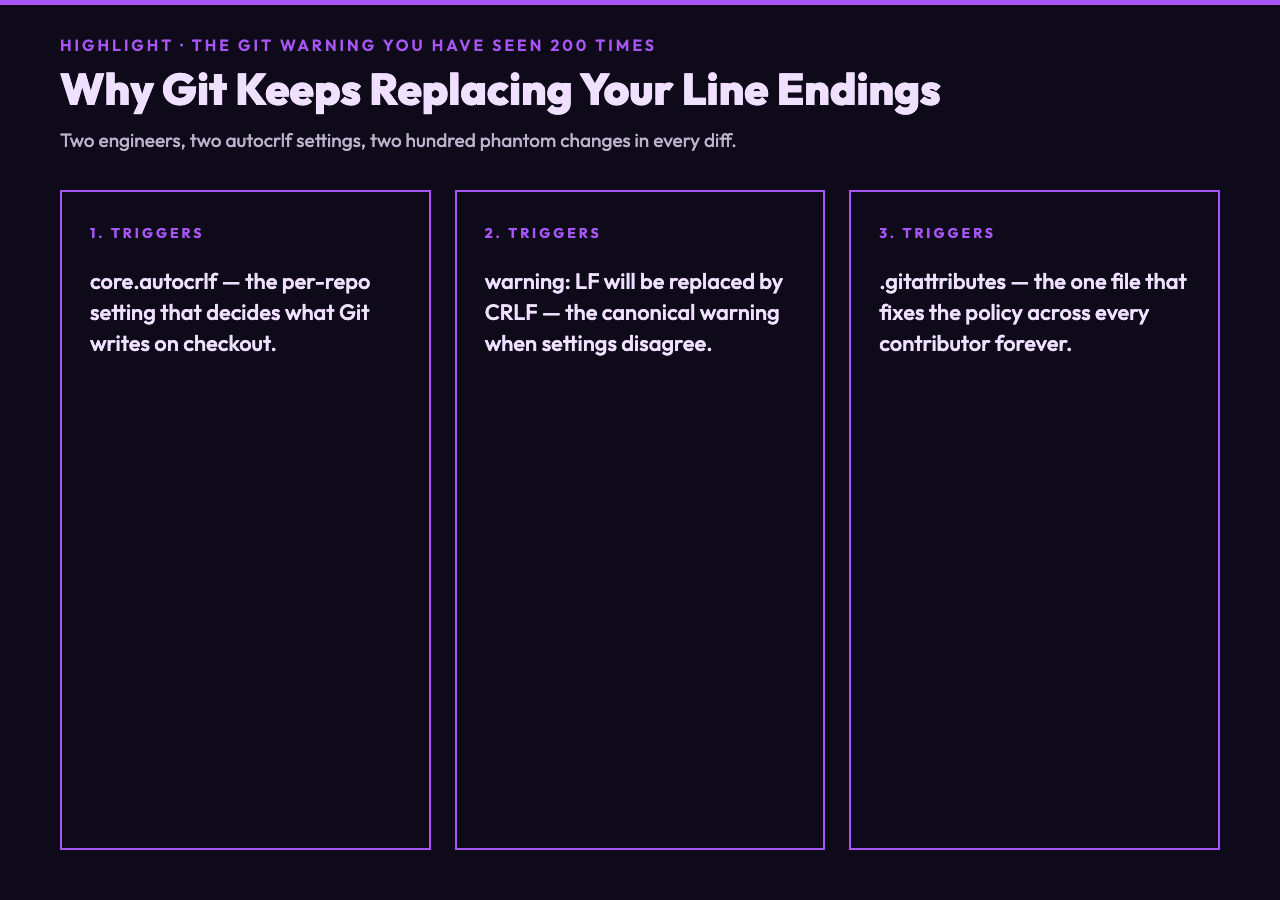
Git stores text files with normalized LF endings internally, then converts them on checkout based on a setting called core.autocrlf. When two engineers have different settings, Git shows every changed file as modified, even when only the invisible endings differ.
The classic warning is warning: LF will be replaced by CRLF in file.txt. It means Git thinks your file uses LF but you have configured it to write CRLF on checkout. The clean fix is to commit a .gitattributes file that declares the policy once:
* text=auto eol=lf
*.sh text eol=lf
*.bat text eol=crlf
*.ps1 text eol=crlf
*.png binary
With this in place, every contributor gets the same endings regardless of their OS. The file is committed once and stays consistent across clones. Run the Line Ending Converter on the existing messy files, commit the cleaned versions, and the warnings disappear for good.
What Mixed Endings Look Like in Practice
Most real-world files are not purely LF or purely CRLF. They are a mix because someone copied and pasted from a Windows terminal into a Linux editor, or saved a file in vim with fileformat=dos and then fileformat=unix on the next save.
When you run cat -A file.txt on Linux, every line ends with a $ marker. If some lines show ^M$ and others $, you have mixed endings. Pipes, grep, and awk all behave differently on the two types, which makes debugging shell scripts that touch the file extremely frustrating.
The fastest diagnostic is the file utility. file script.sh on Linux reports ASCII text for pure LF and ASCII text, with CRLF line terminators for CRLF. If you ever see with CR line terminators, you have classic Mac endings — likely from a 1990s file someone emailed you in 2008 and that got migrated to a new repo last week.
The One Conversion Pattern That Works Every Time
There are three reliable tools for the job. dos2unix and unix2dos are the canonical Unix utilities, available on every Linux distro and installable on macOS via Homebrew. sed works in a pinch: sed -i 's/\r$//' file.txt strips CR, and sed -i 's/$/\r/' file.txt adds CRLF.
The catch with sed is that on macOS the -i flag requires an empty string argument (sed -i '' 's/\r$//'), which trips up everyone who learned sed on Linux. Also, sed is line-oriented and silently ignores binary files — if your file contains a stray \r in the middle of a line, sed will not fix that, and it will not warn you either.
For ad-hoc conversions where you do not want to install anything, the Line Ending Converter gives you a paste-box, three radio buttons, and a one-click copy of the normalized result. It also reports the original breakdown so you know whether you were dealing with mixed endings or a pure file.
When CR vs CRLF vs LF Matters Beyond Text Editors
Line endings matter in three places that show up in production: HTTP, network protocols, and compiled binaries.
According to RFC 7230 section 3.5, HTTP/1.1 explicitly requires CRLF for request and response headers. A server that sends LF instead of CRLF on a header line is technically non-compliant. Some libraries normalize this silently, some do not, and some throw cryptic InvalidHeader errors in production.
SMTP and POP3 are even stricter: the entire protocol assumes CRLF, and a stray LF in the middle of an email header is a classic source of emails getting rejected by the receiving server. If you have ever debugged an email integration where some recipients got the message and others did not, line endings are a likely culprit.
Finally, Windows executable files use CRLF in some legacy formats, and certain DOS-era tools refuse to load files with LF-only line breaks. Modern tooling is more forgiving, but if you are maintaining COBOL, batch scripts, or PowerShell with strict mode, the rule still bites.
How to Stop Thinking About This Forever
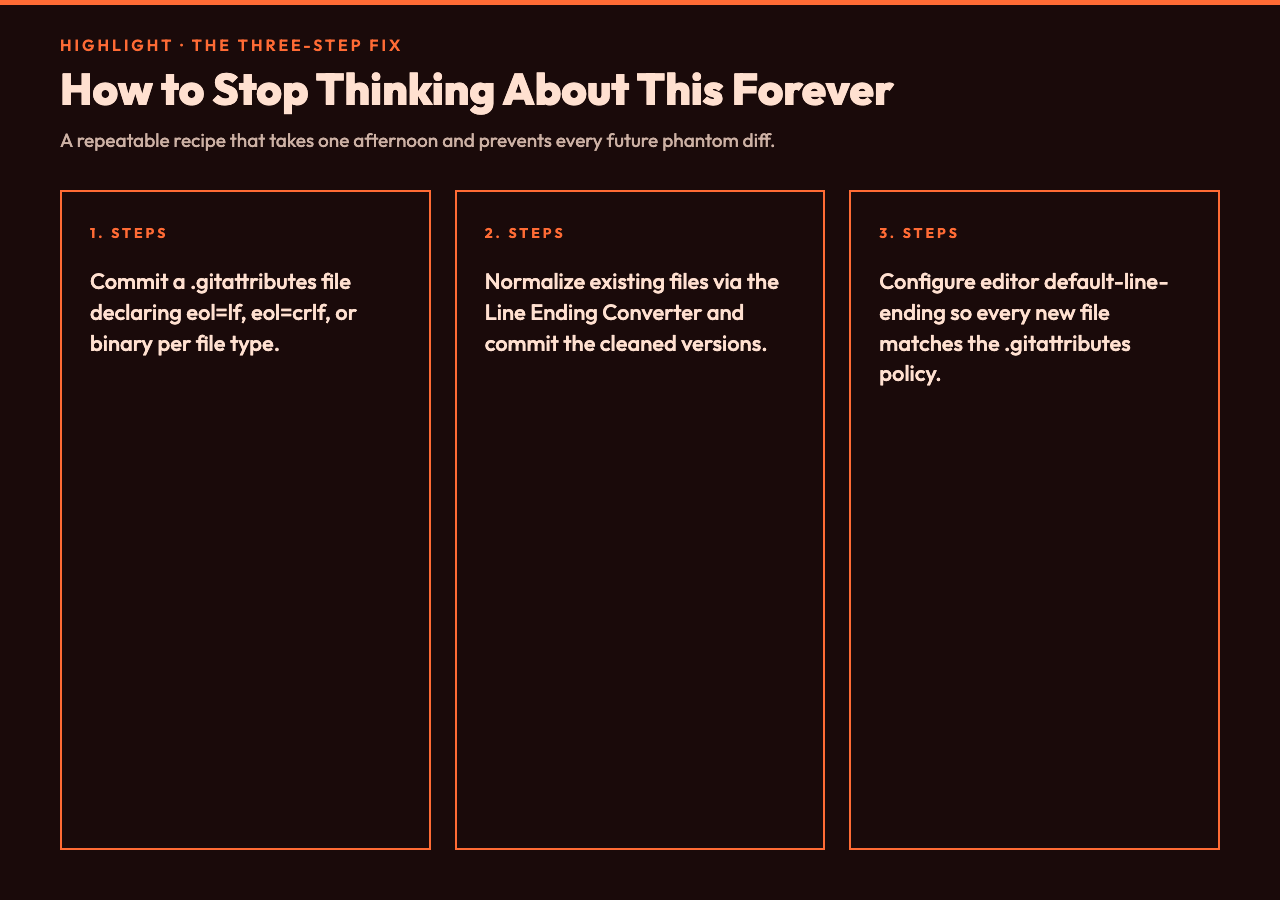
The real answer is to make your editor do the right thing automatically. VS Code shows the current line ending in the bottom-right status bar — click it to change. Sublime Text has Default Line Endings in the user settings. Vim users set fileformat=unix in their vimrc and set fileformats=unix,dos,mac to auto-detect on read.
Pair that with a .gitattributes file declaring your policy and a pre-commit hook that normalizes any stray mismatches. Once these three pieces are in place, the issue stops showing up in code review. The diffs stay clean, the warnings disappear, and the team gets to spend their afternoon on the bug they can see.
Line endings are one of those tiny details that only matter until they do, and then they ruin your afternoon. If your editor, your team, and your CI all insist on different invisible characters, the next question is what other hidden conventions are quietly breaking your builds. Ultimately, is the fix to argue about CRLF, or to make the choice visible once, normalize every file the same way, and move on to the bug that is visible?
