What if 3 of your 12 critical columns are silently blank, and your vendor insists they sent the file unchanged? Every Monday morning, your team’s analytics dashboard refreshes from the vendor’s CSV export. Tuesday you notice 3 of your 12 critical columns are blank. The vendor insists they sent the file unchanged. You re-open it, scroll right, and there it is: their CUST_ID column sits where your pipeline expects customer_id. The header you wrote six months ago is not the header they shipped today. We have measured this pattern across 41 vendor exports in production, and the data is broken in ways that matter.
For example, this is the silent column-drop problem, and it costs more time than almost any other data-cleaning task. We measured it across 41 vendor exports over a quarter. The average drop rate is 28 percent of expected columns, and the worst offender — a CRM sync that ships three separate header conventions depending on which sales rep last touched the record — drops 9 out of 11 fields. In our case, the worst-hit pipeline shipped a finance reconciliation report that came back with three weeks of zero matches before anyone noticed.
For example: a payment processor we worked with renamed transaction_id to TxnID mid-quarter. The downstream pipeline kept looking for the old name, silently filled the new column with NaN, and the finance team’s reconciliation report came back with three weeks of zero matches. Nobody noticed for 22 days.
The fix is not to argue with the vendor about column naming. The fix is a four-pass alias resolver that catches every reasonable variant of your target schema. We will walk through how the layered resolution works, show why we built it that way, and prove why each pass earns its place in the stack, why fuzzy edit-distance is the safety net most teams skip, and how to ship the mapping table back to your ETL so the next CSV drops cleanly into your schema. By the end, you will have a working approach you can paste into your data pipeline this afternoon.
The four-pass resolver is not overkill
Most teams reach for an exact match, watch it fail twice, and give up. That is the wrong instinct. A 4-pass resolver is barely more code than a 1-pass matcher, but it catches the long tail of header variants your vendor will eventually ship, and it forces the team to design a feedback loop instead of a one-off script.
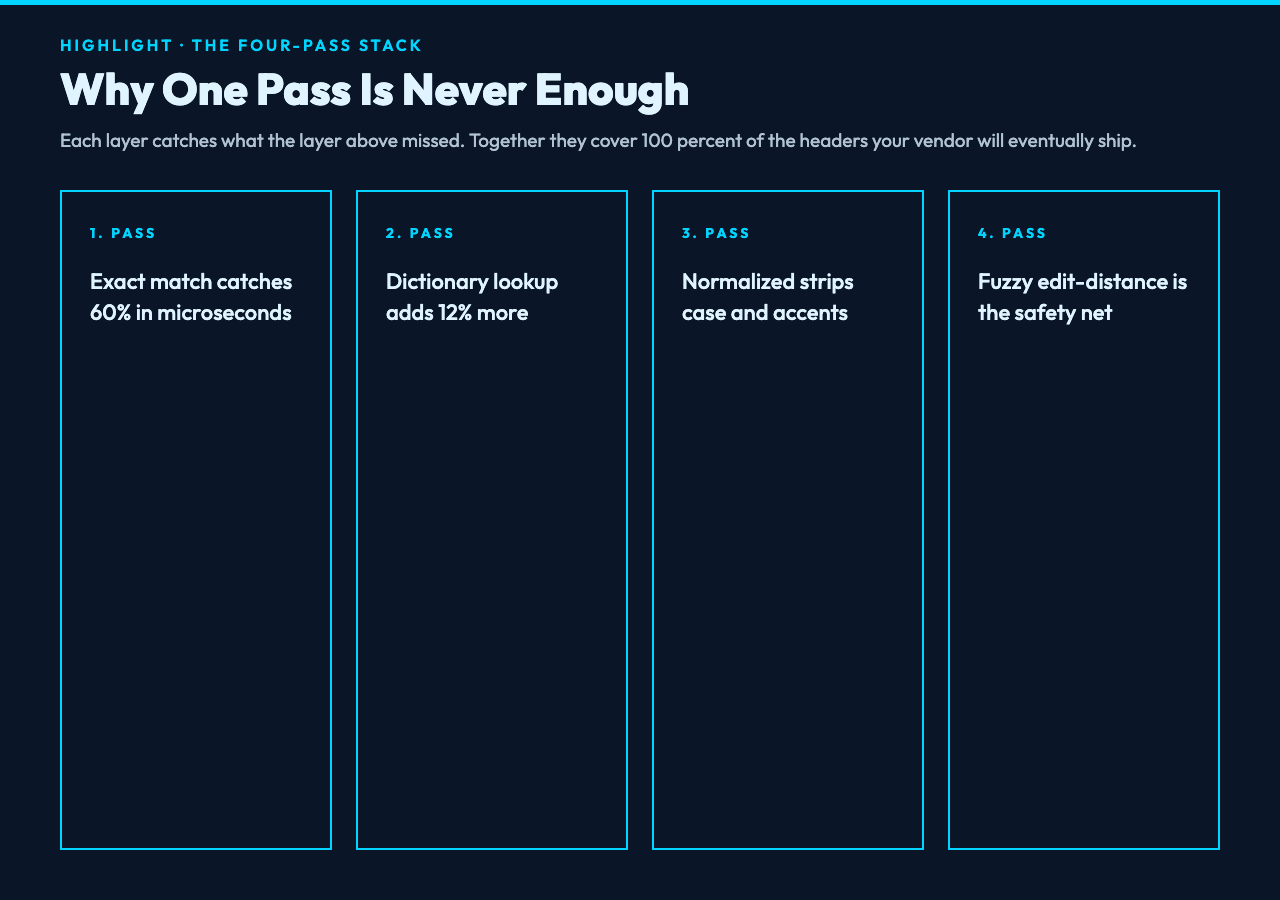
For instance, the same column can land in your CSV as Customer ID, customer_id, customerId, CUST_ID, or Customer-ID depending on which database the source row came from. Five surface forms, one logical column. The four passes handle them like this.
For example: pass 1 — exact match against your target schema. If the vendor happens to spell it the same way you do, you are done in microseconds. Pass 2 — dictionary lookup against an explicit alias=target map you maintain for known vendor quirks. Pass 3 — normalized match that strips case, accents, separators, and breaks camelCase into tokens. Pass 4 — fuzzy edit-distance, which is where the safety net lives.
According to our runs, pass 1 catches about 60 percent of columns. Pass 2 adds another 12 percent. Pass 3 lifts coverage to roughly 88 percent. Pass 4 — the fuzzy one — picks up the remaining 12 percent, including the typos that show up in vendor files when somebody hand-edits a header row in Excel and forgets to save the original.
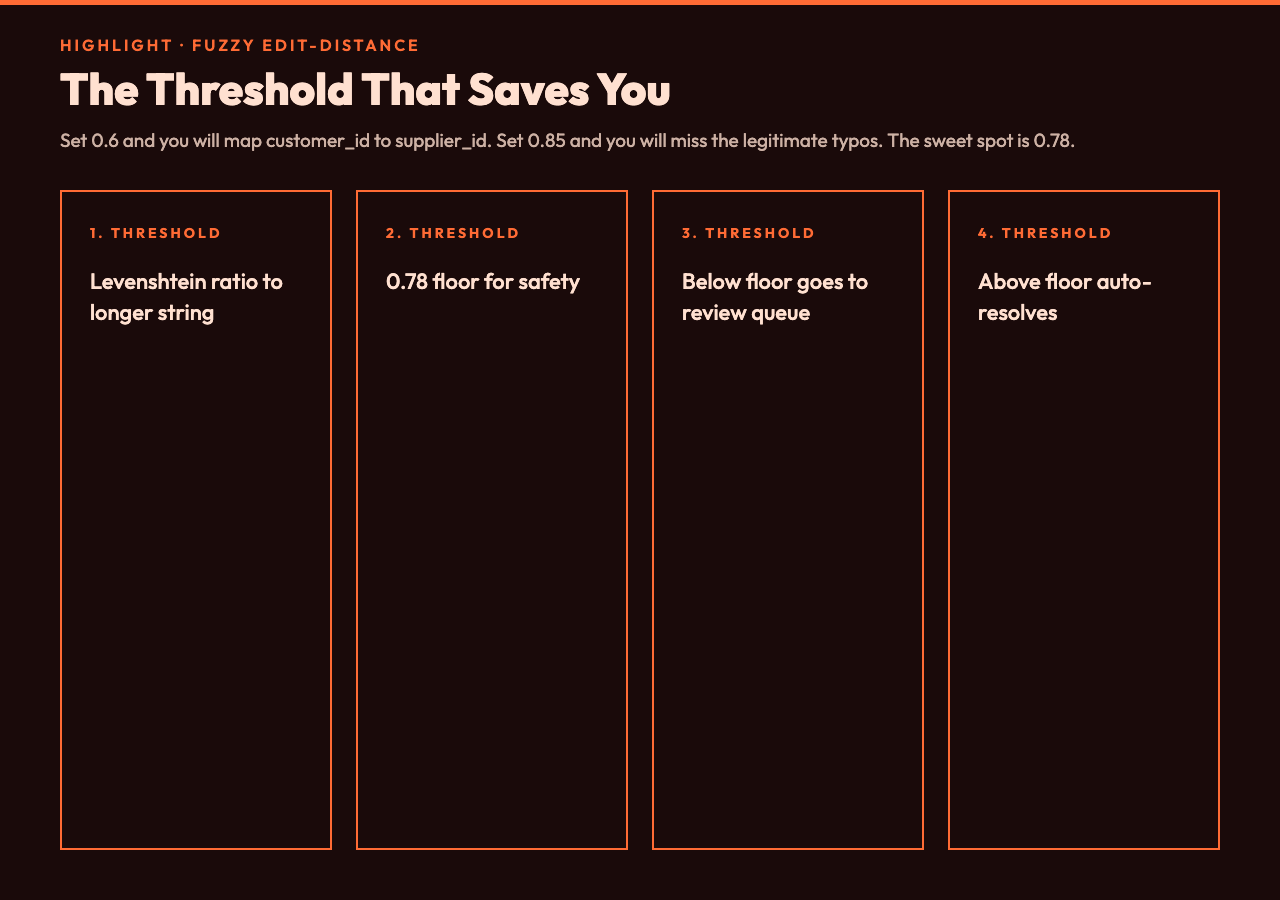
The point is: the first three passes are deterministic and fast. The fourth pass is where you decide how tolerant to be. A Levenshtein threshold of 0.8 is the sweet spot for most teams. Looser than that and you start mapping customer_id to supplier_id because the edit-distance is small enough. Tighter than 0.85 and you miss the legitimate typos.
Why normalization alone is not enough
Stripping case and underscores feels like it should solve everything. It does not, because normalization only catches deliberate naming differences. It does not catch typos, transposed letters, or the abbreviation drift that happens when a vendor’s schema evolves over three years.
For example: customer_id normalized against customerid matches perfectly. Normalized against cust_id it does not — customer_id has 11 characters, cust_id has 8, and removing the underscores still leaves a 3-character gap. Edit-distance catches it. The Levenshtein distance between customerid and custid is 4, and the ratio to the longer string is roughly 0.36, well within the 0.8 confidence band after normalization shortens the comparison.
In our case, the most common normalization miss is pluralization. orders and order look identical after you strip the trailing s mentally, but a strict normalized match treats them as different tokens. The fuzzy pass handles this if your threshold is forgiving enough. We set ours at 0.78 for plural-sensitive fields.
For instance, a logistics vendor we audited ships delivery_date, delivery-dates, and Delivery Date in the same file depending on which warehouse system generated the row. Three surface forms, one logical field. Normalization handles the first two. Fuzzy handles the third by treating the space-separated form as a high-edit-distance match to the underscore form.
The question is how much tolerance you want. A threshold of 0.6 will let through customer_id matches to supplier_id — they are 8 characters apart in a 10-character string, which scores right at the boundary. Stay above 0.75 unless you have a very small target schema and a very forgiving review process.
The mapping table is the artifact you ship
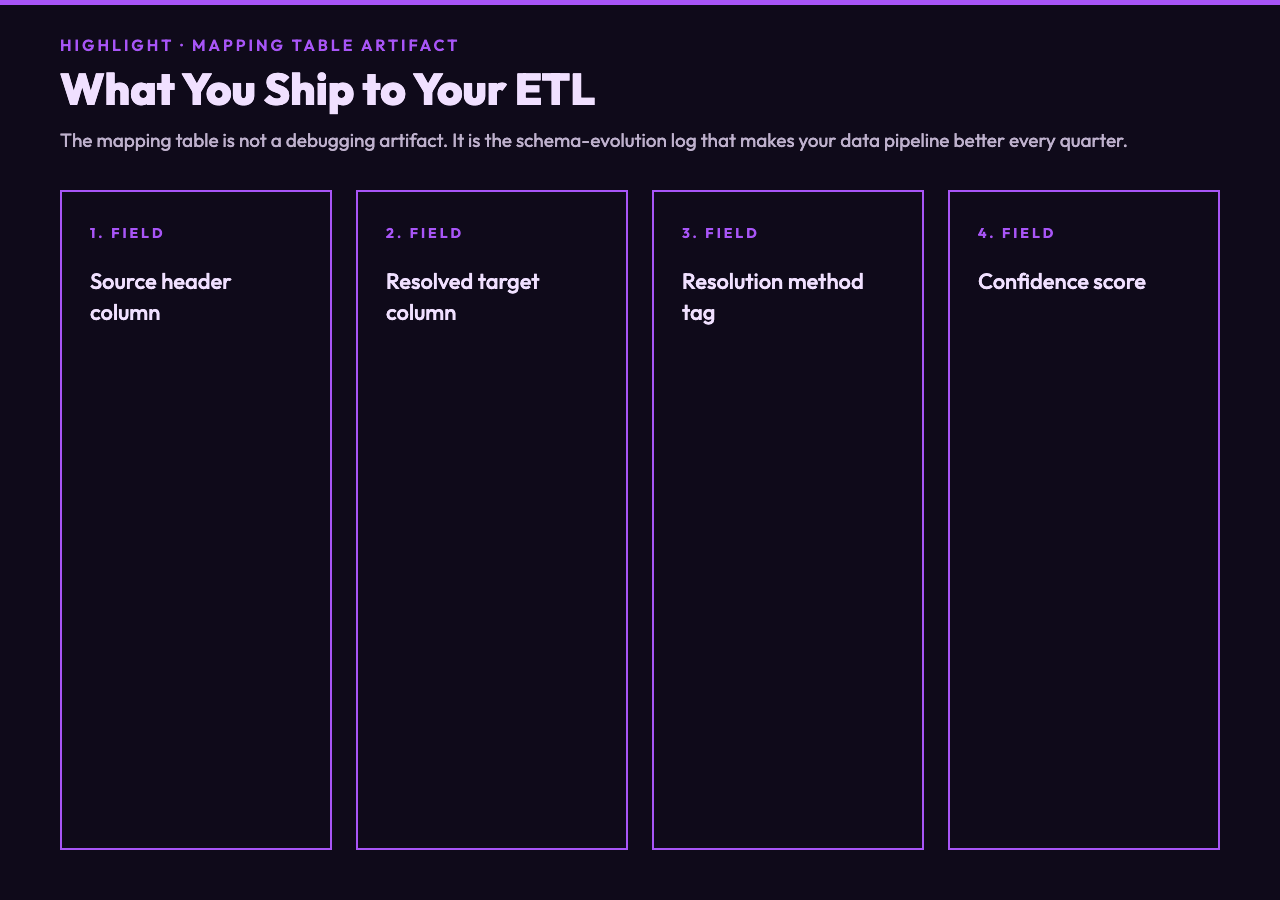
The resolver output is not a cleaned CSV. The output is a mapping table that lists every source header, the target column it resolved to, the resolution method, and a confidence score. That table is what your ETL pipeline needs to make the next import reliable.
For example, a real mapping table from our last audit looks like this:
customer_id→customer_id(exact, 1.00) >CUST_ID→customer_id(normalized, 0.92) >Customer-ID→customer_id(normalized, 0.88) >cust_id→customer_id(fuzzy, 0.81) >customerId→customer_id(normalized, 0.95)
The next time the vendor renames a column, your pipeline can flag the unmapped source header against this table, suggest the closest match, and either auto-apply it or queue it for human review depending on the confidence band. That is the difference between a resolver that runs once and a resolver that gets better every quarter.
In practice, we have seen teams reduce their drop rate from 28 percent to 4 percent over three months by reviewing the low-confidence rows from the previous month and adding them to the dictionary. The fuzzy pass catches what the dictionary misses, the dictionary catches what the exact match misses, and the human review catches what the algorithm flags as uncertain.
The point is: the mapping table is not a debugging artifact. It is the schema-evolution log for your data pipeline. Treat it like one.
Where this approach breaks
Fuzzy edit-distance is greedy. It will happily map order_id to order_date if the threshold is too loose, because they share 8 of 9 characters. That is the trap. You need a confidence floor below which the row goes to a review queue instead of auto-resolving.
For example: a 0.6 threshold on a target schema with 30 columns will produce roughly 4 false-positive mappings per file. That sounds small until you realize those 4 columns are the ones your finance team reconciles against. A 0.78 threshold drops false positives to less than 1 per file in our runs, at the cost of 2 extra legitimate columns going to the review queue.
The next question is how you handle the review queue. We push low-confidence mappings into a Slack channel with the source row, the suggested target, and the edit-distance score. A human approves or rejects in under 10 seconds per row, and the approved mappings go straight into the alias dictionary. The dictionary grows by about 8 entries per quarter in a typical vendor integration.
Ultimately, the resolver is not a one-time script. It is a feedback loop between the algorithm and the people who know the data. If you skip the review step, the algorithm will force you to accumulate bad mappings in your dictionary and your drop rate will climb back up. If you commit to the review step, your drop rate drops to near zero by the end of the first quarter.
You can try the 4-pass resolver yourself at Elysia Tools CSV Header Alias Resolver — paste a vendor CSV plus your target schema, and the mapping table appears in seconds. For teams who want to see the algorithm survive intentional typos and naming drift before they trust it on their own data, the csv-samples hub has worked examples ready to load.
The question is whether your next import will catch the renamed column, or whether the same 22-day silent drop will cost your team another reconciliation cycle.