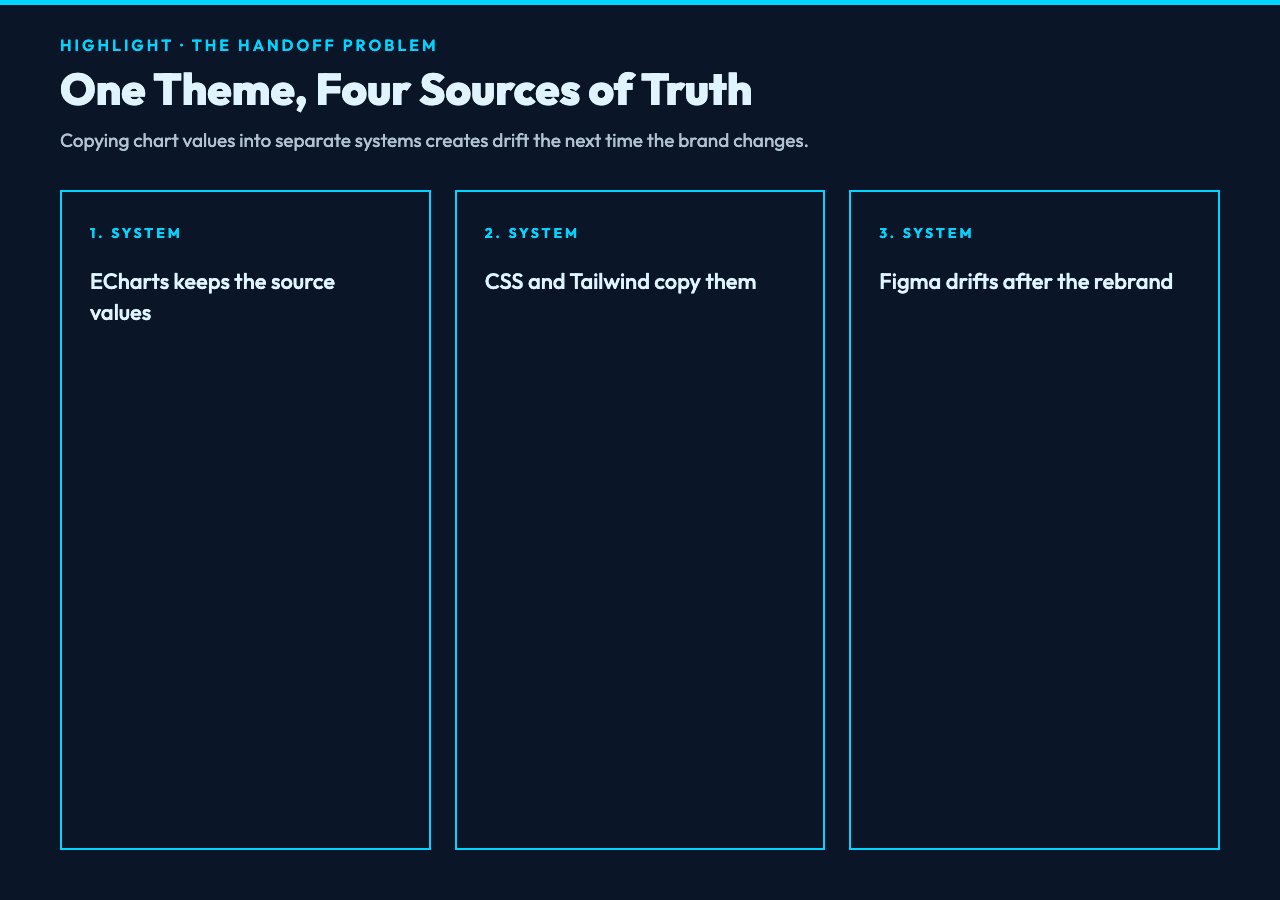
What breaks when 4 teams copy the same chart palette into CSS, Tailwind, SCSS, and Figma by hand? The colors may match on day one, but we have created 4 sources of truth. A later rebrand changes the dashboard while the product UI stays frozen. The chart theme is not the problem; the broken handoff is. Instead of copying values, we can extract a portable token layer once and let each system consume the format it understands.
The theme file is already a token source
An ECharts theme often begins as a practical JavaScript object: a series palette, a background, text styles, axis colors, borders, and spacing values. It was built to make charts consistent, not to serve an entire interface. Yet many of its leaf values are exactly what a design system calls tokens.
The difference is portability. A value such as #5470c6 buried at color.0 has meaning inside ECharts, but it is awkward to reuse elsewhere. A named token such as --chart-color-1 can travel into a component library, documentation site, or visual regression test.
The ECharts Theme Token Extractor turns that buried configuration into an explicit inventory. It walks the JSON object, labels each extractable leaf as a color, number, font value, or string, and records the original source path. That source path matters because an extracted value without provenance is merely another mystery constant.
A chart palette becomes a design system asset only when its values can move without losing their names or origin.
One JSON walk replaces 4 copying sessions
The workflow starts with the same theme object passed to echarts.init(dom, themeName). The compact case may contain only a color array. A richer theme can include backgroundColor, textStyle, title styles, axis rules, and nested series settings.
For example, a small theme with 3 series colors, a white RGB background, and a text style can produce tokens such as chart-color-1, chart-background-color, and chart-text-style-font-size. Selecting a chart prefix makes the ownership visible and cuts collisions with general product tokens.
The extractor deliberately filters noise. It skips booleans, empty objects, formatter-sized strings longer than 60 characters, and numeric z or zlevel values. It also deduplicates the final dash-cased names. That filtering does not prove every remaining number is a useful design decision, but it reduces the review surface from an entire theme object to a compact table.
If you need realistic chart configurations rather than inventing a theme from memory, the Apache ECharts sample library provides chart examples spanning multiple visualization types and dashboards. Use a representative theme from your real product whenever possible; synthetic palettes rarely expose the nested axis and typography decisions that cause drift.
Color normalization is useful, not magical
Color strings are often the first inconsistency to appear. One theme uses white, another uses rgb(255, 255, 255), and a third uses #ffffff. They render similarly, but text comparison and downstream tooling treat them as different values.
The tool can keep colors as written or normalize named colors and rgb() or rgba() values to hexadecimal. An alpha value becomes an 8-digit hex color. Existing hex values remain unchanged. This creates a stable representation that improves diffs and makes duplicate palette values easier to spot.
There is an important boundary: normalization is not semantic deduplication. #fff and #ffffff may still remain distinct because existing hex input is preserved, and HSL strings are detected as colors but are not converted by the current normalizer. The extractor clarifies the inventory; a designer or token pipeline must still decide whether two visually equivalent values should share one canonical name.
That distinction prevents a common mistake. Automation should remove mechanical copying, not silently make governance decisions.
Choose the output that matches the consumer
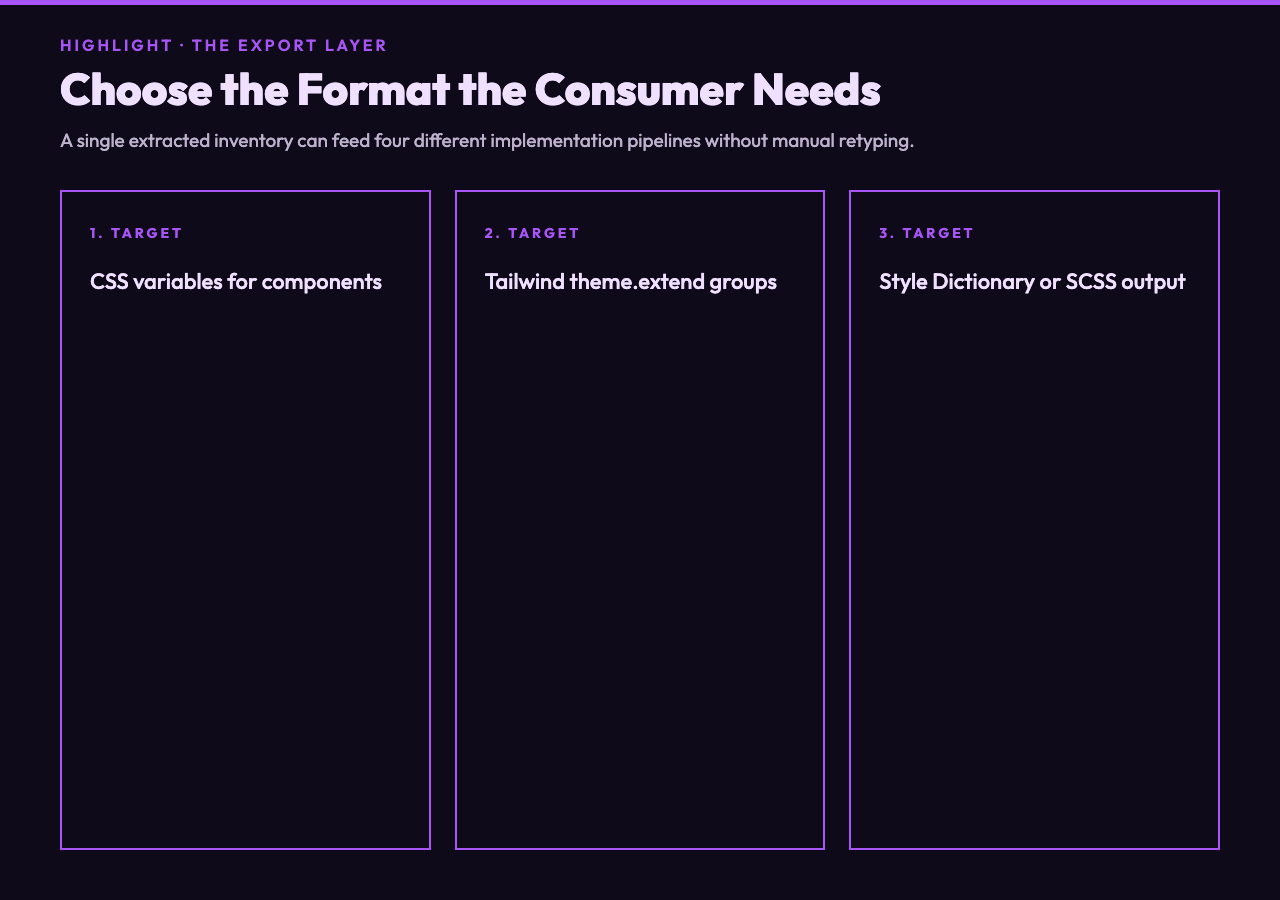
The same extracted inventory can become 4 outputs. CSS mode produces a :root block of custom properties. SCSS mode emits underscore-based variables. Tailwind mode groups colors, font sizes, and remaining numeric spacing values under theme.extend. Style Dictionary mode creates nested token objects with a value and a type.
Each format solves a different handoff:
- CSS variables are the fastest route for browser components and prototypes.
- Tailwind output helps teams connect chart decisions to utility classes.
- Style Dictionary is better when tokens must feed several platforms or build targets.
- SCSS variables fit established stylesheet pipelines that are not ready to migrate.
The choice should follow the consumer, not fashion. If the dashboard and marketing site already share CSS custom properties, generating a Tailwind configuration adds another translation layer. If web, iOS, and Android all need the palette, a structured token pipeline can reduce repeated conversion work.
You can try the extractor here with a small theme first. Compare the generated names with your existing conventions before processing a large configuration. Renaming 12 tokens is cheap; repairing hundreds of imported names after other teams depend on them is not.
Audit the table before you ship the output
The token table is more important than the export button. It shows the kind, generated name, value, and dotted source path for every extracted item. Color rows include swatches, so a reviewer can catch an unexpected transparent value or a near-duplicate palette entry without reading raw JSON.
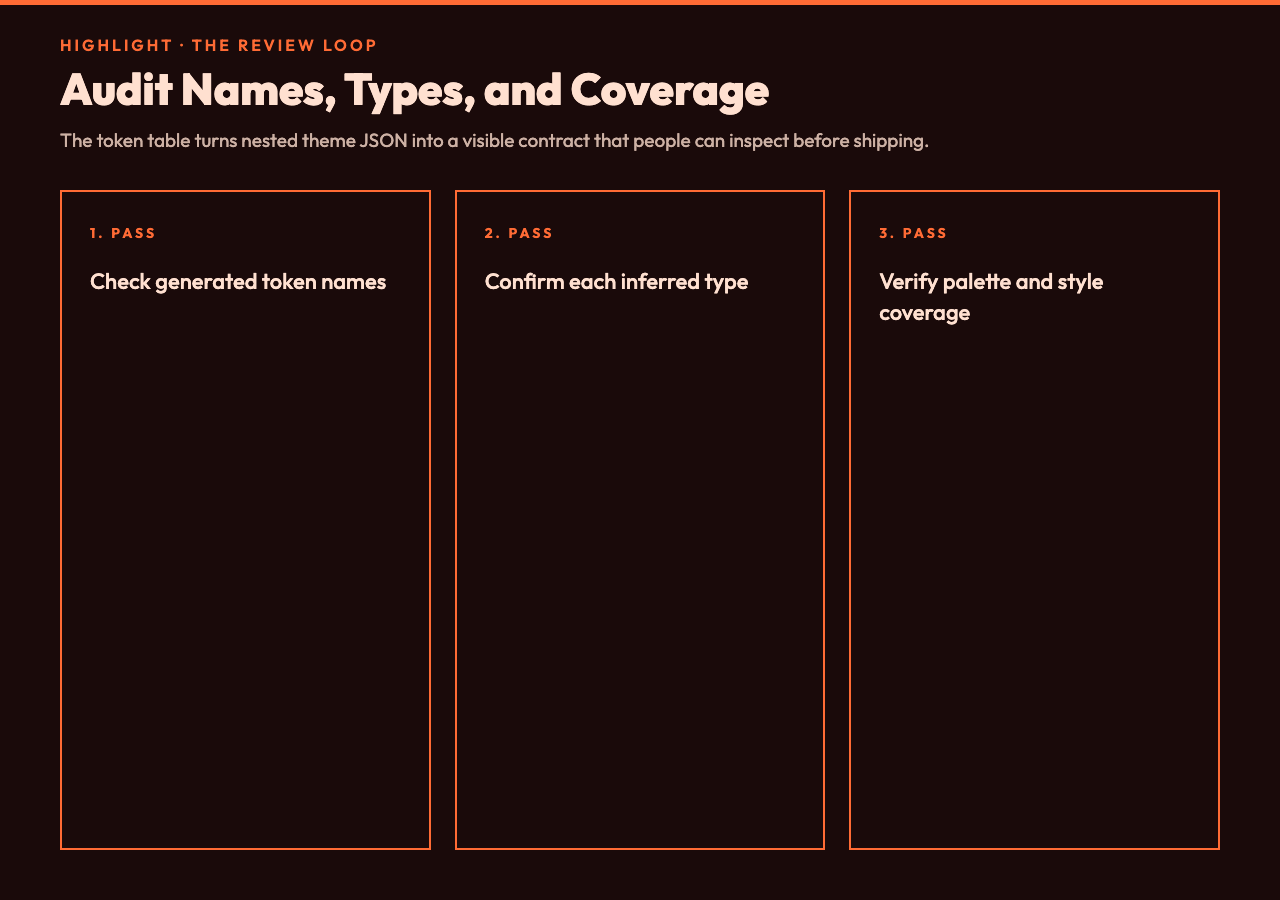
A practical review uses 3 passes. First, inspect names: do title-text-style-font-size and axis-label-color match the vocabulary your team uses? Second, inspect types: did a numeric configuration value land in spacing even though it represents a chart algorithm parameter? Third, inspect coverage: are important axis, legend, tooltip, and emphasis colors present?
For example, compare a default-like palette and a denser dashboard theme from the ECharts examples. The first proves the naming path. The second reveals whether nested styles, 5-color palettes, and typography rules survive the handoff. According to the tool’s own warnings, a theme with no detected colors or fewer than 3 color tokens deserves a second look.
This audit is where the extractor creates leverage. It does not replace review; it changes review from hunting through nested JSON to evaluating a visible contract.
Put the generated tokens under version control
Once the names are approved, commit both the source theme and generated token artifact. A pull request can then show whether a chart change modifies only ECharts behavior or also changes shared design decisions. That evidence is useful during rebrands, accessibility work, and dashboard redesigns.
Keep generation deterministic. Use one prefix, one normalization mode, and one output format per target. Record those choices in a script or build task rather than relying on a person to remember dropdown settings. The extractor itself is offline and deterministic, so the remaining variability comes from the input and selected options.
For large themes, also watch the presentation limit: the on-page token table previews up to 200 rows, and the rendered code preview is shortened after 8,000 characters. Start with a focused theme or split unrelated chart families before treating the browser preview as a complete migration artifact.
The next question is not whether one more color can be copied safely. The point is whether the next rebrand should force 4 teams to rediscover the same decisions. Ultimately, a portable token contract changes the work: designers can review names and intent, engineers can build against stable outputs, and chart owners can change a theme without hiding the consequences. If the values already exist, why keep moving them by hand when we can make their path explicit?