8 Free JSON Tools Every Developer Needs in 2026
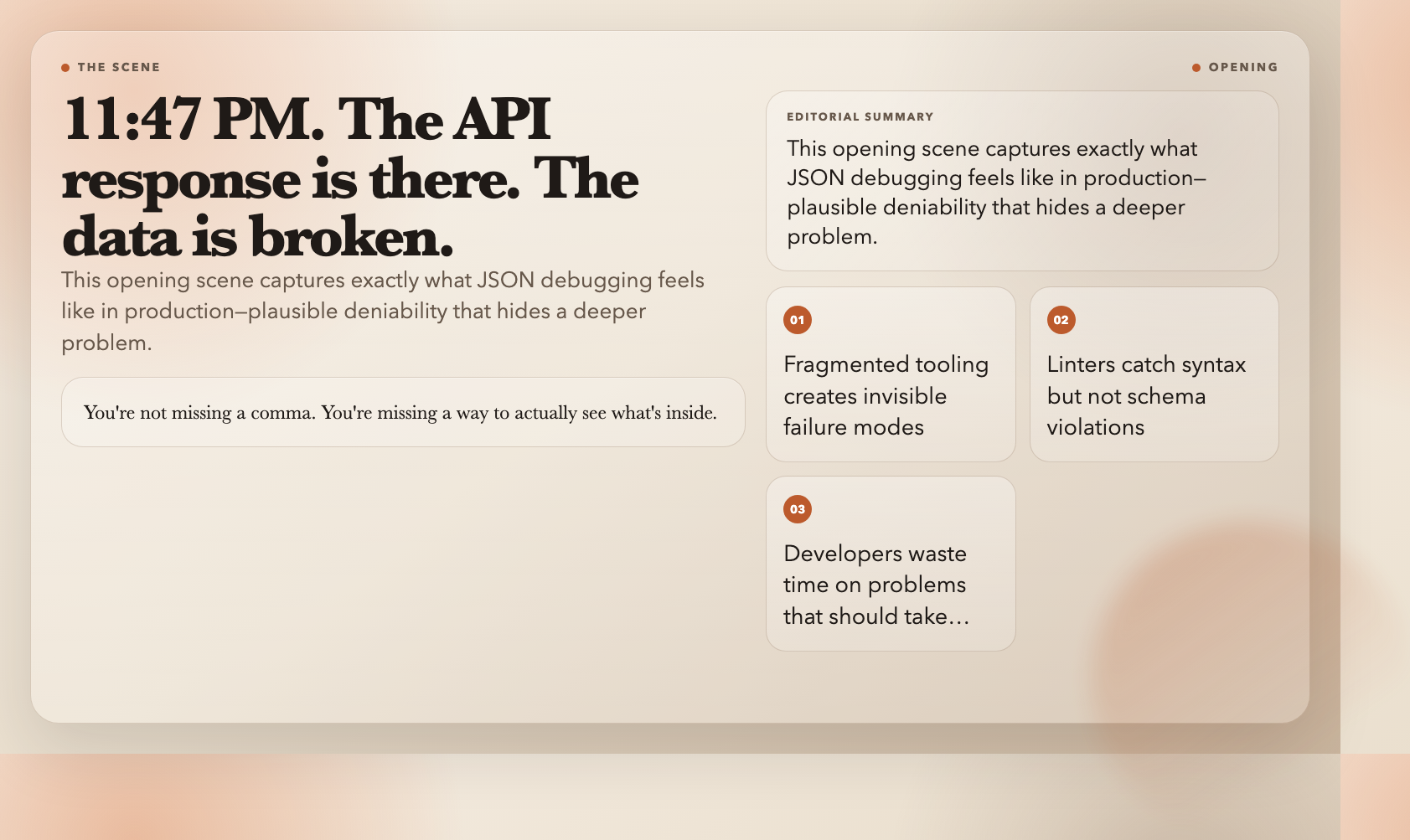
At 11:47 PM, an API response breaks your payment pipeline. The data is there. The schema looks right. But something in the nested JSON is wrong, and your linter isn’t telling you what. You’re not missing a comma. You’re missing a way to actually see what’s inside.
JSON is the lingua franca of modern APIs, configs, and data pipelines. But the tooling ecosystem around it is fragmented—browser tabs full of unverified validators, VS Code extensions that stop short of schema validation, and one-off scripts that corrupt data silently when you’re not watching. The result: developers spending real time on JSON problems that should take seconds.
These 8 tools on ElysiaTools handle the JSON work that shows up in production: validation, formatting, conversion, querying, merging, patching, and code generation. No signup. No install. Open the browser and go.
#
1. JSON Schema Validator
The tool: JSON Schema Validator
What it does: Validates any JSON document against a JSON Schema, using the AJV library under the hood with support for all major schema drafts.
API contracts break in production because no one validated the payload against the schema before shipping. JSON Schema Validator catches this before it reaches users. Paste your schema, paste your data, and it tells you exactly which fields failed—not just “invalid” but the specific path and constraint that broke.

This matters for teams using OpenAPI or AsyncAPI specs, where the schema is the contract. You can integrate schema validation into a pre-commit hook or a CI pipeline, but the browser tool handles quick ad-hoc checks during debugging just as well.
#
2. JSON Formatter
The tool: JSON Formatter
What it does: Formats, validates, and prettifies JSON with configurable indentation.
Paste a minified API response or a linter-generated one-liner, pick your indent size, and get back clean, readable JSON. Formatting doubles as a syntax check—the tool validates JSON as part of the process.
The 2-space indent option matters: Git diffs on 2-space-indented JSON are dramatically more readable. If you work with ESLint, Prettier, or TypeScript configs, formatting isn’t cosmetic. It’s a consistency requirement.
#
3. JSON to CSV Converter
The tool: JSON to CSV Converter
What it does: Converts JSON arrays (or nested array fields) to CSV with configurable delimiter, quoting, headers, and date formatting.
Every non-technical teammate who needs data from your API asks for it in Excel. JSON to CSV Converter solves that directly. Feed it an array of objects, configure how nested fields are handled, and download a CSV that opens correctly in Excel or Google Sheets.
The tool supports custom delimiters (comma, semicolon, tab), handles quoted fields, and lets you choose whether to include headers. Manually flattening nested JSON to paste into a spreadsheet is exactly the workflow this tool replaces.
#
4. JSON to Markdown
The tool: JSON to Markdown
What it does: Converts structured JSON data into a formatted Markdown table.
Documentation workflows often need data in Markdown tables—API parameter descriptions, feature comparison matrices, pricing tables. JSON to Markdown takes structured JSON and renders it as a clean Markdown table, which means you can keep your source of truth as JSON data and generate docs programmatically.
This is particularly useful for tools that auto-generate READMEs or changelogs from structured data. Build pipelines that output JSON summaries can pipe directly through this converter to keep documentation in sync—no manual copying required.
#
5. JSON Path Extractor
The tool: JSON Path Extractor
What it does: Extracts specific values from complex JSON using JSONPath or JMESPath query expressions.
JSONPath is to JSON what XPath is to XML—a query language for navigating nested structures. JSON Path Extractor lets you write a path expression and instantly see all matching values. Need every `user.email` from a nested API response? One expression. Need the third item in a `results` array? One expression.

This is the tool to reach for when `grep` doesn’t cut it and writing a parser script feels like overkill. It also works as a learning tool—replacing copy-pasted extraction snippets with a JSONPath expression is a skill that transfers across any programming language.
#
6. JSON File Merger
The tool: JSON File Merger
What it does: Merges multiple JSON files using configurable strategies—deep merge, overwrite, combine arrays, or custom conflict resolution.
Most developers manage multiple JSON config files across environments: `config/dev.json`, `config/staging.json`, `config/prod.json`. JSON File Merger handles combining them, resolving conflicts according to rules you specify—not last-write-wins.
It supports deep merging (nested objects merged field by field), array combining (append or deduplicate), and explicit conflict resolution for overlapping keys. Infrastructure-as-code setups—where feature flags, toggles, and environment variables span multiple JSON files—are the primary use case.
#
7. JSON Patch Tool
The tool: JSON Patch Tool
What it does: Applies JSON Patch operations (RFC 6902) to modify JSON data without replacing the entire document.
RFC 6902 defines a standard patch format for JSON: instead of sending a full replacement document, you send a sequence of operations (`add`, `remove`, `replace`, `move`, `copy`, `test`) that describe exactly what changed. JSON Patch Tool lets you compose and apply these operations in the browser.
Build optimistic UI, sync state between clients and servers, or implement audit trails for config changes—all by recording deltas instead of wholesale replacements. The patch document itself becomes your audit log.
#
8. JSON to GraphQL Converter
The tool: JSON to GraphQL Converter
What it does: Converts structured JSON data into GraphQL query or mutation format, with configurable query names and types.
If you’re building a GraphQL API and need queries that match an existing data structure, JSON to GraphQL Converter eliminates the boilerplate. Paste a JSON object, name the query, and it generates a properly formatted GraphQL query or mutation.
During schema design and API prototyping, this tool accelerates the workflow: generate a scaffold from real data and refine it, rather than hand-writing queries field by field. It also helps teams onboard to GraphQL by showing the query shape that corresponds to actual data.

#
The Unfinished Problem
These 8 tools handle the JSON operations that surface constantly in real work—validation, formatting, conversion, querying, merging, and patching. They run in a browser, cost nothing, and require zero setup.
Here’s what they don’t solve: the collaborative problem. When three people edit the same JSON config across environments, none of these tools prevent the overwrite. The tools handle individual operations cleanly; the coordination layer is still yours to architect. ElysiaTools offers API access and MCP integration if you want to embed these operations into automated pipelines—but collaborative JSON editing is a genuinely open problem that no browser tool fully addresses yet.