
Two real lists, one canonical row. A customer roster exported yesterday and the same one exported today share an id column, a signup_date, and 41 phantom duplicates that crept in from a CRM sync. The Data Deduplicator at Elysia Tools collapses that gap in a single pass — multi-column key, fuzzy threshold, choice of survivor — without re-importing anything.
The pitch is simple: the deduplicator is the layer between a CSV that arrived from somewhere and a database row that needs to be unique. It accepts the malformed header (email vs Email vs email_address all collapsed by case-insensitive matching), it tolerates the OCR slip ([email protected] matched against [email protected] at fuzzy threshold 80), and it surfaces the collisions that exact equality would have hidden (three rows sharing [email protected] but typed differently by three different sales reps). For data teams that live between CSV exports and downstream tables, it is the most-used tool of the week.
Where dedup beats a hand-rolled UNIQUE constraint
SQL’s UNIQUE clause enforces uniqueness but operates at write time, on rows the database has already accepted. Most real duplicates never reach the database in the first place — they live in CSVs that arrived from an email vendor, a CRM export, a survey tool, or a signup form before any schema existed. The Data Deduplicator handles the post-hoc case: rows already on disk, sometimes already joined to other tables, with collisions that only become visible when you try to import a second source. For the pre-hoc case (preventing the duplicates from ever arriving) the database constraint is the right tool — but for the cleanup case that lands on your desk on a Tuesday, dedup is the only sane answer.
How the Data Deduplicator resolves a CSV row collision
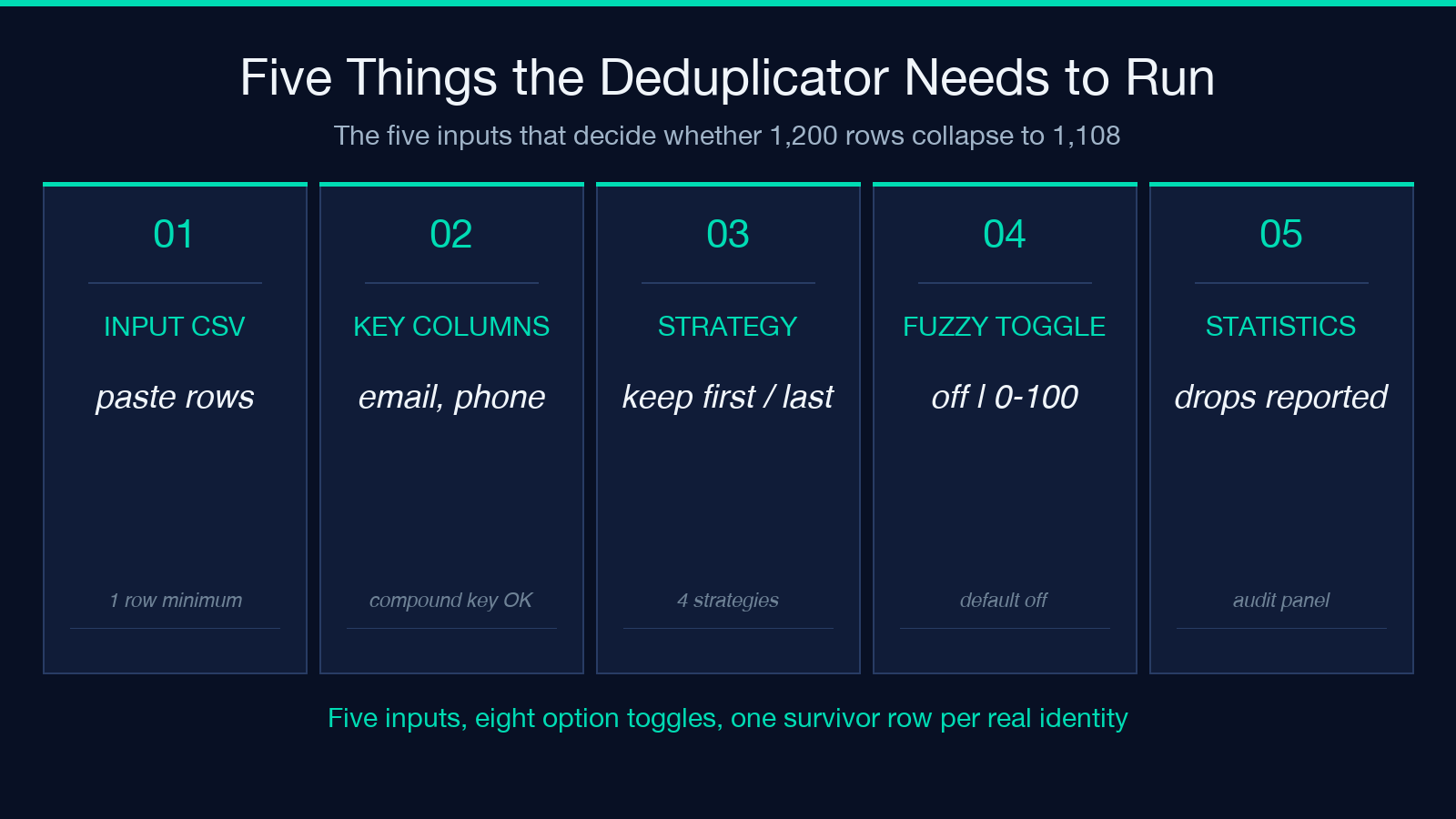
Paste the CSV into the Input CSV Data box, declare a key in Deduplication Columns (email, phone, or email, phone for a compound key), and pick a strategy. Four are exposed in the UI: keep first, keep last, keep most complete (the row with the fewest empty cells wins), and keep longest (largest sum of non-whitespace characters). For customer-list hygiene, keep most complete tends to beat keep first because the most-recent import usually arrives last but still has blank fields the original did not. Whitespace trimming and case-insensitive matching default on; toggle them off when the source preserves intentional casing.
Fuzzy matching closes the gap that exact equality leaves open
Alice Smith and Alice Smith and alice smith are three different strings but one identity. Set Enable Fuzzy Matching to on, choose a threshold between 0 and 100 (the slider exposes integer steps), and the engine runs a token-similarity score across the declared key columns. 80 is a sensible default for human-typed data; drop to 65 for OCR-scraped lists where letter substitutions are common. Above 90 you are back in exact-match territory and the slider adds nothing.
The token-similarity score is computed at the row level: each declared key column contributes a sub-score, and the row is considered a match if the lowest sub-score still clears the threshold. That means a compound key like email, phone will not be falsely collapsed just because one column matches strongly while the other is wildly different — both columns must individually cross the bar. For single-column keys the threshold is the row-level threshold directly. Be aware that two near-duplicates separated by a different middle initial (Jon Smith vs Jonathan Smith) at threshold 65 will merge; at threshold 85 they will not. Pick the threshold that matches the worst typo rate in your source, not the best.
What survives a deduplication run, in numbers
* 8 distinct input options — input, key columns, strategy, fuzzy toggle + threshold, case sensitivity, whitespace trim, original-order preservation * 3 deduplication strategies exposed in the UI (keep first / keep last / keep most complete), plus the implied keep longest fallback for long records * 1 survivor per key collision (always — the tool never emits a partial duplicate) * 0 silent merges — every drop is reported in the Duplicate Statistics panel so the operator can audit the rule
When to keep first vs keep most complete
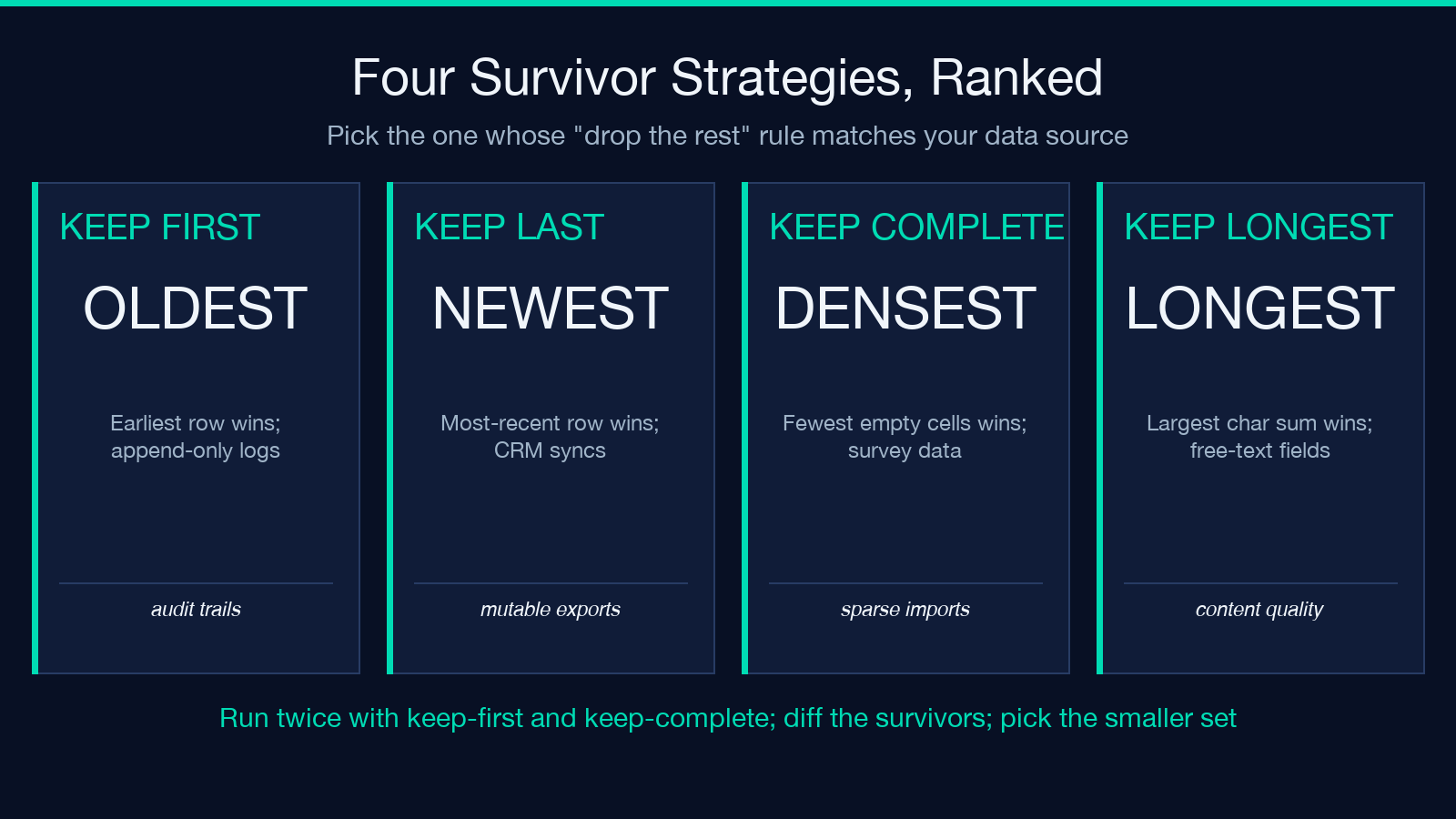
* Keep first — append-only logs, audit trails, or any stream where the earliest record is the source of truth * Keep last — CRM syncs where the most-recent export supersedes prior values for mutable fields * Keep most complete — survey responses or any list where richer rows trump newer-but-sparser rows * Keep longest — free-text fields where volume of content signals better data quality
If you cannot decide, run the same list twice with keep first and keep most complete, diff the survivors, and pick the smaller set. Smaller is not always better but it is almost always more honest.
Pairing the Deduplicator with upstream normalizers
The tool assumes your CSV is well-formed. If the upstream export uses inconsistent delimiters, mixed quoting, or trailing commas, run the result through a normalizer first — the Array Analyzer reports schema drift across rows, and Column Remover strips noise columns before you declare your key. Doing normalization upstream means the dedup key has nothing to second-guess.
A common pattern is the normalizer → deduplicator → sorter pipeline. Normalize (lowercase, trim whitespace, fix delimiter mismatches), dedup on a compound key (email, signup_date), then sort by last_activity_at desc so the keep last strategy leaves the most-recently-active row at the top of each cluster. The same three-tool pipeline, when written once as a shell script or a small DAG, will save a data analyst hours of one-off cleanup work the second time a CRM export arrives in a different shape.
What the Duplicate Statistics panel tells you
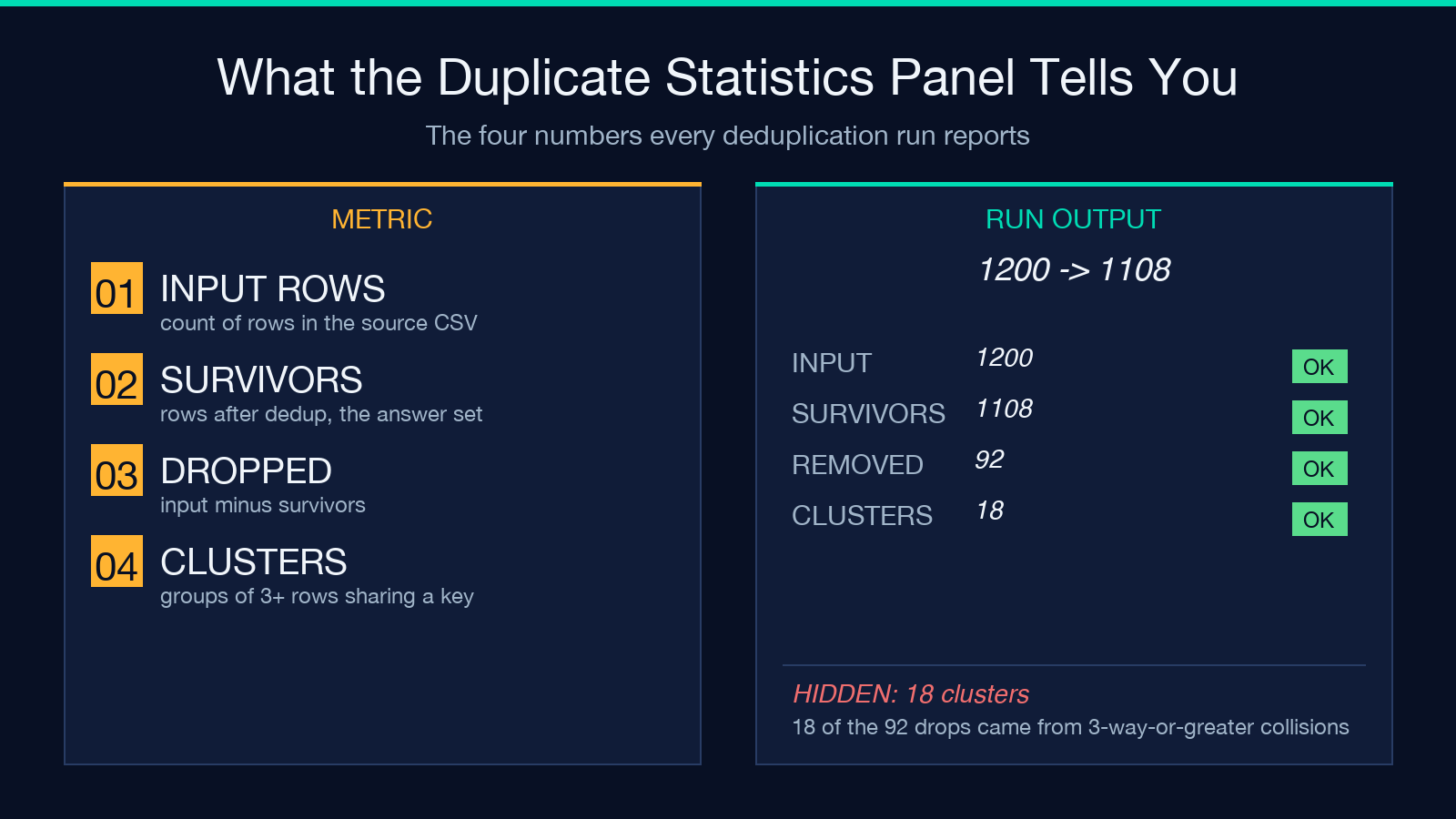
Three numbers are exposed per run: total input rows, distinct survivors, duplicates removed. For larger CSVs the tool also reports intra-key collisions — cases where more than two rows share a key, the kind of cluster that exact match hides if you do not look at the count. A run that reports 1200 → 1108, 92 removed, 18 clusters is signalling that 18 of those 92 drops came from 3-way-or-greater collisions worth a manual look.
Putting it together
The Data Deduplicator is not a one-trick deduplicator. Multi-column keys, fuzzy matching, four survivor strategies, and a statistics panel make it a complete row-resolution layer for the kind of CSVs that arrive from real exports — mixed casing, stray whitespace, partial duplicates, and three-way clusters. For the common case (a CRM export + a signup export + an email-list import all meeting in one sheet) the workflow is: paste, declare a compound key, choose keep most complete, set fuzzy to 80, run. The output is one canonical row per real identity and a count you can defend.
Explore more row-resolution tools at elysiatools.com.
