
The p-value is the headline number, but it is the headline number that misleads most A/B test reviewers. Stare at p = 0.031 and assume the experiment shipped real lift, and three weeks later you will wonder why the metric reverted to baseline. Run the same review through an A/B test significance calculator that also reports lift, the 95% confidence interval, and the sample size required to detect an effect that size at 80% or 90% power, and the story changes. The calculator does not invent statistics out of thin air — it runs a pooled Z-test for proportions and a Welch t-test for continuous means, then prints a verdict with the moving parts visible side by side. The tool itself lives at Elysia Tools A/B Test Significance Calculator; everything below is the field guide to feeding it good inputs and reading the verdict defensively.
Why the p-value alone is not enough
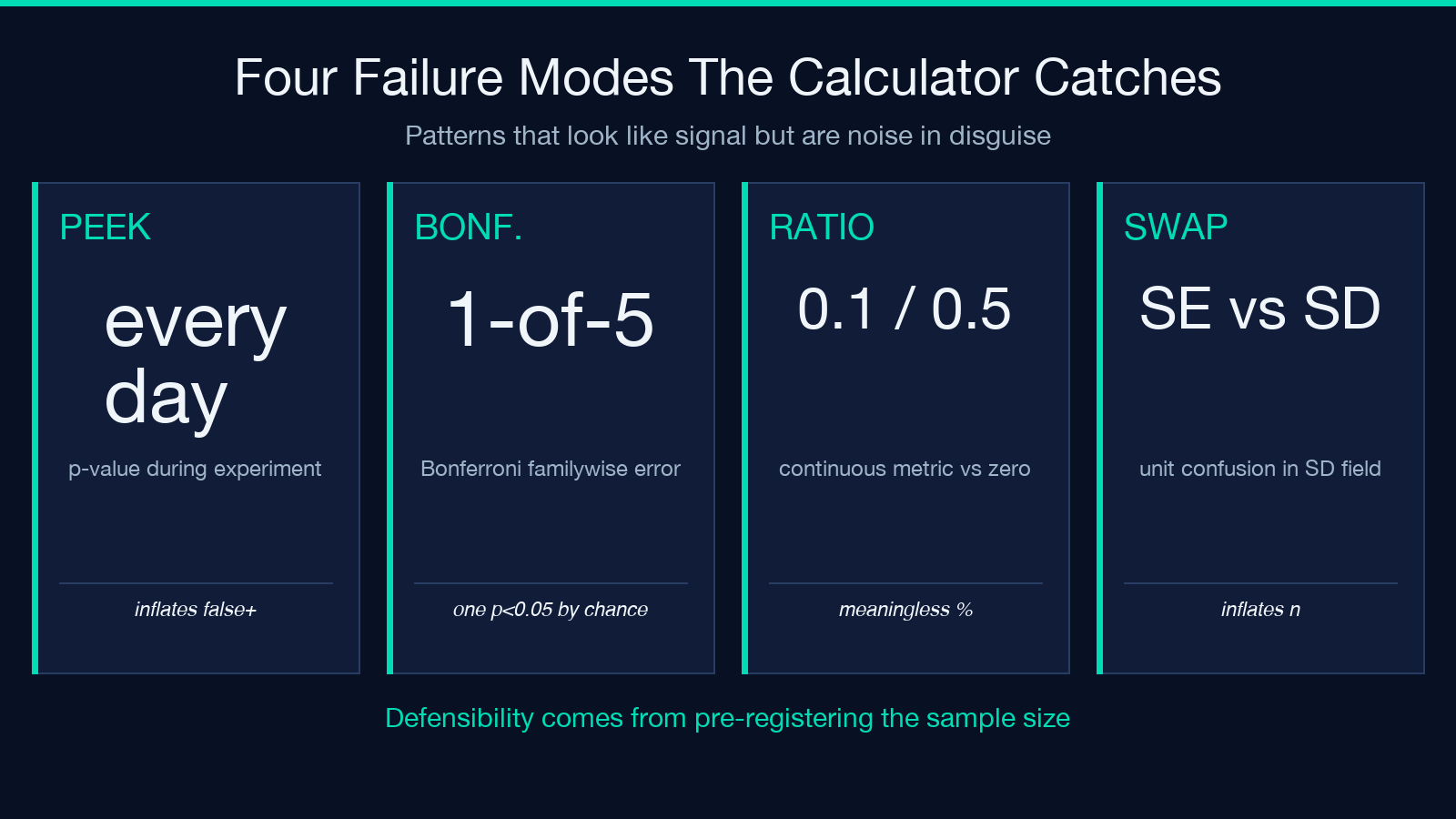
A two-sided p-value answers one question: if there were no real difference between control and treatment, how rare would results this extreme look? That is the right question to ask before declaring victory, but it is silent about the size of the difference, the plausible range the effect size lives in, and the cost of running the experiment until it stops being noise. A p-value of 0.04 on a 0.1% lift over 24 hours of weekend traffic is statistically “significant” and operationally irrelevant. The reverse case is also common — a 10% lift that fails the 95% threshold because the sample is too small, which is a power problem, not a treatment problem. Tools that report only the p-value hide both. They also hide the multiple-comparisons trap: when five product teams run five experiments against the same control window, the chance that at least one p-value drifts below 0.05 by chance alone is roughly 23%, not 5%. The Bonferroni correction exists for this reason, and a calculator that surfaces it saves you from declaring a winner that was always noise.
Reading the inputs — proportions vs continuous means
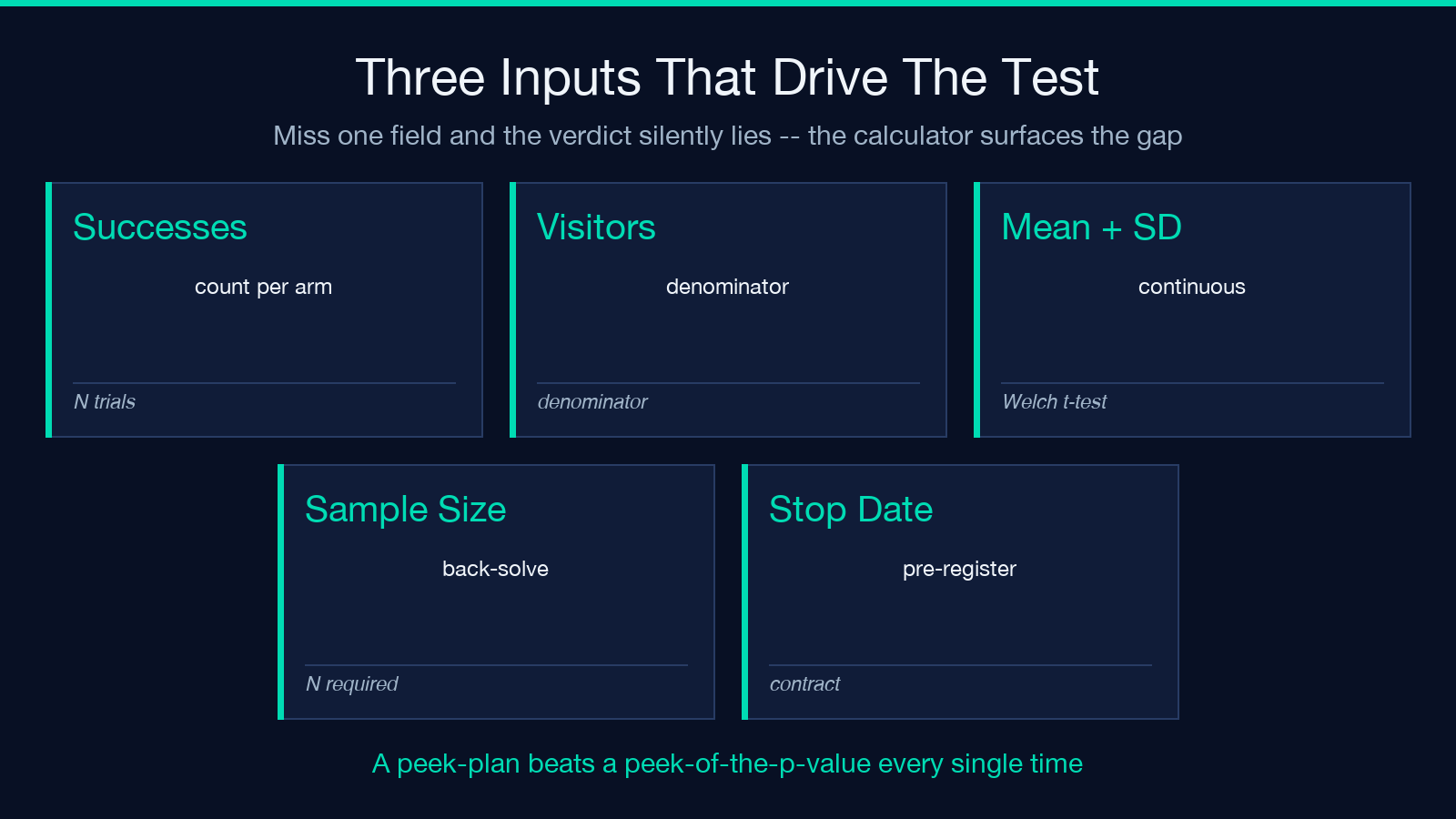
The two test types are different computations and require different fields. For a conversion-rate experiment (checkout success rate, email signup rate, click-through rate) feed in successes and visitors per variant, not the converted percentage. The calculator runs a pooled Z-test on those counts because the variance of a proportion depends on its mean, which is exactly what the pooled formula accounts for. For a continuous metric (average order value, time on page, revenue per user) feed in the mean, the standard deviation, and the sample size per arm. The calculator runs a Welch t-test with Welch–Satterthwaite degrees of freedom, which does not assume equal variance between control and treatment — an important detail when one arm has heavier-tailed users than the other. Most teams hit the wrong fields on first try: pasting percentages into a proportions form, or pasting min/max into a continuous form. The calculator accepts the four required fields per arm and refuses to compute until each pair is consistent.
Lift and the confidence interval
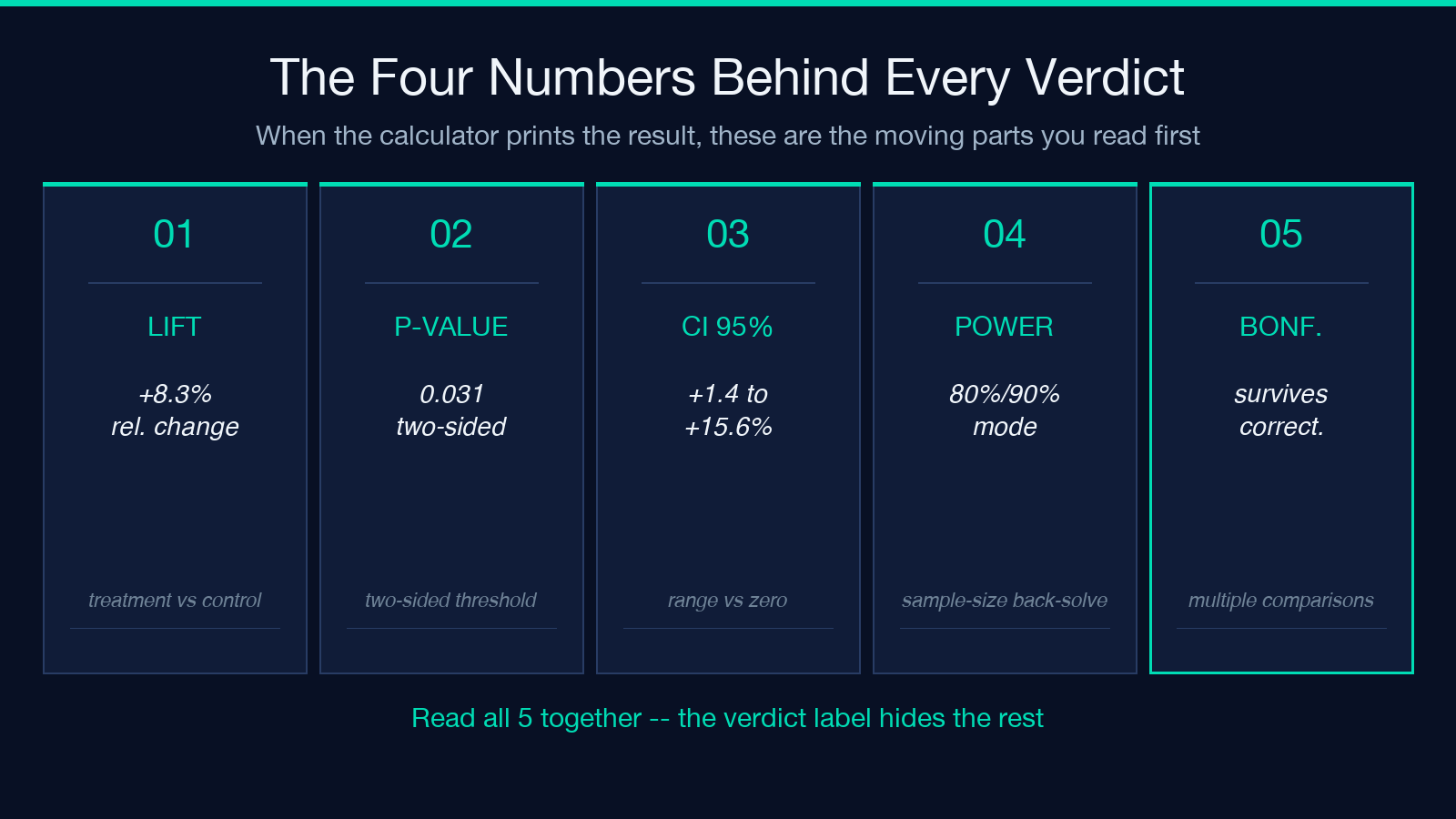
Lift — the relative change between control and treatment — is the number the marketing dashboard wants. A treatment that converts 5.2% vs control 4.8% shows 8.3% relative lift, and the confidence interval around that lift is what tells you whether the range contains zero. If the 95% interval is `+1.4% to +15.6%`, the true lift could plausibly be very small or modestly impressive, and you need more data before betting the next quarter’s roadmap on it. If the interval is `+7.0% to +9.7%`, you have a result that survives most reasonable skeptical challenges. The calculator prints the lift and its CI side by side with the verdict so you cannot read past the range without seeing it. For continuous metrics the same logic applies to the absolute difference (treatment mean minus control mean) and its interval; do not compare means by ratio when the control mean is near zero, because a 0.1-second difference on a 0.5-second baseline is not “20% faster”, it is meaningless.
Sample size and how long to run the experiment
Once you decide the minimum lift you care about detecting (e.g. relative lift of 5% or absolute ARPU change of $0.50), the calculator back-solves the sample size per variant required to detect that effect at 80% or 90% power with α = 0.05. The recommended experiment days are then a function of your daily traffic and the traffic split (50/50 vs 90/10). The mistake everyone makes is to launch an experiment, peek at the p-value every morning, and call it the moment it crosses the threshold. Peeking inflates false positives — the sequential-testing warning exists specifically because interim looks under α = 0.05 are no longer testing at α = 0.05. The calculator surfaces that warning and points you to always-valid sequential methods (mSPRT, group sequential) or to the simple discipline of pre-registering the sample size and waiting for it. The 80% power default catches most cases; switch to 90% only when the cost of a false positive is genuinely high (pricing changes, hero redesigns, anything that touches brand).
Bonferroni and the family-wise error rate
If five teams run experiments against a shared control on the same week, each p-value is compared against 0.05 and one of them will probably be under threshold by chance. The Bonferroni correction divides α by the number of comparisons (0.05 / 5 = 0.01 per test), which is conservative but easy to compute and explain. The calculator tells you whether the result survives the correction at the number of comparisons you declare; if you ran two variants against one control you have two comparisons, not one. Holm–Bonferroni and Benjamini–Hochberg are less conservative and worth using when the comparison count is large. None of these corrections fix a bad design — if the experiments share users without a hash-randomized split, the calculator cannot rescue the conclusion and the verdict should be ignored.
Common input mistakes the calculator catches
Most misuses do not show up as math errors — they show up as inputs that look plausible but violate an assumption. Pasting a converted percentage into a proportions form leaves the calculator unable to compute a variance because the denominator is missing; the form will demand visitors. Pasting a 30-day average into a continuous mean, when the treatment only ran for 14 days, hides seasonality into the comparison; the calculator does not know the window you chose, so the responsibility is yours. Pasting two SEs from a chart into the SD field is a unit confusion that disproportionately inflates significance — SD is the spread of individual observations, SE is the spread of means. Pasting min/max as SD underestimates the variance and turns a noisy experiment into a “significant” one. The calculator reports the input fields verbatim in the result, which makes discrepancies easier to spot in review than they would be buried in a notebook.
Sequential testing — the peeking trap
Repeatedly checking the p-value while the experiment runs and stopping the first time it dips below 0.05 inflates the false positive rate. The naive “look once, test at α = 0.05” trick does not survive multiple looks. Always-valid sequential methods (mSPRT, mixture sequential testing, group-sequential designs with α-spending) preserve the type-I error at every look. The calculator prints a warning whenever you declare a stop date that is shorter than the recommended days, which is your cue to switch methods rather than restart the experiment. Treat the stop date as a contract written before the experiment launches; after the first look the temptation to keep looking is overpowering and the calculator exists partly to be the audit log.
Verdict, lift, CI, and power — read them as one report
The verdict block at the top of the result is calibrated to show the four moving parts: lift, p-value, CI, and minimum sample size reached. A “significant” verdict without the sample-size check is half a result. A “not significant” verdict with sample-size far below the required N is also half a result — it means you stopped early, not that there is no effect. The honest read is effect size with uncertainty, not significance yes/no. Use the calculator output as the entry to a reviewer thread, post the link to the field guide below when the conversion team pushes back, and treat the four numbers as the unit you are agreeing or disagreeing on, not the verdict label alone. Once the verdict and the four numbers reach a defensible conclusion, three follow-up moves usually decide whether the experiment drives a real change. First, segment the result by the cohort that drove it — a +12% lift on mobile-only traffic is the kind of single-segment signal that outlier detection tools help you guard against, since a single anomaly can otherwise dominate a thin sample. Pair the A/B result with a regression analysis pass on the same metric over the prior 90 days, so the team can see whether the new effect size is within the historical distribution or represents a regime change. Second, queue the next experiment with the open questions the first one surfaced — if the lift was real on a flat funnel, the next test should probe a different lever (messaging, cadence, pricing); pre-register the sample size and the primary metric before launching, not after peeking at day three. Third, do not ignore the operational sanity checks that surround an A/B: was the hash split stable across the window? Did the treatment render correctly for every browser in the matrix? Did any downstream pipeline change during the experiment window? These are the questions the calculator cannot answer for you, but they are the ones that determine whether the +8.3% lift survives contact with the next quarter. Treat the A/B verdict as a high-quality data point inside a larger cycle of measurement, and the entire analysis gets easier to defend in a launch review.
Explore more A/B testing and statistical calculators inside the Elysia Tools Data Analysis collection.
