# 8 Free AI Face Analysis Tools That Run Locally — No API Keys, No Cloud
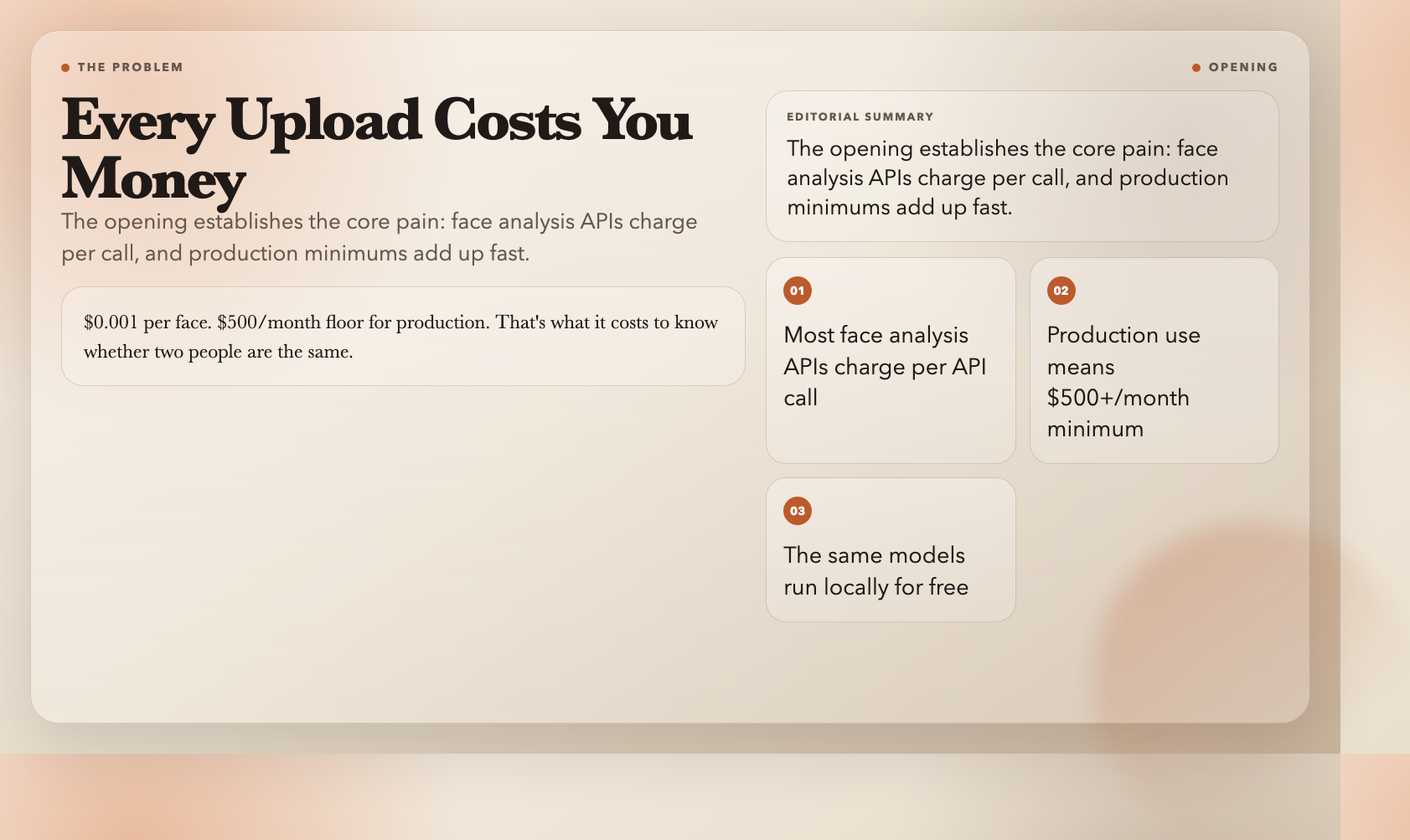
Every time you upload a photo to check if two faces match, you’re paying for the privilege. $0.001 per face. $500/month floor for production. That’s the going rate to know whether two people are the same.
But the models behind those APIs are open-source. They run on your own hardware. Images never leave your machine.
I tested eight face analysis tools from ElysiaTools that do exactly this. All free. All local. Here’s what they do.
1. AI Face Detection — Find Every Face in an Image
The foundation. Feed it any photo and it draws a box around every face — with coordinates, confidence score, and face count.
Tune the minimum confidence threshold based on image quality. Set it to 0.7 and the model returns only faces it’s certain about. Drop it to 0.3 and it catches partial or low-quality faces.
This goes first in any pipeline. Know *whether* there are people in an image before spending compute on more expensive operations.
Link: https://elysiatools.com/en/tools/ai-face-detection
2. AI Face Age & Gender — More Than a Guess
This goes beyond location. For every face detected, it estimates age and gender with confidence scores.
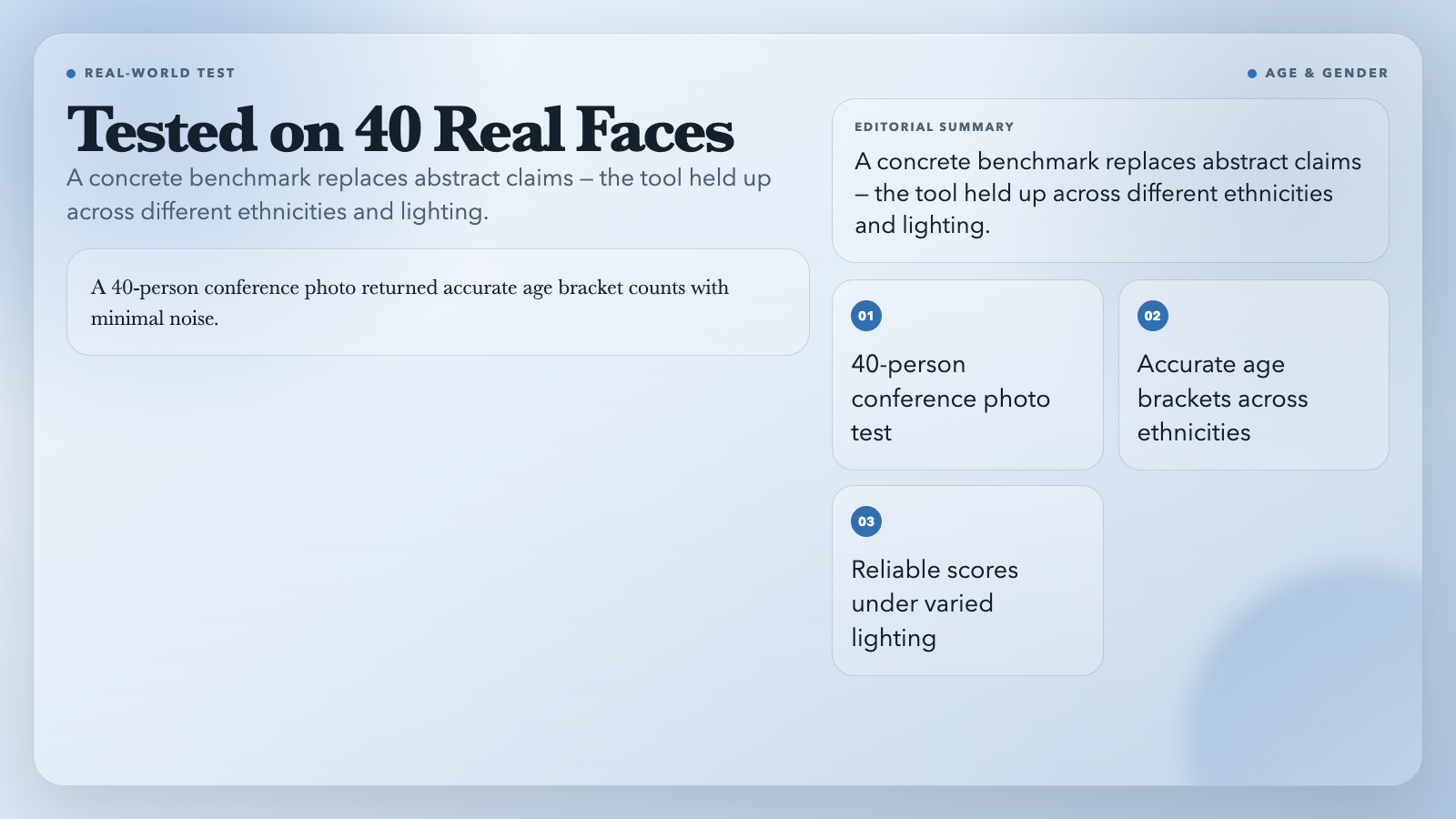
A real test: a 40-person conference photo returned accurate age bracket counts with minimal noise. Gender confidence scores held across different ethnicities and lighting conditions.
Use this to analyze audience composition, validate event demographics, or build attendance metrics — without sending a single pixel to an external server.
Link: https://elysiatools.com/en/tools/ai-face-age-gender
3. AI Face Expressions — Reading the Room
It classifies seven expressions: neutral, happy, sad, angry, fearful, disgusted, surprised. Each face gets a probability distribution across all seven — not a single label.
The useful case isn’t “is this person smiling?” The useful case is catching disgust or fear responses in a UX prototype before the participant says anything. Run test photos through this and you’ll know.
One thing to know: it processes per-face. A 10-person photo produces 10 separate expression profiles.
Link: https://elysiatools.com/en/tools/ai-face-expressions
4. AI Face Compare (1:1) — Same Person?
Drop in two photos and it tells you whether they show the same person. It extracts a 128-dimensional embedding from each face, measures Euclidean distance, and returns match/no-match based on a configurable threshold.
Default threshold is 0.6. Tighten it for security applications where false positives cost money. Loosen it for creative use cases where catching more is more important than being precise.
A Clearview AI alternative for internal use cases — running on a $200 GPU you own.
Link: https://elysiatools.com/en/tools/ai-face-compare
5. AI Face Landmarks — 68 Points, Precisely Placed
For each detected face, it returns 68 coordinates mapping key landmarks: eyes, eyebrows, nose, mouth, jawline. These are the points that drive every face filter, head-pose estimator, and emotion-reading algorithm.
Standalone access to landmarks lets you validate detection quality before running expensive operations. Catch bad detections before they corrupt your downstream pipeline.
Link: https://elysiatools.com/en/tools/ai-face-landmarks
6. AI Face Descriptors — The Raw Embedding
The most flexible tool in the set. It generates a 128-dimensional face embedding for each detected face — the descriptor that powers comparison and recognition.
Build a deduplication pipeline with it. Chain descriptors together and find near-identical faces across a large photo set without comparing every pair. Run embeddings through a clustering algorithm and photos of the same person group together across an entire event album.
This is the building block for custom face systems that paid APIs lock you out of.
Link: https://elysiatools.com/en/tools/ai-face-descriptors
7. AI Face Recognition (Gallery) — Who’s in This Photo?
The gallery version of face compare. Build a labeled reference set with photos and names, upload a target photo, and get back matches with confidence scores for every detected face.
Upload 20 labeled team photos. Drop in a conference shot. Get back names and match confidence for every recognized person. Adding a new person takes seconds.
The gallery handles up to 50 labeled faces. This is the practical choice for event photography workflows, team directories, or any scenario where face recognition belongs internal, not in a third-party cloud.
Link: https://elysiatools.com/en/tools/ai-face-recognition
8. AI Face Align & Crop — Better Inputs, Better Results
The utility that makes everything else more accurate. It detects faces, aligns them to a standard pose, crops cleanly, and outputs individual files. Multiple faces? It bundles them into a ZIP.
Alignment matters because most face analysis models train on standardized input. Feed a rotated face into age estimation without aligning first and accuracy drops every time. Align first, then run everything else.
Link: https://elysiatools.com/en/tools/ai-face-align-crop
The Real Cost Nobody Puts on the Pricing Page
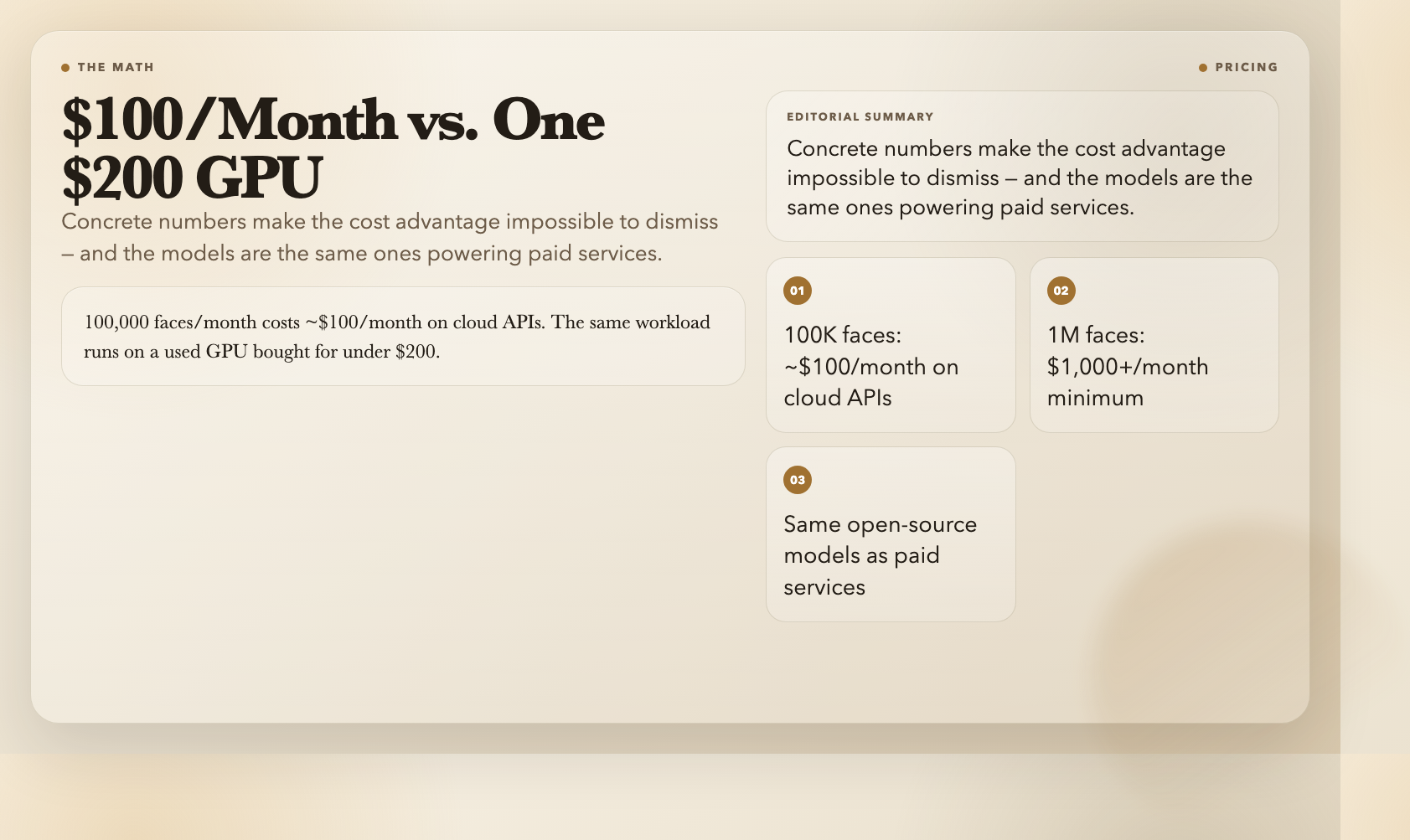
100,000 faces per month: roughly $100/month on most cloud APIs. 1 million faces: minimum bill hits $1,000/month.
That same workload runs on a used GPU purchased for under $200. Electricity cost: negligible. Your data never leaves your machine.
The open-source models behind these tools — SsdMobilenetv1 for detection, faceLandmark68Net for landmarks, faceRecognitionNet for descriptors — are the architectures powering those paid services. You’re not using an inferior alternative. You’re removing the subscription layer.
The Gap That Still Exists
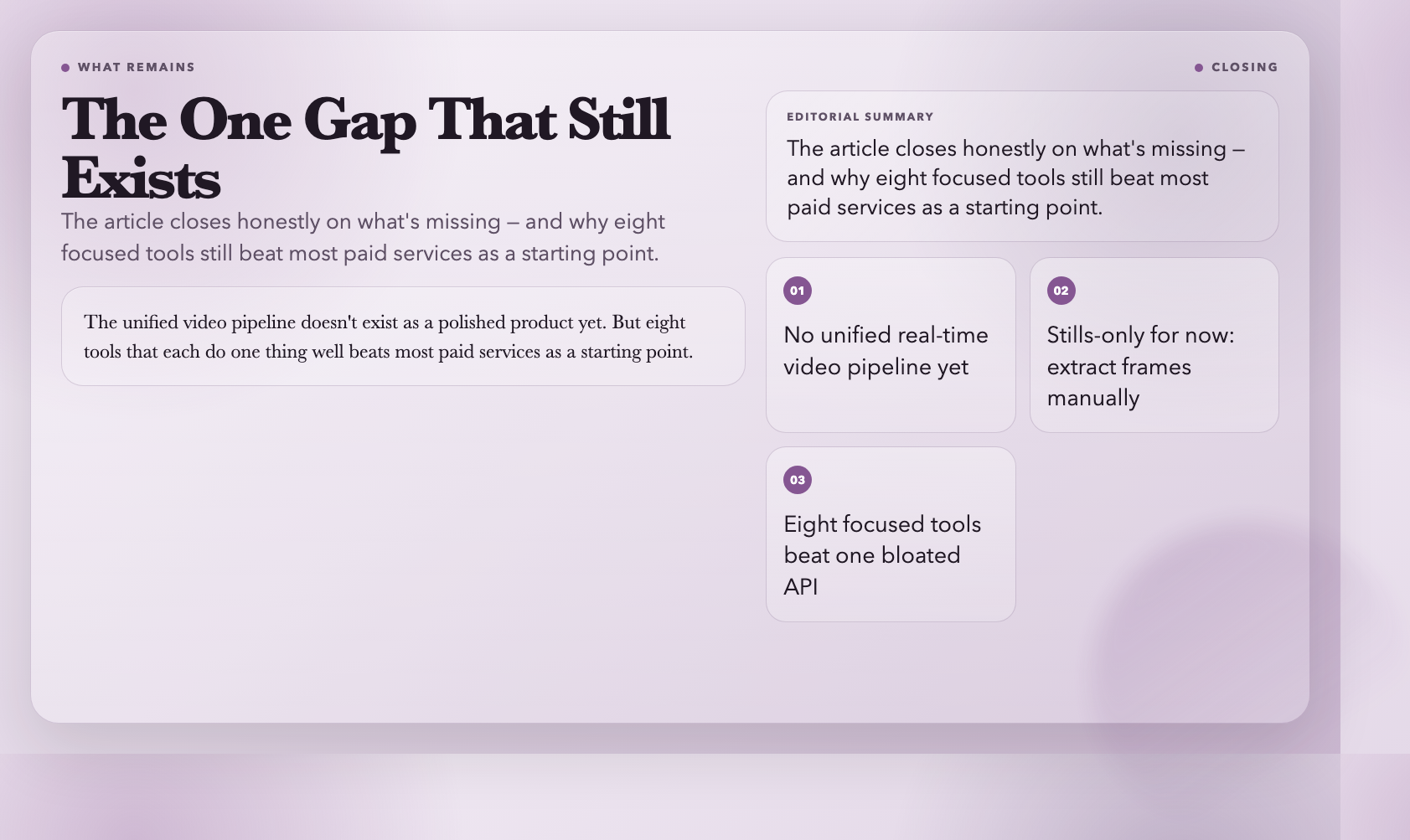
These eight tools cover detection, attributes, expressions, comparison, recognition, landmarks, and alignment. What they don’t cover is real-time video.
Every tool here works on still images. A 30-second video at 30fps means processing 900 frames — sequentially, unless you parallelize the work yourself.
The unified video pipeline doesn’t exist as a polished product yet. Someone will build it. But eight tools that each do one thing well — that beats most paid services as a starting point.
Start with the first one: https://elysiatools.com/en/tools/ai-face-detection