
One diff per pipeline is a trap. Most teams paste two files into a tool that returns a unified diff, paste the output into a PR comment, and move on. Then the code-review thread becomes unreadable for non-engineers, the JSON contract reviewer cannot tell which field changed at a glance, and the changelog writer rewrites the same diff a third time. The Diff Formatter at Elysia Tools exposes four output styles for the same two inputs, and the right choice for a handoff turns a 30-line wall of +/- markers into a 6-row table that a PM, a backend reviewer, and a frontend reviewer can all read in under a minute.
The Four Output Styles Are Not Interchangeable
unified, context, sidebyside, and compact look like display flavors, but they encode different review workflows. The Diff Formatter at elysiatools.com/en/tools/diff-formatter maps each style to a specific situation, and switching between them in a single pipeline costs no extra round-trips because the diff engine is the same.
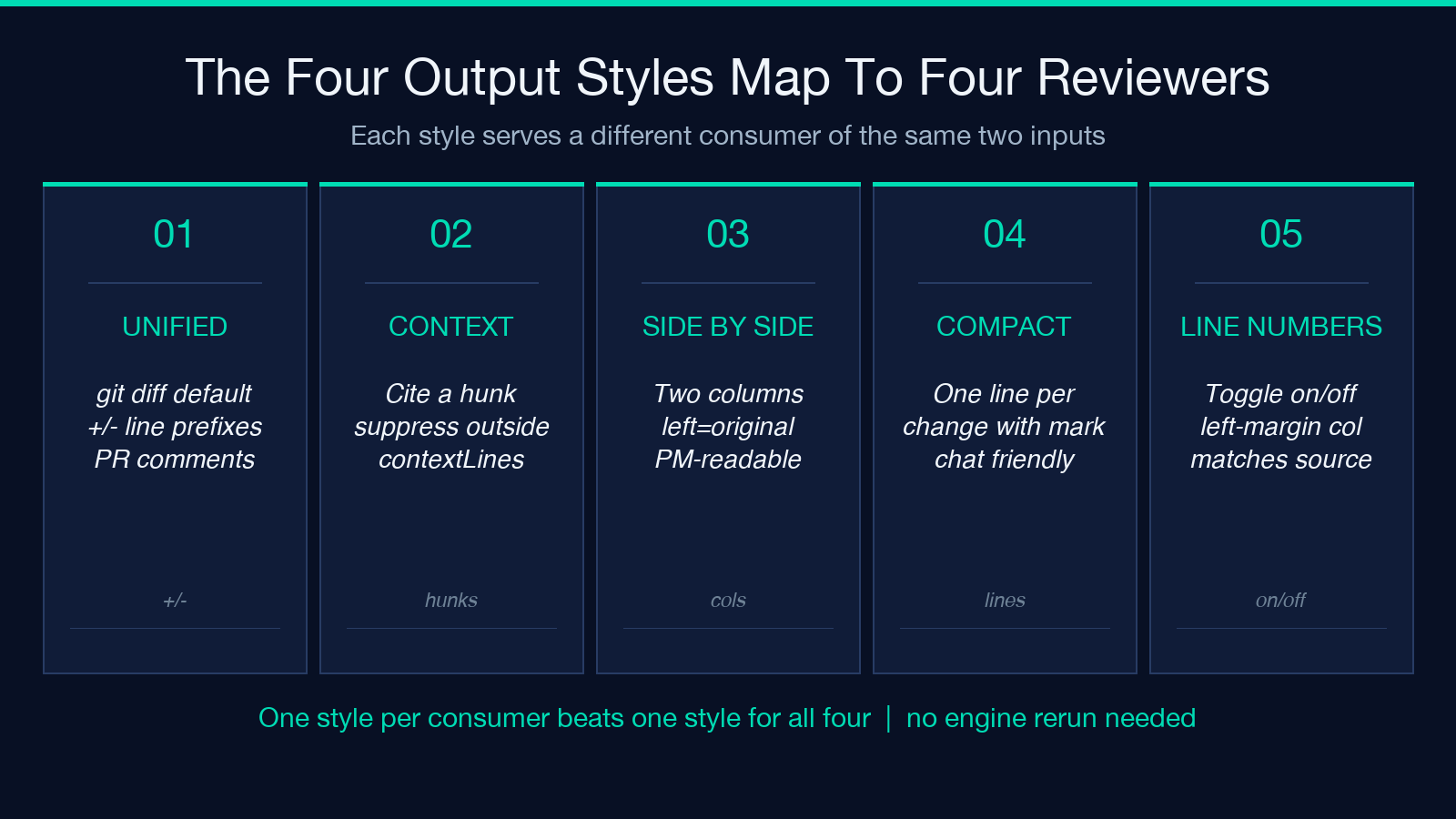
Unified diff is the default for a reason: it is the only style git diff, diff -u, and most CI bots emit, so PR comments render it correctly without preprocessing. Use unified when the output will be pasted directly into a code-review tool that already understands +/- line prefixes.
Context diff is the right choice when you need to cite a specific hunk in a larger file and want to suppress everything outside the configured context radius. The Diff Formatter exposes a contextLines slider from 0 to 10, and at 3 it matches diff -c‘s default; at 0 it produces a minimal diff with no surrounding code.
Side-by-side is what a non-engineering reviewer needs. The same two inputs render as two columns with line numbers preserved, and the right column highlights additions in green while the left highlights removals in red. This is the only one of the four styles where the reader does not have to mentally reconstruct the original from the markers.
Compact collapses to a single line per change with the line number, the marker, and the changed text. It is the right choice when the diff is going into a chat message, a JIRA ticket, or anywhere the line-by-line format would wrap.
Line Numbers Decide Whether The Diff Is Self-Contained
The showLineNumbers toggle is the smallest change that has the largest readability impact. With it on, every line in every style carries a left-margin line number that matches the source file; with it off, the diff becomes pure text and any reference like “see line 47” requires the reader to open the original file to count. For PR comments and changelogs, line numbers on; for ad-hoc chat snippets, line numbers off is fine.
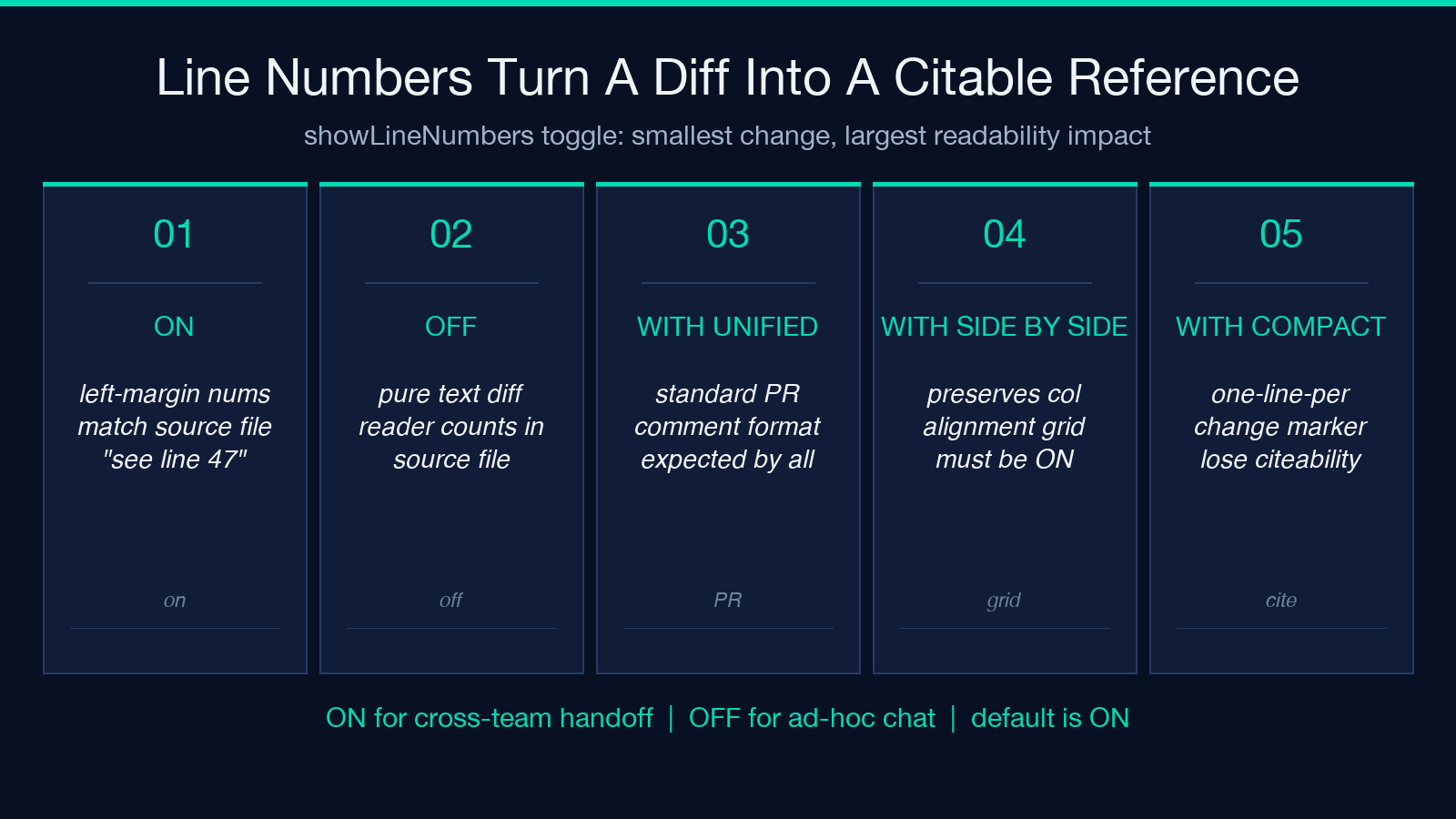
The combination matters: side-by-side with line numbers off is a mistake (the two columns lose their alignment grid), but unified with line numbers on is the standard PR-comment format that every reviewer expects.
Context Lines Trade Hunk Size For Readability
The contextLines slider is the lever that controls how much surrounding unchanged code appears in the diff. At 0 the diff shows only the changed lines, which is ideal for citing a specific change in a chat but useless for understanding what function it was inside. At 3 it matches the historical diff -c default and is the right choice for most code reviews. At 10 the diff starts to look like a code excerpt with edits sprinkled in, which works for documentation PRs but overwhelms review tools.
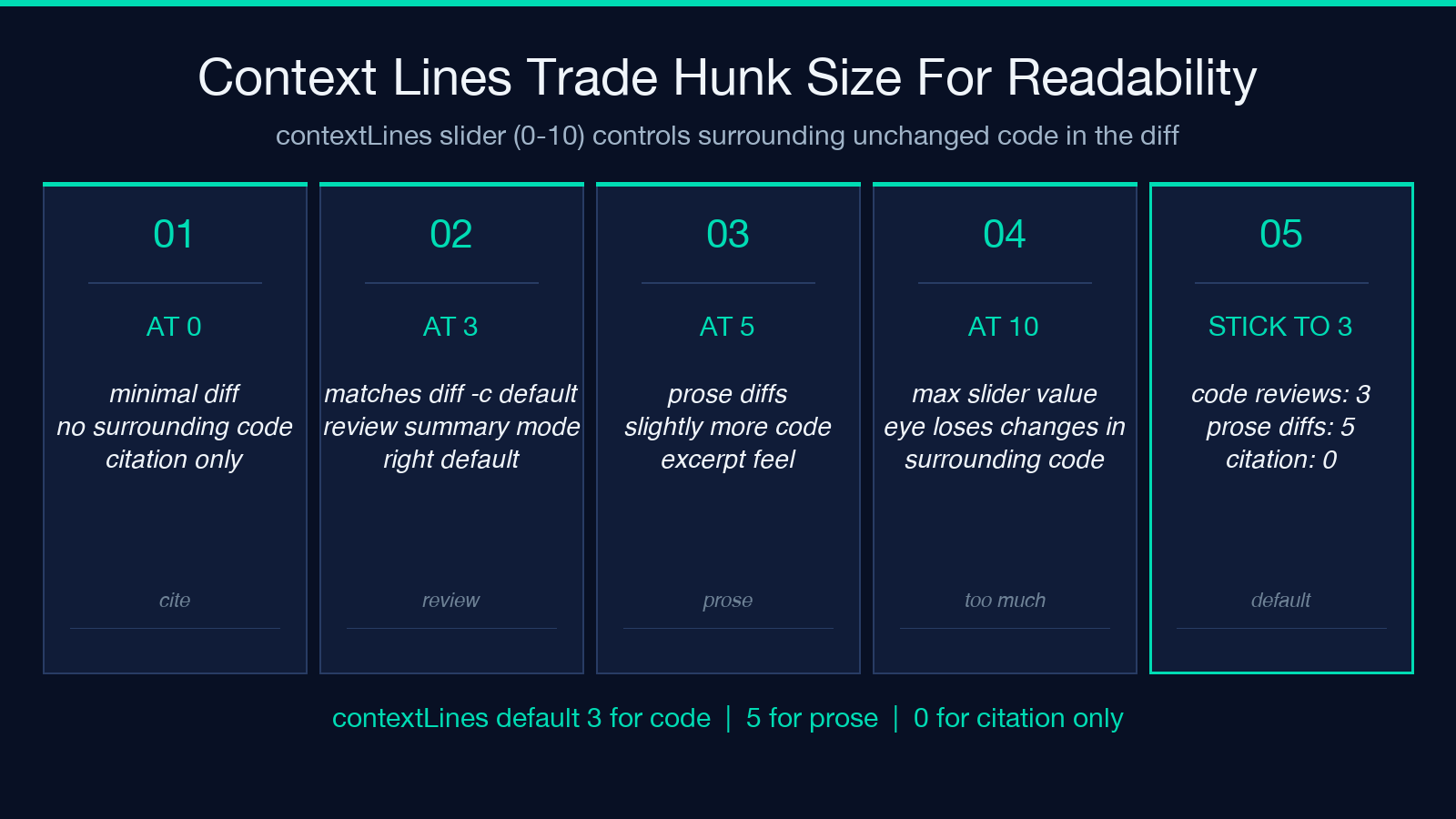
The slider’s max of 10 is not arbitrary: beyond 10 lines of context, the reader’s eye starts to lose the changed lines inside the surrounding unchanged code, and the diff no longer serves as a review summary. Stick to 3 for code, 5 for prose diffs, and 0 only when the diff is being used as a citation rather than a review summary.
When The Same Two Inputs Need Three Different Diffs
The recurring pattern is one code-review diff, one PR-comment diff, and one changelog diff for the same change set. Most teams solve this by hand-rewriting the unified diff three times, which is exactly the problem the four-style toggle is built to prevent. The workflow is:
1. Run the diff once with formatStyle: unified, showLineNumbers: true, contextLines: 3 and paste the output into the code-review tool. 2. Switch to formatStyle: sidebyside, leave the other settings, and paste the side-by-side output into the changelog where non-engineering stakeholders need to verify the change. 3. Switch to formatStyle: compact, turn off showLineNumbers, set contextLines: 0, and paste the compact output into the chat message or ticket update.
Three outputs from the same two inputs, no rewriting. The Diff Formatter keeps the comparison state across style switches so this is a single click cycle, not three full pipeline runs.
When A Diff Needs To Travel Across The Stack
The side-by-side output is the only one of the four that reads naturally across roles. A backend engineer can scan it for code-shape changes, a frontend reviewer can scan it for prop-shape changes, and a PM can scan it for “is the field I asked for still there” — all from the same rendered columns. The Diff Formatter’s side-by-side rendering uses the same line-number column on both sides, so any line reference in a follow-up conversation (“see line 47 on the left”) resolves identically to the original file.
When the diff is going into a JSON contract review, the compact style with line numbers off produces something that fits in a JIRA ticket without wrapping, and the right combination of styles depends on whether the reviewer needs to see the context or just the changes.
The Three Settings That Quietly Decide Readability
Beyond the four styles, three smaller settings quietly determine whether a diff is readable or a wall. The showLineNumbers toggle, the contextLines slider, and the choice of style together form the readability contract, and getting any one of them wrong will undo the work of the other two.
showLineNumbers: true is the default for a reason: it lets reviewers cite specific lines by number rather than by content snippet. The compact style with line numbers off is fine for chat messages where the change is one or two lines and the reader already has the file open, but for any diff that crosses a team boundary, turn line numbers back on.
The contextLines slider trades hunk size for readability in a way that is not obvious from the label. At 0 the diff is a citation list, at 3 it is a review summary, and at 10 it is starting to be a code excerpt. The right default is 3 for code reviews, 5 for prose diffs, and 0 only when the diff is being used as a citation in a larger document.
The choice of style determines whether the diff survives the handoff. A unified diff pasted into a Notion page becomes a +/- wall; a side-by-side diff pasted into the same Notion page becomes a table. Same two inputs, same tool, same call — the style toggle is what makes the difference.
Try It On The Two Patterns That Catch Most Reviewers
Two inputs catch most review pipelines: a small config diff where the change is one line in a 200-line file, and a large refactor diff where the change is 80% of the file. Run both through the four styles with the Diff Formatter and the right output for each becomes obvious.
For the small config diff, side-by-side with contextLines: 3 produces a readable review where the one changed line is highlighted against its unchanged neighbors, and a PM can verify “the new value is in the file” without scrolling. For the large refactor diff, unified with contextLines: 0 and line numbers on produces a citation list that fits in a PR comment, and reviewers can click through to specific lines for context.
Putting The Same Two Inputs Through Four Outputs
The full pipeline worth committing to memory is: start with the unified diff as the canonical output because every review tool already renders it, then produce a side-by-side for any reviewer who is not the diff author, then a compact citation for any chat or ticket that needs to embed the diff, and finally a context diff for any case where the hunk needs to be quoted with surrounding code. The same two inputs, the same tool, four outputs that match four different consumers — and the Diff Formatter keeps the comparison state across style switches so this is a single cycle, not four separate runs.
Explore more tools at elysiatools.com.
