
When a thousand-row CSV refuses to load and the only error message is “Parse error on line 873,” the problem is almost never line 873. The real fault is structural — a quoted field with an embedded newline, a header whose column count does not match its data, or a delimiter that quietly changed mid-file. The CSV Validator catches these problems before your pipeline does.
CSV validation lives upstream of every analysis, dashboard, and import job that touches the file. Catch the malformed row once and you skip forty minutes of blaming pandas, blaming Excel, blaming the third-party exporter, and blaming the FTP server.
What “Validate CSV” Actually Means
Most validators stop at “is this a valid table of rows and columns?” That answer is necessary but far from sufficient. A real CSV validator inspects:
- Row-to-header consistency. Every data row must carry the same number of fields as the header. Off-by-one rows are the single most common cause of silent truncation in downstream tooling.
- Quote balance. RFC 4180 quotes wrap any field that contains the delimiter, a newline, or the quote character itself. Every opening quote must be paired with a closing quote, and quotes inside quoted fields must be escaped as
"". - Delimiter consistency. If the header is comma-separated, every row must be comma-separated. A single tab in the middle of an otherwise comma-separated file is a parser killer.
- Encoding. UTF-8 with or without BOM is the modern default. Latin-1 / Windows-1252 files pass
decode('utf-8')only when the validator is willing to fall back and report. - Header hygiene. Duplicate header names, blank headers, and trailing commas in the header row all break column-keyed lookups downstream.
The Elysia Tools CSV Validator surfaces every one of those failure modes in a single pass, with row numbers and a structural verdict.
The Five Errors That Block 90 Percent of CSV Imports
These are the patterns the validator finds in roughly nine out of ten malformed production exports.
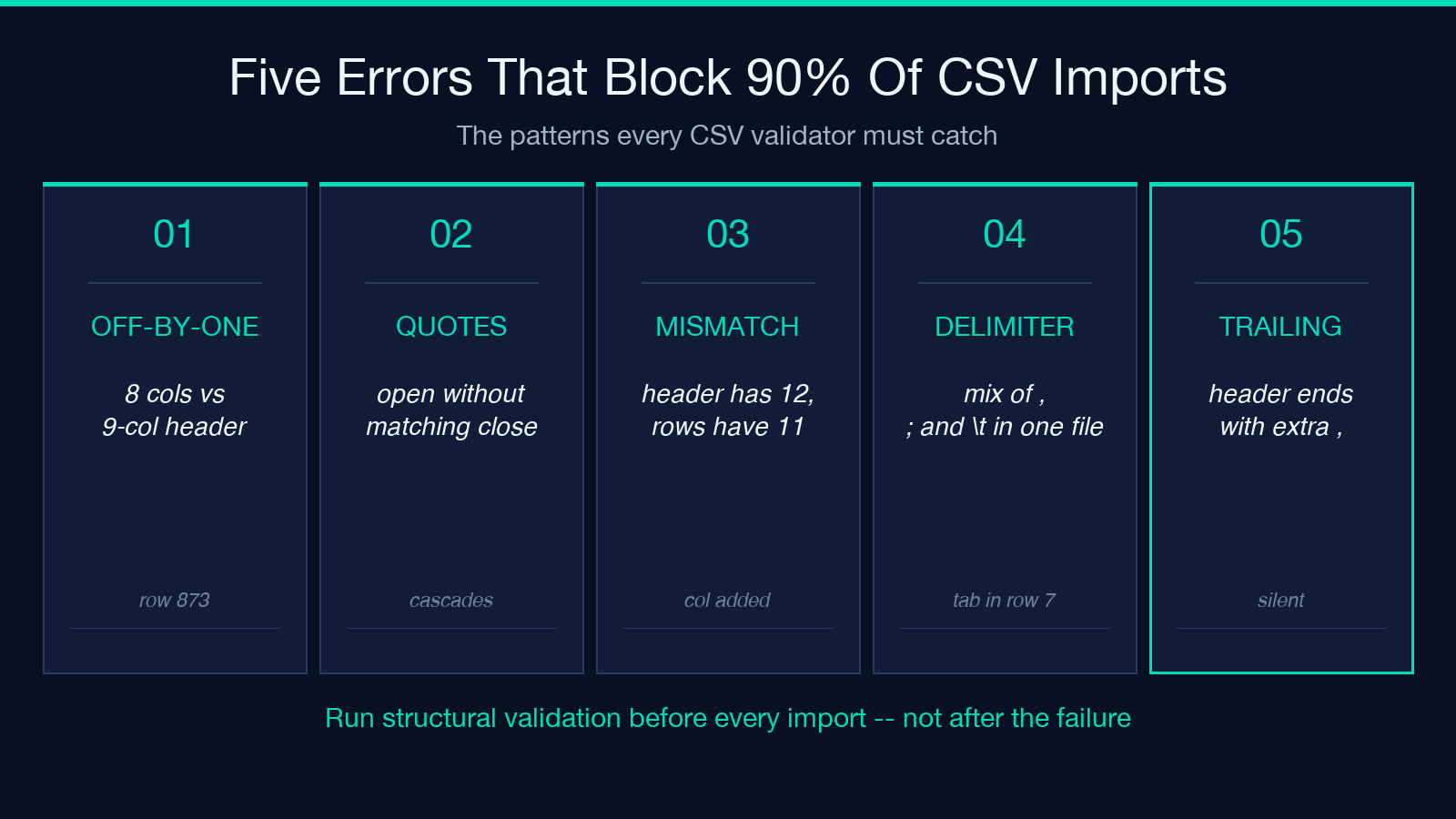
1. Off-by-one row. A row has 8 columns when the header has 9. Usually the cause is a comma inside an unquoted address field or a quoted newline that was never closed. The validator reports the row number and the actual vs. expected field count.
2. Unbalanced quotes. A field opens with " and never closes — usually because the original exporter forgot to escape an embedded quote. The validator flags every row that touches the runaway quote, which is often many more rows than the developer expects.
3. Header–data column count mismatch. The header advertises 12 columns; the rows carry 11. Often a sign that someone added a column to the data generator but not to the schema document.
4. Mixed delimiters. A few rows use ,, others use ;, others use t. The validator pins down which delimiter is dominant and reports the row numbers of the outliers.
5. Trailing delimiter on the header row. The header ends with , — a comma that no data row contains. This breaks every header-counting parser and is invisible without structural validation.
The Three Modes Worth Running
A CSV validator earns its keep when it offers more than a single pass/fail verdict. The three modes that pay back immediately are:
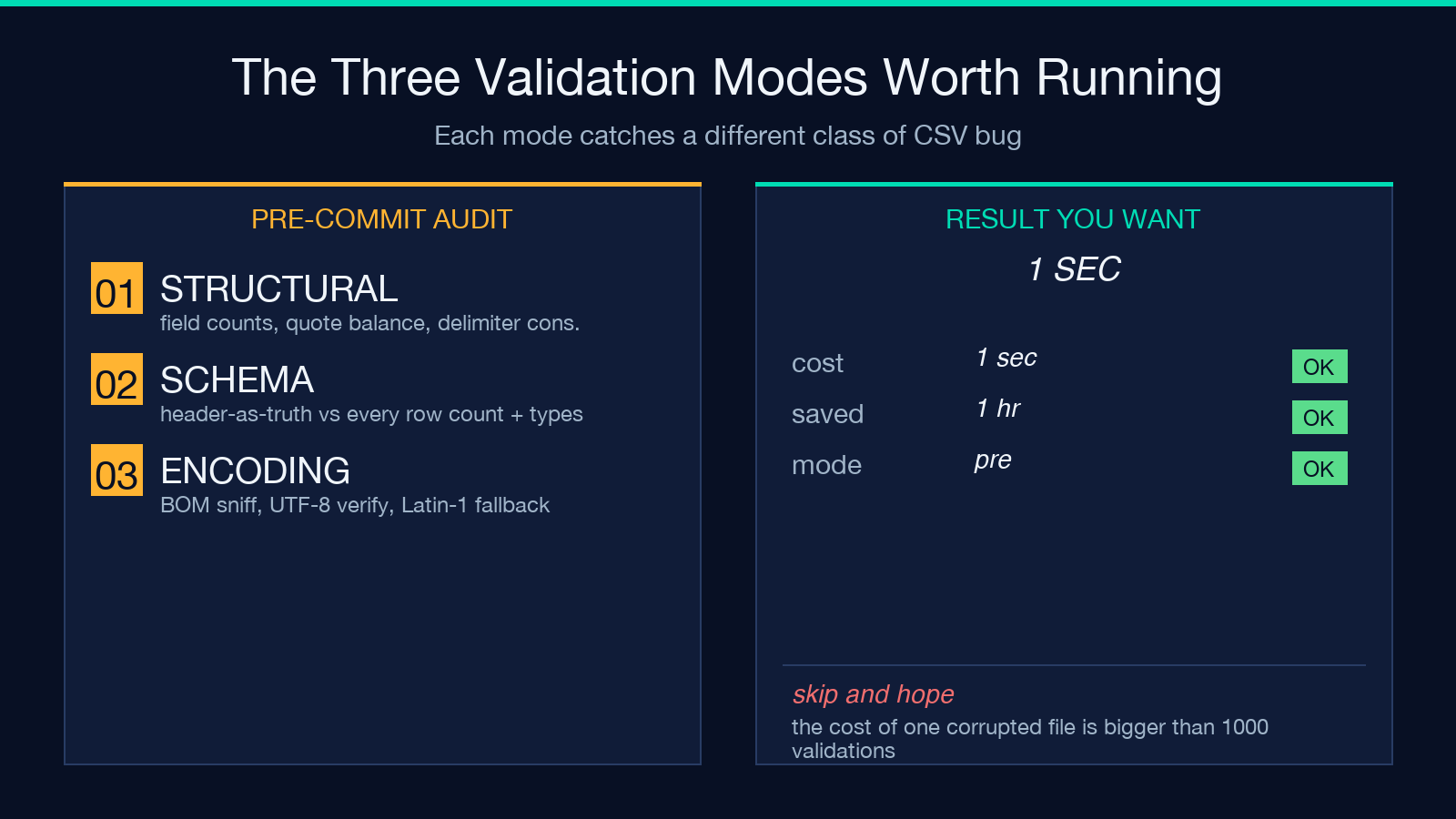
- Structural mode. Counts fields per row, checks quote balance, verifies delimiter consistency. The default for “is this file even parseable.”
- Schema mode. Pins the header as the source of truth and reports every row whose column count, type signature, or required-field presence deviates. Run this before any column-keyed import.
- Encoding mode. Sniffs BOM, validates UTF-8 byte sequence, falls back to Latin-1 with a warning. The single best defense against the silent
’that ruins downstream text processing.
Most teams should default to running structural + schema in the same pass; encoding mode belongs on the file-receipt side of any pipeline that ingests external CSV uploads.
What the Output Looks Like
The validator returns a structured verdict: total rows, total columns, header row, delimiter detected, encoding, and an error list with row indices, column indices, and human-readable descriptions. The error list is the actionable artifact — paste a row index back into the source generator and the exporter can usually self-correct.
A clean output looks like:
rows: 1000
columns: 9
delimiter: ","
encoding: utf-8
errors: 0
A failing output includes the row index, the field index, and a one-line reason. That three-field tuple is enough to triage 95 percent of CSV ingestion bugs without opening the file in a spreadsheet.
Why Pre-Validation Beats Post-Processing
The pattern that wastes hours is this: the CSV loads, the import script crashes, an engineer opens the file in Excel, scrolls until something looks wrong, fixes one row, re-runs the import, and hits the next failure. Pre-validation collapses that loop into a single pass.
A second pattern that wastes days is silent corruption: the CSV loads, the import script logs a warning, downstream tooling quietly drops the malformed rows, and the report misses 12 percent of its data. Pre-validation with a hard fail turns silent corruption into loud rejection at the only point in the pipeline where rejection is cheap.
The CSV Validator exists for exactly this moment — the boundary between an external file and an internal pipeline. Run it before every import, not after the failure.
Common Pitfalls the Validator Catches That Spreadsheets Miss
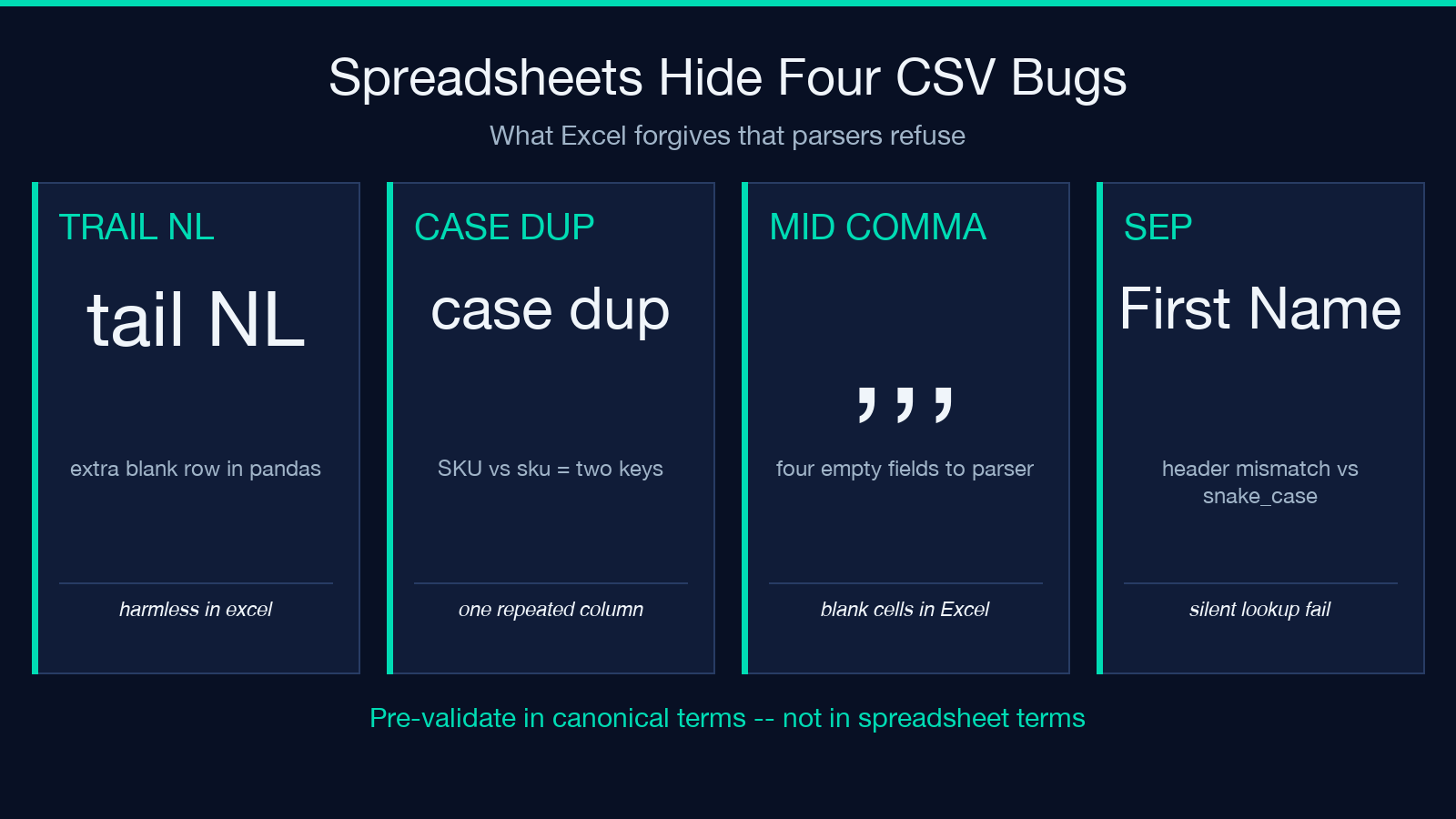
Spreadsheets hide CSV bugs. They auto-close quotes, auto-detect delimiters, auto-trim whitespace, and silently coerce types. The same CSV that opens cleanly in Excel may break a parser that does none of those things.
– A trailing newline after the last data row is harmless in Excel and an extra empty row in pandas. – A column named SKU followed by sku is two distinct keys in code and one repeated column in Excel. – A row with ,,, in the middle is four empty fields to a parser and “blank cells” to a spreadsheet. – A header that uses spaces (First Name) and a code path that uses snake_case (first_name) silently mismatches at lookup time.
Pre-validation reports these in canonical terms the code understands. Post-validation in Excel hides them.
When to Skip Validation
There are exactly two cases where skipping validation is defensible: tiny one-shot CSVs from a trusted source that the developer just authored, and CSVs that are already known-good because they passed validation on a previous run. For everything else — production data, third-party exports, FTP uploads, scheduled imports — pre-validation is a one-second cost that prevents a one-hour debugging session.
The validator’s verdict is not optional metadata. It is the gate between the file and the pipeline.
Closing Note
The cleanest CSV import you will ever run is the one that failed pre-validation and never reached the import. Treat the validator as a contract: every file that crosses the boundary must satisfy it, every failure must reject, and every rejection must include enough context to fix. That contract is what turns CSV ingestion from a recurring fire drill into a single auditable step.
Explore the CSV Validator and the wider Elysia Tools catalog when the upstream of your data pipeline needs the same kind of structural gate.
